Premium
Trading Dashboard
Dark crypto trading dashboard: net worth, holdings, ETH price chart and a swap panel
 HorizonX UI/UX
Collection
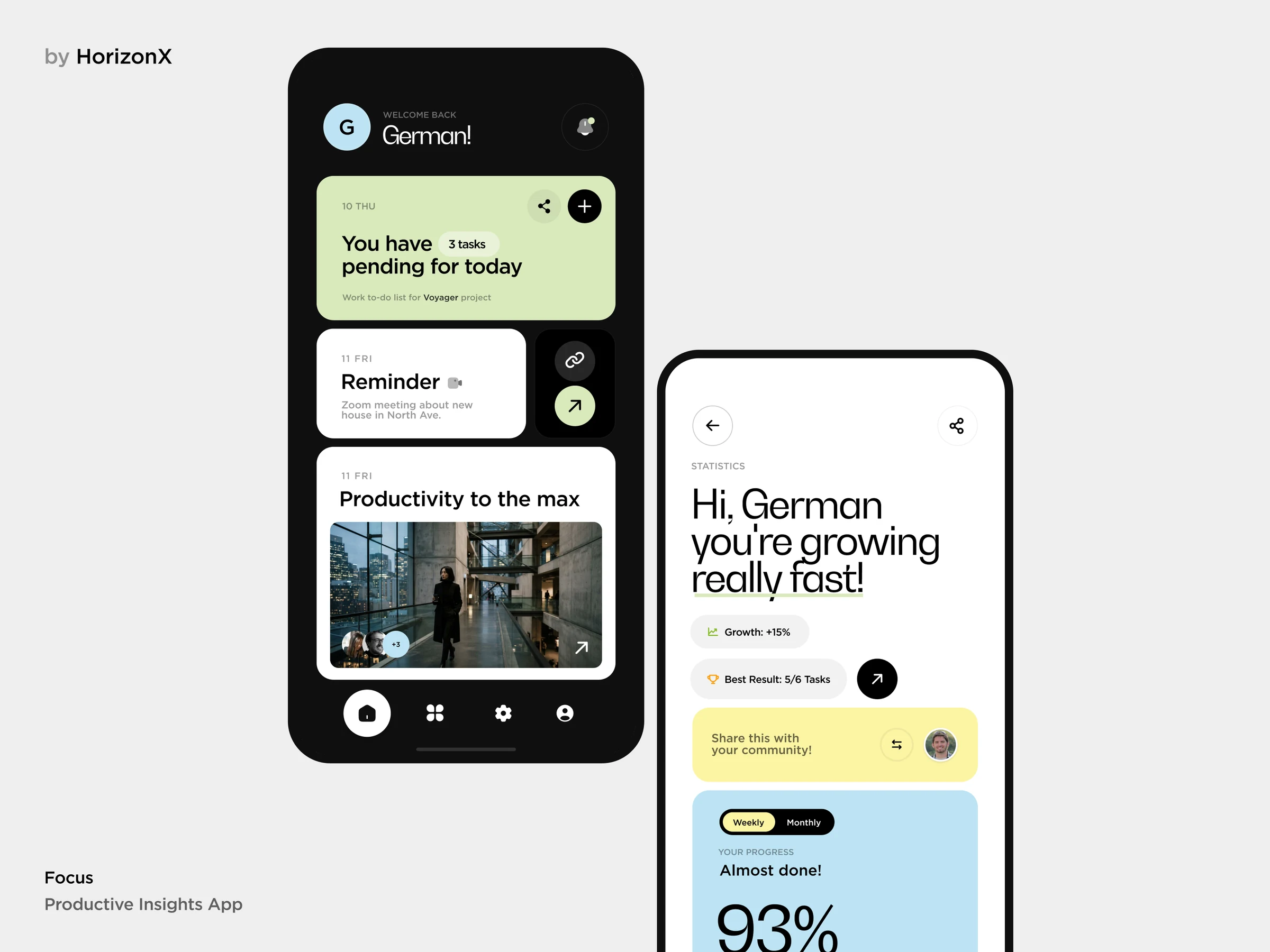
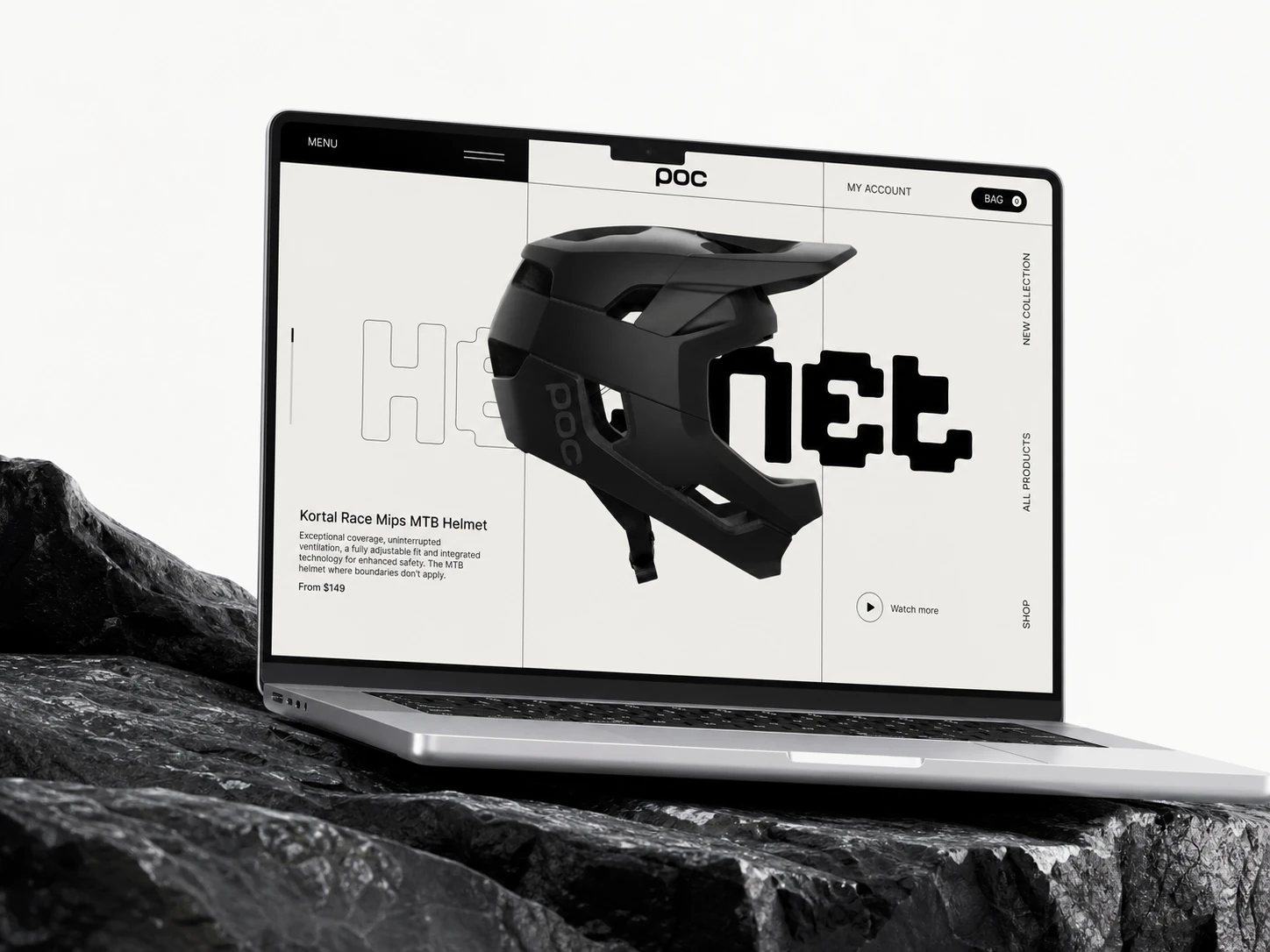
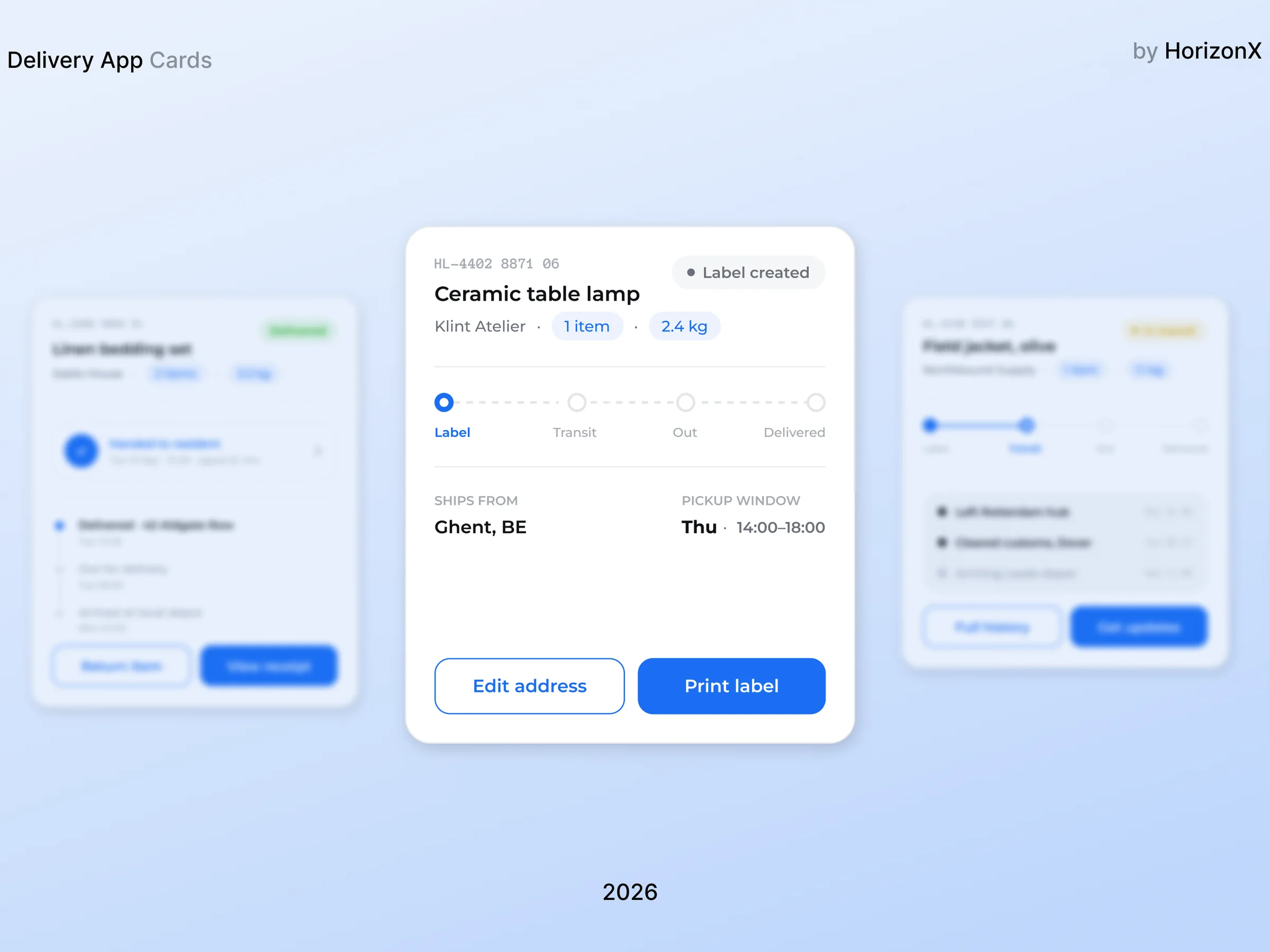
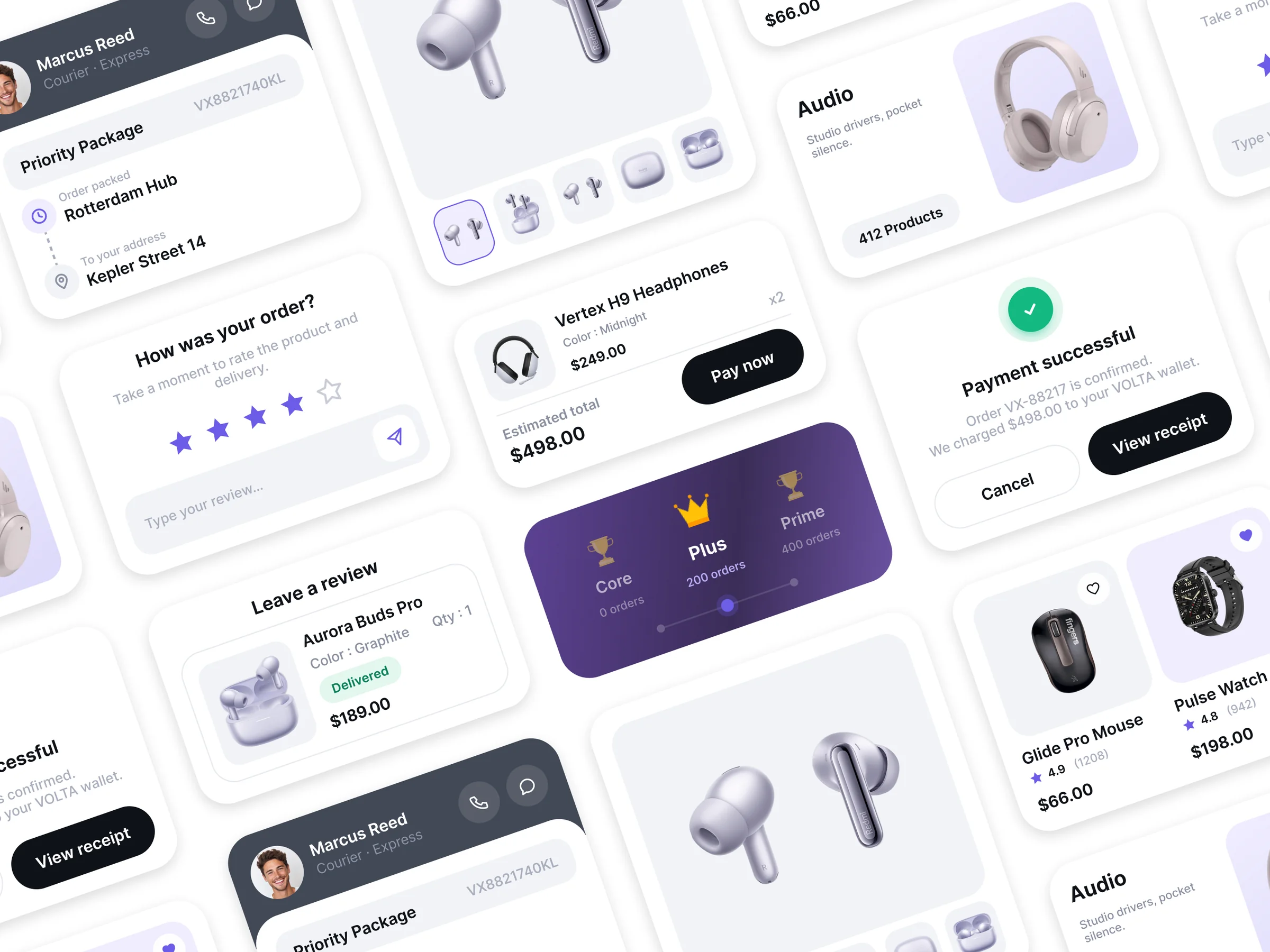
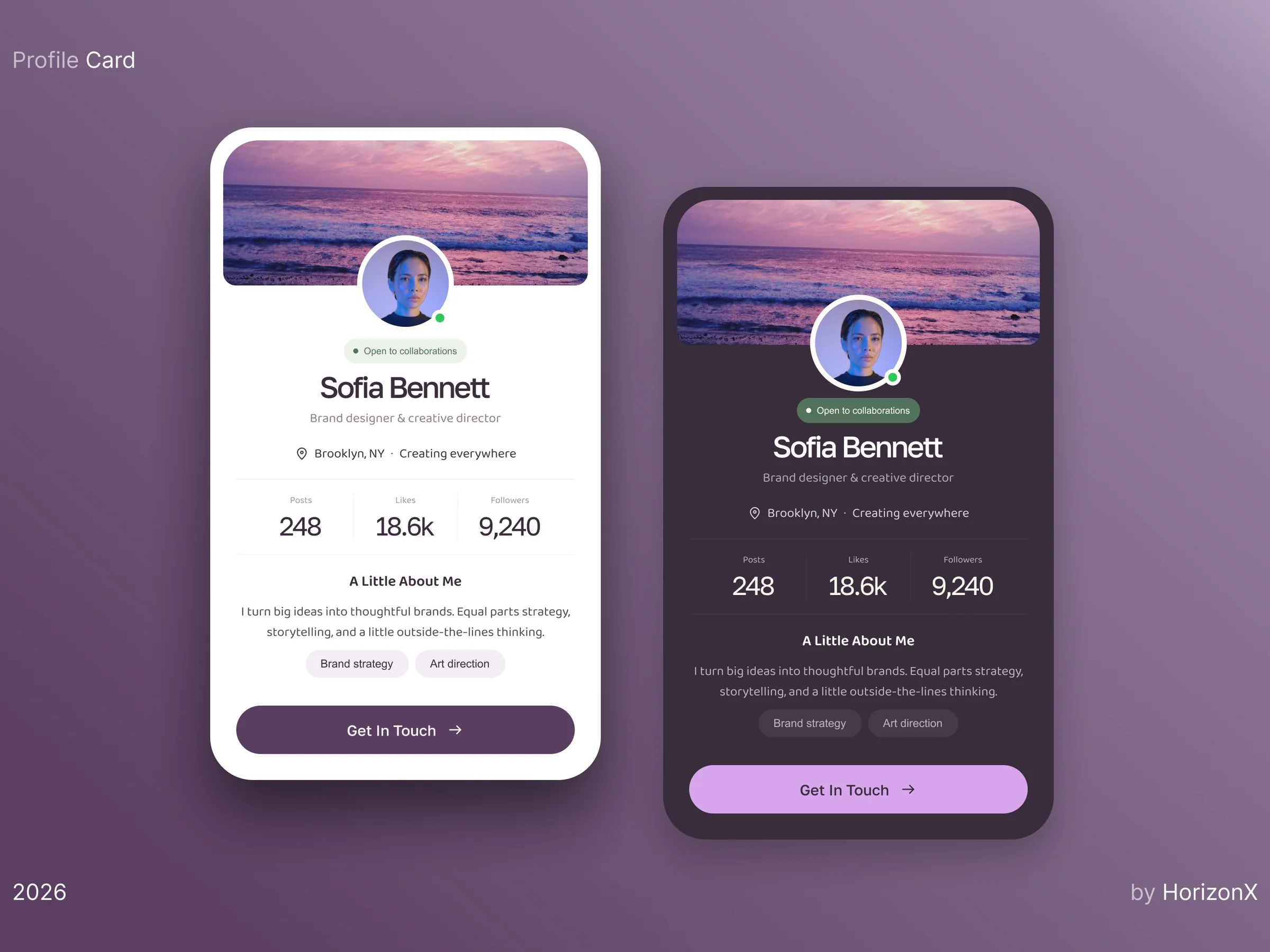
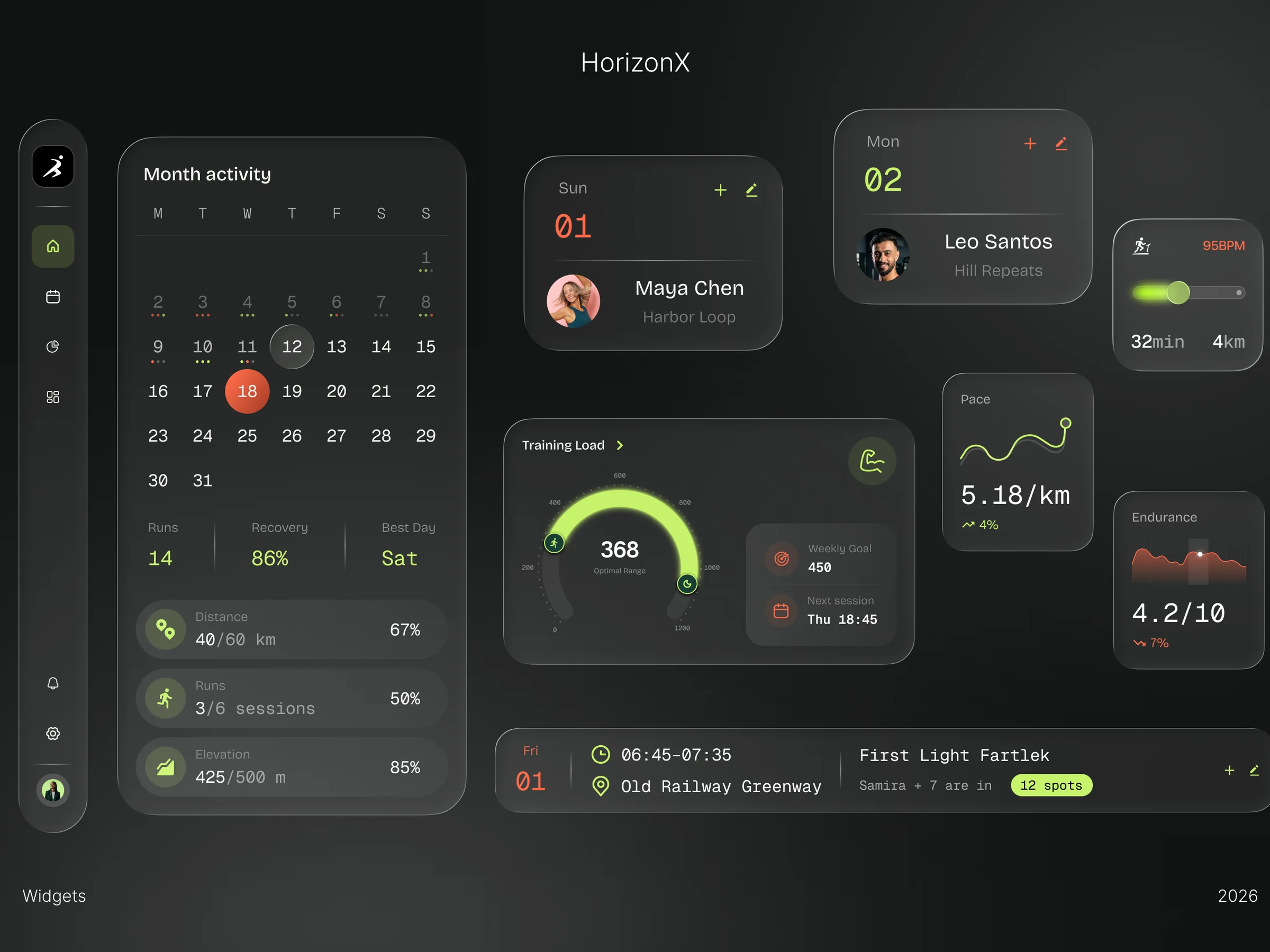
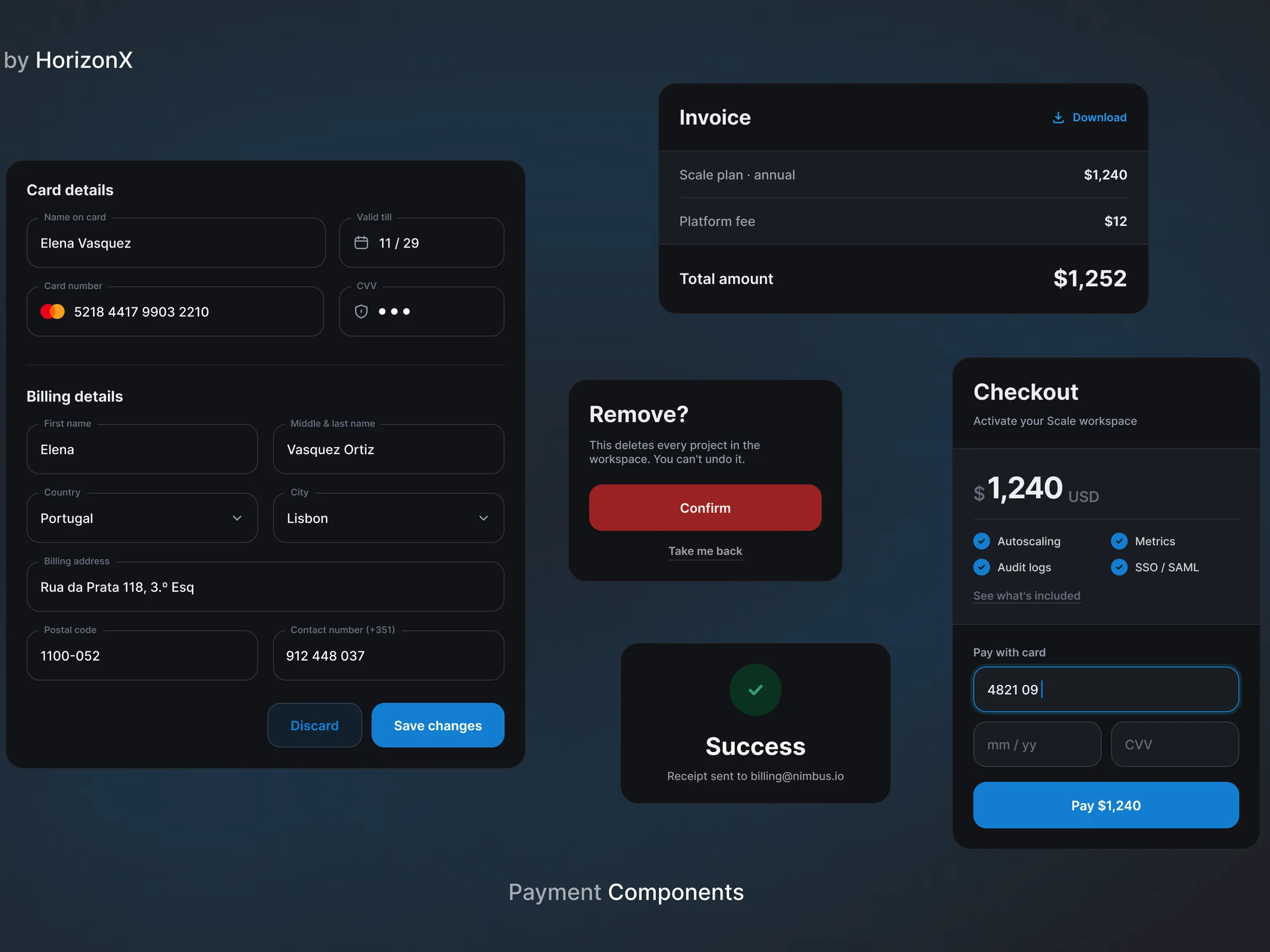
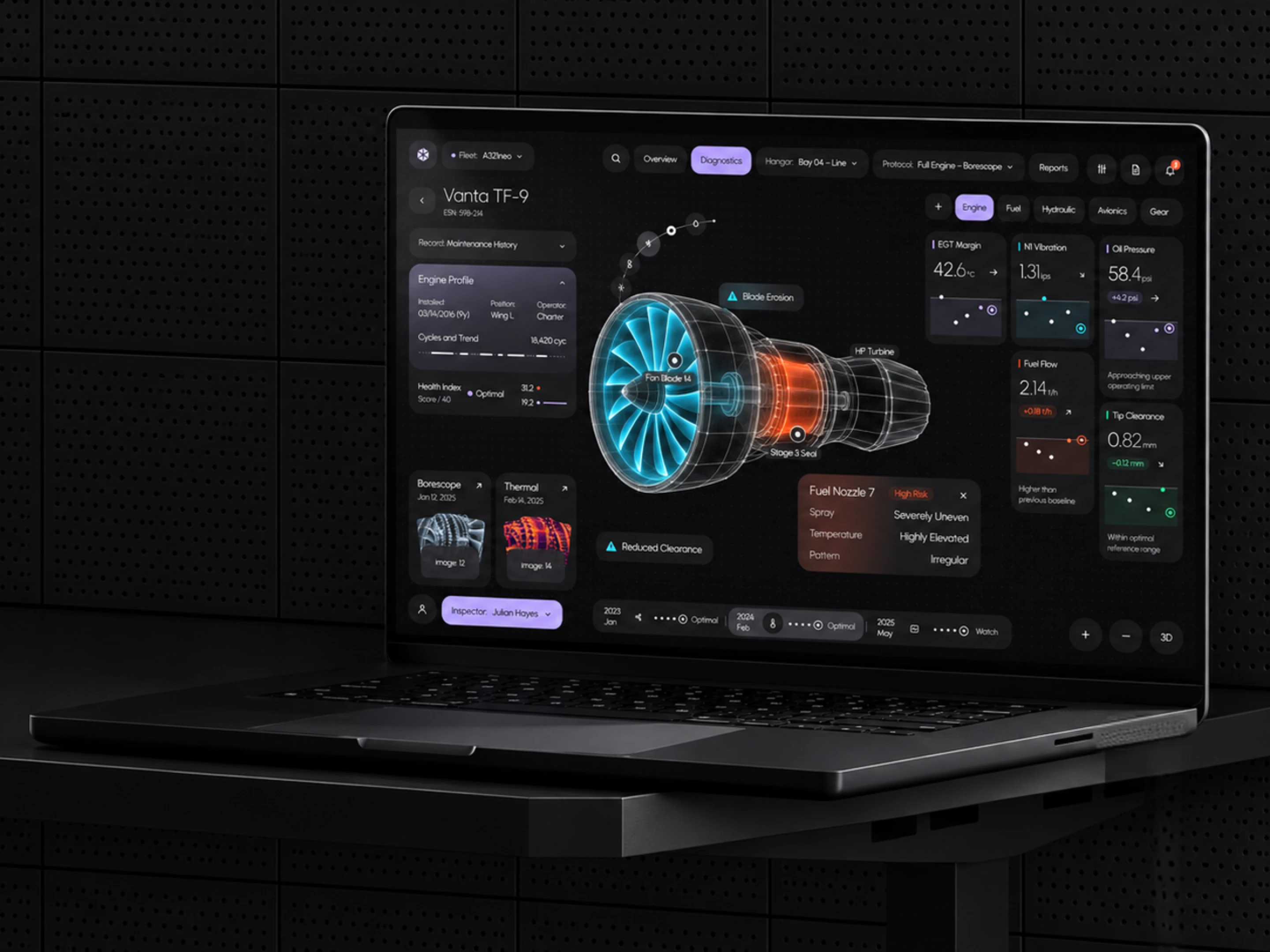
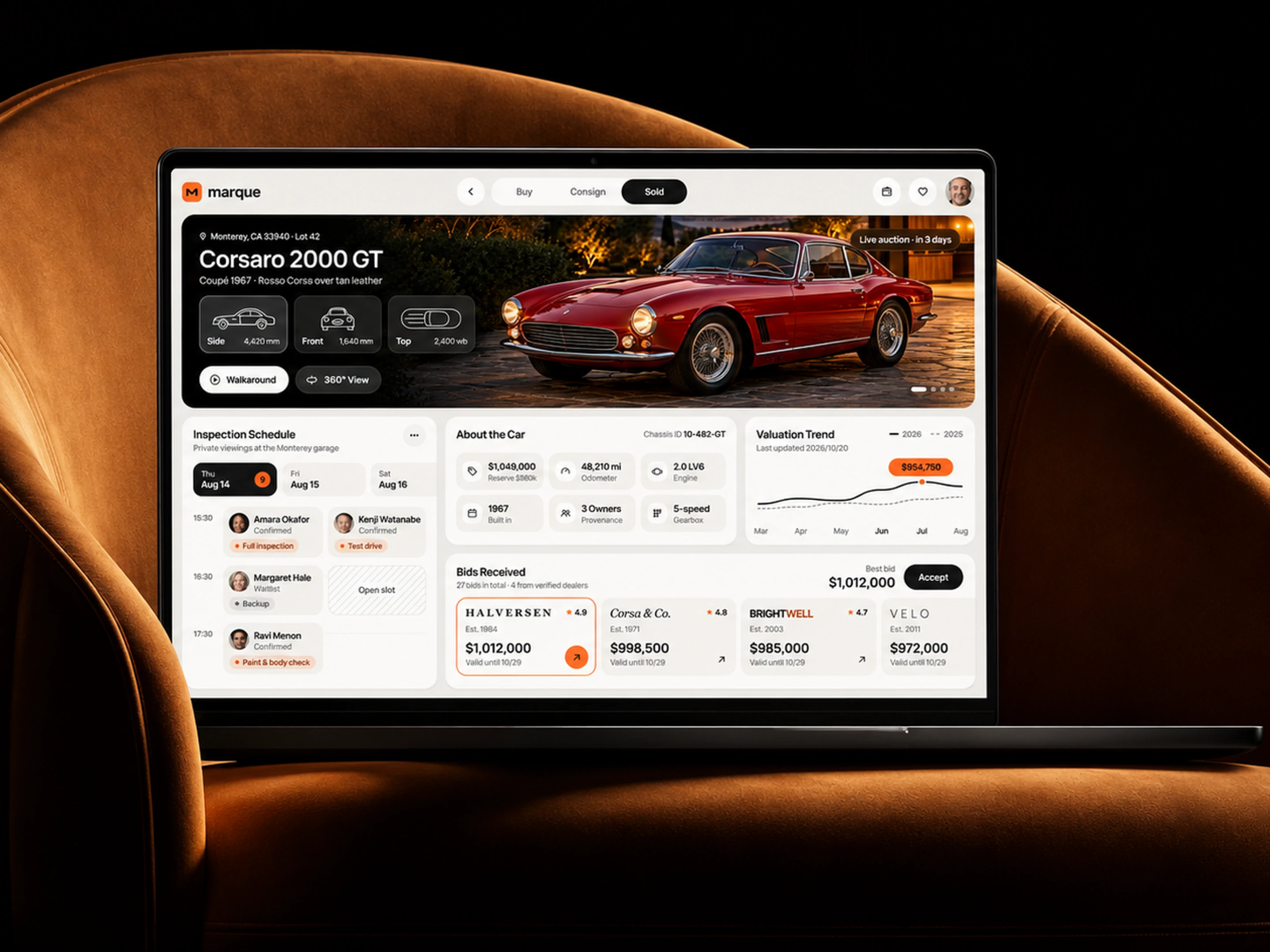
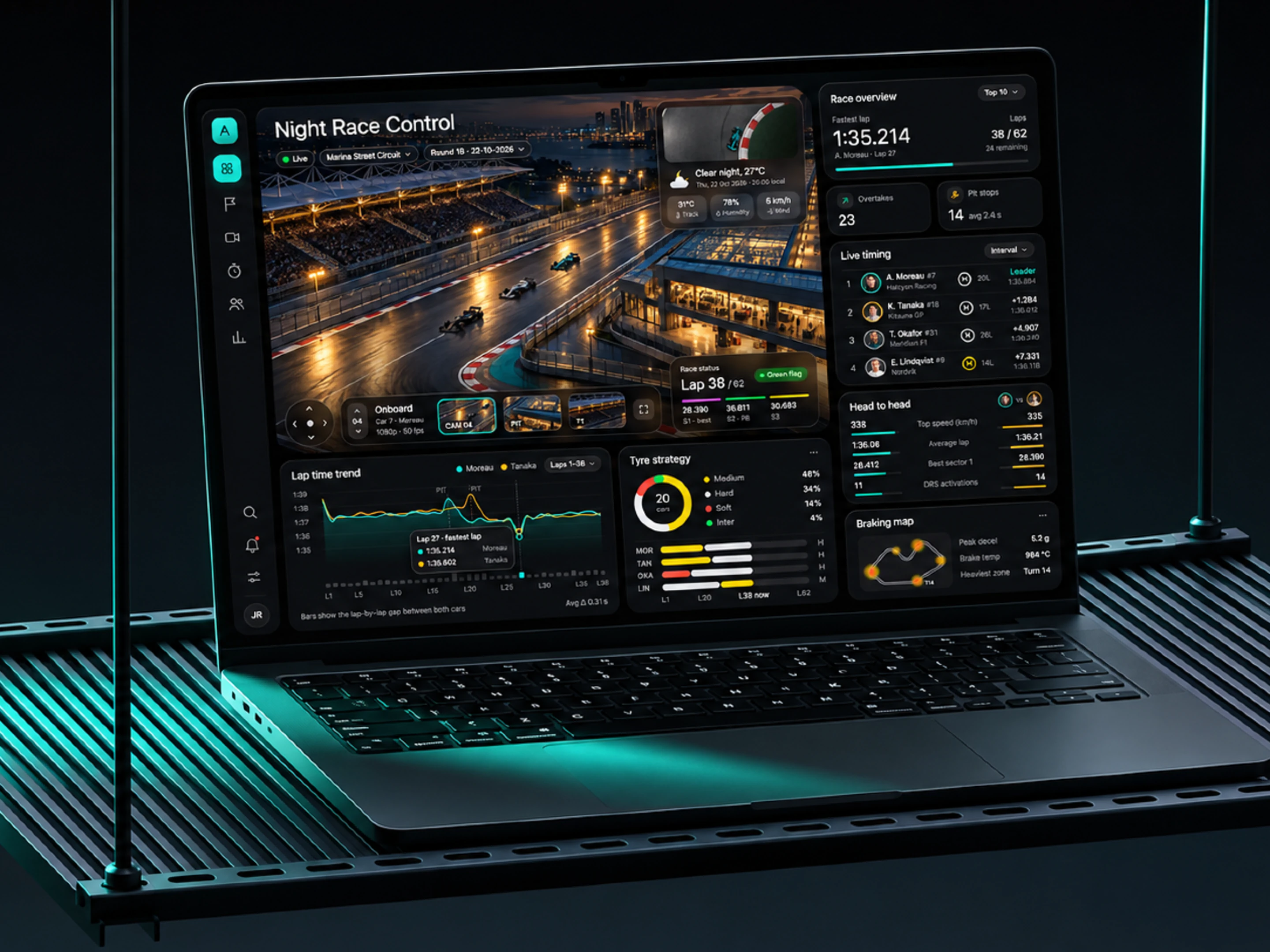
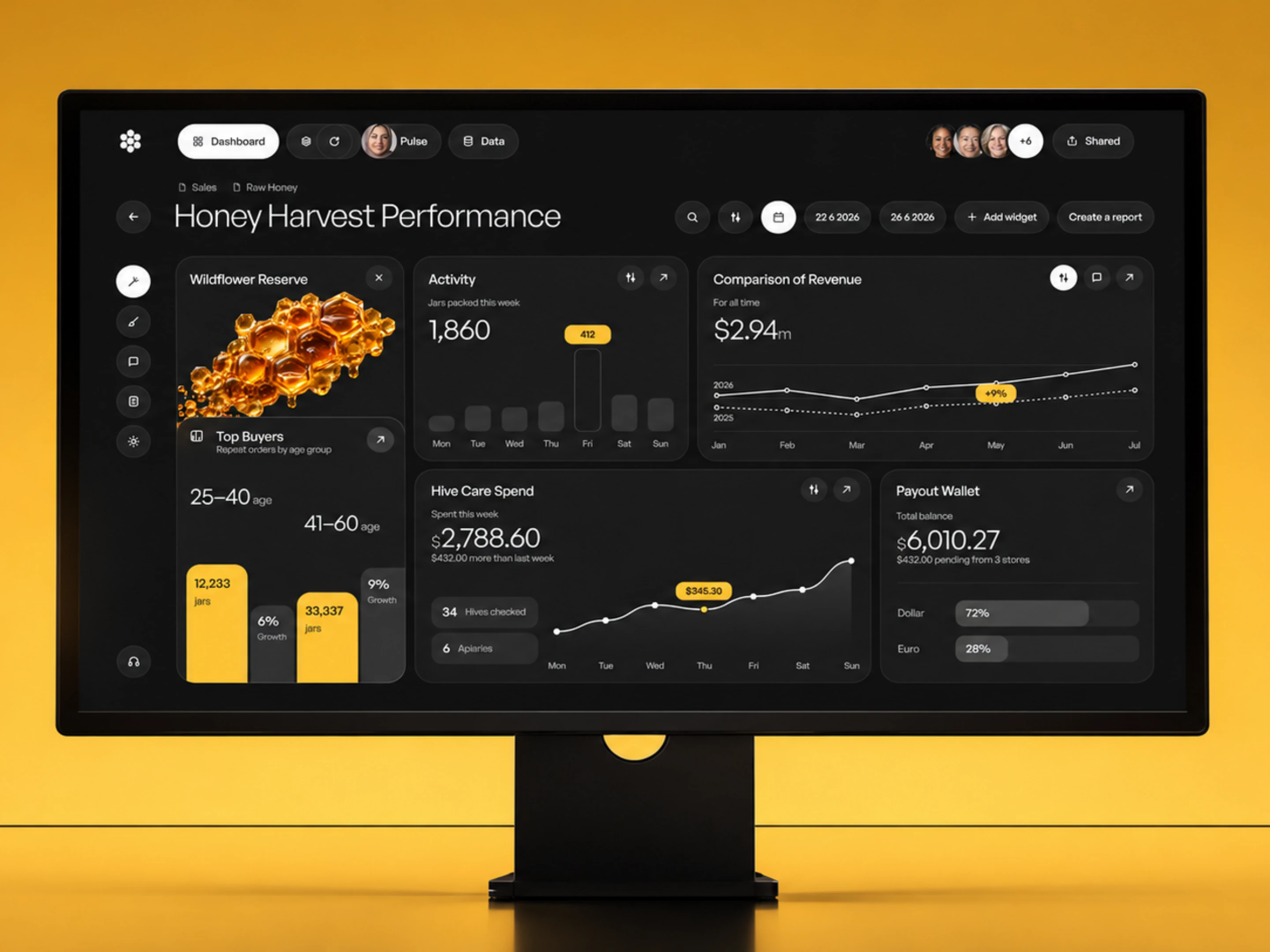
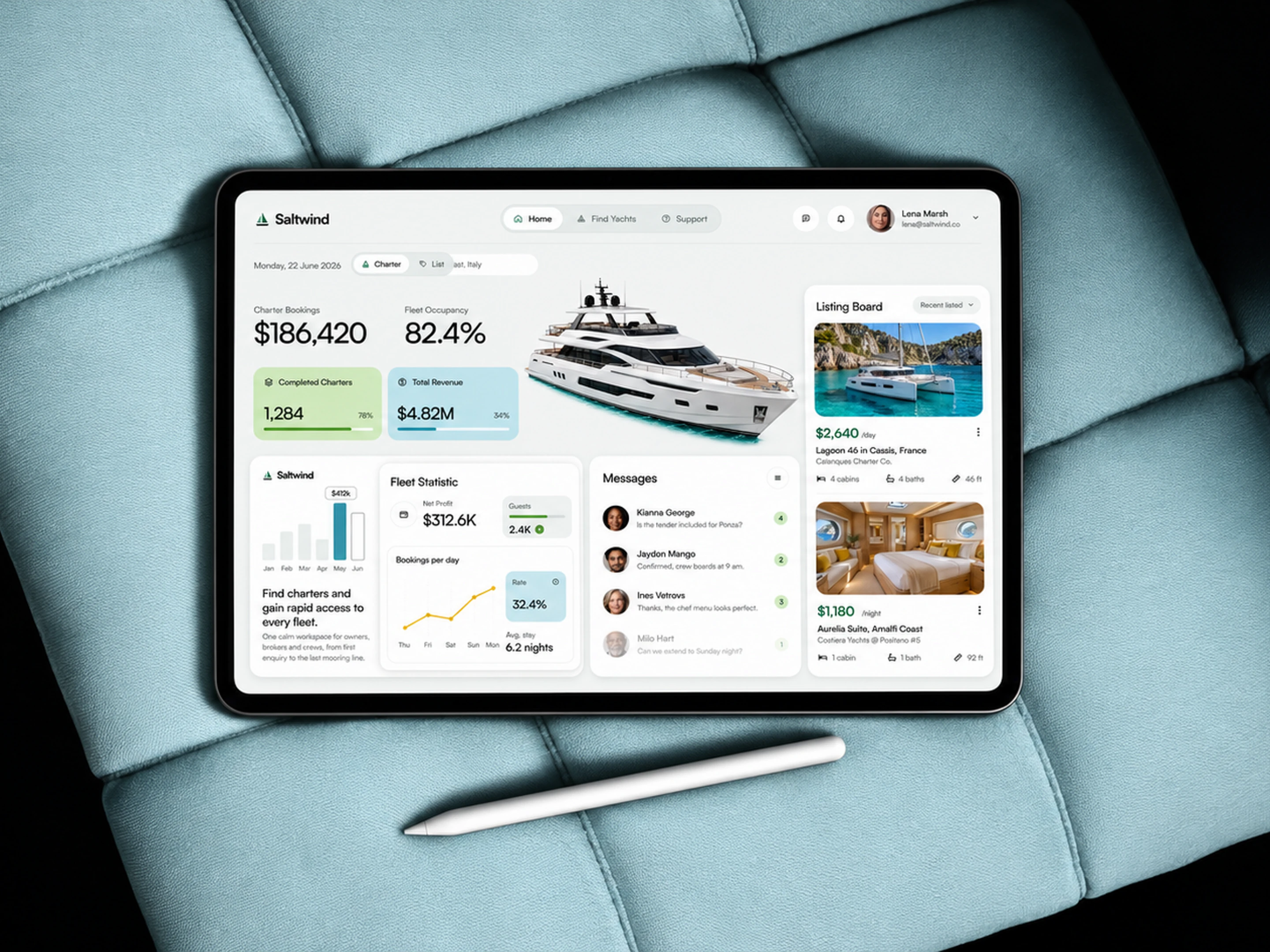
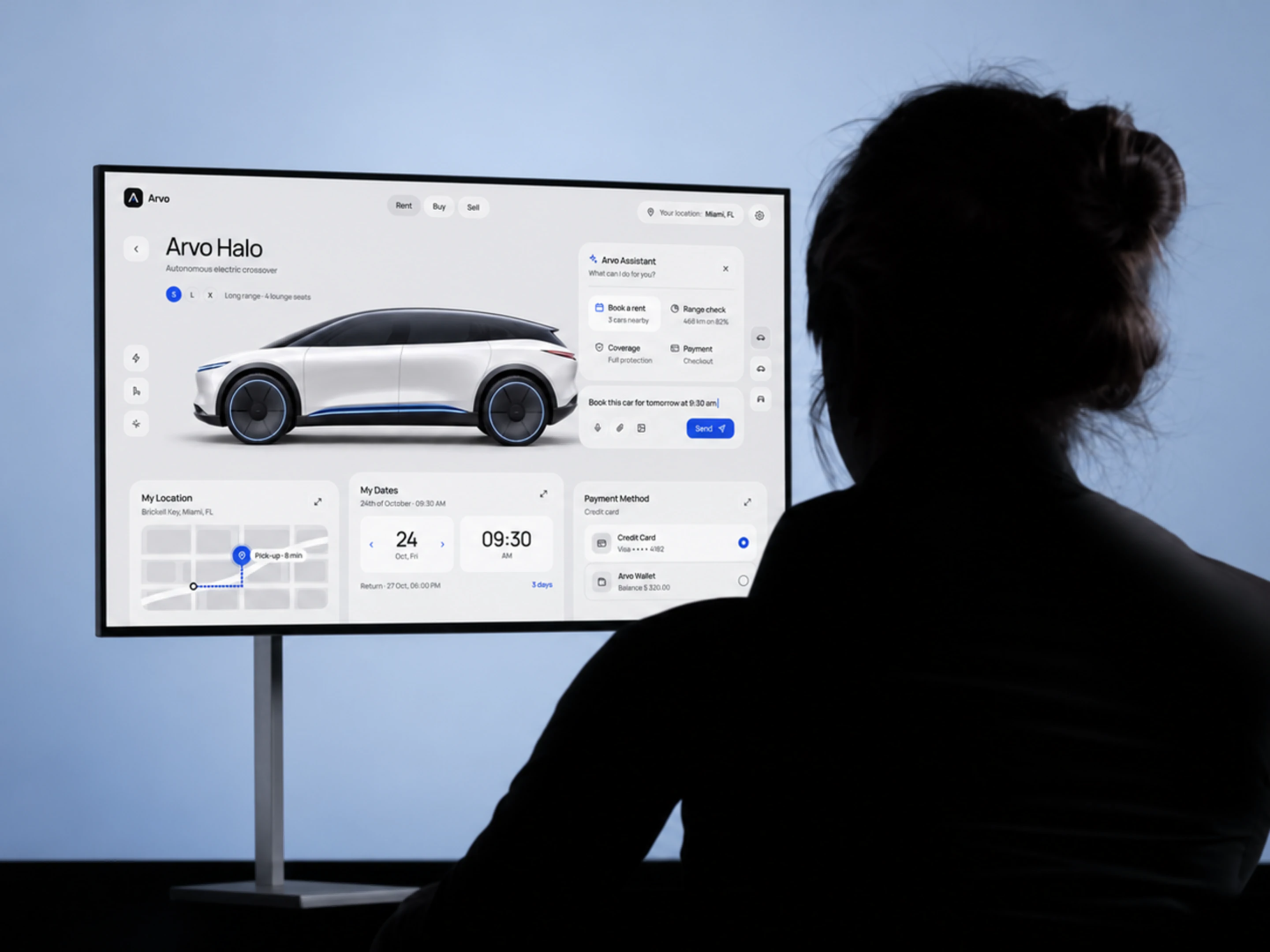
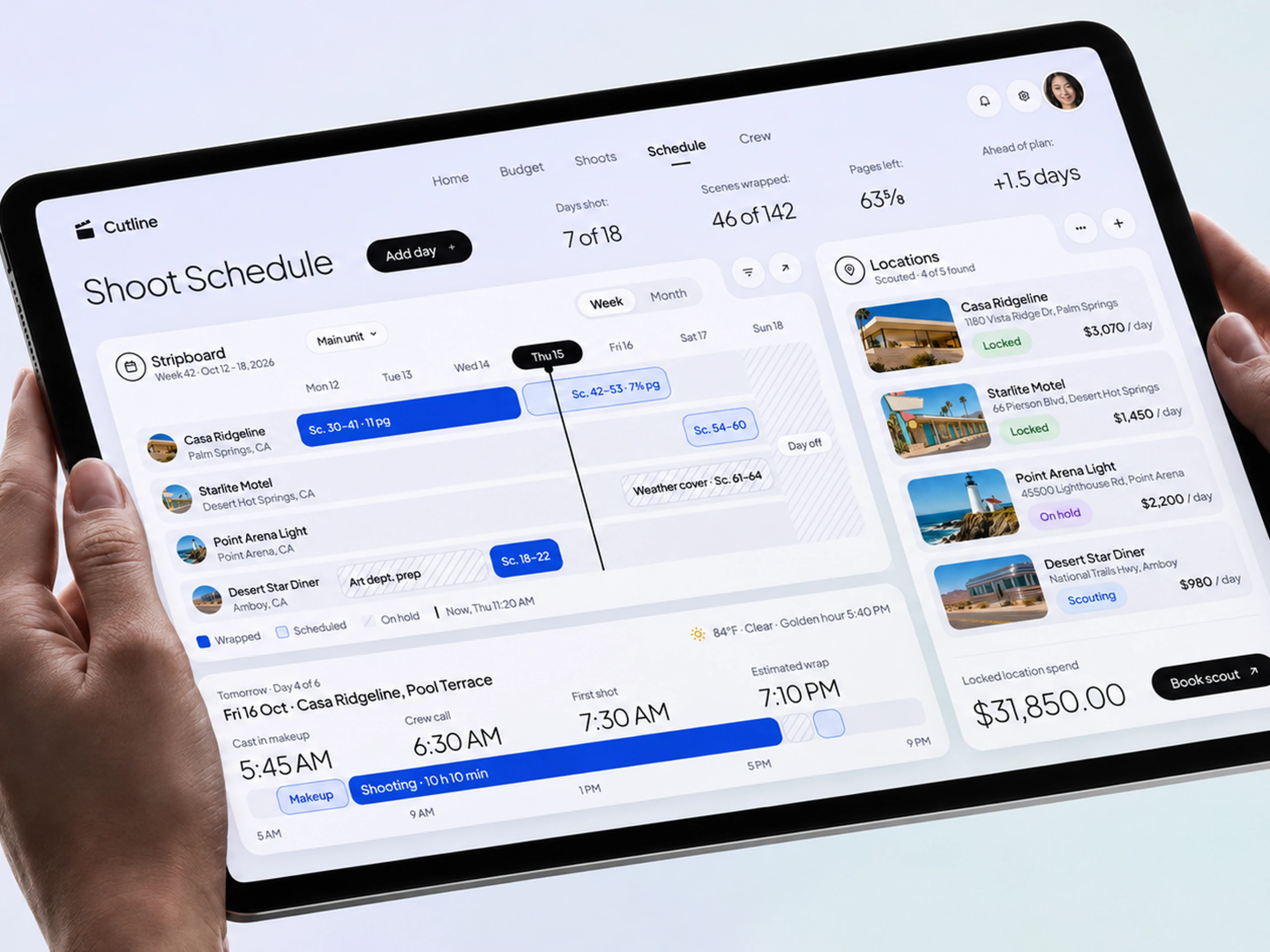
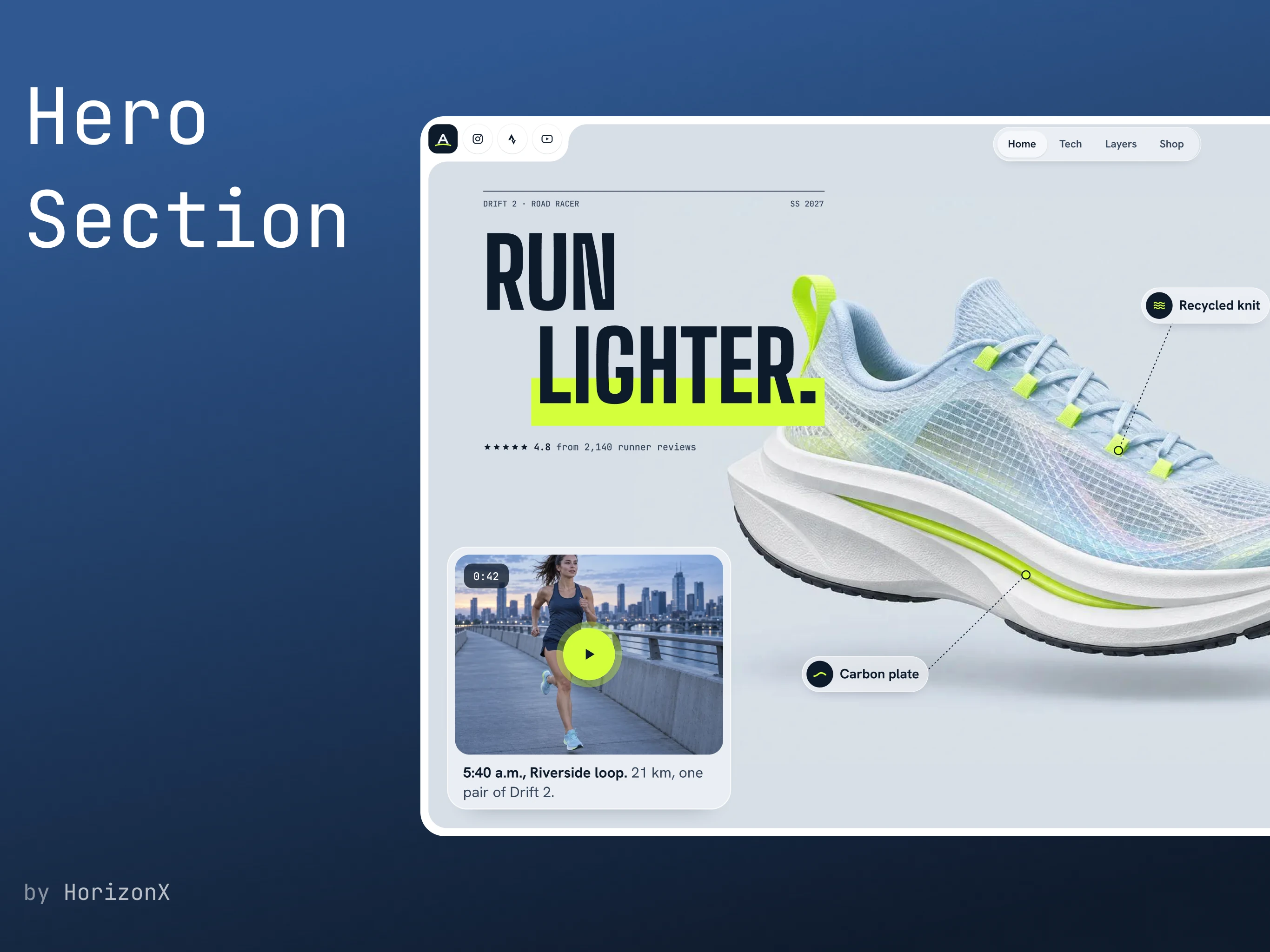
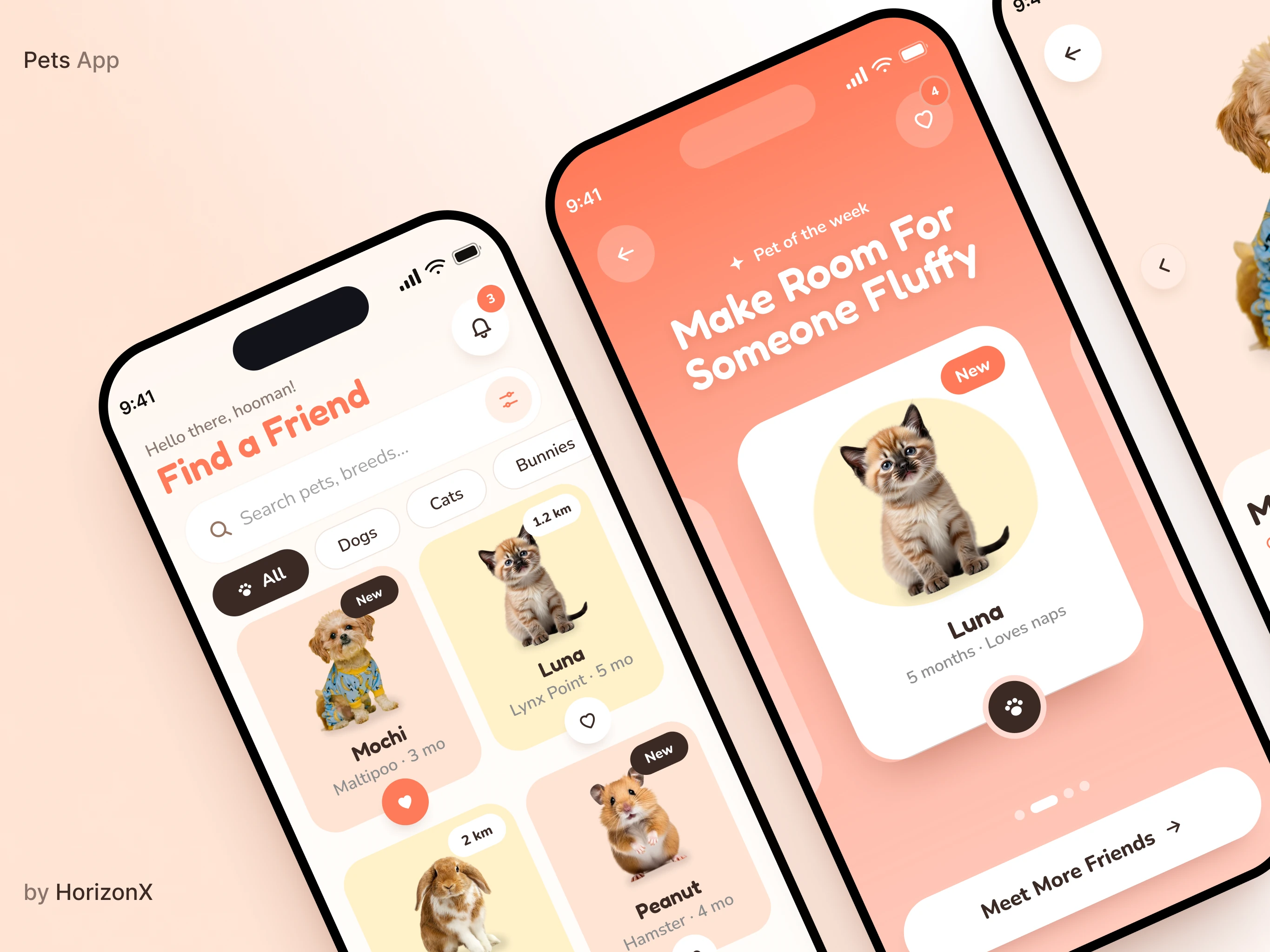
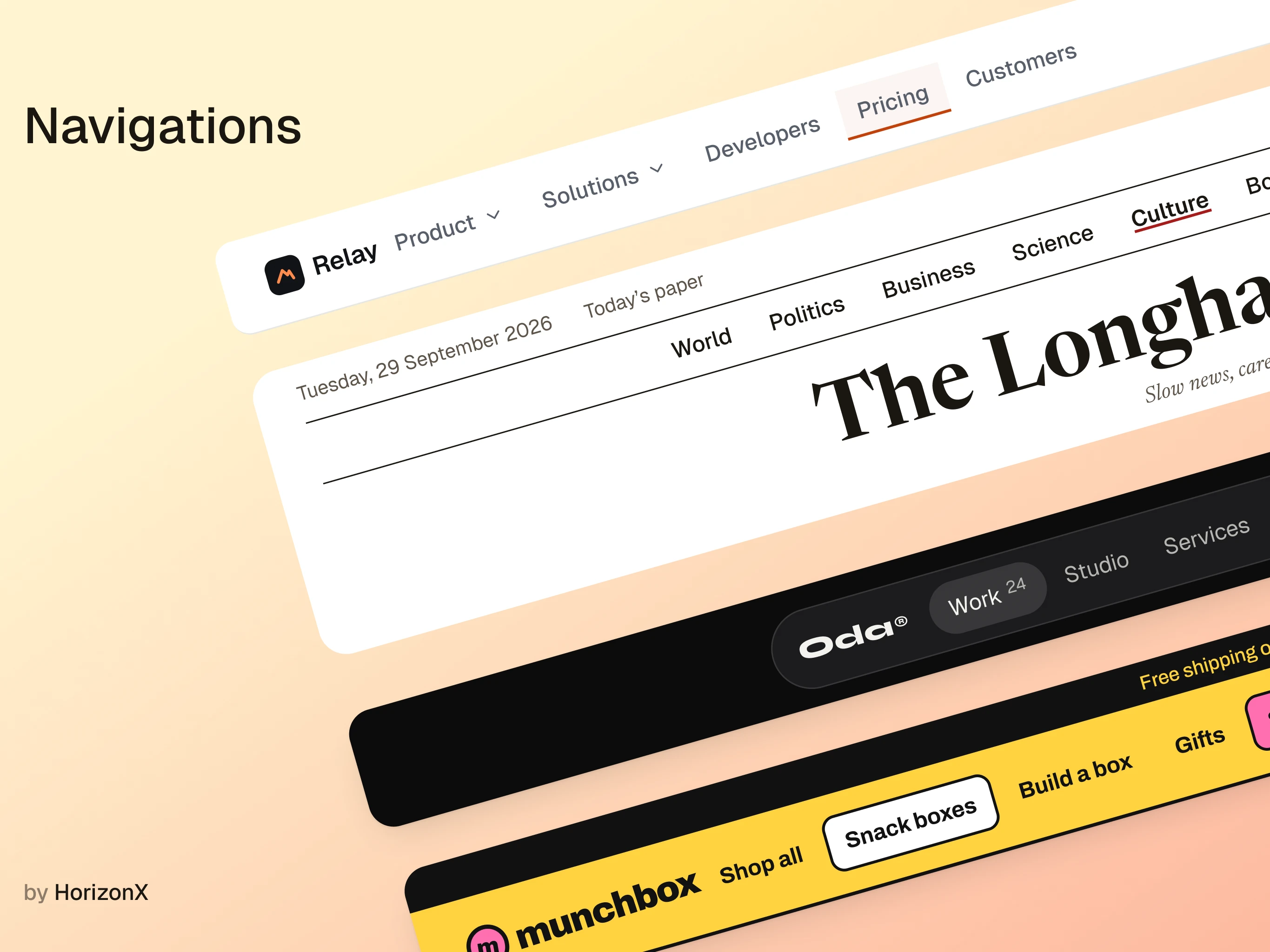
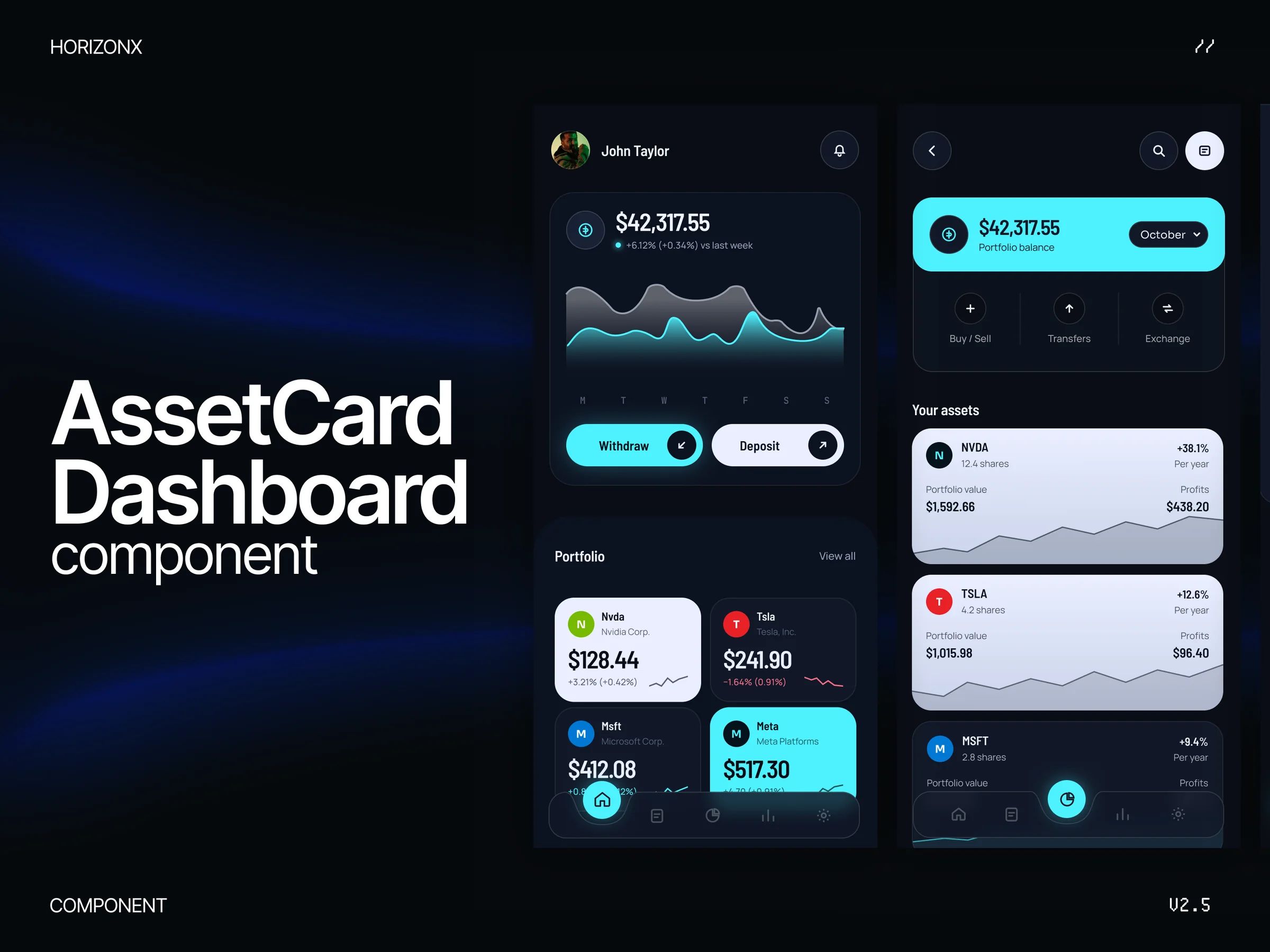
Figma templates and UI kits you can copy and make your own, with clean layers, real auto-layout and components instead of flattened screenshots. Every design here ships as an editable Figma source, built for the workflow where the file is the starting point.
This set gathers Figma templates and UI kits that are structured for editing: proper layers, real components, variables and auto-layout that respond when you resize a frame instead of exploding into a mess. They are designed files, not flattened screenshots.
You get the whole system (color and type tokens, reusable components and full pages), so you can restyle a template in minutes and keep the grid intact as you swap in your own content.
Designers who want a faster starting point than a blank canvas, and developers who want a file they can read. If you hand work across the designer–developer boundary, these files make the intent legible to both sides.
They also help anyone exploring a few visual directions quickly, because an editable file makes it cheap to test a different palette or layout.
In a vibe-coded build, the Figma file is often the reference the code is judged against. A clean, componentized source gives the whole team (and the agent) an unambiguous spec to work from, which reduces the guesswork that slows a prompt-driven build.
Keep the tokens and auto-layout intact and the file stays useful after the first screens, instead of becoming a static artifact that drifts from the product.
You get editable Figma files with real layers, components, variables and auto-layout. They are built to be customized, so the tokens and structure are what you own rather than a flat image export.
These are editable Figma sources: real layers, components, variables and auto-layout, so you can restyle and resize them without rebuilding the design.
Yes. Because they use variables and tokens, swapping the palette and typography updates the whole system at once instead of requiring a manual pass.
A clean componentized file reads like a spec, so the implemented code can match the design intent more closely. That is especially useful when an agent is translating the file into UI.
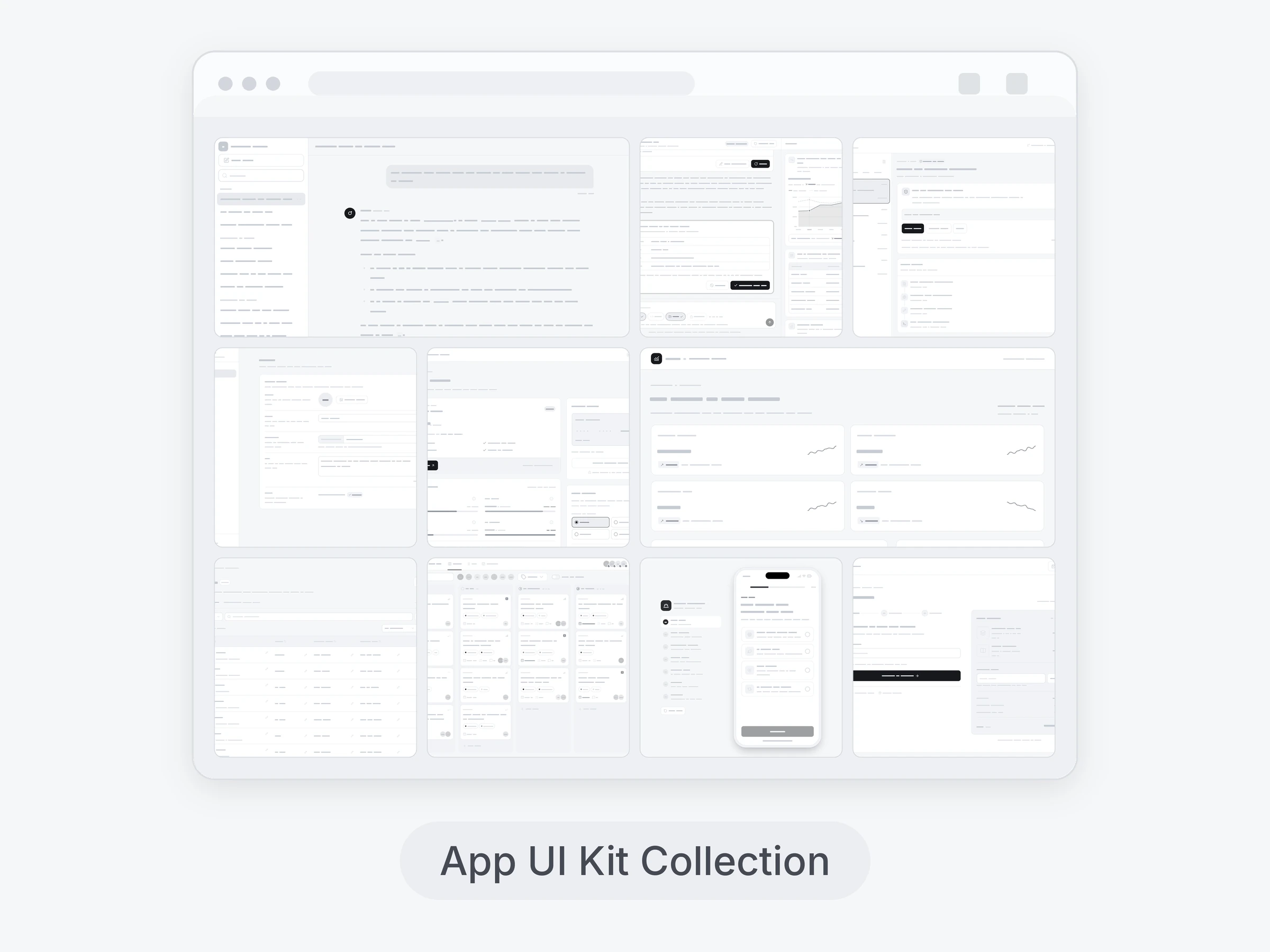
Yes. The kits include full pages and reusable components, so they scale to app screens and larger flows, not just a single hero.
From the blog
Keep exploring
Browse every design in the HorizonX catalog, from UI kits and templates to textures, shaders and mockups.