Aqua Dashboard: Dashboard Template for Figma | HorizonX

Premium UI/UX

Aqua Dashboard

New

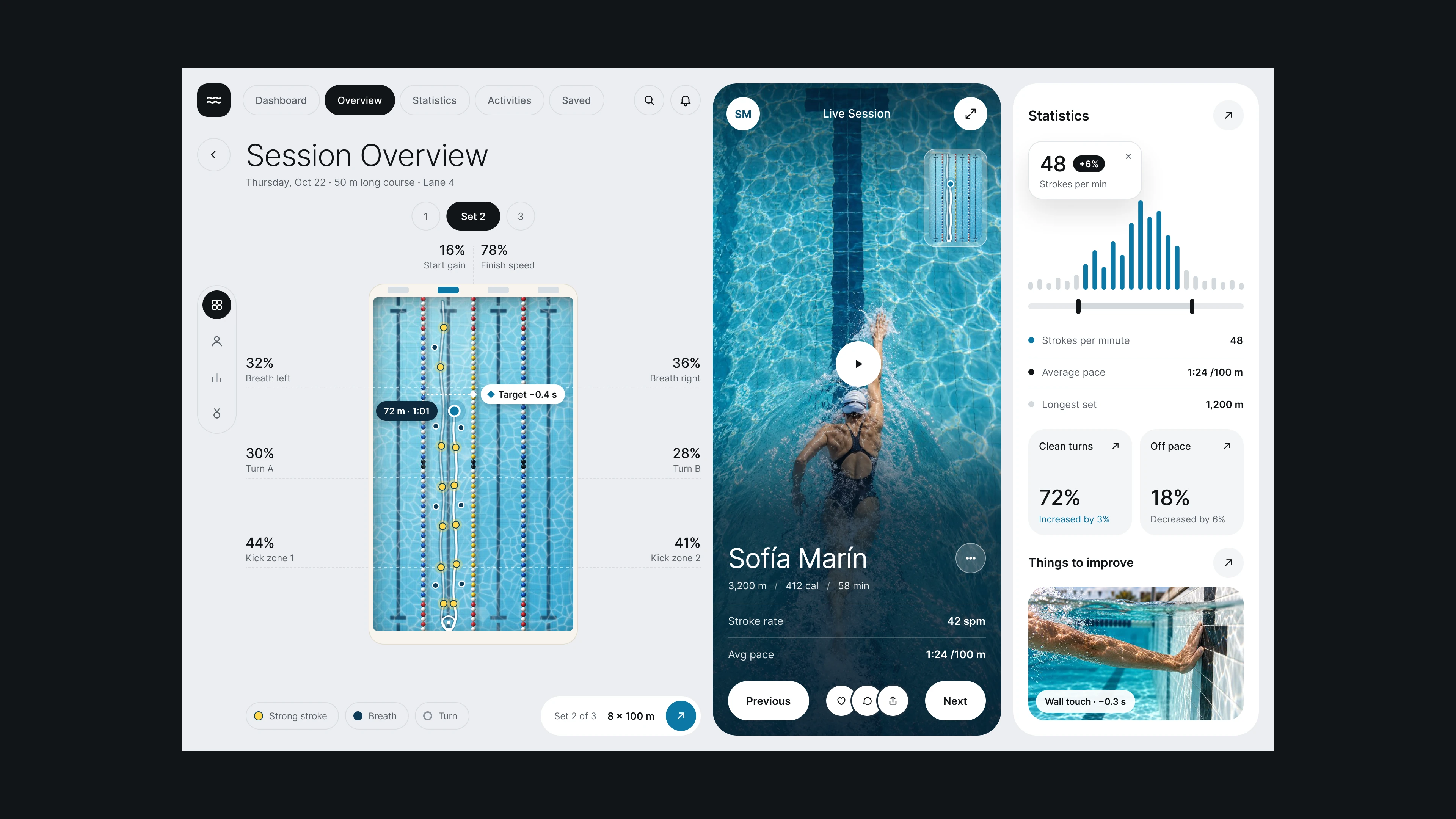
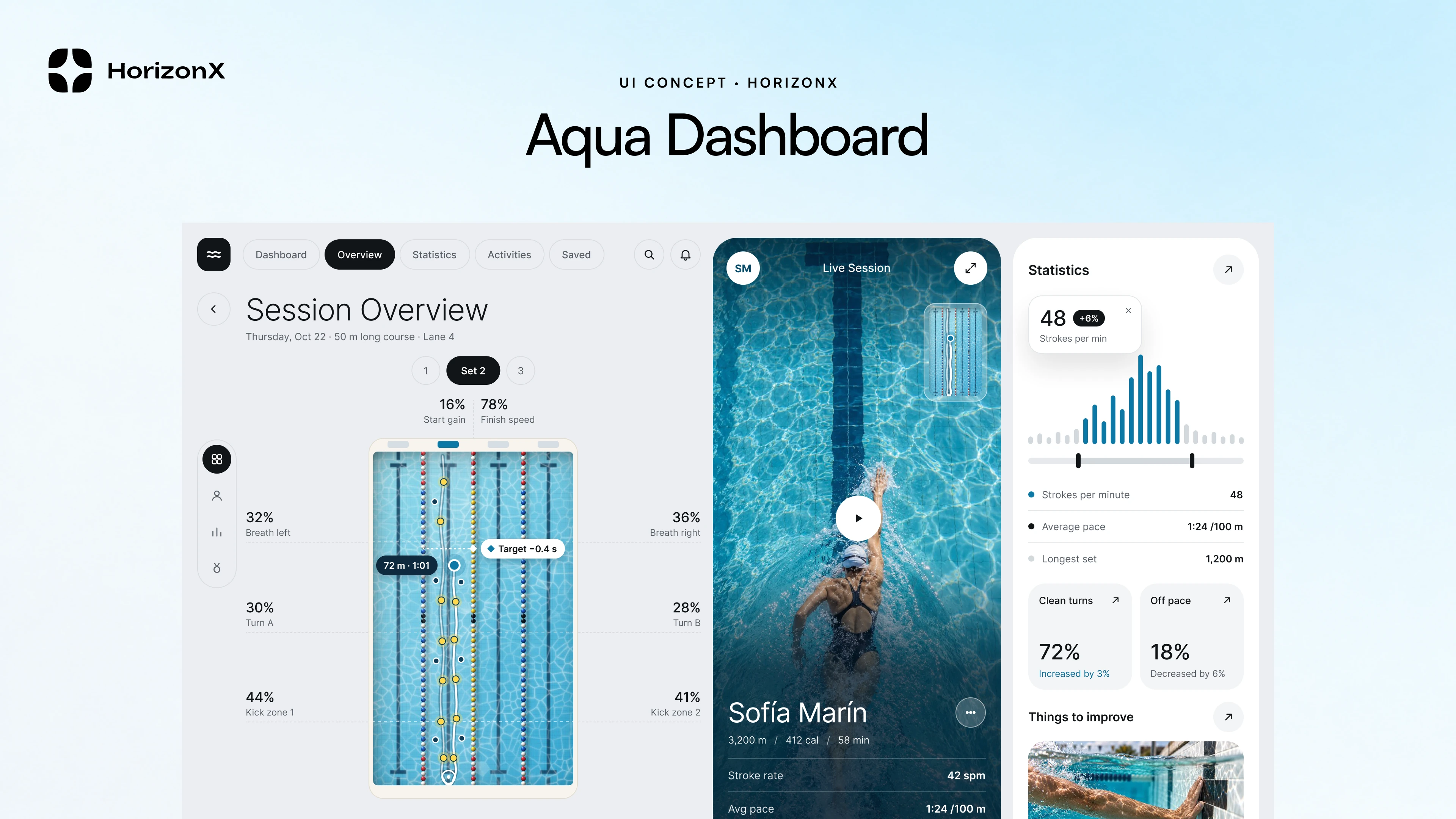
Light swim training dashboard: lane analysis, live session video, stroke rate, pace and turn stats

Aqua Dashboard, image 4
Aqua Dashboard, image 1
Aqua Dashboard, image 2
Aqua Dashboard, image 3
Aqua Dashboard, image 4
Aqua Dashboard, image 1
  • Instant access Included with every membership
  • Editable Figma source Copy straight to your workspace
  • Commercial license With a membership, for client work

Overview

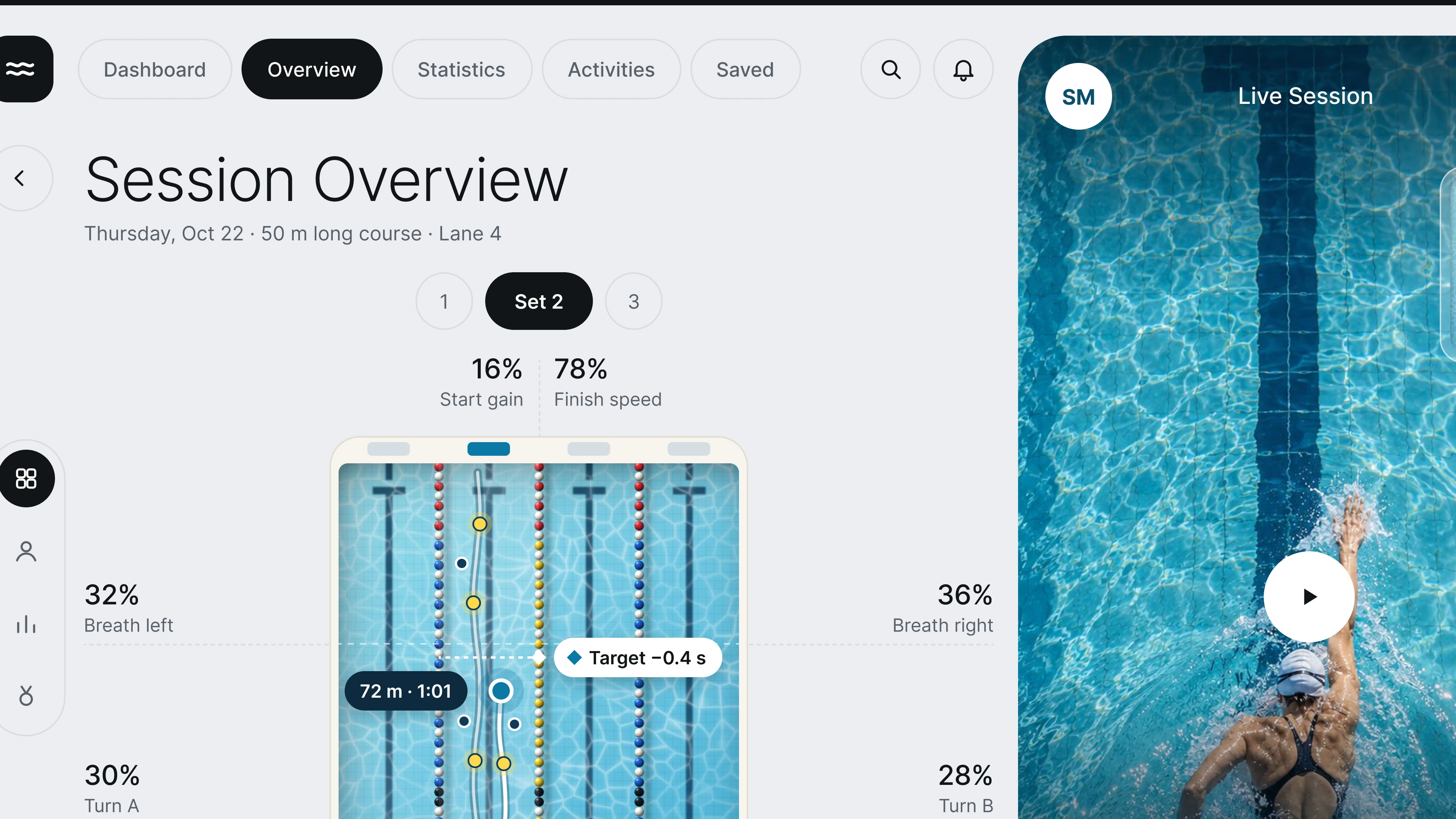
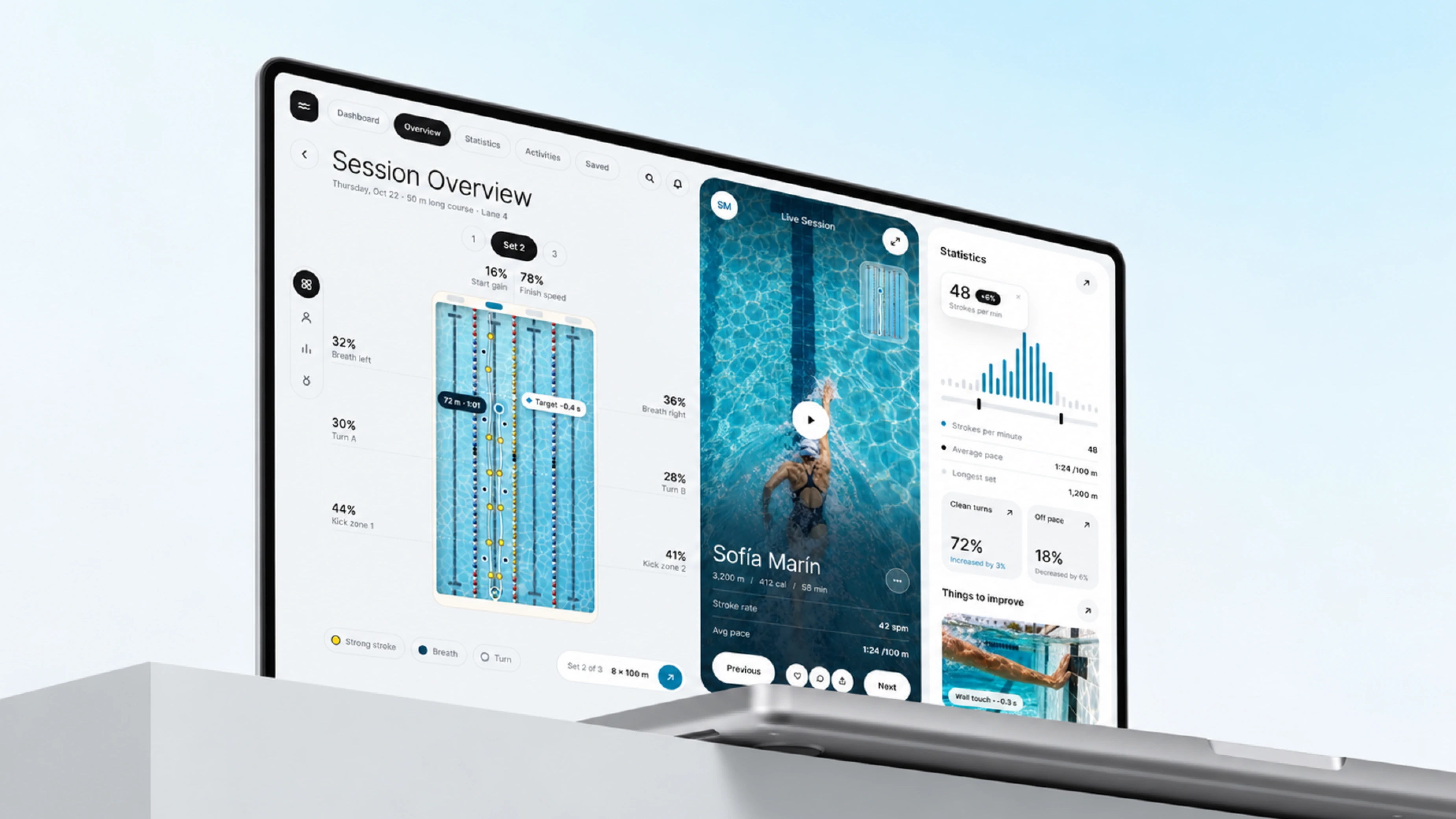
Aqua Dashboard is a light desktop dashboard for swim training. It includes a session overview with a set selector, a lane diagram with start, finish, breathing, turn and kick zone metrics, a live session card with the swimmer, distance, calories, stroke rate and pace, and a statistics panel with a stroke rate histogram, average pace, clean turns and things to improve. Packaged as an editable Figma file.

Highlights

  • Refined, production-ready UI composition
  • Organized, reusable Figma components
  • Clean layout system you can adapt fast
What's included

  • Editable Figma source file
  • Organized layers & components
  • Reusable styles and tokens
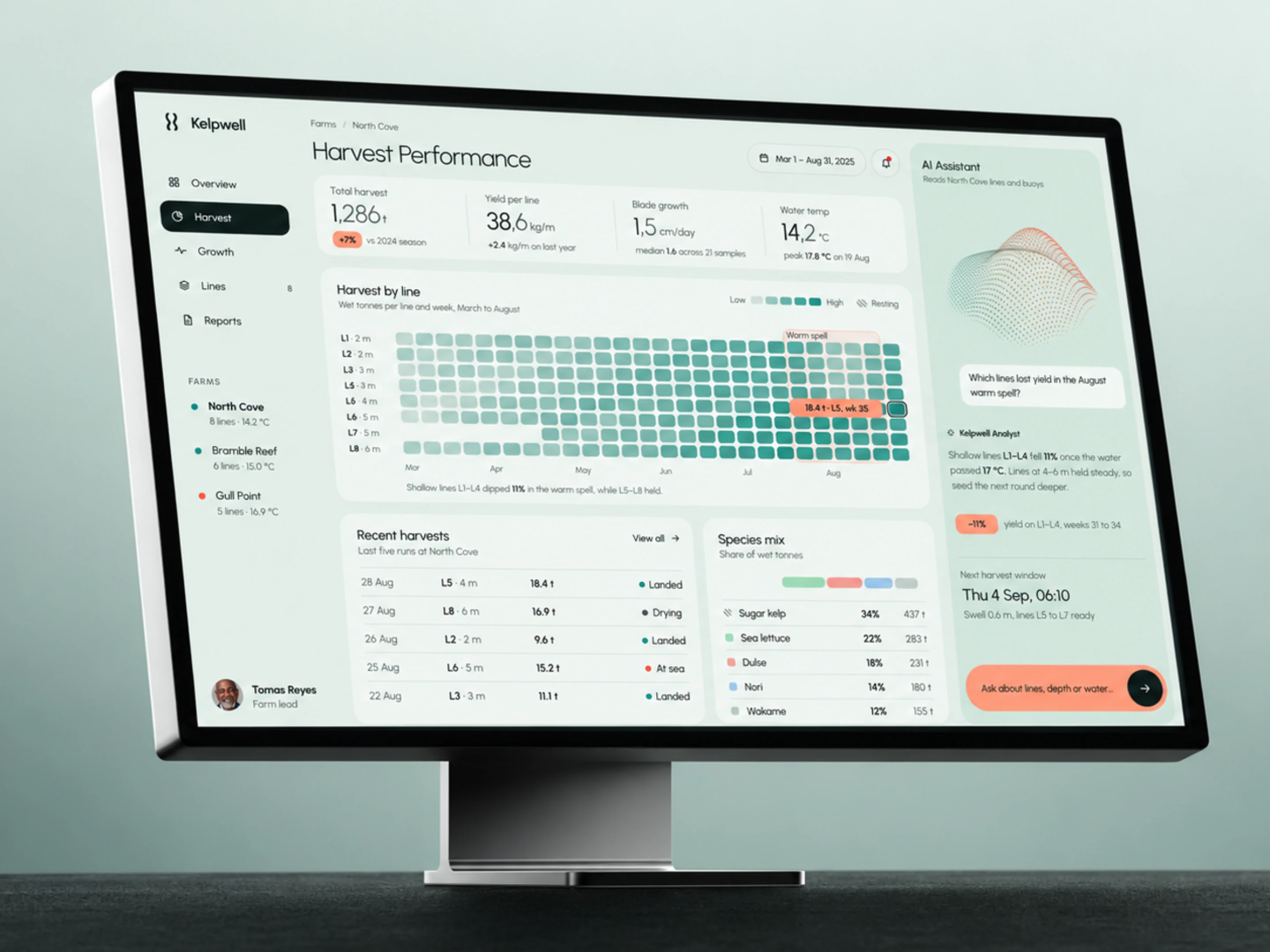
  • Commercial license with a membership

Frequently asked questions

  • The editable Figma source for this concept. Copy it into your own workspace and adapt it freely.

  • It's included with a HorizonX membership. Open it and copy it to Figma instantly, no separate purchase.

  • Yes, with a HorizonX membership. Members get a commercial license: use and adapt these files in personal, client and commercial projects. If your plan ends, projects you already built keep their license, but the files can't be used to start new ones.