Fluid Cursor
A WebGL fluid simulation that paints the stage from pointer motion.
 HorizonX Pointer Physics
Tool collection
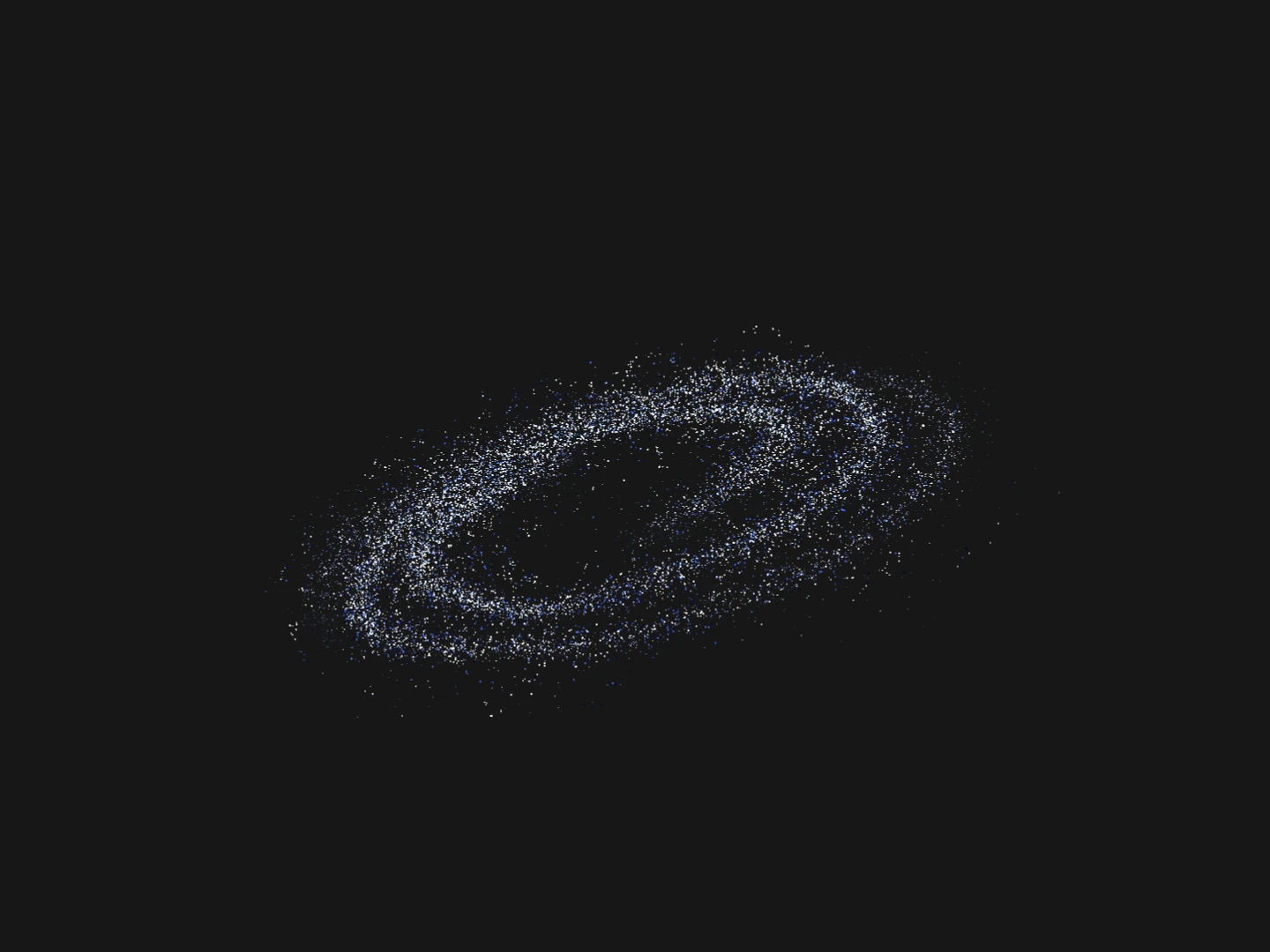
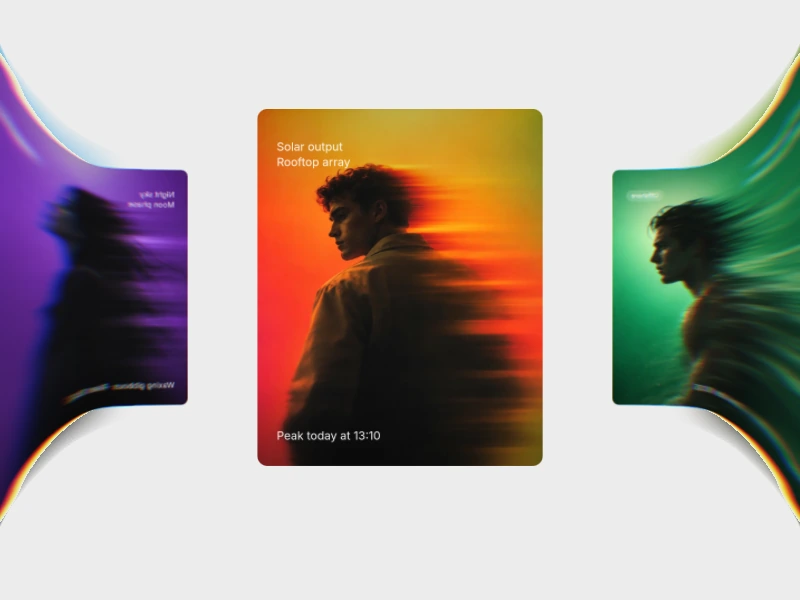
Interactive cursor effects that react to the mouse: fluid trails, image trails, particle bursts and grids that light up under the pointer. Tune each effect live in the browser and export it as HTML, Svelte or React. Choose a subtle effect for content-heavy pages and a bold one for a hero or portfolio.
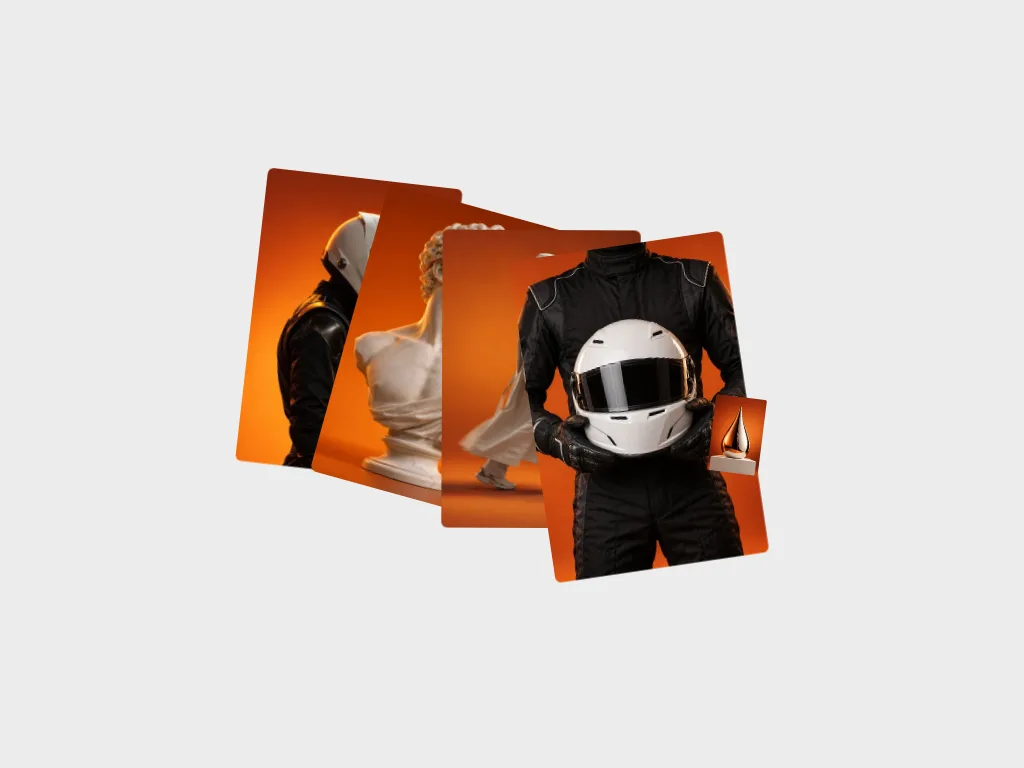
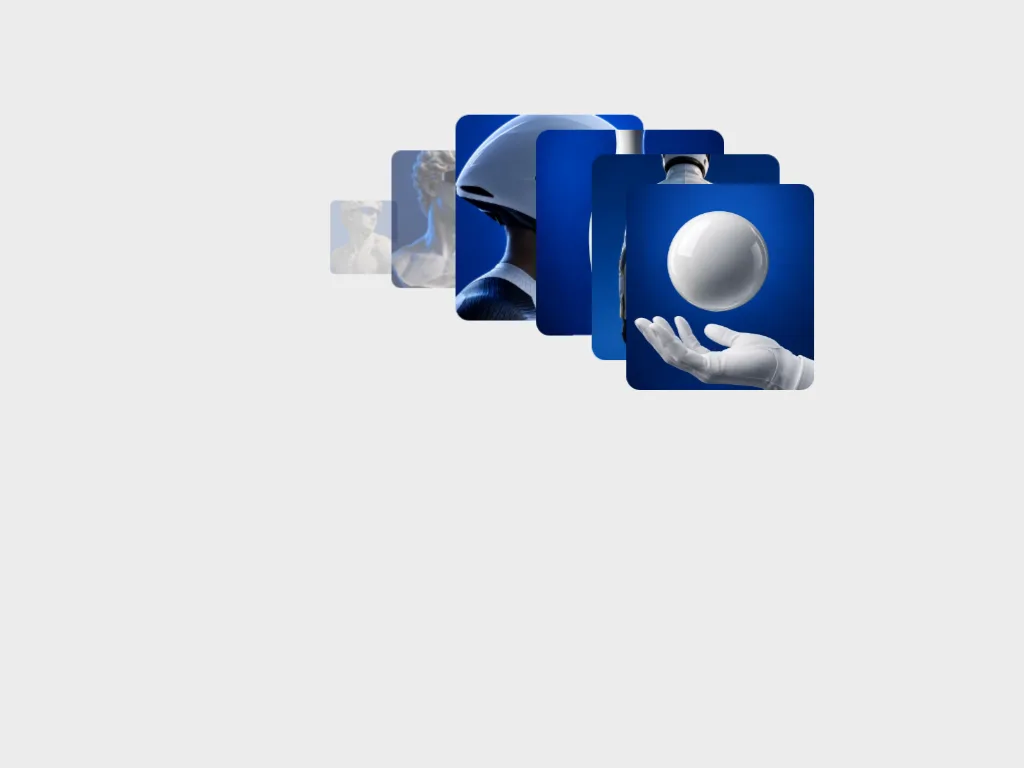
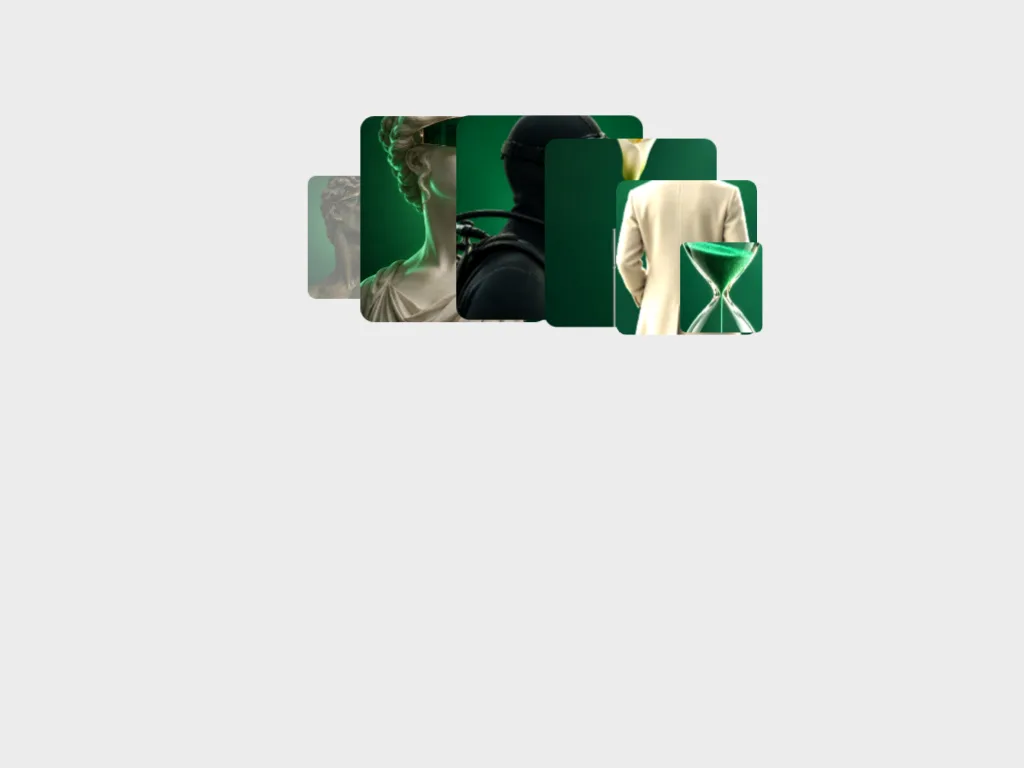
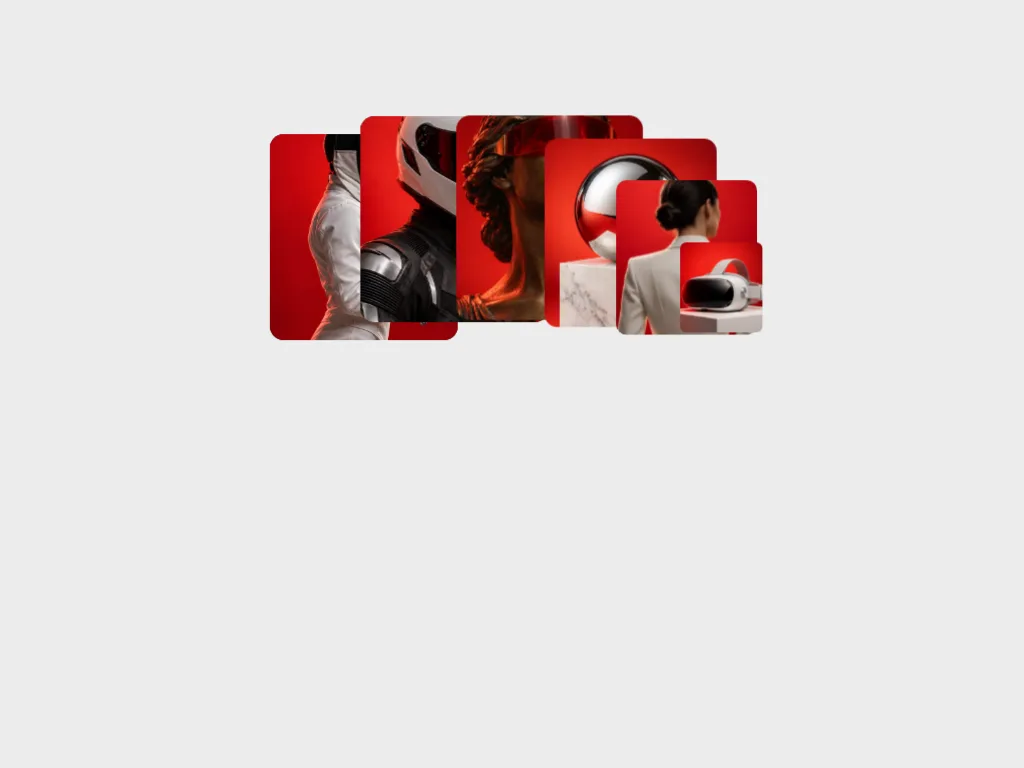
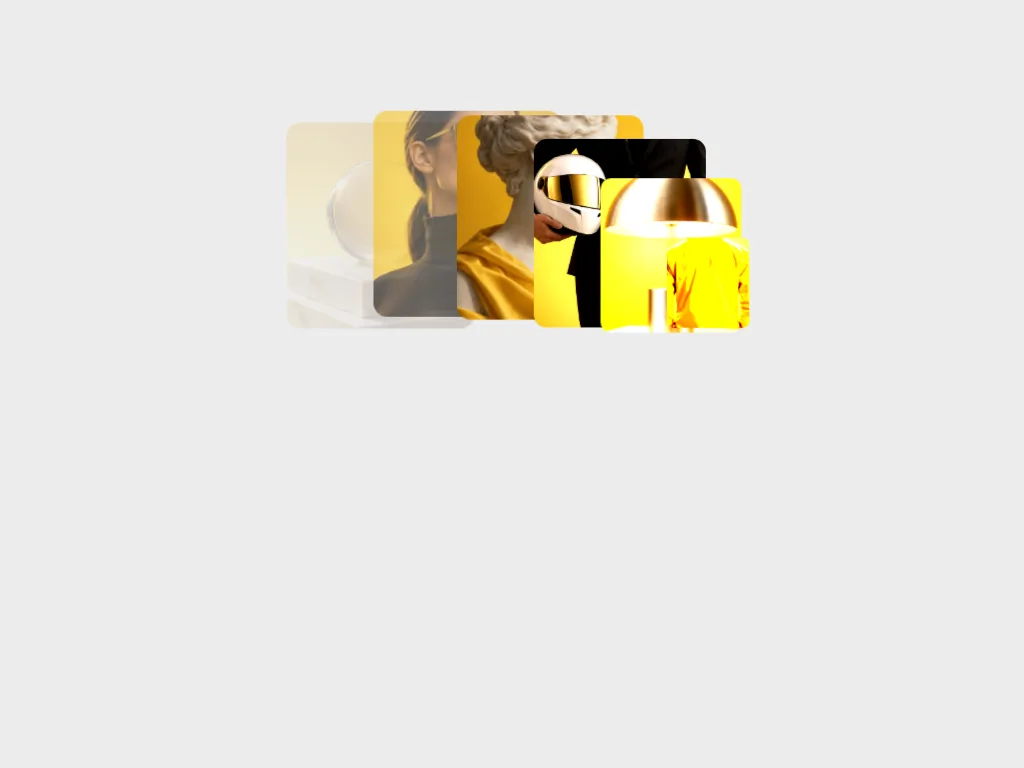
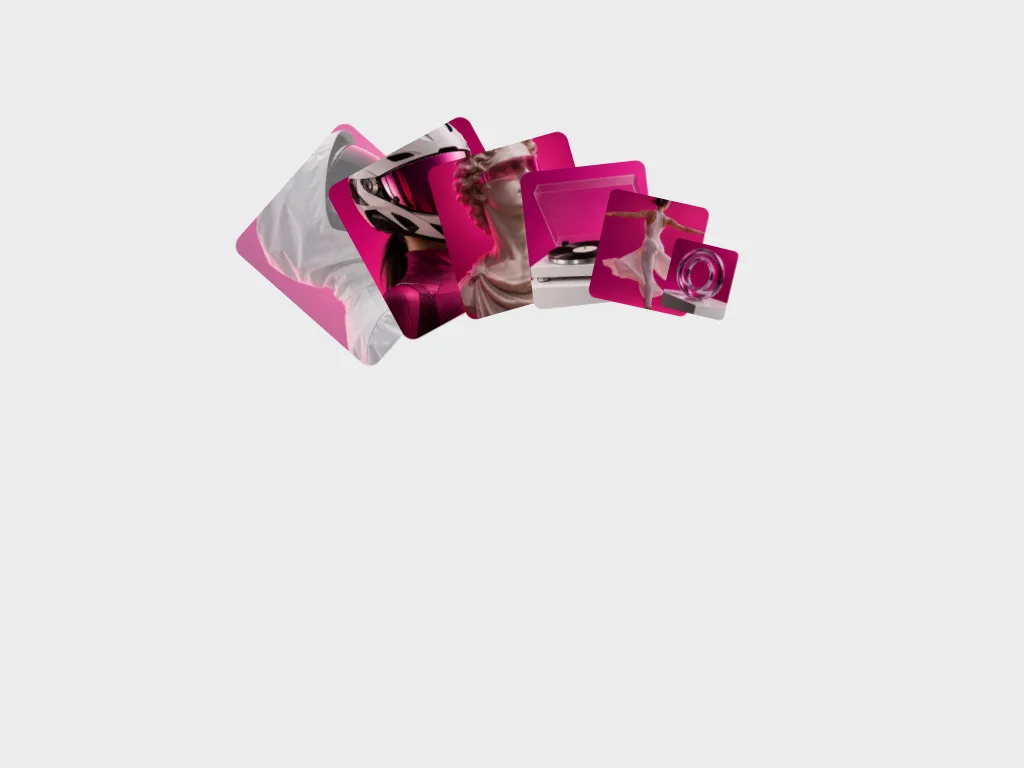
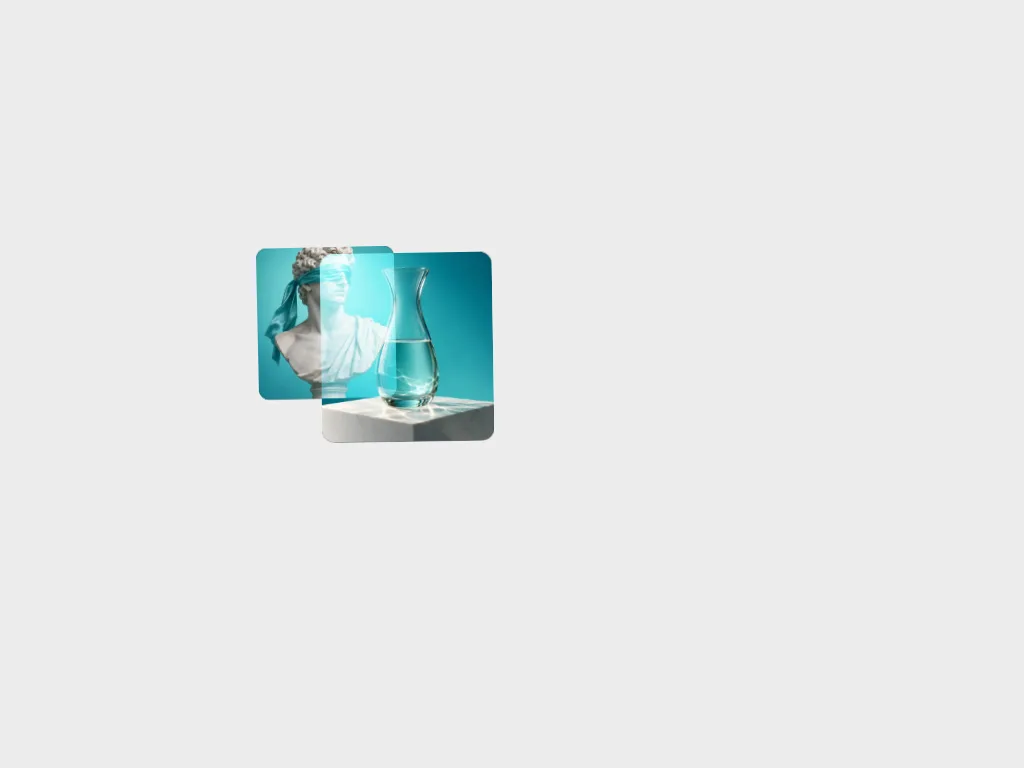
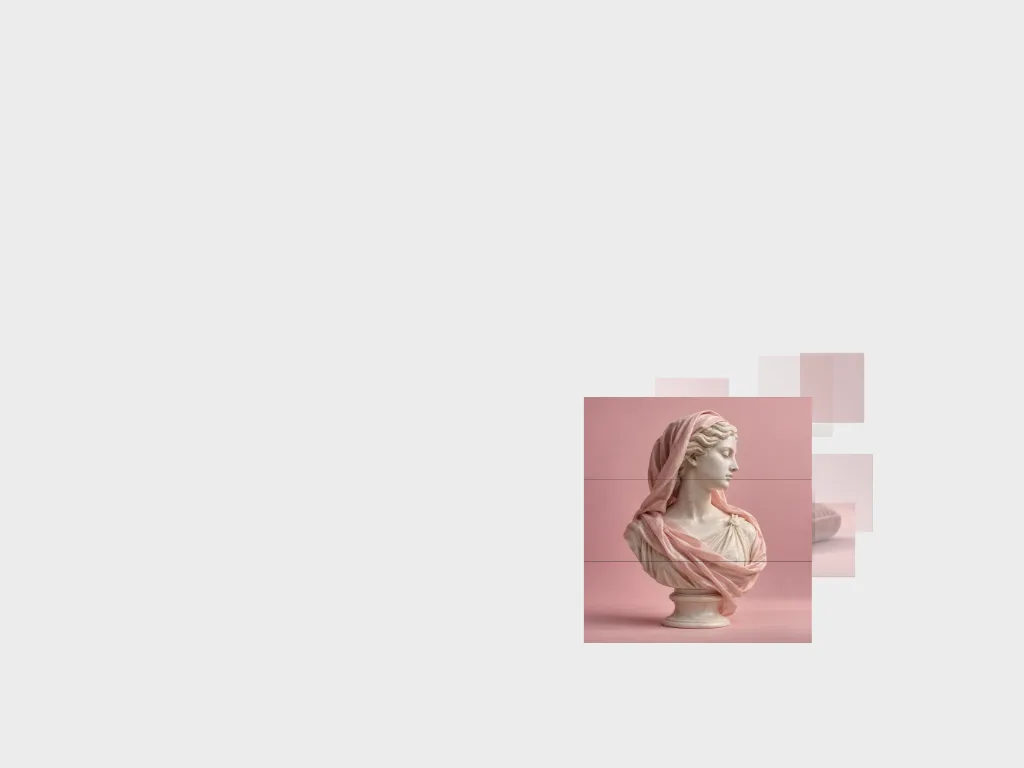
An image trail leaves a short run of pictures behind the pointer and works best on portfolios and campaign pages with strong photography. A fluid cursor or particle effect paints with motion instead of images, which suits dark heroes and launches.
A grid that reacts to the mouse stays in the background, so it can sit behind text without competing with it.
A cursor effect should never hide the real pointer or delay a click. Limit it to the area where it adds something, such as the hero, and plan a fallback for touch screens, where there is no hover to follow.
From the blog
Keep exploring
Every interactive tool on HorizonX opens in an editor you can adjust in the browser before you export it.