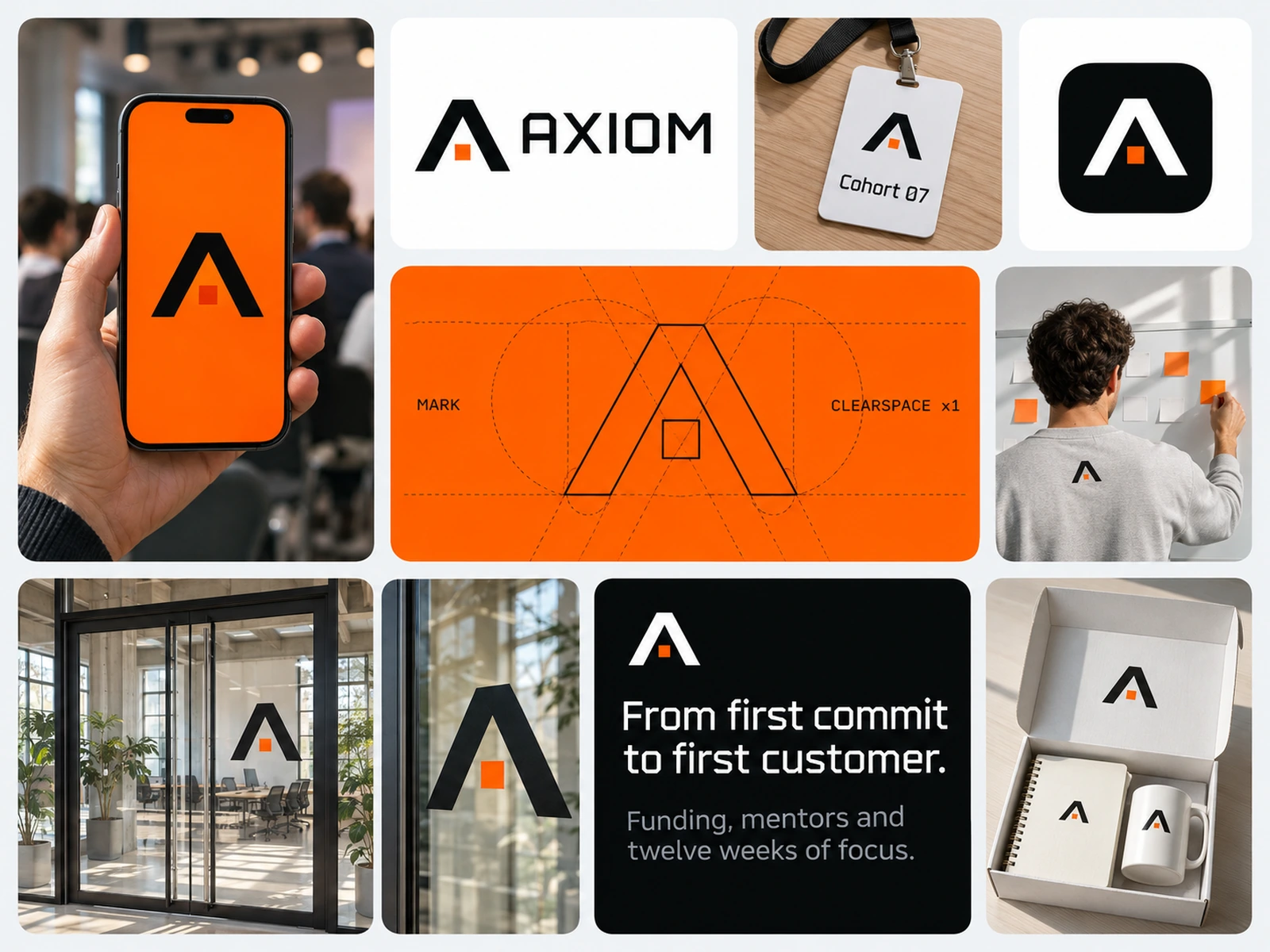
AXIOM
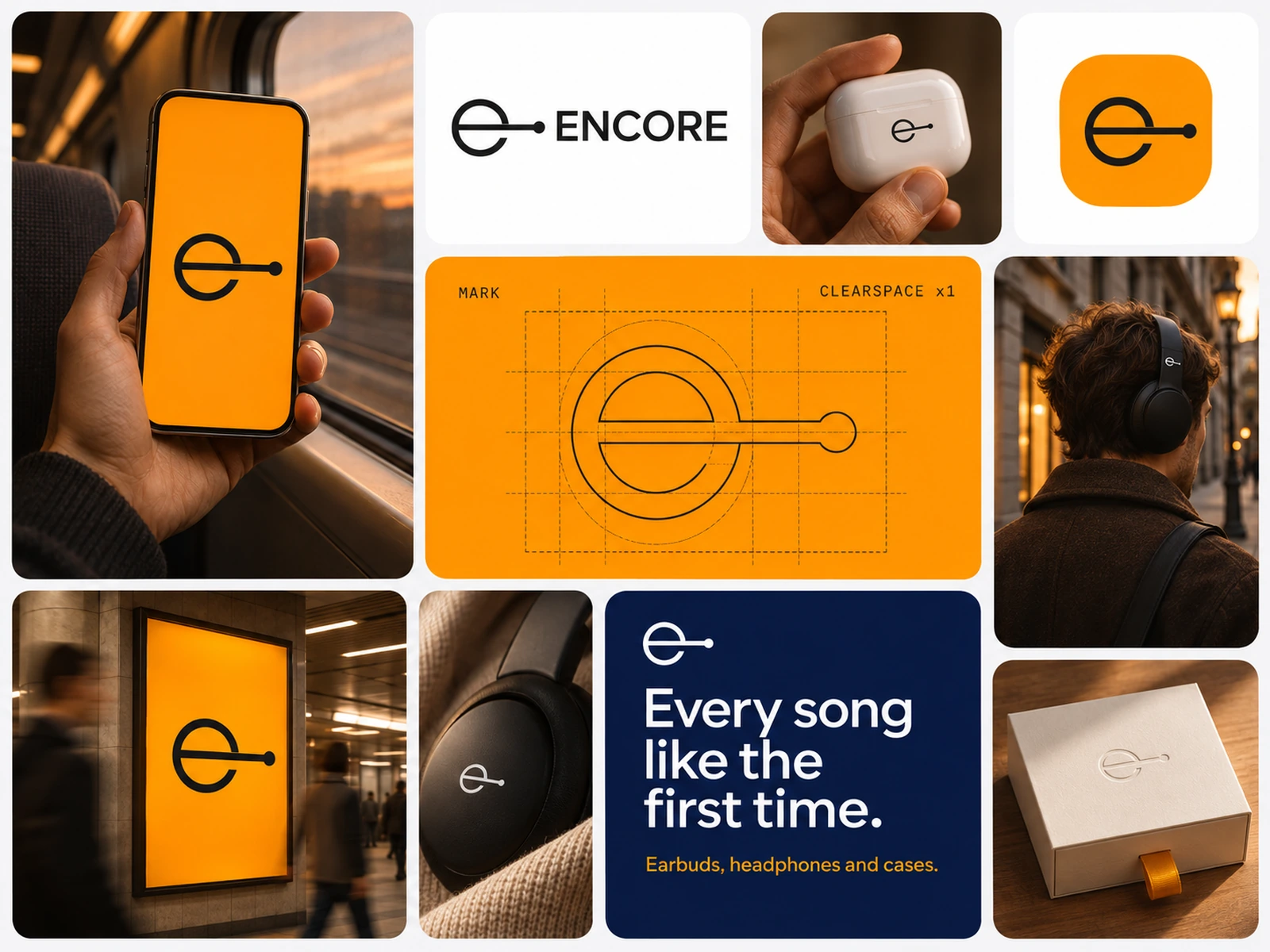
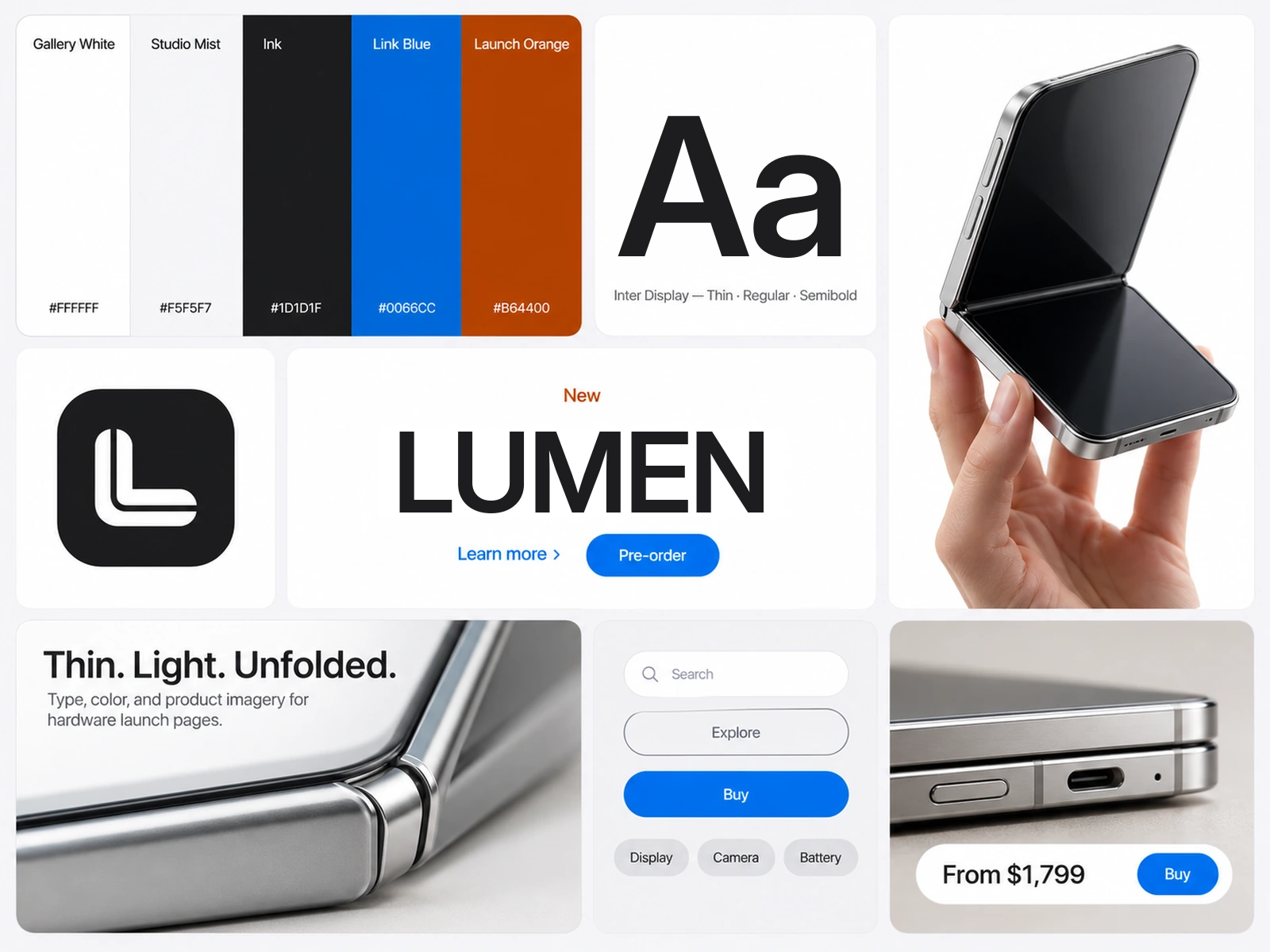
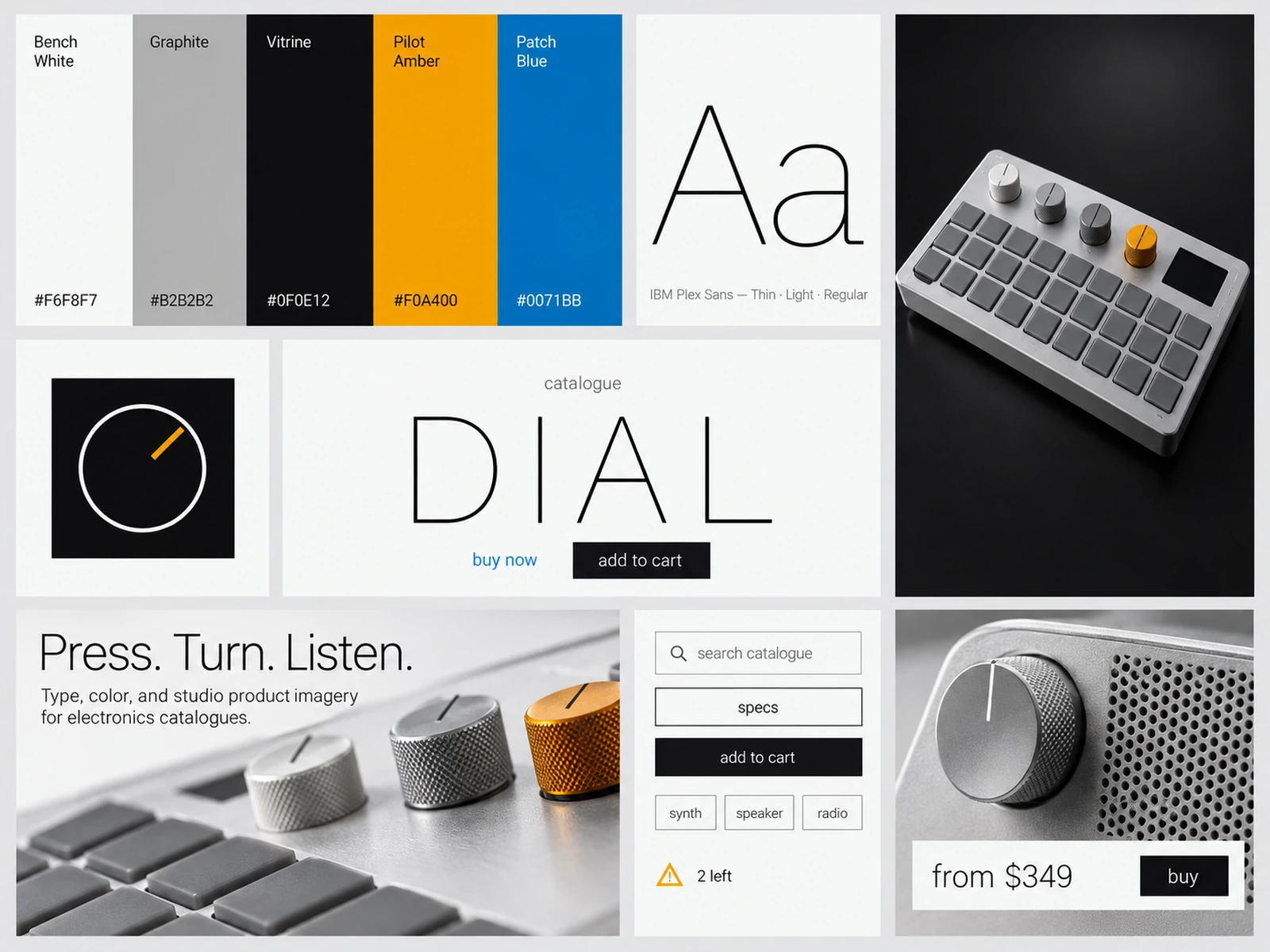
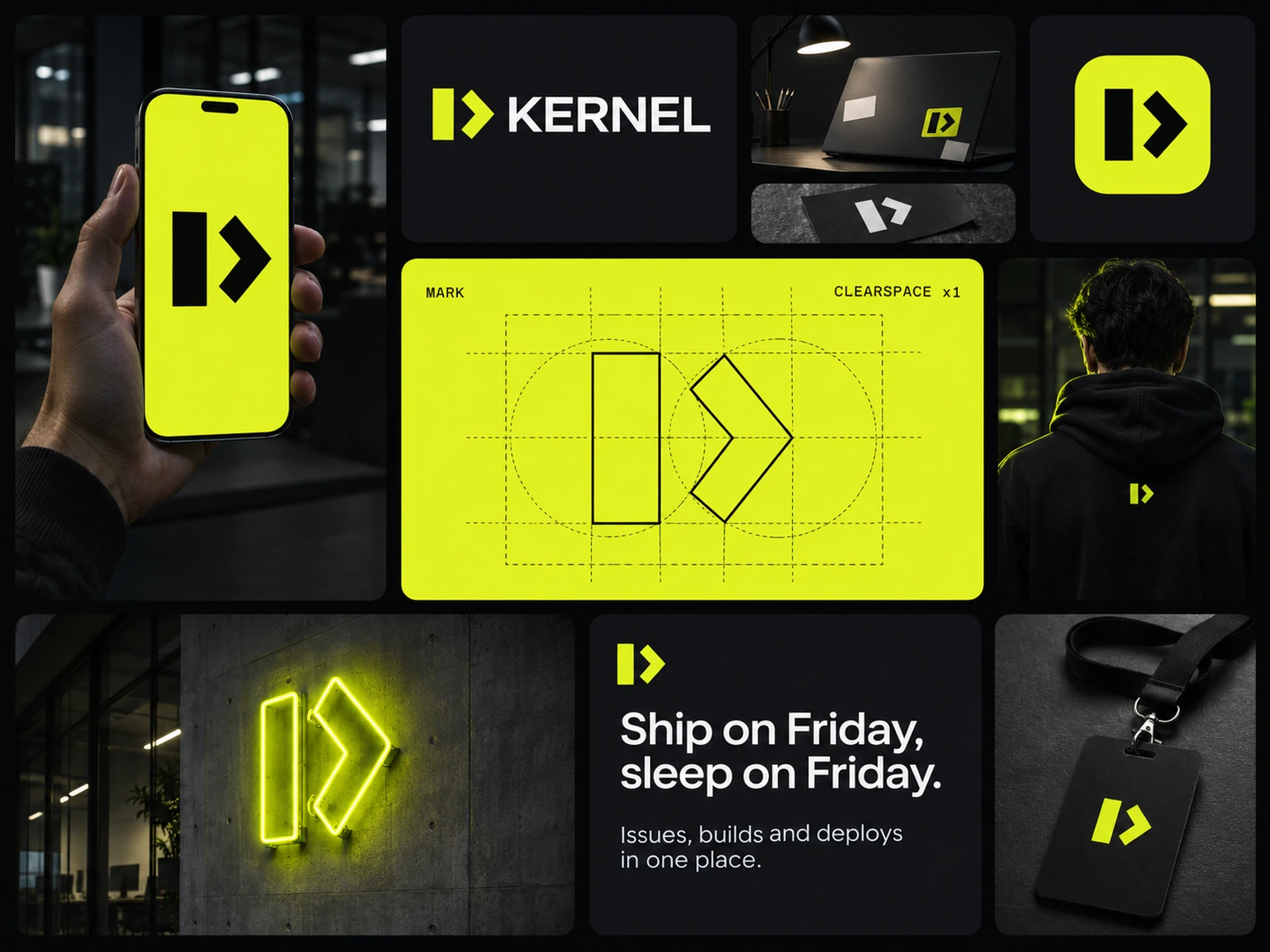
Design system for tech incubator sites: modular display, Signal capsule CTAs, and product web imagery.
 HorizonX Design Systems
Collection
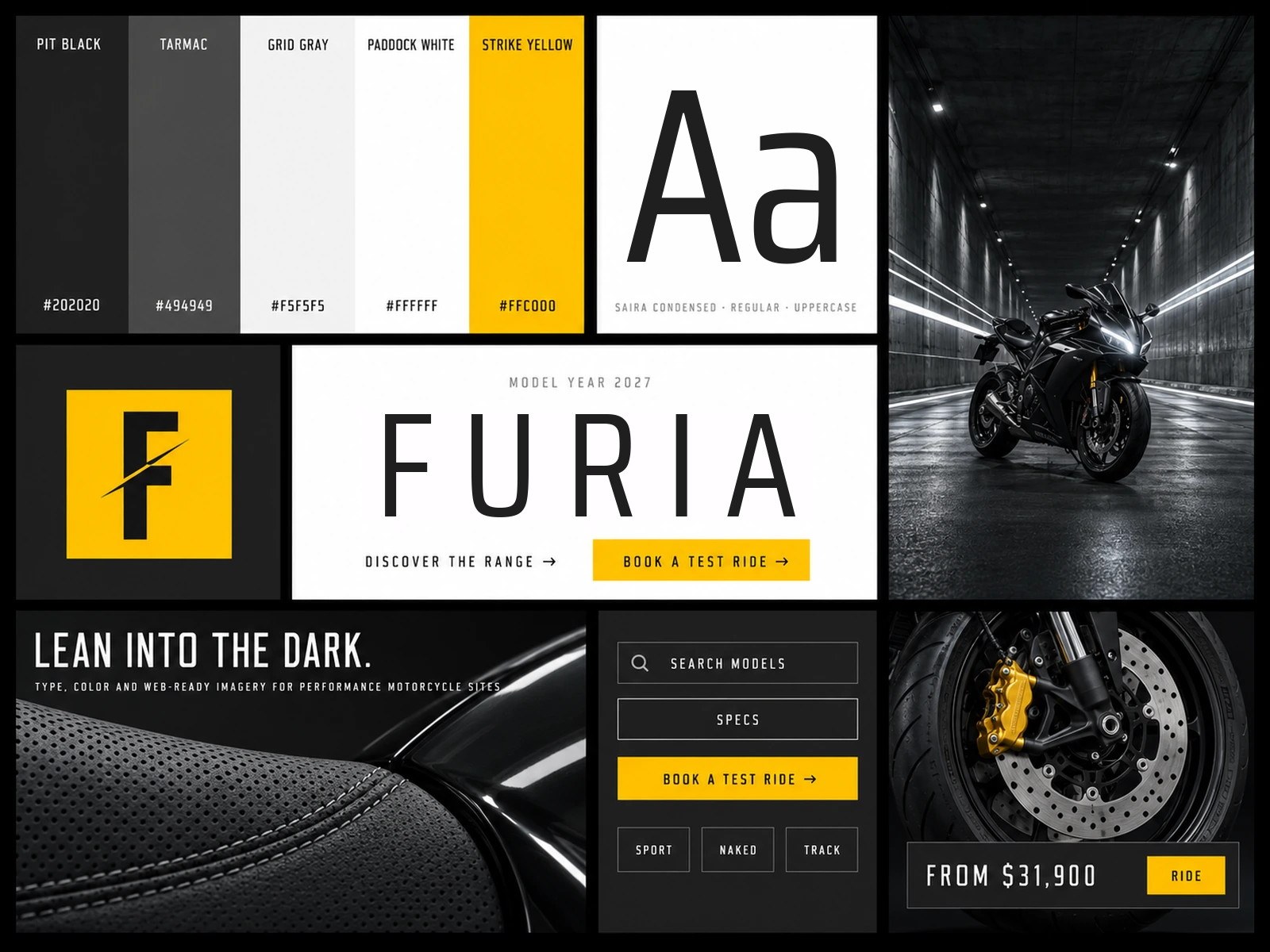
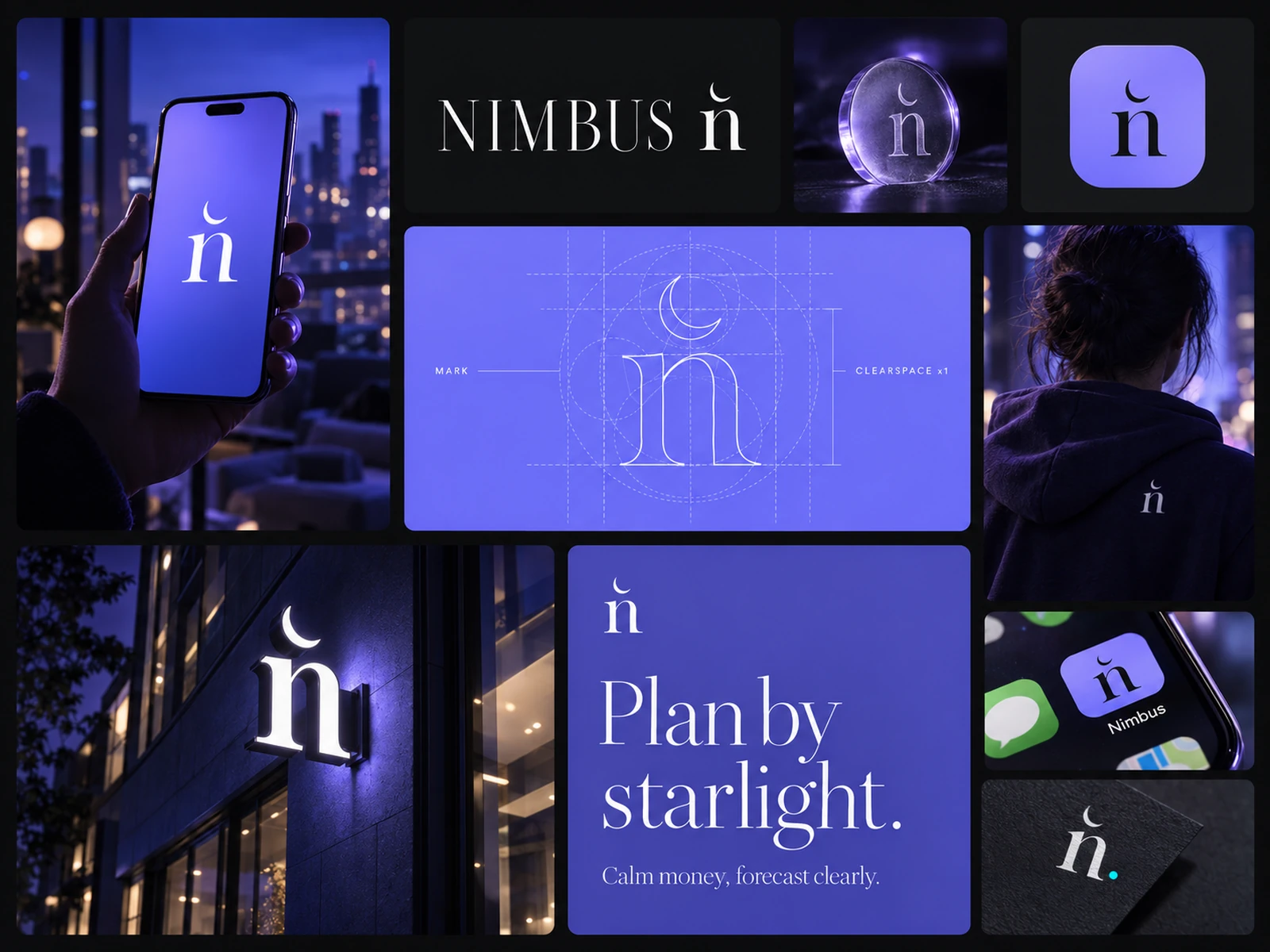
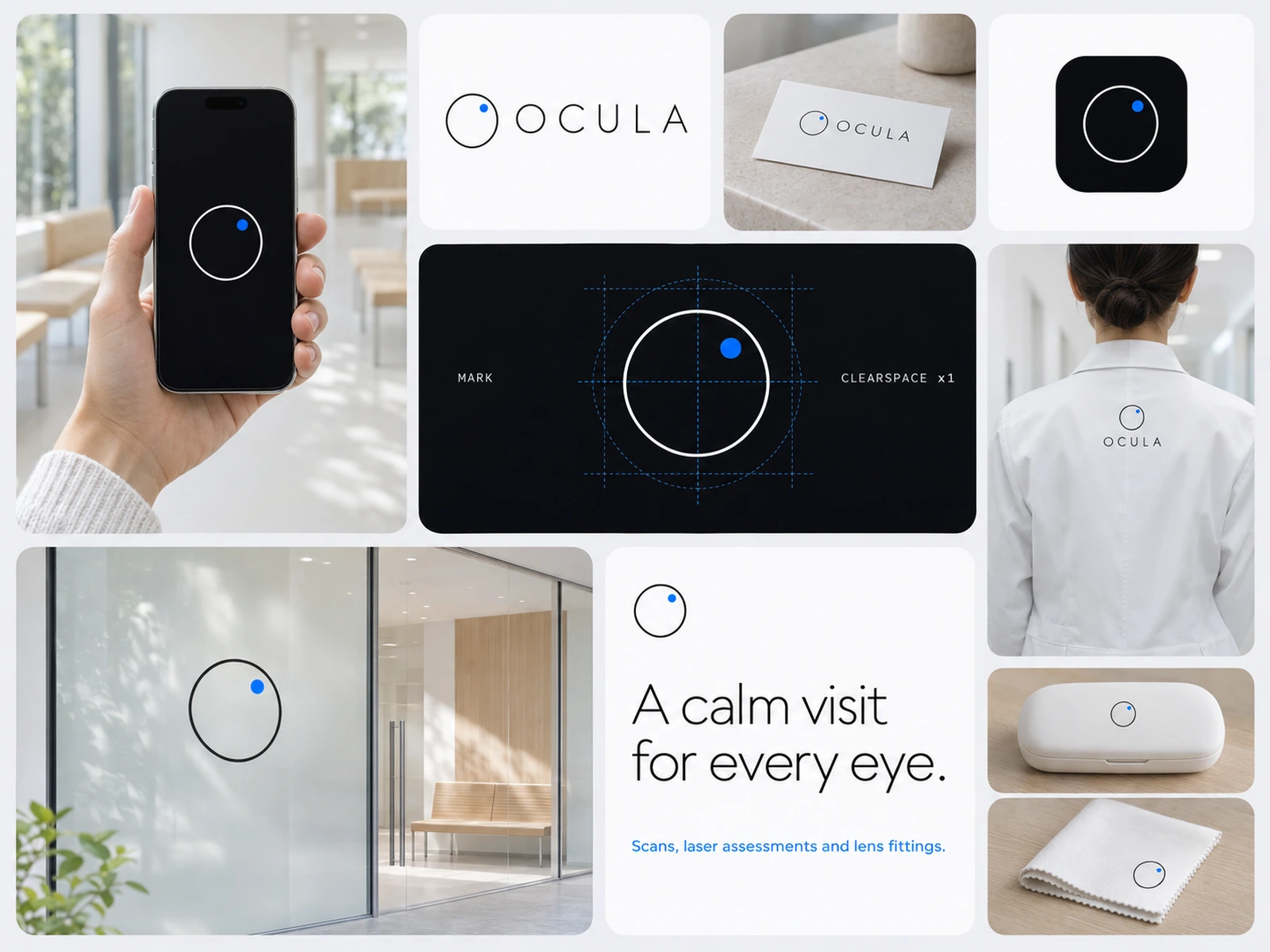
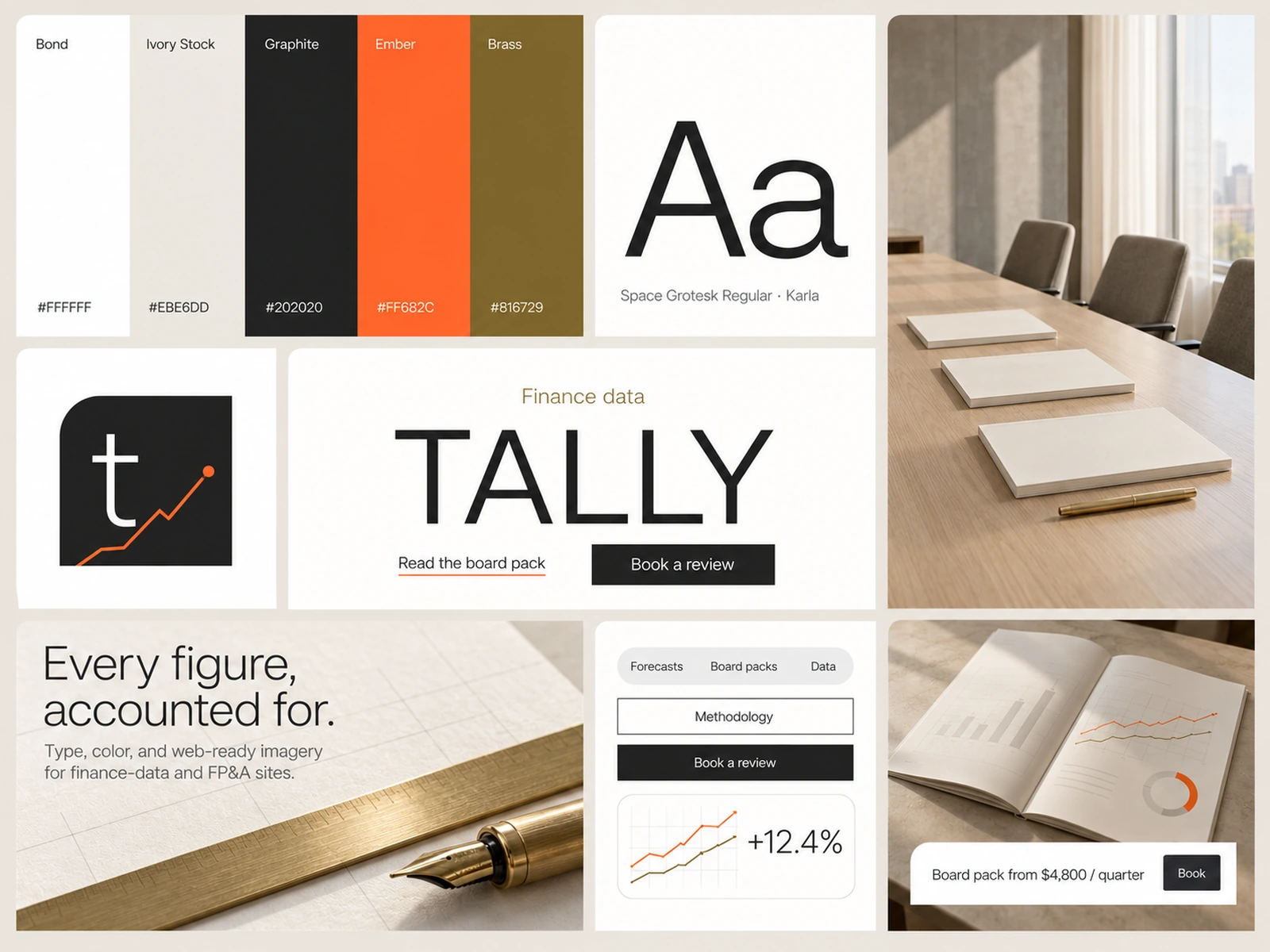
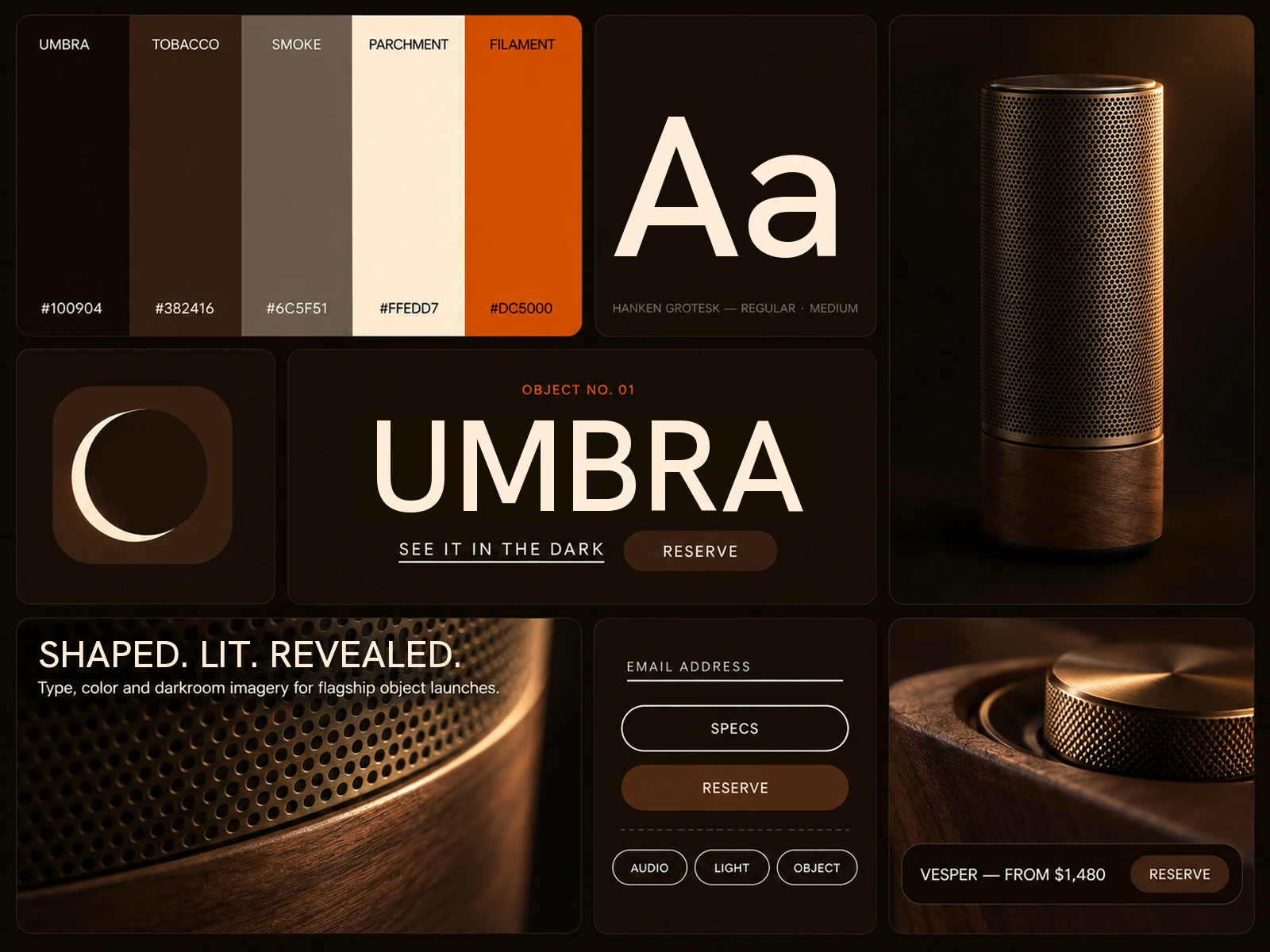
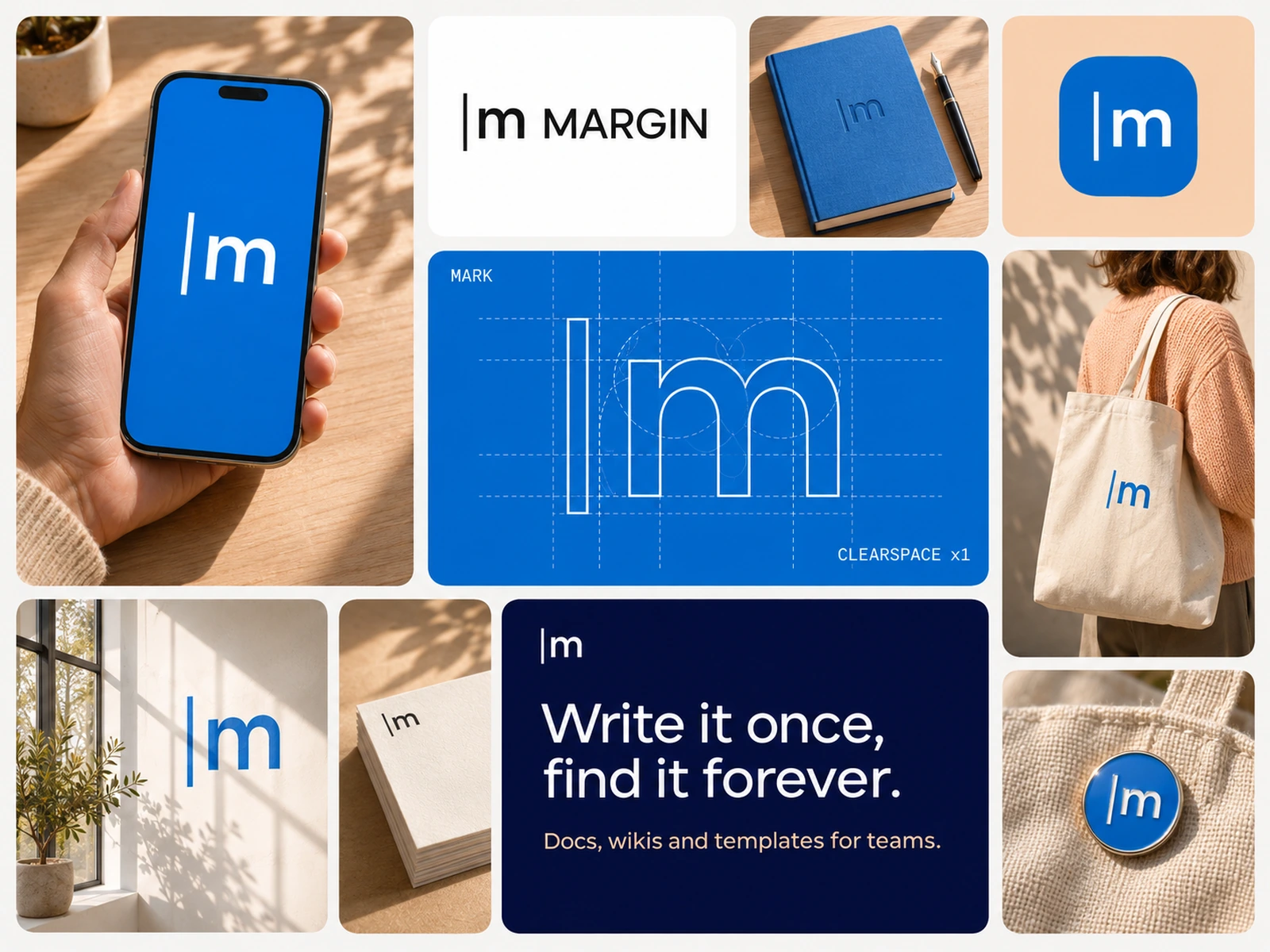
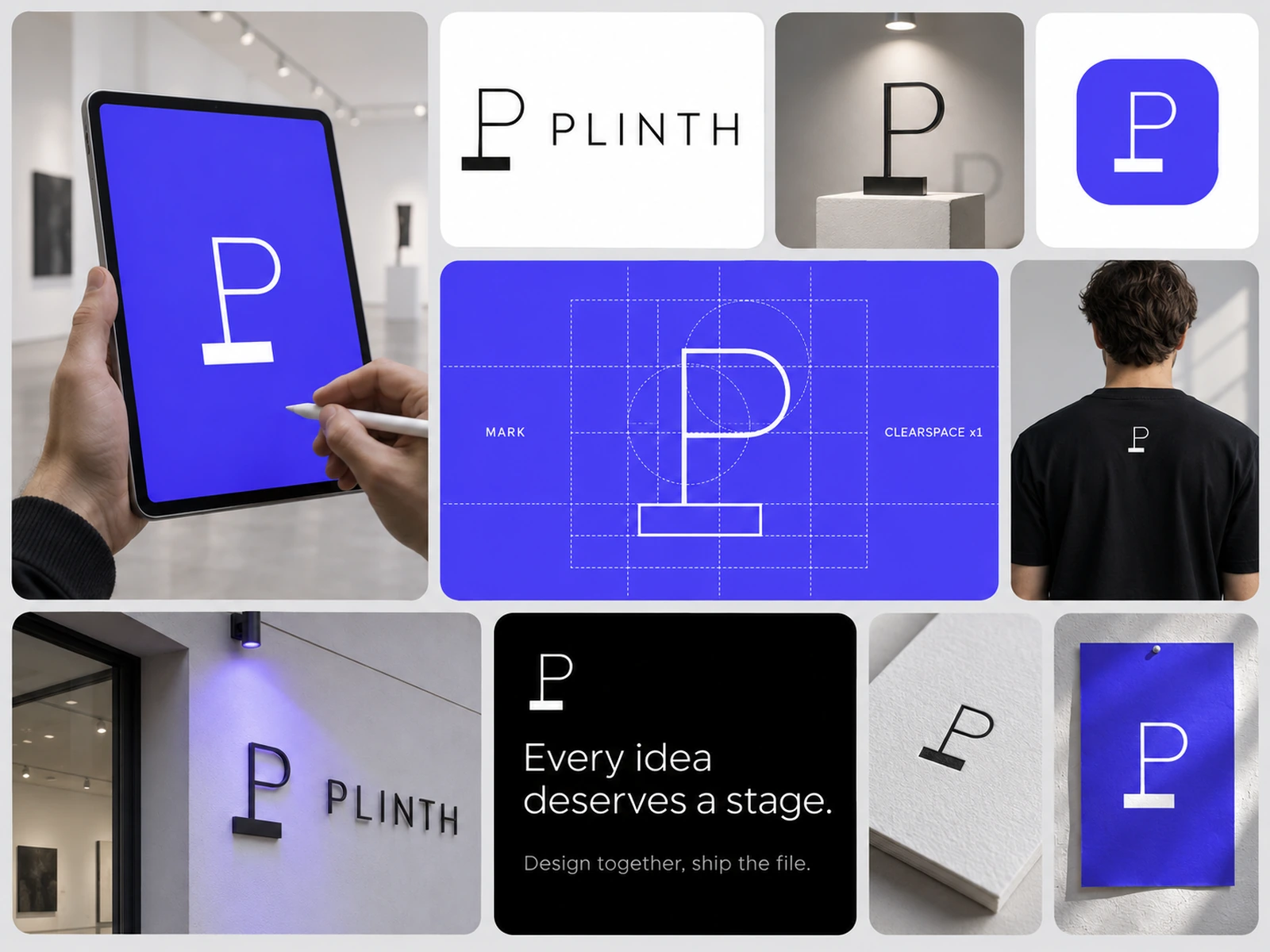
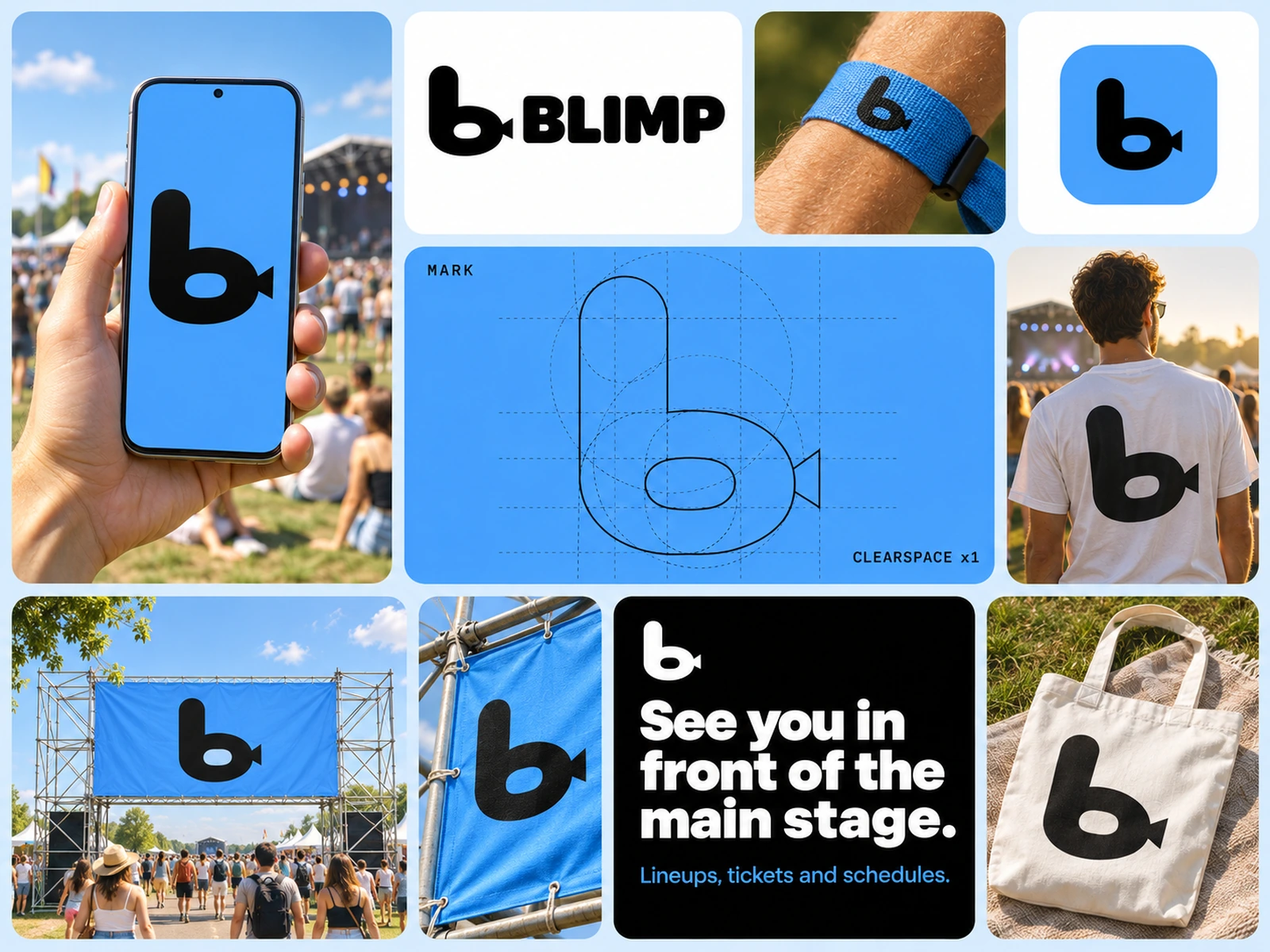
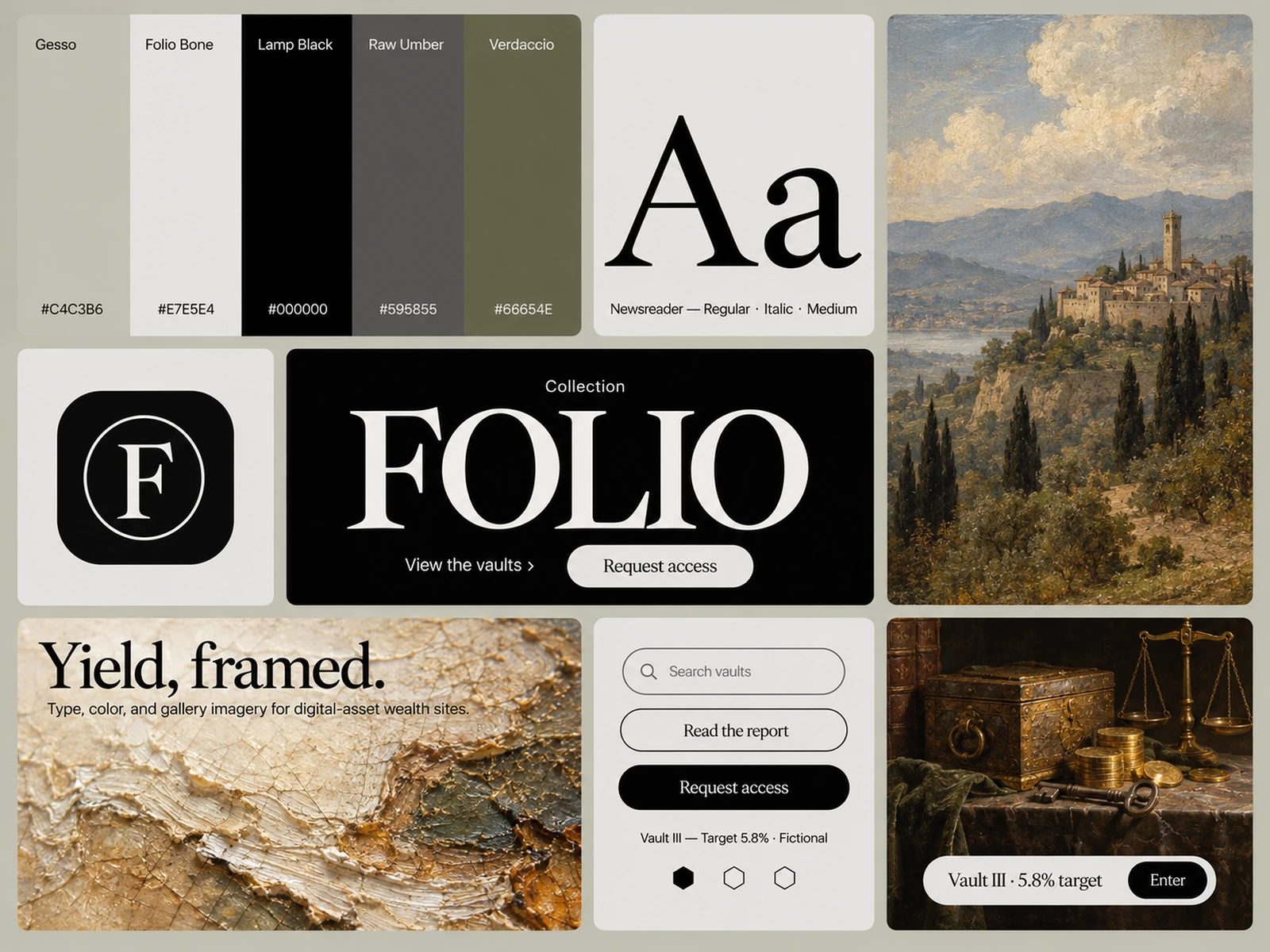
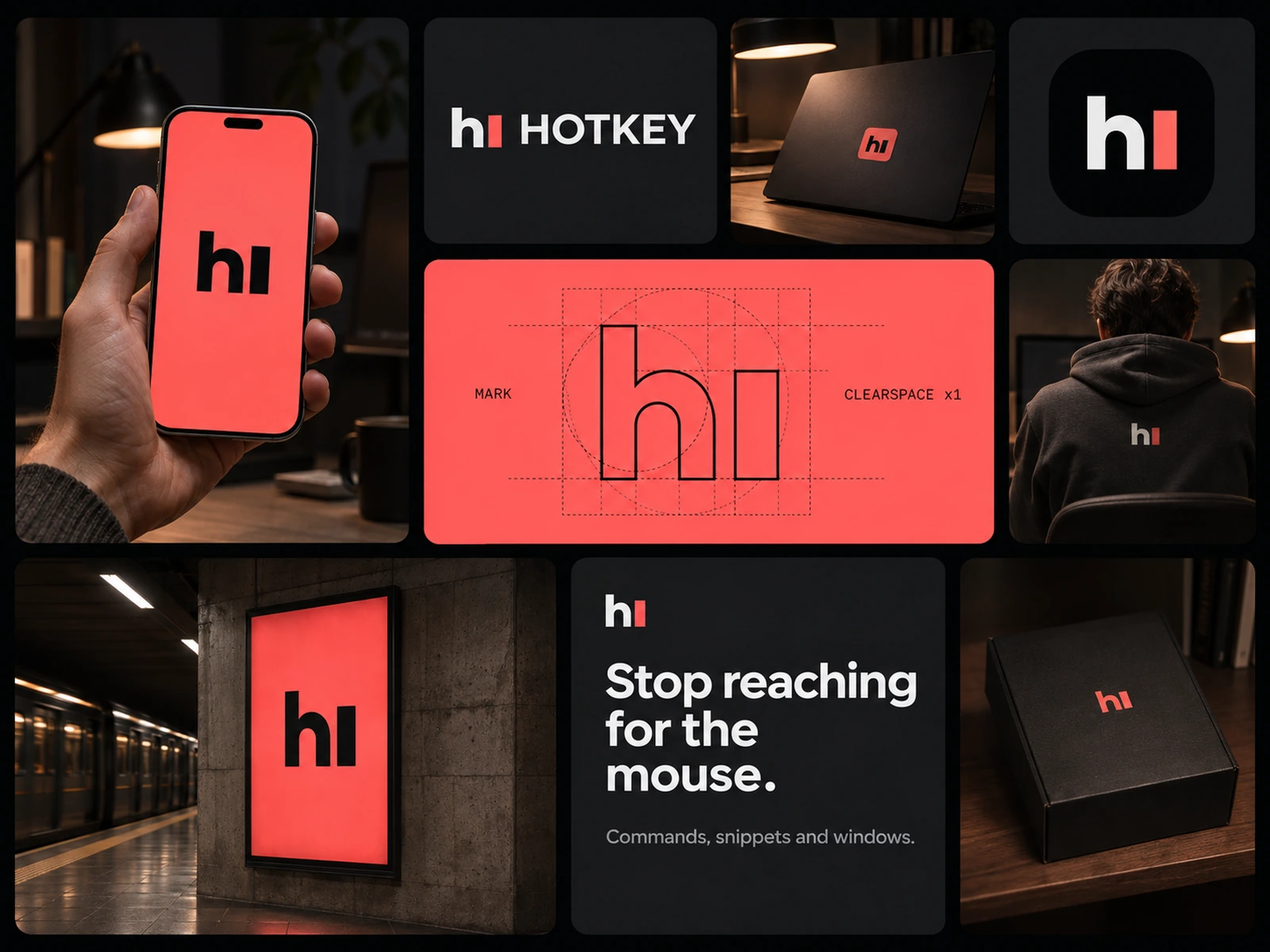
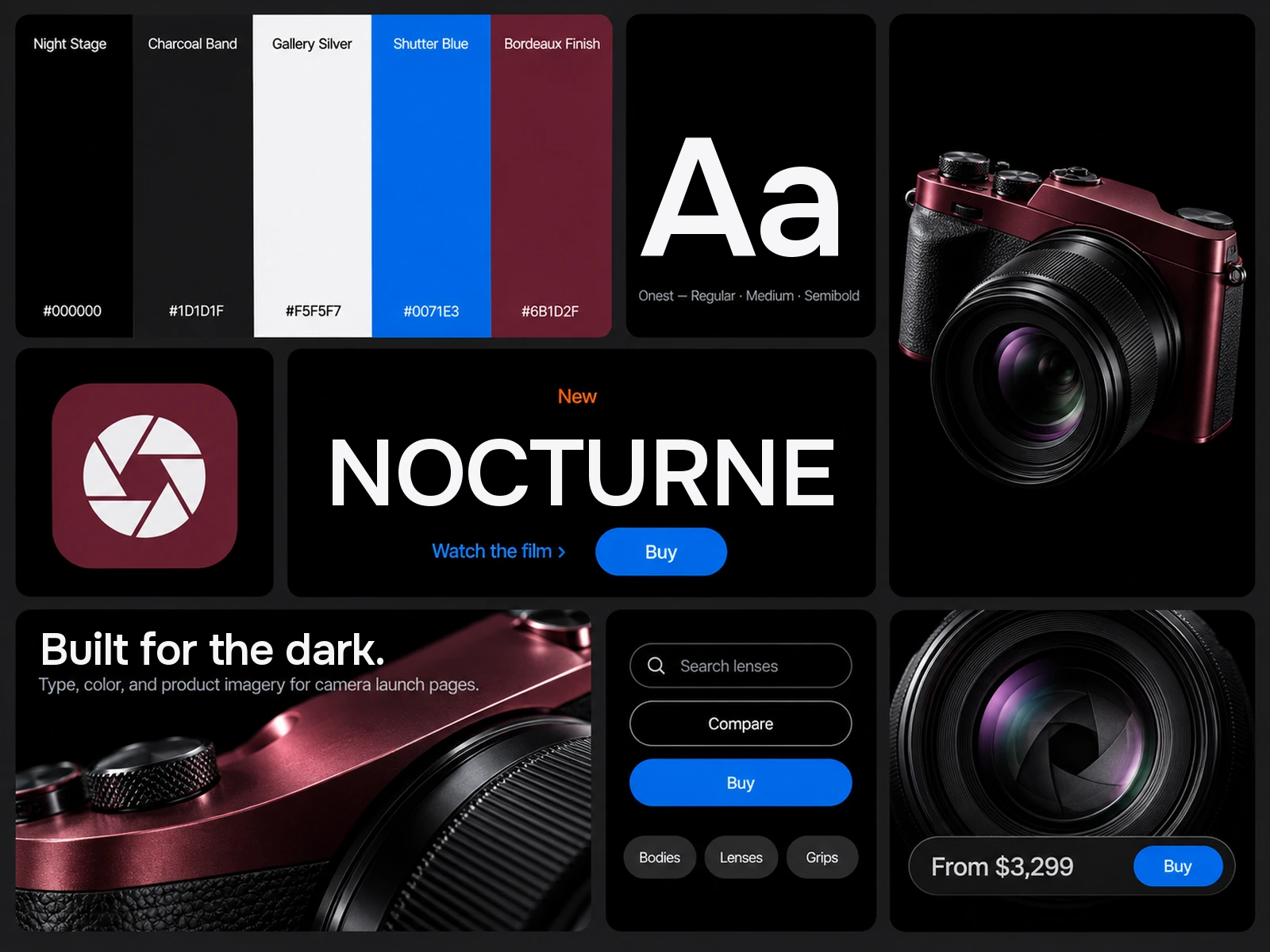
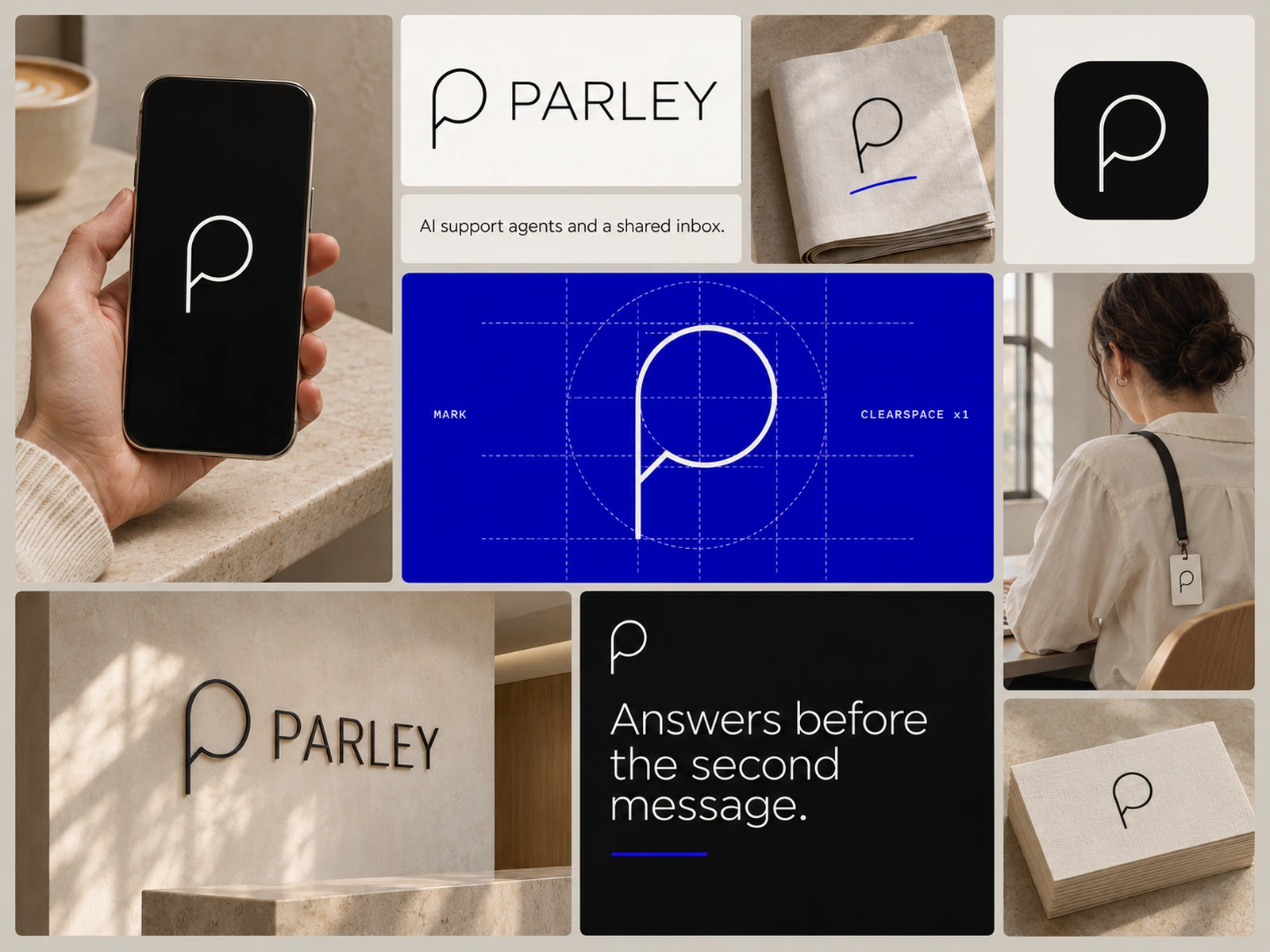
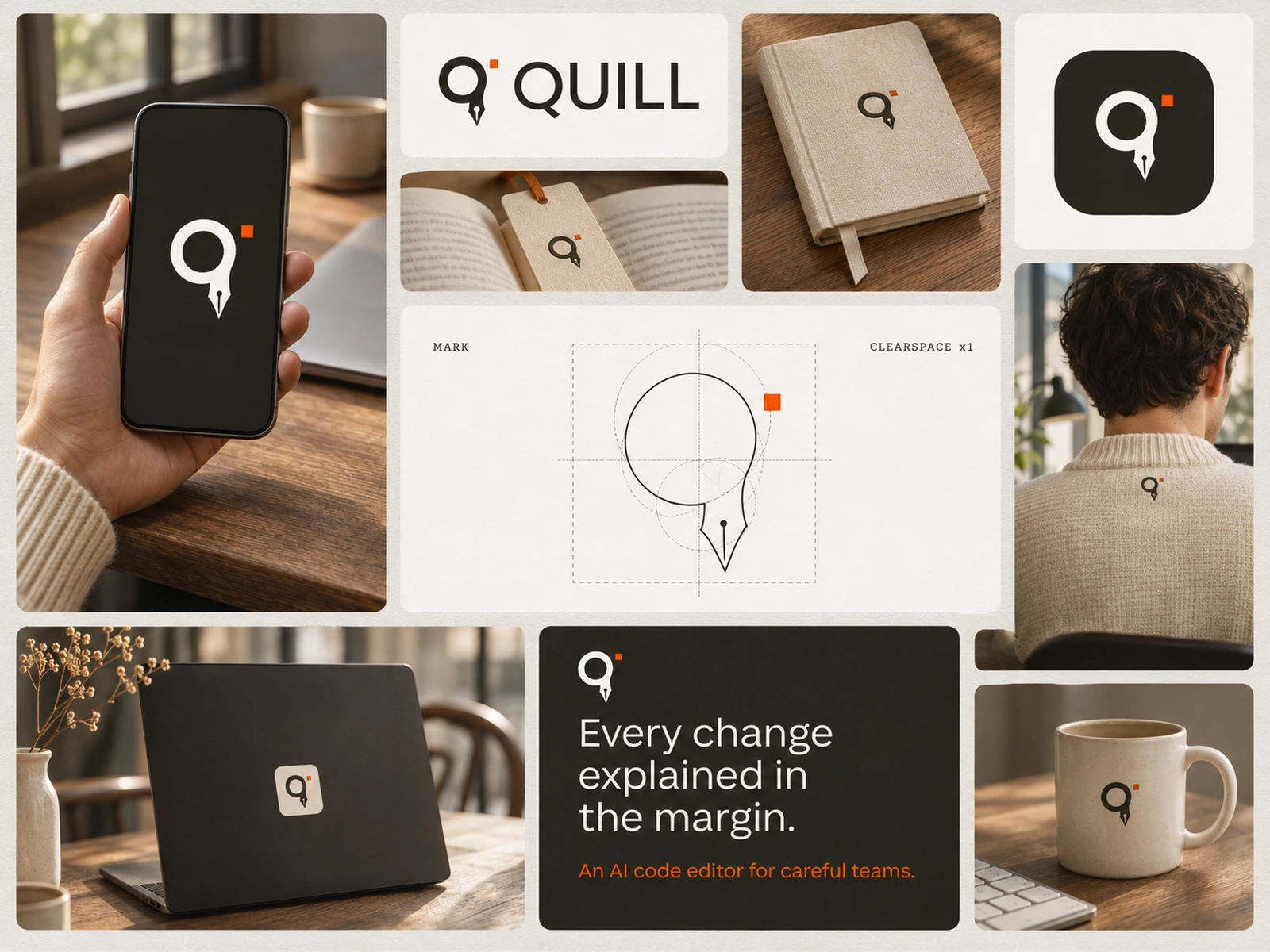
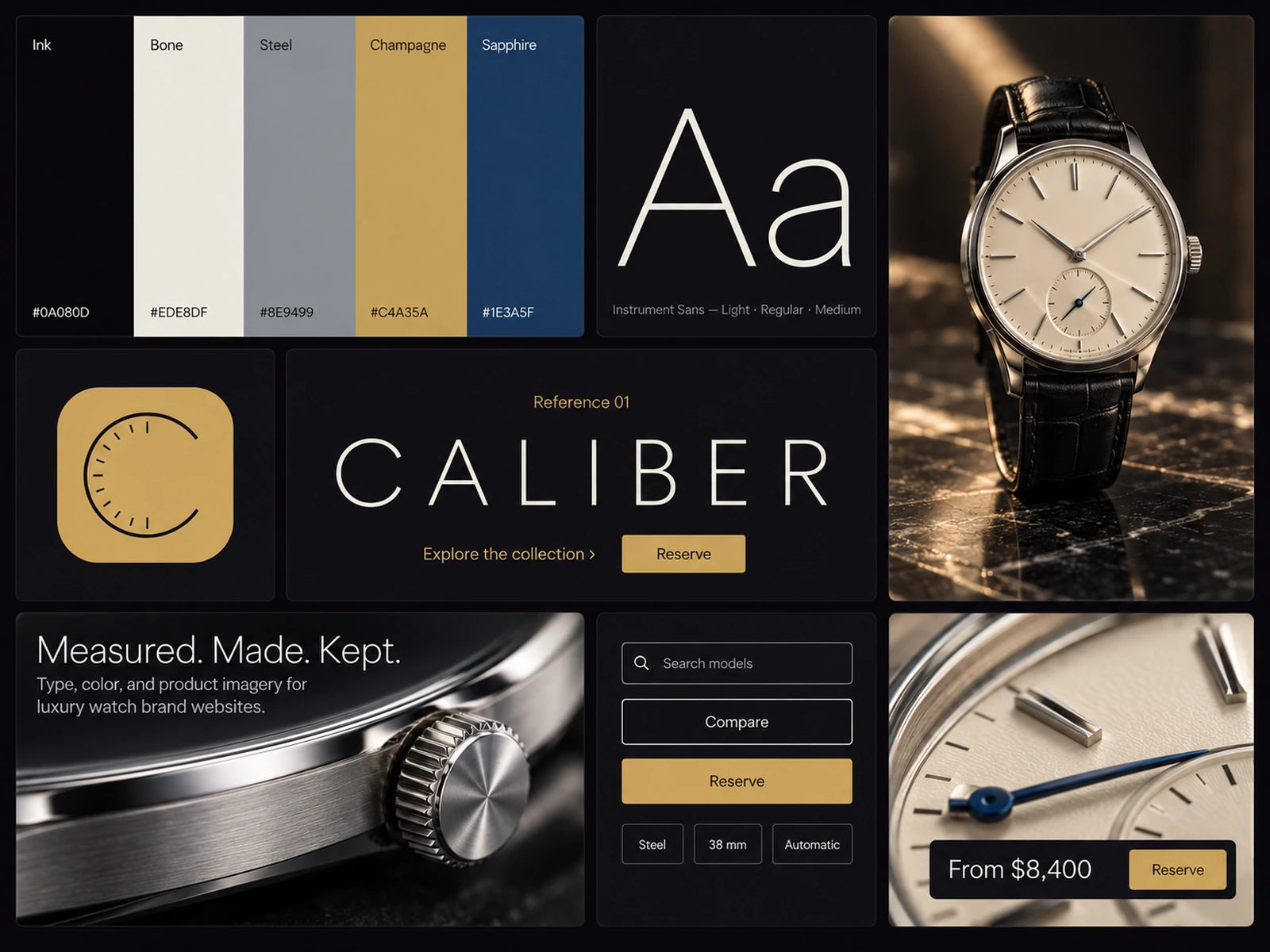
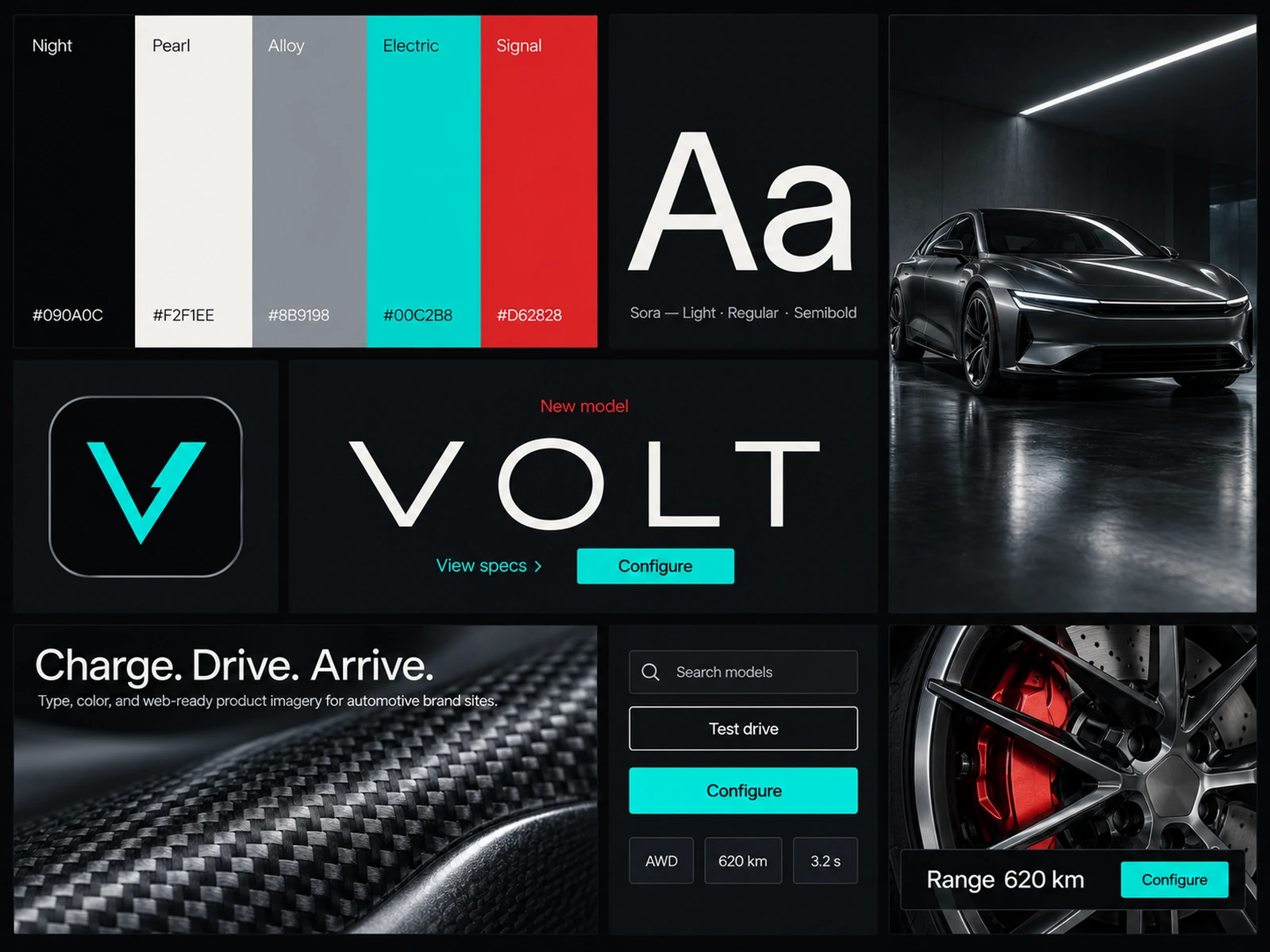
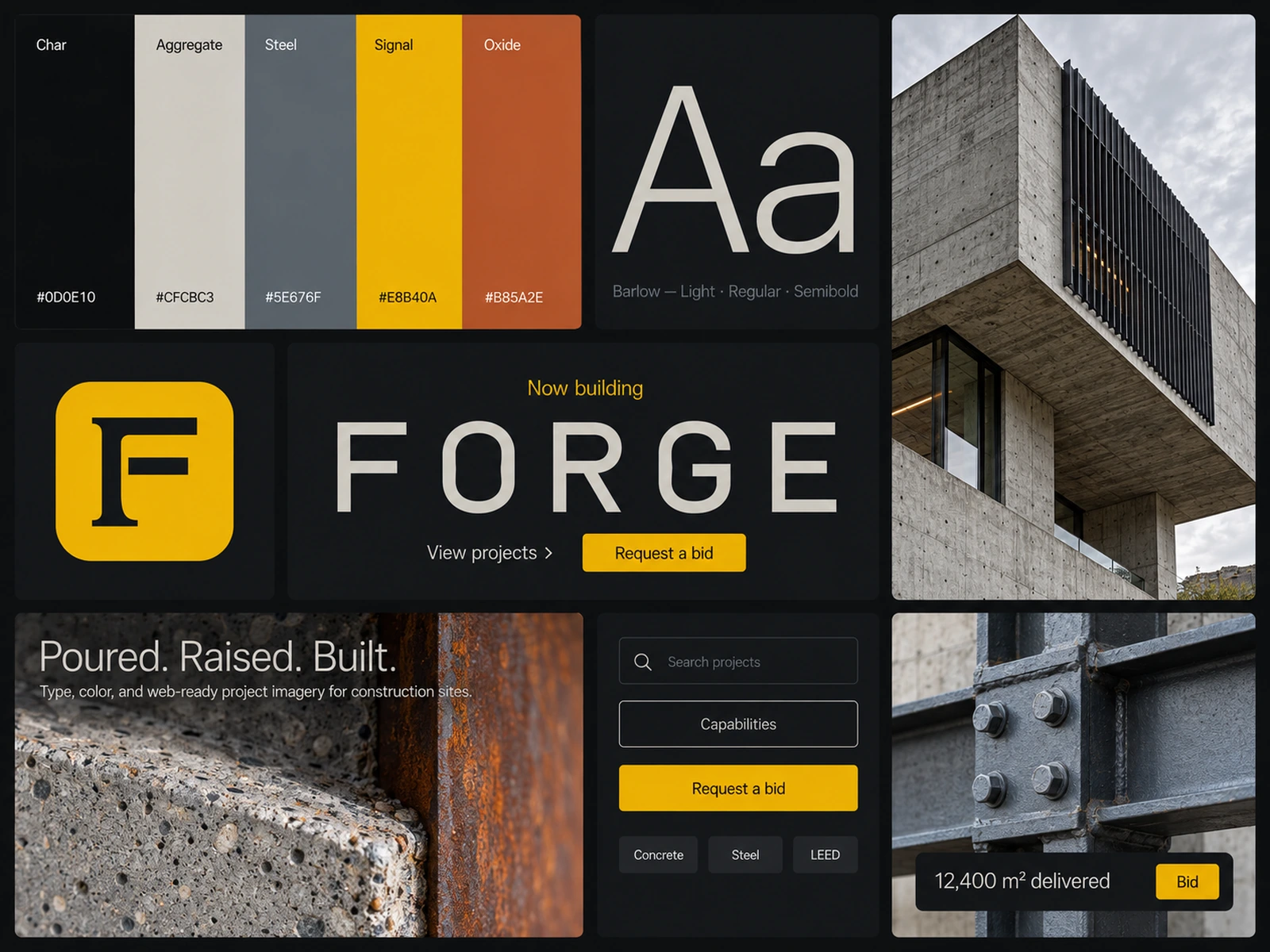
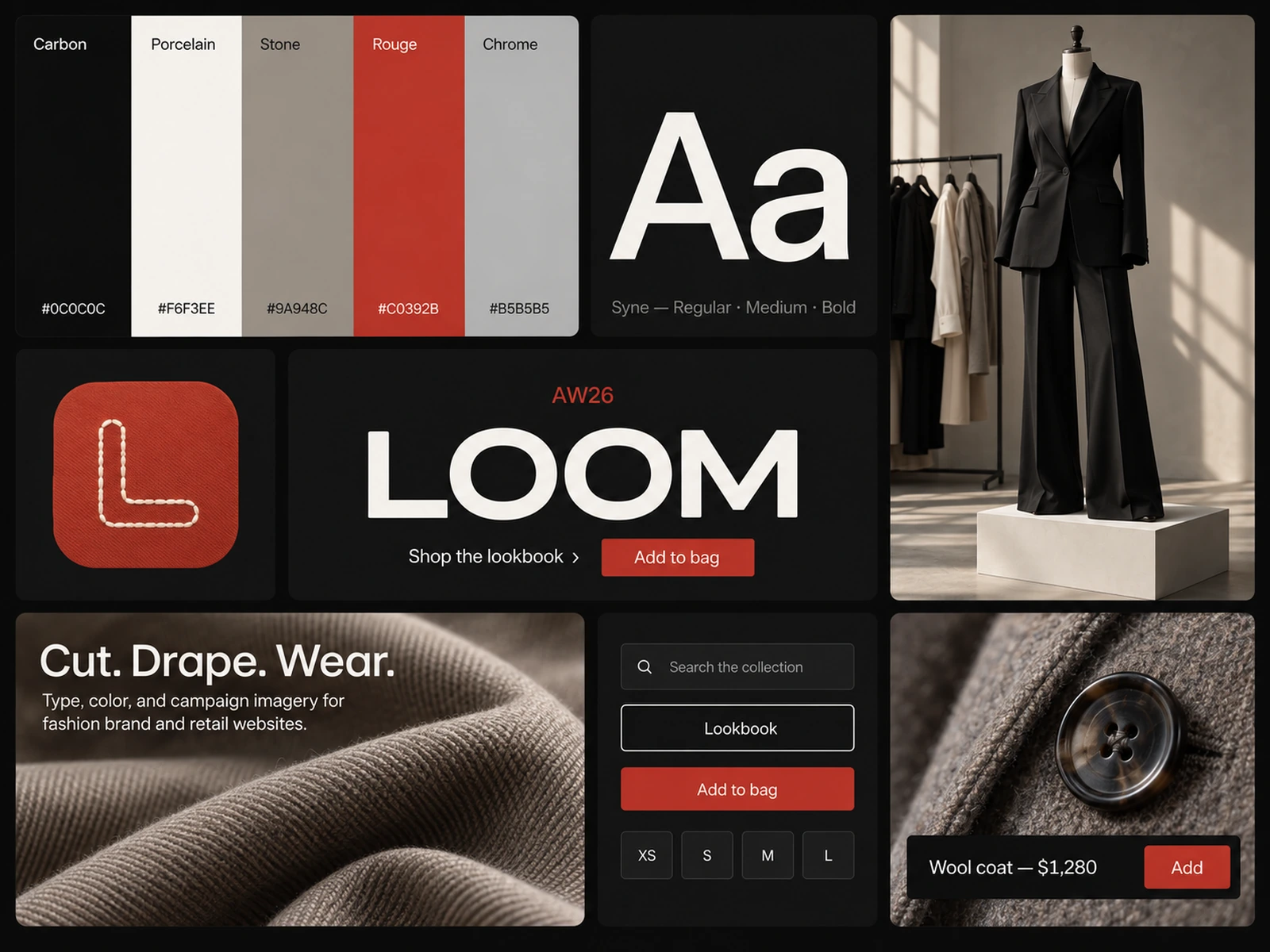
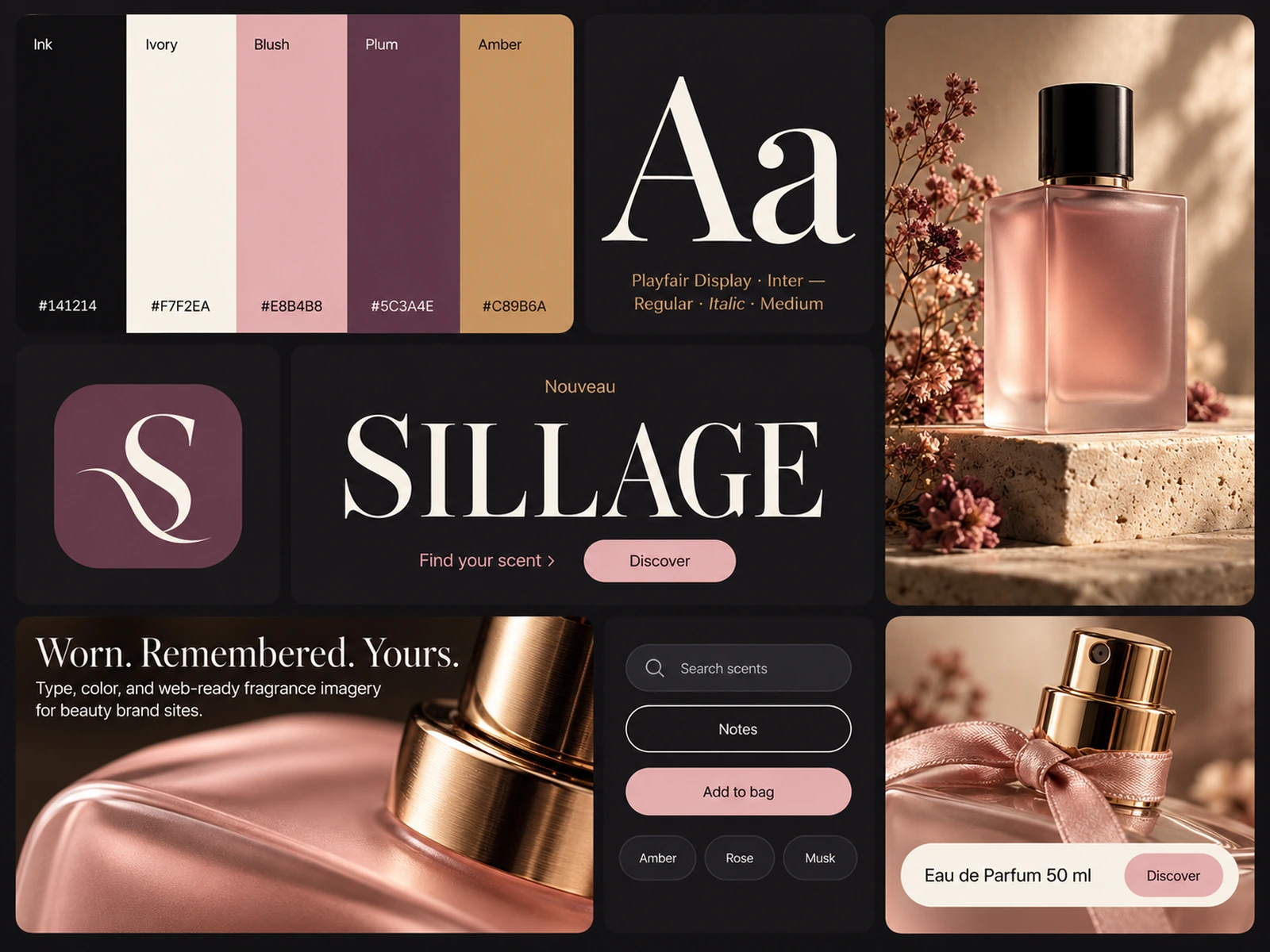
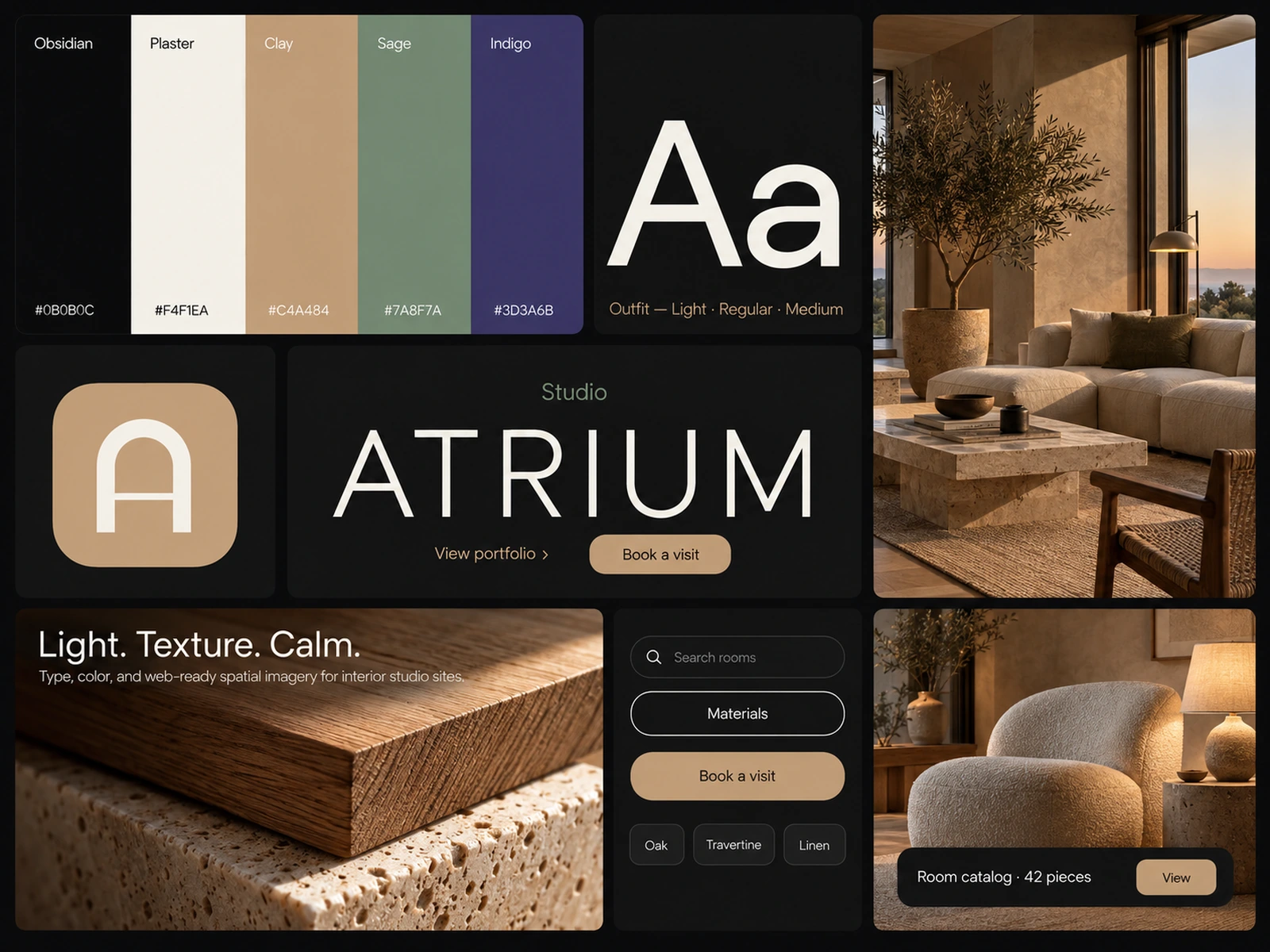
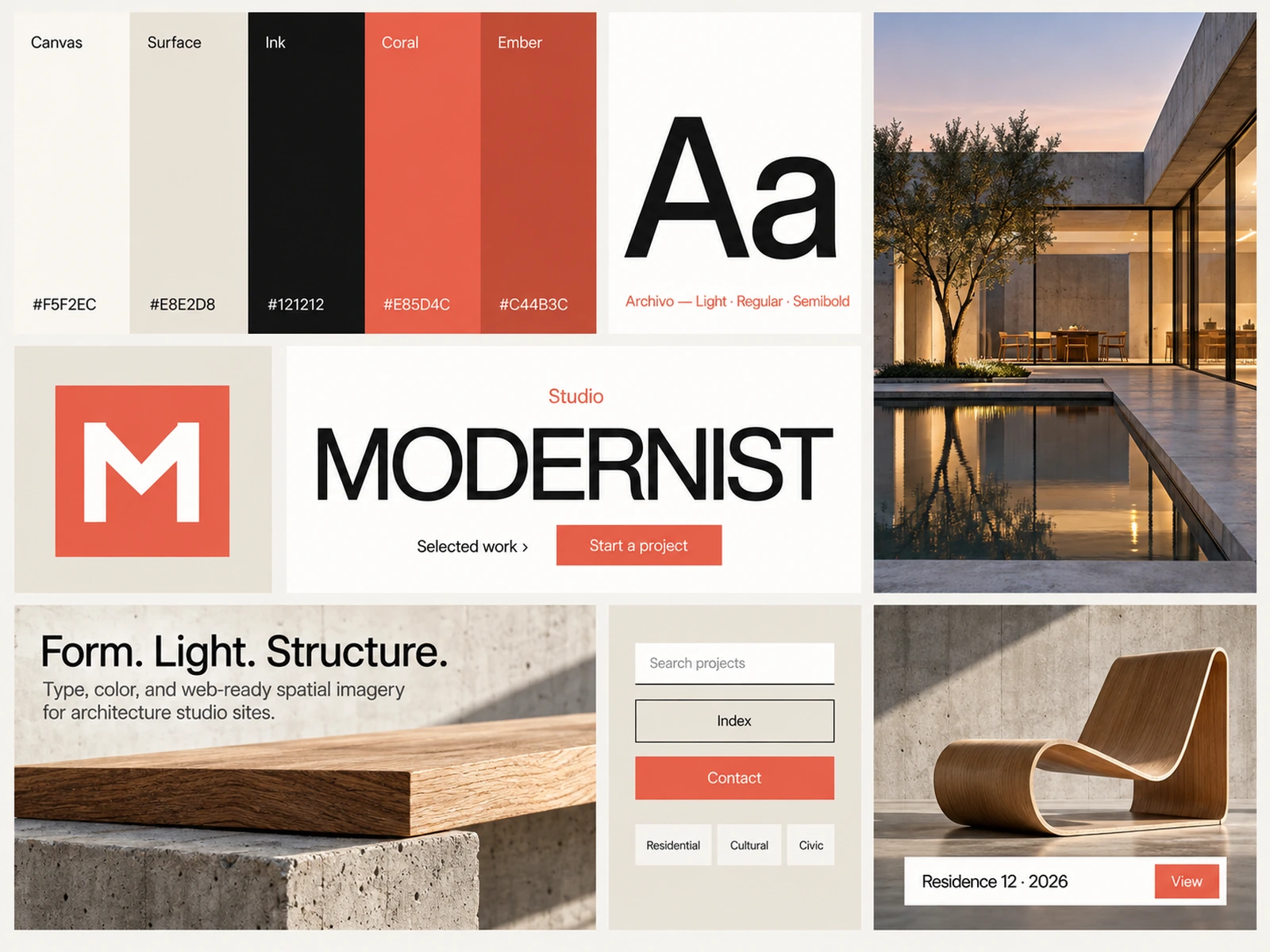
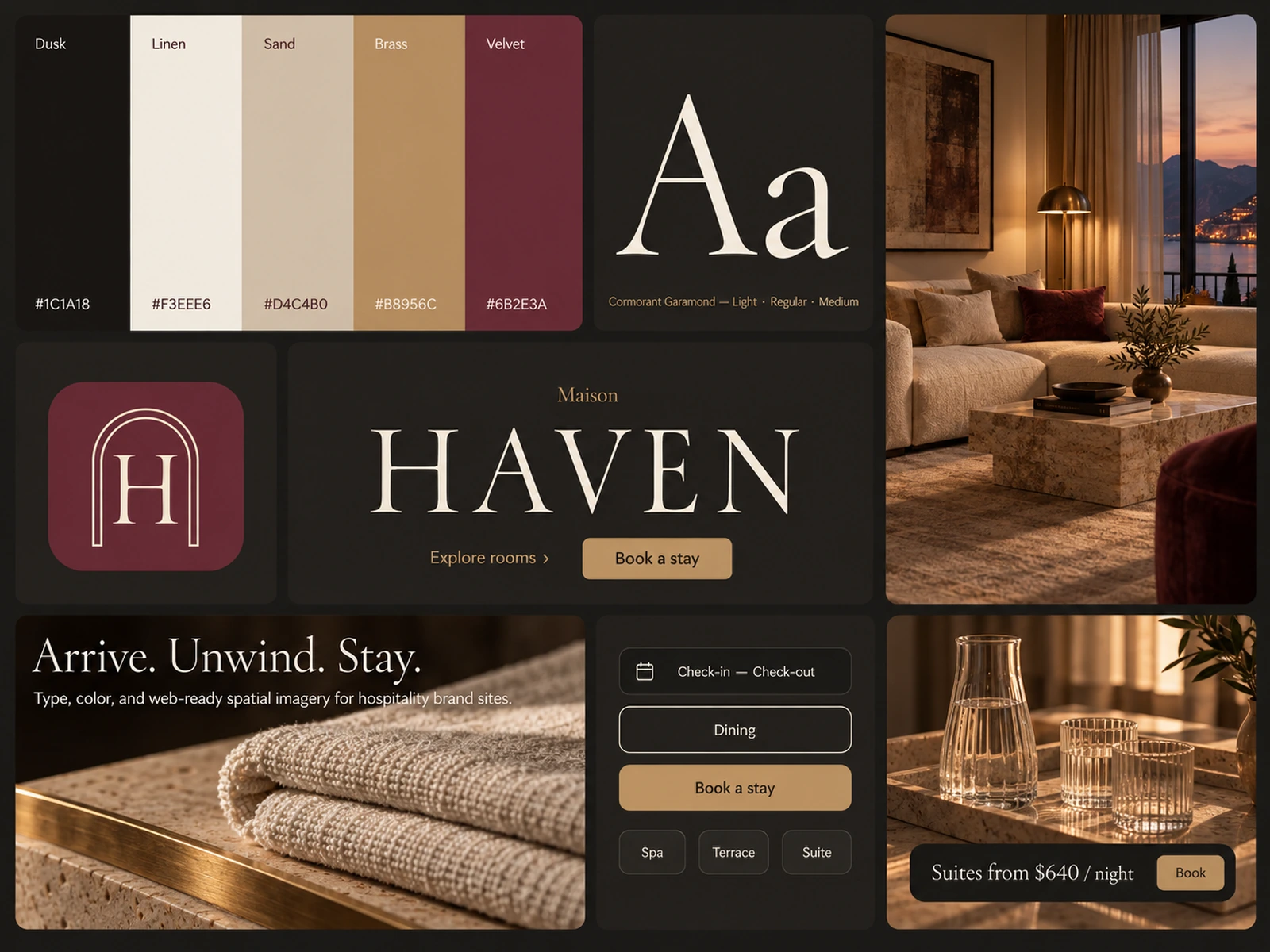
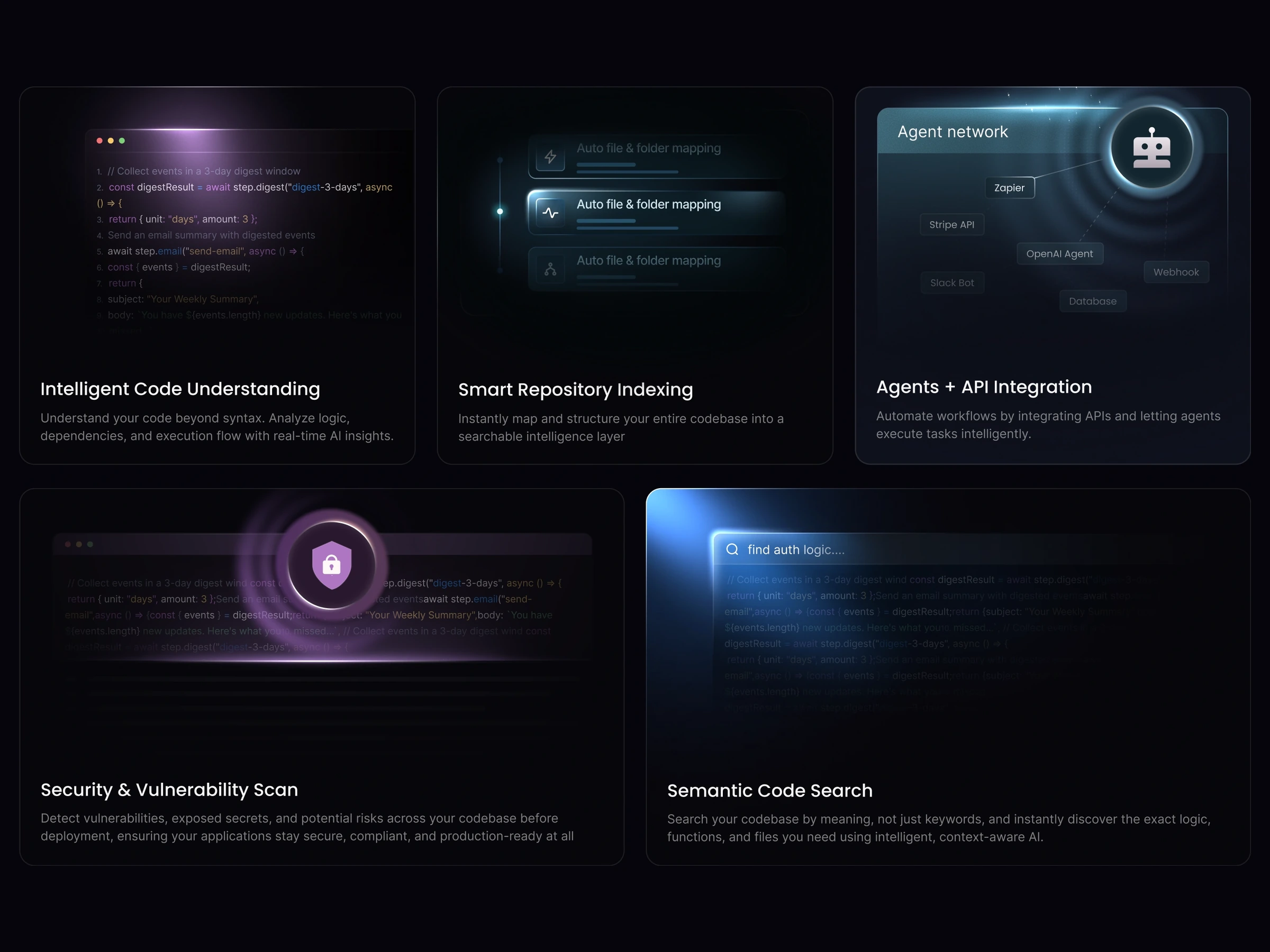
Design system starting points with foundations, UI kits and templates for architecture, hospitality, fashion, mobility, fragrance and other industries. Use an industry-focused system when a project needs a consistent visual direction across several screens. Compare the brand context before adapting a kit to an unrelated sector.
Design system starting points with foundations, UI kits and templates for architecture, hospitality, fashion, mobility, fragrance and other industries.
Use an industry-focused system when a project needs a consistent visual direction across several screens. Compare the brand context before adapting a kit to an unrelated sector.
Review the selected product format, then map its typography, colors and component decisions to your own design language. Document intentional changes instead of mixing styles ad hoc.
Validate contrast and readable type with real content. A coherent kit is a starting point, not proof that every screen, interaction or responsive state meets your requirements.
A UI kit supplies visual building blocks. These products also carry foundations and templates tags, so inspect the selected system for its particular scope.
The catalog includes architecture, hospitality, automotive, fashion, construction, fragrance and technology-oriented systems.
No. Test the actual screens you build, including text contrast, focus behavior, labels and responsive content.
From the blog
Keep exploring
Browse every design in the HorizonX catalog, from UI kits and templates to textures, shaders and mockups.