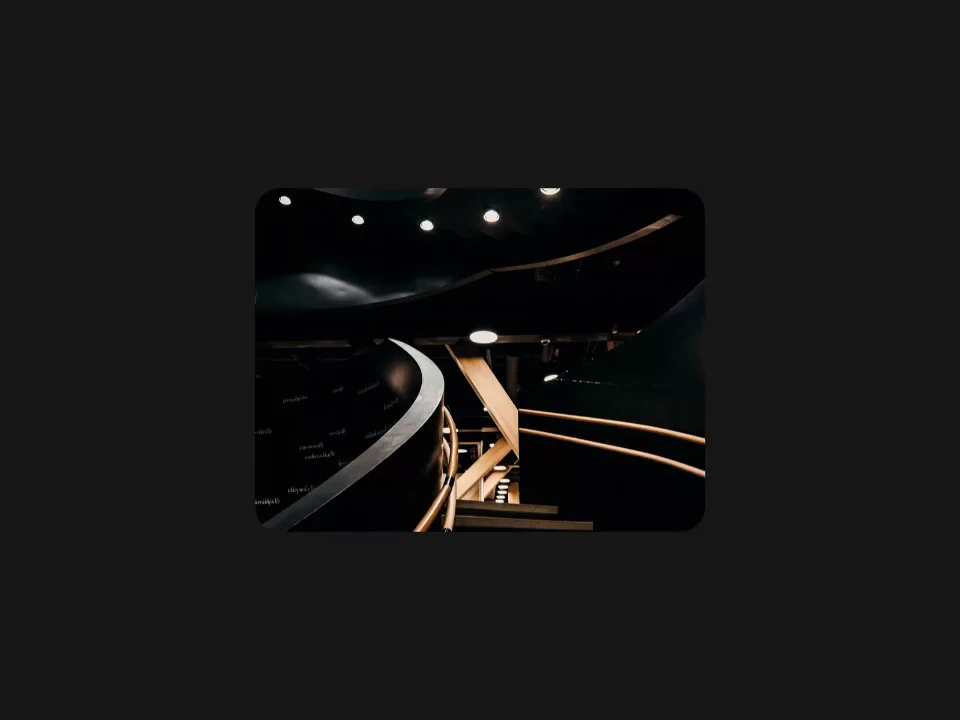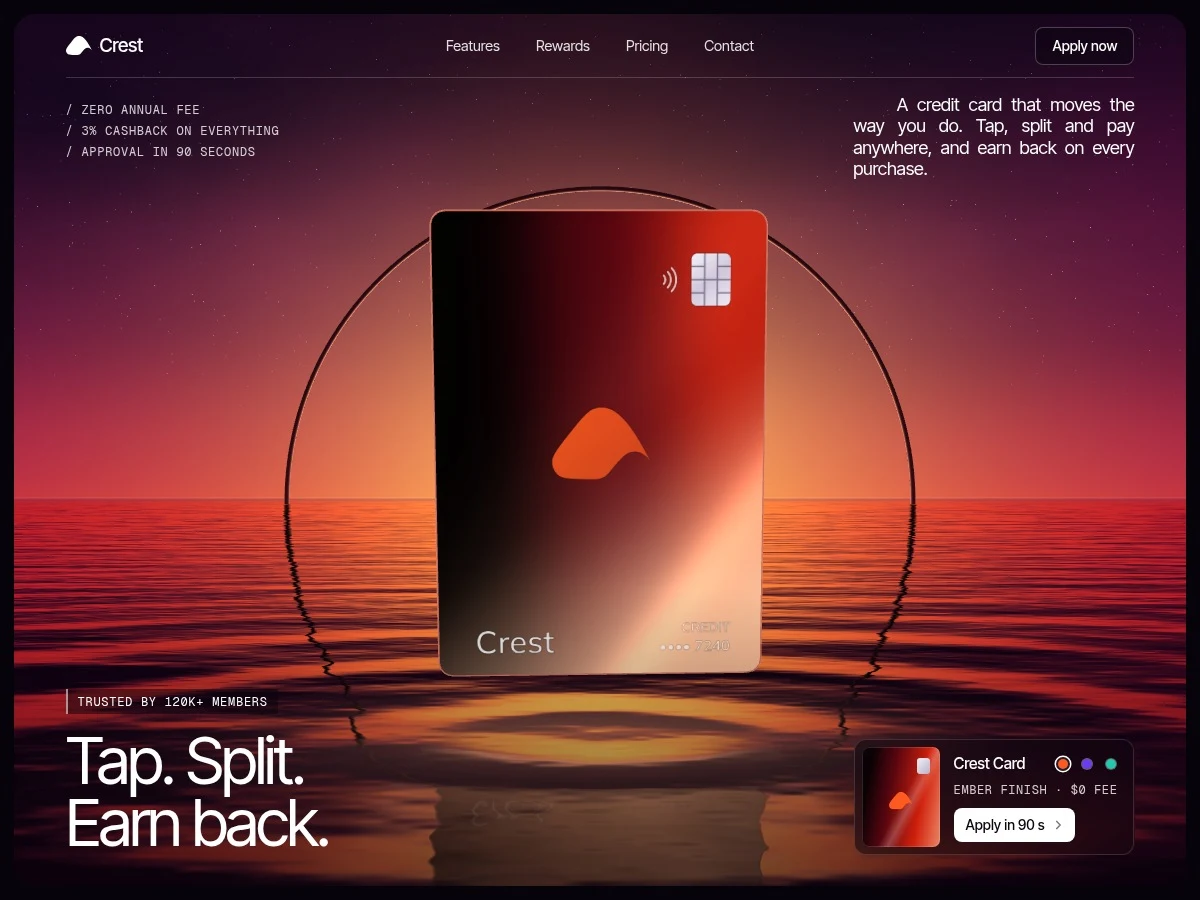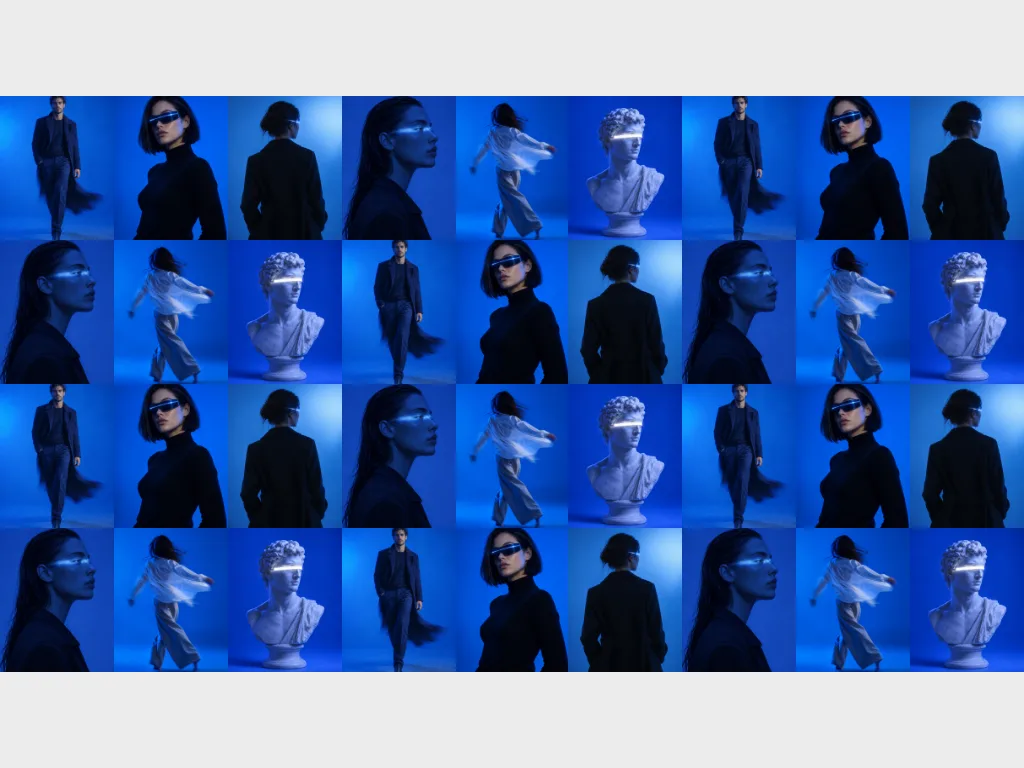
Gallery Depth
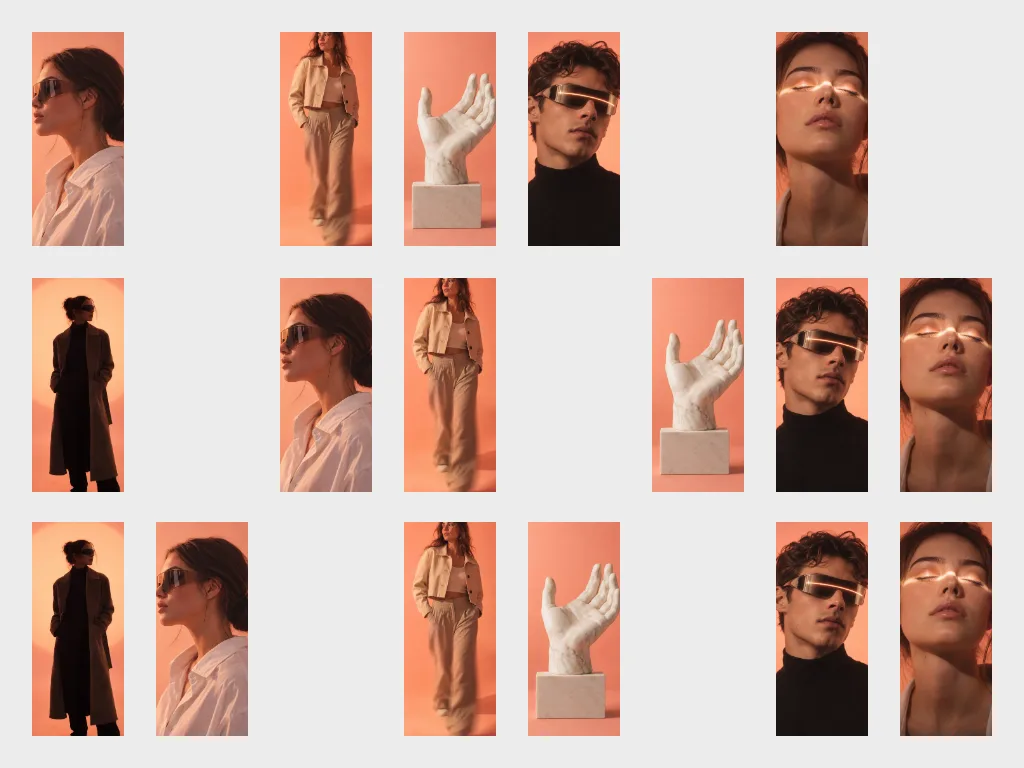
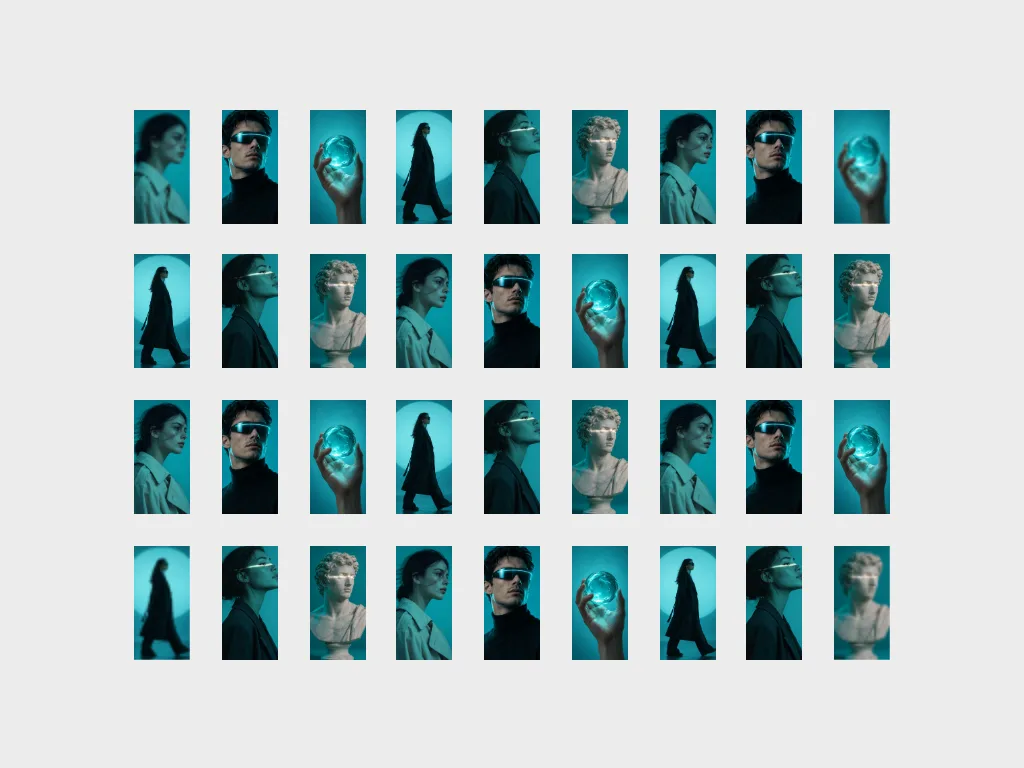
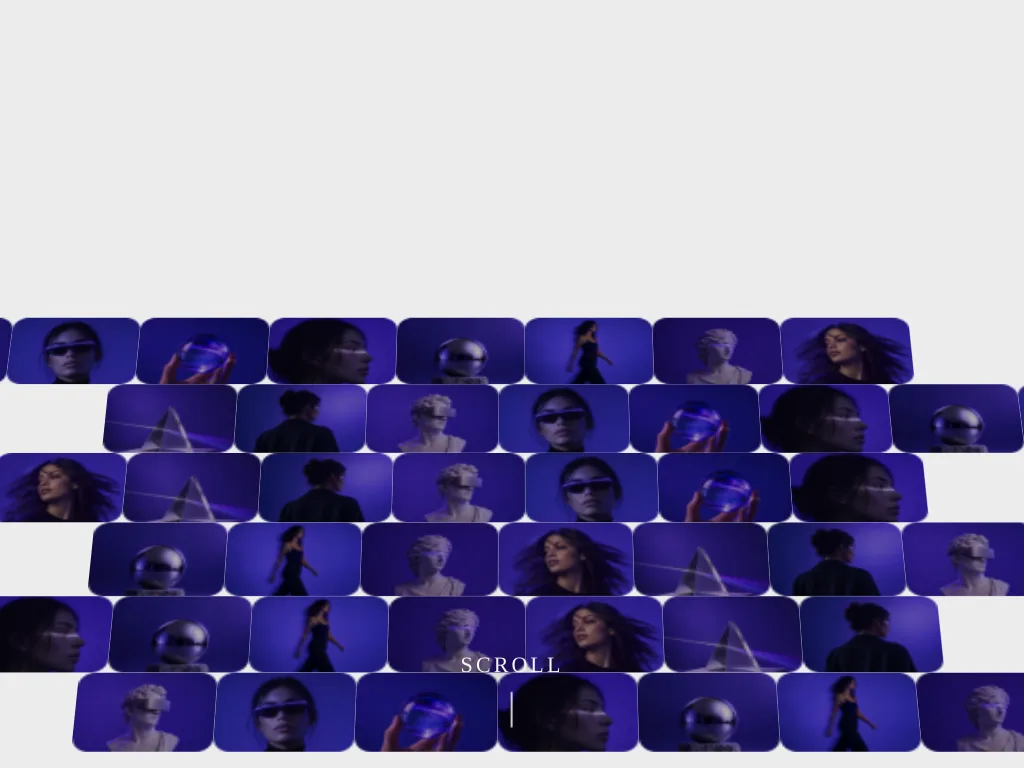
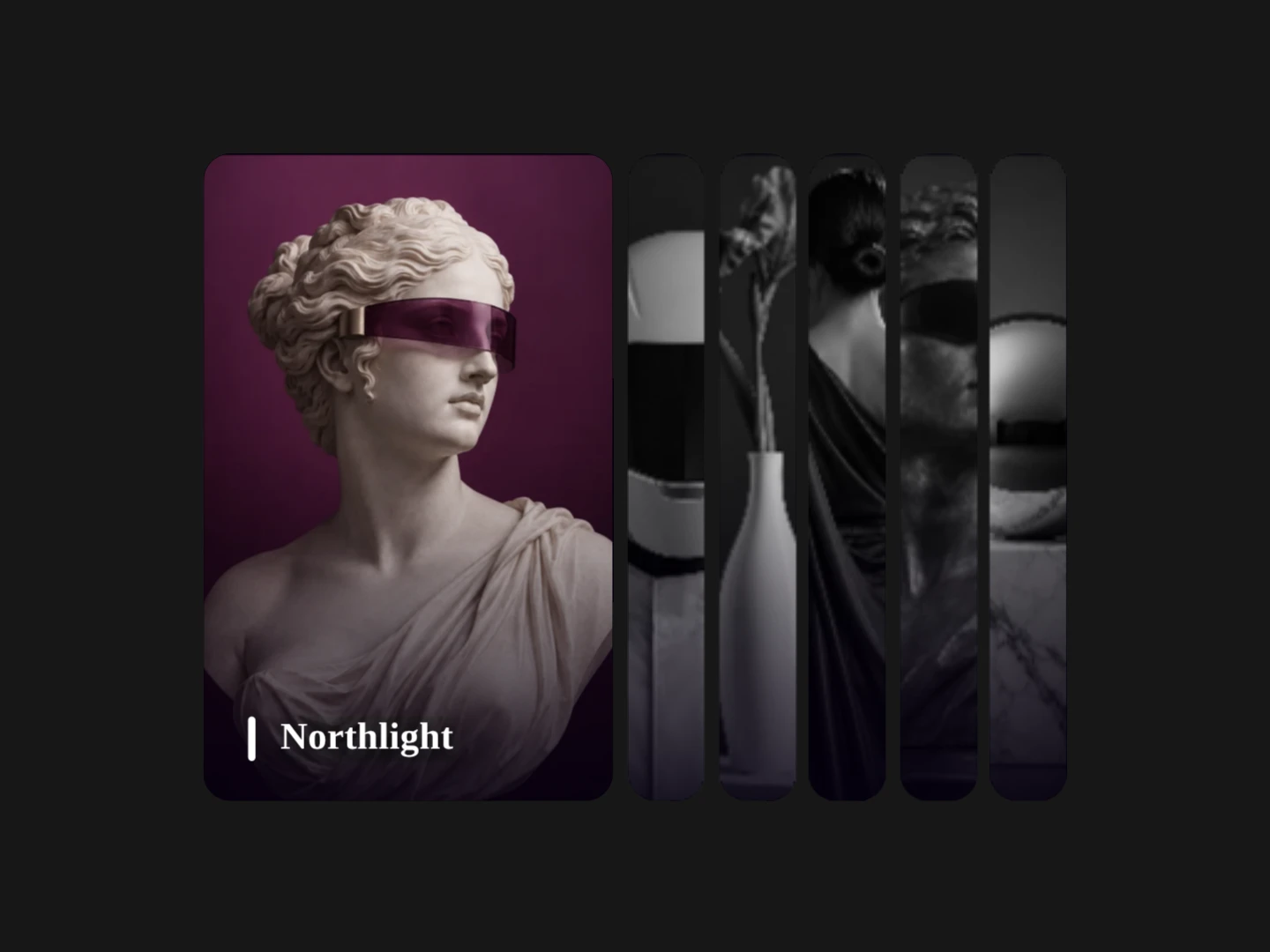
A dimensional image field that resolves from deep perspective as the viewer scrolls.
 HorizonX Scroll
Collection
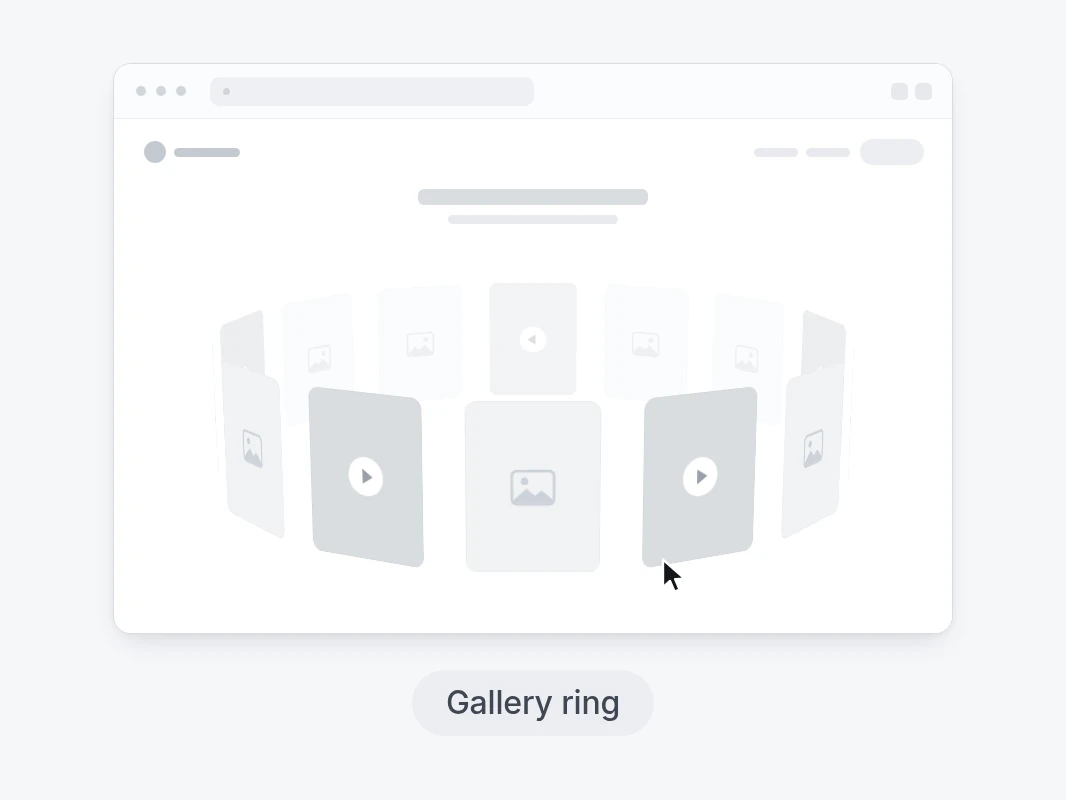
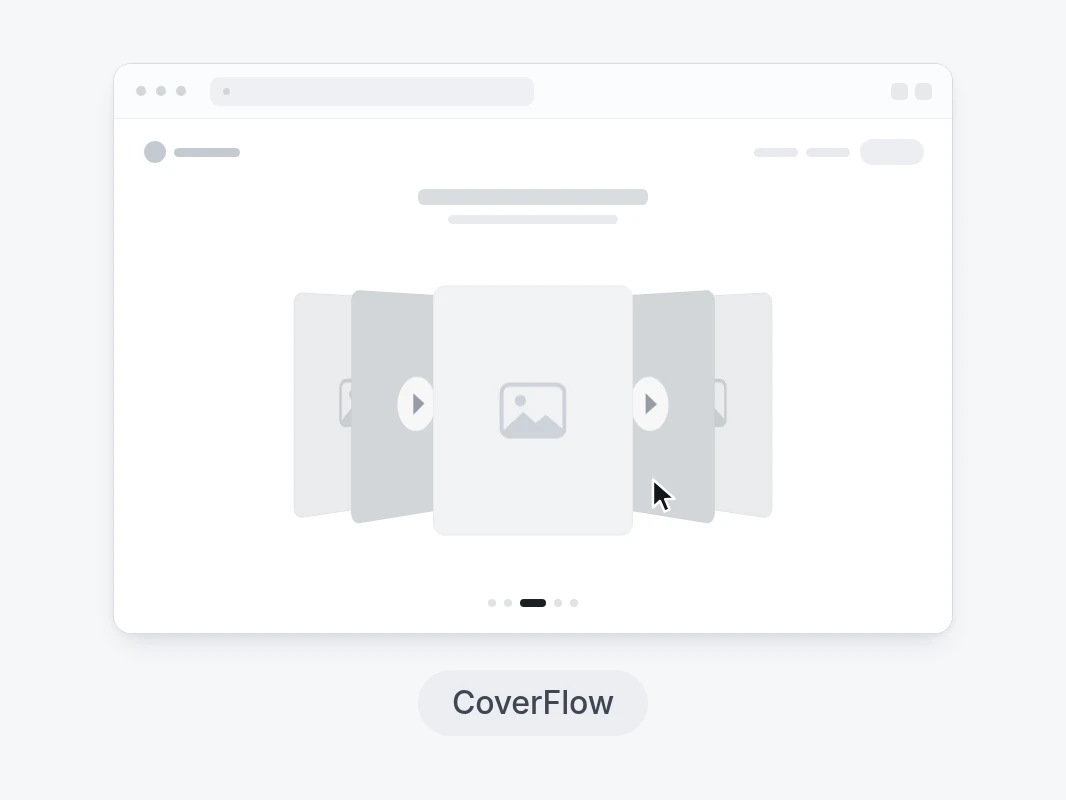
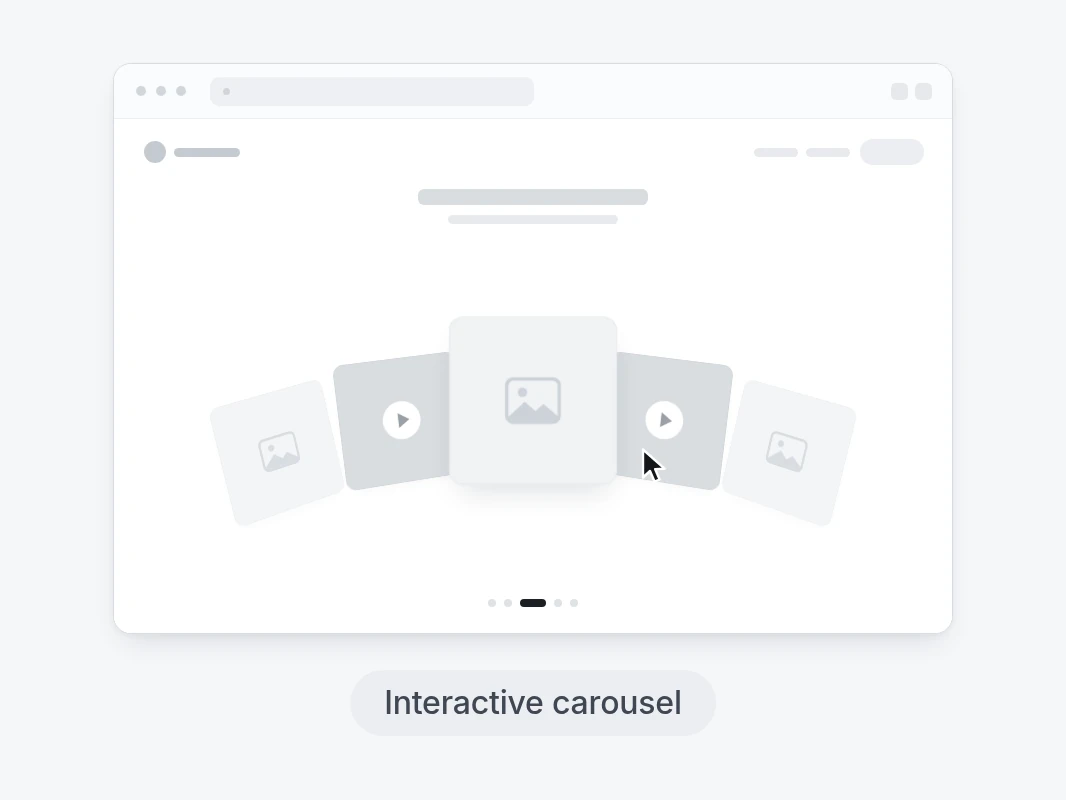
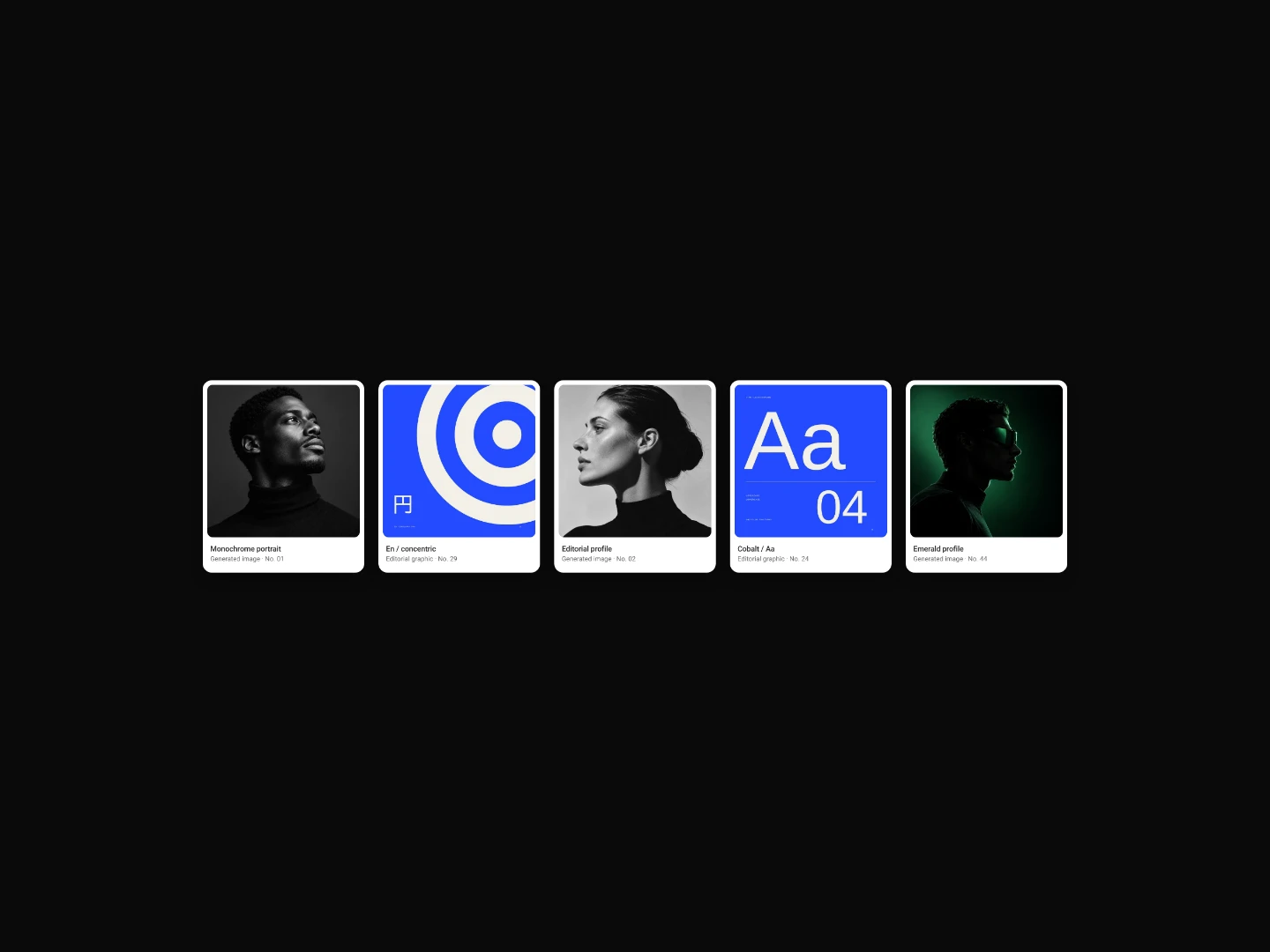
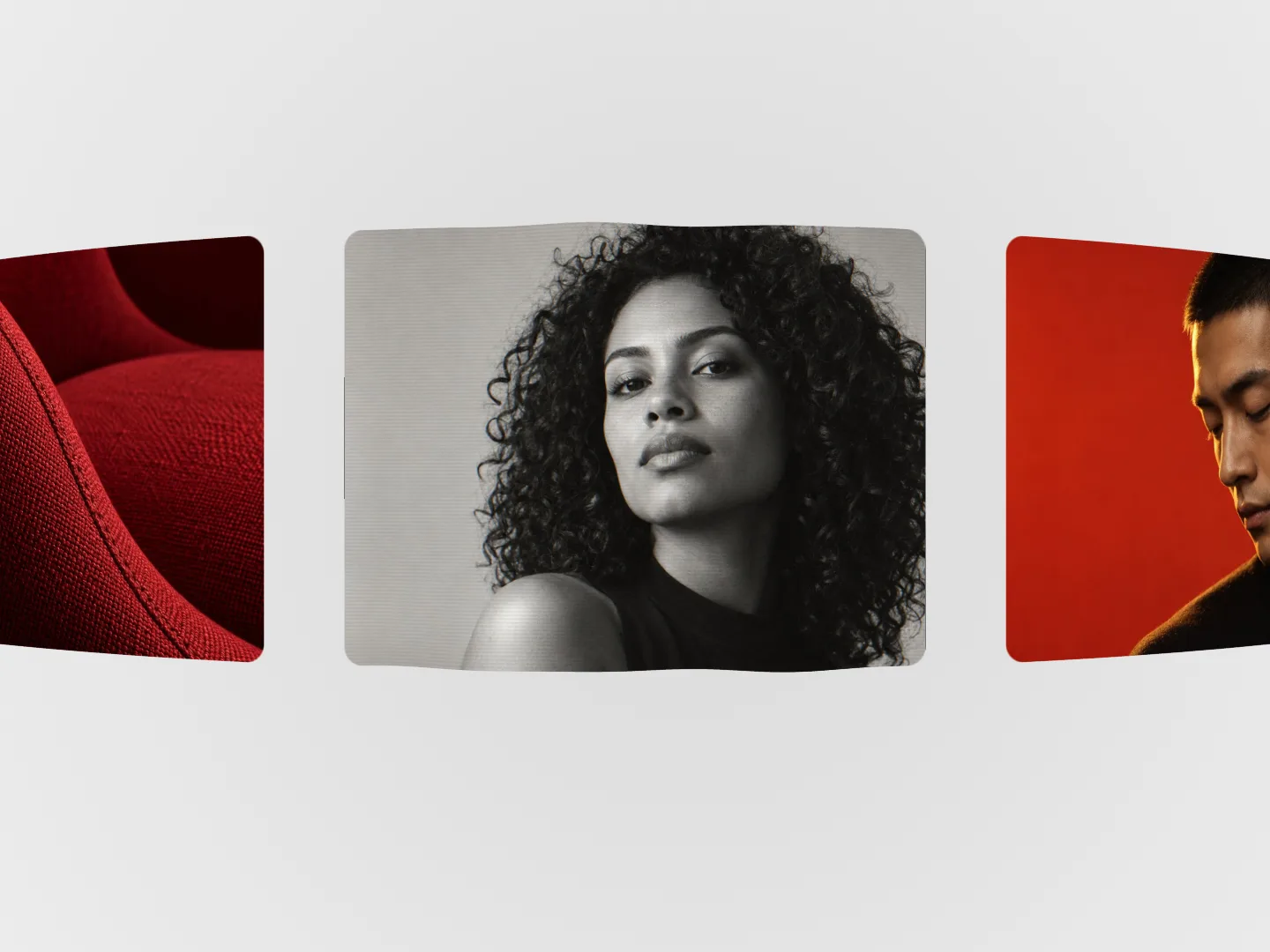
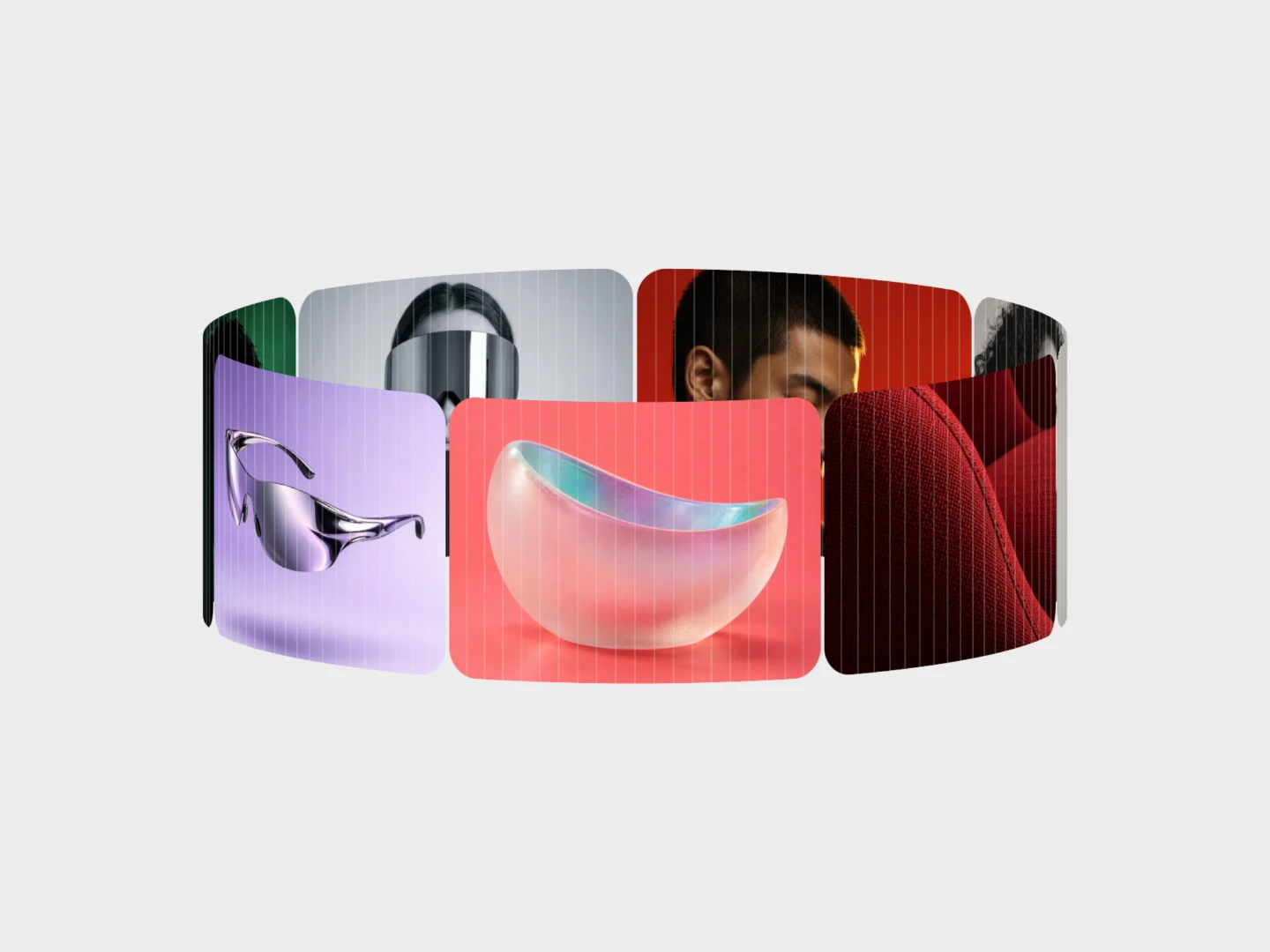
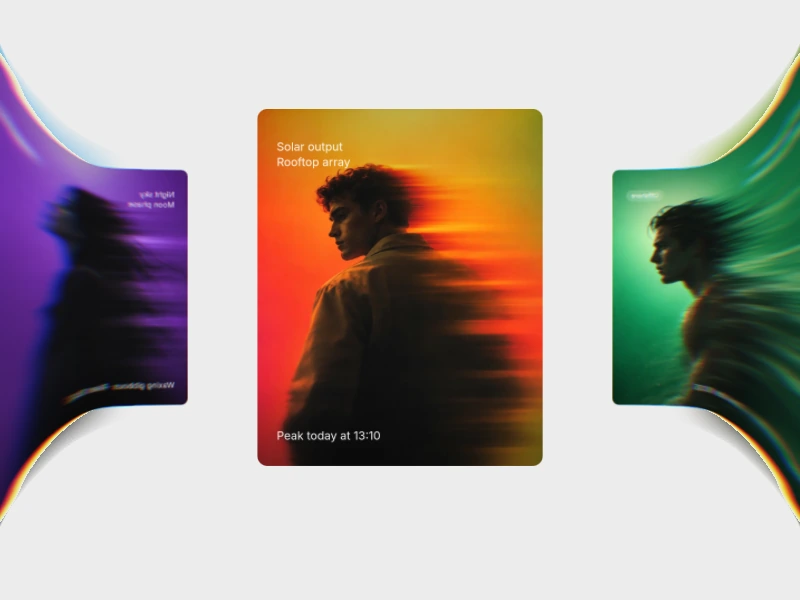
Web image gallery layouts with scroll-driven stacks, fans and depth, plus coded ring, coverflow, arc and time-stack showcases. Use a gallery when images are the content: project work, a product series or an editorial sequence. Match the layout to whether visitors compare items or follow a story.
Web image gallery layouts with scroll-driven stacks, fans and depth, plus coded ring, coverflow, arc and time-stack showcases.
Use a gallery when images are the content: project work, a product series or an editorial sequence. Match the layout to whether visitors compare items or follow a story.
Prepare images with consistent crops and useful alternative text. Check whether your chosen item is a project source or an editor, then inspect its available export format.
Load appropriately sized images rather than full-resolution originals. Keep important captions reachable without hover and test the sequence with touch and keyboard input.
This page focuses on image showcases and scroll galleries, including coded gallery projects. The carousel hub also covers slider-style components.
Consistent crops make comparison easier. If the layout uses mixed proportions, test your own images rather than relying on its preview artwork.
Test the selected layout with narrow screens and touch. Provide a straightforward way to reach images and captions without pointer-only interactions.
From the blog
Keep exploring
Browse every design in the HorizonX catalog, from UI kits and templates to textures, shaders and mockups.