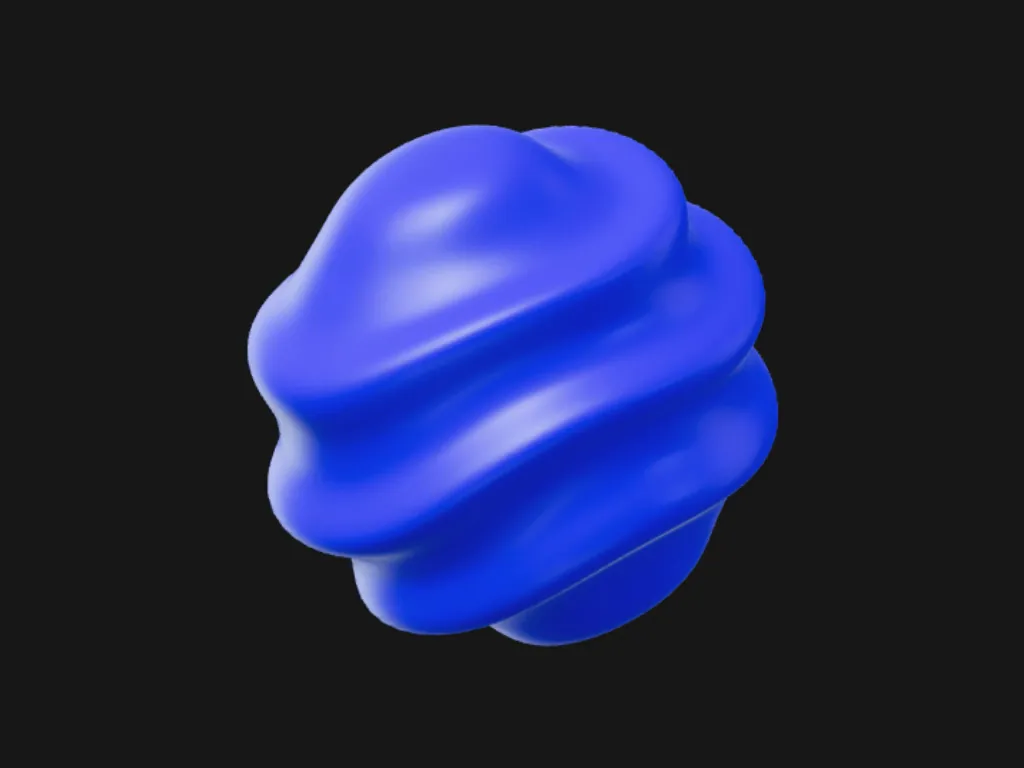
Cobalt Sphere
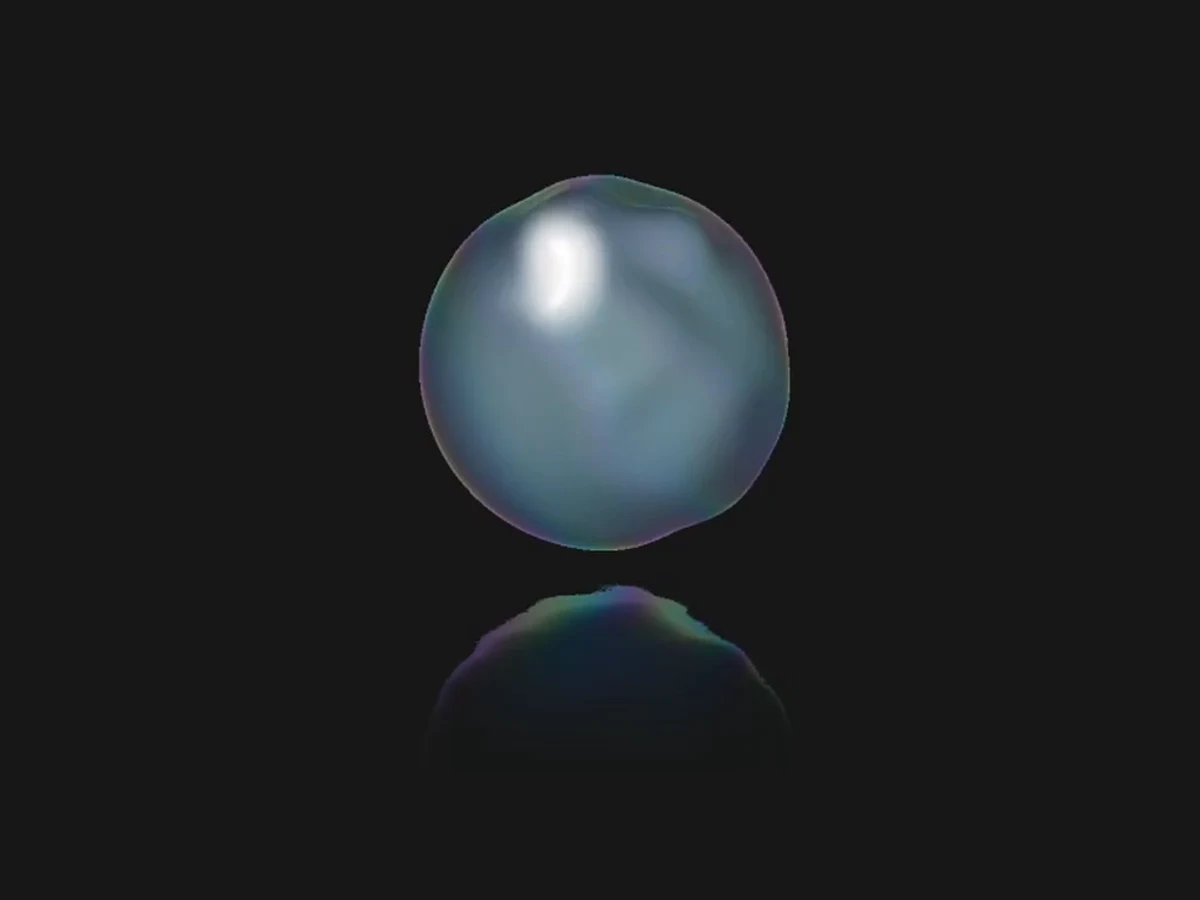
A cobalt satin sphere with sculptural folds, soft studio light and slow organic motion.
 HorizonX 3D & Perspective
Tool collection
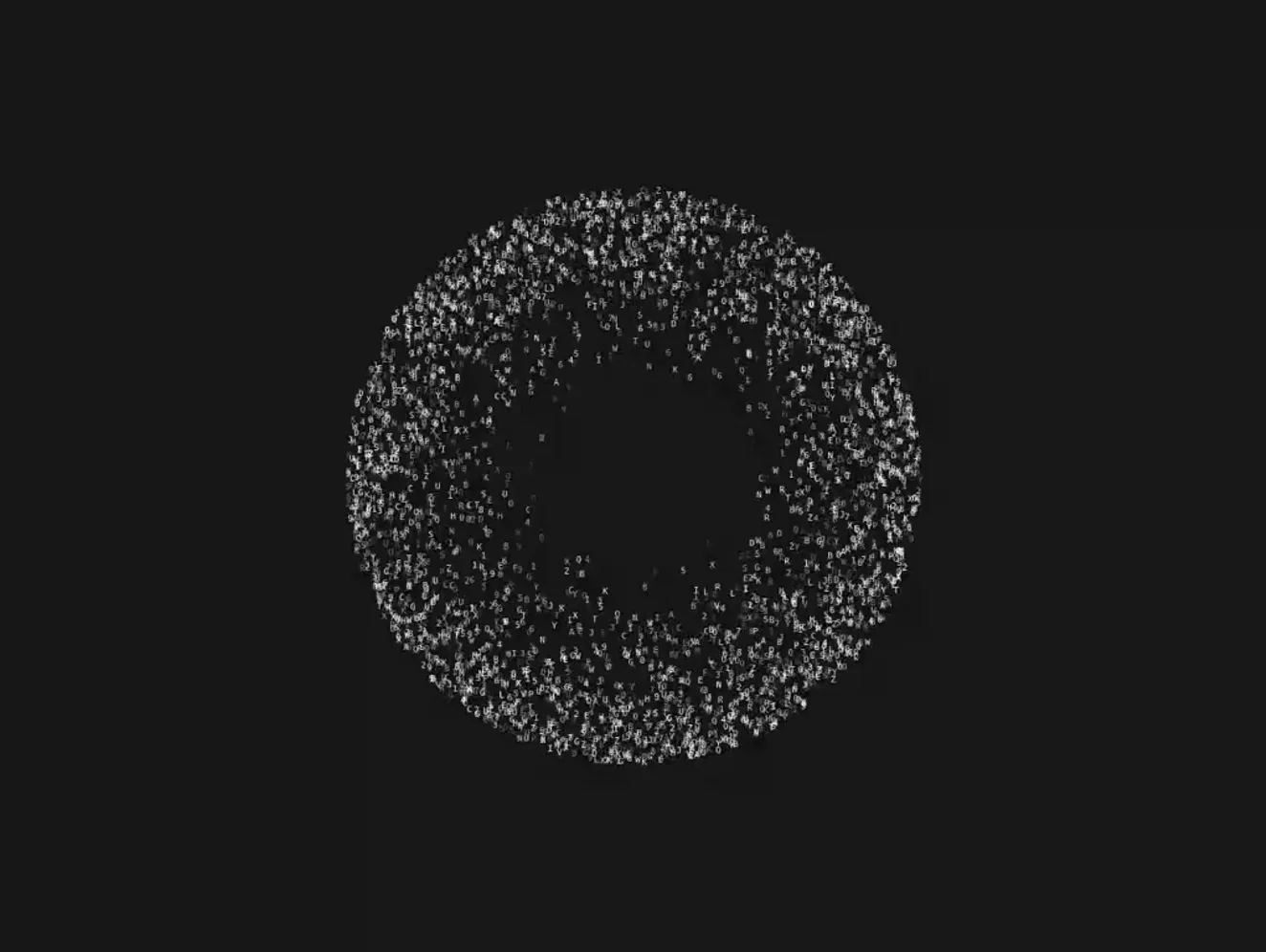
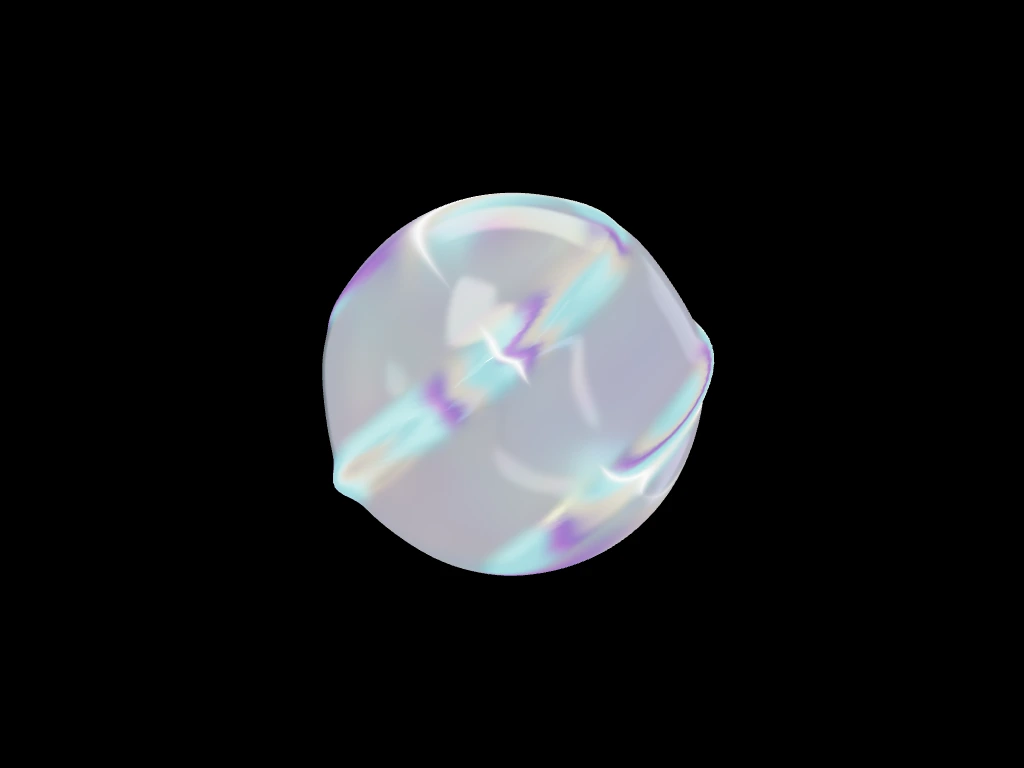
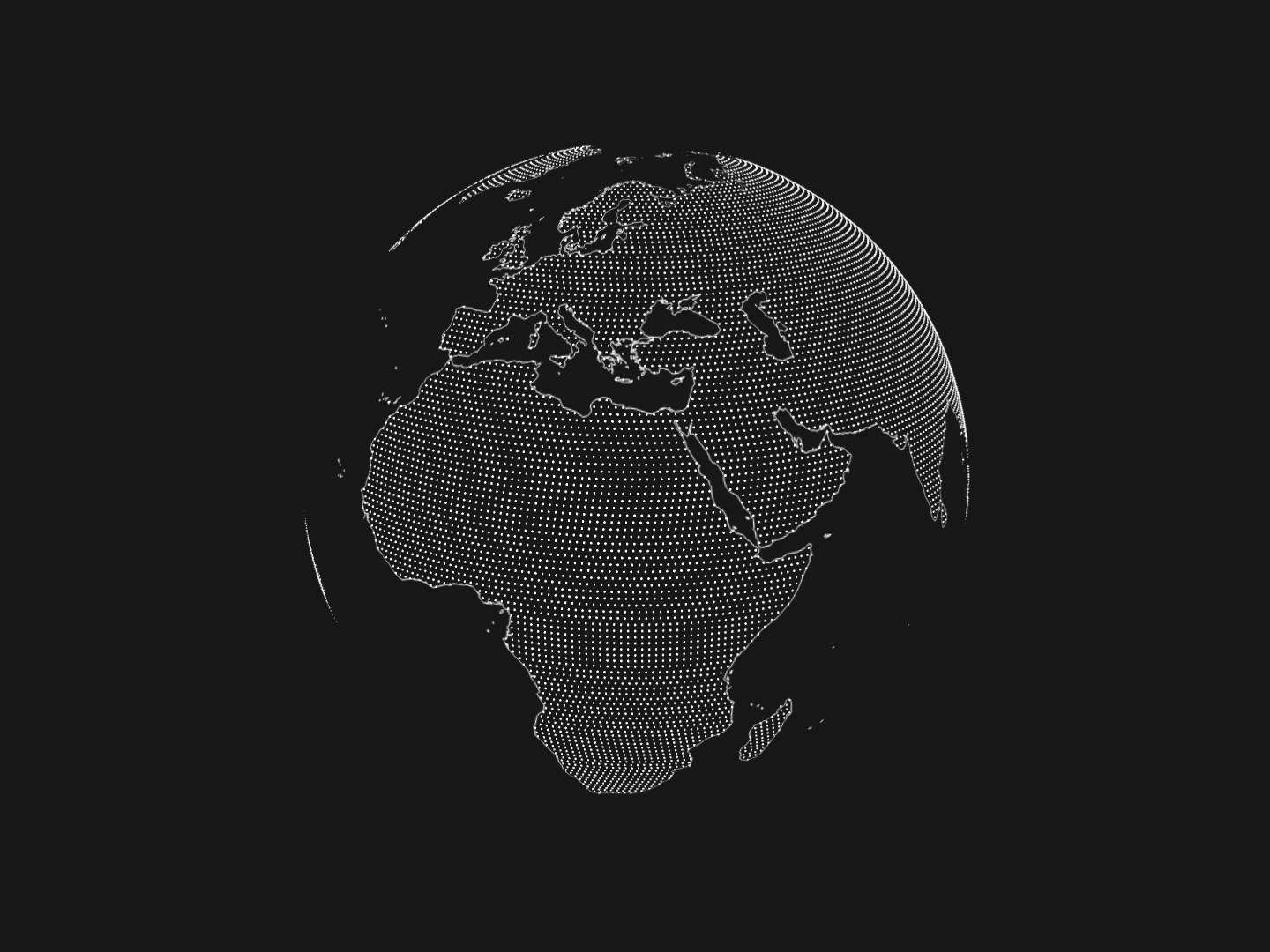
Animated globe and sphere experiments with dotted maps, glyphs, reflective surfaces, glass and cobalt materials from the existing tool catalog. Use a mapped globe for a geographic motif and a material sphere for an abstract brand moment. A sphere-shaped effect is not automatically a data visualization.
Animated globe and sphere experiments with dotted maps, glyphs, reflective surfaces, glass and cobalt materials from the existing tool catalog.
Use a mapped globe for a geographic motif and a material sphere for an abstract brand moment. A sphere-shaped effect is not automatically a data visualization.
Choose the visual treatment before adjusting color, framing and scale. Inspect the selected editor for available controls and exports; do not assume every sphere supports map data.
Test the effect on lower-powered devices, pause rendering when it is not visible and retain a readable static alternative. Avoid letting a decorative canvas replace essential content.
No. Dotted Globe is map-tagged, while several other products focus on glass, glyphs or reflective materials.
No. Products here carry Three.js, WebGL, Canvas and physics-related tags. Check the individual renderer before choosing an implementation.
Use it where a geographic or dimensional motif supports the message. Keep it secondary if it is purely decorative.
Keep exploring
Every interactive tool on HorizonX opens in an editor you can adjust in the browser before you export it.