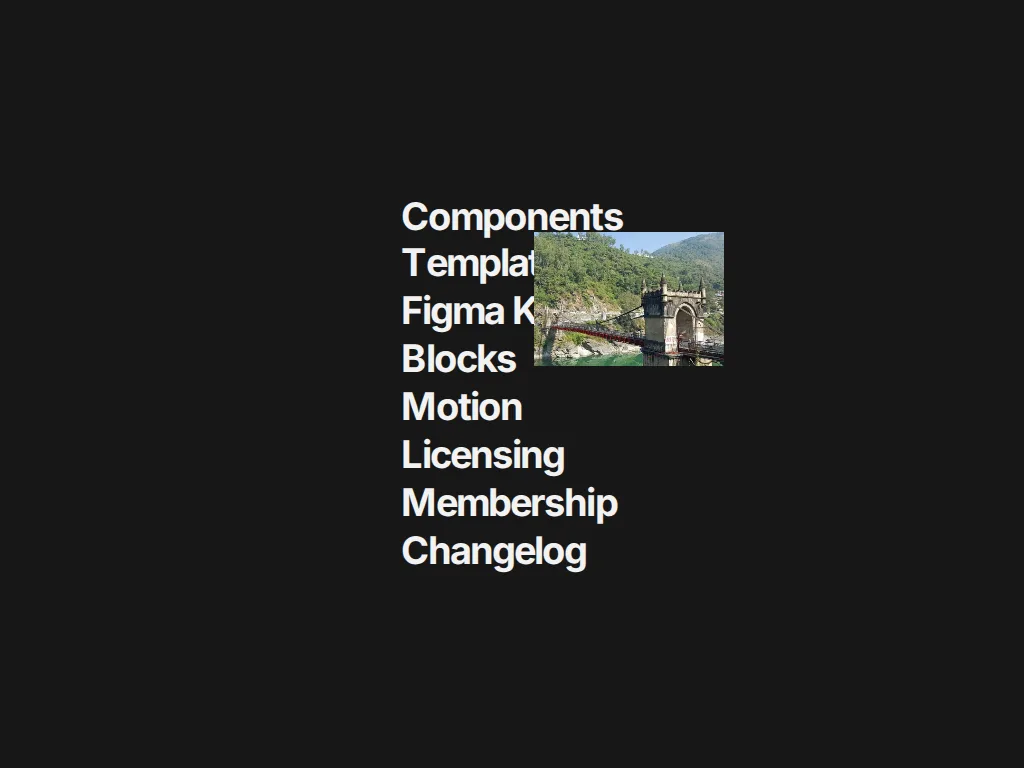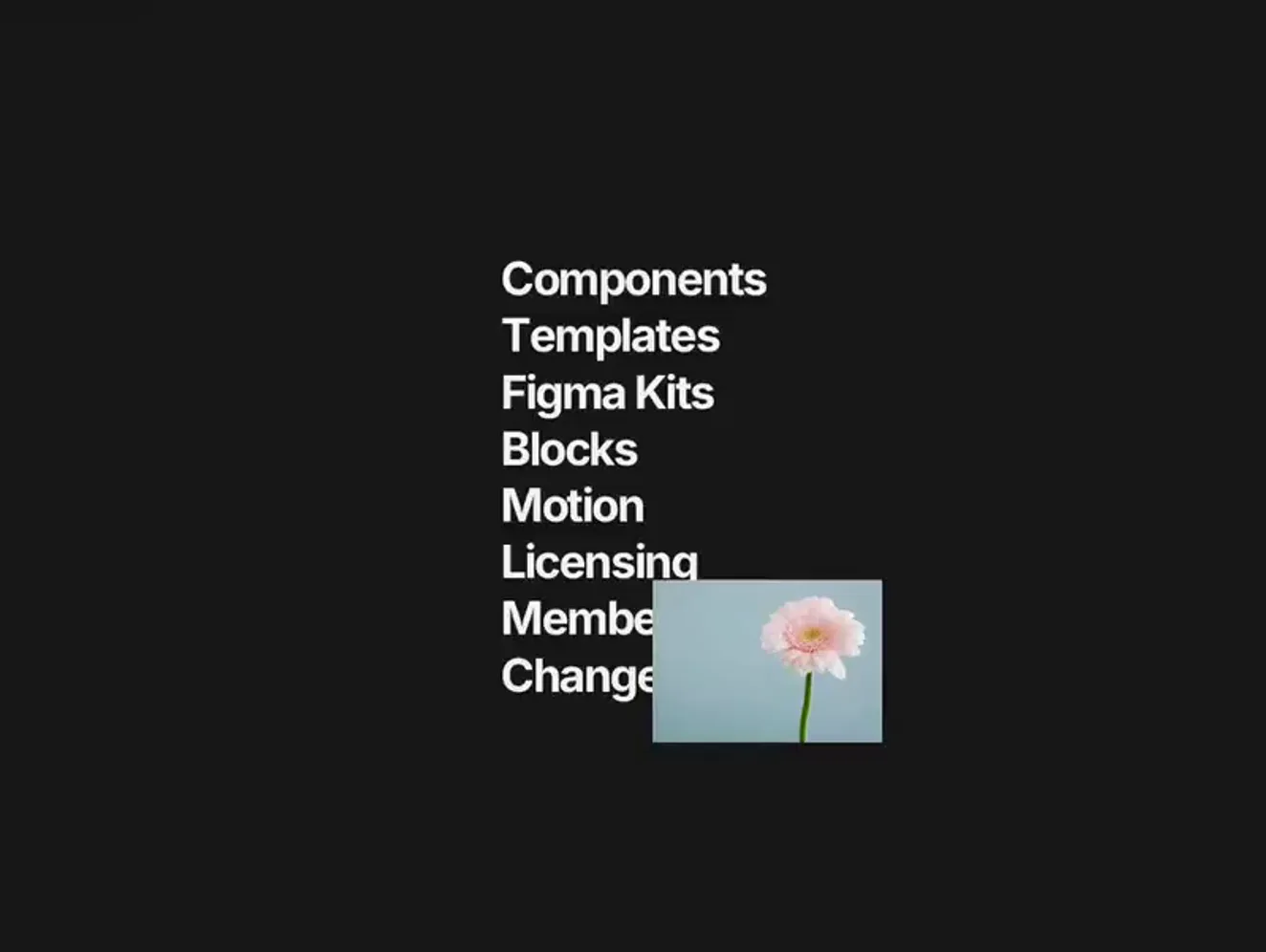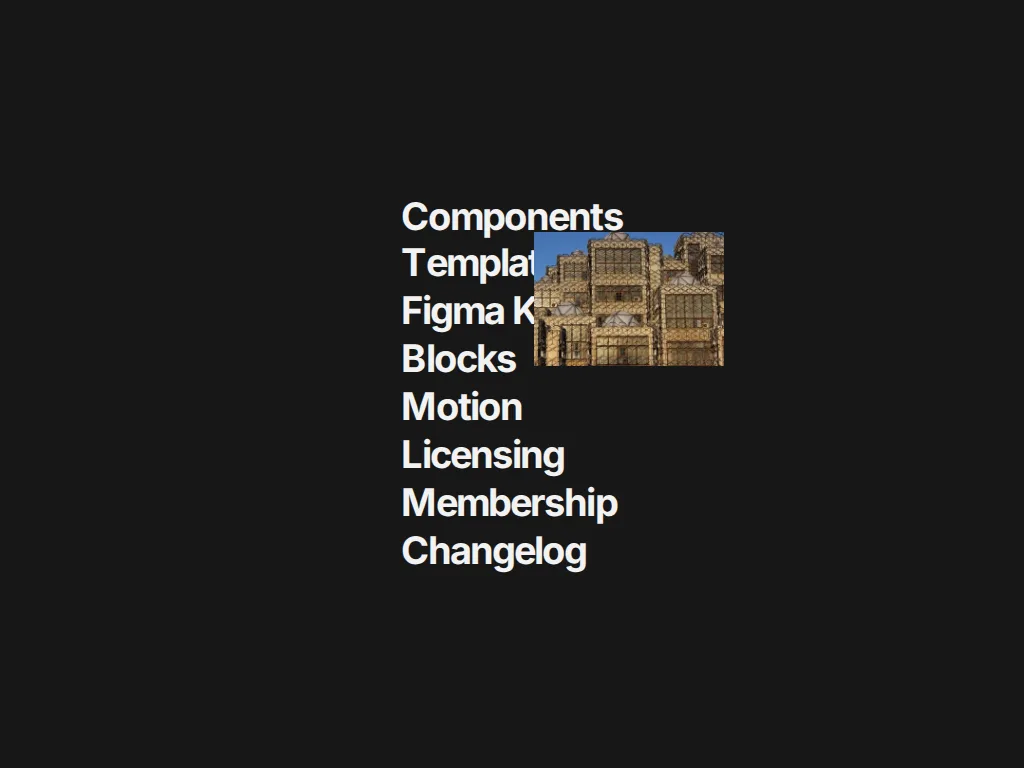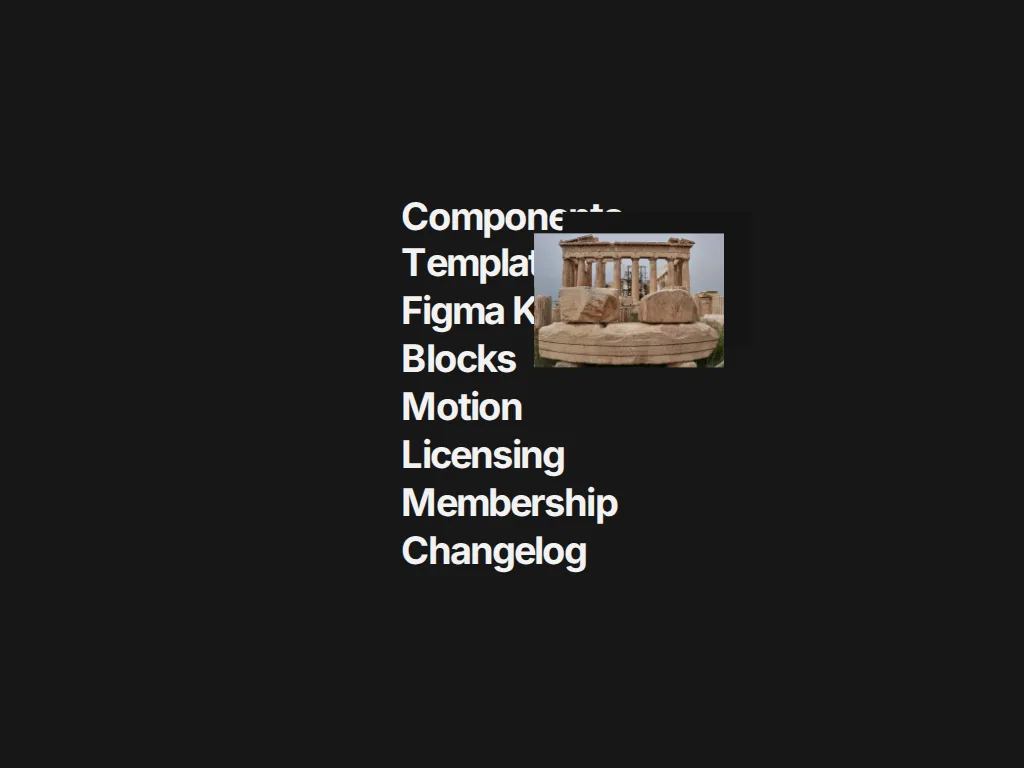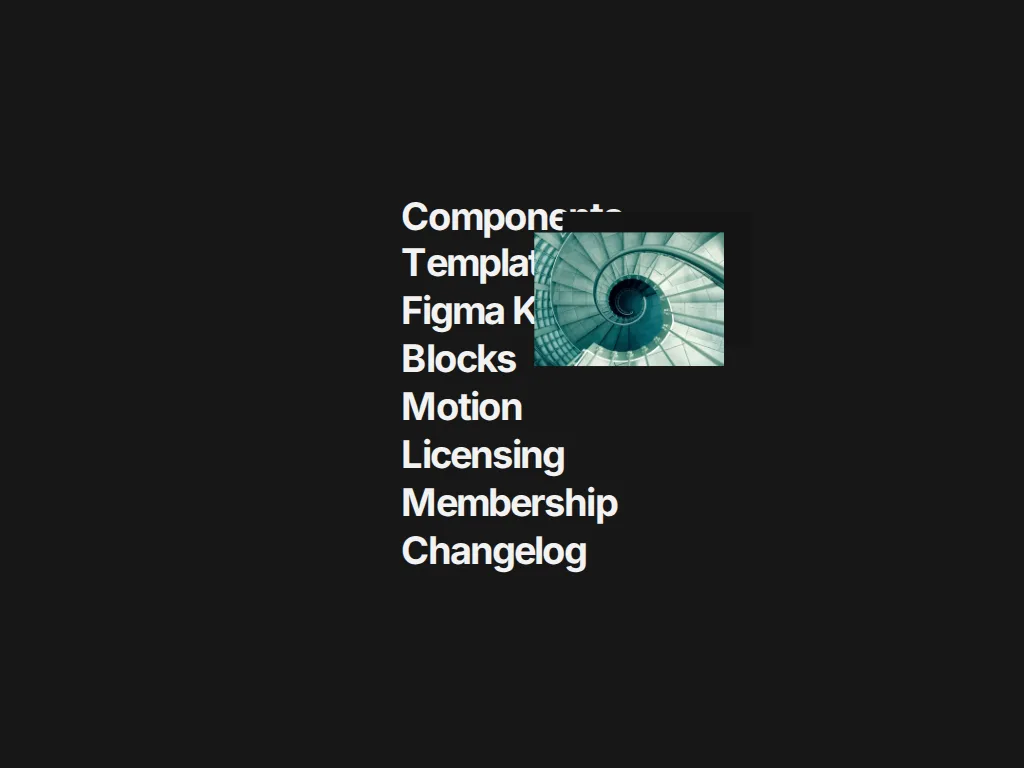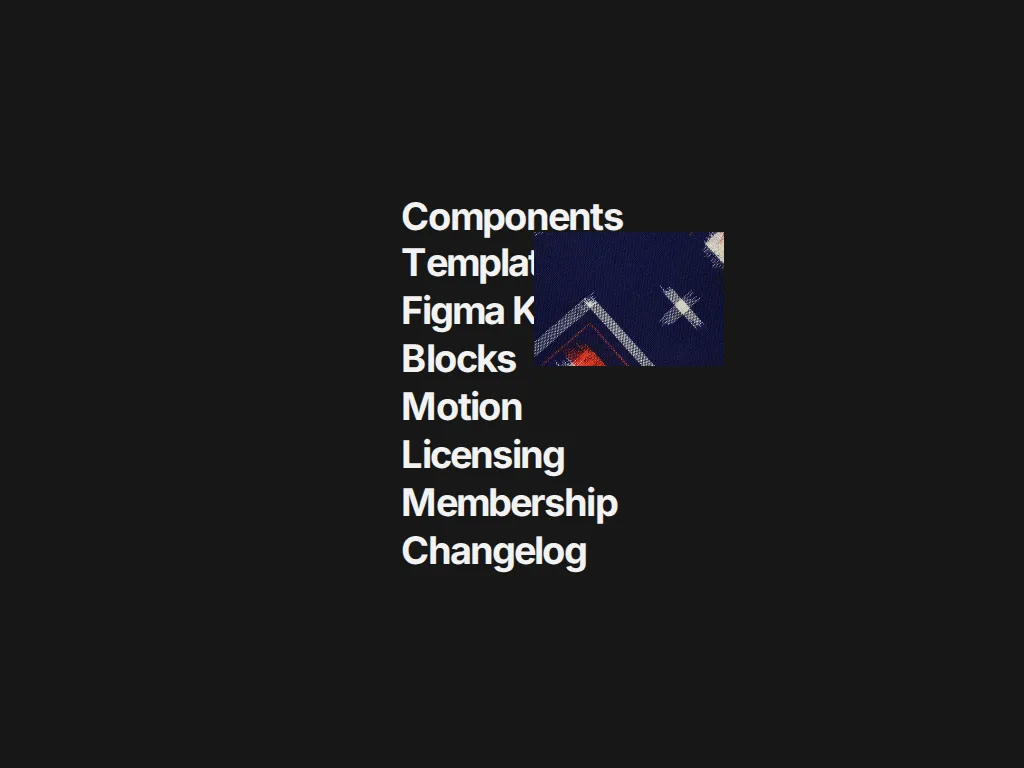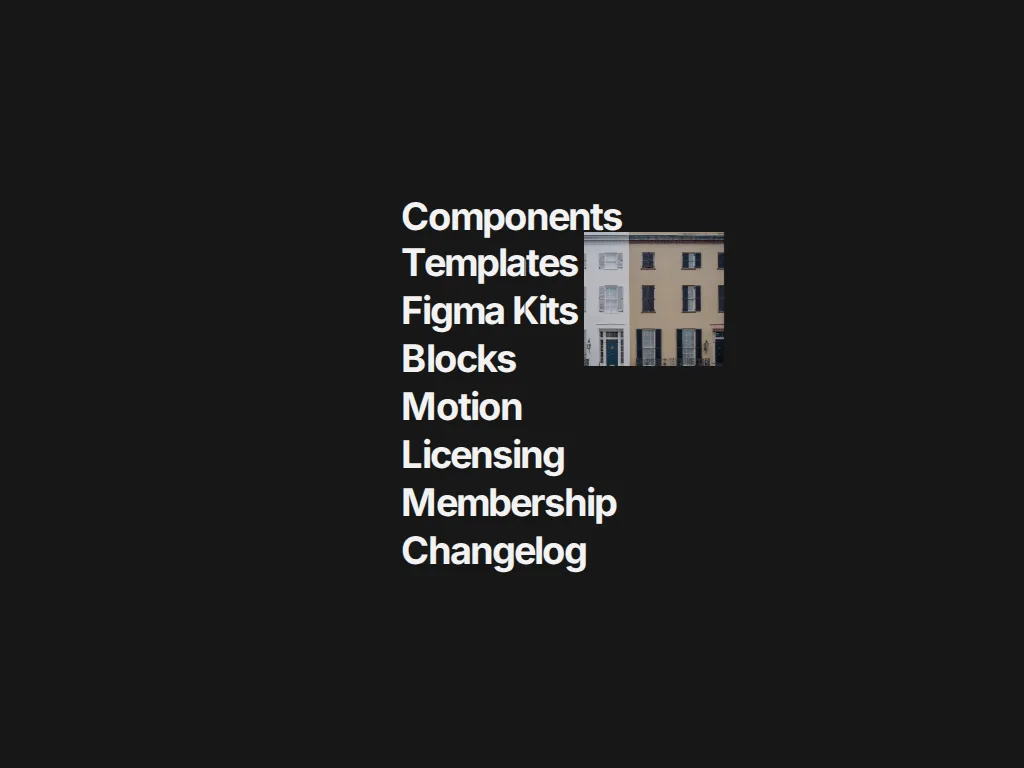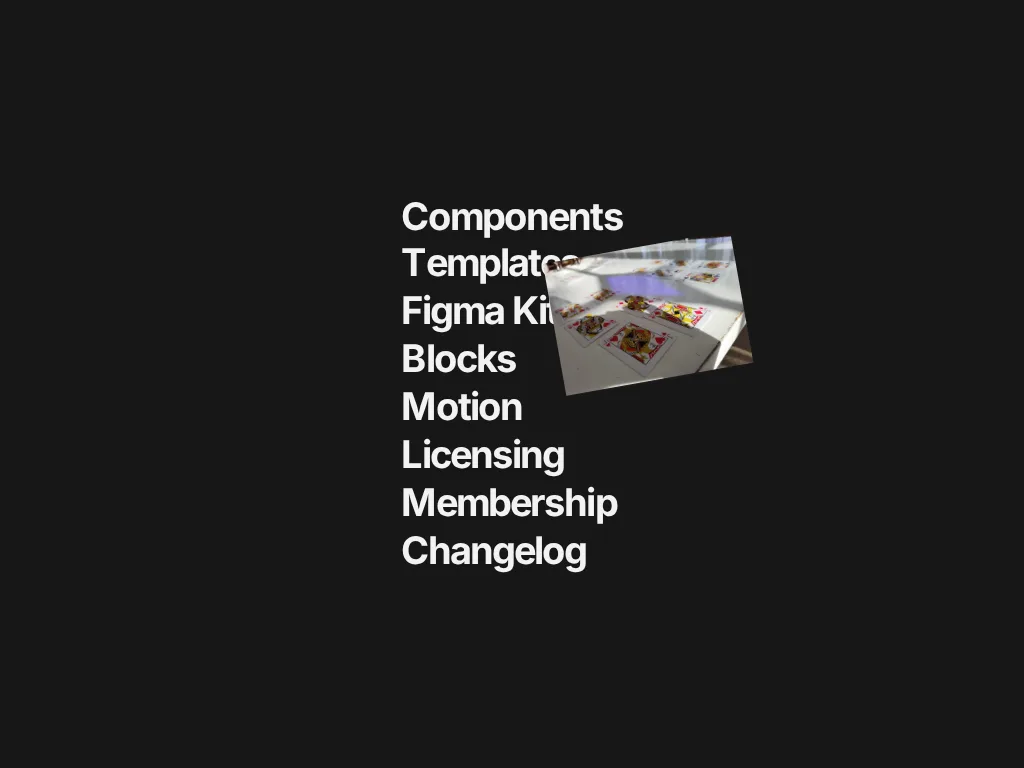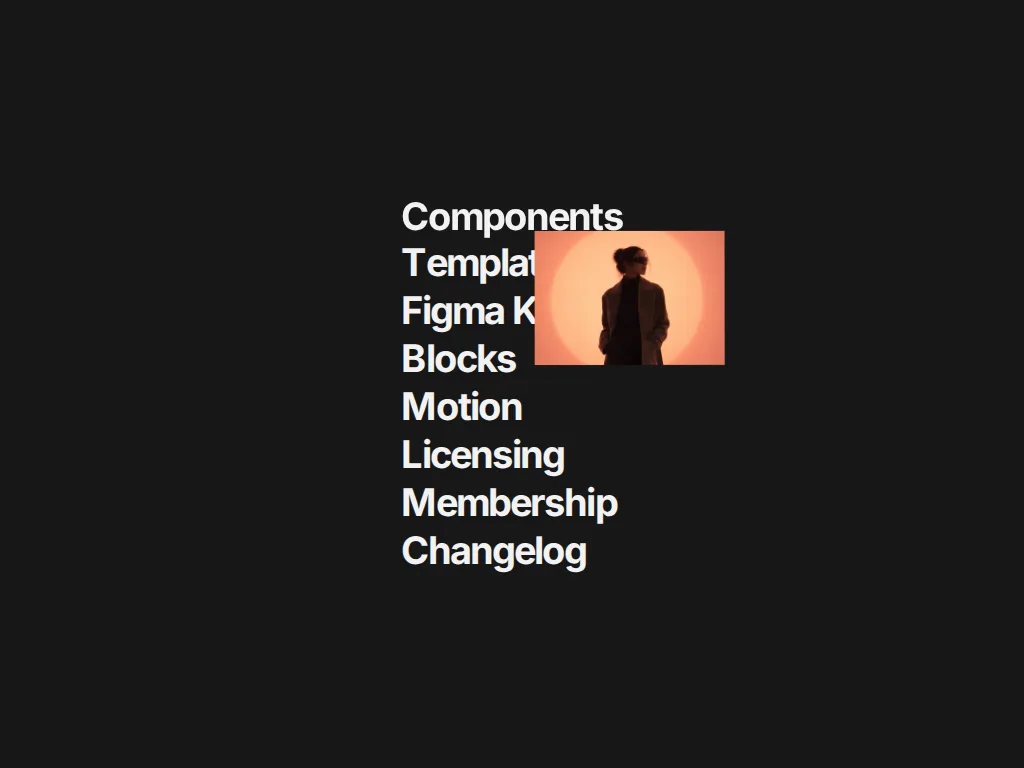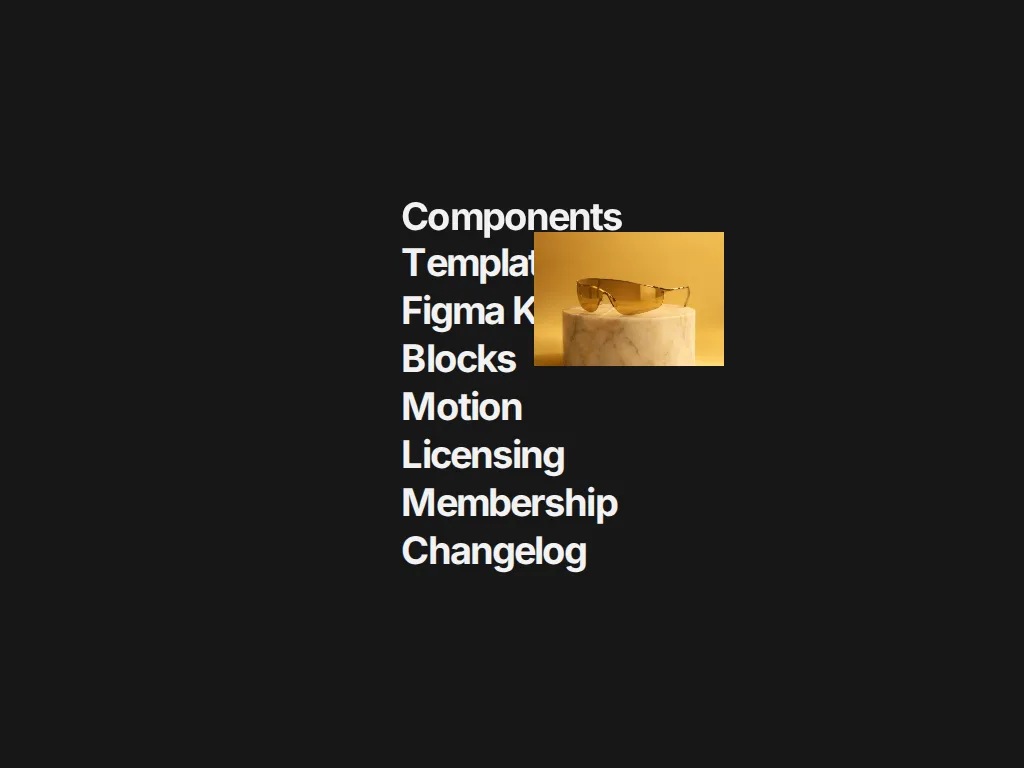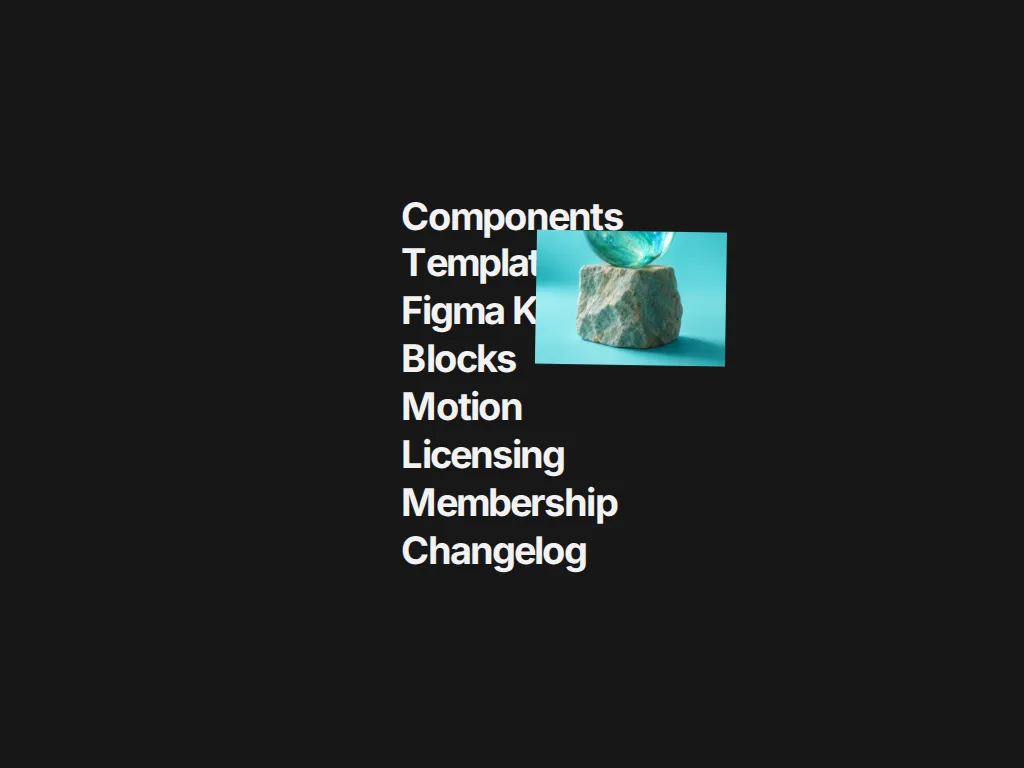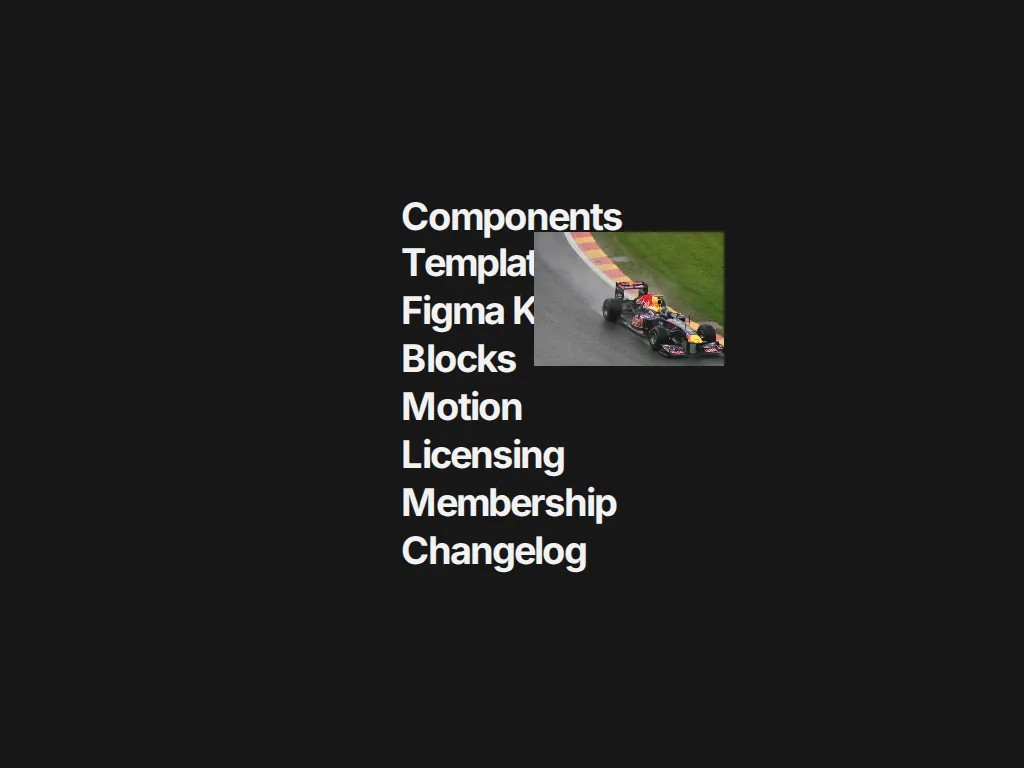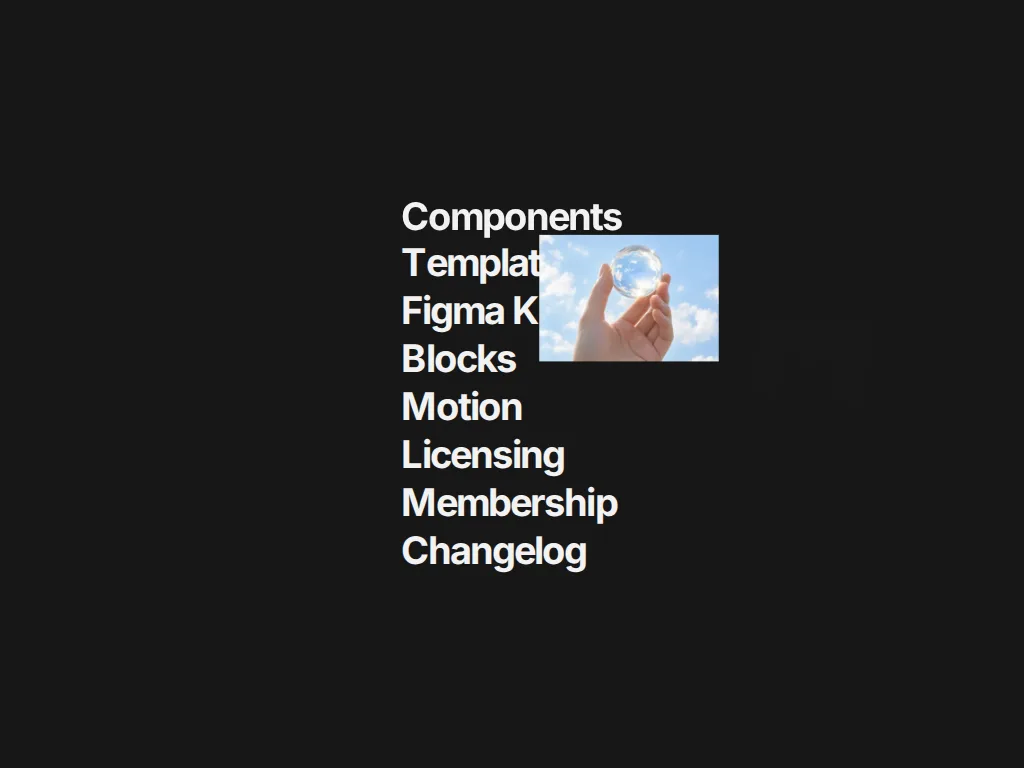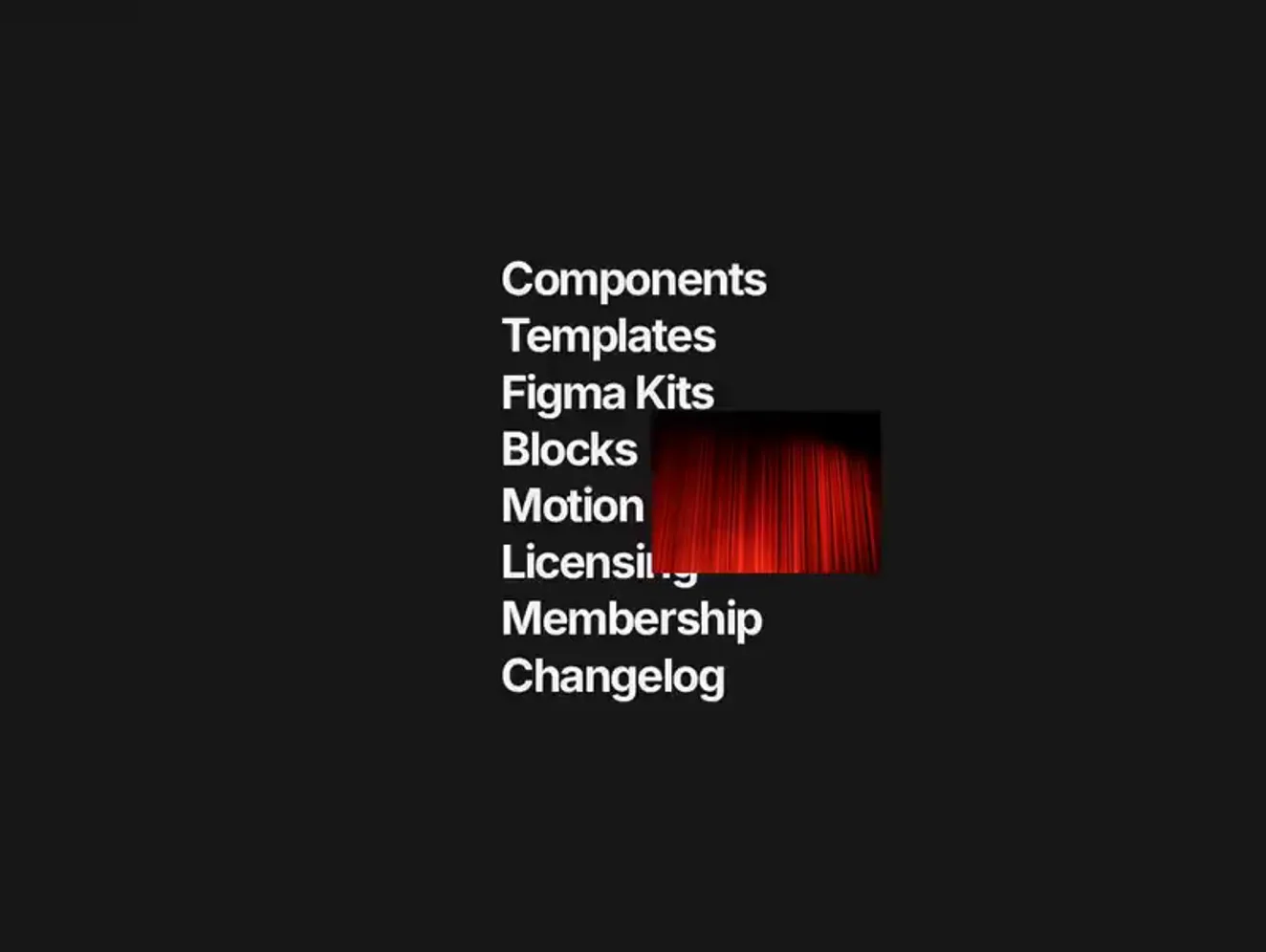
Hover Curtain
The mask slides in from the left while the image slides in from the right, so the frame reads as a curtain rather than a stretch.
 HorizonX Pointer Physics
Tool collection
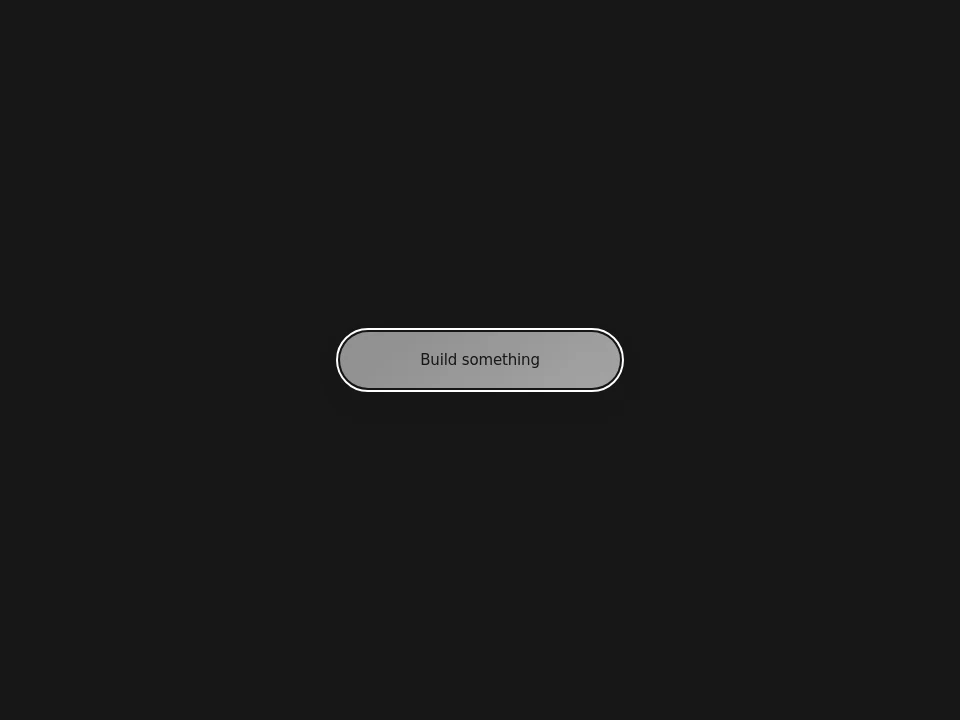
Hover effects CSS inspiration and GSAP image reveals, including curtains, wipes, fans, card lighting, button treatments and expanding search. Use hover to reveal a secondary detail or preview a destination. Match an image reveal to editorial links and keep functional controls more restrained than decorative showcases.
Hover effects CSS inspiration and GSAP image reveals, including curtains, wipes, fans, card lighting, button treatments and expanding search.
Use hover to reveal a secondary detail or preview a destination. Match an image reveal to editorial links and keep functional controls more restrained than decorative showcases.
Replace images and labels first, then tune the visual response around the actual target size. Inspect each tool: the reveal series is tagged GSAP, not CSS-only.
Provide equivalent focus or tap behavior and keep essential information visible without hover. Test dense menus on touch screens and avoid surprise movement beneath the pointer.
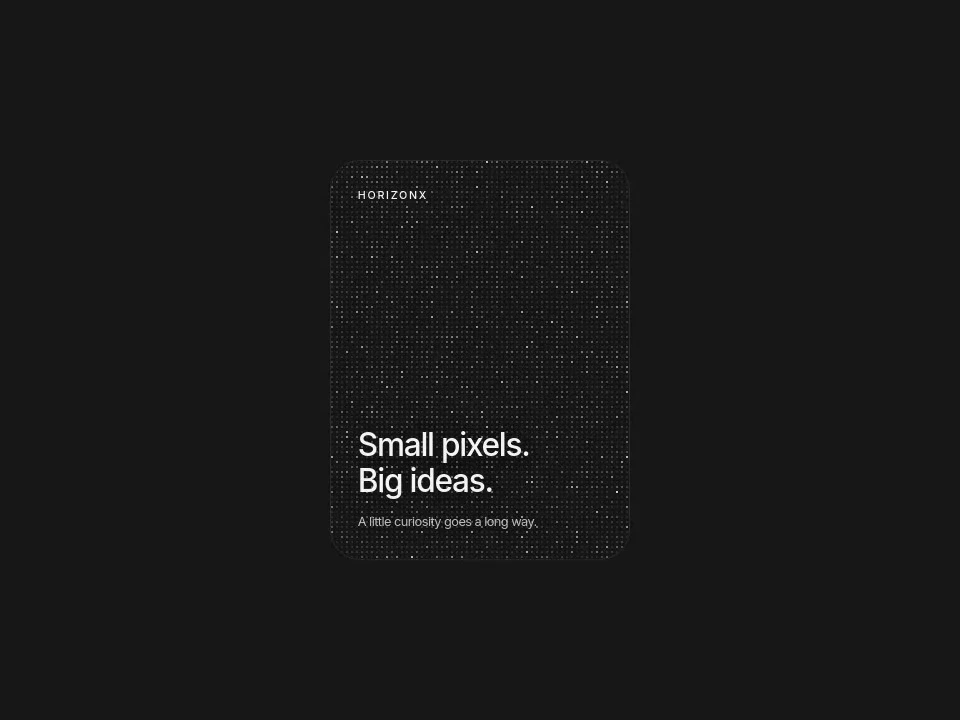
No. The collection pairs CSS-tagged controls with GSAP image reveals and a Canvas pixel card. Check the renderer before choosing a technique.
Phones do not provide the same persistent hover interaction. Provide a tap or always-visible alternative for any information revealed on hover.
The link label, primary content and essential instructions should remain available. Treat hover as an enhancement, not the only path to understanding.
From the blog
Keep exploring
Every interactive tool on HorizonX opens in an editor you can adjust in the browser before you export it.