Testimonial Switcher
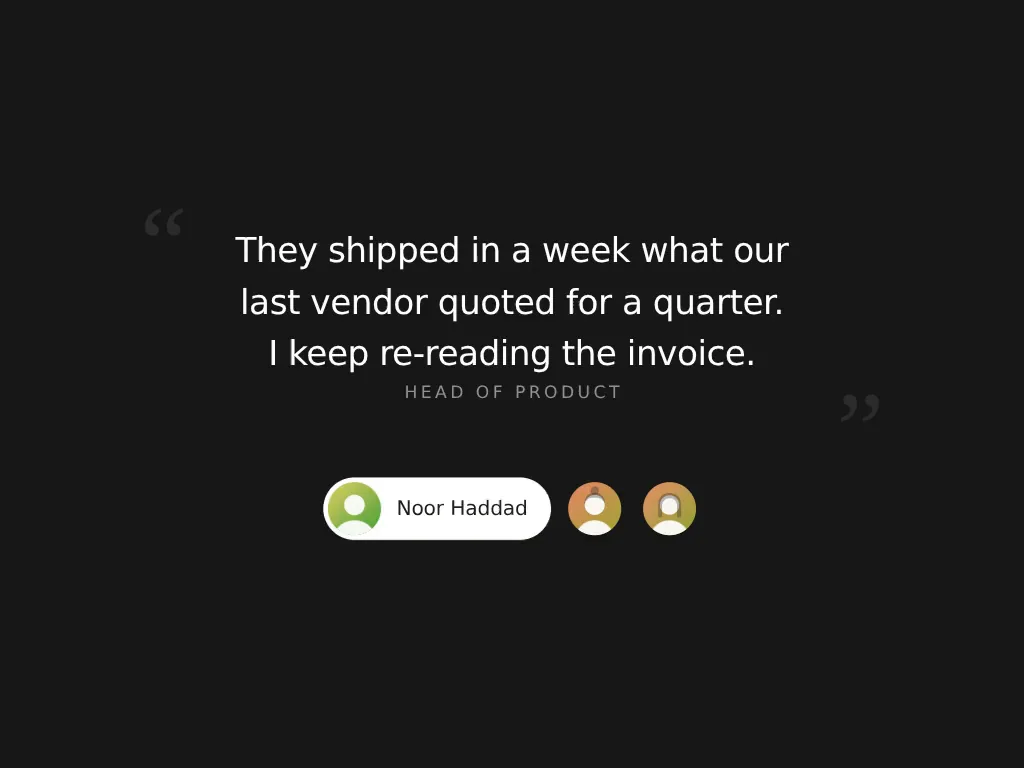
A quote that crossfades between authors over a rail of generated avatars, each one widening into a name pill, with an autoplay ring that fills around the active face.
 HorizonX UI/UX
Collection
CSS for quotes and testimonial sections: two editable quote components you can export as HTML, Svelte or React, plus a Figma testimonial section. Start from semantic blockquote markup, then decide how many quotes to show at once and whether they move.
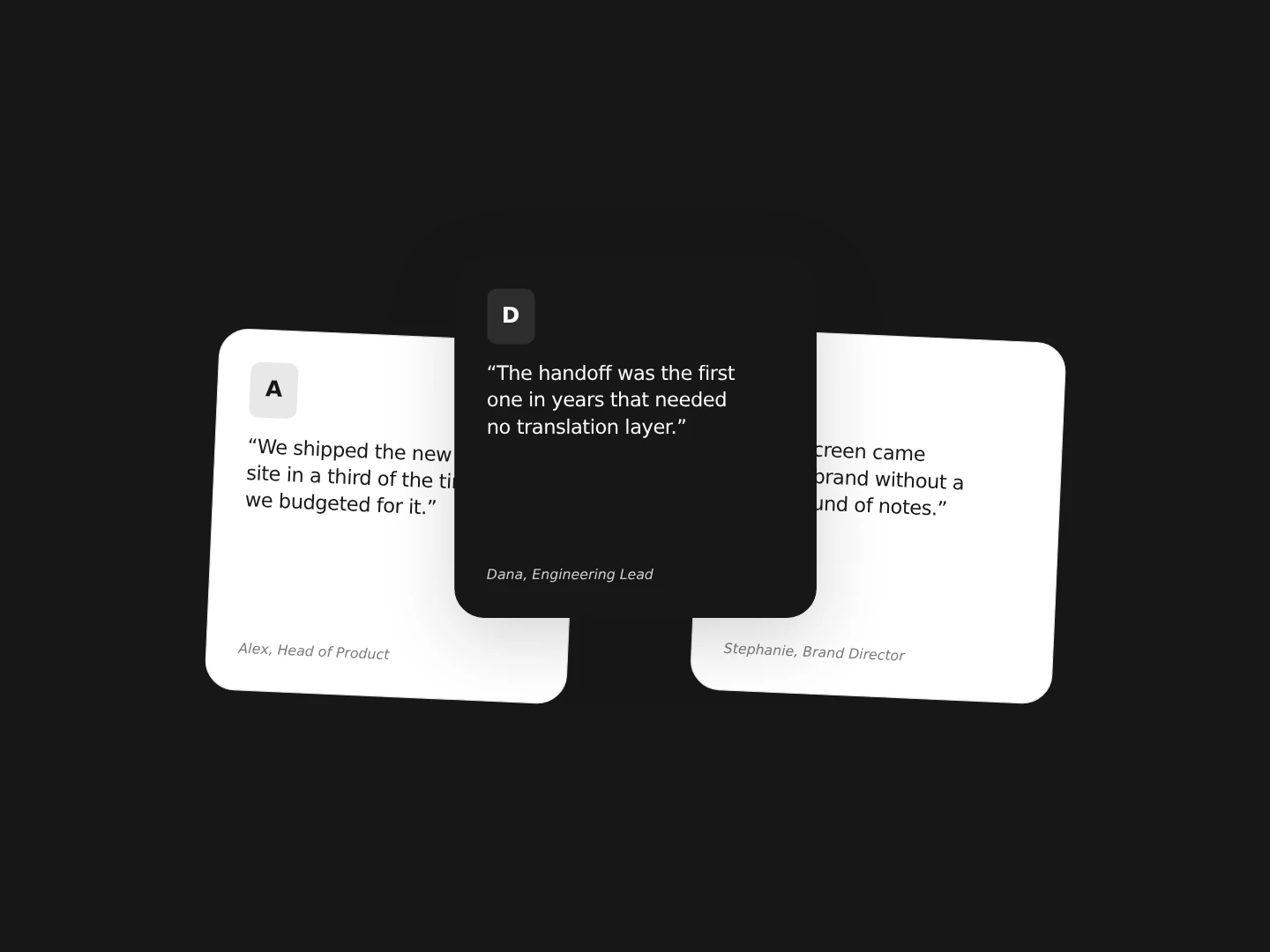
Testimonial Switcher shows one quote at a time and crossfades between authors over a rail of generated avatars, with an optional autoplay ring. Stagger Testimonials lays quote cards in a zig-zag row around a raised centre card, and clicking a card rotates the row. Both open in the browser editor, where you change the quotes, sizes, colours and motion before exporting. Testimonials Component is a Figma section that pairs an editorial headline with a flowing wall of customer quotes, ratings and proof metrics.
Mark up a standalone quote as a blockquote inside a figure, with the attribution in a figcaption, and use the q element for a short quote inside a sentence. Browsers add quotation marks to q through the quotes property; for a blockquote, add them with content: open-quote on ::before and close-quote on ::after so the marks stay out of the text. A left border or an oversized decorative mark sets a pull quote apart. Testimonial Switcher already uses figure, blockquote and figcaption.
A single rotating quote keeps attention on one voice and suits a hero or a narrow column. A row of cards lets visitors browse several quotes without leaving the section. A wall of short quotes shows volume of proof on a landing page. If quotes advance on their own, keep the pace slow enough to finish reading and give visitors a way to pause or step through them.
Use real quotes with permission and attribute each one to a named person and role you can verify. Keep every quote readable with reduced motion, check contrast on coloured cards and make sure keyboard users can reach the controls that move between quotes.
Wrap it in a blockquote, put the attribution in a figcaption and style the block with spacing, a border or a large decorative mark. Use the quotes property with open-quote and close-quote on ::before and ::after to add quotation marks without typing them into the text.
blockquote holds a quotation that stands as its own block, q marks a short quotation inside a sentence and cite marks the title of a cited work. A person's name in a testimonial belongs in a figcaption or plain text rather than in cite.
Testimonial Switcher and Stagger Testimonials export from the editor as HTML, Svelte or React. Testimonials Component is a Figma file, so rebuild it in your own stack.
From the blog
Keep exploring
Browse every design in the HorizonX catalog, from UI kits and templates to textures, shaders and mockups.