Save Slide Button
A save button whose label steps aside so the icon can take its place.
 HorizonX UI/UX
Tool collection
CSS buttons with slide, glow, jelly and relief styles, alongside interactive pointer and WebGL button experiments from the HorizonX catalog. Tune each button live in the browser, then export it as HTML, Svelte or React. Compare the quiet relief styles with more expressive glow and motion before choosing your call to action.
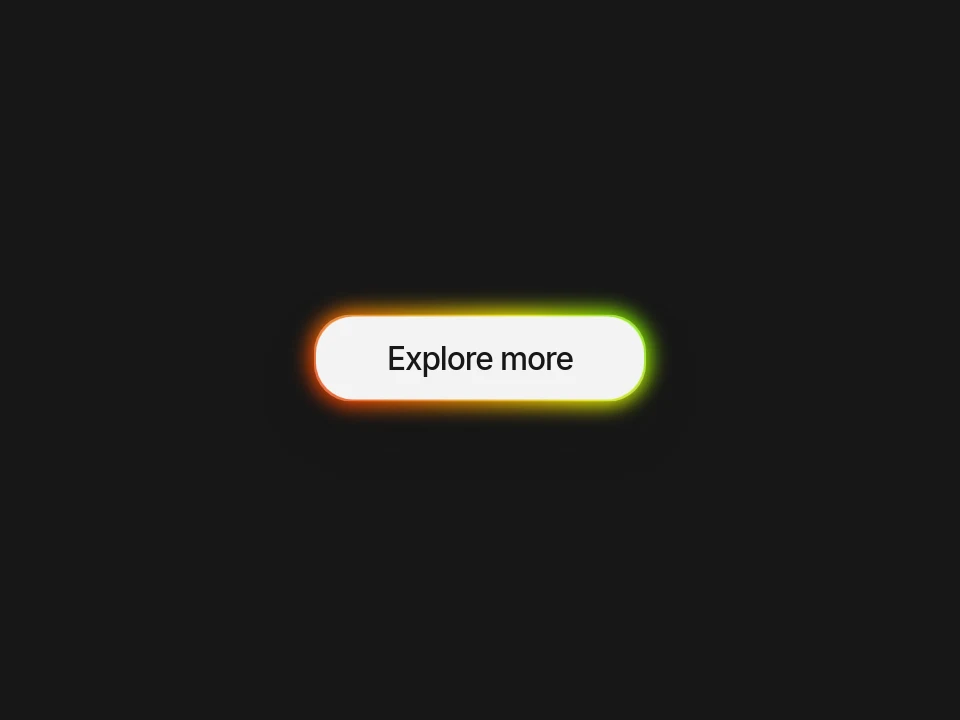
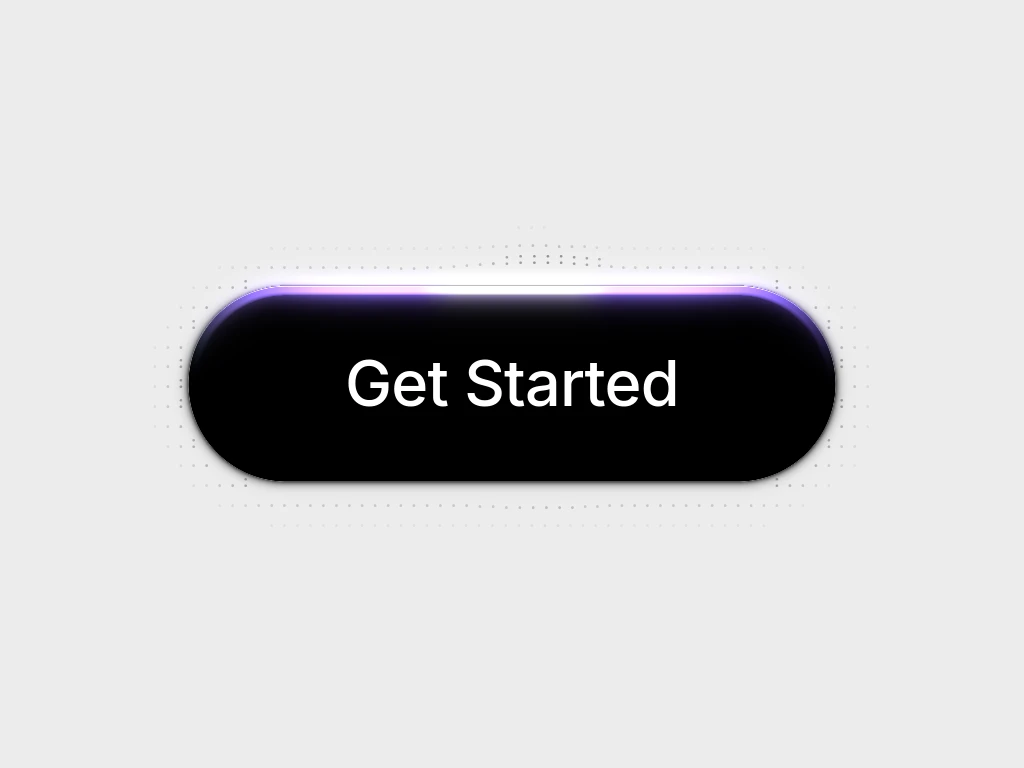
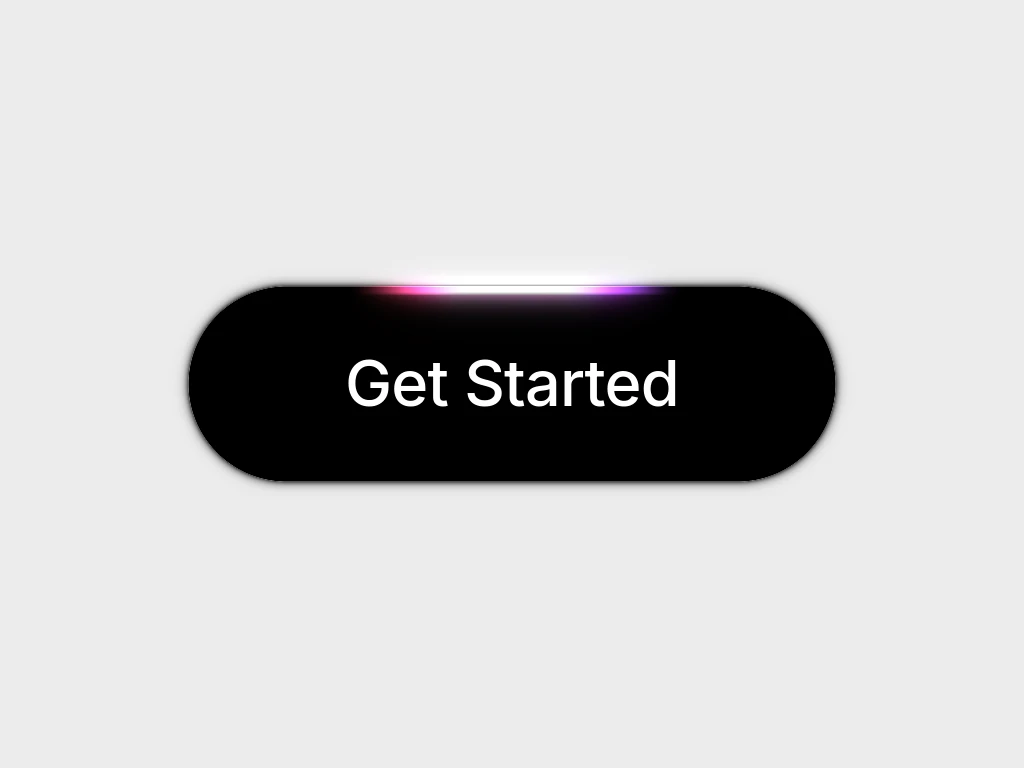
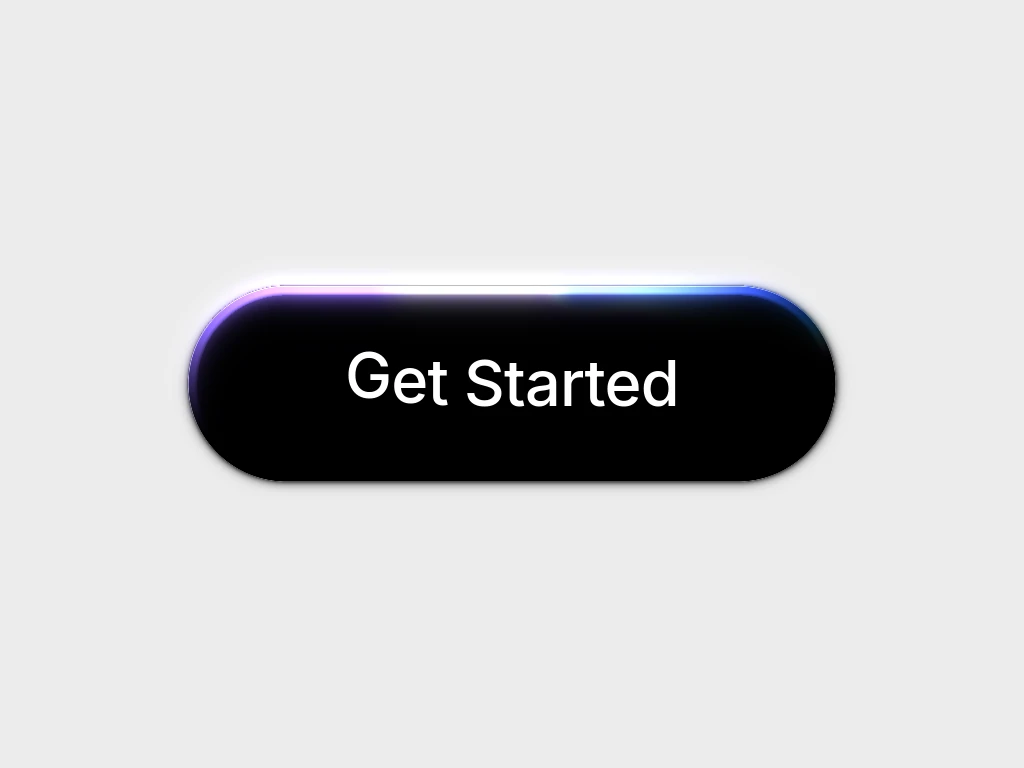
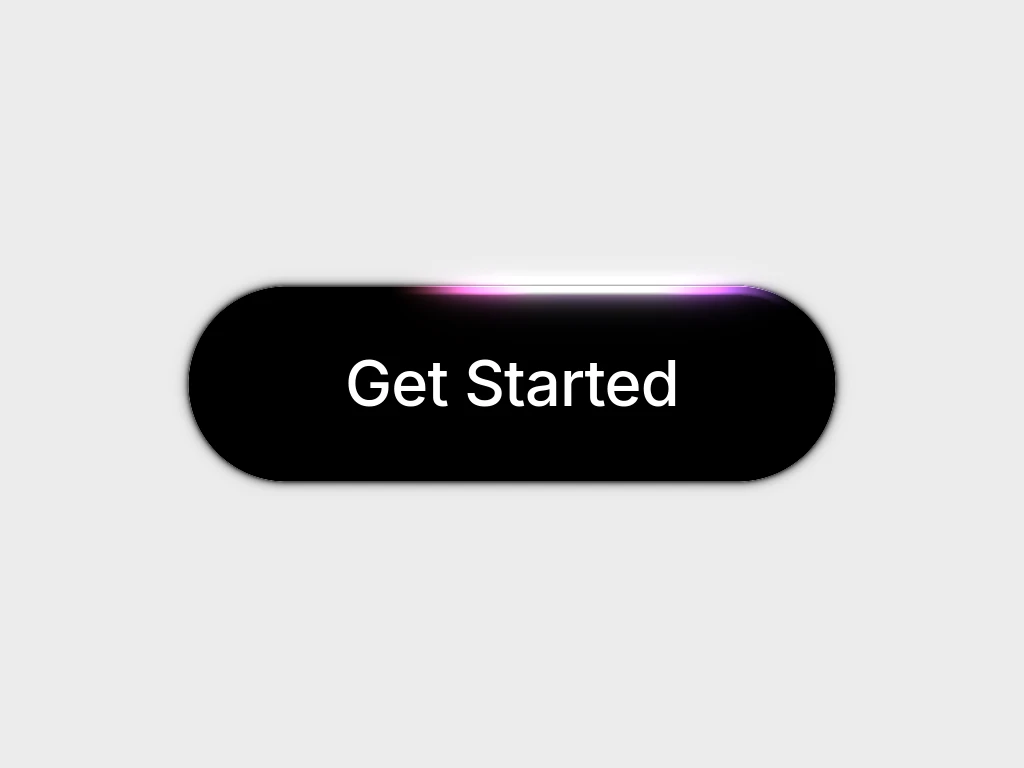
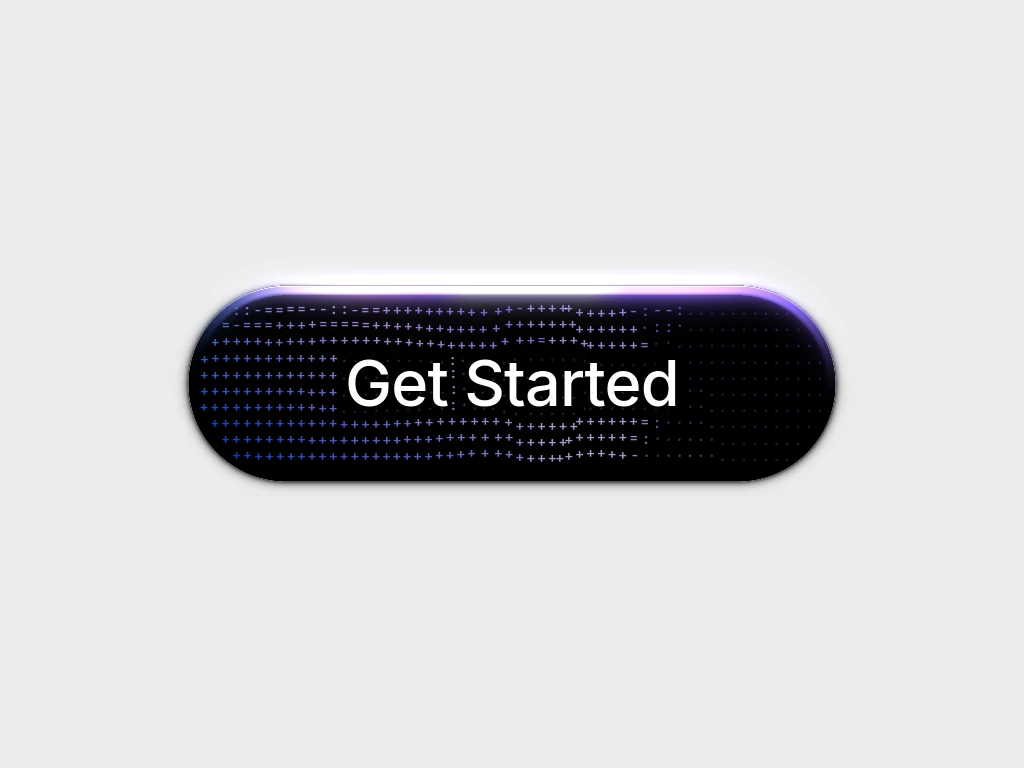
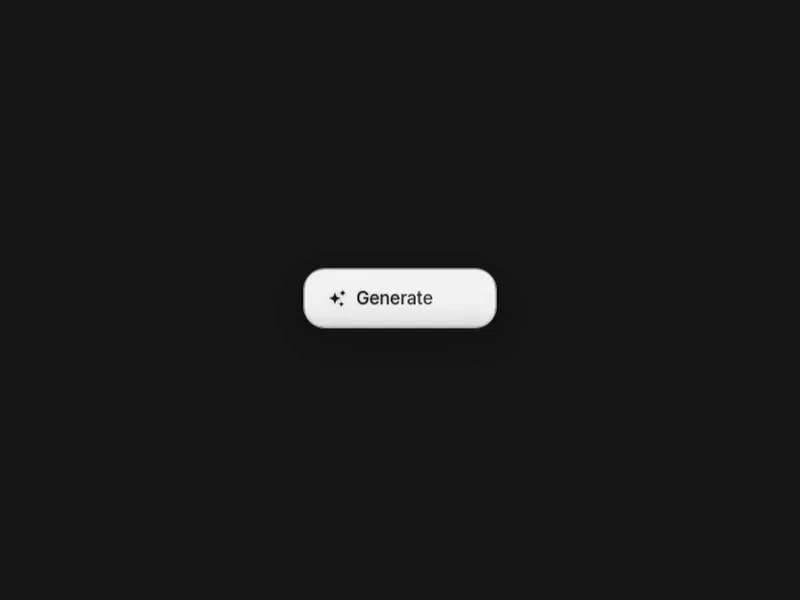
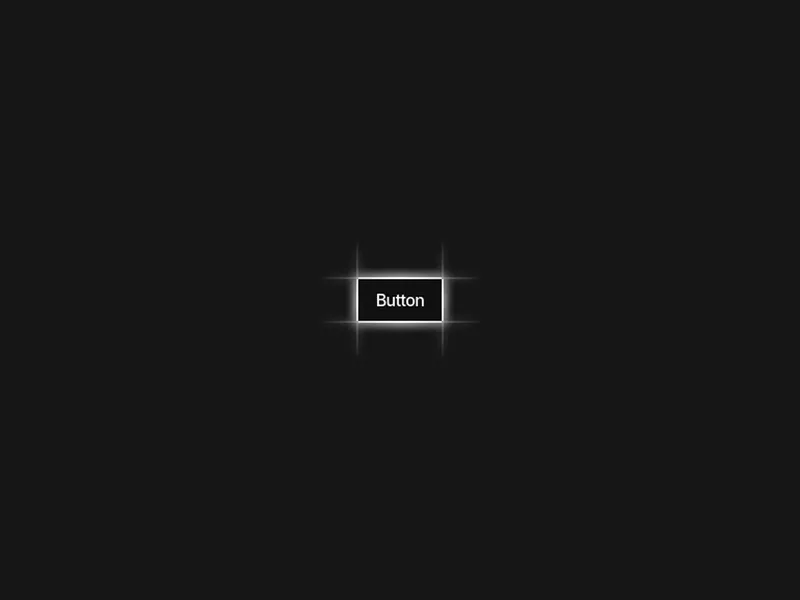
Glow buttons: Spectrum Glow runs an animated gradient border around a dark call to action, Halo turns a gradient ring behind the label, Neon Edge is lit from outside by four neon strips and Generate blooms blue as its label changes to Generating.
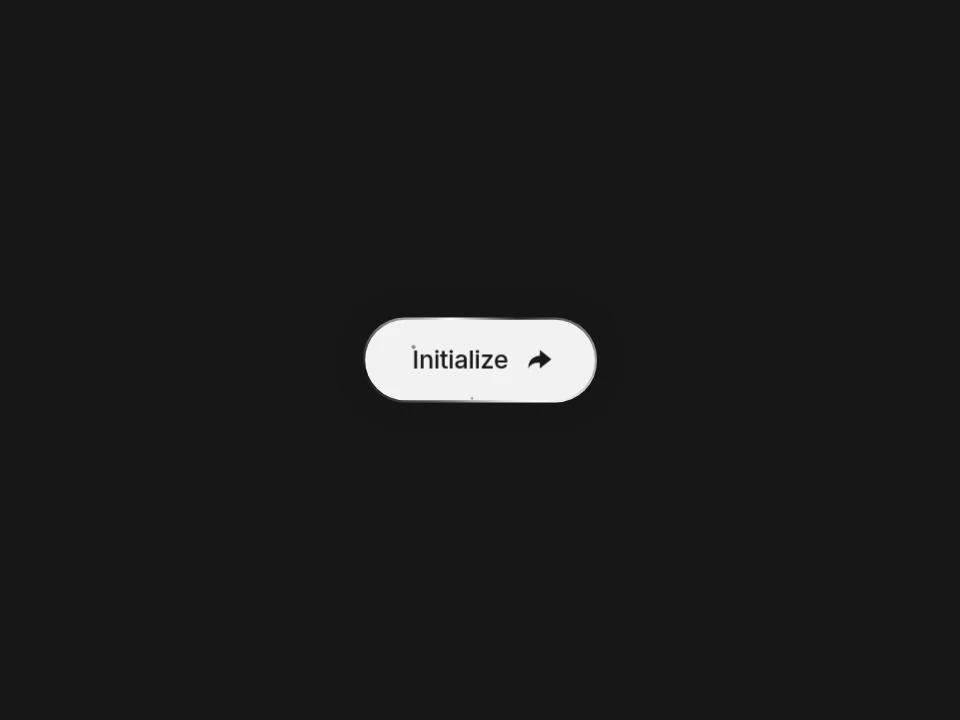
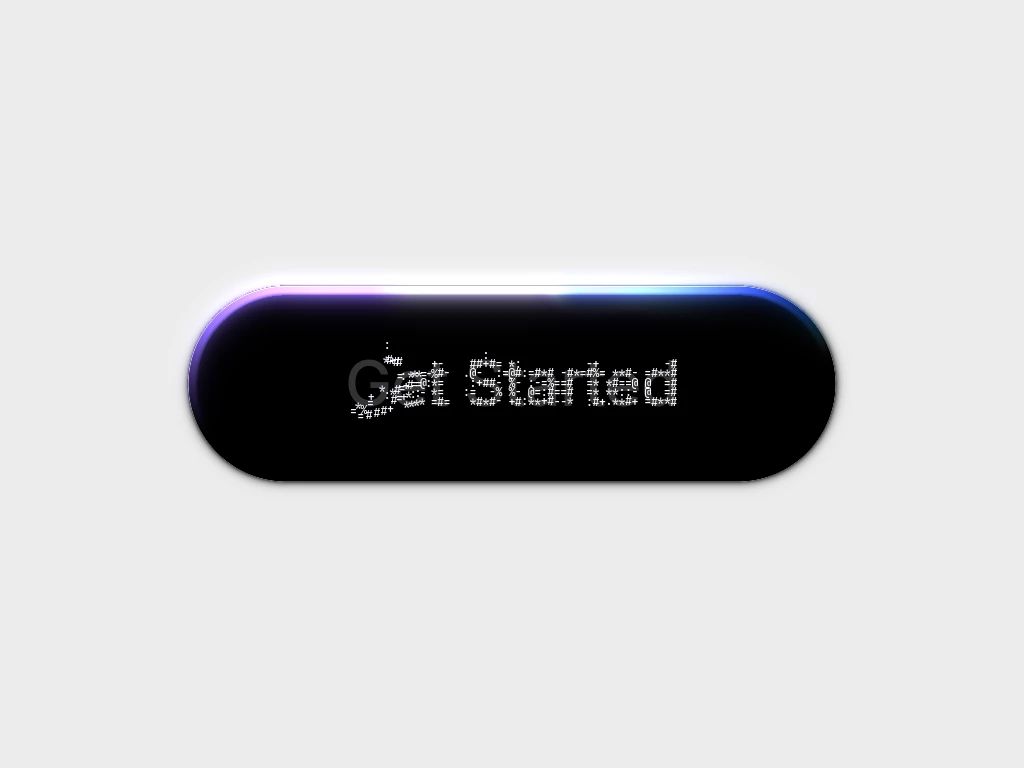
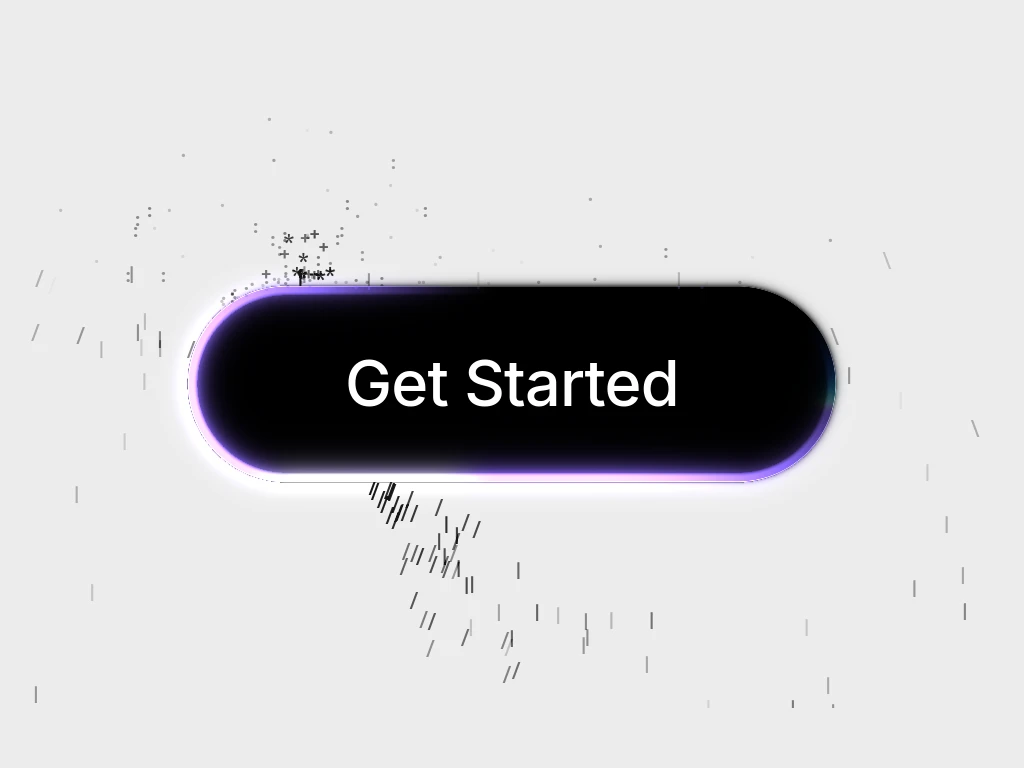
Motion and hover buttons: Save Slide moves its label aside for an icon, Interactive Hover grows a dot into the whole face and swaps the label, Jelly squashes and stretches on hover, Join adds an orbiting highlight and Magnet leans toward the cursor before it arrives. Relief is a neumorphic button that presses into the page, and Signal Buttons pairs a primary and a secondary action in WebGL liquid metal.
Begin with a short action label and your brand colors. Inspect the selected editor and its export options, then connect the button to a real action in your app.
Keep a visible focus state, sufficient label contrast and a comfortable touch target. Motion should reinforce an action rather than obscure its label.
No. Most are tagged CSS, while Signal Buttons is tagged WebGL and Vanilla JS. Check the selected product before integrating.
Choose a treatment that stands apart from nearby controls without competing with the page content. Reserve animated accents for the most important action.
A visual button is not a checkout, form submission or navigation flow. Wire the chosen control to your own behavior and test keyboard activation.
Keep the label readable in every state, give the button a visible focus style that matches its hover style, and respect reduced motion by shortening or removing the animation.
Keep exploring
Every interactive tool on HorizonX opens in an editor you can adjust in the browser before you export it.