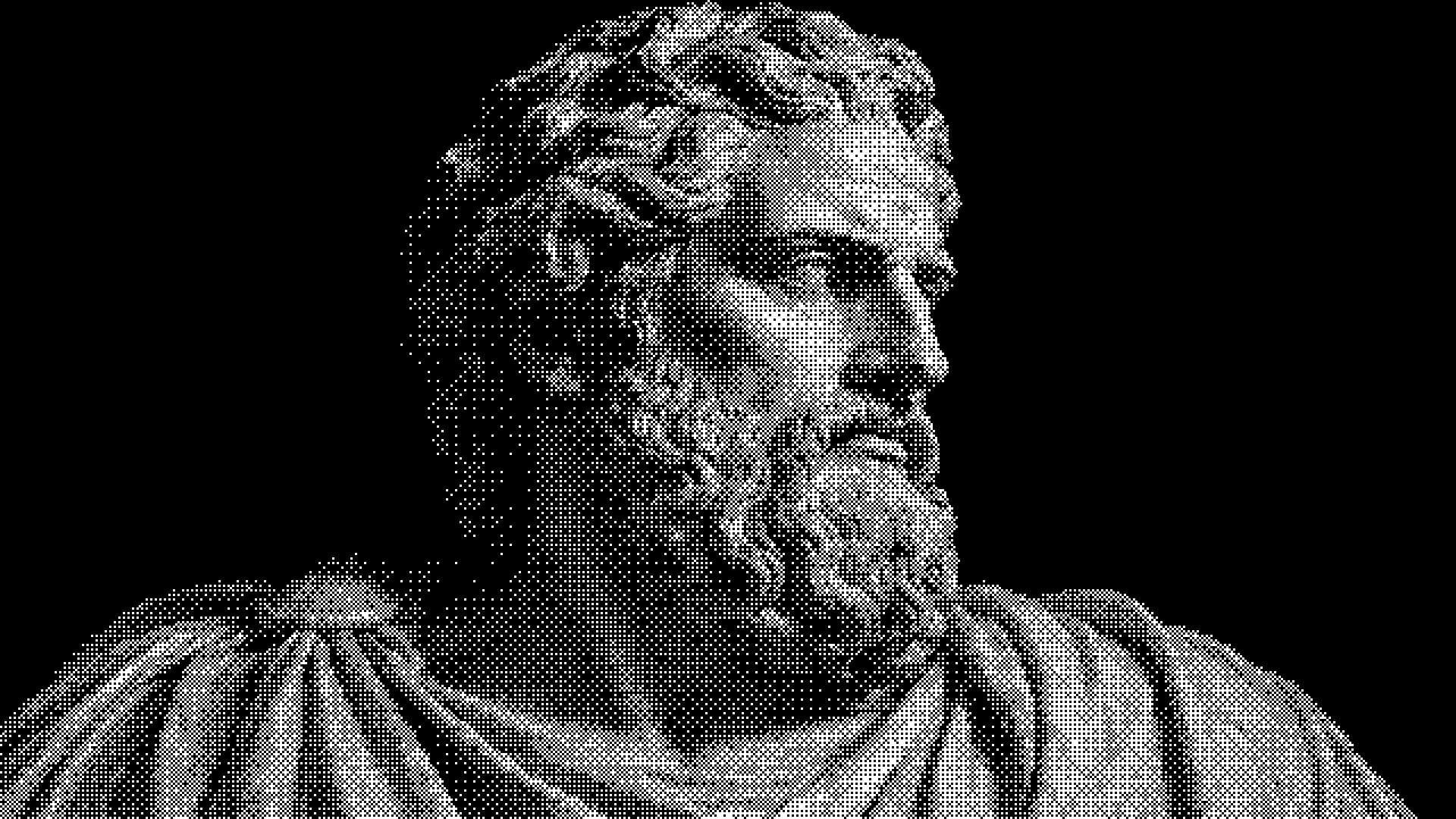
Marble Signal
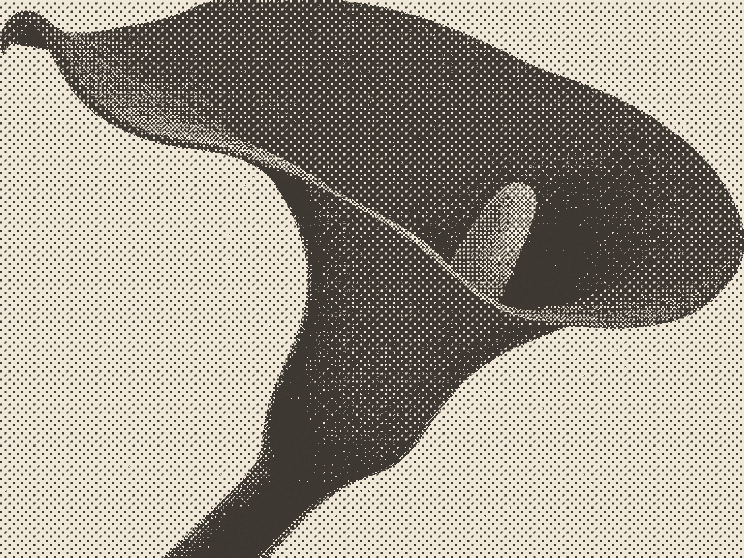
Classical marble, white pixels and deep black shadows. Edit the ordered dither pattern live.
 HorizonX Dither Text
Texture collection
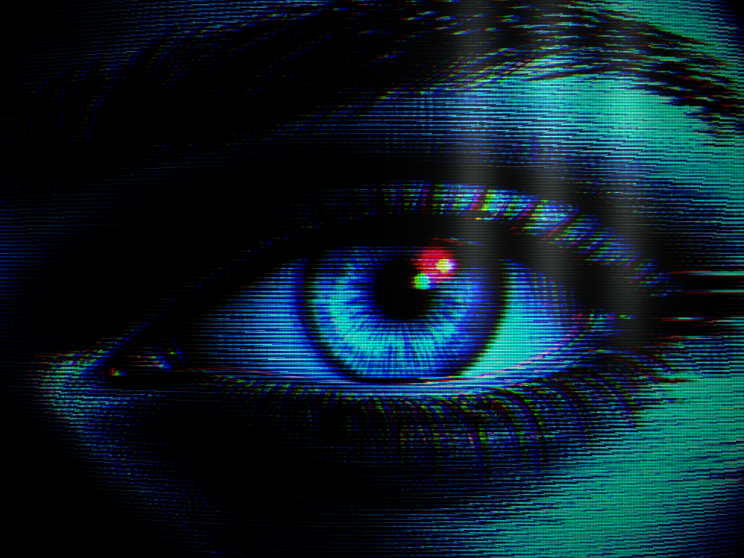
Dither effects for images and video, from one bit ordered screens and silver grain to type built out of dithered letters, plus two animated dither shaders for backgrounds. Every look opens in the browser with the dither pattern still editable.
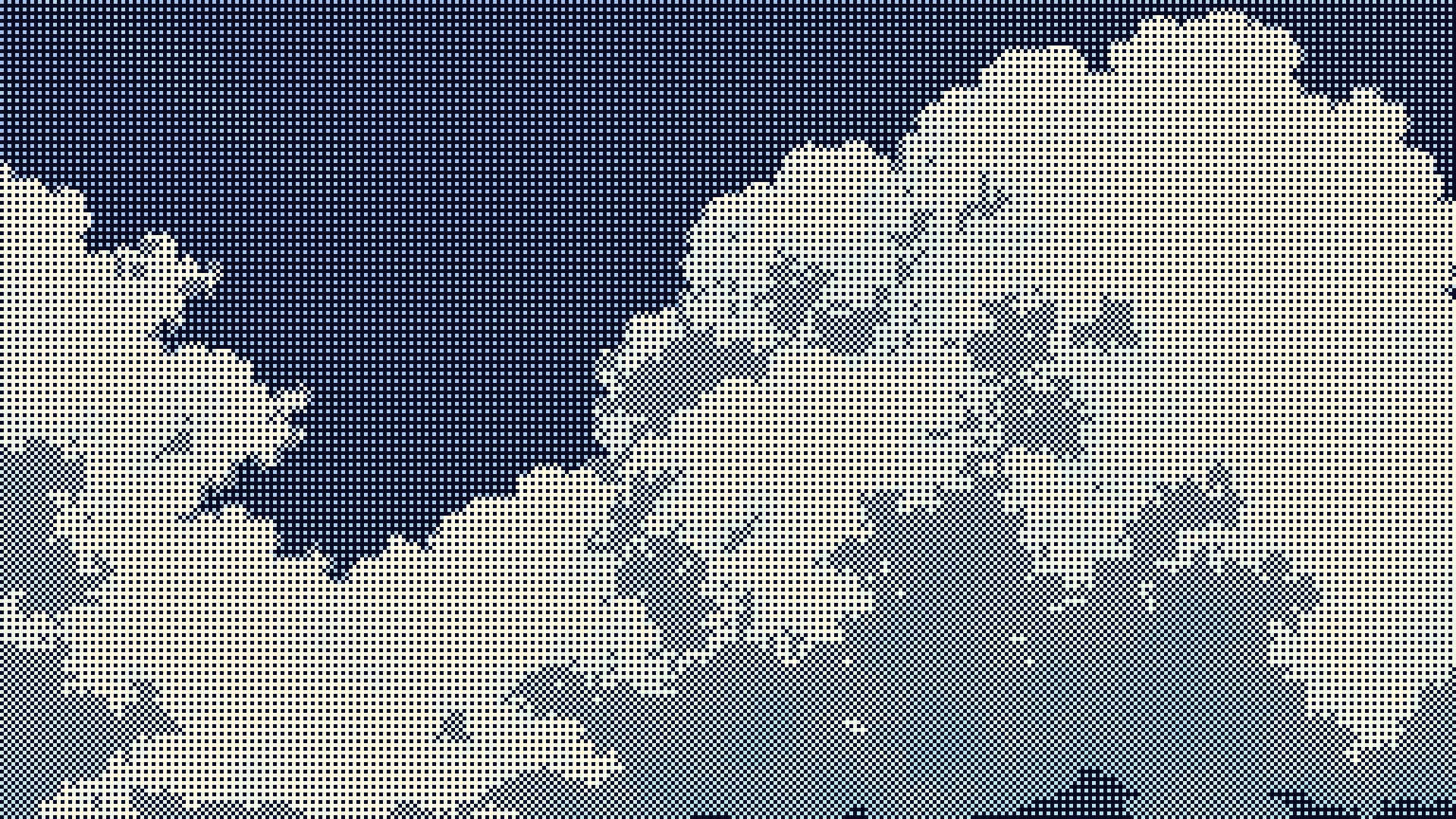
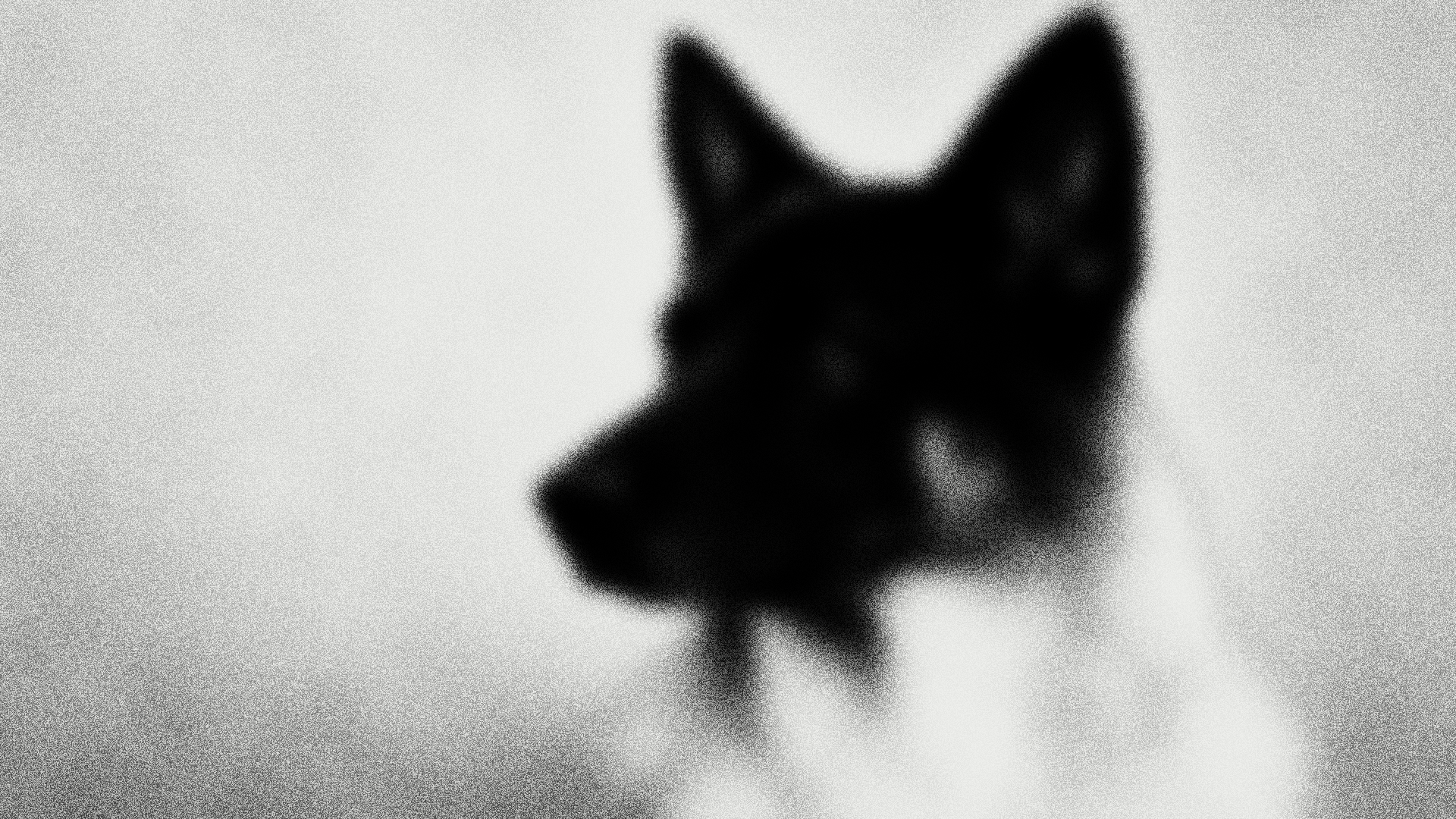
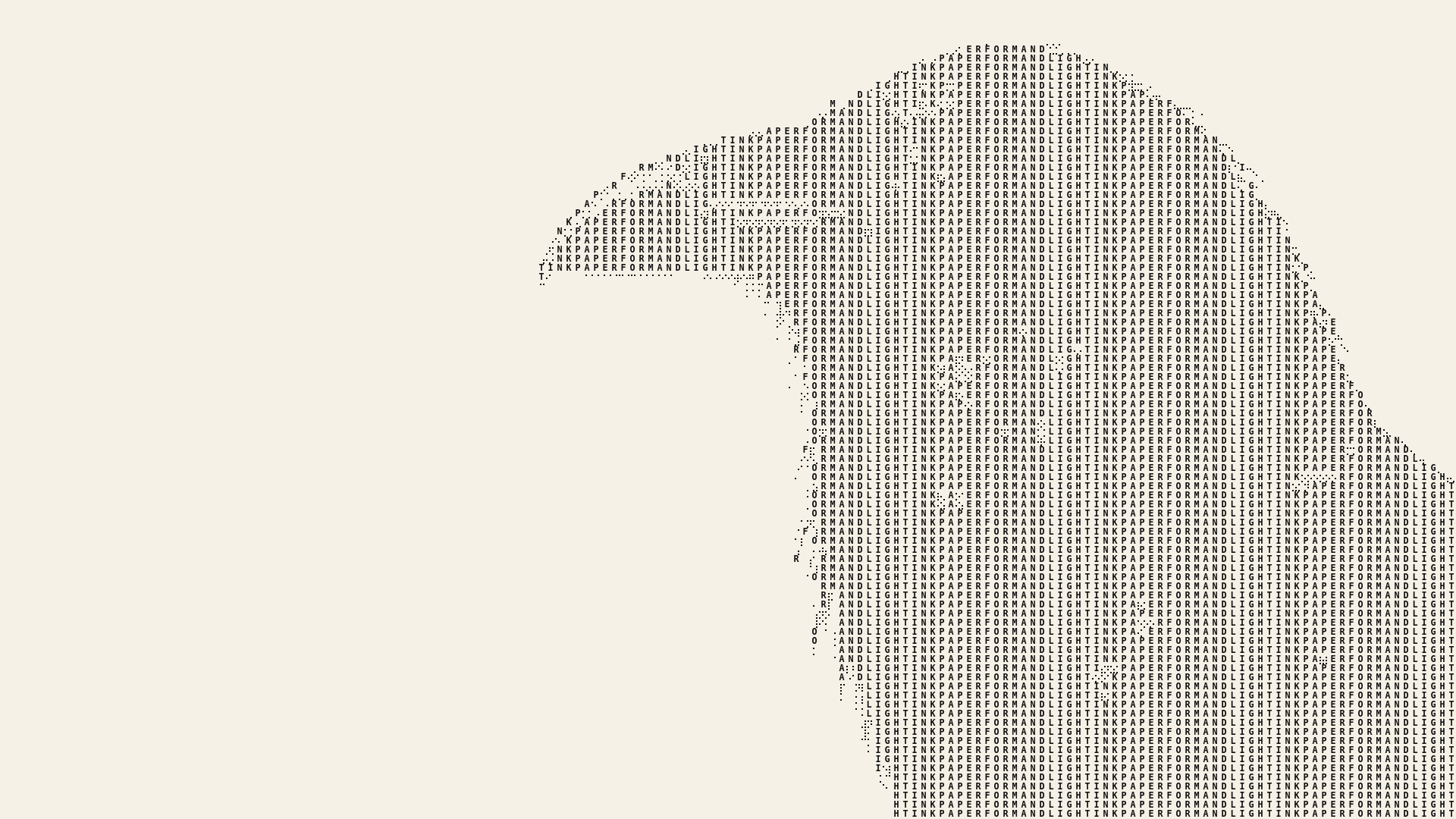
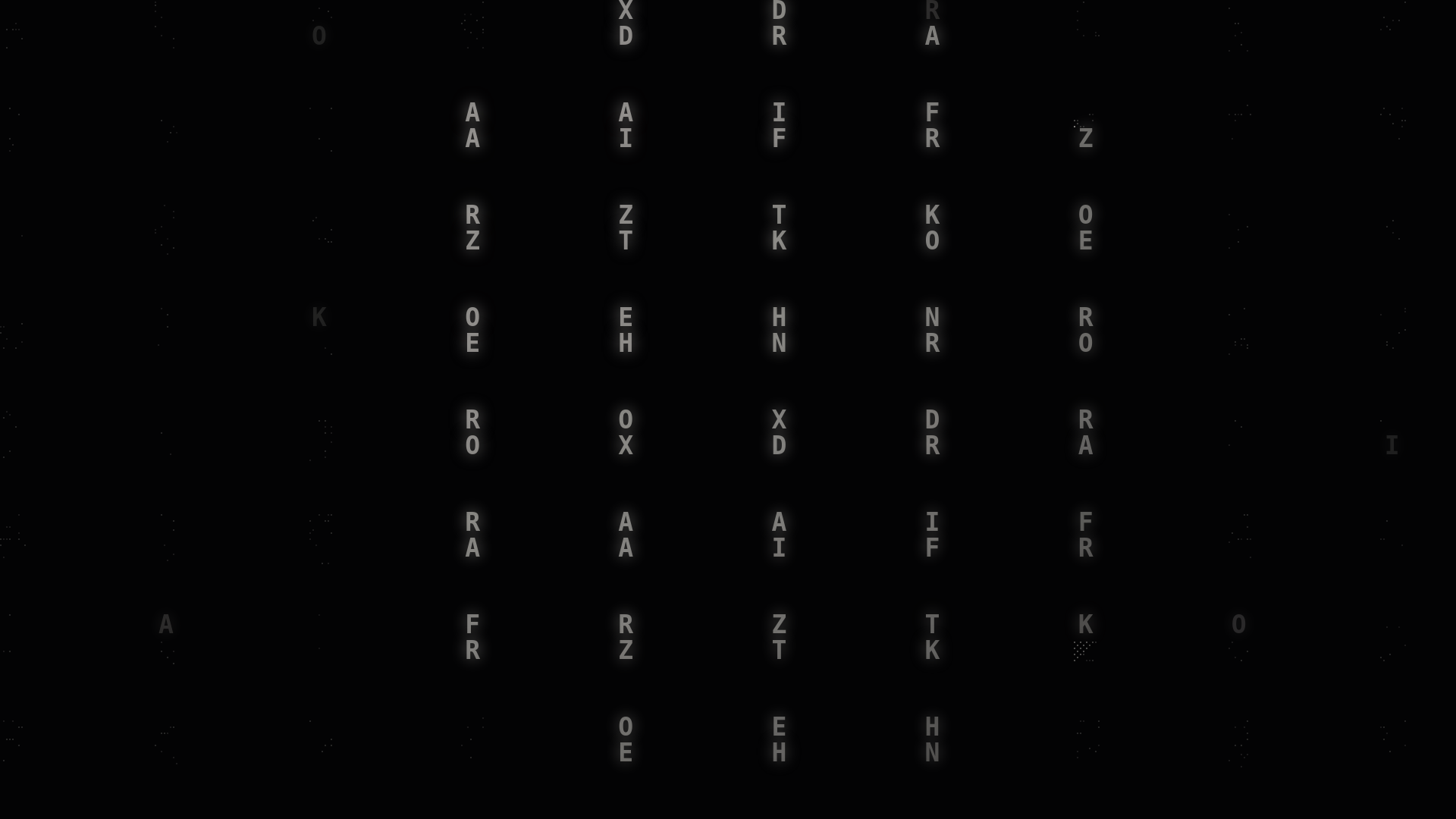
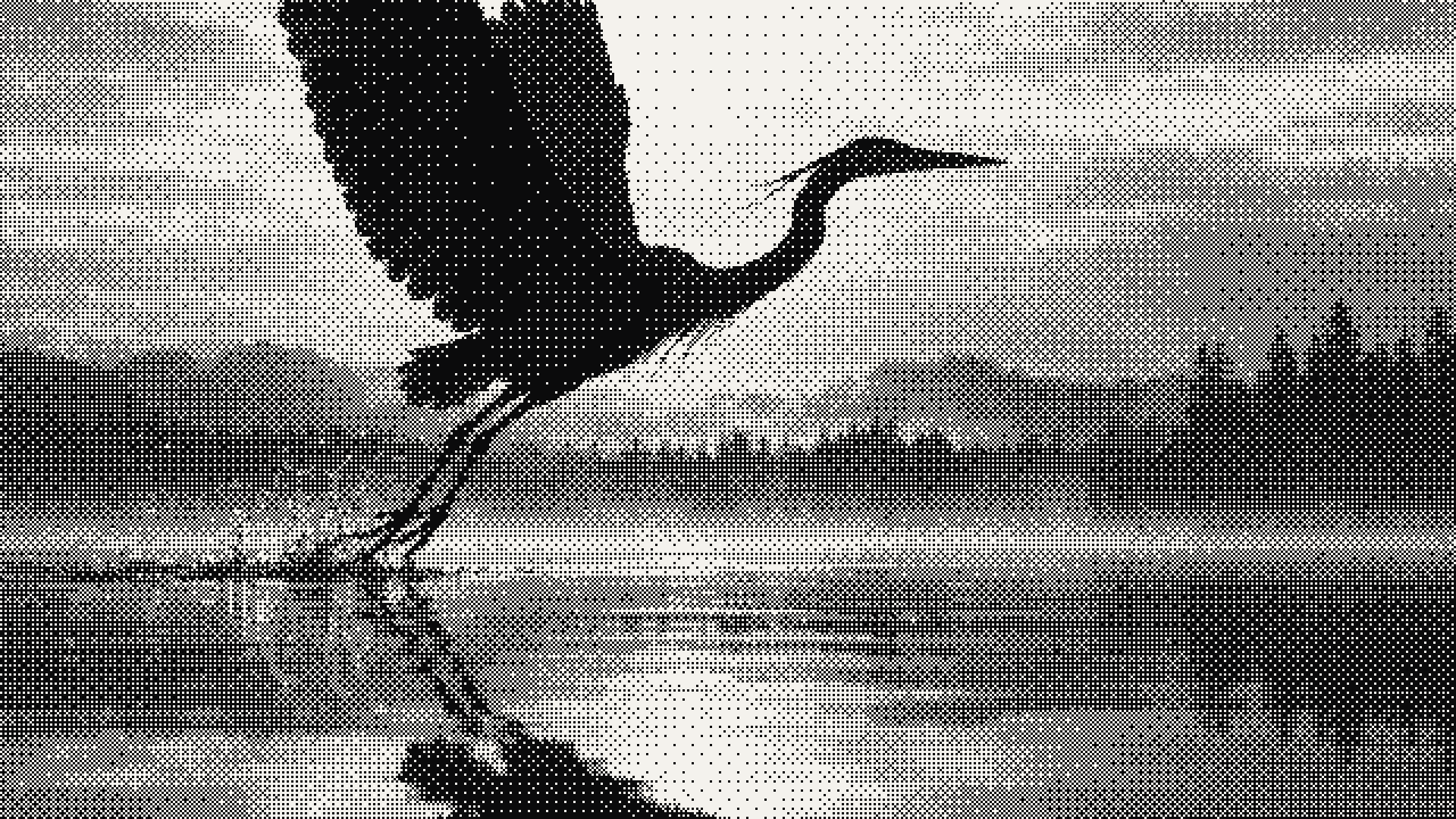
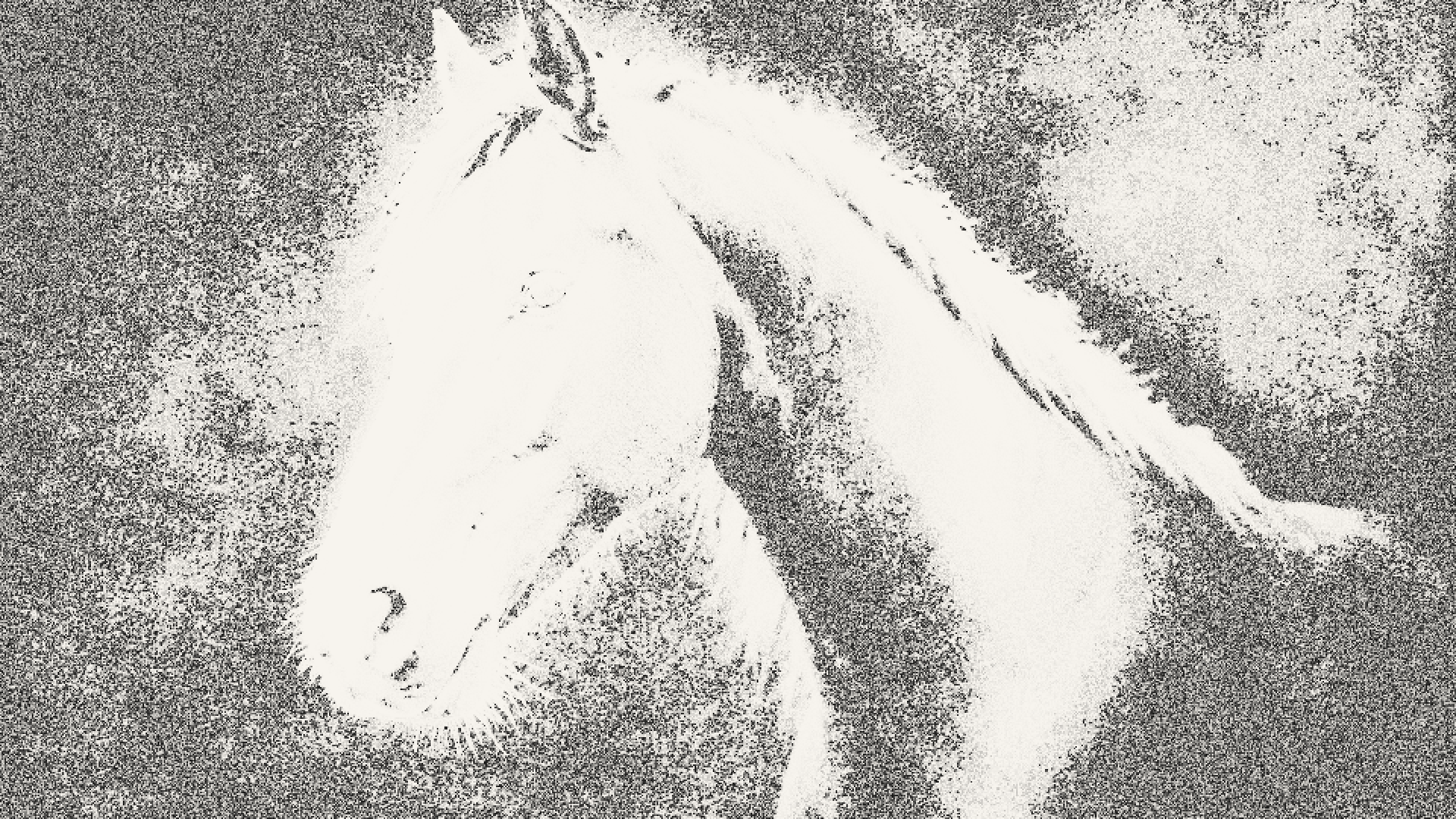
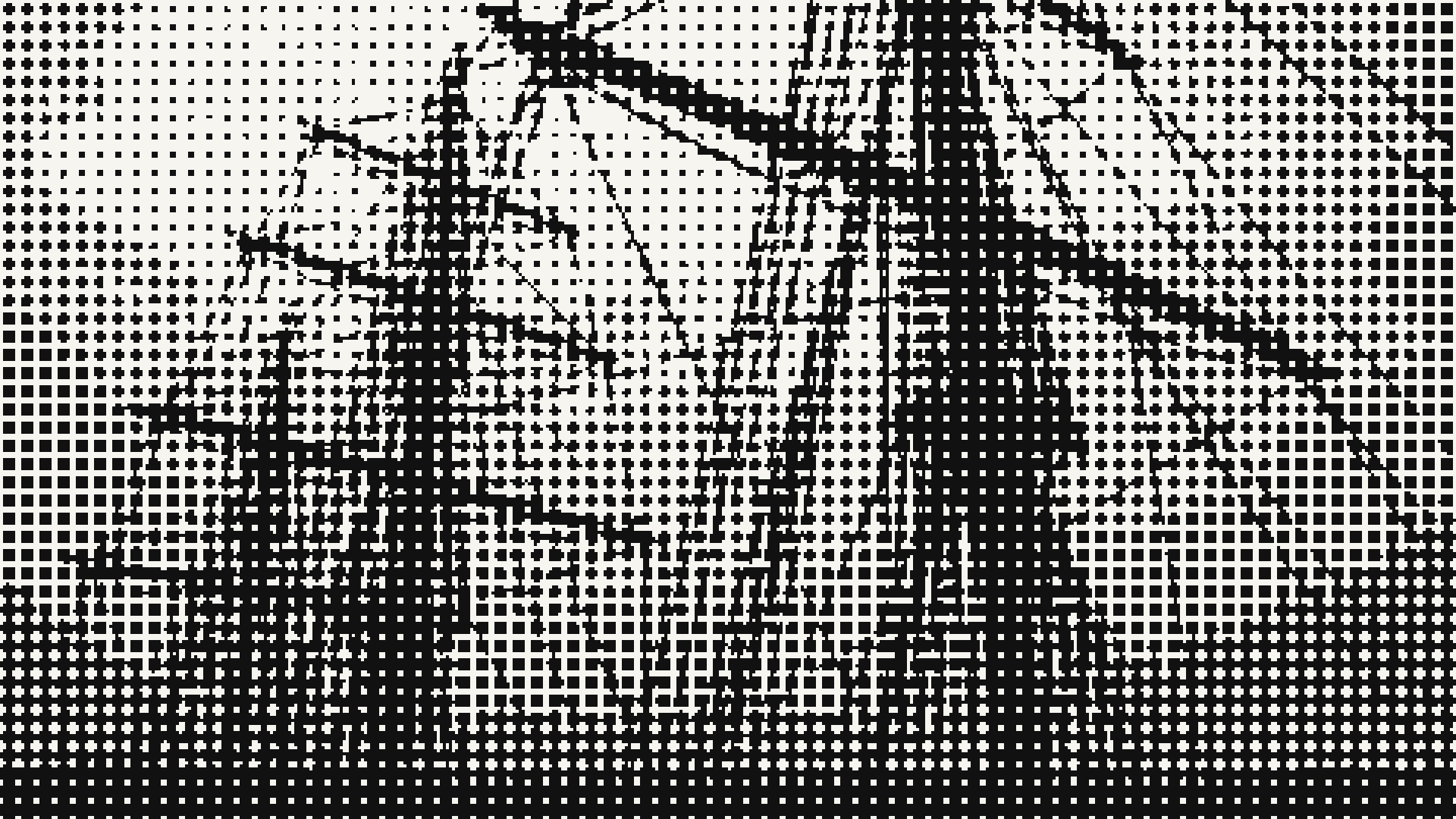
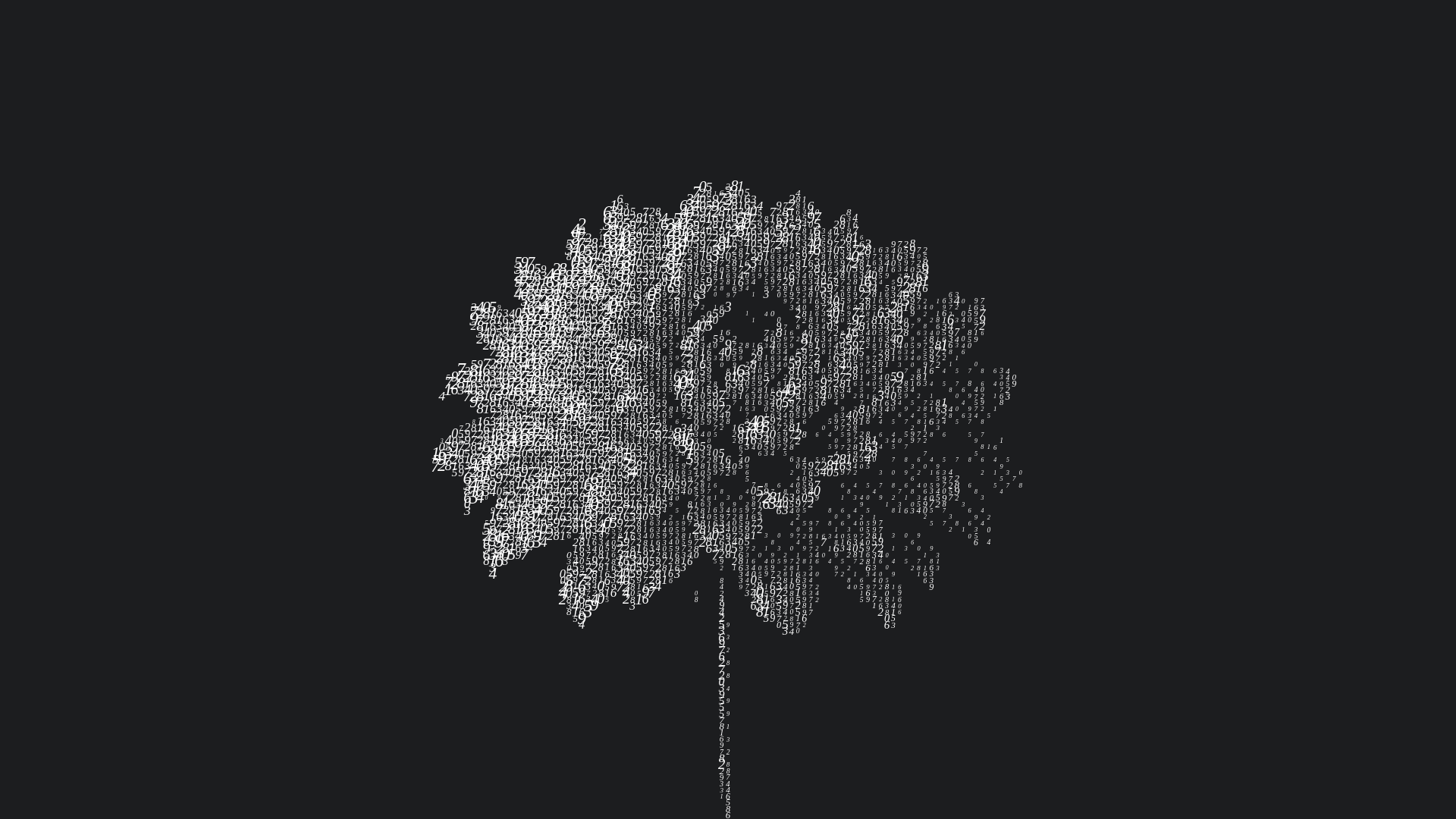
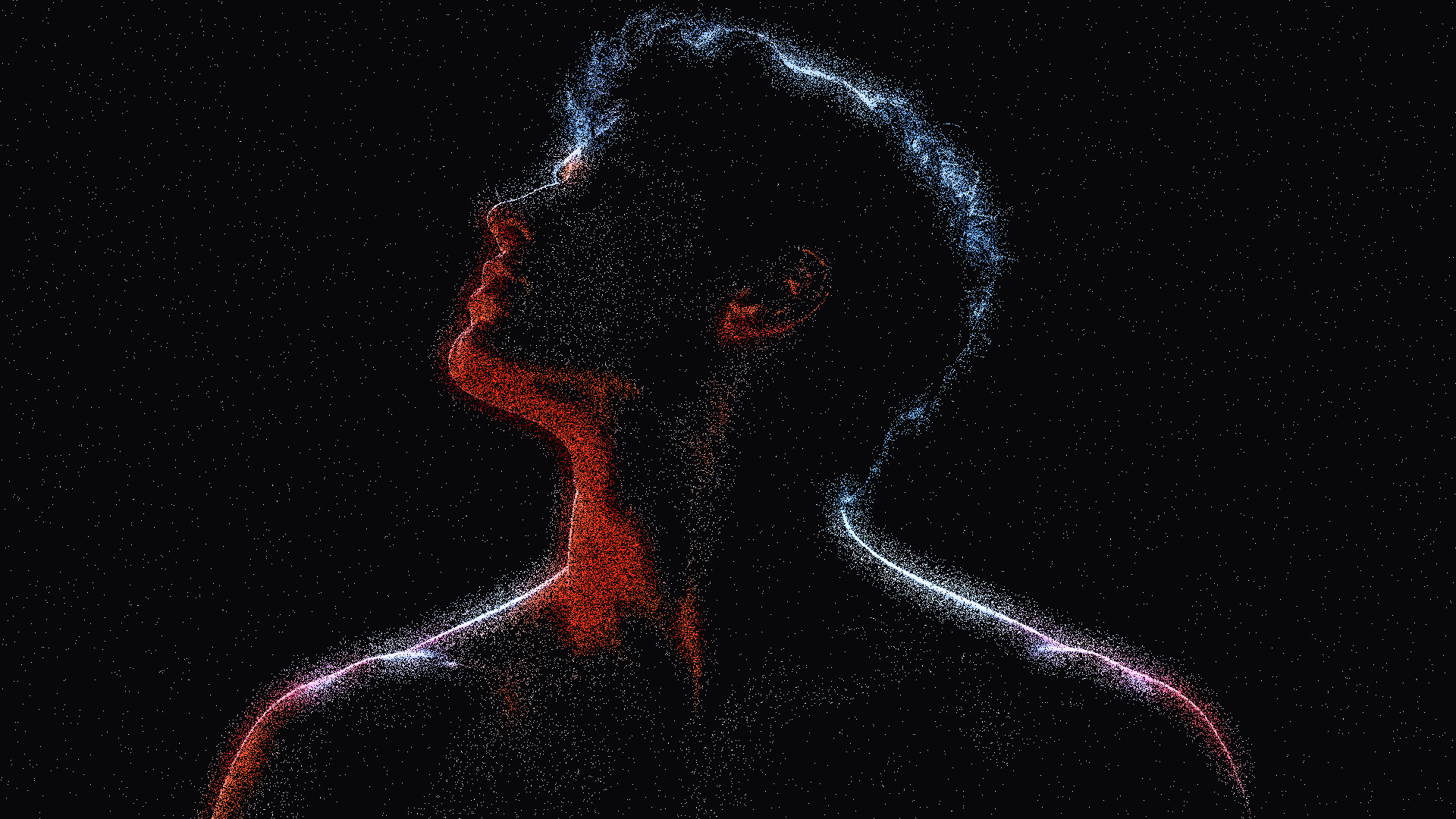
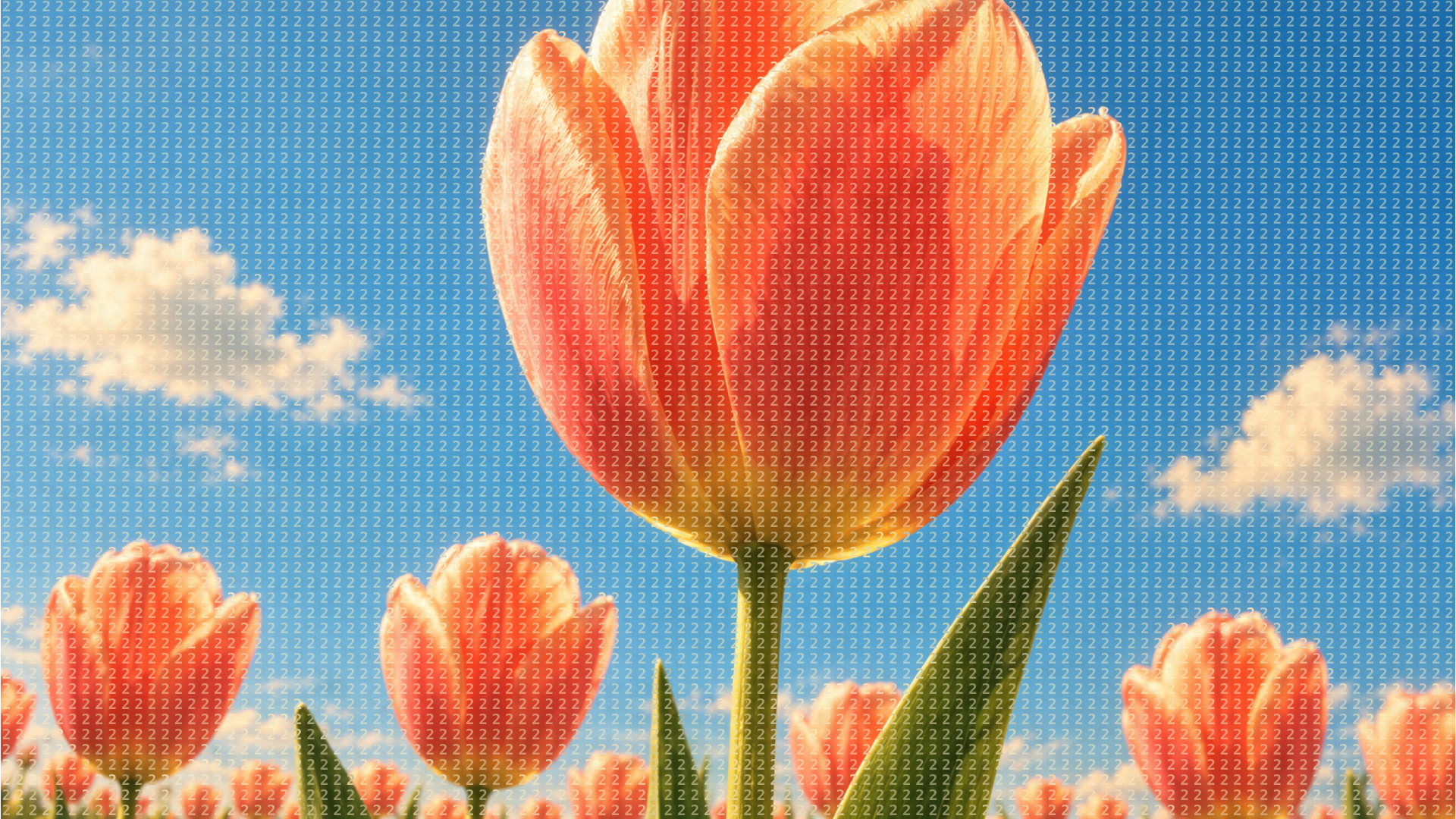
Marble Signal, Sky Lattice, Silver Hound, Newsprint Type, Marquee, Bit Plate, Ember Stipple, Press Screen, Numeral Field and Stardust Rim are looks of the same dither editor. Bit Plate reduces an image to a one bit ordered screen with no greys at all. Newsprint Type rebuilds it as dense ink typography on warm paper, and Numeral Field as white serif numerals. Pixel Beams and Wave are animated WebGL shaders: charcoal pixels forming plasma waves, and rolling waves that break into a pixel grid.
For a strict retro screen, start with Bit Plate or Marble Signal, which use an ordered pattern. For a softer photographic finish, Ember Stipple and Silver Hound read as film grain rather than as a visible grid. Sky Lattice and Press Screen sit between dithering and halftone. Newsprint Type, Marquee and Numeral Field draw the tone with letters and numbers, so they work as typographic posters as much as image treatments.
Anyone can open a look and edit it in the browser. Exporting needs a HorizonX membership, within an allowance that grows with the plan. Images export as PNG or JPEG and motion as MP4 or a PNG sequence. The two shaders export as self contained HTML, Svelte or React code, and Pixel Beams keeps its dither and wave controls editable.
Dithering builds tone out of marks of one size, scattered more densely in dark areas and more sparsely in light ones. It lets an image with very few colours, even just black and white, still show gradients.
Yes. Bit Plate reduces your image to a one bit ordered screen with no greys. Adjust the scale and contrast before you export it.
Pixel Beams and Wave are animated shaders made for that. They export as code for HTML, Svelte or React, so the effect renders live instead of as a video file.
Keep exploring
Pick a look, add a photo and adjust the pattern, scale and colours while the preview redraws, then export the result.