Phosphor Bloom
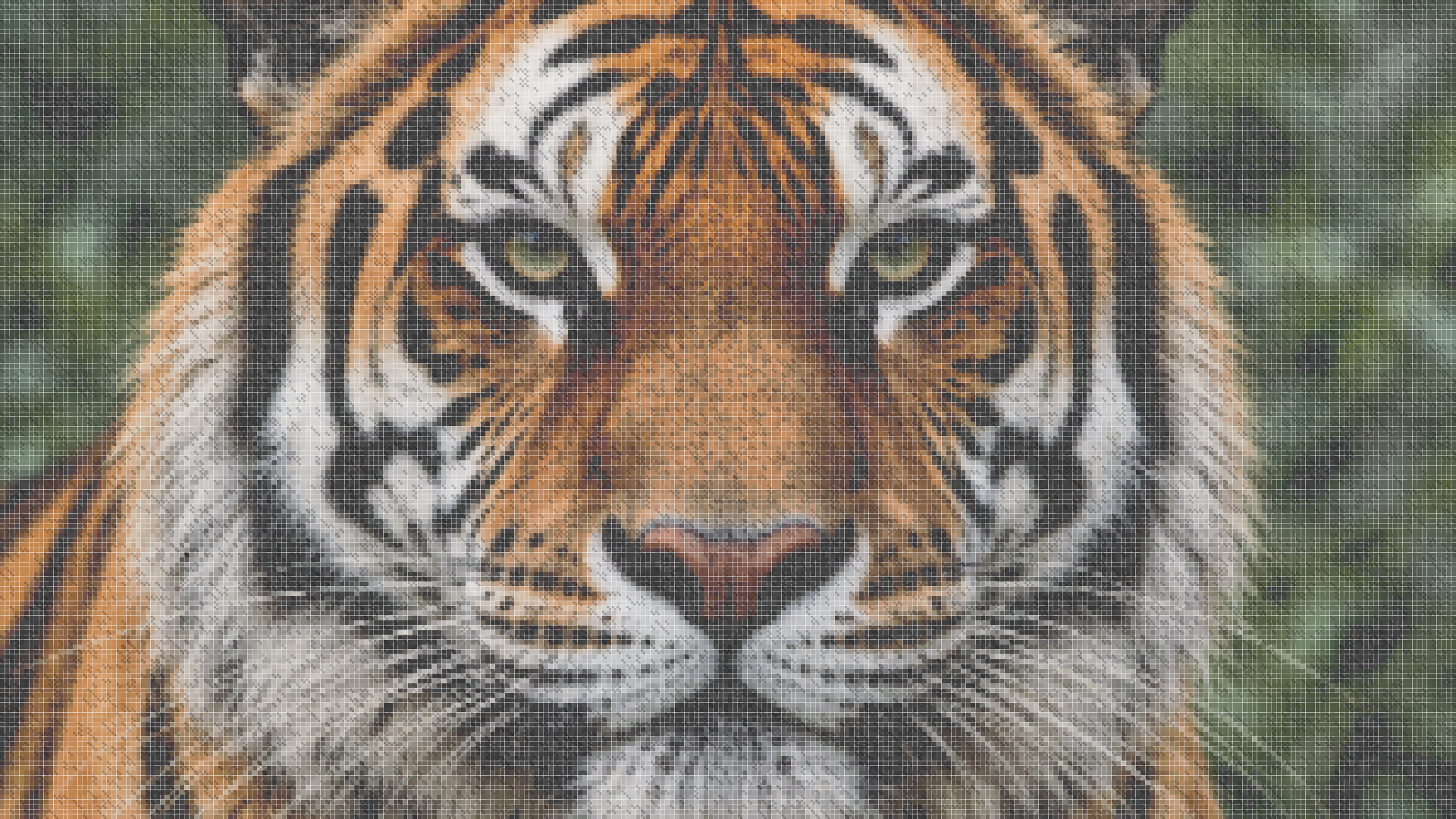
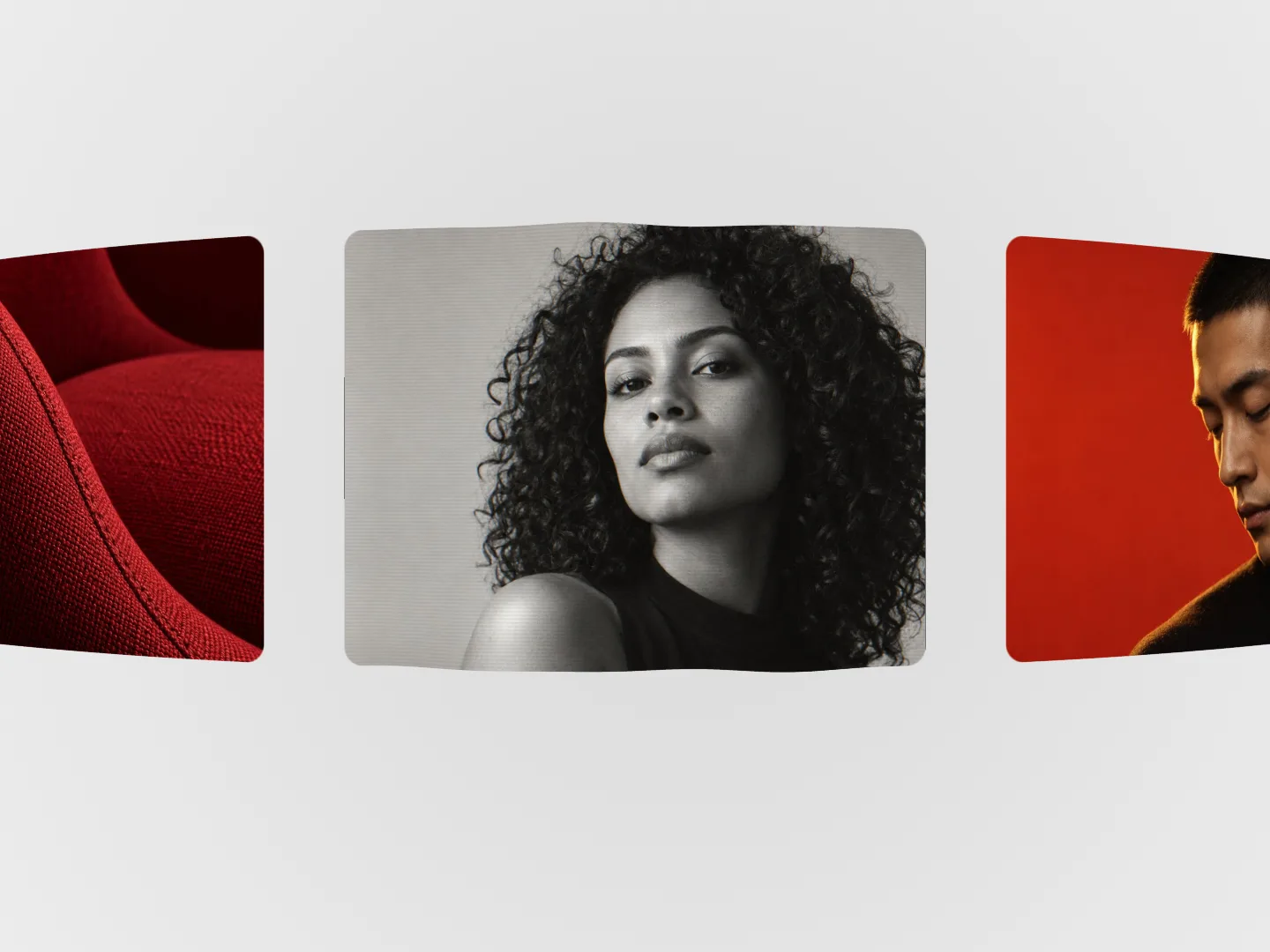
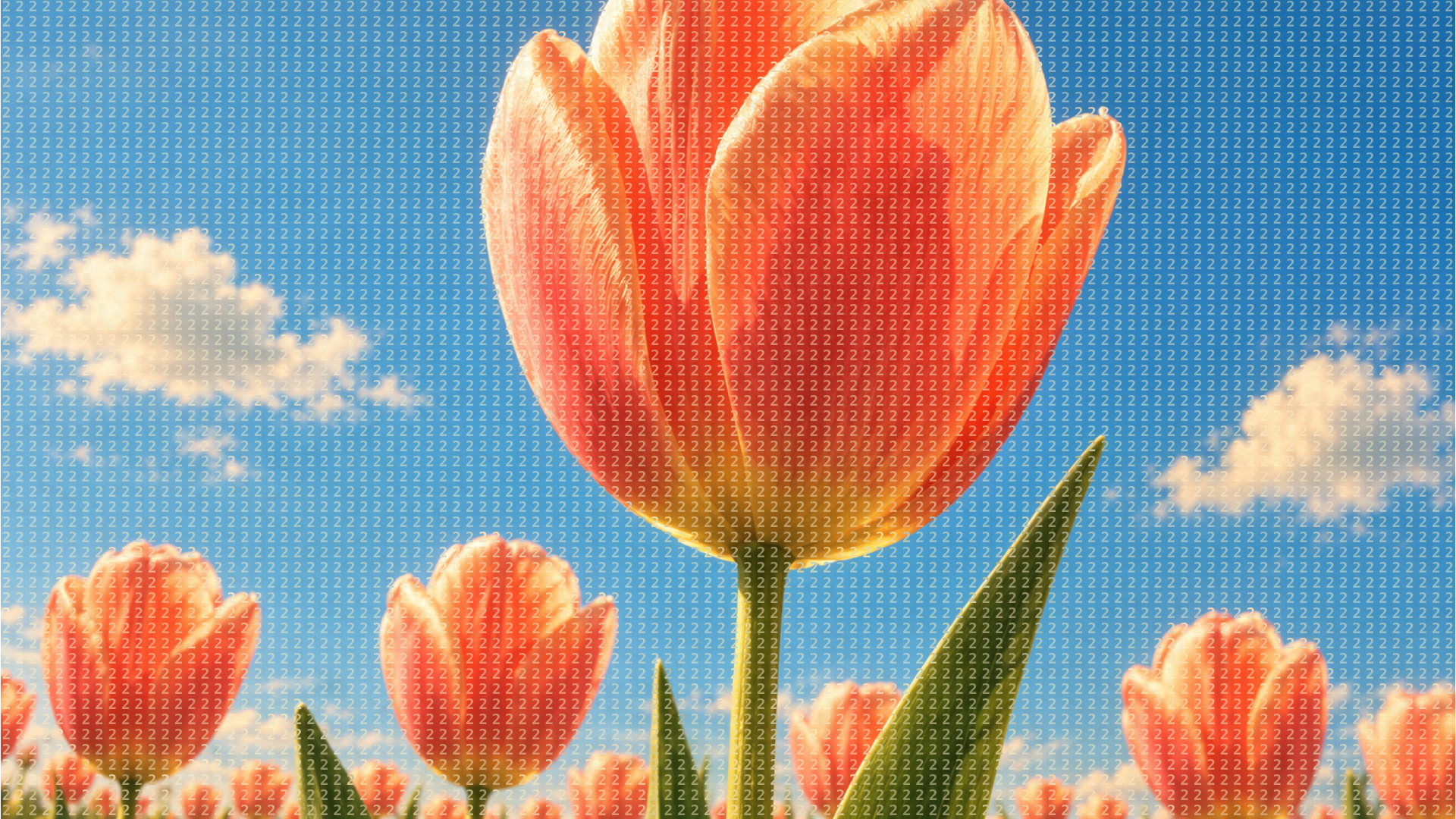
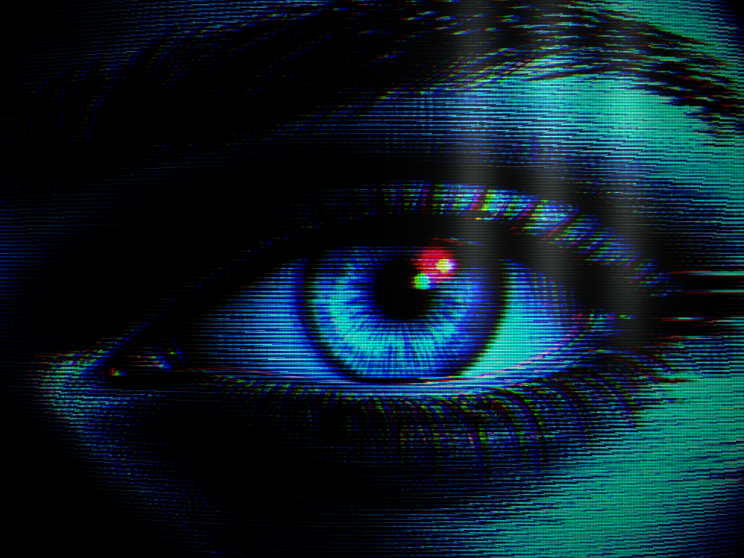
Turn images and video into a tinted CRT screen with a fine RGB grid and soft window glare. Edit Phosphor Bloom live.
 HorizonX CRT Screen
Texture collection
Retro screen effects for images and video: a CRT filter with an RGB grid and glare, terminal and stadium screen looks, a pixel mosaic, bead mosaic imagery and pixel based components. Each effect stays editable in the browser before you export it.
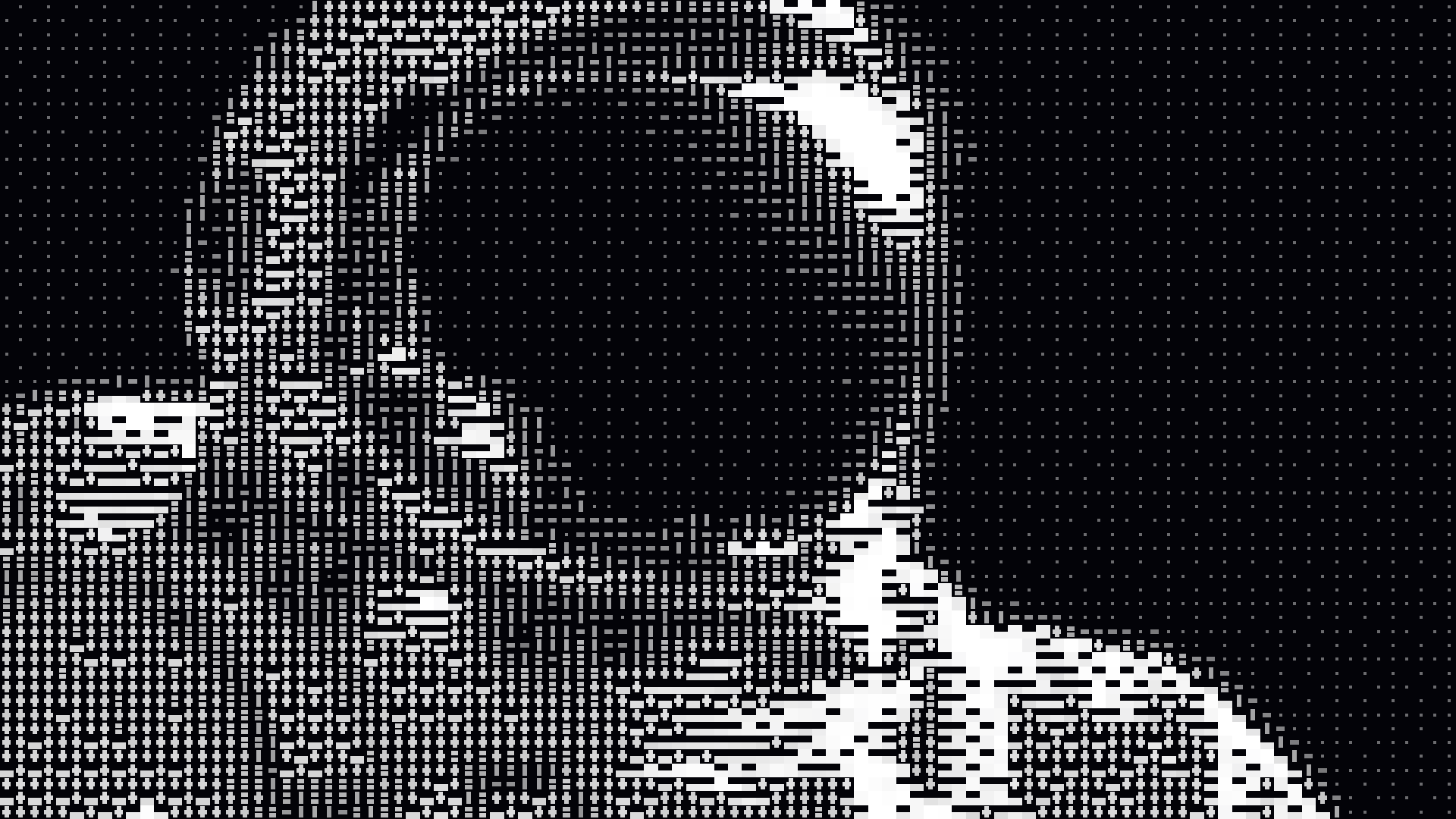
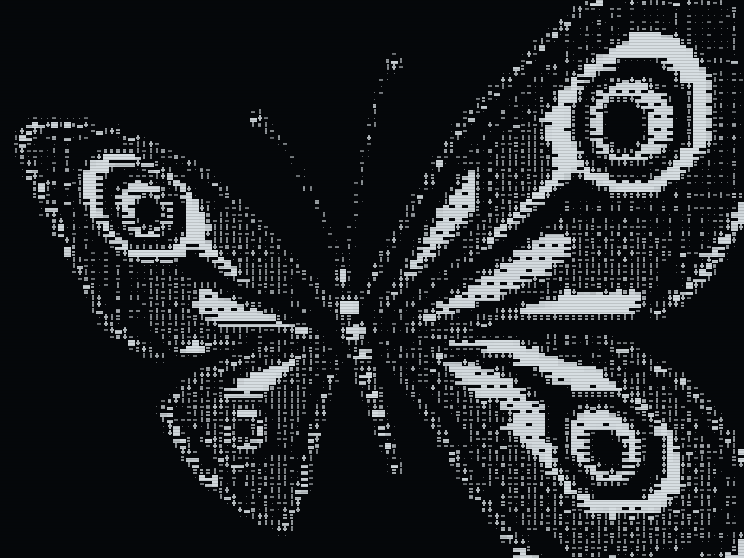
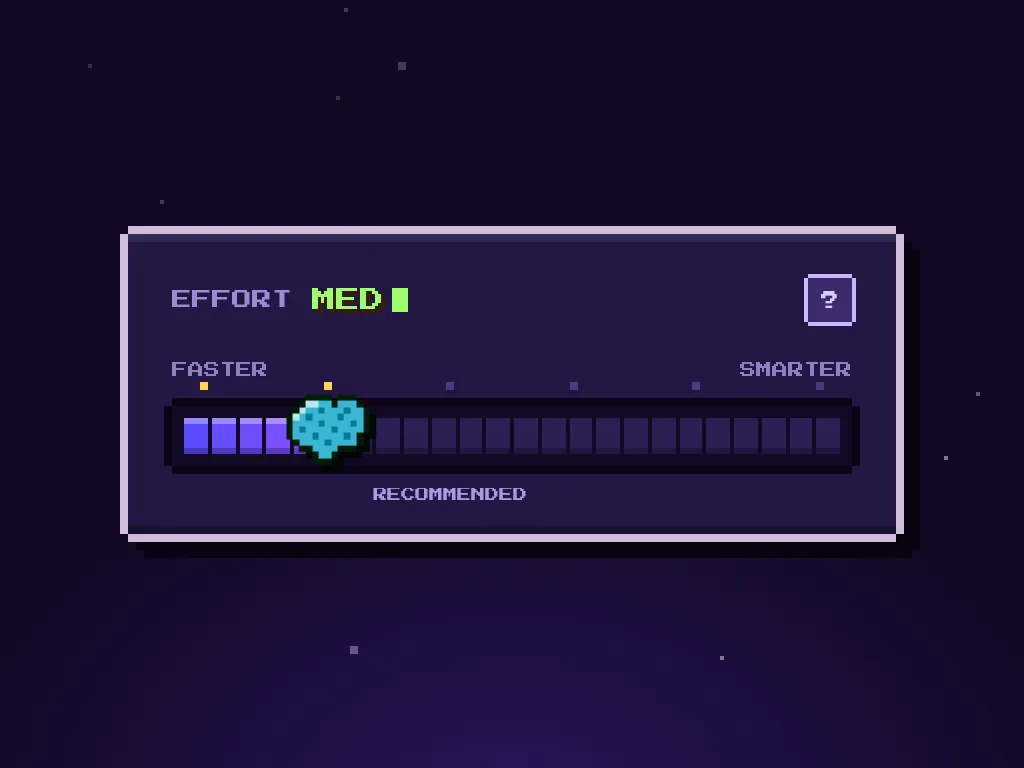
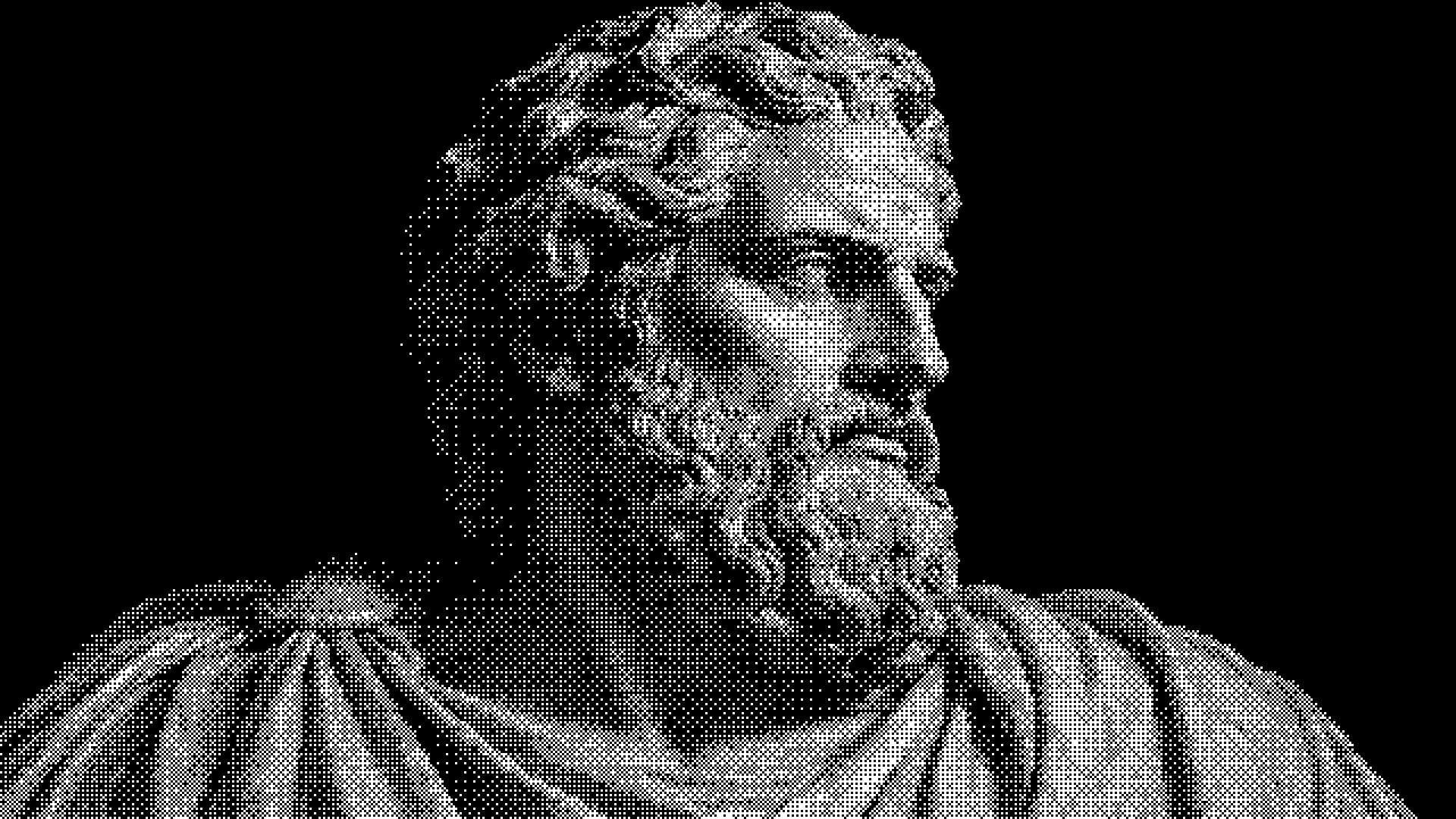
Phosphor Bloom turns images and video into a tinted CRT screen with a fine RGB grid and soft window glare. Midnight Terminal and Jumbotron rebuild your media out of glowing rows of screen marks. True Mosaic turns photos and videos into a field of patterned pixels. Beaded Deer Sunset, Beaded Palace and Golden Pixel Horse are image sets in bead mosaic and pixel styles. Pixel Scan is a text effect whose pixel band scatters the colour channels as it passes, Pixel Effort Slider is an 8 bit range slider, and Wave is a shader whose waves break into a pixel grid.
A CRT filter keeps the photograph and lays the screen on top: scanline grid, glow and tint. A pixel art effect replaces the photograph with blocks, so detail drops and colour carries the image. A glitch effect breaks the image apart, usually by shifting colour channels, as Pixel Scan does on text. Pick by what the image has to keep: faces and products survive a CRT filter better than a coarse mosaic.
Anyone can open the looks and edit them. Exporting needs a HorizonX membership, within an allowance that grows with the plan. Images export as PNG or JPEG and motion as MP4 or a PNG sequence. Pixel Scan and Pixel Effort Slider are code components and export as HTML, Svelte or React, and the Wave shader exports as code too.
It imitates an old cathode ray tube screen: a visible grid of red, green and blue cells, a soft glow and some glare. Phosphor Bloom applies it to your own images and video.
True Mosaic rebuilds a photo or video out of patterned pixels. Adjust the cell size and colours until the subject still reads, then export.
Pixel Scan sweeps a band of pixel blocks across a line of text and scatters its colour channels, so the copy resolves in passes. It is a code component you can export.
Keep exploring
Every interactive tool on HorizonX opens in an editor you can adjust in the browser before you export it.