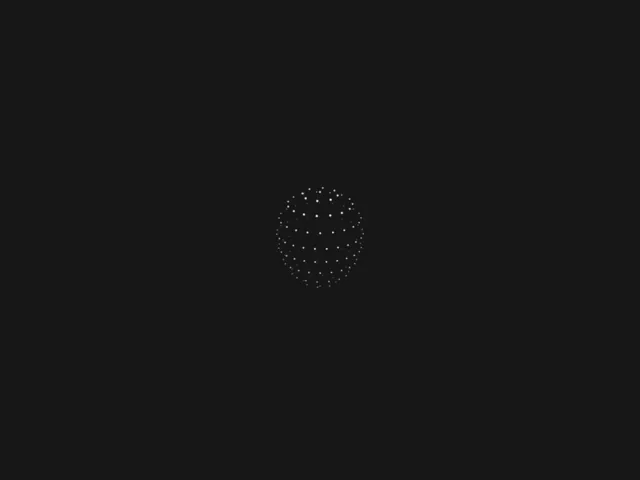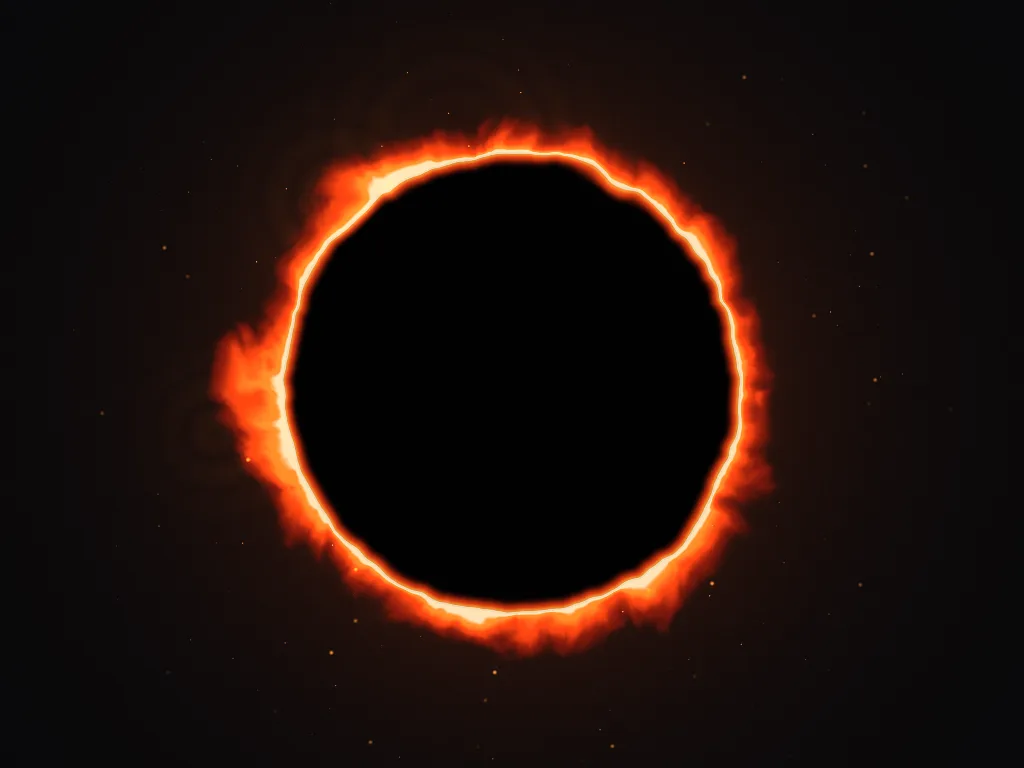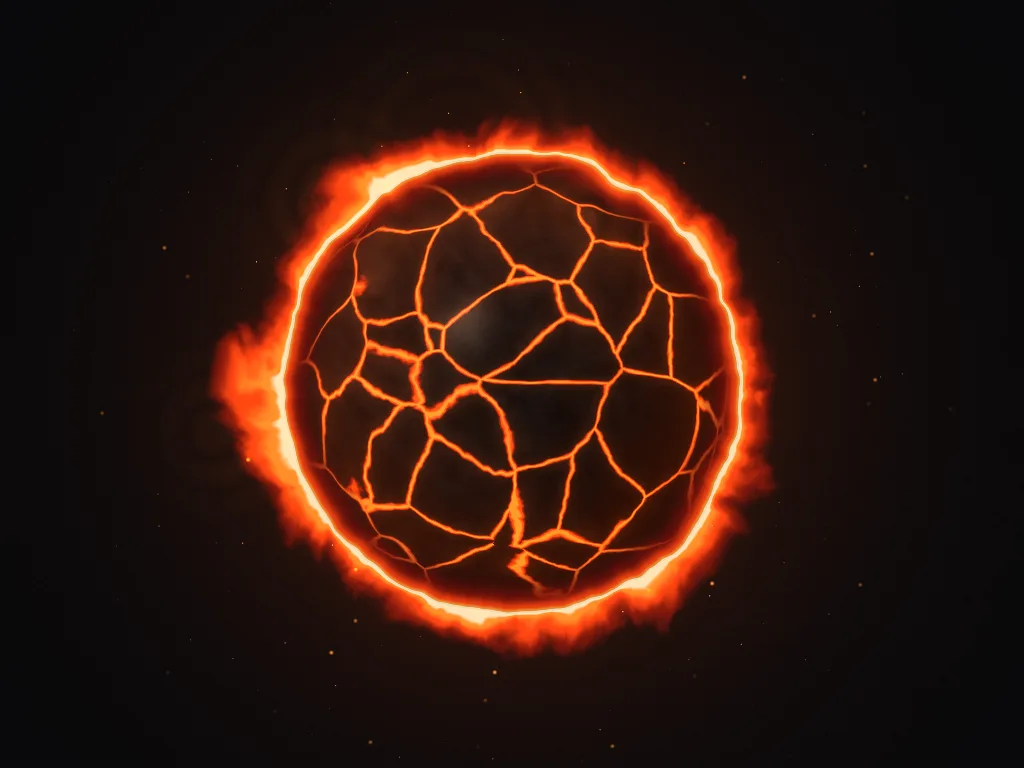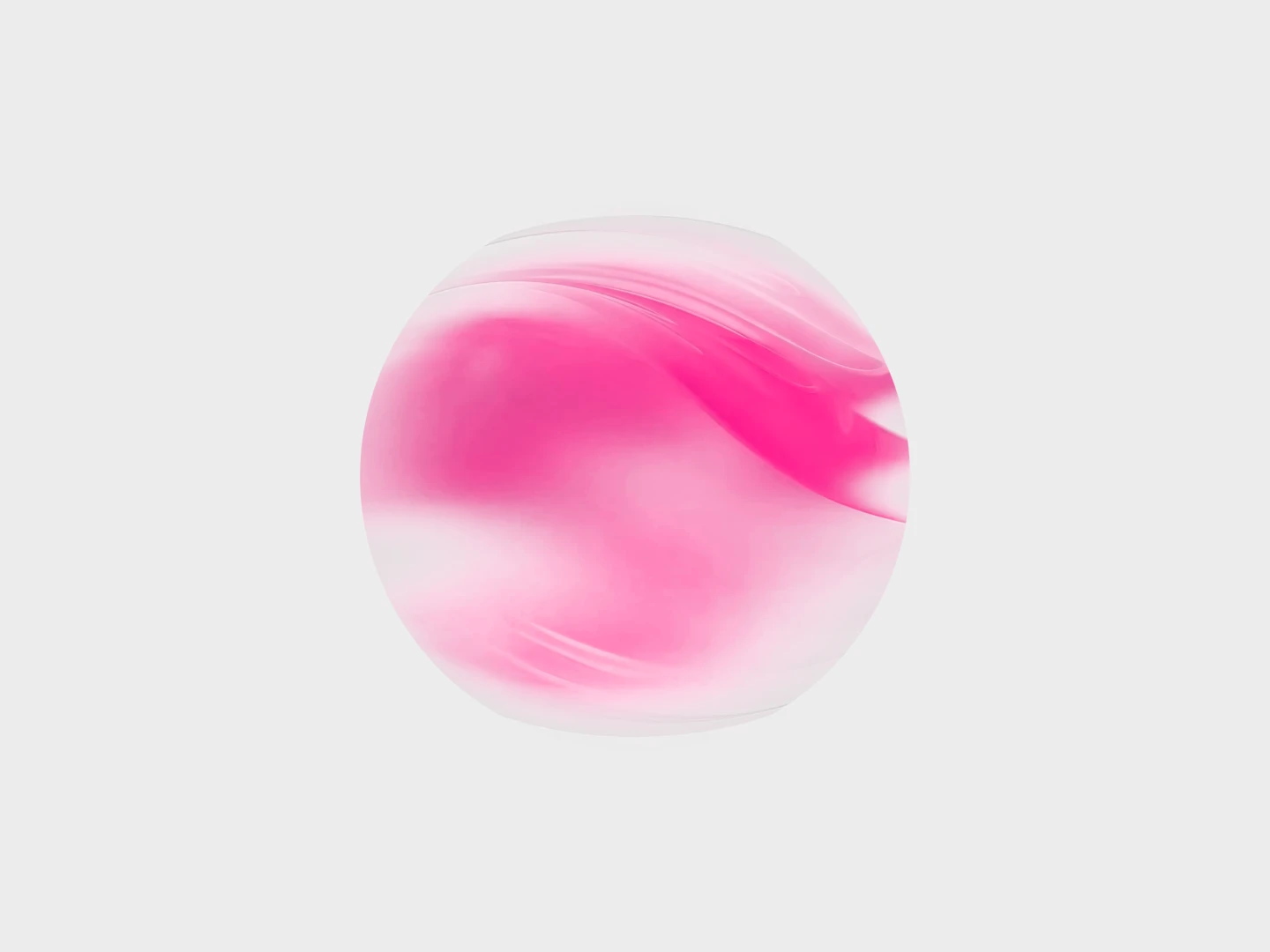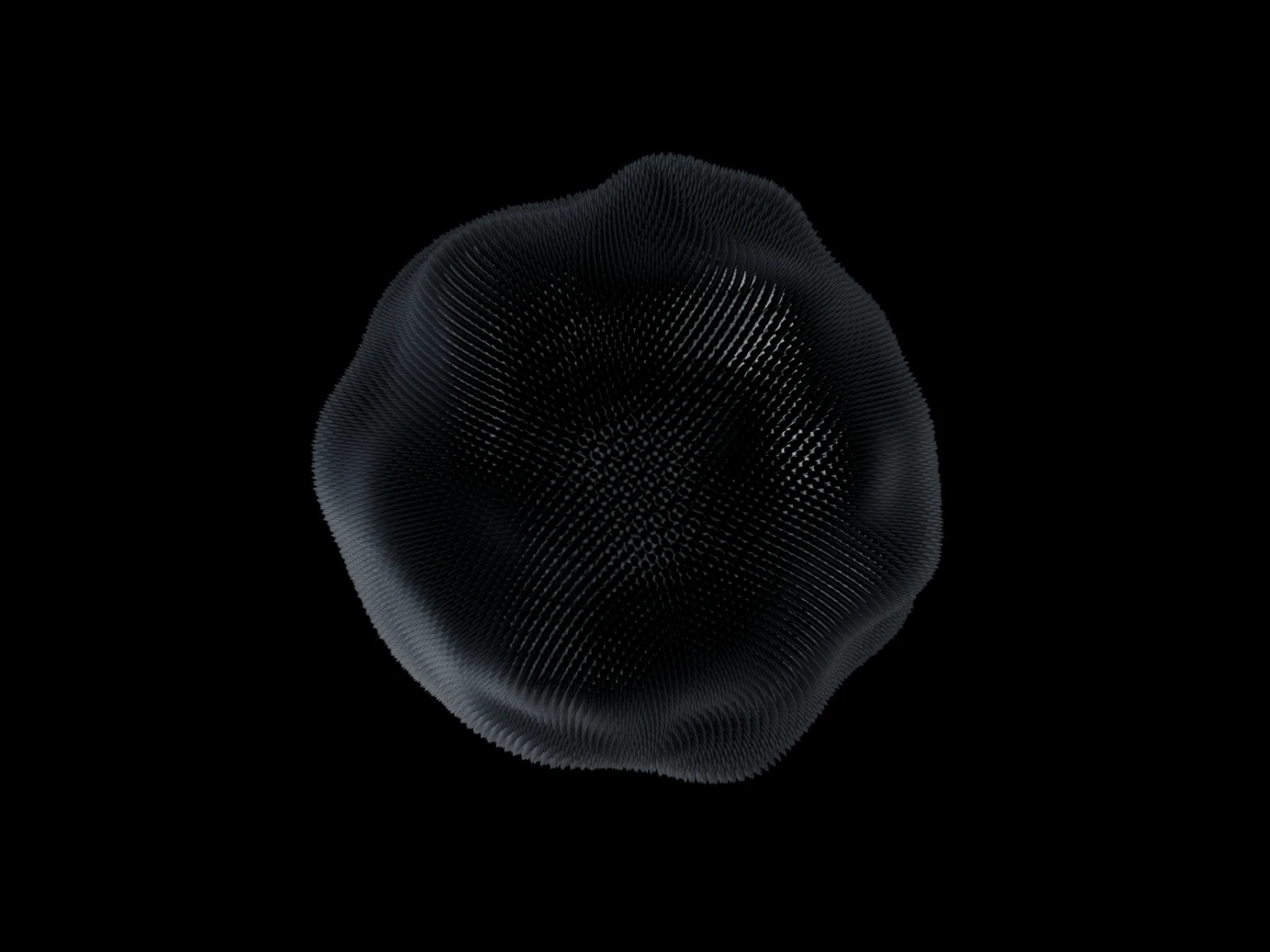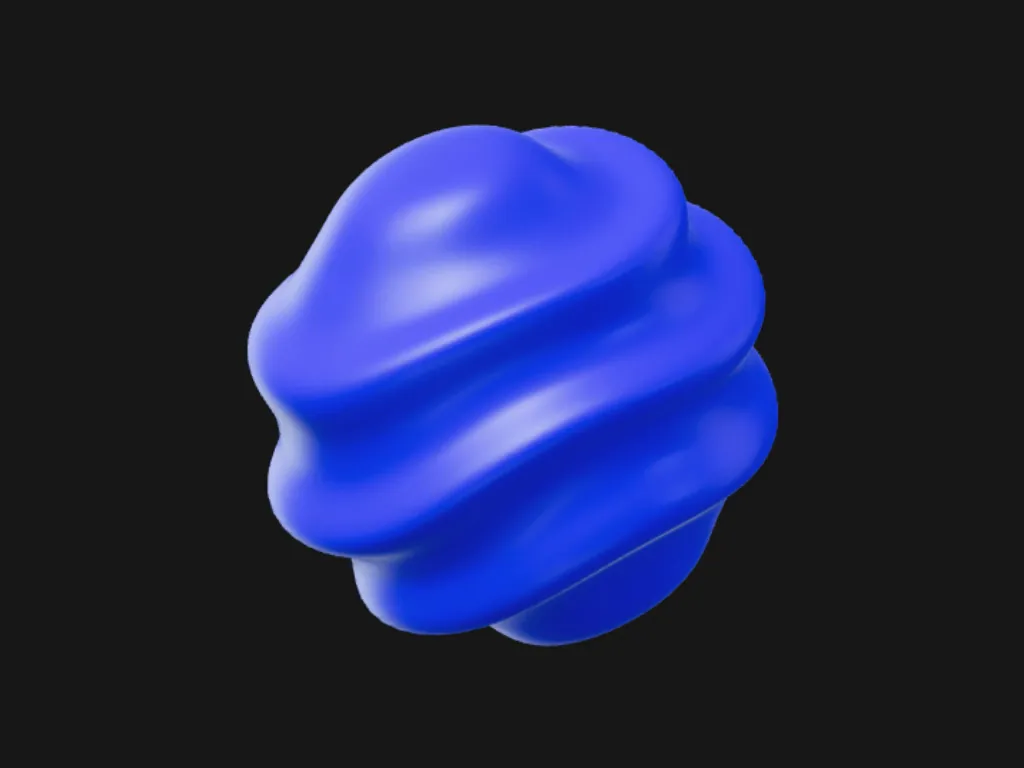
Breathing Orb
A face-on ring pulsing with a slow radial ripple.
 HorizonX UI/UX
Tool collection
Animated orbs for AI assistants, voice interfaces and loading states, built with CSS, Canvas and WebGL: listening, thinking and searching orbs, glowing CSS orb loaders and 3D particle spheres. Tune the colour, size and speed of each orb in the browser, then export it as HTML, Svelte or React.
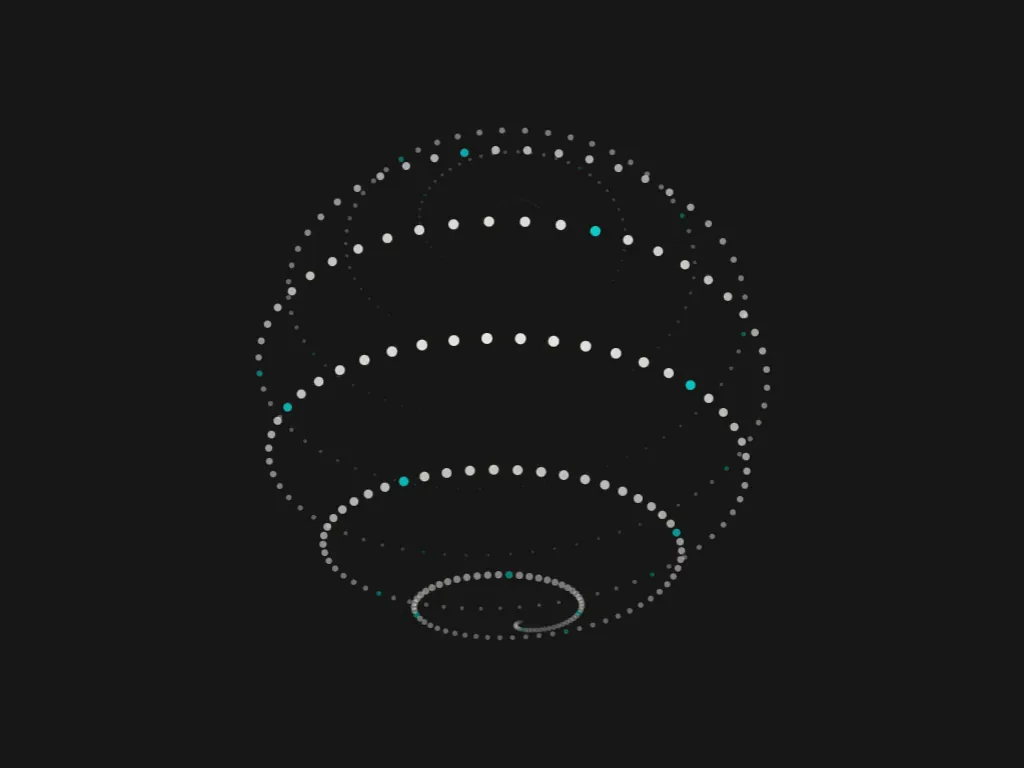
Pick the orb by what your assistant is doing. Listening Orb breathes in and out for voice input, Searching Orb sweeps a scan band across a dotted globe while results load, and Composing Orb or Weaving Orb fit a reply being written. Solving Orb and Working Orb cover longer tasks, and Connecting Orb shows an agent reaching out to other tools.
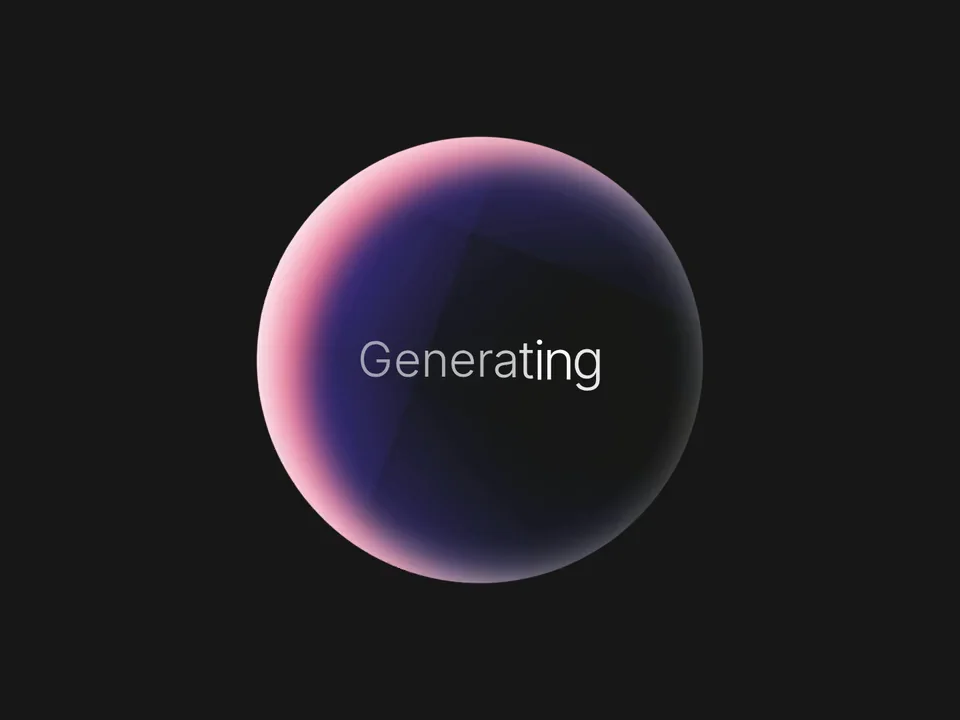
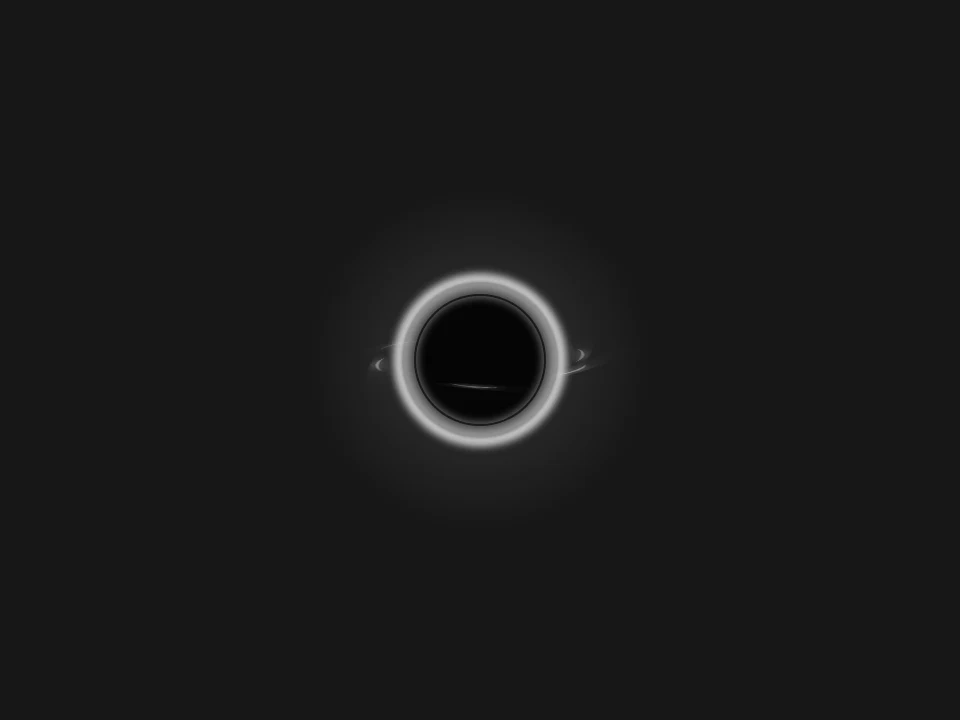
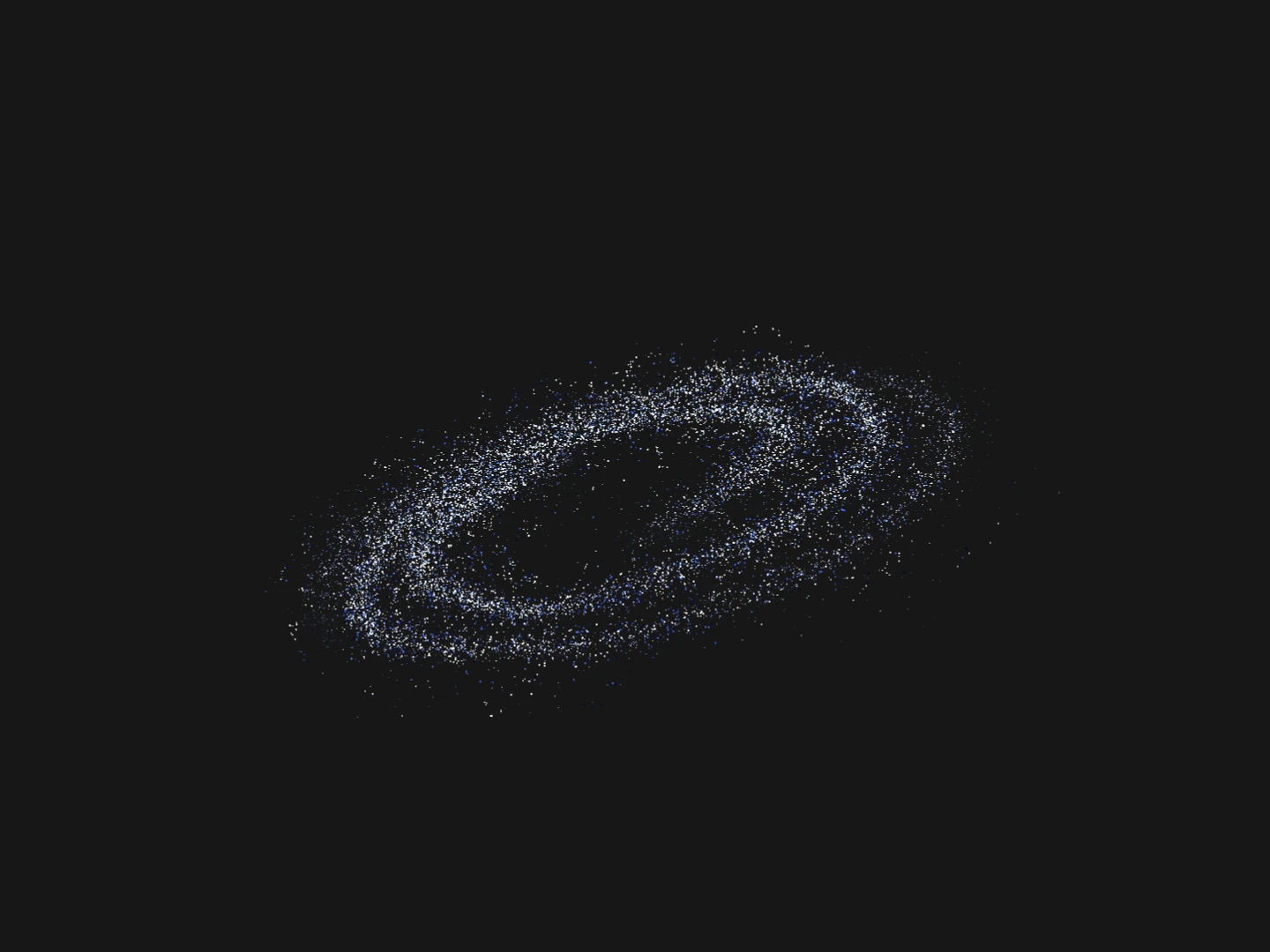
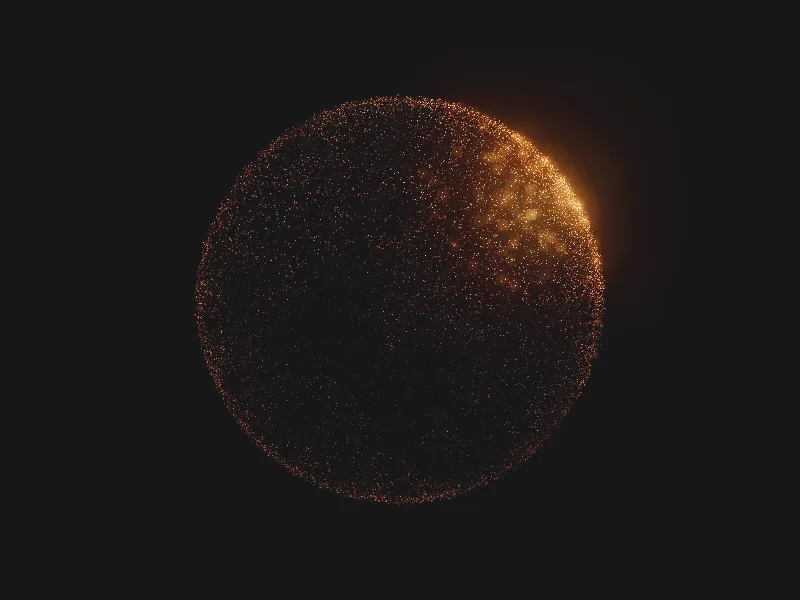
For a plain loading state, a CSS orb loader is enough: Generating Orb sweeps light behind a word, Singularity Orb suits dark interfaces and Tide Orb light ones. Particle spheres such as Particle Galaxy or Amber Sphere are larger visuals for a hero or a feature moment.
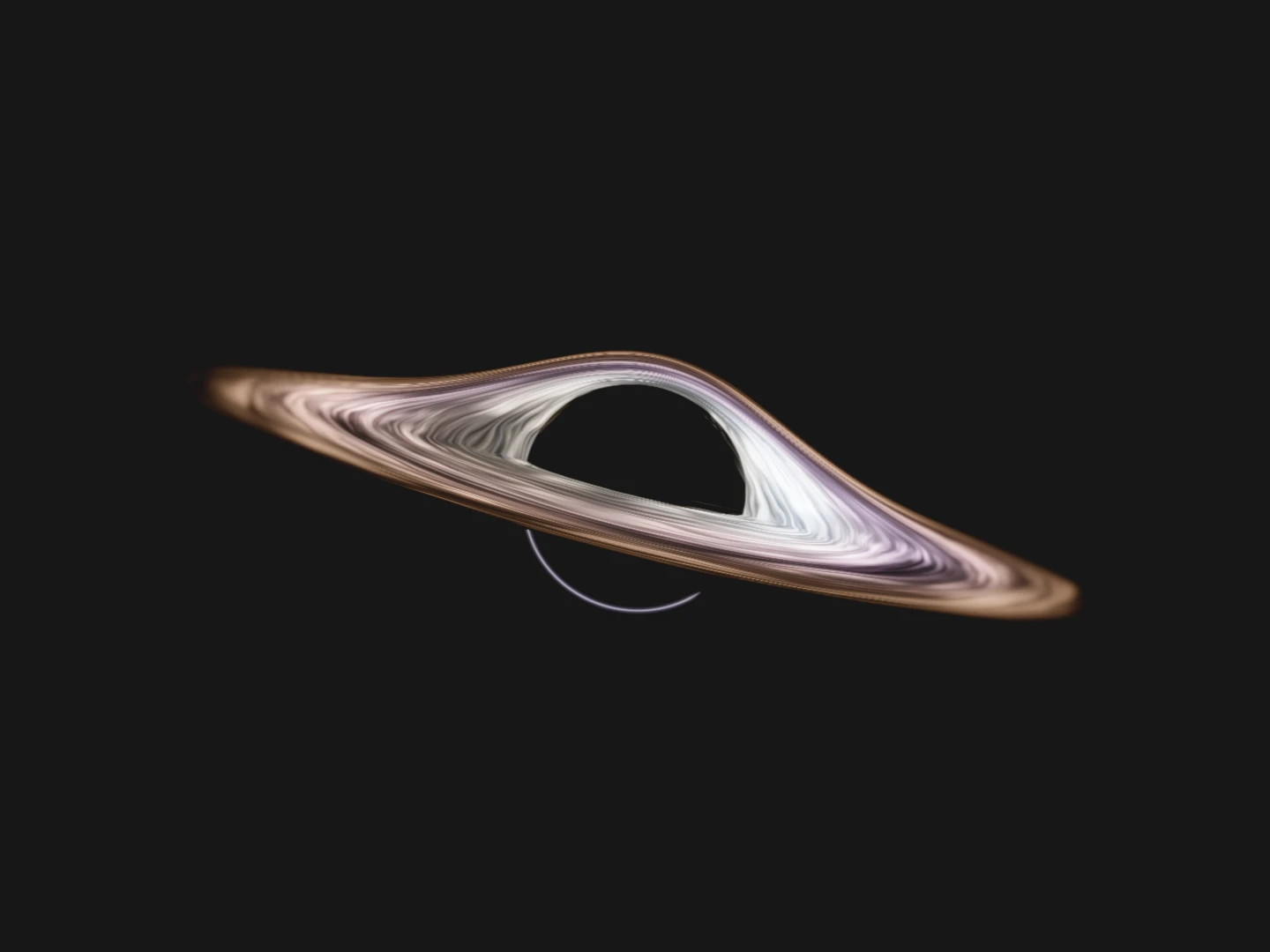
The CSS orbs are the lightest: no canvas and no script runtime, so they work as an inline spinner. The AI assistant orbs are Canvas drawings in plain JavaScript and export as one self-contained file. The WebGL spheres carry the most detail; Amber Sphere and Cinematic Black Hole load a pinned Three.js on first load.
An orb does not explain status on its own. Add a text label or a live status announcement, respect reduced motion and stop rendering effects that are off-screen.
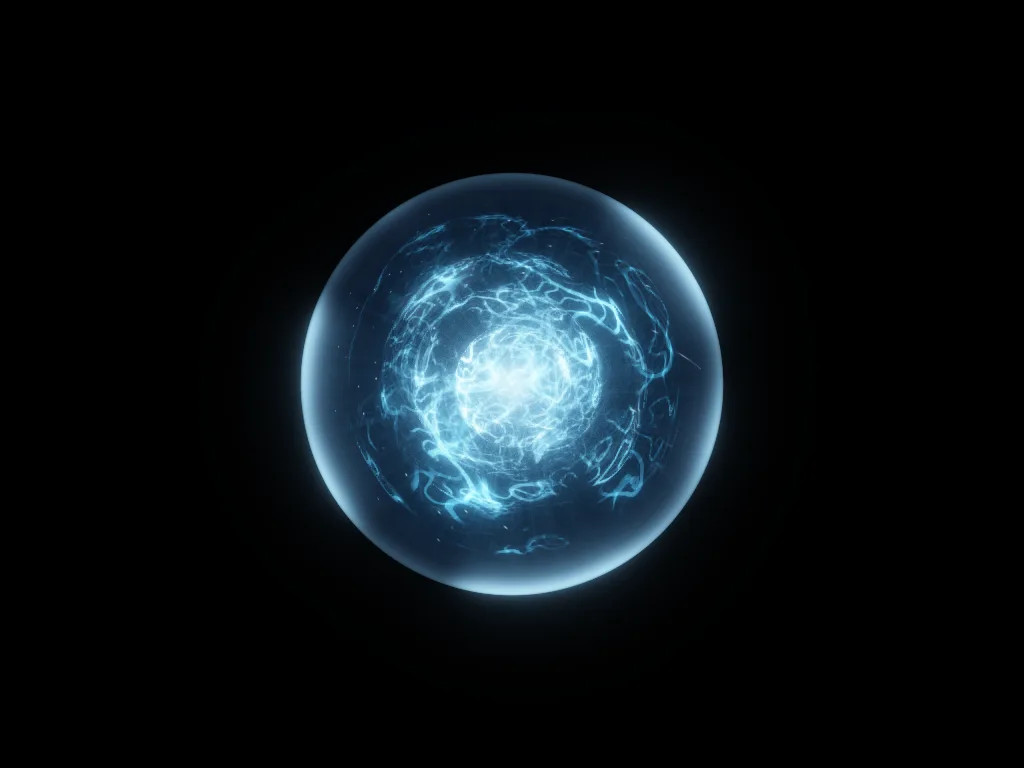
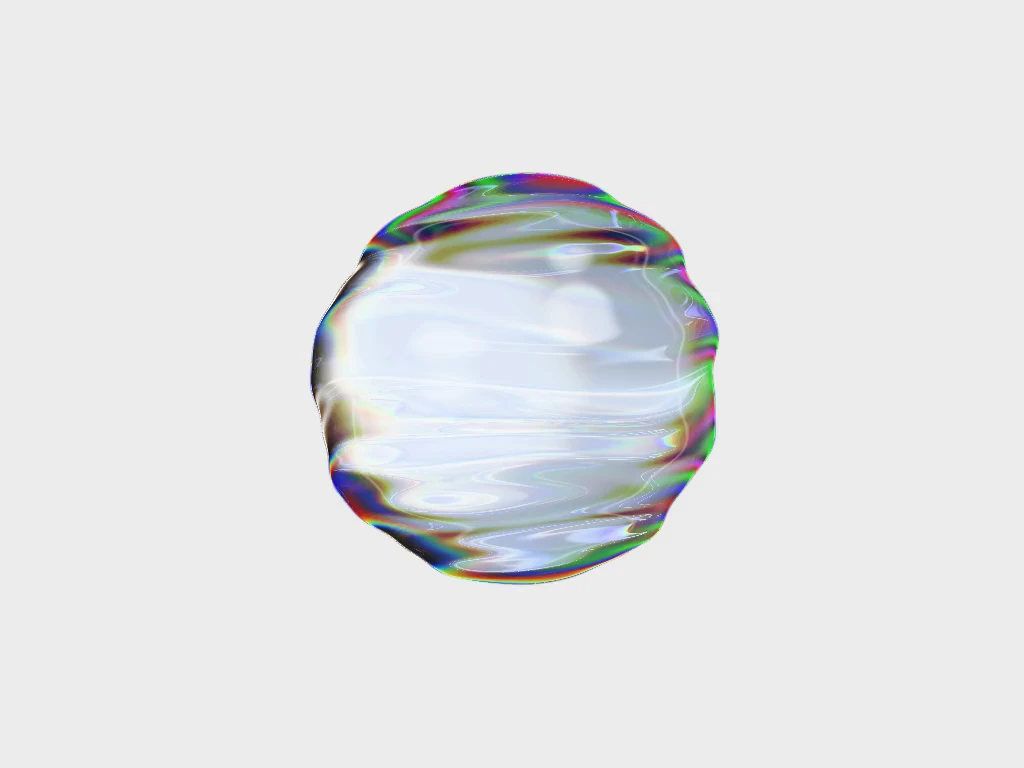
An animated orb is a sphere-shaped motion graphic used as a status indicator in AI assistants and voice interfaces, or as a loader and hero visual. It shows that an app is listening, thinking or working without a text spinner.
Open an orb, tune its colour, size and speed in the editor, and export it as HTML, Svelte or React. Then switch states from your own code, for example the listening orb while the microphone is on and a thinking orb while the answer is generated.
Yes. Generating Orb, Singularity Orb and Tide Orb are CSS-only orb loaders with no canvas, and each keeps its proportions from a small inline spinner to a large tile.
No. Siri orb describes a visual search intent. These are visual components, not an Apple integration or a voice recognition service.
No. They describe visual states. Your application must provide the underlying behavior and decide when each state appears.
Keep exploring
Every interactive tool on HorizonX opens in an editor you can adjust in the browser before you export it.