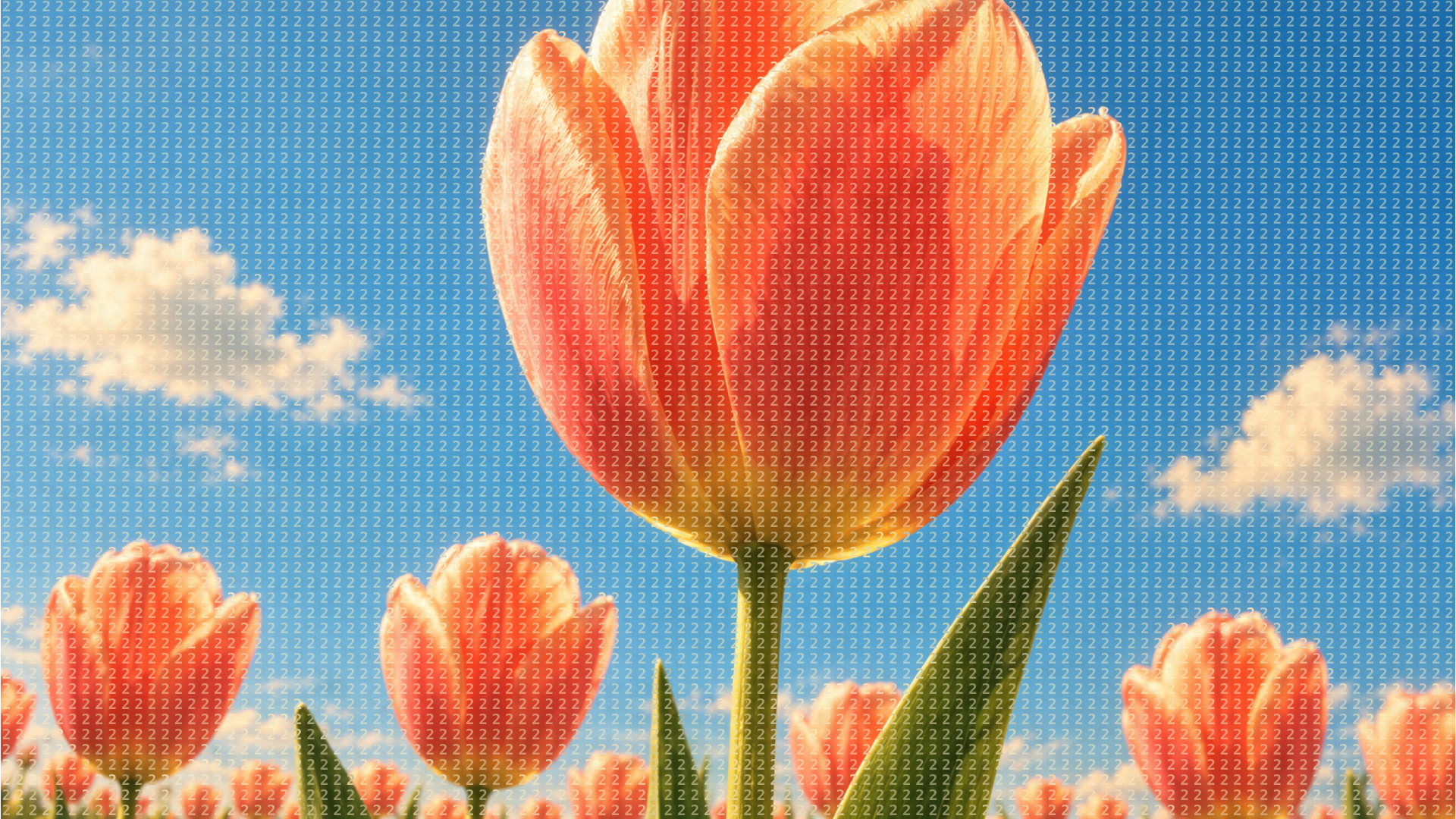
Tulip Study
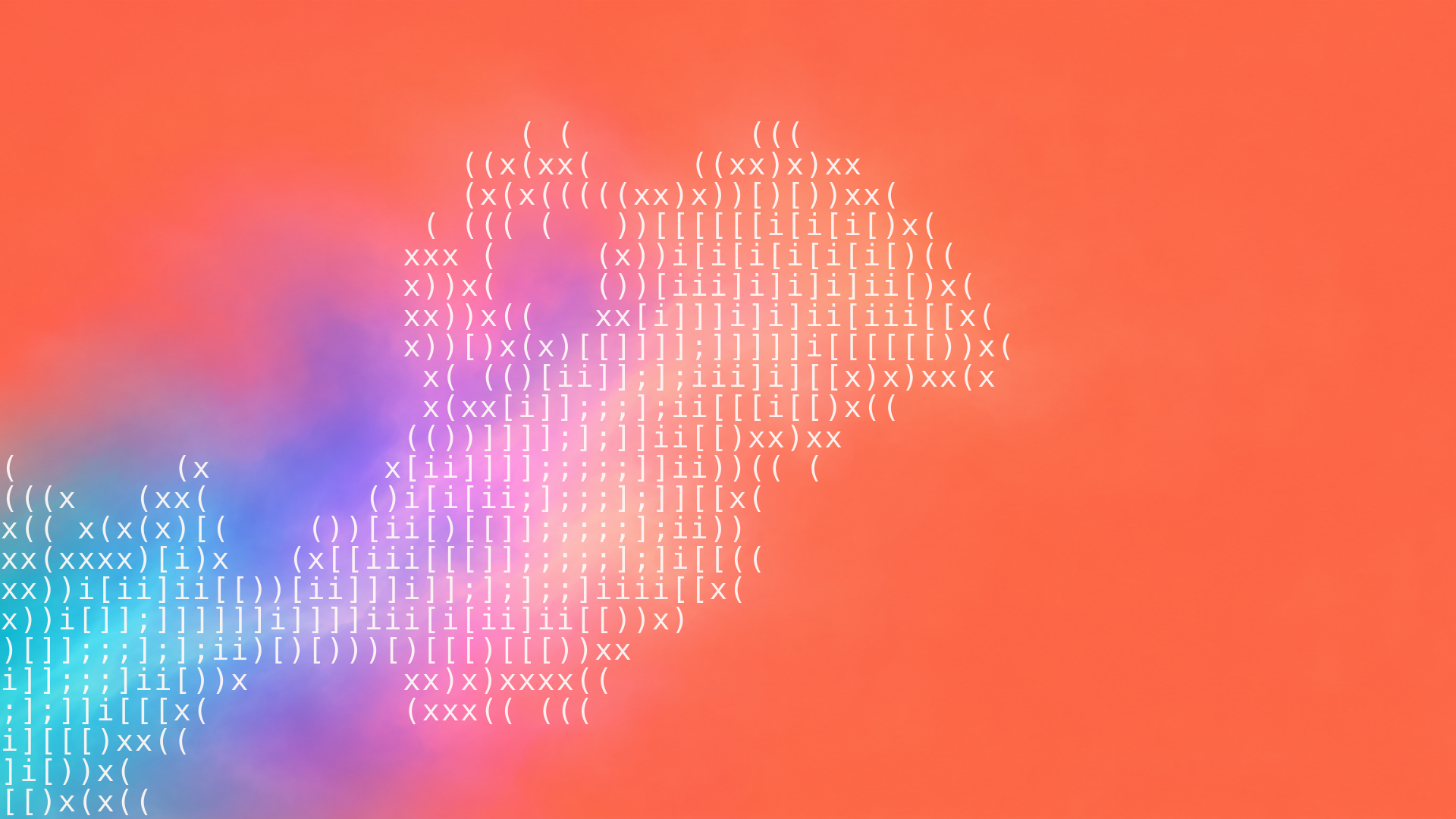
Coral tulips, blue skies and a fine field of repeating characters. Tune the photographic ASCII overlay live.
 HorizonX ASCII
Texture collection
Turn photos into ASCII art in the browser. Each look redraws your image as characters, dots or numerals, and you tune the grid, character set and tone while the preview updates. The page also gathers the ASCII buttons and imagery from the catalog.
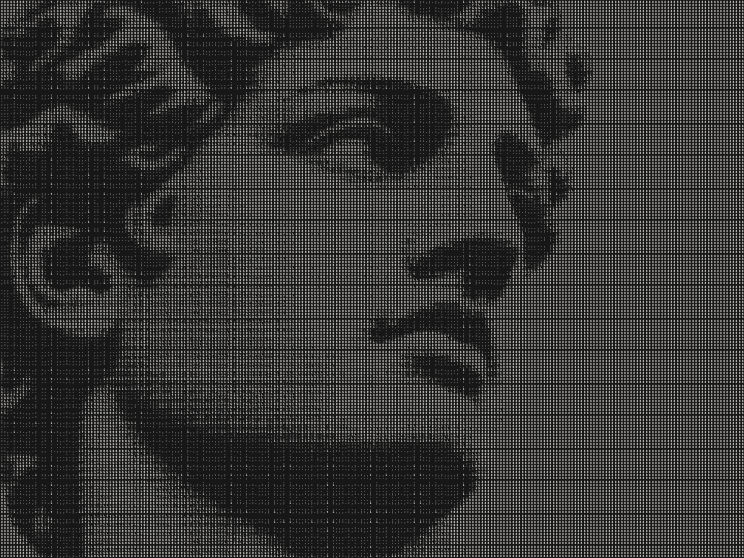
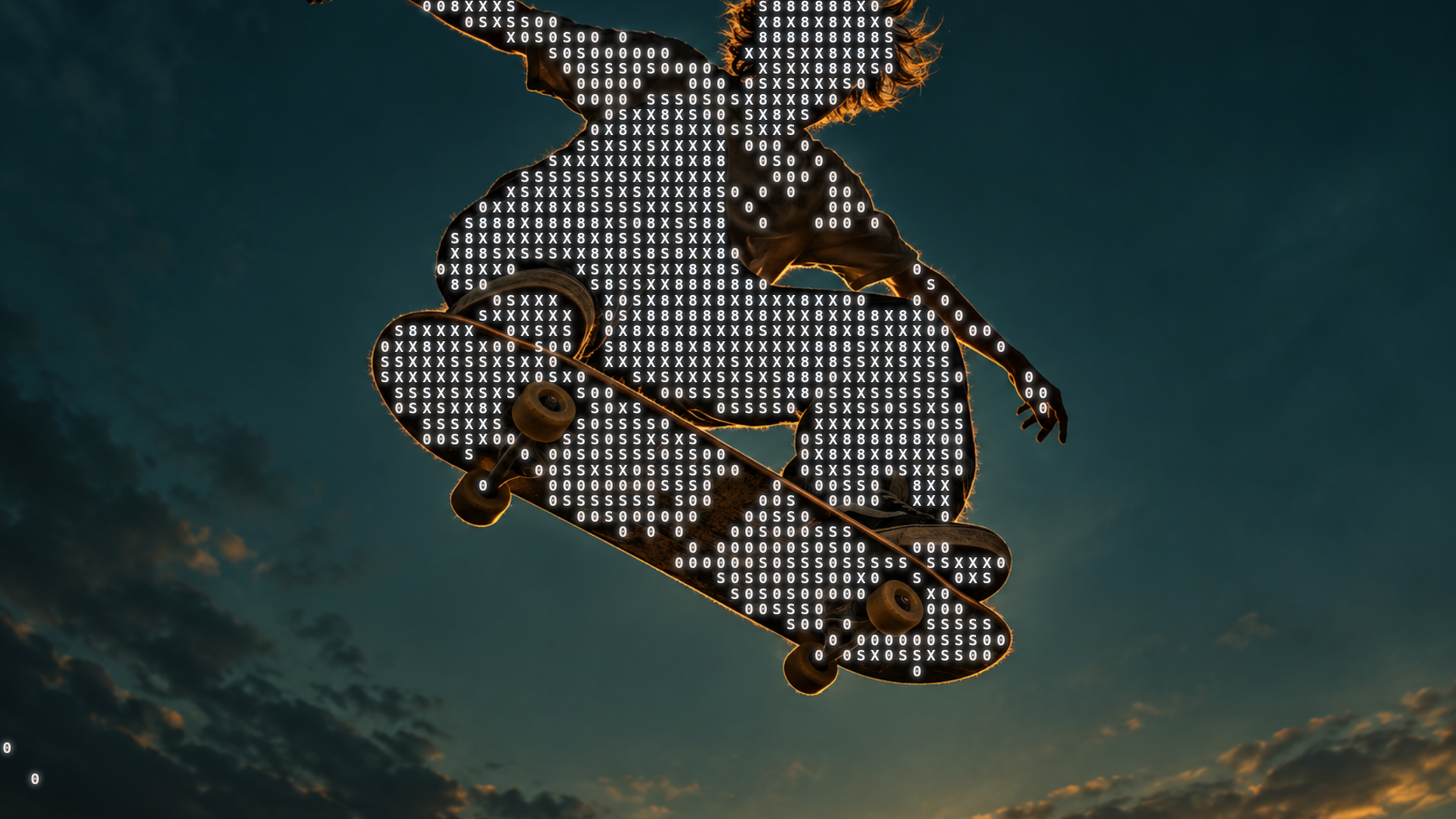
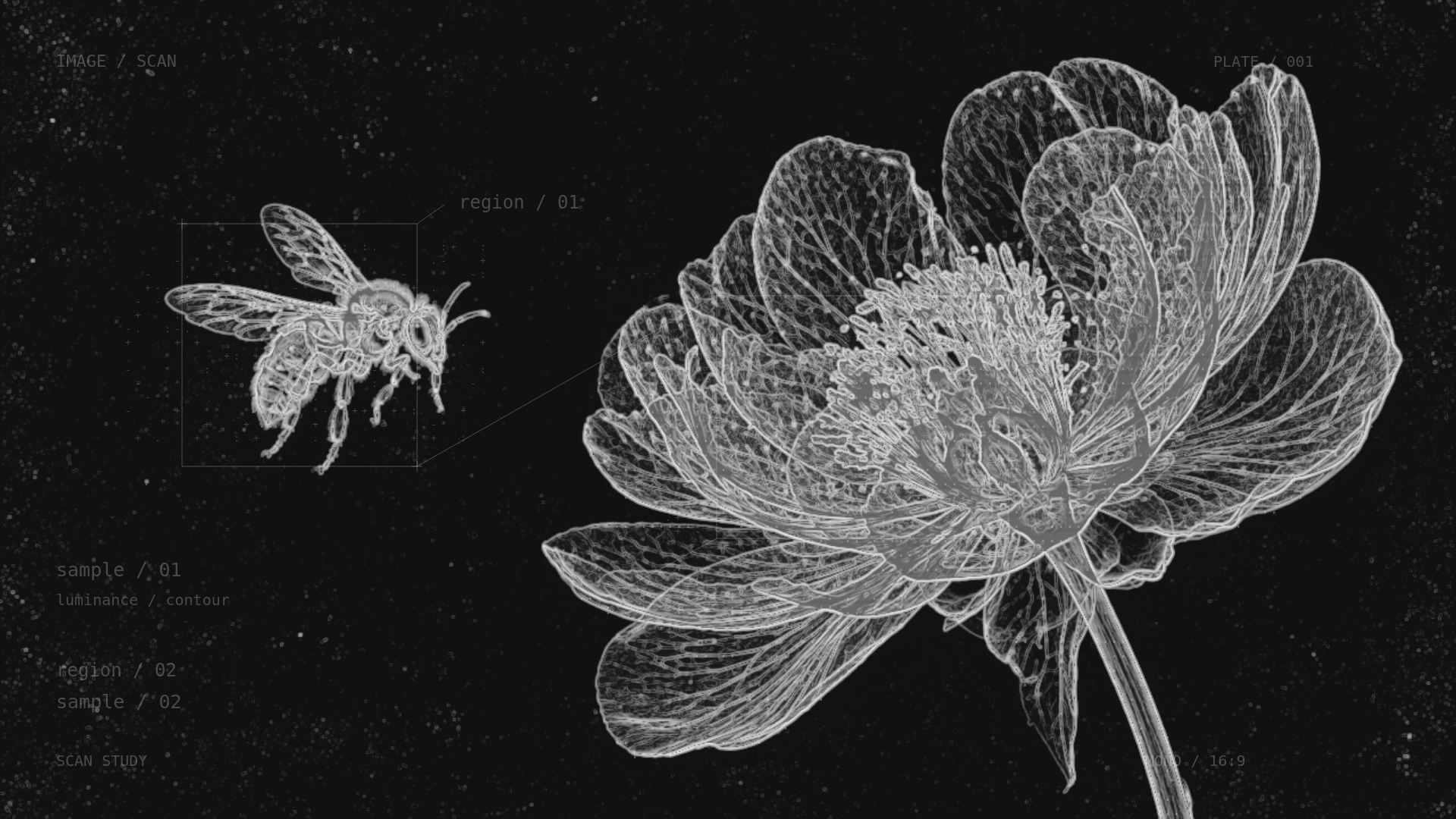
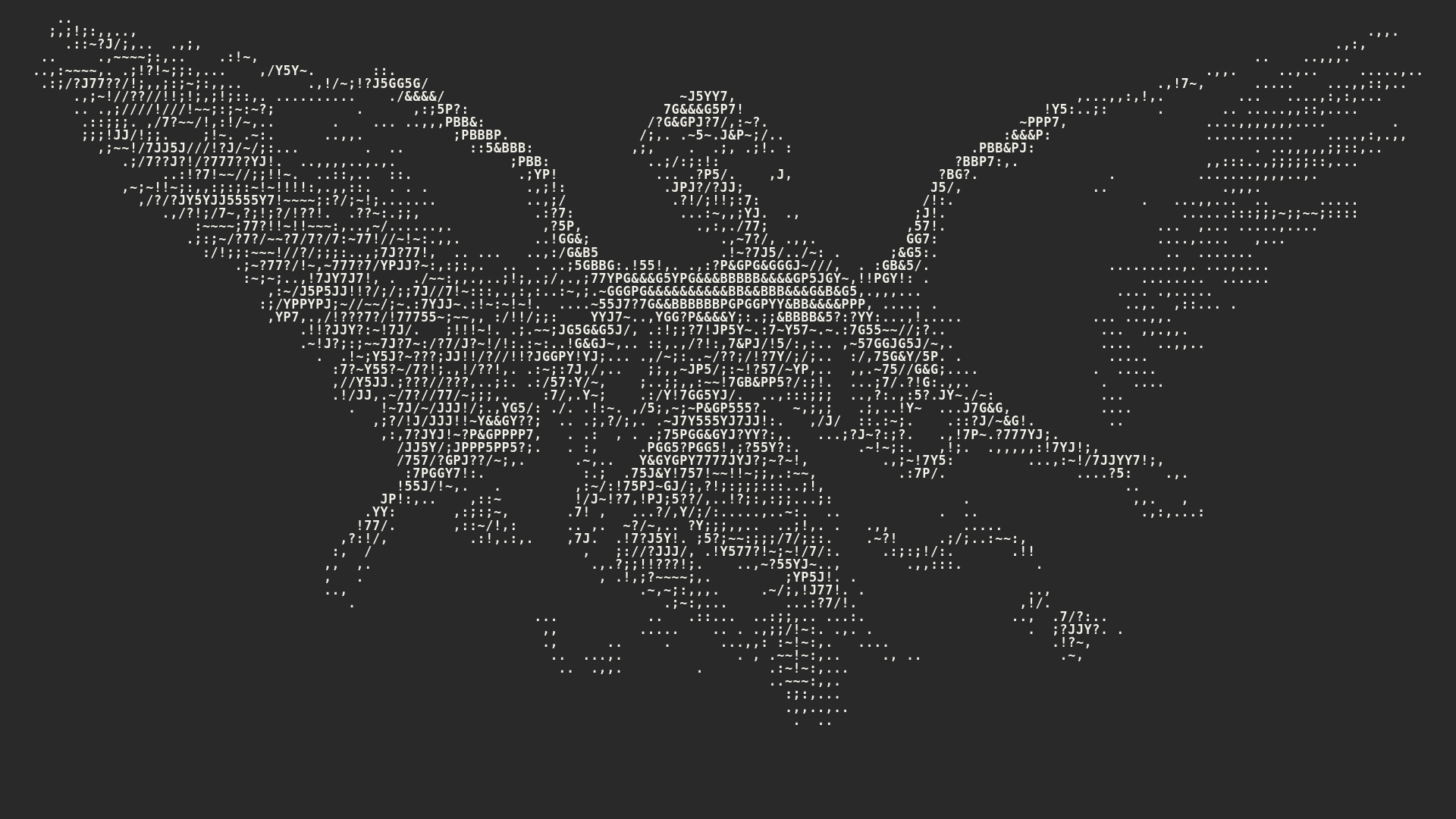
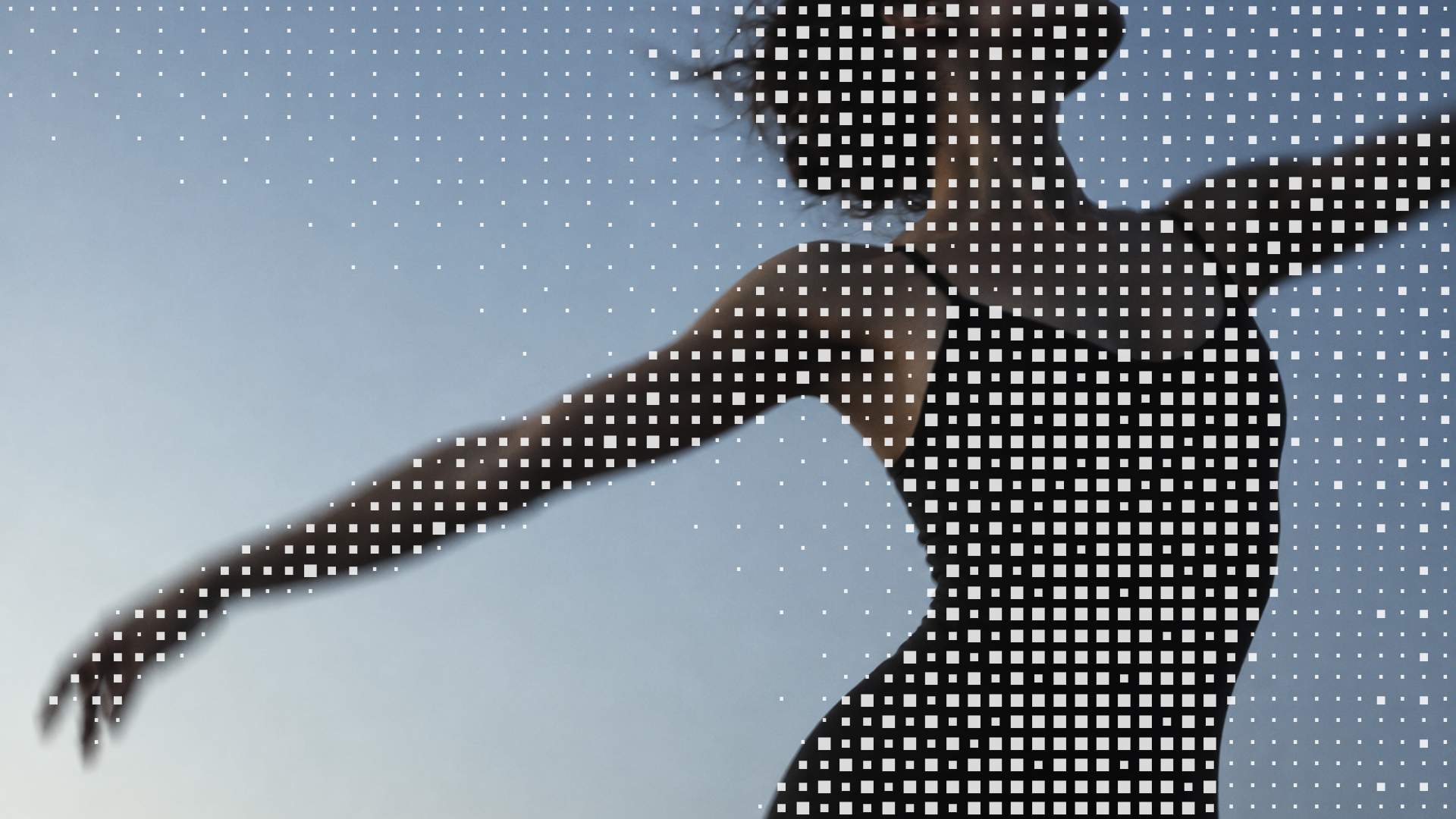
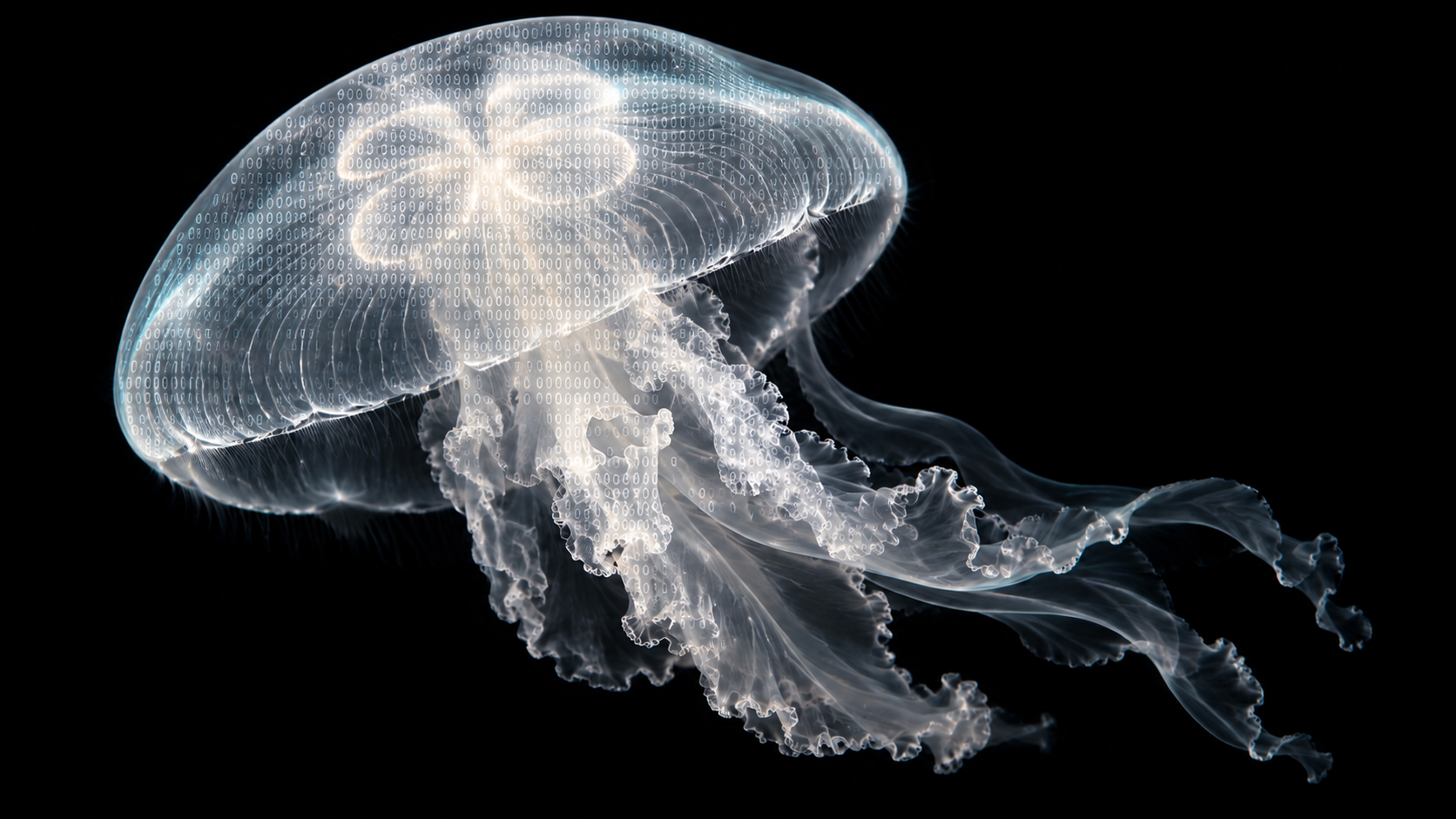
Tulip Study, Glyph Study, Arena Glyph, Nectar Scan, Winged Reverie, Code Mist, Grid Signal, Halftone Field and Zero Bloom are looks of the same ASCII editor. Each starts from a sample picture and redraws your own image with its own grid, characters and tone. Vignette Bloom is an animated photographic mosaic with glyph or geometric cells. The Halo Drift buttons animate a field of characters on hover, and Tulip Signal Field is a downloadable image series layered with an ASCII mosaic.
Upload a photo, or a video on looks that take one, then change the cell size, characters, contrast and colours while the preview redraws. Each look decides where the characters go: Code Mist and Zero Bloom cover only the lit part of the picture and leave the shadows clear, while Grid Signal fills the shadows and dissolves across the light. Nothing needs to be installed; the editor runs in the browser.
Anyone can open a look and edit it. Exporting needs a HorizonX membership, within an allowance that grows with the plan. Still images export as PNG or JPEG and motion as MP4 or a PNG sequence, and the ASCII editor can also save the result as plain text. The Halo Drift buttons are code components and export as HTML, Svelte or React.
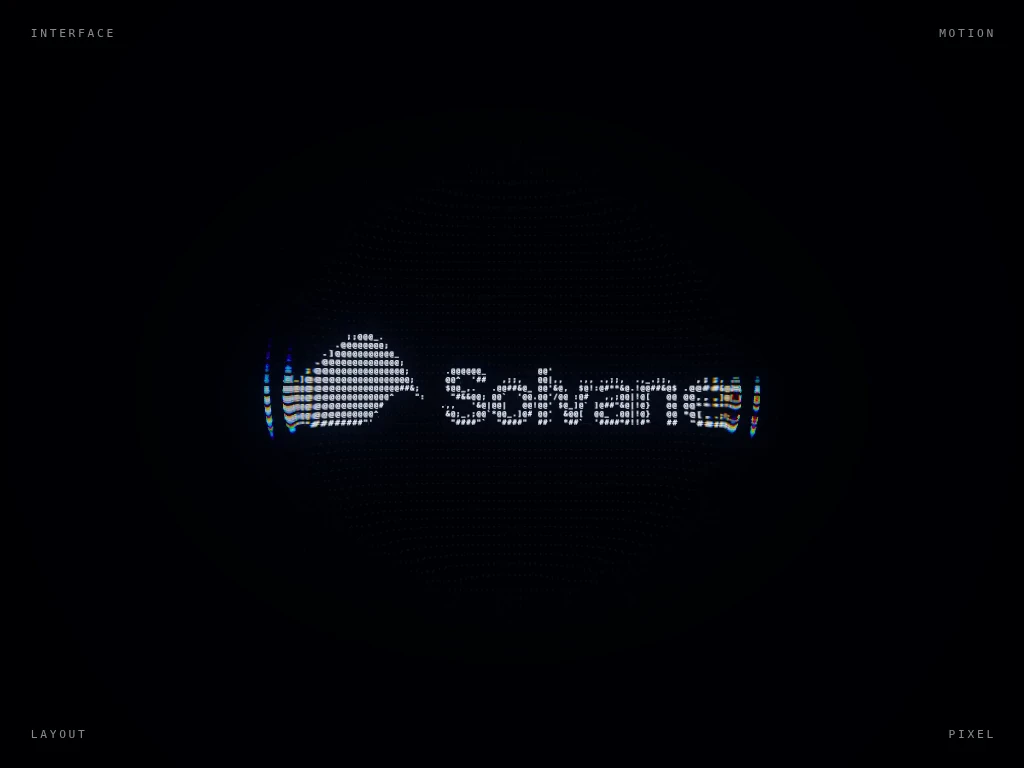
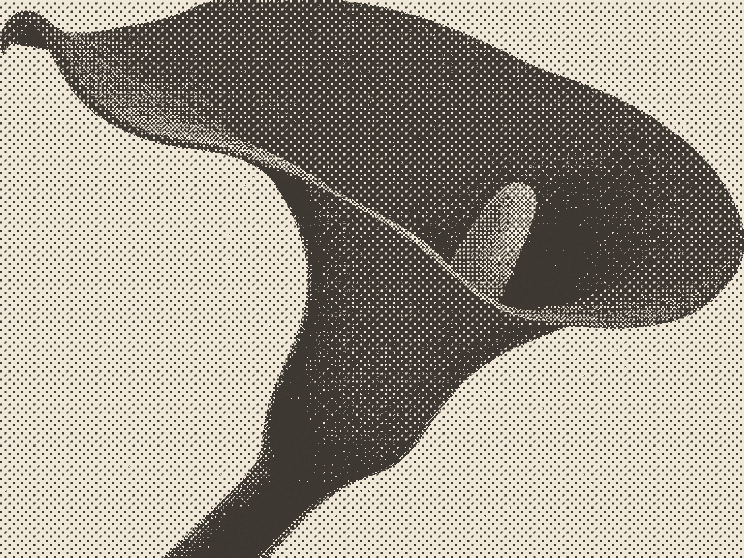
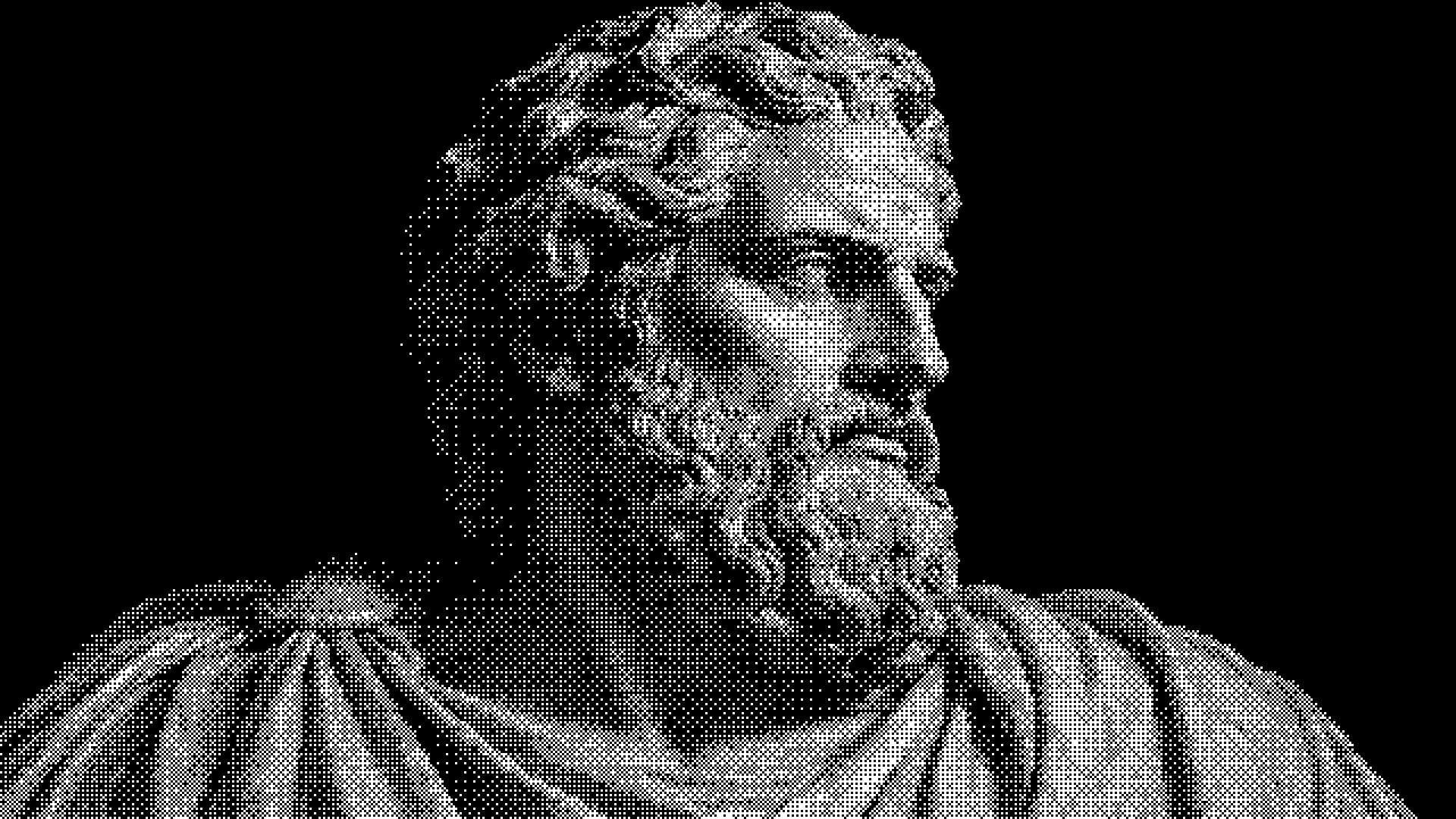
Glyph Study keeps a classic monochrome character field, and Tulip Study keeps the colour of the photograph under its characters. Arena Glyph and Winged Reverie build the subject out of bright characters on a dark ground, which suits portraits, sculpture and product shots. Grid Signal and Halftone Field trade letters for dots, closer to a print screen than to text art. For a full halftone or dither treatment, the related collections below go further.
It is a tool that redraws a picture with text characters, picking a denser or brighter character where the image is lighter. The looks here keep the result editable, so you can change the grid and character set before you export.
Yes, on looks built for motion. Nectar Scan, for example, takes images and video. Motion exports as MP4 or as a PNG sequence.
The ASCII editor can save its result as plain text as well as an image. The other looks, such as Vignette Bloom, export images and video only.
Keep exploring
Open any look, drop in a photo and tune the characters while the preview redraws. Every HorizonX texture works the same way.