Diagonal Fill Checkbox
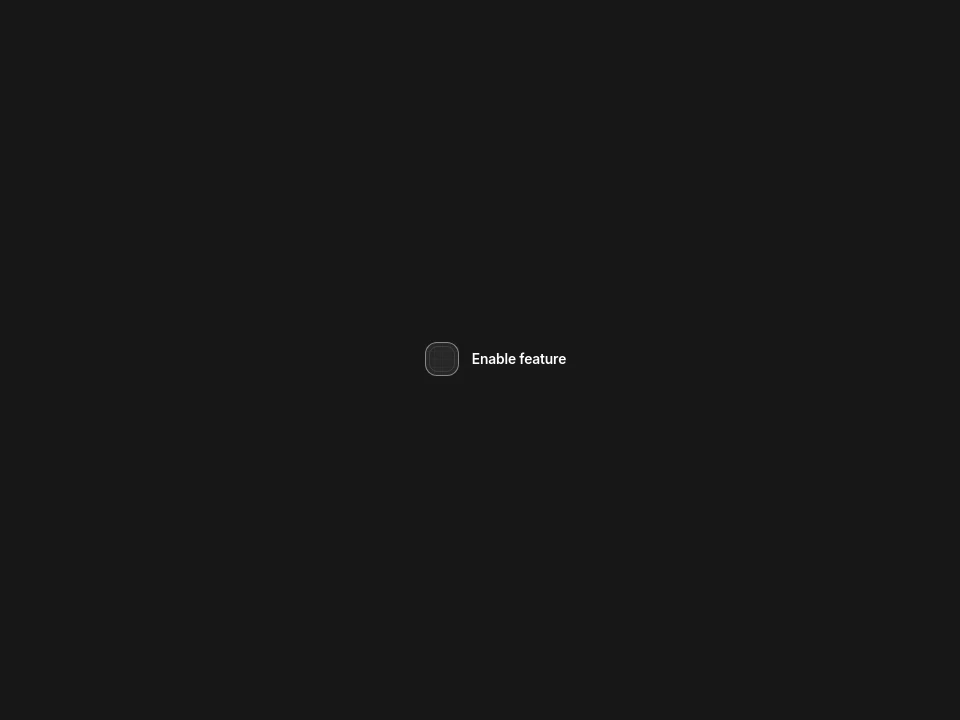
A compact rounded checkbox that fills diagonally with one crisp, fluid sweep.
 HorizonX UI/UX
Tool collection
Checkbox CSS and radio control references with diagonal fill, prism, cross morph, task feedback, glass selectors and minimal radio-group tabs. Use checkboxes for independent choices and radio groups for one choice within a set. Compare restrained forms with expressive glass controls before fitting them into your interface.
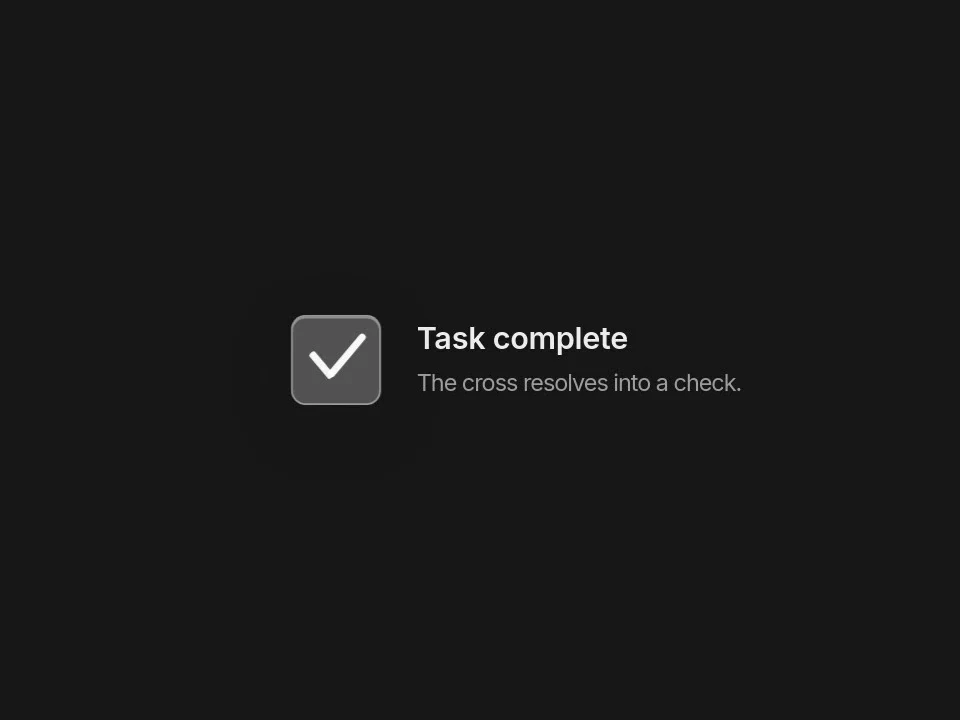
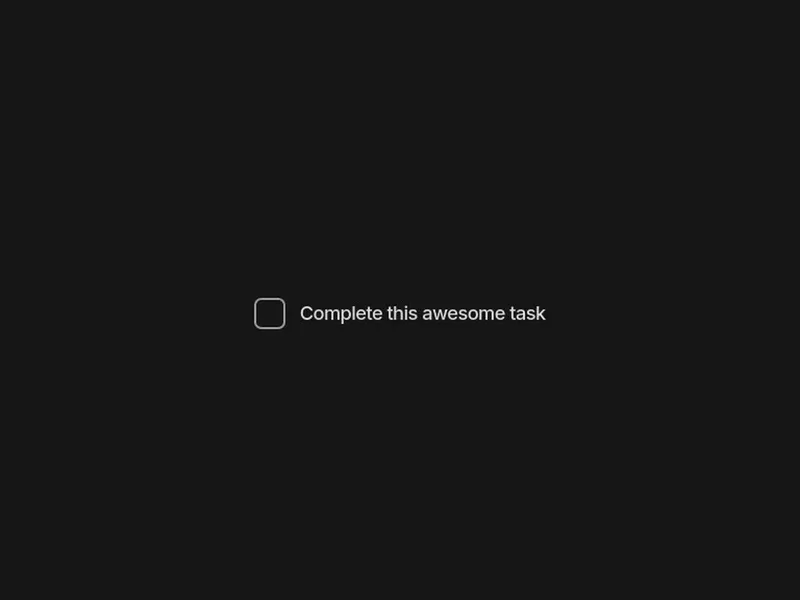
Checkboxes: Diagonal Fill sweeps its fill across a rounded box in one stroke, Prism spins a ring and fires a small particle burst, Cross Morph rotates two crossed strokes into a tick, and Task Checkbox and Firework Todo Checkbox tick the box and strike the label through, which suits to-do lists.
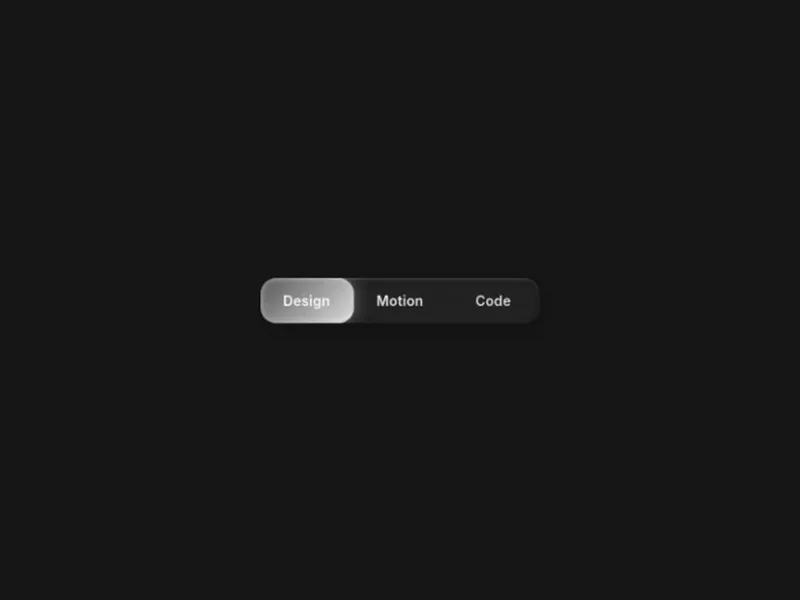
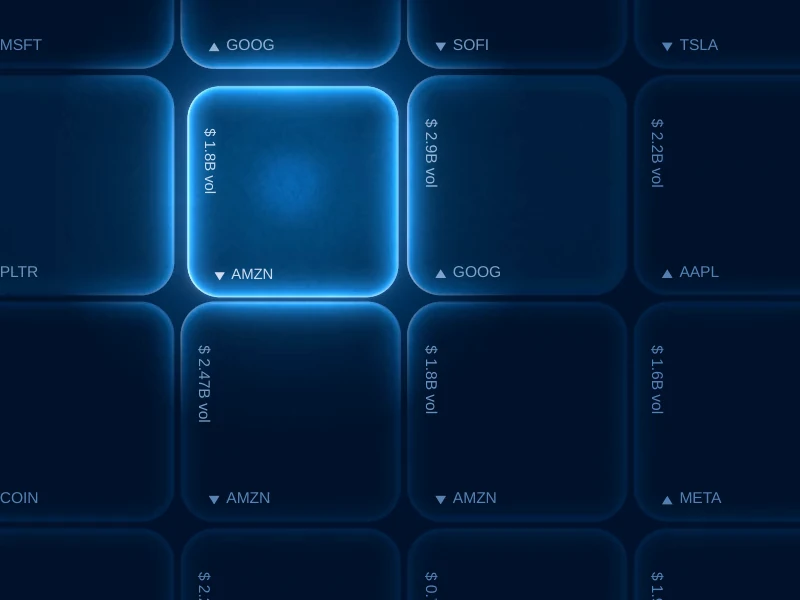
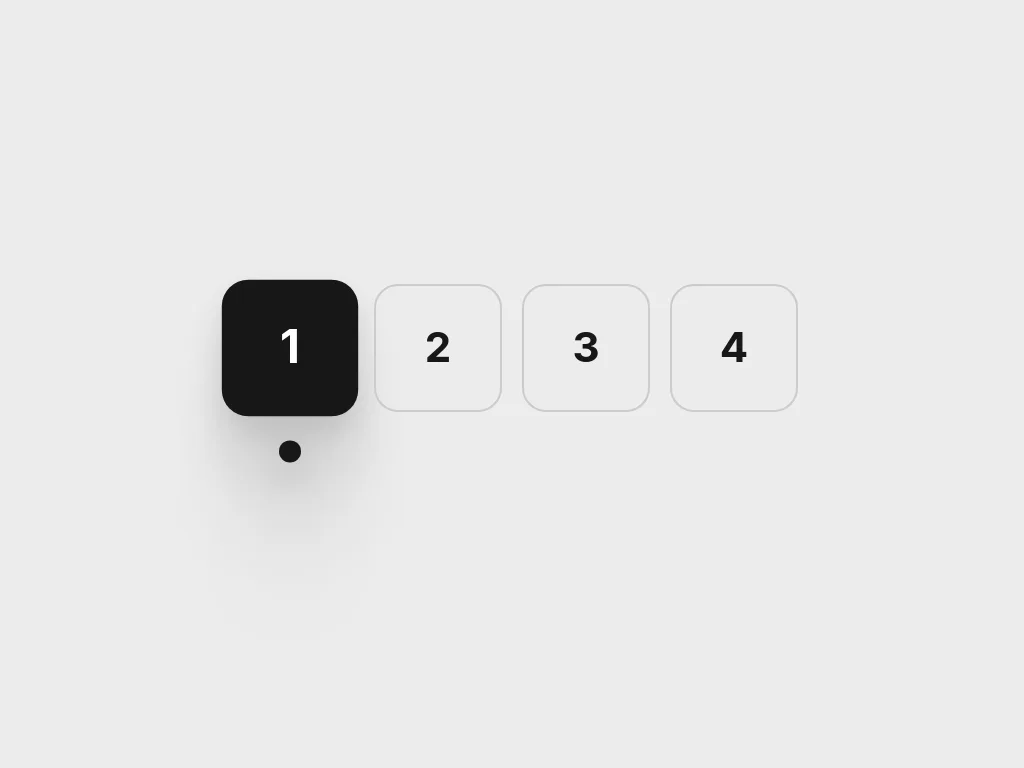
Radio and selector controls: Glass Radio is a frosted segmented selector whose glider overshoots onto the chosen option, Glass Keys is a WebGL wall of glass keys that sink when pressed, and Beacon Tabs is a radio group styled as numbered tabs, where the selected tile fills in and lights a beacon underneath.
Use checkboxes for independent choices and radio groups for one choice within a set. Compare restrained forms with expressive glass controls before fitting them into your interface.
Replace labels and options with real choices. Inspect each component and export format, then connect selection to your form model; Glass Keys is tagged WebGL rather than CSS.
Ensure labels activate the control, checked states remain visible and keyboard navigation matches the control type. Visual tabs using radio groups still need clear semantics in context.
Use a checkbox for an independent on/off choice or multiple selections. Use radio controls when exactly one option belongs to the group.
No. Although its renderer id contains checkbox, the catalog identifies it as a wallet card, so it is not included here.
No. Glass Keys is WebGL-tagged, while the checkbox items and Glass Radio carry CSS tags. Inspect the chosen product before integrating.
Keep exploring
Every interactive tool on HorizonX opens in an editor you can adjust in the browser before you export it.