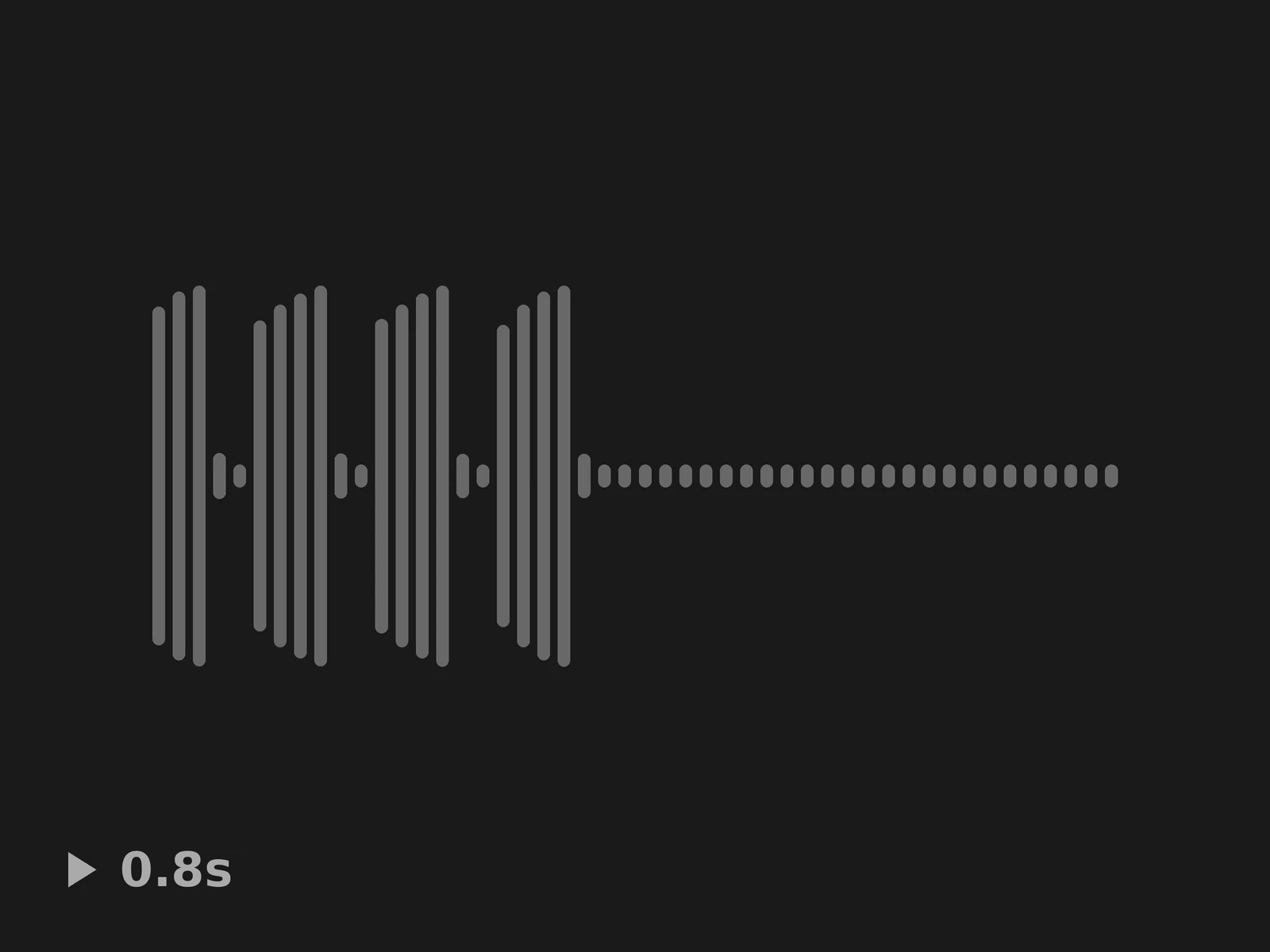
Retro Alarm Loop 01 UI Sound
A retro alarm loop for a security breach, 0.79 s long.
 HorizonX Assets
Sound collection
Notification chimes, pings, beeps and alert tones for apps, websites and games: glass pings, two-tone chimes, retro blips and looping alarms. Tap a card to hear it, then download it as WAV or MP3.
Bong, Glass Ping, Glass Chime, Two Tone Ping and Steel Drum Notification are soft tones for a new message or a finished task. Beep, Two-Tone Beep and Three-Tone Beep are short digital beeps, and the Question set asks for attention without sounding like an error. The retro half of the page is 8-bit: High Tone, Neutral Cue and Blip sets for game menus and pickups, Nagger Cue for a reminder, and looping alarms for warnings that last until someone acts.
Match the sound to how urgent the event is. A message or a completed upload deserves a short, soft tone; a failed payment or a lost connection can be sharper; only something that needs action now should loop. Keep notification sounds under a second, test them at low volume and on phone speakers, and give each kind of event its own tone so people learn what they mean without looking.
Browsers only play audio after the visitor has interacted with the page, so a notification that arrives on a fresh tab may stay silent. Plan for that: show the notification visually first and treat the sound as an extra. Let people turn sounds off, avoid playing the same alert many times in a row, and stop a looping alarm as soon as its cause is resolved.
Each sound downloads as WAV for editing and MP3 for the web. The sounds come from Kenney, Juhani Junkala and other creators who released them under CC0, so they are in the public domain: you can use them in commercial apps and games without credit. Each sound's page shows its source and license.
Yes. The sounds are CC0 (public domain), so you can ship them in commercial apps, websites and games, edit them and use them without credit.
Yes. Download the MP3, then add it as a custom notification or ringtone in your phone's sound settings. On an iPhone, custom tones are added through GarageBand or a computer; most Android phones accept an MP3 from the files app.
A notification plays once to tell you something happened. An alarm repeats until someone responds. The looping sounds on this page are built for alarms; the chimes and pings are notifications.
Keep exploring
Tap any card to play it. The full sound library has clicks, toggles, success chimes and errors too.