Warm Press
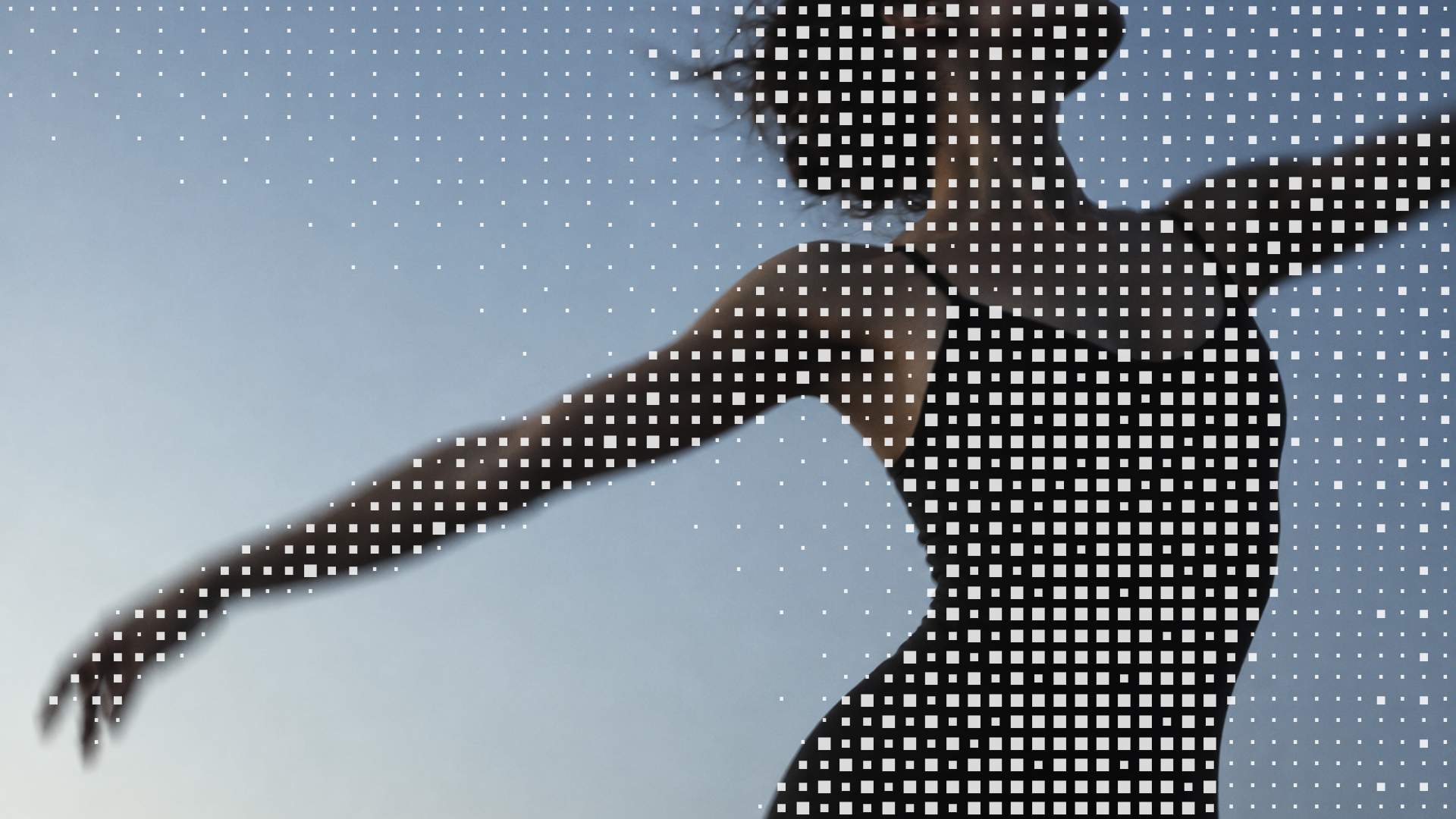
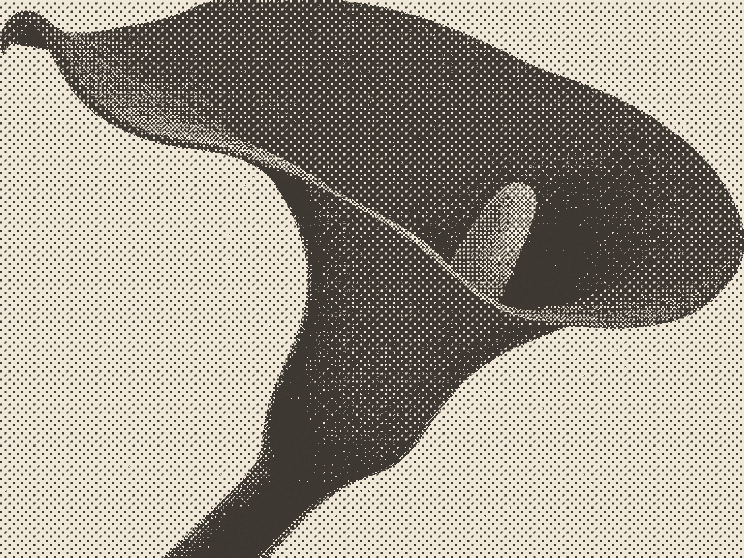
Turn images and video into warm halftone prints. Edit Warm Press live.
 HorizonX Riso Glow
Texture collection
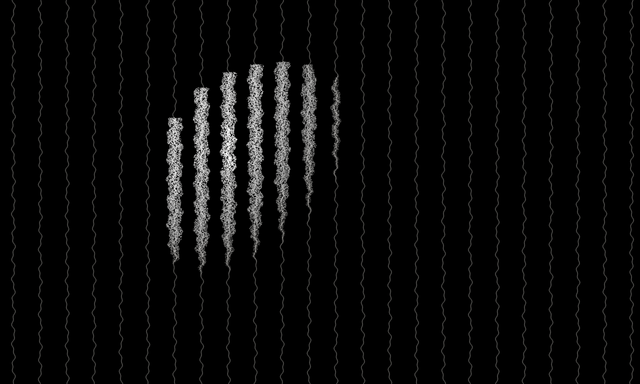
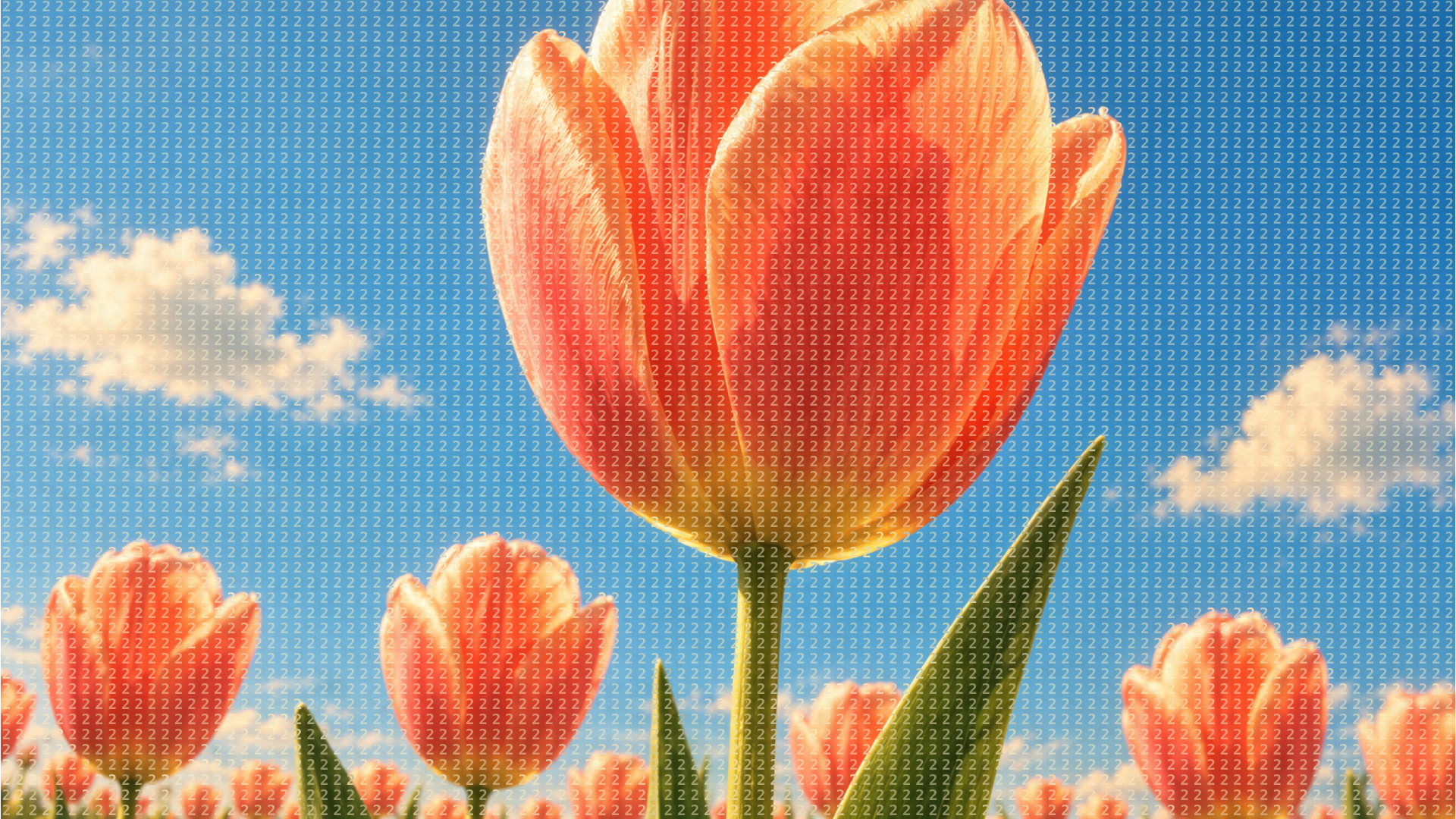
Halftone effects that rebuild your images and video out of dots and lines: warm riso style prints, a newspaper dot screen, fine satin dots and drifting ink strands, plus a halftone image set and an animated halftone shader.
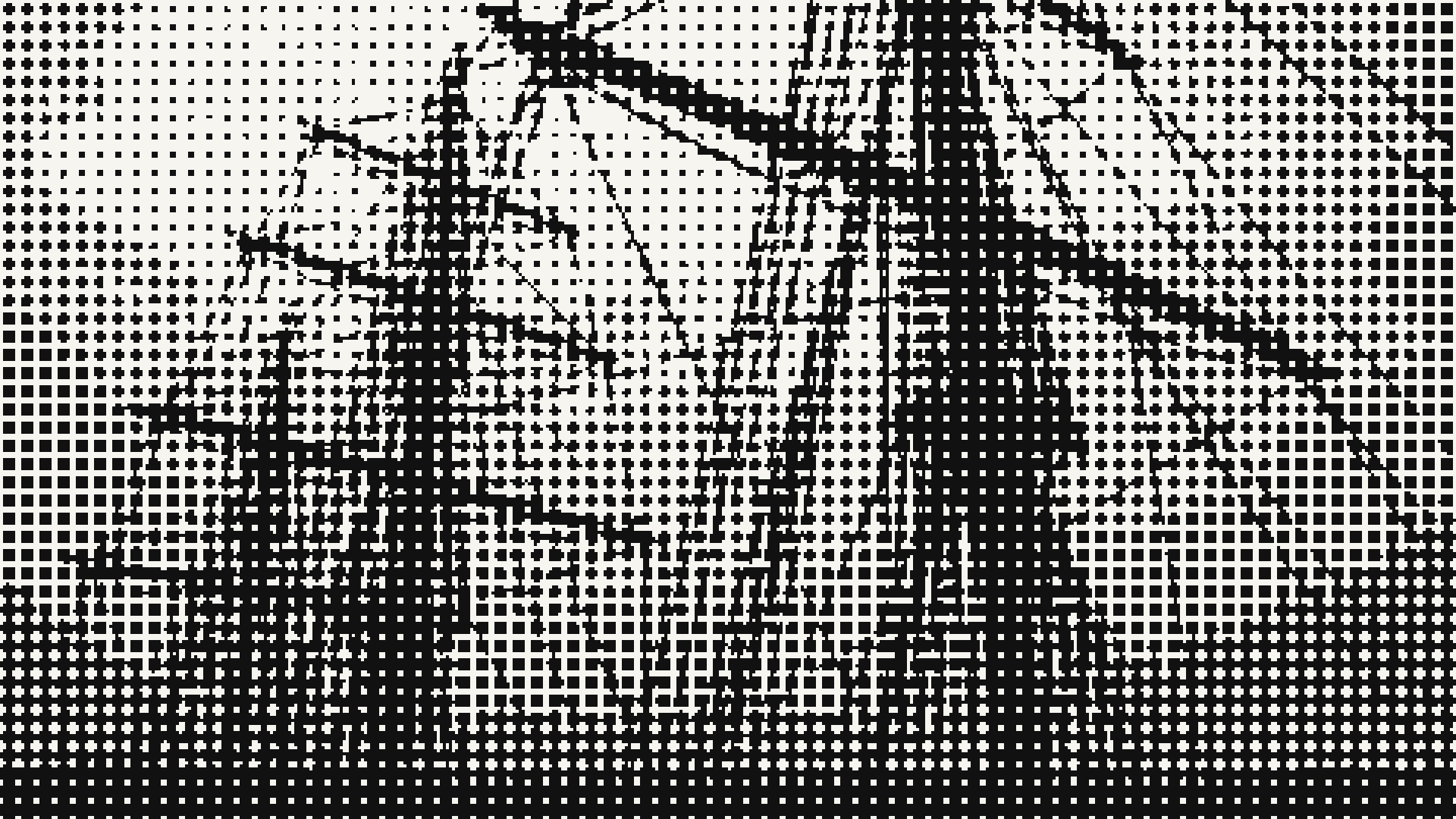
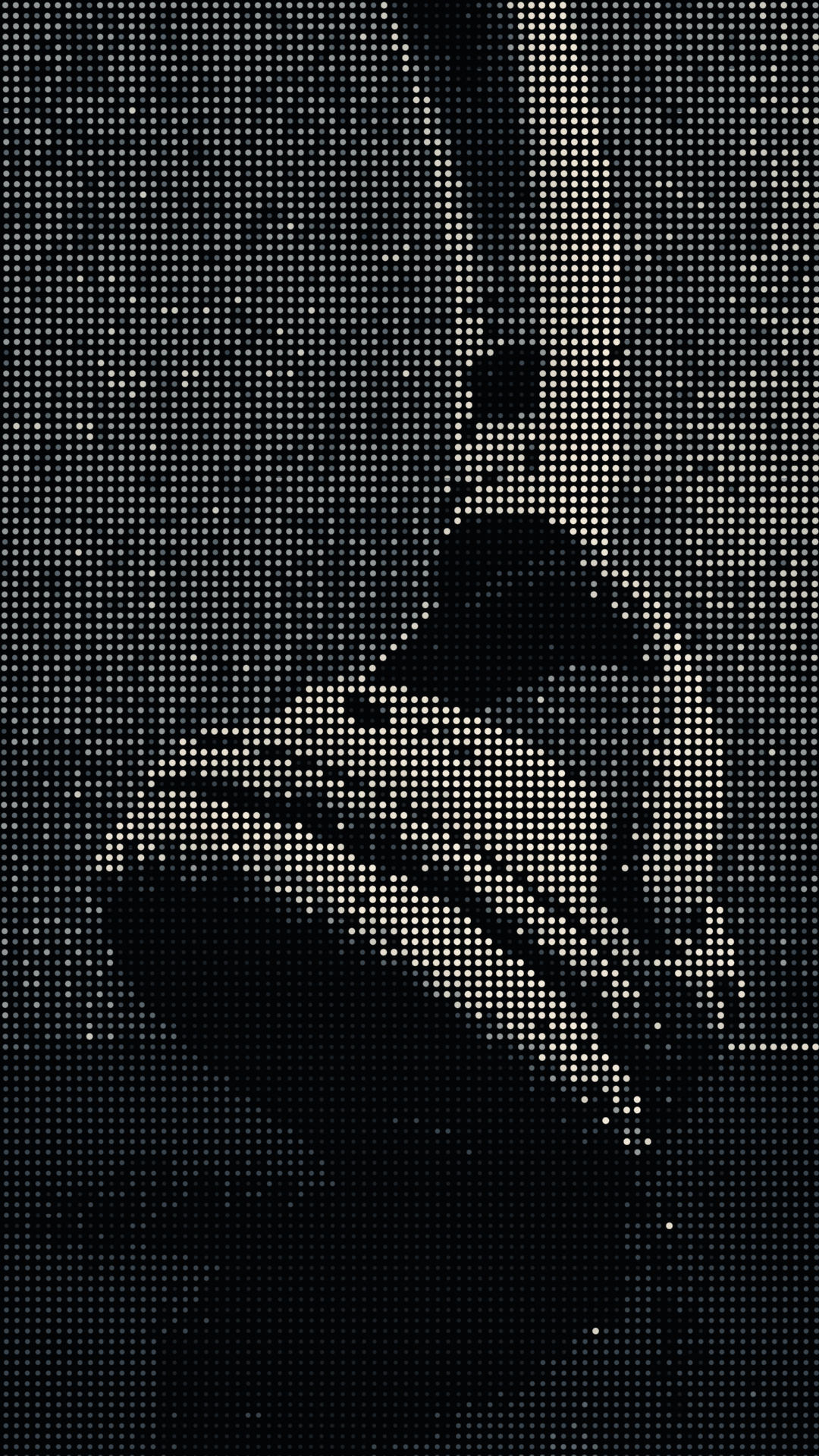
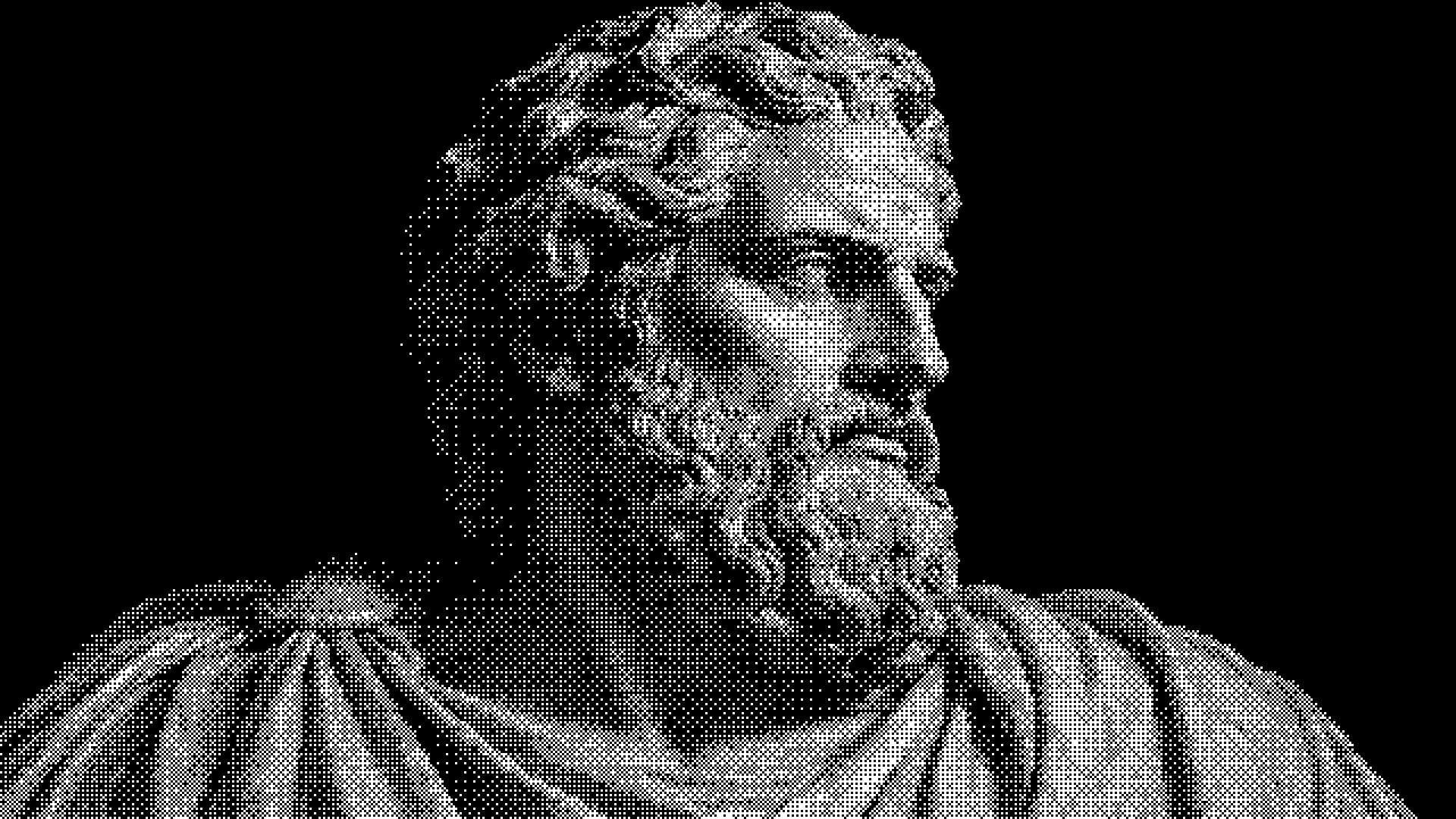
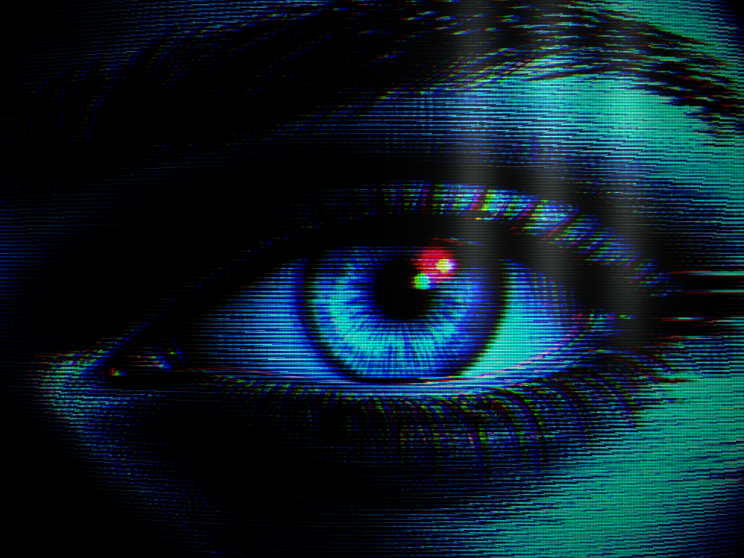
Warm Press turns images and video into warm halftone prints, and Satin Dots rebuilds a photograph with fine ivory and blue grey dots. Press Screen prints your image through a coarse round dot screen, the way a newspaper press lays down tone. Halftone Field screens a picture into dots that thicken in the shadows. Ink Current redraws your media as drifting strands of ink that swell where the light is. Particle Diamond Hand is a monochrome halftone image set, and Halftone Orbit is an animated WebGL ring with a transparent background.
Round dots read as print and work well on posters, covers and editorial headers. A coarse screen such as Press Screen stays legible at small sizes and survives image compression better than a very fine one. Line based halftone, as in Ink Current, follows the forms of the subject and suits portraits and product shots. Try your own image in two or three looks before you settle on one; the same photo can look very different under each.
Anyone can open the looks and edit them in the browser. Exporting needs a HorizonX membership, within an allowance that grows with the plan. Still images export as PNG or JPEG and motion as MP4 or a PNG sequence. Halftone Orbit is a shader and exports as self contained HTML, Svelte or React code.
Halftone reproduces tone with dots or lines of varying size instead of continuous shades. Larger dots read as darker areas and smaller dots as lighter ones, which is how newspapers and many printed posters reproduce photographs.
Open a look such as Warm Press or Press Screen, upload the photo and adjust the dot size, contrast and colours while the preview updates. Export it as PNG or JPEG, or as MP4 if you started from a video.
Halftone groups ink into dots of different sizes. Dithering keeps every mark the same size and changes how densely they are scattered. The dither collection covers the second approach.
Keep exploring
Open a halftone look, add a photo or a clip and tune the dots while the preview redraws, then export when it is ready.