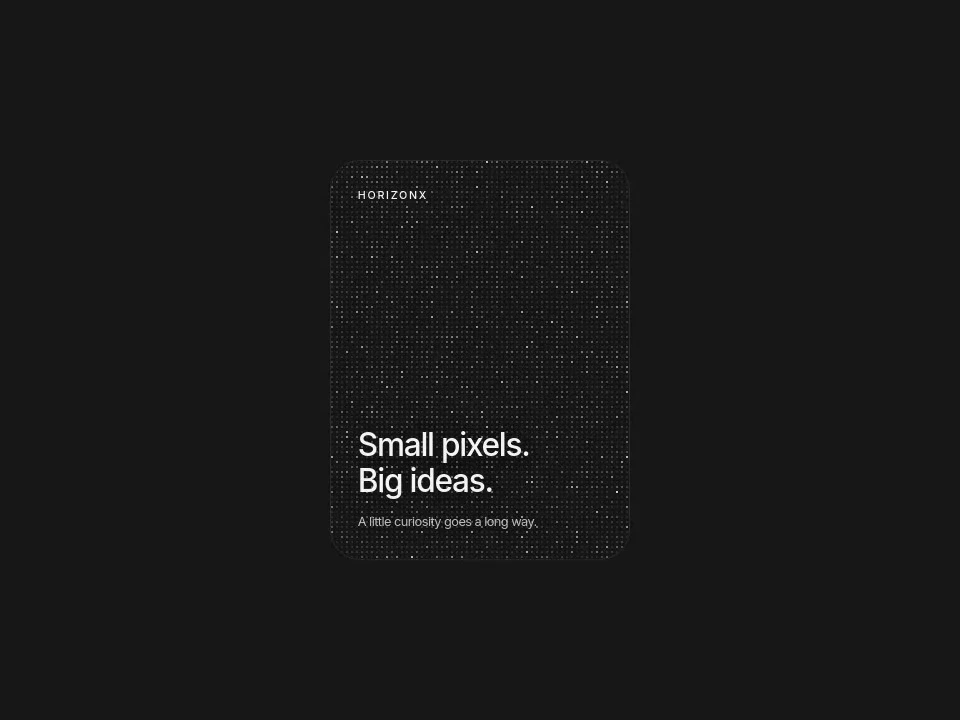
Pixel Card
A quiet card that comes alive with a shimmering field of pixels.
 HorizonX UI/UX
Tool collection
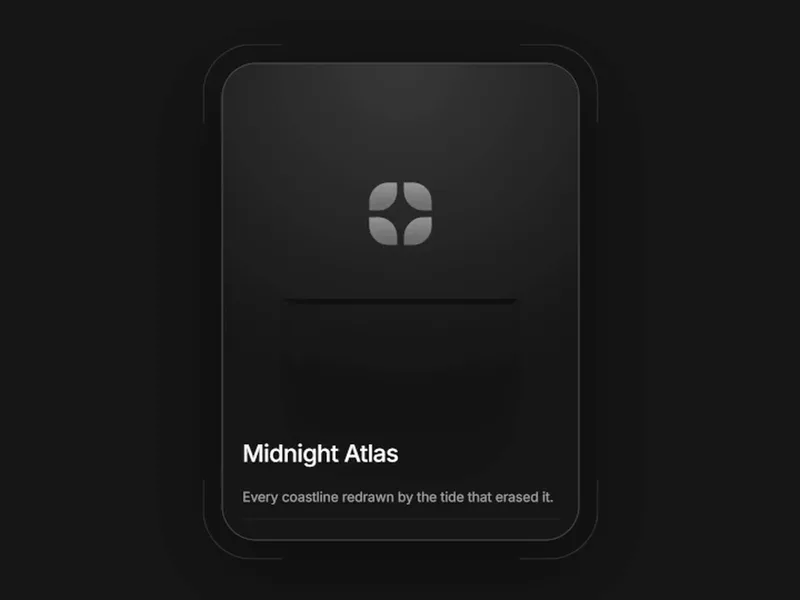
CSS cards and interactive card experiments with luminous, neon glass, border glow, pixel hover, wallet and orbiting treatments. Use a card to group one clear unit of content. Compare a static information surface with a hover-led showcase, and choose motion only when it helps people inspect the content.
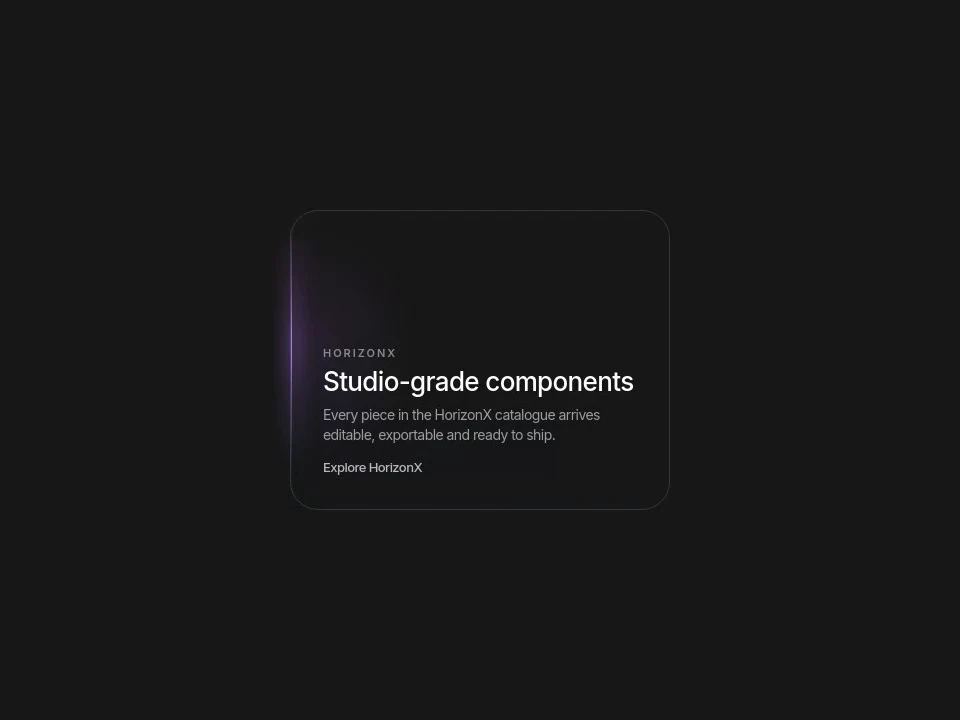
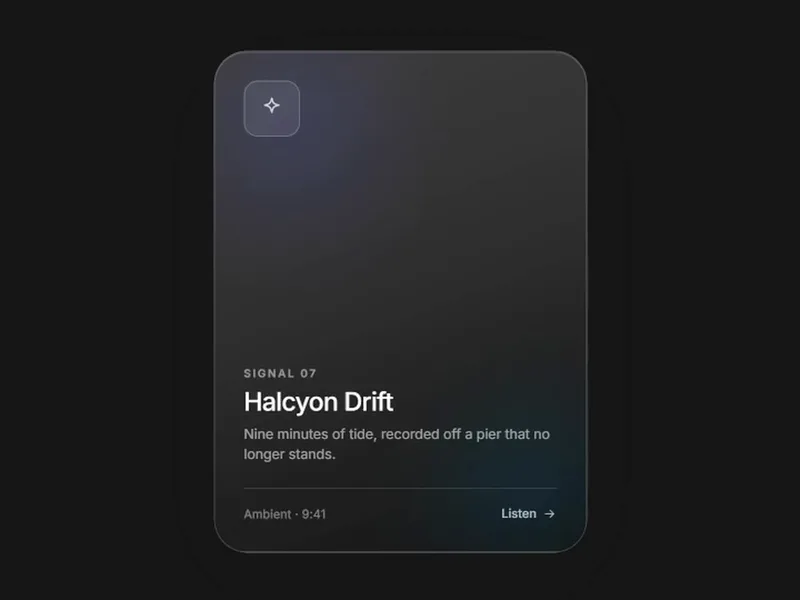
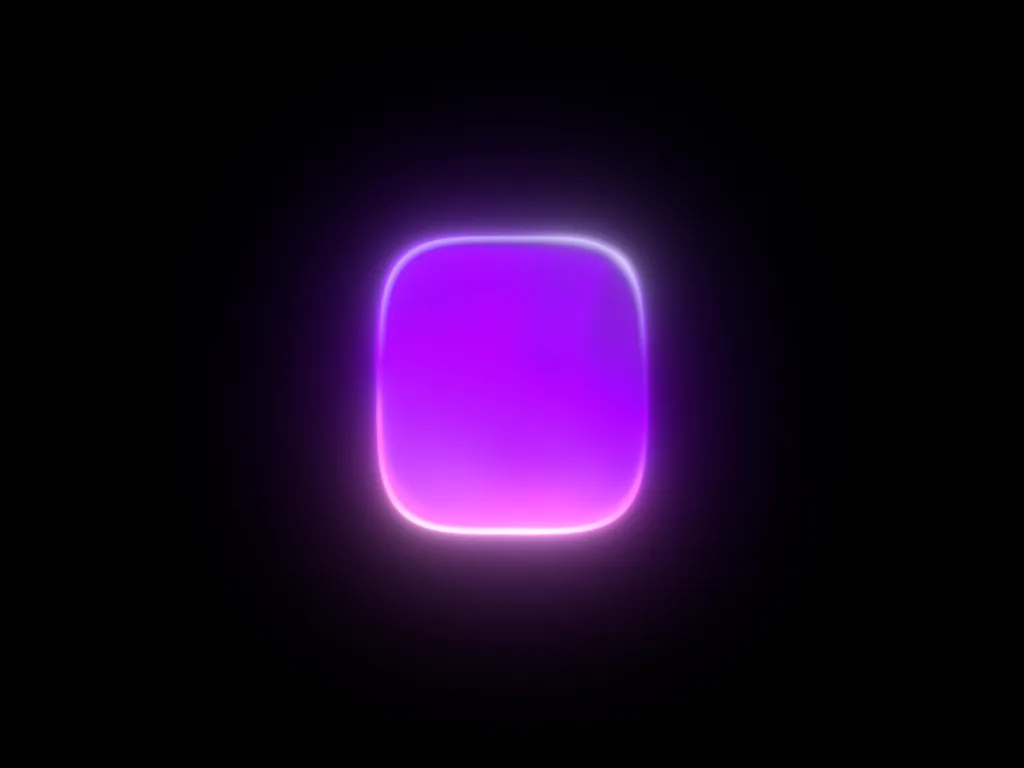
Light-led cards: Border Glow slides a lamp along the outline toward the pointer, Luminous Card turns a slit into a light source when the cursor arrives and Neon Glass Card is a frosted panel lit from behind by a travelling neon source. Pixel Card wakes a quiet surface with a shimmering field of pixels.
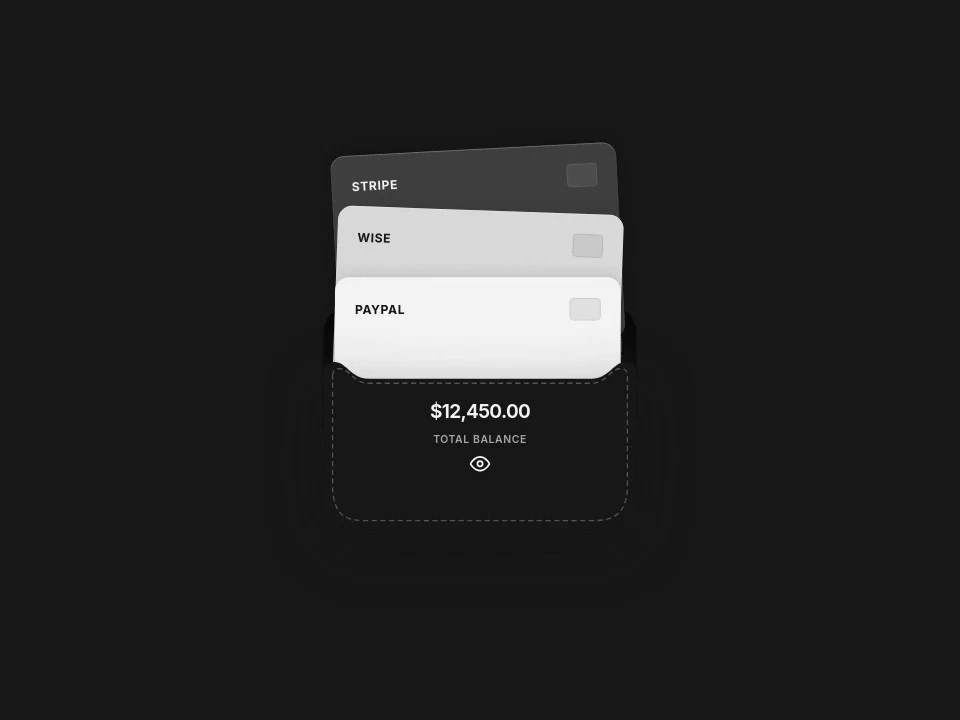
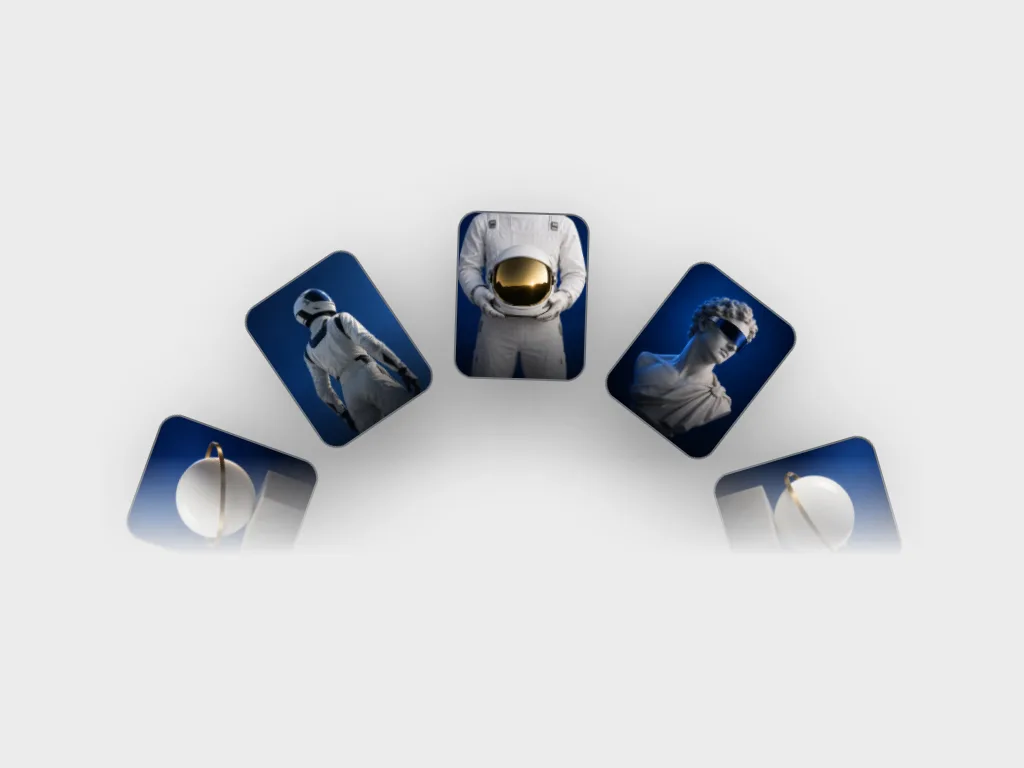
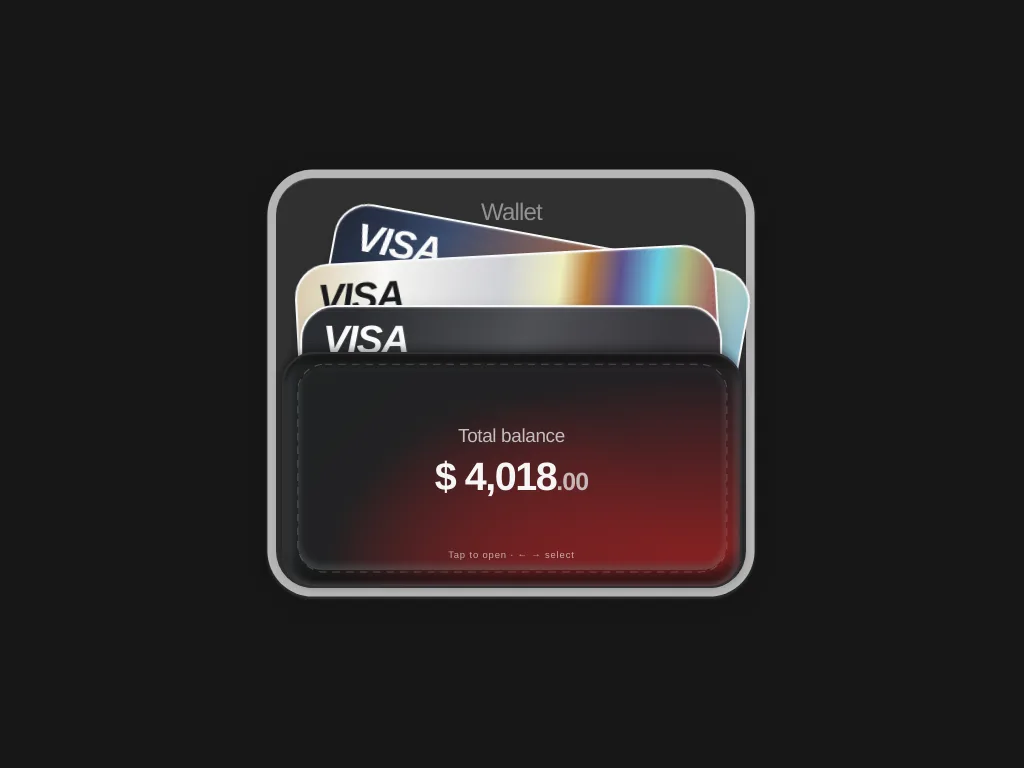
Cards with depth: Wallet Balance Card fans three payment cards open on hover to reveal a balance, Ember Wallet holds iridescent cards in a stitched, ember-lit pocket with spring-like motion, and Orbit Cards turns a carousel of cards around a shared centre with drag and autoplay.
Use a card to group one clear unit of content. Compare a static information surface with a hover-led showcase, and choose motion only when it helps people inspect the content.
Replace sample content and set the card dimensions around real text. Inspect each product and export format before integrating; the pixel and orbit styles are not necessarily CSS-only.
Keep headings and links readable without hover. Avoid nested interactive targets that compete, test long titles and ensure card boundaries remain visible against the page background.
No. Pixel Card is tagged Canvas, and Orbit Cards is tagged GSAP. The collection includes CSS surfaces as well as interactive card experiments.
Its title and category identify a payment card, despite the historical payment-method-checkbox renderer id. Membership follows the actual product, not that id name.
Clear reading order, understandable link labels and visible focus matter more than the decorative surface. Check those in your final implementation.
From the blog
Keep exploring
Every interactive tool on HorizonX opens in an editor you can adjust in the browser before you export it.