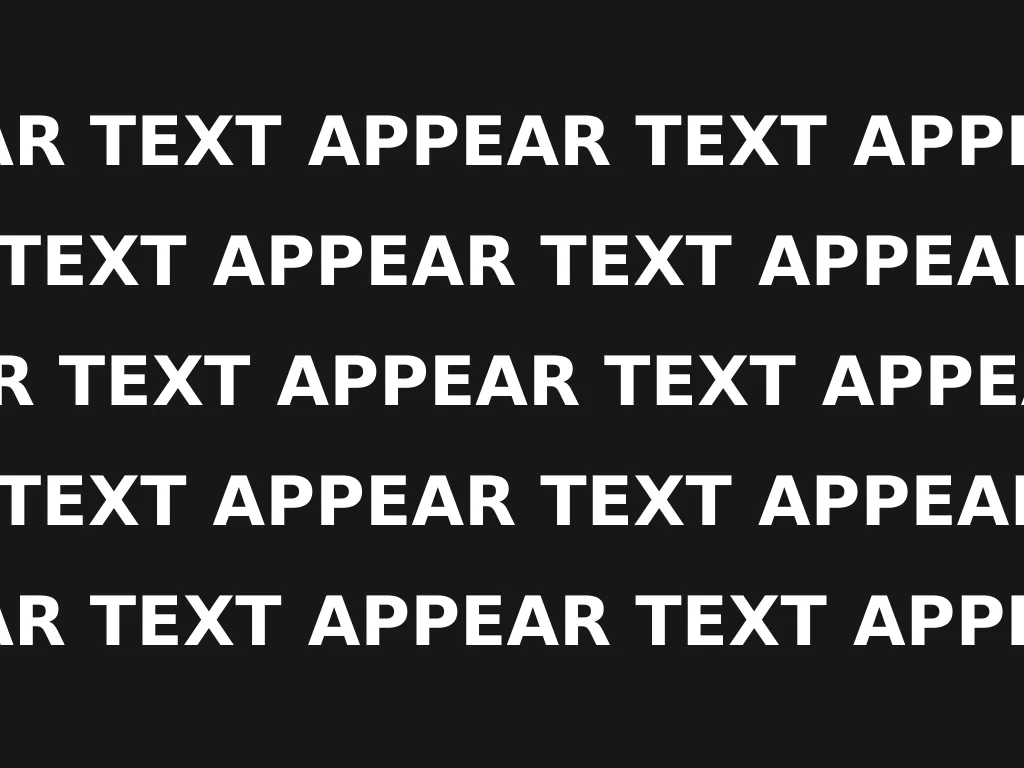
Appear Text
A staggered wall of one repeated word that splays open, is wiped away in a sweep until a single word survives in the middle, holds, and is written back in.
 HorizonX Effect
Tool collection
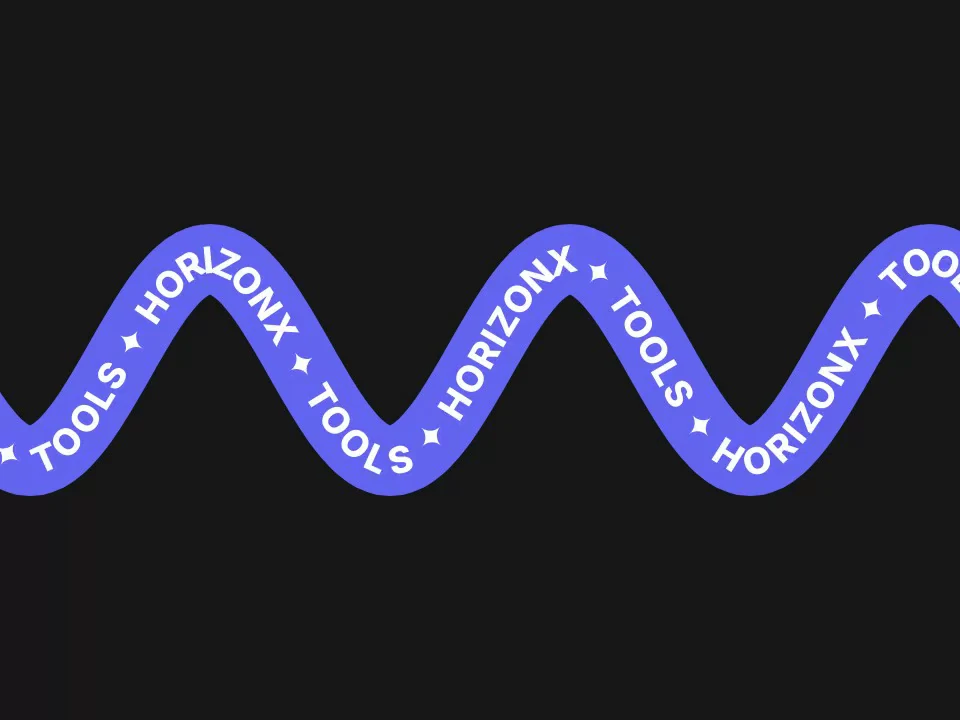
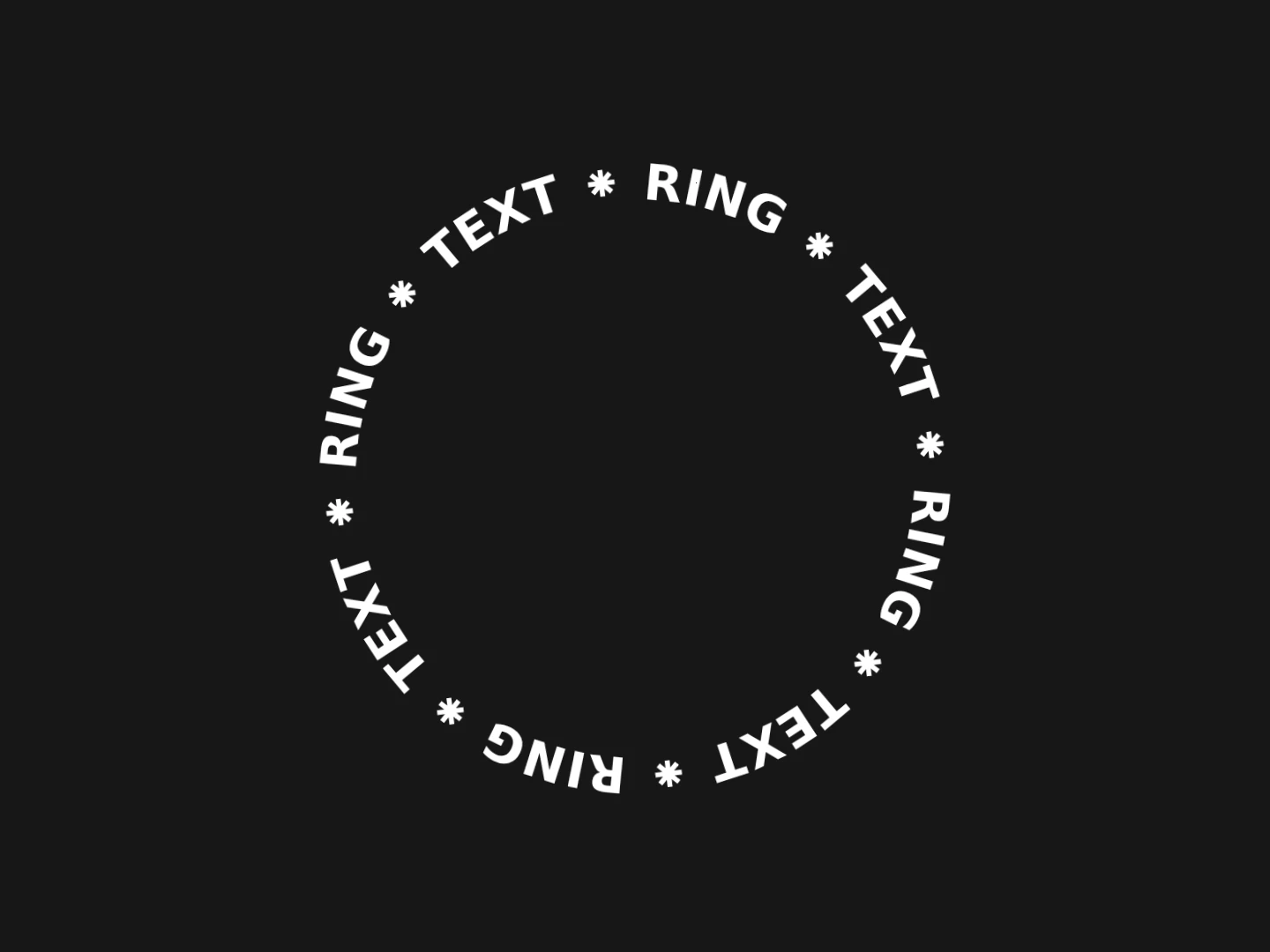
Animated text components for headlines, menus and brand moments: letters that appear, fall, loop, circle or reveal on scroll. Each one is an editor you tune live and export as HTML, Svelte or React. Choose by where the text lives: a hero headline can carry a bold entrance, body copy needs something quieter.
An entrance animation plays once and draws the eye to a headline, like Appear Text or Type Reveal. A loop keeps moving and works for logos, badges and taglines that sit beside other content, like Text Loop or Text Ring.
Interactive text, such as Falling Text or the 3D Letters Menu, responds to the visitor and is best kept to one moment per page.
Animated type still has to be read. Let the motion settle on a clear, static state, prefer real text over images so search engines and screen readers can read it, and avoid looping motion next to long paragraphs.
From the blog
Keep exploring
Every interactive tool on HorizonX opens in an editor you can adjust in the browser before you export it.