
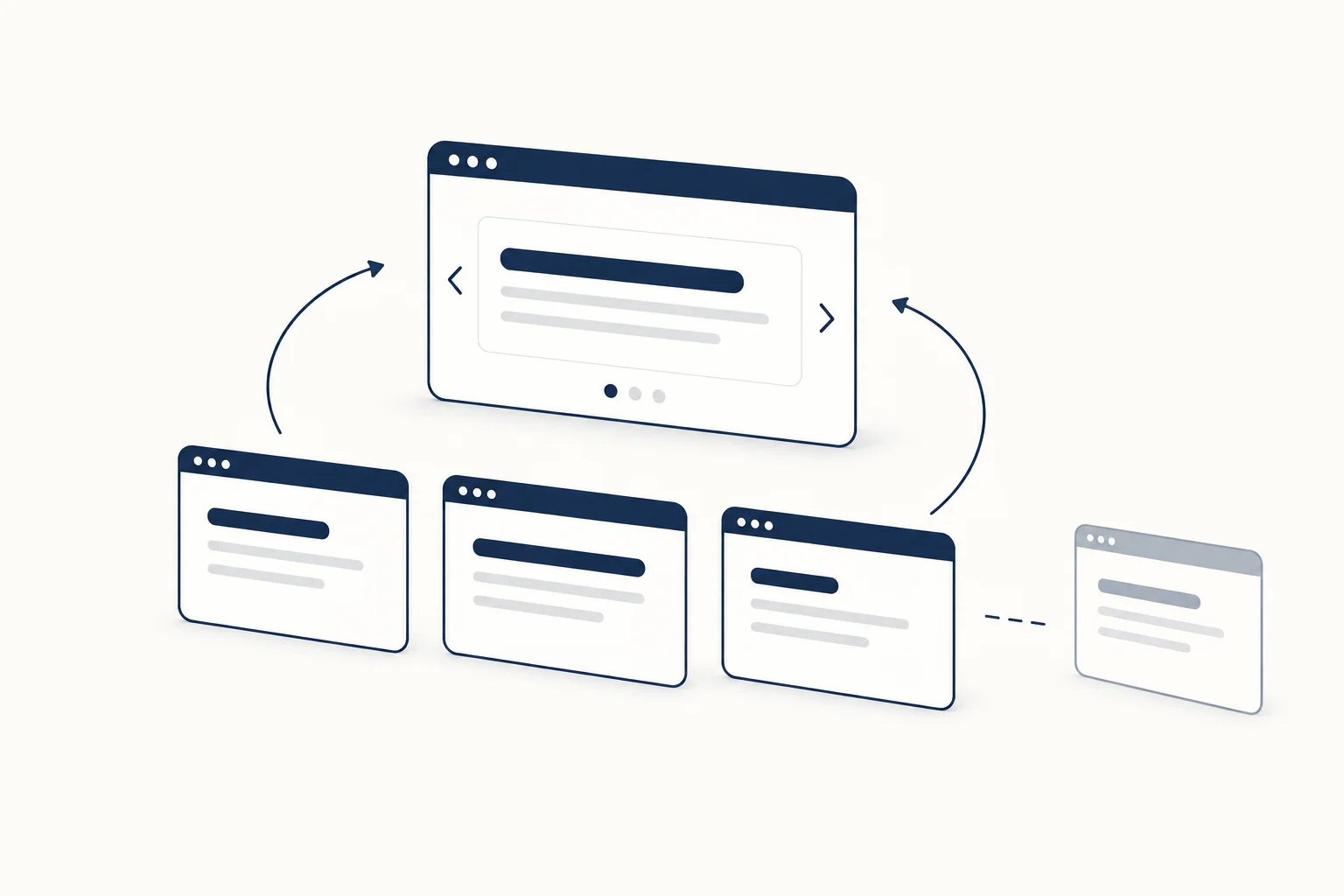
Rotating headline text works best when every variation supports the same promise. Write a complete static sentence first, then decide whether rotation adds a useful distinction. If the headline only becomes understandable after several cycles, the effect is doing work the copy should already have done.
The exercise below uses a fictional design studio. It is a writing method, not evidence that animated copy improves engagement or sales.
Keep the promise stable
“We design clear interfaces for product teams” is a complete statement. Rotating the final phrase between “product teams”, “small studios” and “independent founders” can introduce audiences, provided all three are genuinely served.
Rotating between “beautiful”, “profitable” and “unforgettable” is less coherent. The words make different claims, and some imply outcomes the studio may not be able to substantiate. Movement does not make those claims safer or more precise.
Make every version grammatically complete
Read the fixed words together with each alternative. Check articles, agreement and punctuation. A variation that sounds natural alone may not fit the surrounding sentence.
Keep the differences meaningful. Three near-synonyms can create activity without communicating anything new. If you cannot explain why the reader needs to see each variation, use the strongest one as static copy.
Design for the longest phrase
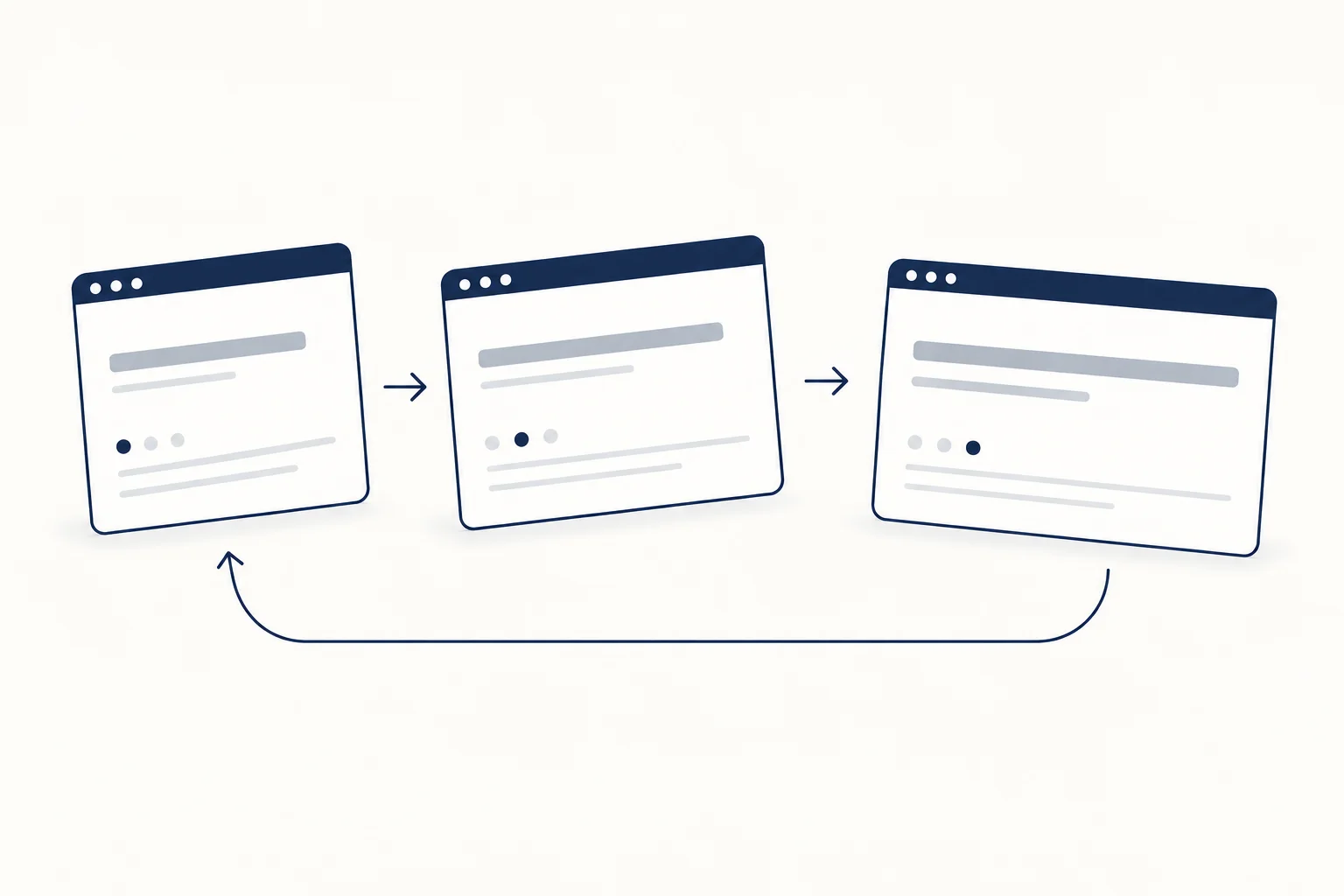
Inspect the headline with the longest alternative at the narrowest intended layout. Avoid judging only the first or shortest phrase. A title that changes its overall shape can distract from the surrounding message.
Decide whether all versions must occupy the same line count or whether a stable multi-line composition is preferable. This is a content and layout decision; do not solve it by making the important words uncomfortably small.
Give the still version a clear meaning
Choose a default phrase that communicates the offer without waiting. The quiet presentation should not expose an unfinished sentence or remove the key noun.
HorizonX's Text Loop is a resource to inspect for this kind of treatment. Review its current controls and the final integration. The article does not certify that any exported variant already satisfies your project's motion requirements.
Separate essential information from decoration
Do not place availability, prices, deadlines or another essential condition only in one rotating variation. Readers should not need to wait to discover the relevant terms. Keep such information stable and directly visible.
Use the UI specification guide to record the default phrase, alternatives, narrow-layout behaviour and quiet presentation.
When should the headline stay still?
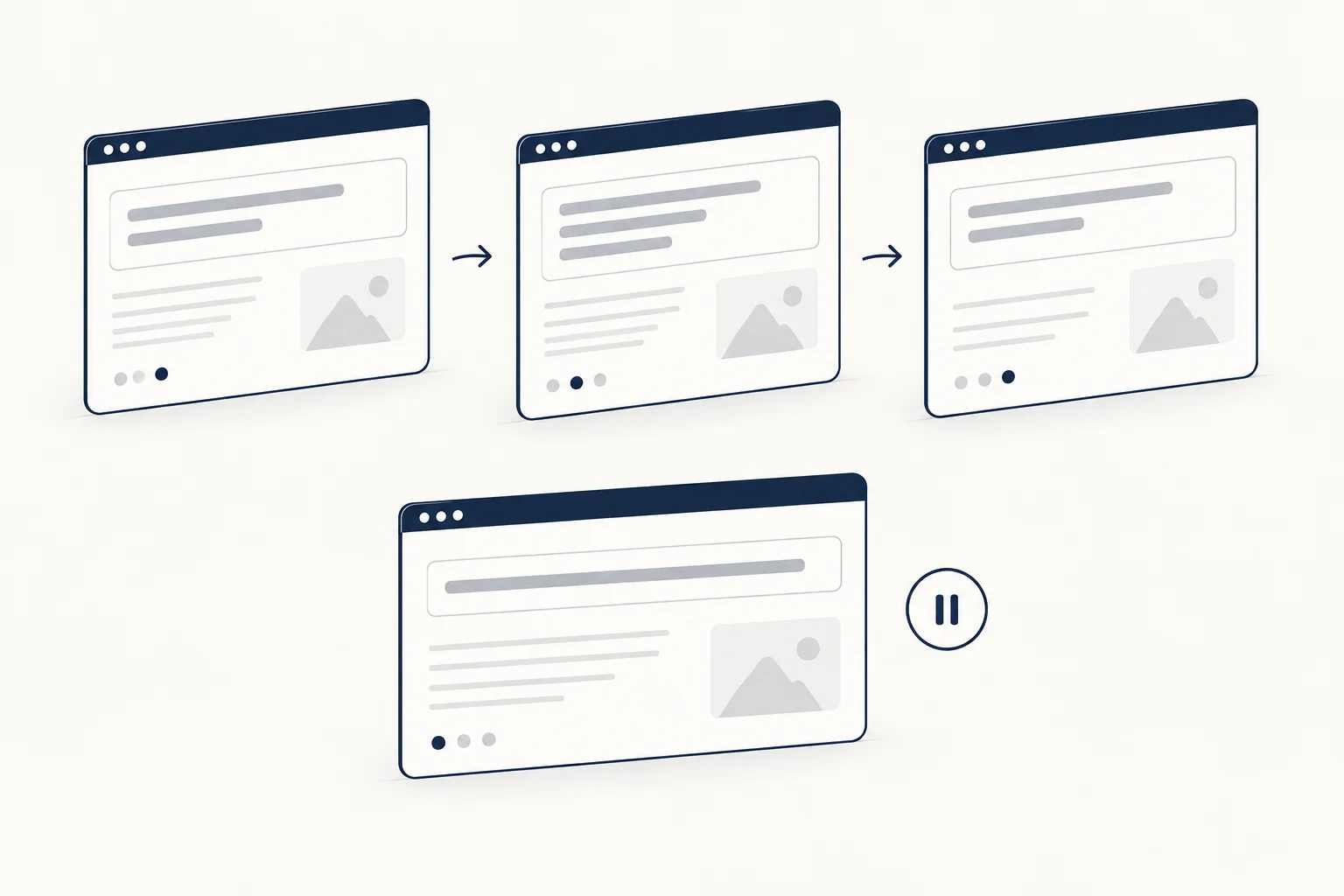
Keep it still when the page already contains competing movement, the audience needs a quick answer or the alternatives do not add distinct information. A precise sentence is a complete design solution; animation is an optional layer on top.