
Text animation in JavaScript has three practical routes: split the text with a few lines of JS and animate it in CSS, use the browser's Web Animations API (WAAPI, element.animate()), or use a library such as GSAP SplitText. CSS or the Web Animations API covers a staggered reveal; a library pays off for line splitting, masks and timelines.
To compare them fairly, this guide builds the same effect three times: a headline whose words rise and fade in one after another. The splitting and accessibility rules are shared, so we start there.
The effect and its constraints
Each word starts slightly below its final position and transparent, then moves up and fades in, with a short delay between words. Three constraints apply to every version:
- The settled state must be a normal, readable heading. The animation is an entrance, not the content.
- Only
transformandopacitychange. Browsers can usually animate these properties without recalculating layout, which web.dev's animation guide recommends for smooth motion. - People who set
prefers-reduced-motion: reducesee the heading without the effect.
Step 1: split the text without breaking it for screen readers
To animate words individually, each word needs its own element. Separate inline-block elements can make some screen readers read a heading in fragments, and splitting by character makes it much worse. Keep one readable copy for assistive technology and hide the animated pieces:
function splitWords(el) {
  const text = el.textContent.trim().replace(/\s+/g, ' ');

  const readable = document.createElement('span');
  readable.className = 'visually-hidden';
  readable.textContent = text;

  const visual = document.createElement('span');
  visual.setAttribute('aria-hidden', 'true');

  const words = text.split(' ');
  words.forEach((word, i) => {
    const span = document.createElement('span');
    span.className = 'word';
    span.style.setProperty('--i', i);
    span.textContent = word;
    visual.append(span);
    if (i < words.length - 1) visual.append(' ');
  });

  el.replaceChildren(readable, visual);
  return [...visual.querySelectorAll('.word')];
}
.visually-hidden {
  position: absolute;
  width: 1px;
  height: 1px;
  margin: -1px;
  padding: 0;
  overflow: hidden;
  clip-path: inset(50%);
  white-space: nowrap;
  border: 0;
}

.word {
  display: inline-block; /* transforms do not apply to plain inline boxes */
}
Why a hidden copy instead of aria-label on the parent? aria-label works on a heading, but ARIA does not support it on generic elements such as <div>, <span> or <p> (MDN: aria-label lists the unsupported roles). It also replaces the content, so links inside the text lose their meaning. The hidden copy works on any element. If the text contains links, keep them out of the split or handle them separately.
Two more notes. Splitting on spaces works for English and most European languages; for languages written without spaces, Intl.Segmenter with granularity: 'word' finds word boundaries. And if you render on the server, output the spans in HTML so the CSS version needs no JavaScript at all.
Route 1: CSS keyframes with a custom property
The split script already set --i on each word. CSS turns it into a delay:
.word {
  display: inline-block;
  animation: word-in 600ms cubic-bezier(0.2, 0.7, 0.2, 1) both;
  animation-delay: calc(var(--i) * 60ms);
}

@keyframes word-in {
  from {
    opacity: 0;
    transform: translateY(0.4em);
  }
}

@media (prefers-reduced-motion: reduce) {
  .word {
    animation: none;
  }
}
The keyframes only define the starting point; the end state is the element's normal style. both keeps each word hidden during its delay.
Good at: zero animation runtime, works with server-rendered spans, easy to theme. Weak at: control after it starts. You cannot easily pause, reverse or wait for the end. To start the reveal when the heading scrolls into view, add a class with an IntersectionObserver and put the animation declaration behind that class.
Newer engines also support sibling-index(), which could replace the --i custom property. MDN's compatibility data (checked October 3, 2026) lists it from Chrome 138, Safari 26.2 and Firefox 154; keep the custom property if you support older versions.
Route 2: the Web Animations API
The Web Animations API runs the same keyframes from JavaScript. element.animate() returns an Animation object you can pause, reverse, speed up or await:
const words = splitWords(document.querySelector('.headline'));
const reduceMotion = matchMedia('(prefers-reduced-motion: reduce)').matches;

if (!reduceMotion) {
  const animations = words.map((word, i) =>
    word.animate(
      [
        { opacity: 0, transform: 'translateY(0.4em)' },
        { opacity: 1, transform: 'none' }
      ],
      {
        duration: 600,
        delay: i * 60,
        easing: 'cubic-bezier(0.2, 0.7, 0.2, 1)',
        fill: 'backwards'
      }
    )
  );

  Promise.all(animations.map((a) => a.finished))
    .then(() => document.querySelector('.hero-cta')?.classList.add('is-visible'))
    .catch(() => {}); // finished rejects if an animation is cancelled
}
The stagger is just delay: i * 60. fill: 'backwards' applies the first keyframe during the delay, and once the animation ends the word falls back to its normal CSS, so you do not accumulate forward-filling animations. There is nothing to install: MDN lists element.animate() from Chrome 36, Firefox 48 and Safari 13.1.
Good at: playback control, chaining with promises, reacting to user input, no dependency. Weak at: anything beyond a list of independent animations. Timelines, line detection and scroll-linked progress are yours to build.
Route 3: a library (GSAP SplitText, anime.js, Motion)
Libraries handle the parts that are tedious to write yourself: splitting into lines that re-split on resize, masking each line for a clipped reveal, sequencing many animations on one timeline, and tying progress to scroll.
GSAP is now free for all users, including its former paid plugins such as SplitText, thanks to Webflow's support (GSAP pricing). The current standard "no charge" license (last modified May 30, 2025, checked October 3, 2026) allows use on any website, web app or digital interface, including commercial ones, and no longer depends on whether your end users pay. Its main restriction is on building no-code visual animation tools that compete with Webflow's own animation builder. If your product is that kind of tool, read the license in full before you ship.
import { gsap } from 'gsap';
import { SplitText } from 'gsap/SplitText';

gsap.registerPlugin(SplitText);

const mm = gsap.matchMedia();

mm.add('(prefers-reduced-motion: no-preference)', () => {
  const split = SplitText.create('.headline', { type: 'words' });

  gsap.from(split.words, {
    opacity: 0,
    yPercent: 40,
    duration: 0.6,
    ease: 'power2.out',
    stagger: 0.06
  });

  return () => split.revert();
});
gsap.matchMedia() only runs the setup while the query matches and reverts the animations when it stops matching. Per the SplitText documentation, its default aria: "auto" adds an aria-label to the split element and aria-hidden to the generated pieces; for text that contains links, the docs recommend aria: "hidden" plus a screen-reader-only copy, which is the same approach as Step 1.
Two other libraries cover the same ground. anime.js (MIT license) includes a splitText utility alongside its stagger() helper. Motion (MIT) offers animate() and stagger() for free, but its own splitText is a Motion+ feature that requires a paid, one-time Motion+ purchase; you can pair Motion's animate() with the split function from Step 1 instead.
Which route should you pick?
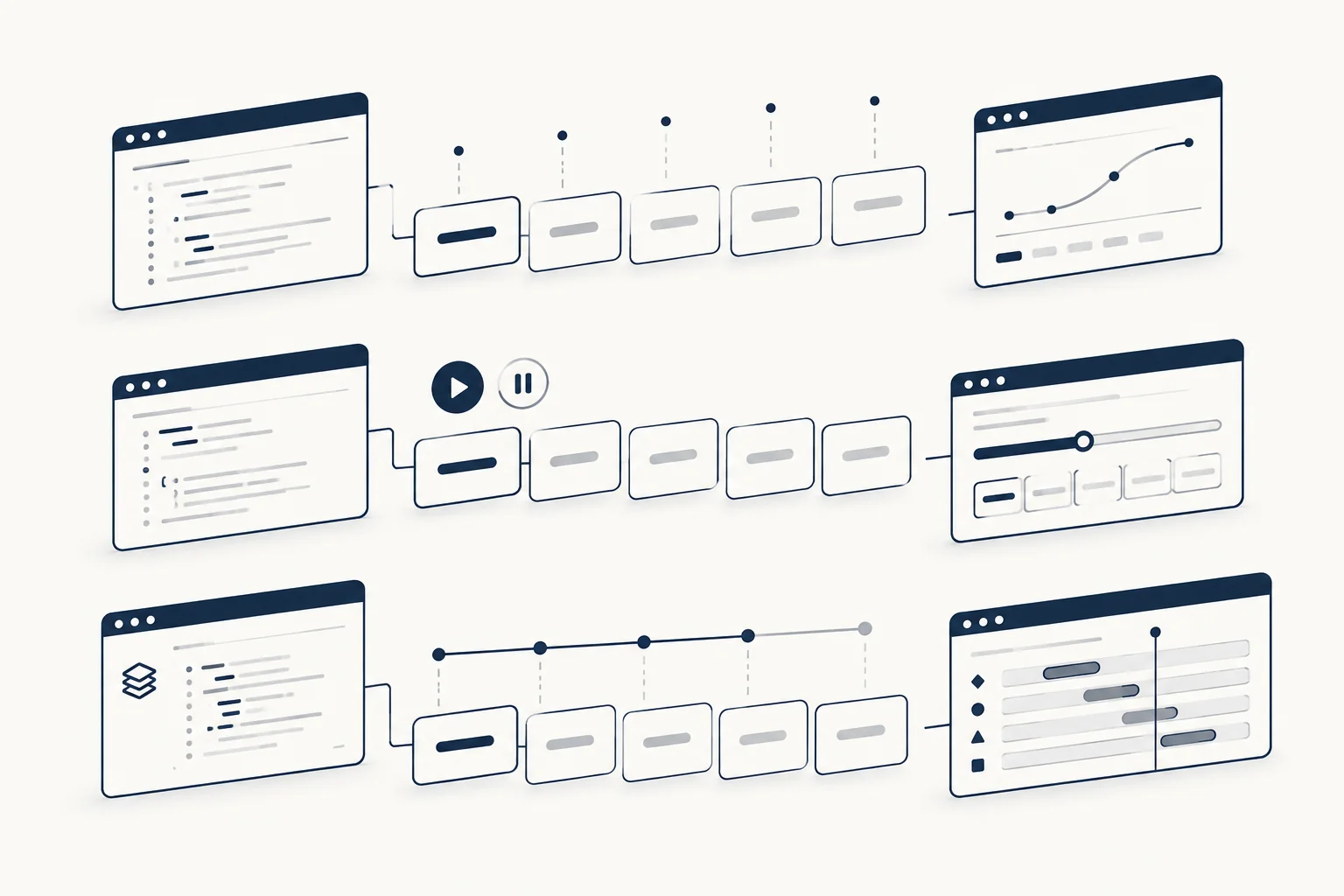
| Criterion | CSS + custom property | Web Animations API | Library (GSAP, anime.js) |
|---|---|---|---|
| Extra dependency | None | None | Yes |
| Pause, reverse, await the end | Hard | Built in | Built in |
| Split by lines, re-split on resize | Manual | Manual | Built in (SplitText, anime.js) |
| Masked or clipped reveals | Manual | Manual | Built in (SplitText mask) |
| Sequencing with other elements | Delays only | Promises | Timelines |
| Scroll-triggered | Class + observer, or CSS scroll timelines | Observer | Plugins (for example ScrollTrigger) |
A simple rule of thumb:
- One entrance animation on a heading: CSS. Render the spans on the server if you can.
- The animation responds to user input or must finish before something else happens: Web Animations API.
- Line-by-line reveals, masks, or text that is part of a larger choreographed sequence: a library. If GSAP is already on the page, SplitText is the obvious choice.
Performance and accessibility checklist
- Animate
transformandopacityonly. Avoid animatingtop,margin,letter-spacingorfilter: blur()on many spans at once. - Split headlines, not paragraphs. Hundreds of animated spans cost more than they add.
- Split after web fonts load if you split by lines, or line breaks will be measured with the fallback font (SplitText's
autoSplitre-splits for you). - Keep a readable copy for screen readers and hide the pieces with
aria-hidden="true". - Respect
prefers-reduced-motionin every route: a media query in CSS,matchMedia()in the Web Animations API,gsap.matchMedia()in GSAP. The reduced version should show the final text immediately, not a slower animation. - Never put essential information only in the animated state.
For the editorial side of the same problem (what the heading should say before it moves), read Text Reveal Effects: Keep the Message Understandable Without Motion and Rotating Headline Text. For text that reacts to the pointer instead of playing on load, see hover text effects.
FAQ
Can you animate text with CSS only?
Yes, if each word is already wrapped in its own element. Render one span per word on the server, set a custom property such as --i on each span, and use animation-delay: calc(var(--i) * 60ms) with keyframes that change only transform and opacity. If the text arrives as a plain string, a few lines of JavaScript split it first. Either way, keep a readable copy for screen readers and turn the animation off under prefers-reduced-motion.
Are JavaScript text animation libraries free?
Mostly, but check the feature you need. As of October 3, 2026, GSAP and its SplitText plugin are free under GSAP's standard "no charge" license, which restricts building no-code visual animation tools that compete with Webflow's. anime.js is MIT licensed and includes a splitText utility. Motion's animate() and stagger() are free under MIT, but its own splitText needs a paid Motion+ purchase. The CSS and Web Animations API routes need no library at all.
How do you animate text with GSAP?
Register the SplitText plugin, split the heading with SplitText.create('.headline', { type: 'words' }), then pass split.words to gsap.from() with an opacity, a yPercent offset and a stagger value. Wrap the setup in gsap.matchMedia() with (prefers-reduced-motion: no-preference) so people who asked for less motion see the final text, and return split.revert() for cleanup. The SplitText documentation covers line splitting and masks.
Is there a generator for JavaScript text animations?
Yes, visual editors let you configure a text effect and export the code instead of writing it by hand. HorizonX's text animations collection gathers its editable text effects, such as Falling Text, where the words of a paragraph drop on hover and can be dragged around. Exported code still needs the same checks as hand-written code: a readable copy for screen readers, transform and opacity only, and a reduced-motion fallback.
Ready-made text effects
When the effect is more than a word reveal, a configurable component can be faster than writing it from scratch. HorizonX's text animations collection brings its editable text effects together, for example Falling Text, where words of a paragraph drop on hover and can be dragged around. Whatever you start from, run the checklist above against the exported code before you ship.