

A text reveal should introduce a message, not make the message depend on waiting for an effect. Keep the words, reading order and quiet presentation understandable before adding motion. The right treatment depends on whether you are revealing text, moving text or placing imagery inside a typographic composition.
Those categories look related in a catalogue but solve different visual problems. Choose the one that supports your content rather than using “text animation” as a single requirement.
Distinguish the treatment you want
A simple entrance can draw attention to a short heading. A rotating phrase introduces alternatives. An image embedded in a line of type creates a different relationship between language and illustration.
Text that responds when someone points at it is another category again. Text on hover covers tooltips and hover text effects that stay readable without a mouse.
HorizonX's Type Reveal belongs to that last category: the current resource describes an image opening within a typographic line as the block moves through the viewport. It should not be presented as a generic character-by-character reveal.
For a fictional photography project, that relationship might be useful because the image is part of the subject. For a booking confirmation, the same treatment would probably add an unnecessary obstacle to reading an important message.
Write the quiet composition first
Set the complete heading and decide where an image belongs when nothing moves. Check the line breaks at a narrow width. If the words only fit while part of the message is concealed, reconsider the composition.
Keep essential instructions and actions available independently of the decoration. Motion should not become the only path to understanding what the page is asking someone to do.
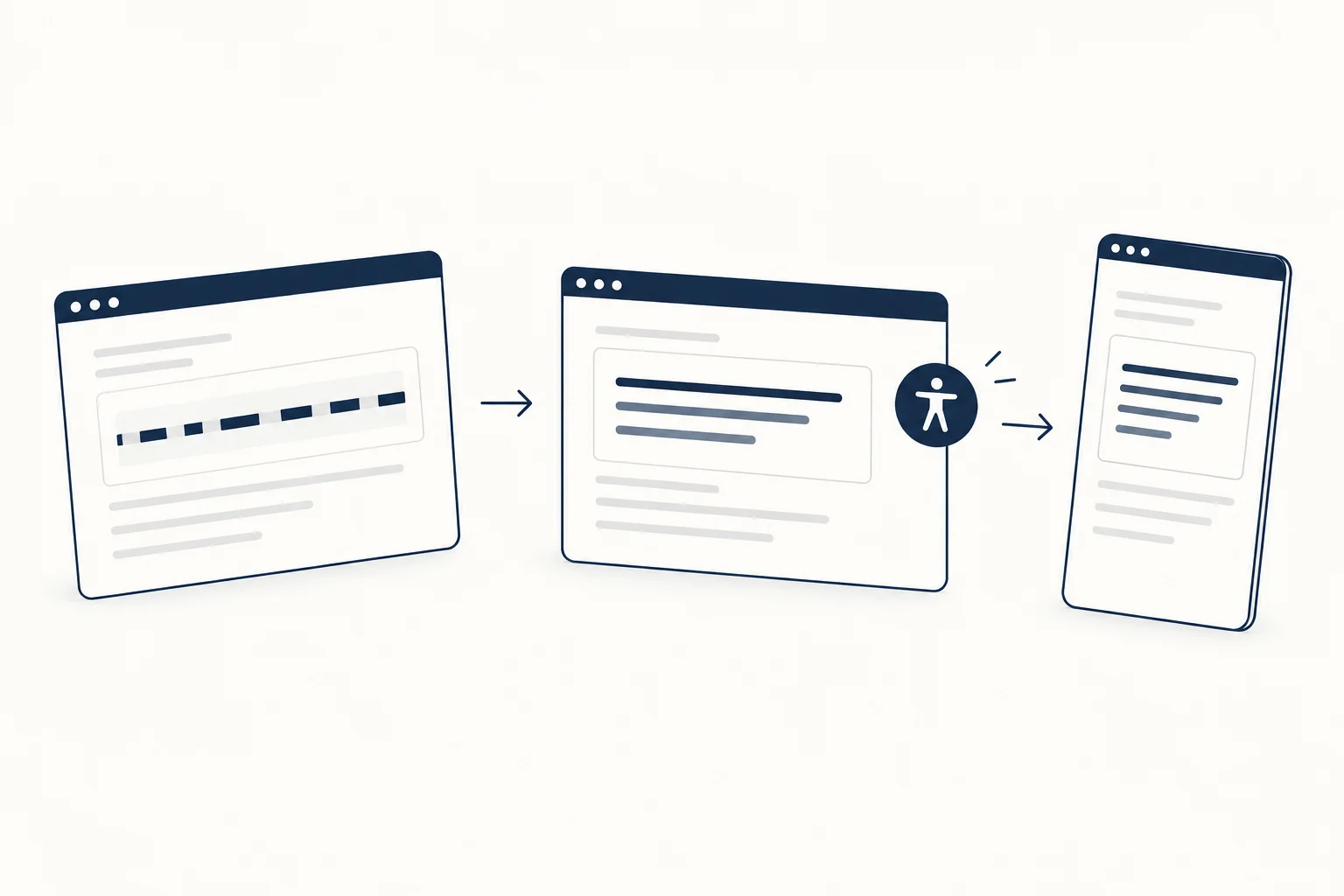
Review the beginning and the end
Inspect the state before the effect begins, the intended settled state and what happens if someone quickly scrolls past and returns. Do not judge the treatment only at its most attractive instant.
For image-based compositions, check that the image crop still communicates its subject. A dramatic mask can turn useful evidence into an unrecognisable sliver. If the image is meaningful, provide an appropriate textual explanation in the surrounding content.
Make reduced motion a design decision
The browser can expose a user's preference for less motion through prefers-reduced-motion. Decide what the page should show for that preference and verify the implementation; the presence of a setting is not proof of complete accessibility.
Choose a still composition that preserves the message instead of merely making every animation extremely fast.
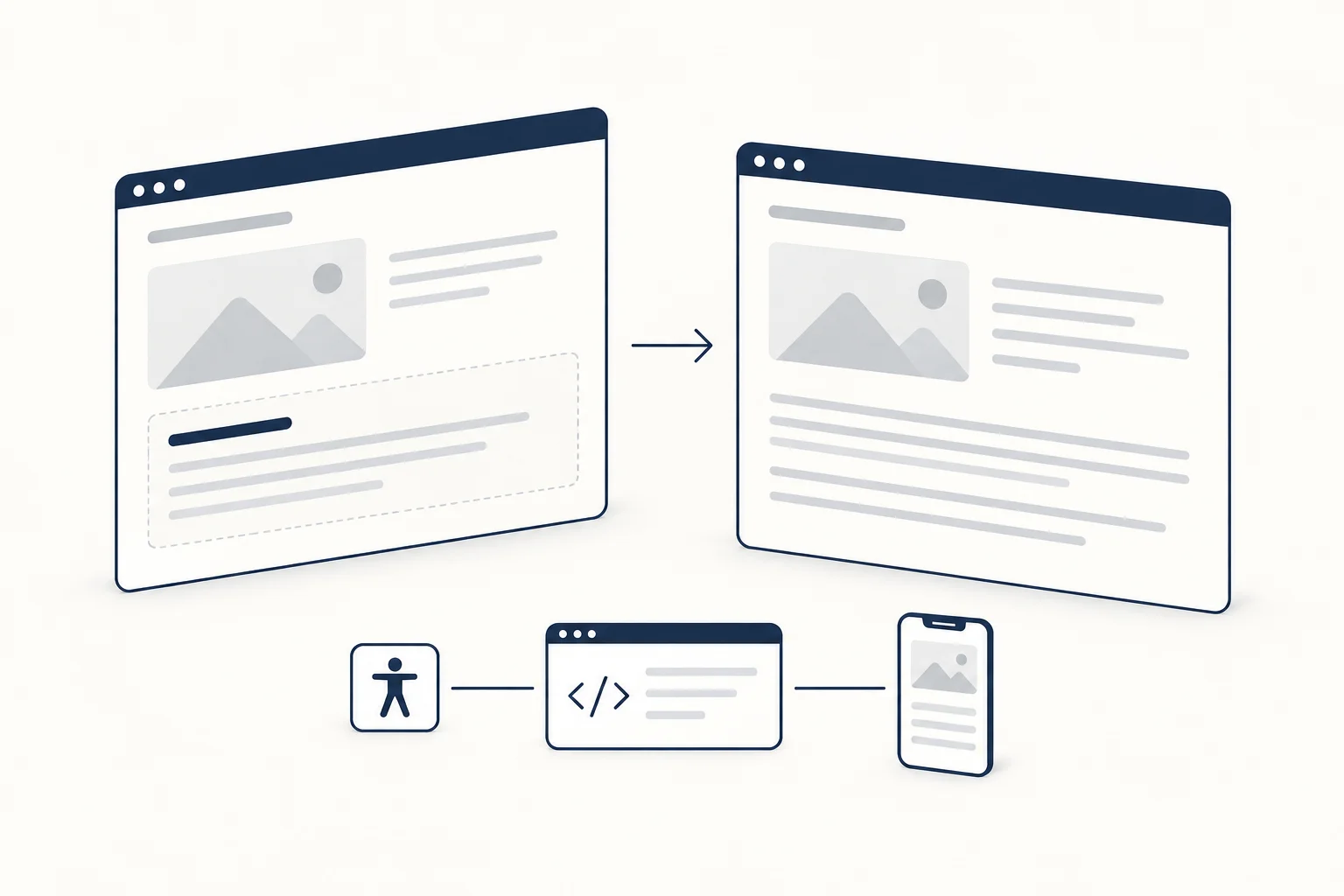
When is an ordinary heading better?
Use one when the text is long, the task is time-sensitive or the image relationship does not clarify the subject. Browse HorizonX tools with a clear purpose, then keep only the effect that earns its place in the actual page.