
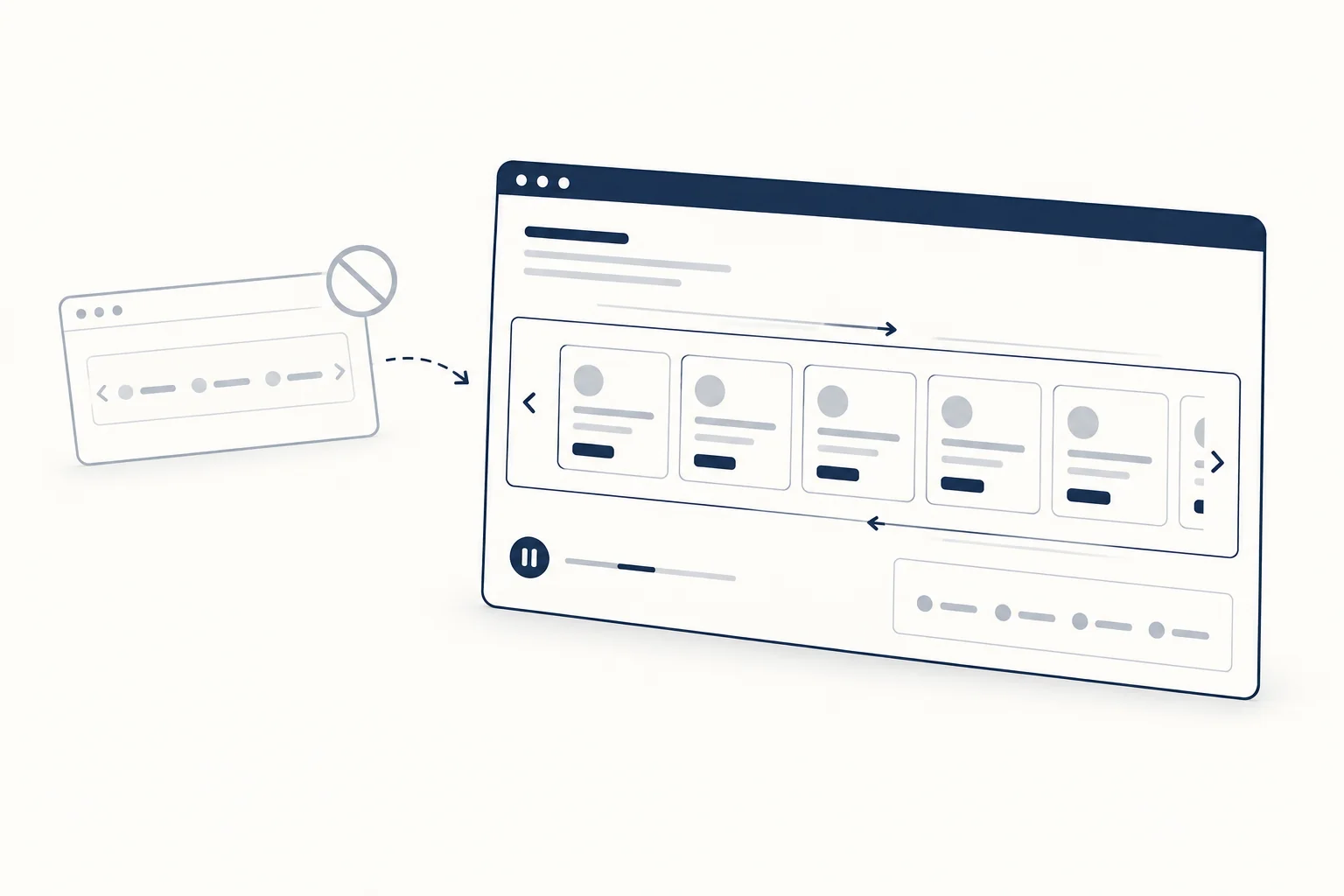
The <marquee> tag still renders in browsers, but it is obsolete. The WHATWG HTML Standard lists it as a non-conforming feature and MDN marks it deprecated. To build a scrolling strip of text or logos today, animate a duplicated track with a CSS transform, then add a pause control and a reduced-motion fallback.
This guide shows the replacement step by step: an infinite marquee in plain CSS that loops without a jump, a JS-free pause control, a small script for constant speed, and the point where a ready-made component saves time.
Is the marquee tag still used in HTML?
Browsers keep supporting it so old pages do not break, but new code should not use it. The WHATWG obsolete features section puts marquee in the list of non-conforming elements with the instruction "Use appropriate elements or CSS instead". Its implementation notes describe it as "a presentational element that animates content" and add that "CSS transitions and animations are a more appropriate mechanism". MDN's marquee reference flags it as deprecated and recommends CSS animations with transforms.
The practical problems go beyond validation warnings:
- It has no built-in pause control that users can reach, and no awareness of reduced-motion preferences.
- Speed is set in legacy attributes (
scrollamount,scrolldelay) instead of a value you can theme or compute. - It mixes presentation into markup, so you cannot restyle it from your design system.
Here is the legacy pattern you are probably replacing:
<!-- Obsolete: do not ship this -->
<marquee behavior="scroll" direction="left" scrollamount="6">
  Free shipping on all orders this week
</marquee>
Map the old attributes to CSS
Most <marquee> attributes have a direct CSS equivalent. Use this table when you migrate an old page:
<marquee> attribute |
Modern equivalent |
|---|---|
direction="left" / "right" |
Keyframe target translateX(-50%), or animation-direction: reverse |
direction="up" / "down" |
Same technique on the Y axis with a column layout |
scrollamount, scrolldelay |
animation-duration (or a duration computed from a speed in px/s) |
behavior="alternate" |
animation-direction: alternate |
loop="3" |
animation-iteration-count: 3 |
onmouseover="this.stop()" |
animation-play-state: paused on :hover and :focus-within |
bgcolor, width, height |
Ordinary CSS on the container |
How an infinite CSS marquee loops
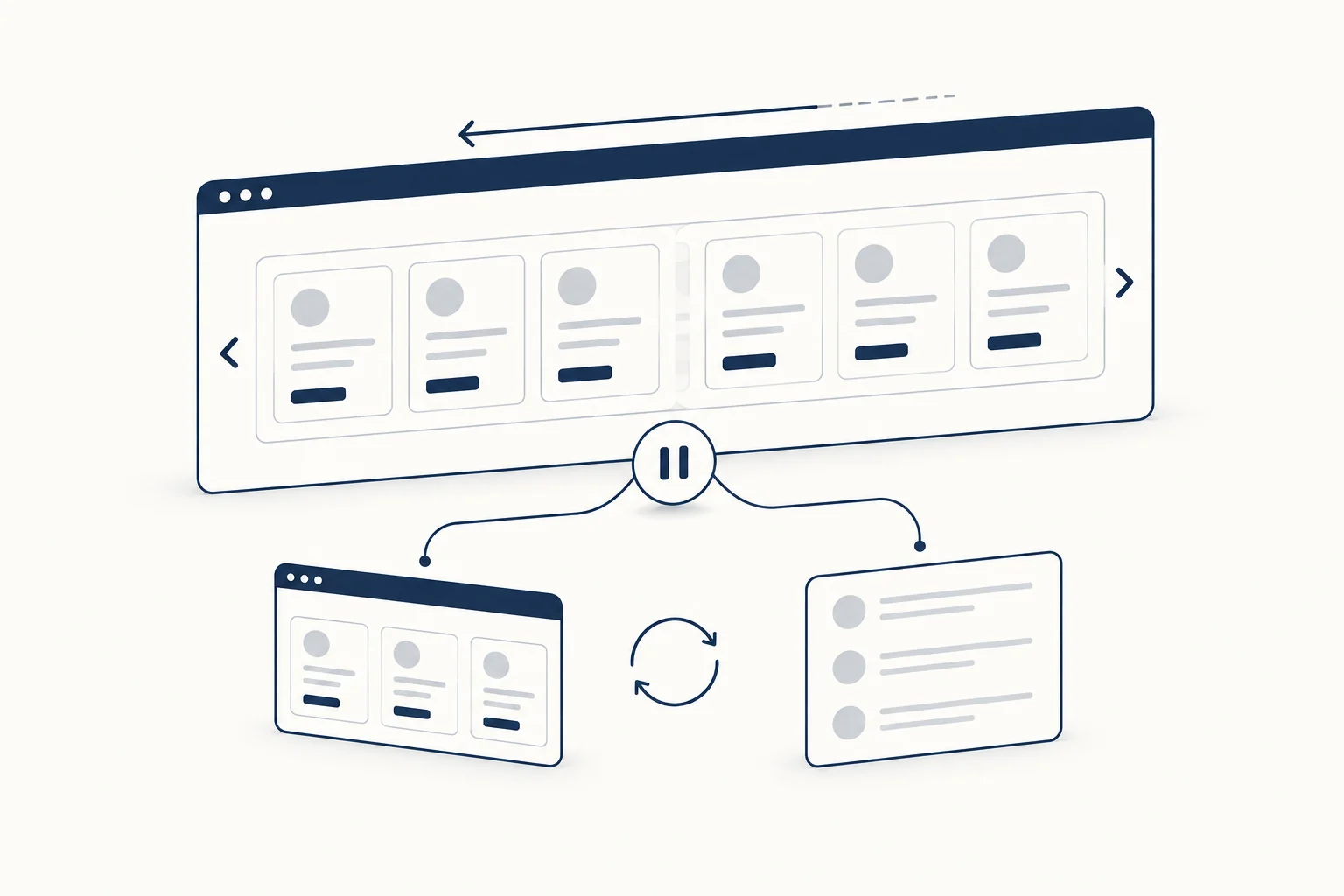
The trick is a track that holds the content twice. The track is as wide as both copies together. You move it left by exactly half its width, which is one full copy. At that moment the second copy sits exactly where the first one started, so the animation can restart without a visible jump.
Two details make or break the loop:
- Spacing must belong to each copy. If you put a
gapbetween the two copies, half the track is no longer one copy, and the loop jumps by half a gap. Give each group the same trailing padding instead. - Each copy must be at least as wide as the visible area. If the content is shorter than the container, an empty band appears before the loop restarts. Repeat the items inside each group until they fill the widest layout you support.
The HTML
<section class="marquee" aria-label="Brands we work with">
  <div class="marquee__track">
    <ul class="marquee__group">
      <li>Northwind</li>
      <li>Fabrikam</li>
      <li>Contoso</li>
      <li>Tailspin</li>
    </ul>
    <ul class="marquee__group" aria-hidden="true" inert>
      <li>Northwind</li>
      <li>Fabrikam</li>
      <li>Contoso</li>
      <li>Tailspin</li>
    </ul>
  </div>
</section>
The second group is only there for the visual loop. aria-hidden="true" keeps screen readers from announcing every item twice. inert matters when the items contain links: aria-hidden alone does not remove focusable elements from the tab order, while inert makes the copy non-focusable and non-interactive (MDN: inert).
The CSS
.marquee {
  --gap: 2rem;
  --duration: 30s;
  overflow: hidden;
}

.marquee__track {
  display: flex;
  width: max-content;
  animation: marquee var(--duration) linear infinite;
}

.marquee__group {
  display: flex;
  gap: var(--gap);
  margin: 0;
  padding: 0 var(--gap) 0 0; /* trailing space belongs to each copy */
  list-style: none;
}

@keyframes marquee {
  to { transform: translateX(-50%); }
}

/* Stop while someone is pointing at or tabbing through it */
.marquee:hover .marquee__track,
.marquee:focus-within .marquee__track {
  animation-play-state: paused;
}

/* Reduced motion: no movement, one copy, items wrap */
@media (prefers-reduced-motion: reduce) {
  .marquee__track {
    animation: none;
    width: auto;
  }
  .marquee__group {
    flex-wrap: wrap;
  }
  .marquee__group[aria-hidden="true"] {
    display: none;
  }
}
For a strip that scrolls to the right, add animation-direction: reverse to the track. On a right-to-left page, change the keyframe to translateX(50%). If you want the edges to fade, add mask-image: linear-gradient(to right, transparent, #000 10%, #000 90%, transparent) to .marquee.
Why this does not cause layout shift. The animation only changes transform, which does not affect the position of anything around the marquee. Layout shift comes from the content, so give logo images explicit width and height attributes, and set a min-block-size on the container if the strip loads its items late. The prefers-reduced-motion block replaces the motion with a static, wrapped list rather than an infinitely slow scroll.
Add a real pause control (JS-free)
Pausing on hover and focus helps, but it does nothing for a touch user or for someone who wants the motion gone while they read the rest of the page. WCAG 2.2 success criterion 2.2.2 Pause, Stop, Hide applies to moving content that starts automatically, lasts more than five seconds and is shown in parallel with other content: users need a mechanism to pause, stop or hide it, unless the movement is essential. An infinite marquee meets all three conditions.
You can add a visible control without JavaScript. A labelled checkbox is a native, keyboard-accessible form control, and :has() lets the container react to its state:
<section class="marquee" aria-label="Brands we work with">
  <label class="marquee__control">
    <input type="checkbox" class="marquee__pause">
    Pause animation
  </label>
  <div class="marquee__track">
    <!-- the two groups from above -->
  </div>
</section>
.marquee:has(.marquee__pause:checked) .marquee__track {
  animation-play-state: paused;
}
Place the control before the track in the source order, so keyboard users reach it first. Style it as a small button-like toggle if you prefer, but keep the native checkbox so its state is announced.
Scripted variant: constant speed and automatic duplication
A fixed --duration means the speed changes when the content changes: twice as many logos move twice as fast. If you want a speed in pixels per second, compute the duration from the width of one group. The same script can create the duplicate so editors only maintain one list:
for (const marquee of document.querySelectorAll('[data-marquee]')) {
  const track = marquee.querySelector('.marquee__track');
  const group = track.querySelector('.marquee__group');

  const copy = group.cloneNode(true);
  copy.setAttribute('aria-hidden', 'true');
  copy.inert = true;
  track.append(copy);

  const speed = Number(marquee.dataset.speed) || 60; // px per second
  const setDuration = () => {
    marquee.style.setProperty('--duration', `${group.offsetWidth / speed}s`);
  };
  new ResizeObserver(setDuration).observe(group);
}
Add data-marquee data-speed="60" to the <section> and remove the hand-written copy from the HTML. If the items contain id attributes, strip them from the clone so the page does not end up with duplicate IDs. For a pause button instead of a checkbox, use a <button type="button" aria-pressed="false">Pause animation</button> and toggle a class that sets animation-play-state: paused. Keep the label the same in both states: the WAI-ARIA button pattern notes that a toggle's label should not change when its state changes.
Accessibility checklist for any marquee
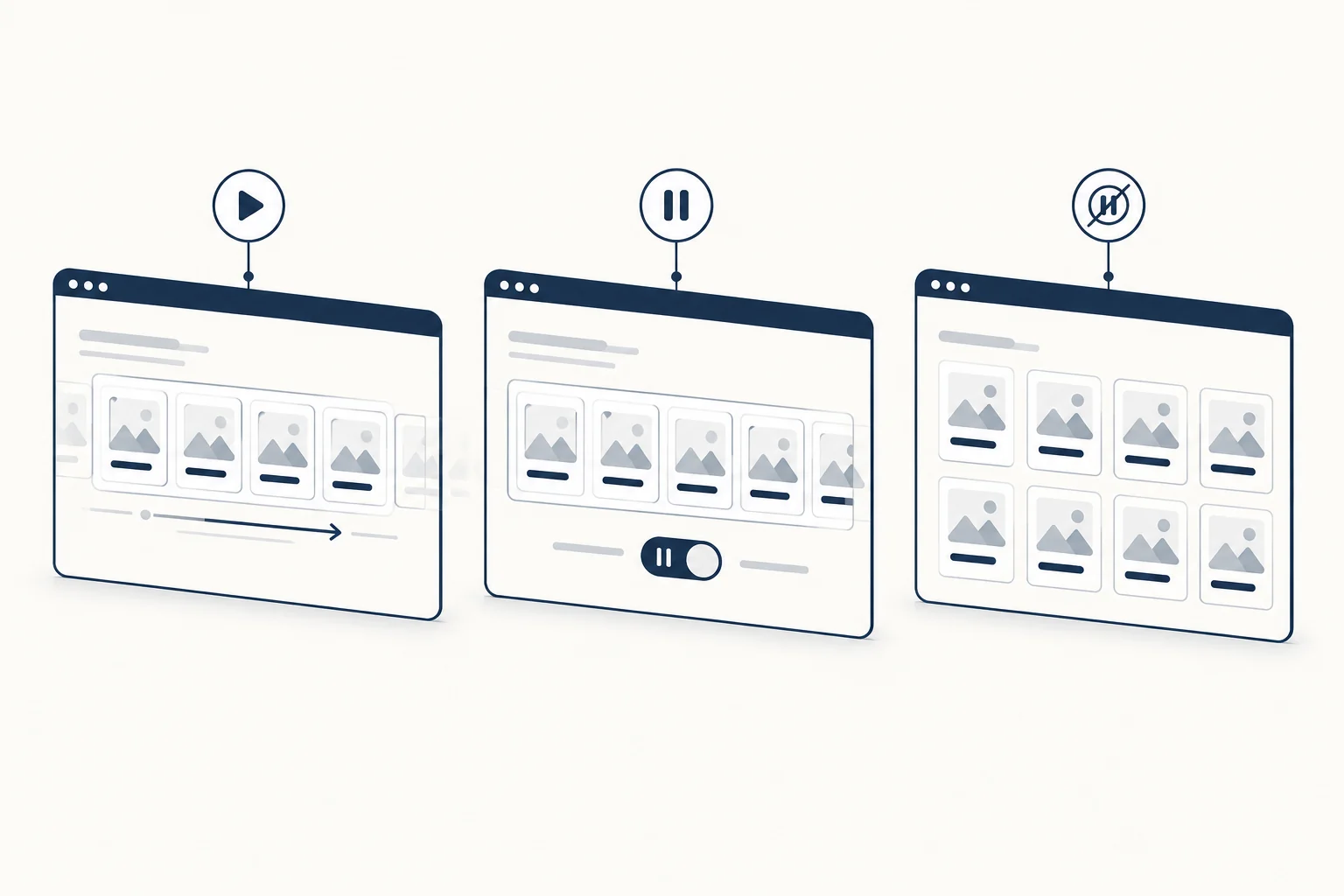
Use this list before you ship, whichever implementation you choose:
- The strip has an accessible name (
aria-labelon a landmark or a visible heading) so screen reader users know what the list is. - The duplicate copy is
aria-hidden="true"andinert, so content is announced and focused once. - A visible pause control exists, and hover or focus also pauses the motion.
prefers-reduced-motion: reduceshows a static version with all items readable.- Nothing essential (a price, a deadline, a legal notice) lives only inside the moving strip.
- Text in the strip is large enough and has sufficient contrast to read while moving, or the strip is decorative and the information is repeated elsewhere.
The broader question of who controls time in moving content is covered in our post on scroll-driven and auto-drifting galleries.
When to use a component instead
The CSS above is enough for a single row of text or logos. A component starts to pay off when you need:
- A speed in px/s that stays constant across breakpoints and content changes.
- A vertical ticker, several rows moving in opposite directions, or image cards with consistent sizing.
- Visual tuning (card width, gap, corner radius, edge fade) that a designer can adjust without editing keyframes.
In a React and Tailwind project, the Magic UI Marquee is one option; its documented props include reverse, pauseOnHover, vertical and repeat. If you want a visual editor instead, HorizonX's Motion Ticker is a GSAP-driven vertical ticker: you set direction, card width, gap, corner radius, edge fade and speed in px/s, then export a self-contained HTML file. Treat it like any third-party component: check the exported code against the checklist above, and add the pause control and reduced-motion fallback your page needs. For more moving rows and card strips, browse the galleries and carousels collection.
FAQ
How do I make a text marquee?
Wrap the text in a container with overflow: hidden, put two copies of it in a flex track with width: max-content, and animate the track from translateX(0) to translateX(-50%) with a linear, infinite CSS animation. Hide the second copy from assistive technology and add a pause control.
How do I insert a marquee in a page builder or CMS?
If the builder lets you add custom HTML and CSS, paste the markup and styles above instead of a <marquee> tag. If it only accepts a single HTML block, put the <style> element in the same block. Avoid plugins that output the <marquee> element, for the reasons covered at the top of this guide.