

A scroll-driven gallery and an automatically drifting gallery do not give the reader the same control. In the first, movement is related to the reader's progress. In the second, the content can move on its own timeline. Choose the model by the gallery's purpose, especially when people need time to inspect or select an item.
This distinction matters more than whether the visual feels fluid in a short preview. A beautiful movement can still conflict with the task the gallery is supposed to support.
Let the content determine who controls time
For a portfolio where each card leads to a case study, readers need to recognise the project and choose a destination. A static grid may be the clearest starting point. Motion must not make selection unnecessarily difficult.
For an atmospheric strip of decorative images, autonomous movement may be a reasonable creative direction. Keep meaningful information elsewhere so that the strip is not required to understand the page.
Understand the actual resource
HorizonX's Scroll Drift currently describes an independently scrolling column whose cards move through a three-dimensional treatment. That is not the same as saying it follows the main document's scroll position.
Inspect the chosen tool's behaviour rather than inferring it from the name. Record whether the content moves automatically, responds to user input or combines both. That decision affects placement, controls and the quiet alternative.
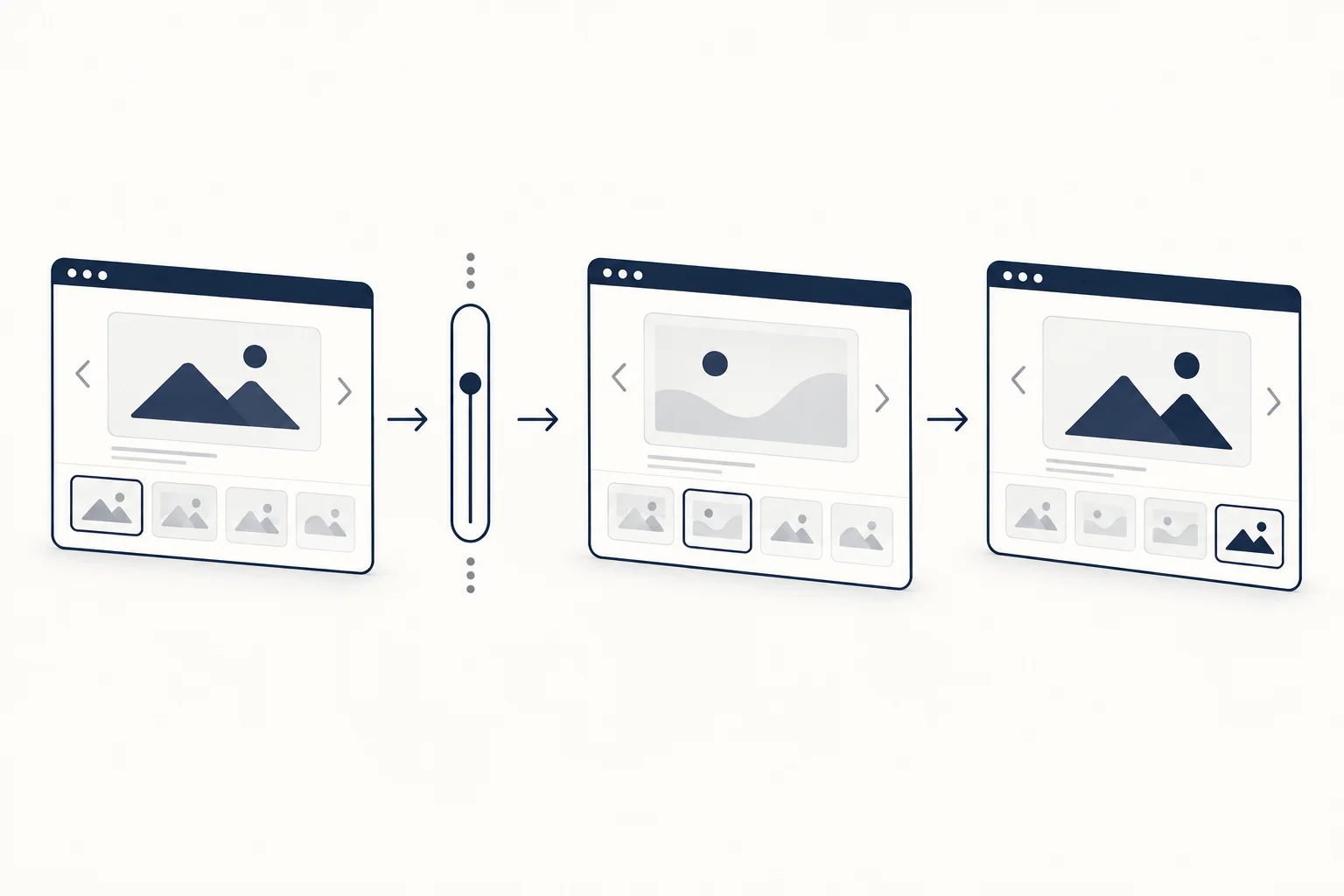
Design the reading state, not only the movement
Identify what should happen when a reader wants to stop and examine a card. Can they read the label, activate the destination and return without losing their place? Review keyboard and touch use alongside pointer use.
For a fictional project gallery, write labels that identify the work even when the image is not fully visible. Avoid making a tilted image or transient hover the only source of context.
Consider pause and motion requirements separately
W3C's Pause, Stop, Hide guidance addresses certain automatically starting moving content, including its timing and presentation conditions. Review those conditions against the real implementation. A reduced-motion preference and a pause control are related considerations, not interchangeable evidence that all requirements are satisfied.
A text or logo marquee is a familiar example of an auto-drifting strip. How to build a modern marquee shows one in CSS with a pause control and a reduced-motion fallback.
This article does not claim that a catalogue example has passed that review. Evaluate the final page with the actual content and controls.

Keep a static composition available
Lay out the same images as an ordinary grid or list before adding motion. That establishes the reading order and gives you a sensible alternative when movement is inappropriate.
Use the production-readiness checklist to record the checks. If a gallery's motion becomes harder to explain than its content, the simplest useful improvement may be to remove the motion.