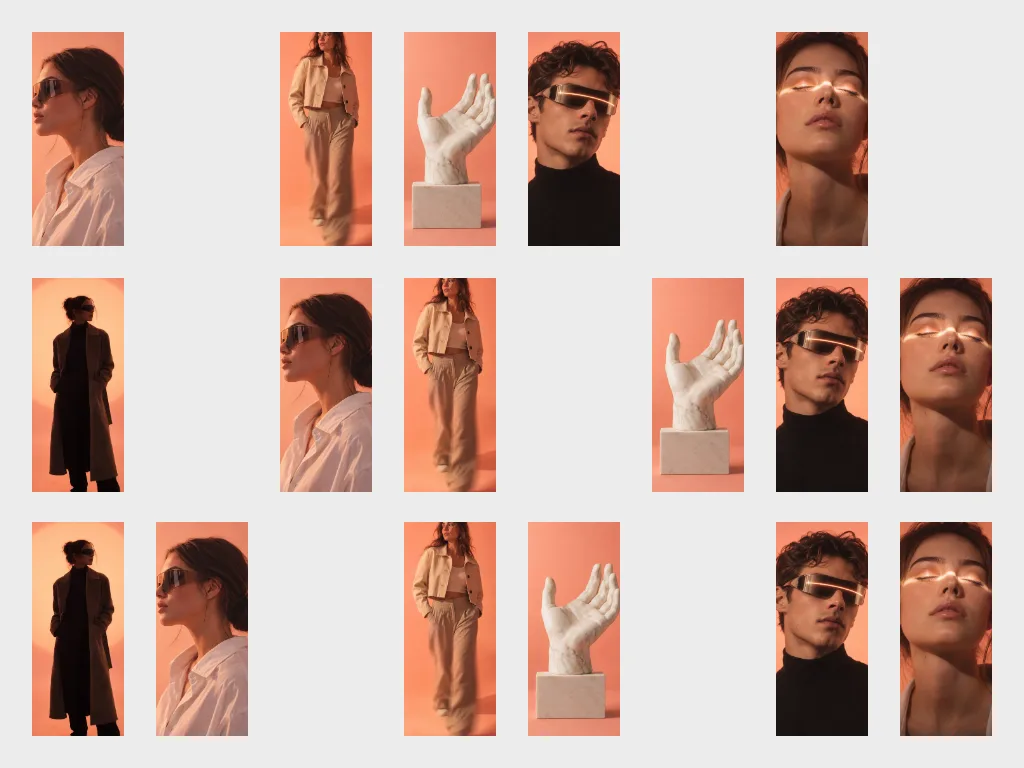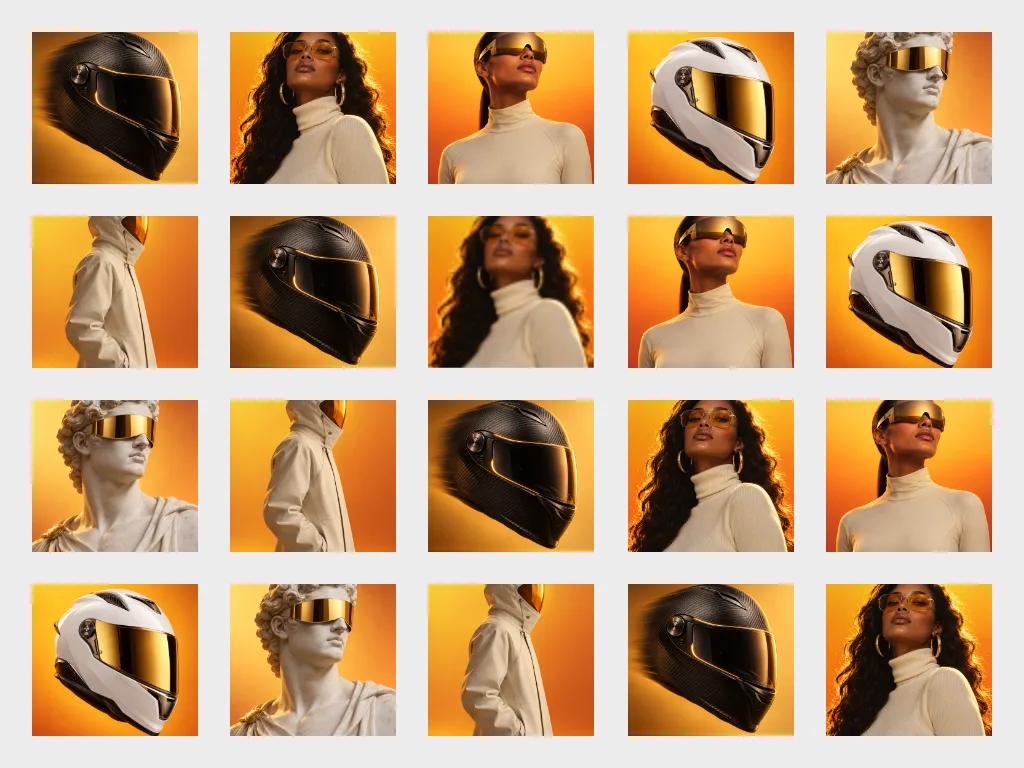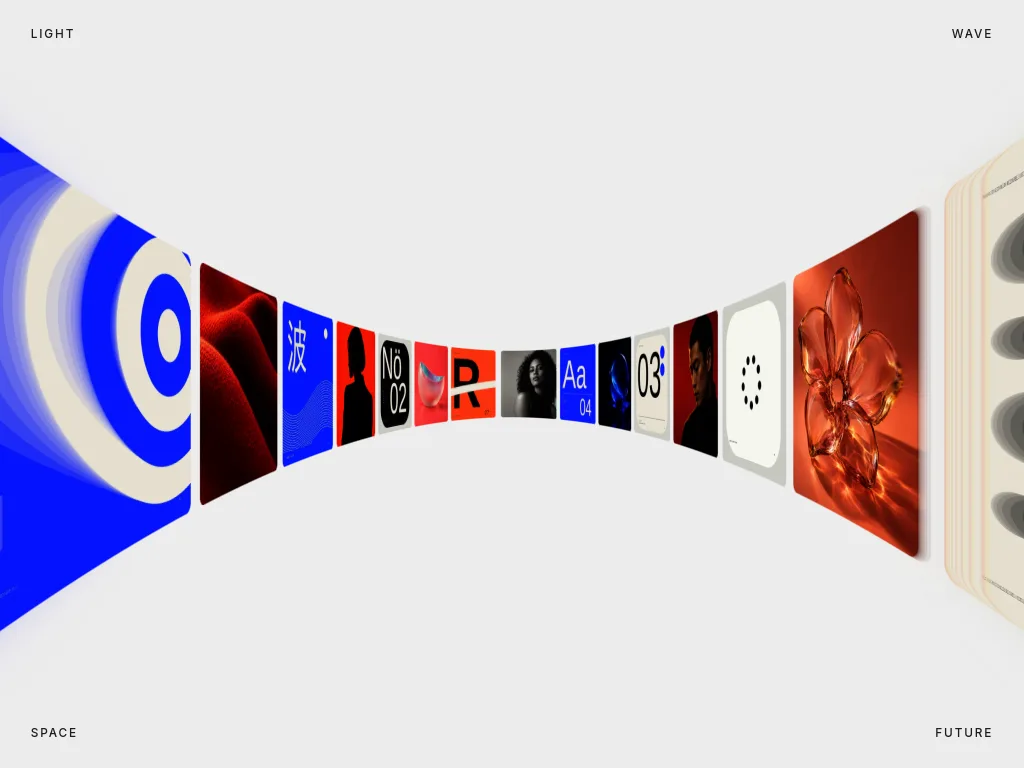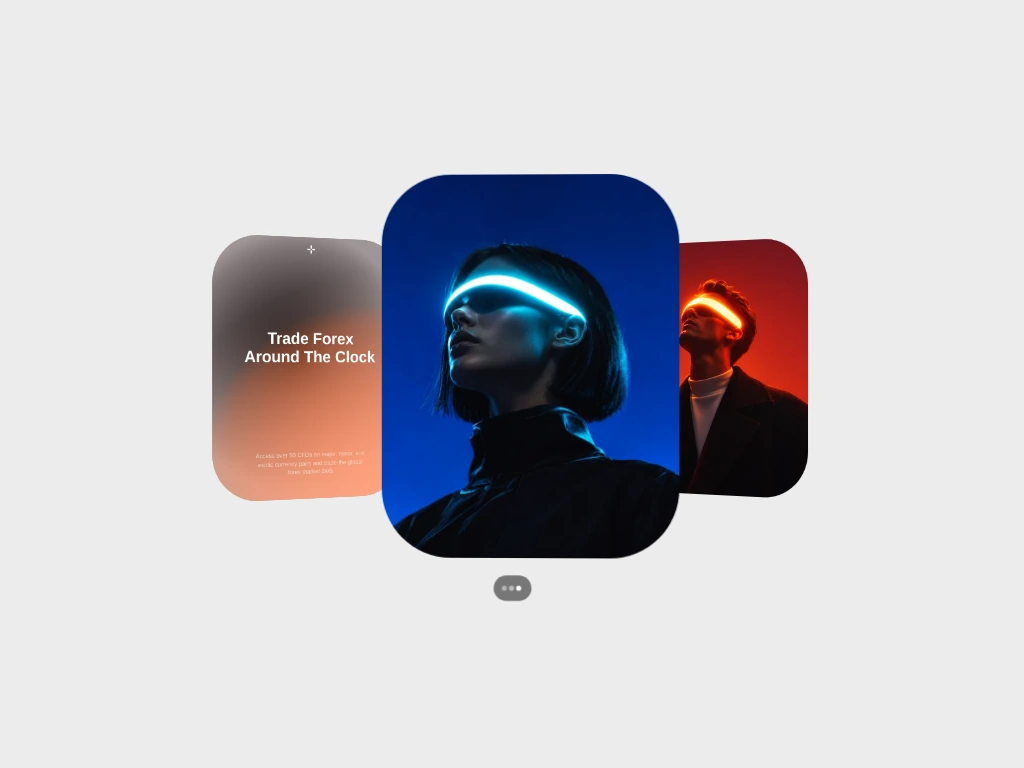
Fold Carousel
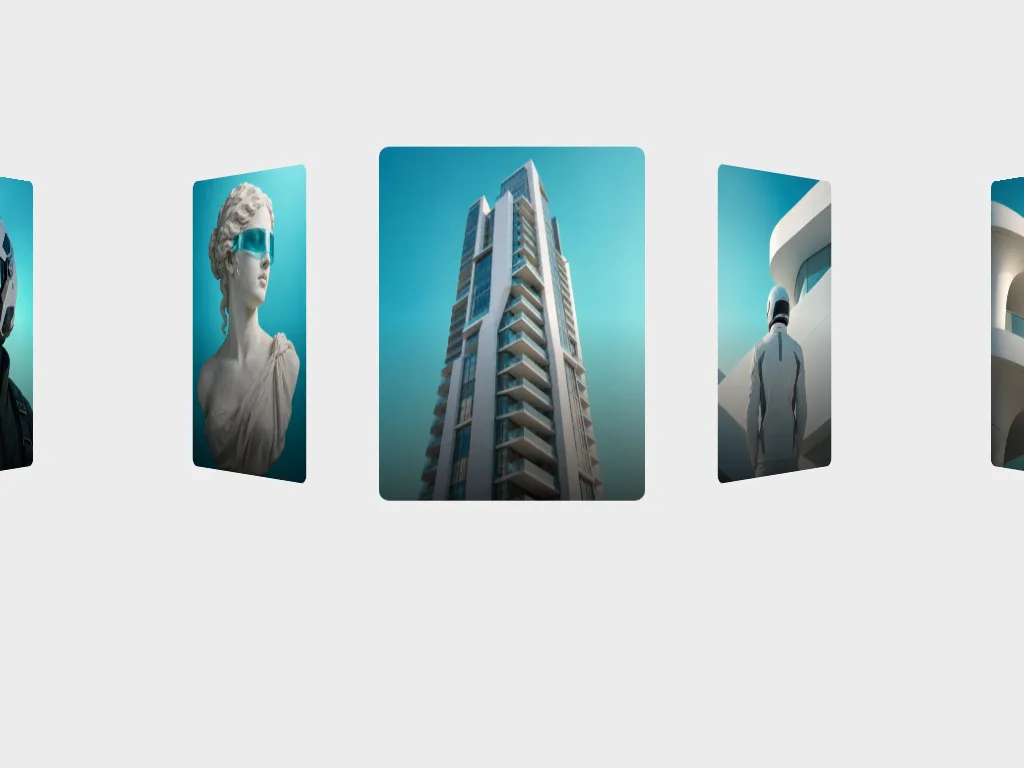
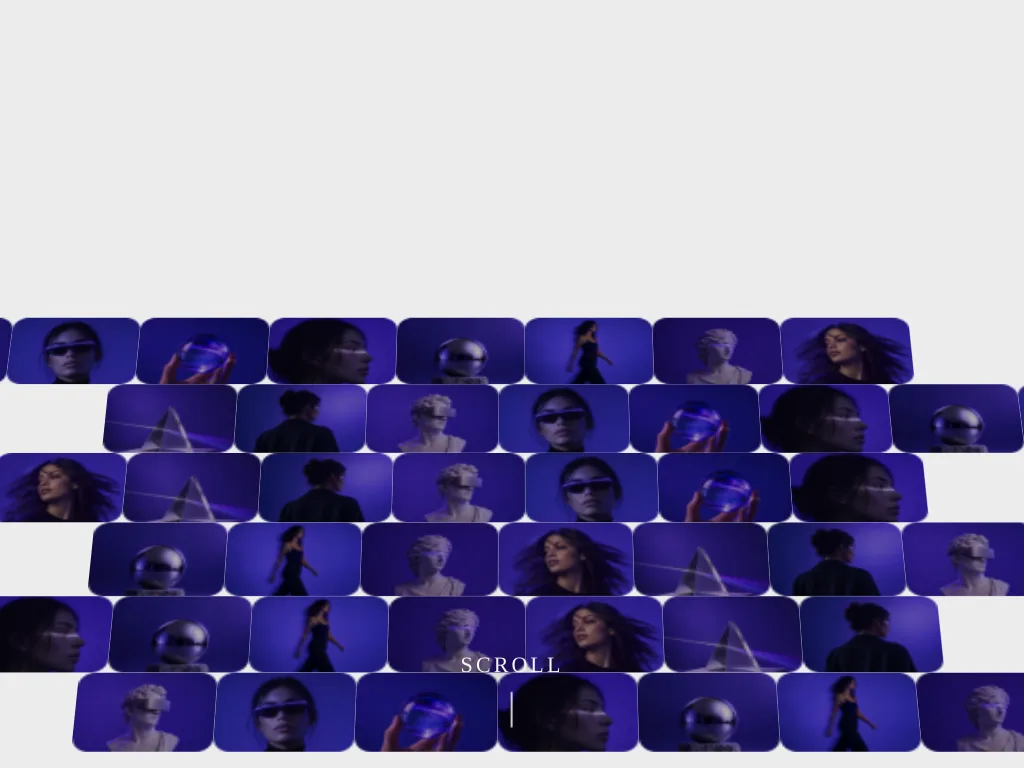
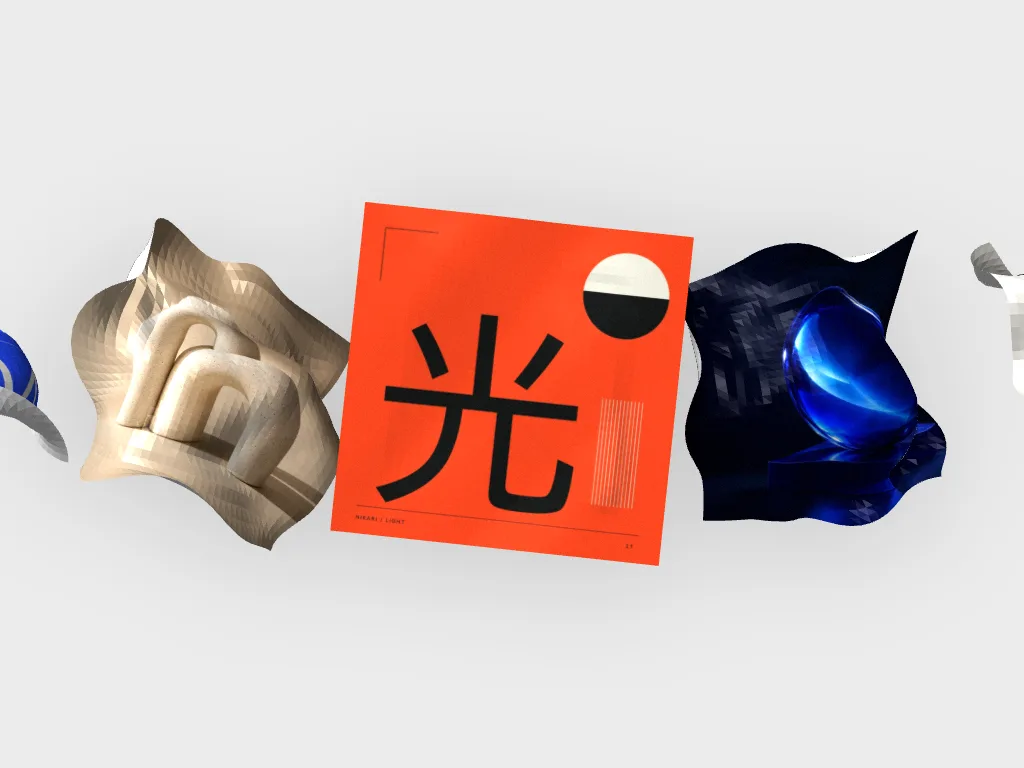
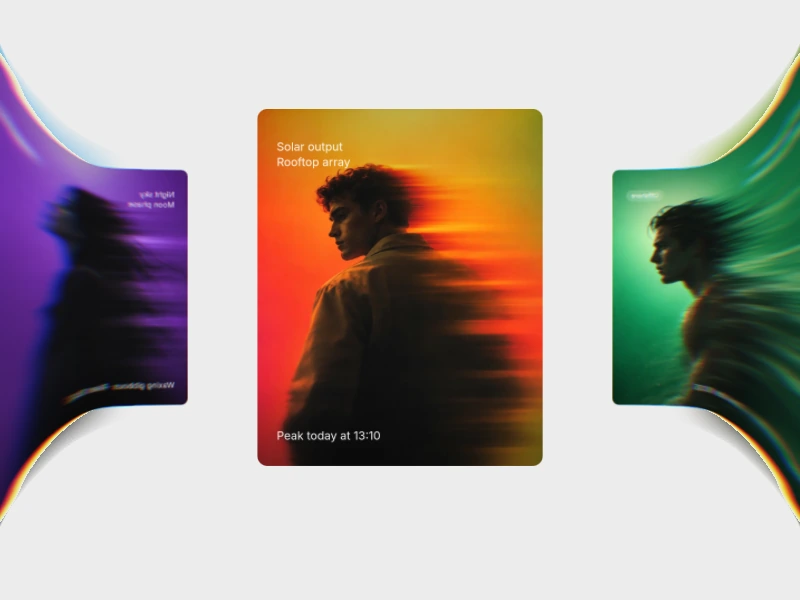
A looping card carousel in WebGL: the centre card lies flat while its neighbours fold away like doors and curl back toward the lens, smeared into streaks with a spectral edge fringe.
 HorizonX Carousel
Tool collection
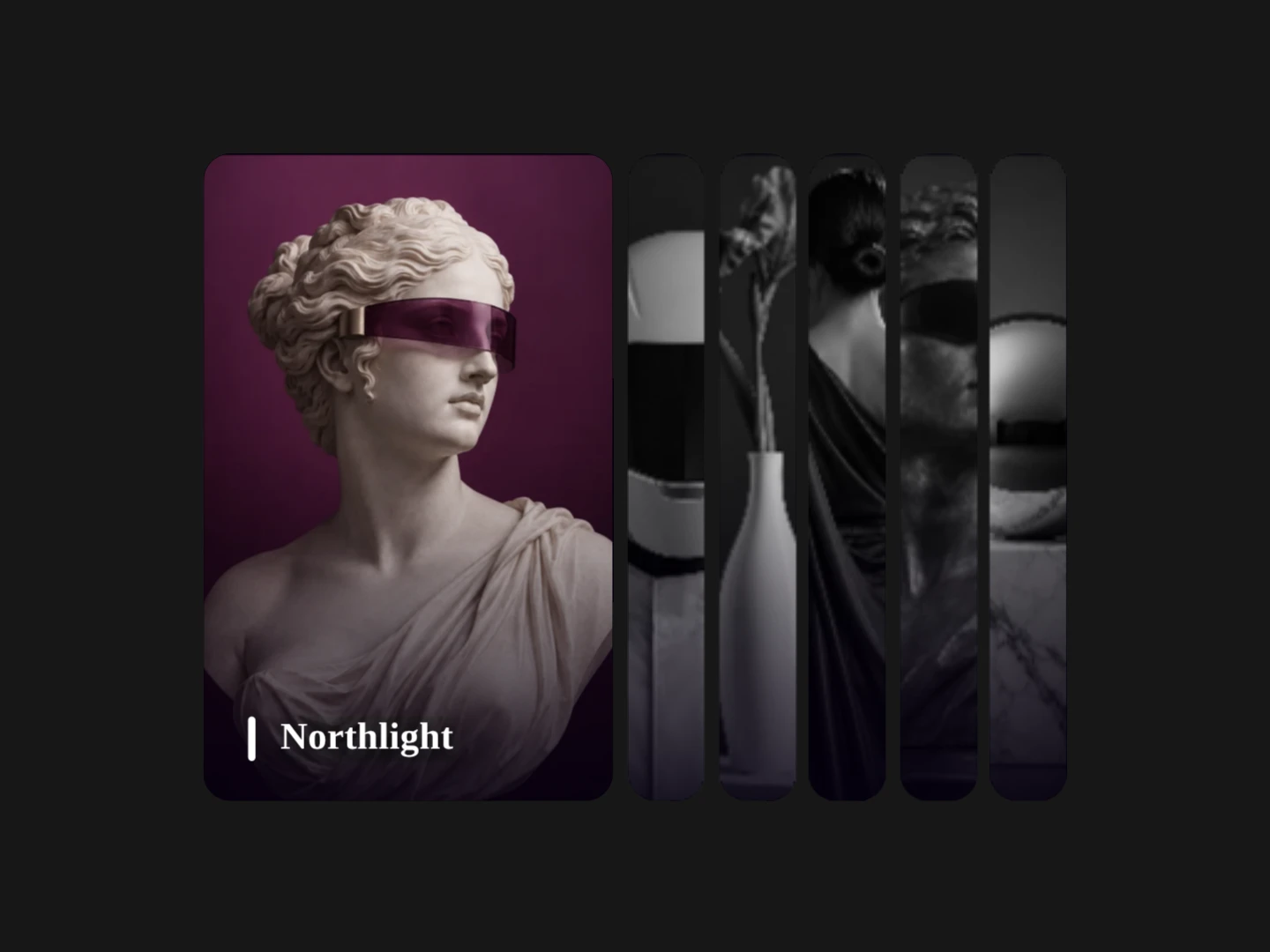
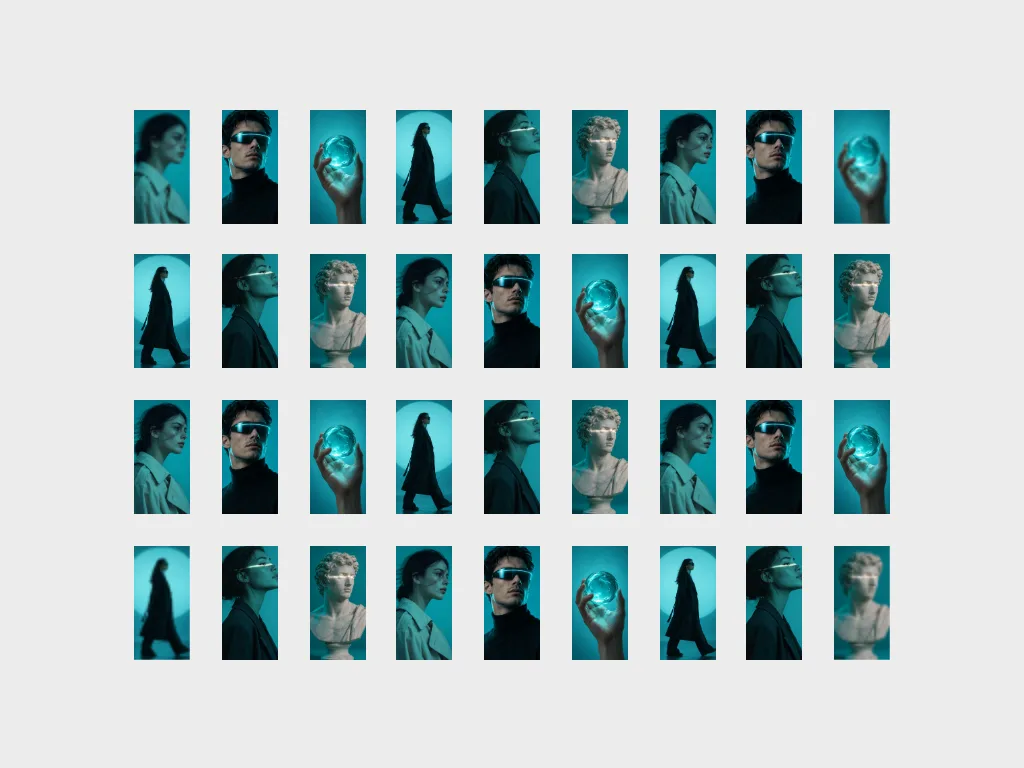
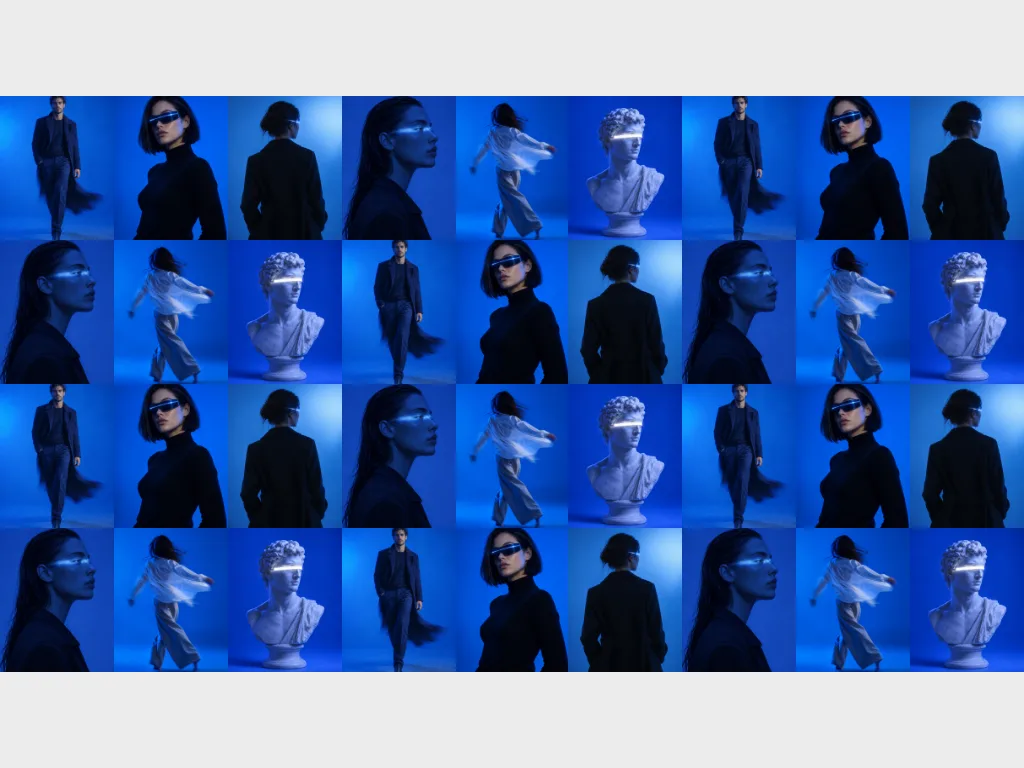
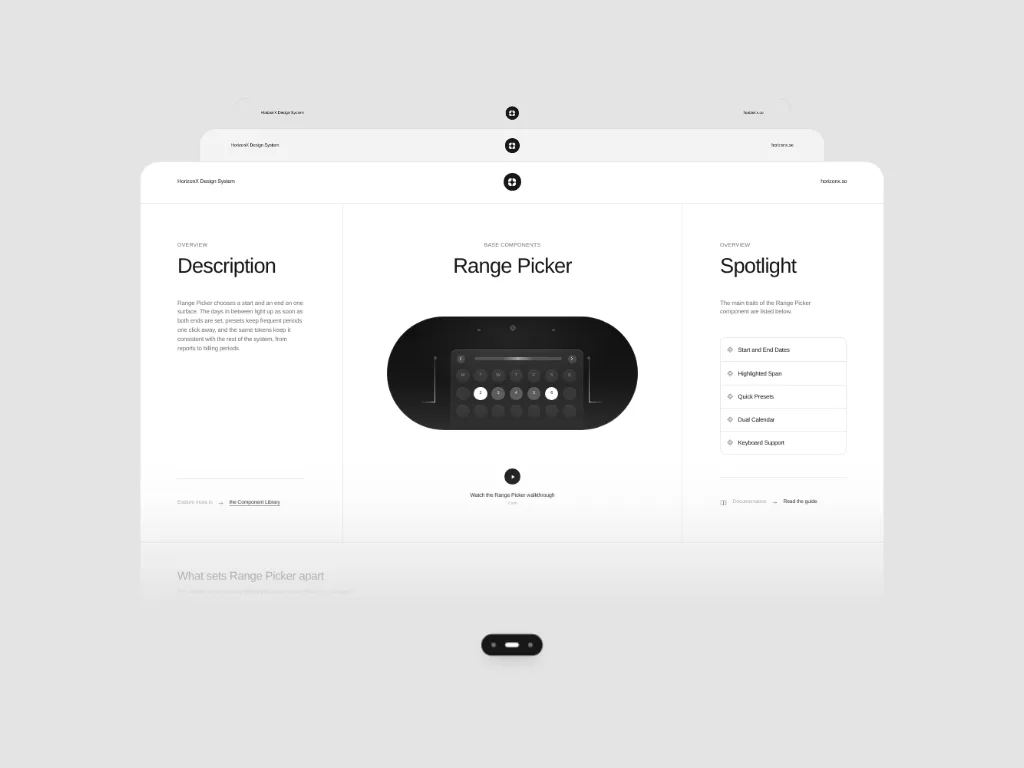
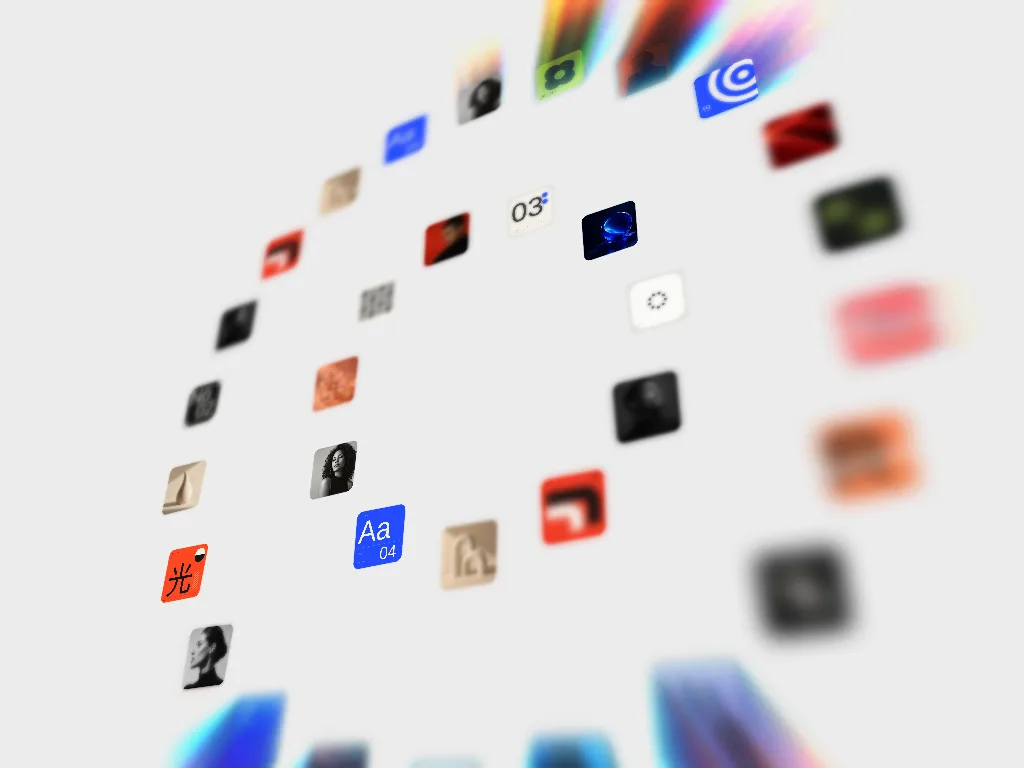
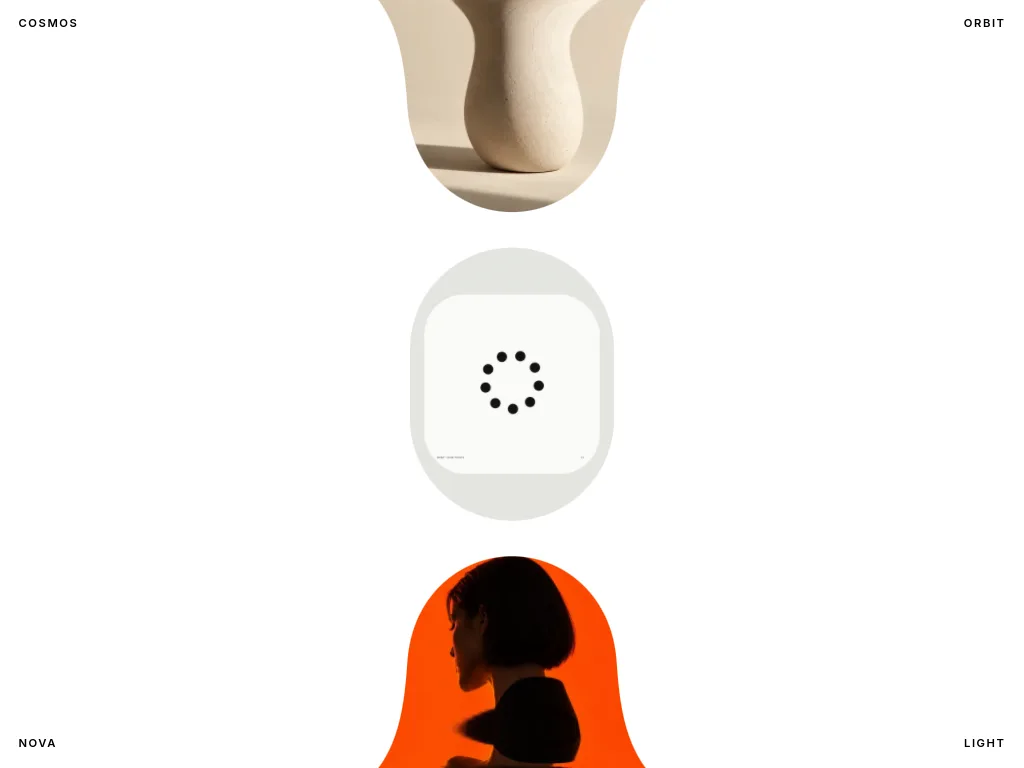
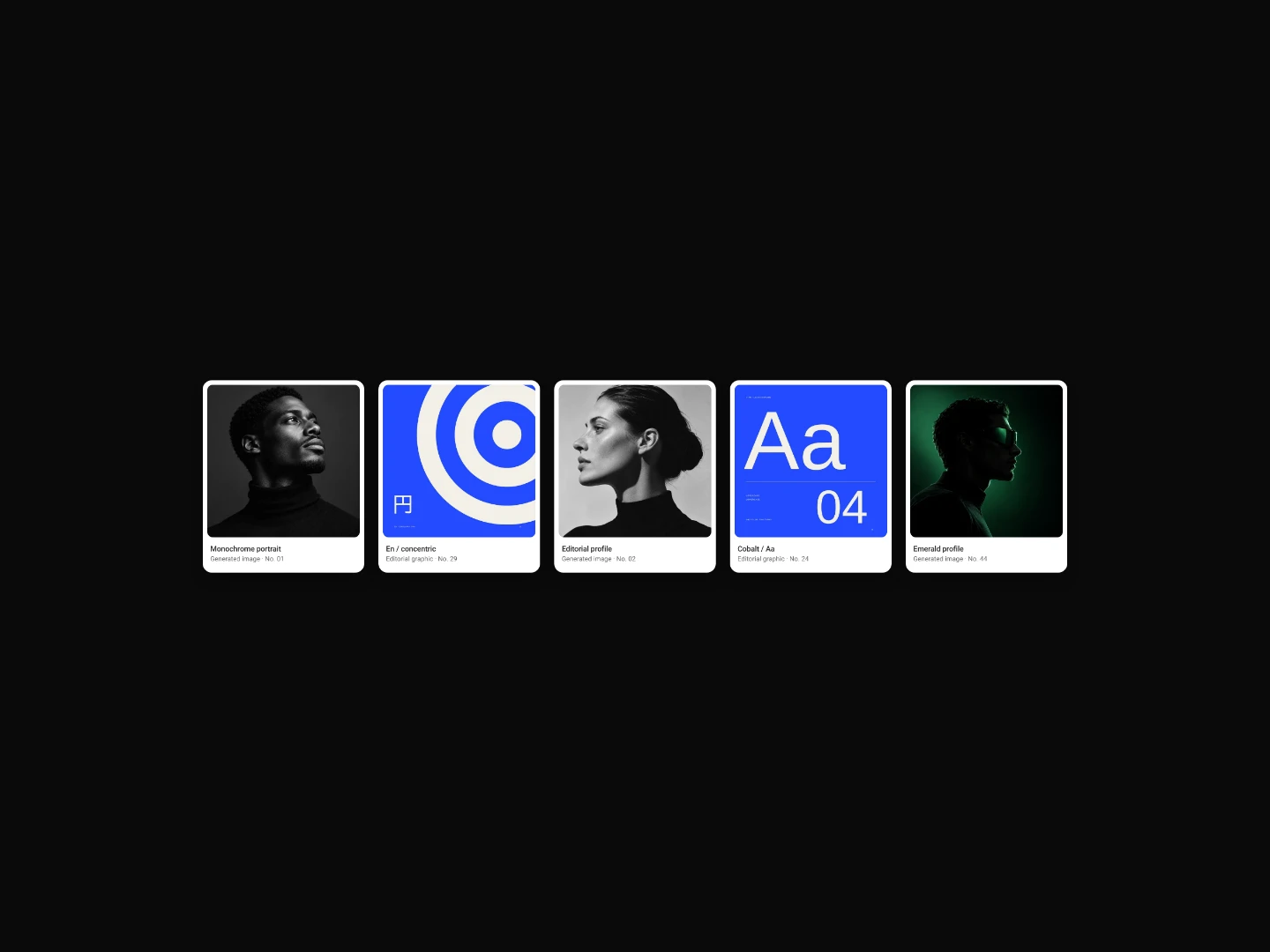
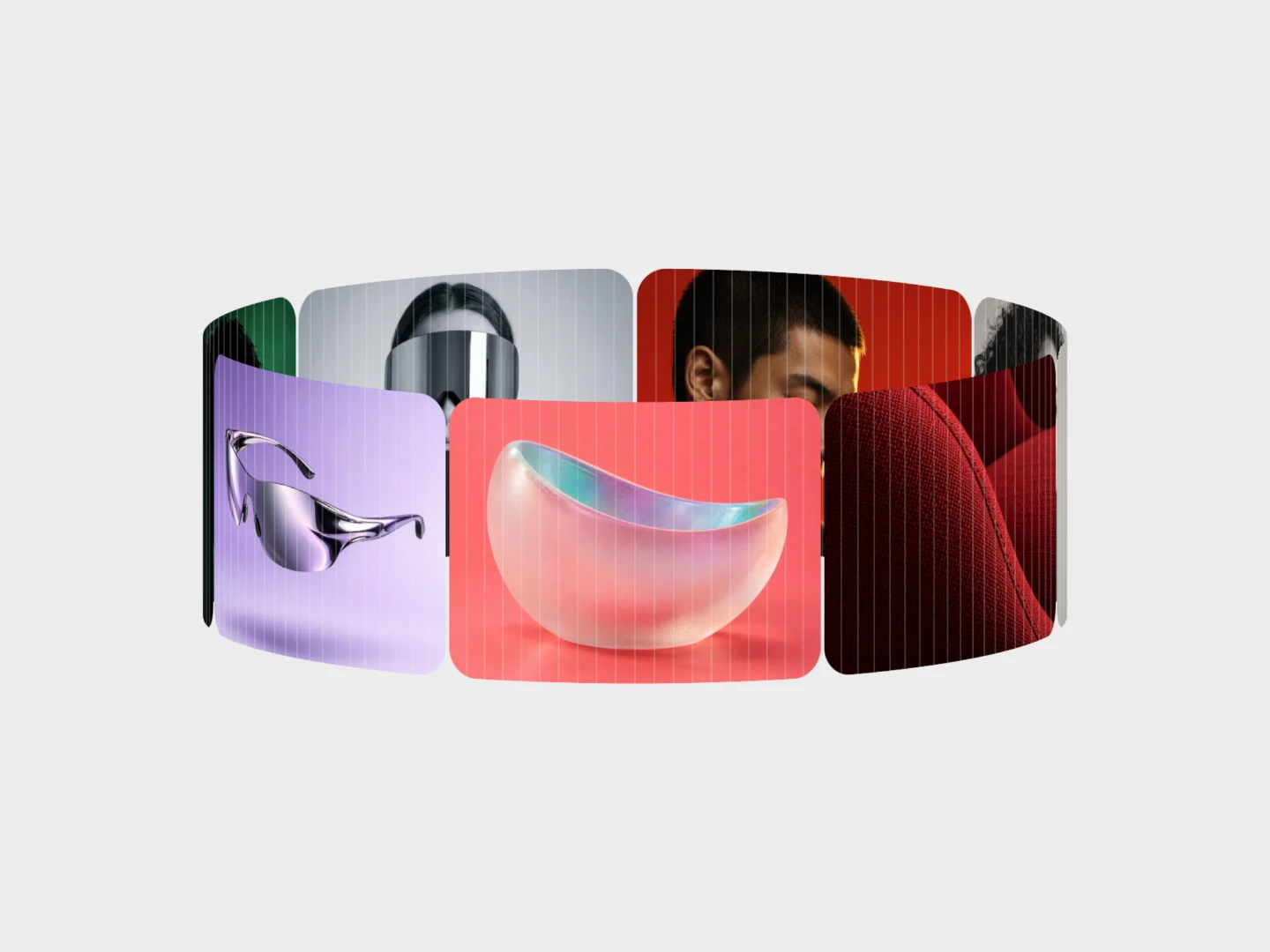
Image galleries and 3D carousels you edit in the browser: folding, skewed and rotating carousels, expanding cards and scroll-driven galleries. Add your own images, tune the motion and export the code as HTML, Svelte or React. Pick a carousel when visitors browse one item at a time, a gallery when they should see many at once.
A carousel shows one or a few items at a time and lets the visitor step through them, which suits product shots, case studies and testimonials. A gallery lays many images out together, so it fits portfolios and collections where comparing matters.
3D carousels add depth and motion. Use them where the images are strong enough to carry the effect.
Most of the Gallery tools here move with the page scroll, which works for storytelling sections. The carousels are driven by the visitor instead. Check the preview at a narrow width before you export, since wide 3D layouts need room.
From the blog
Keep exploring
Every interactive tool on HorizonX opens in an editor you can adjust in the browser before you export it.