Border Glow
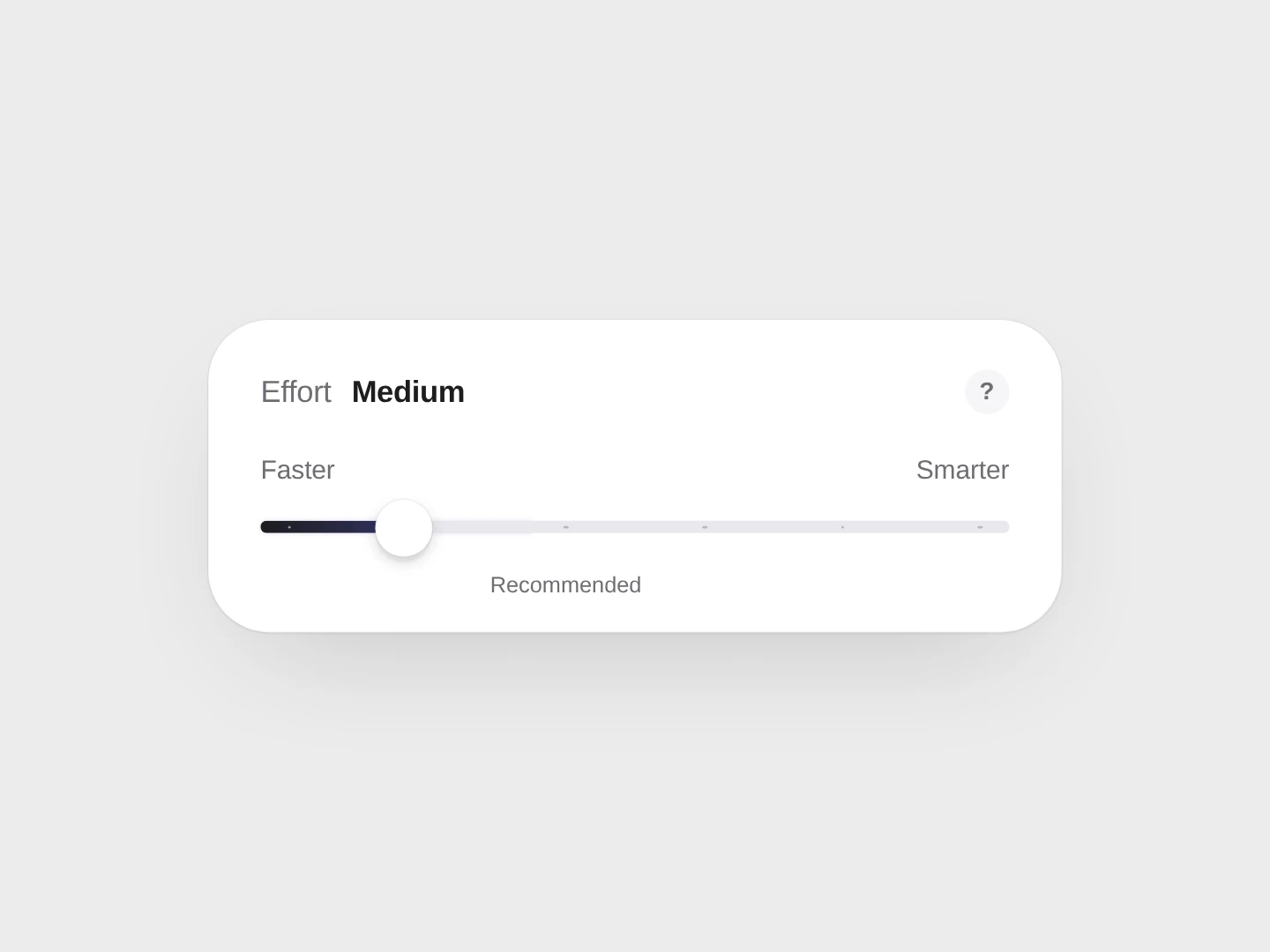
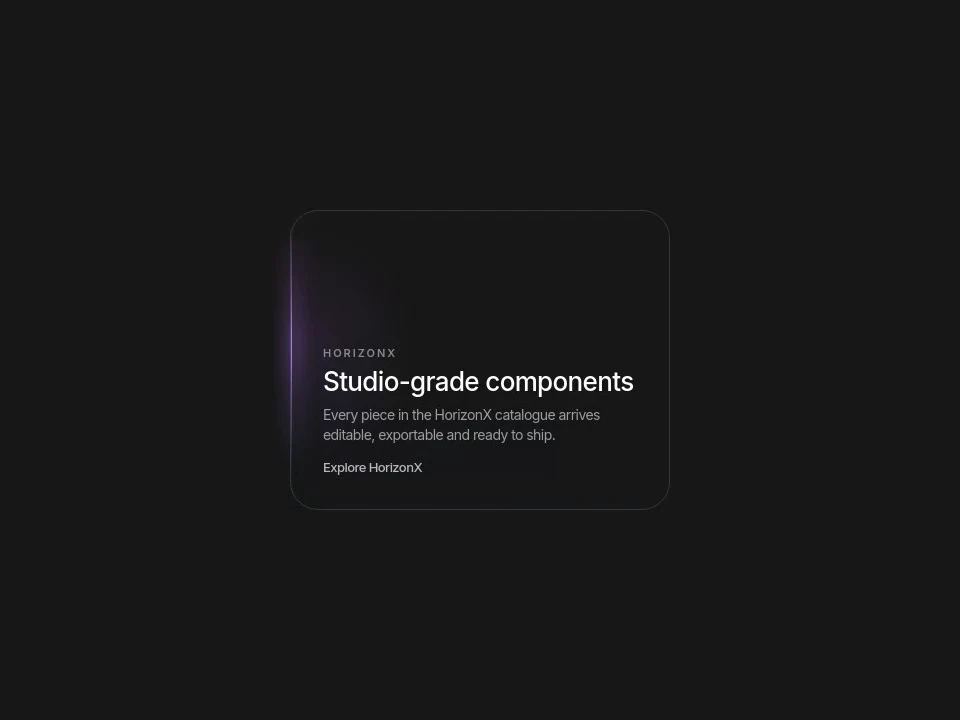
A card with a lamp on its outline: the light slides to the point nearest the pointer and takes the colour of the edge it lands on.
 HorizonX UI/UX
Tool collection
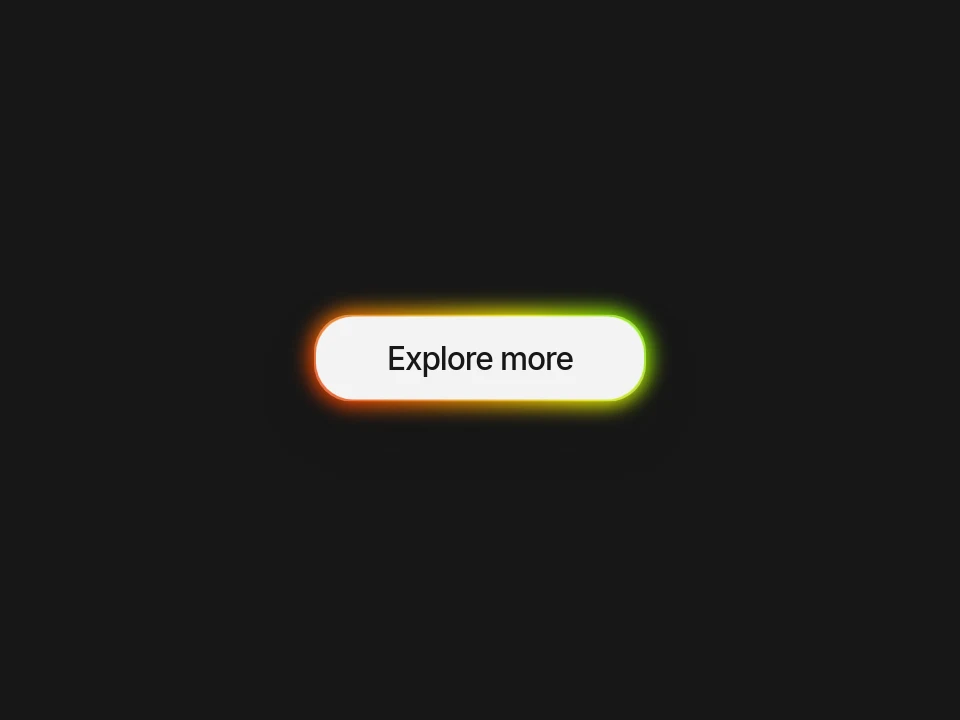
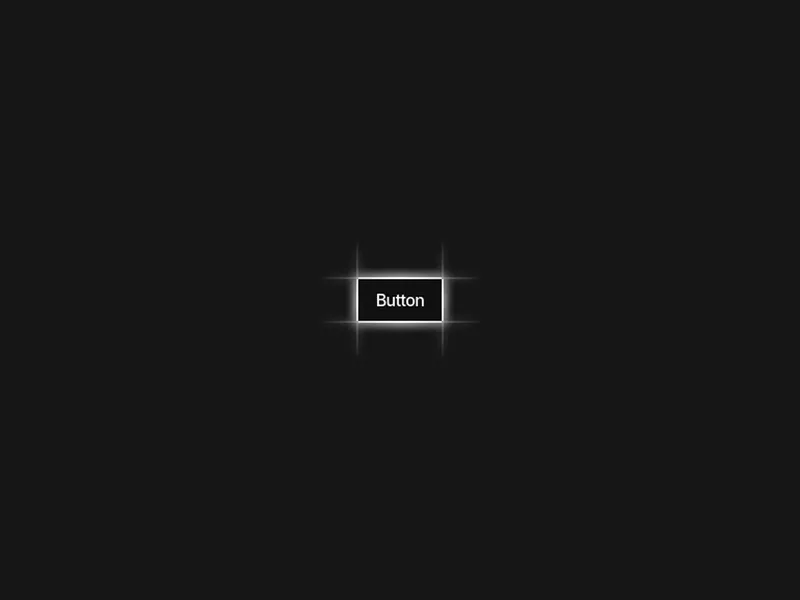
Glow effect CSS references for borders, buttons and a prism checkbox, alongside the WebGL Glow Grid depth experiment. Use a glow to distinguish an active control or a featured surface. Keep the brightest accent near the action that matters rather than lighting every border equally.
Glow effect CSS references for borders, buttons and a prism checkbox, alongside the WebGL Glow Grid depth experiment.
Use a glow to distinguish an active control or a featured surface. Keep the brightest accent near the action that matters rather than lighting every border equally.
Adjust accent color and intensity against the actual background. Inspect the selected renderer and export options: Glow Grid is a WebGL treatment, not a CSS border effect.
Test label contrast separately from the glow and provide a visible focus outline. Avoid excessive animated light and remember that a glow alone may not communicate state.
No. The control treatments are CSS-tagged, while Glow Grid is tagged WebGL and depth.
Do not rely on a diffuse glow alone. Keep a clearly visible focus boundary and check it against the real surface colors.
Use it for a deliberate accent, such as an active control or a highlighted panel. Too many bright surfaces flatten the visual hierarchy.
Keep exploring
Every interactive tool on HorizonX opens in an editor you can adjust in the browser before you export it.