Scroll Expand
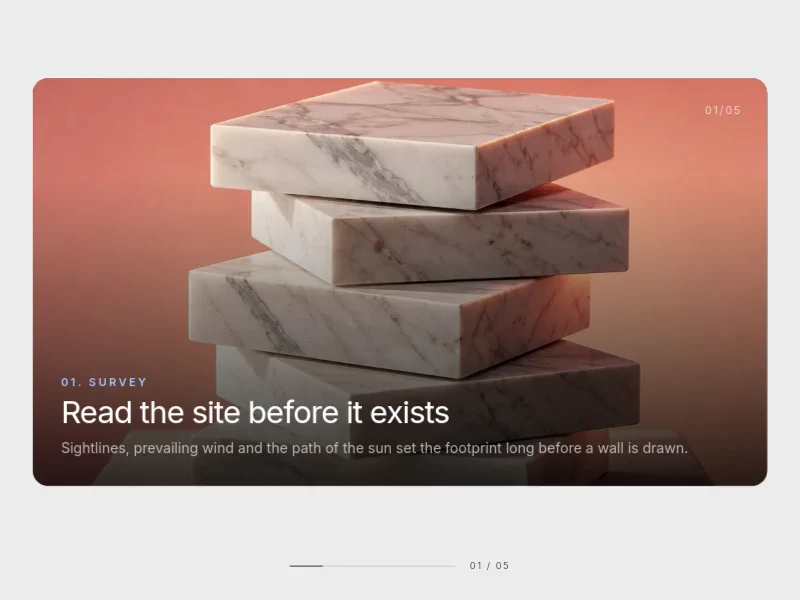
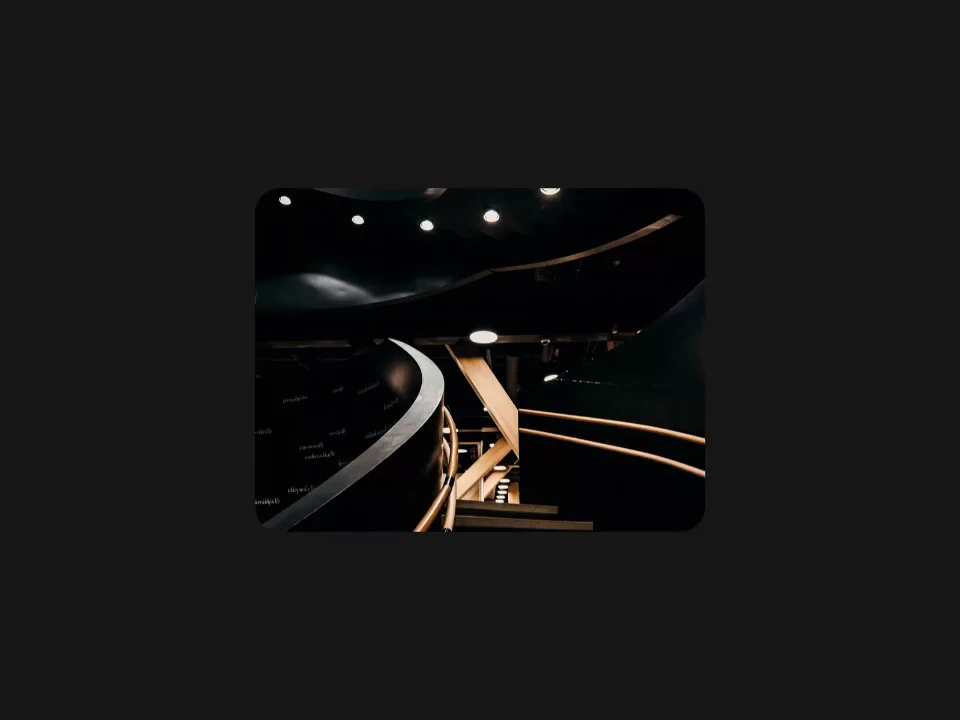
A clipped media frame that opens to full bleed as the page scrolls past it.
 HorizonX Scroll
Tool collection
Scroll-driven animations for storytelling sections: card stacks, drifting columns, expanding images, snapping panels and soft veils that move as the page moves. Each one is an editor you tune live and export as HTML, Svelte or React. Choose a light reveal for long pages and a pinned effect for one feature moment.
A scroll reveal brings content in as it enters the screen and suits long pages with many sections. A pinned effect, such as an expanding image or a stack of cards, holds the section in place while the visitor scrolls through it, which is right for one key moment.
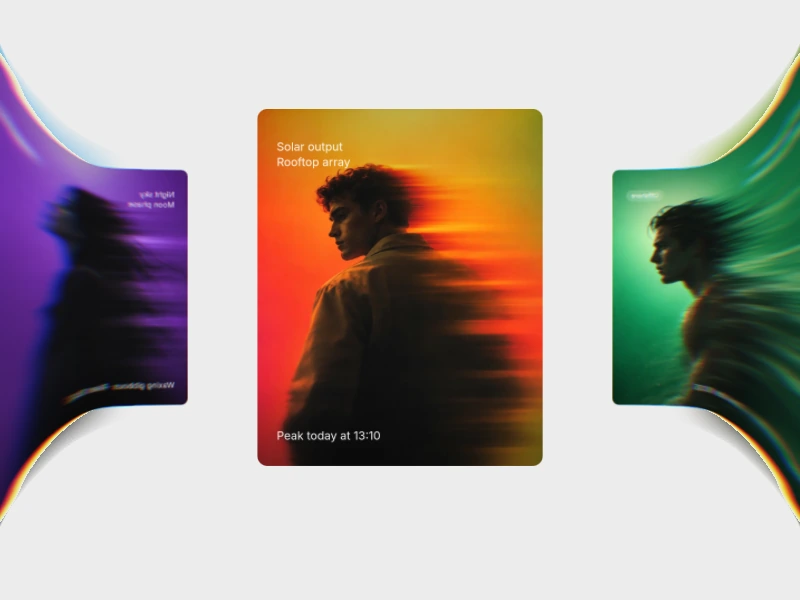
Drifting columns and depth effects add parallax without stopping the page.
Scroll animations should follow the scrollbar, not hijack it. Keep pinned sections short, make sure the content reads at every step, and test with a trackpad, a mouse wheel and a phone before you ship.
From the blog
Keep exploring
Every interactive tool on HorizonX opens in an editor you can adjust in the browser before you export it.