Hand Prosthesis Simulator · HorizonX

Hand Prosthesis Simulator

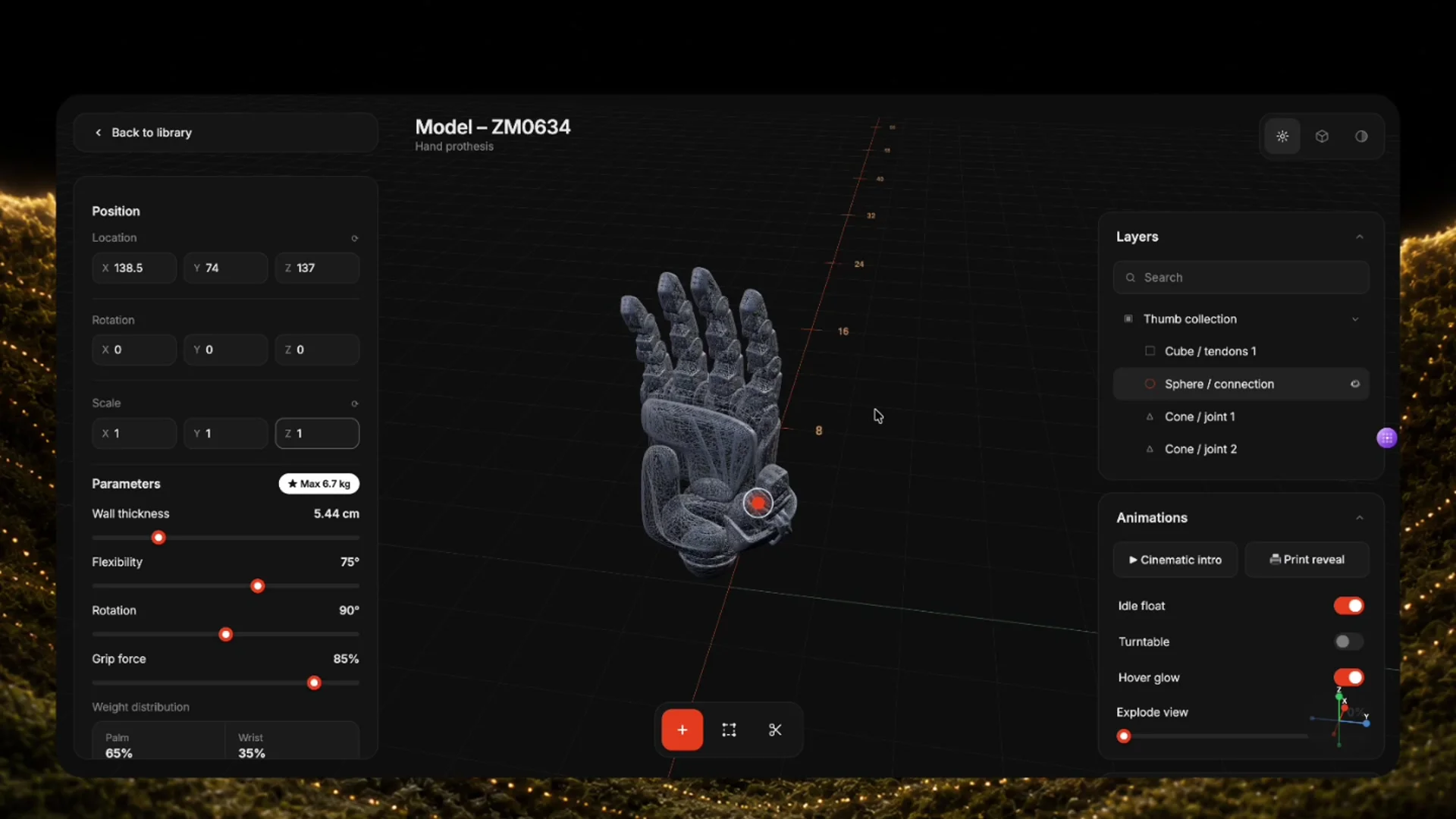
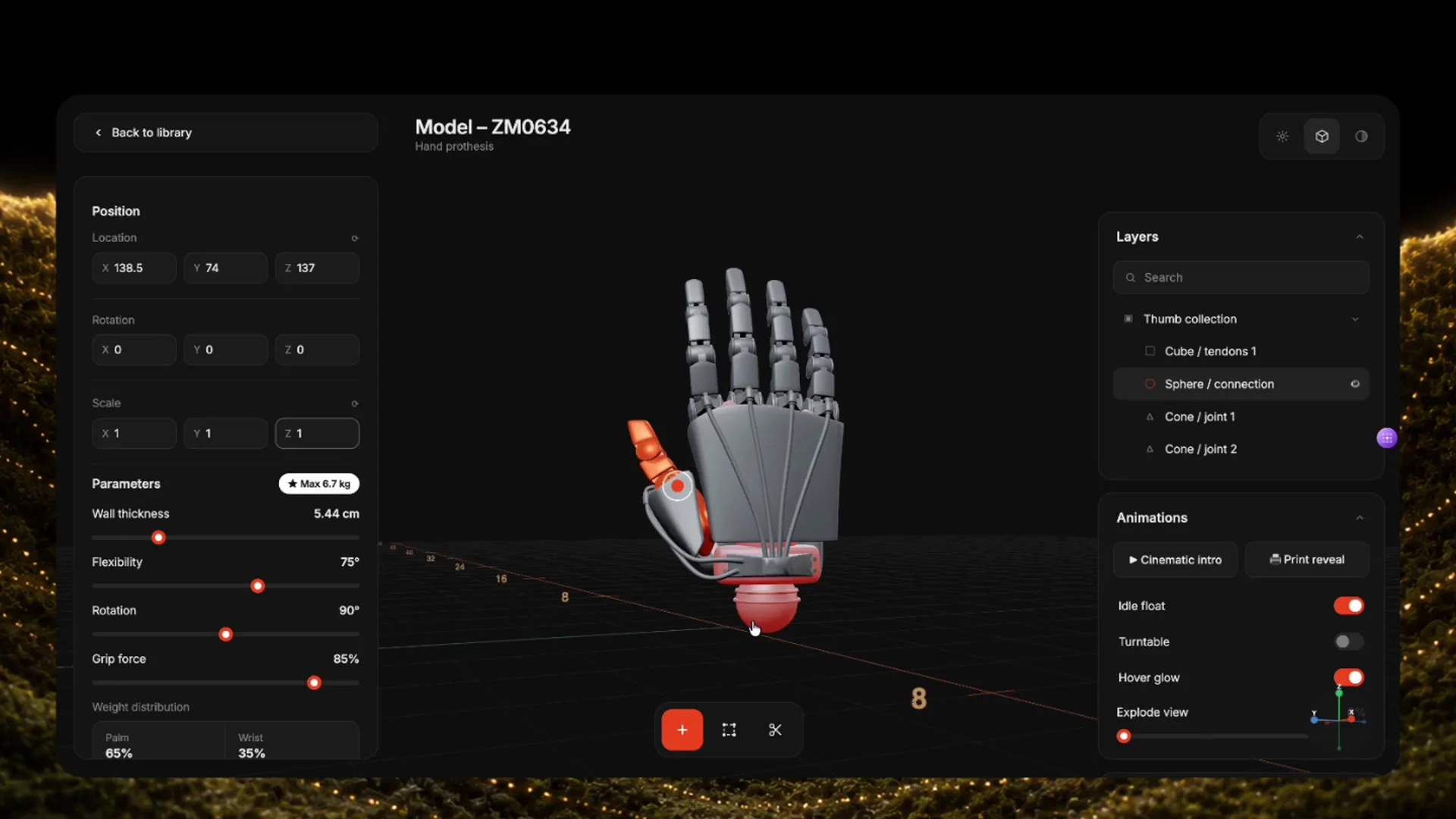
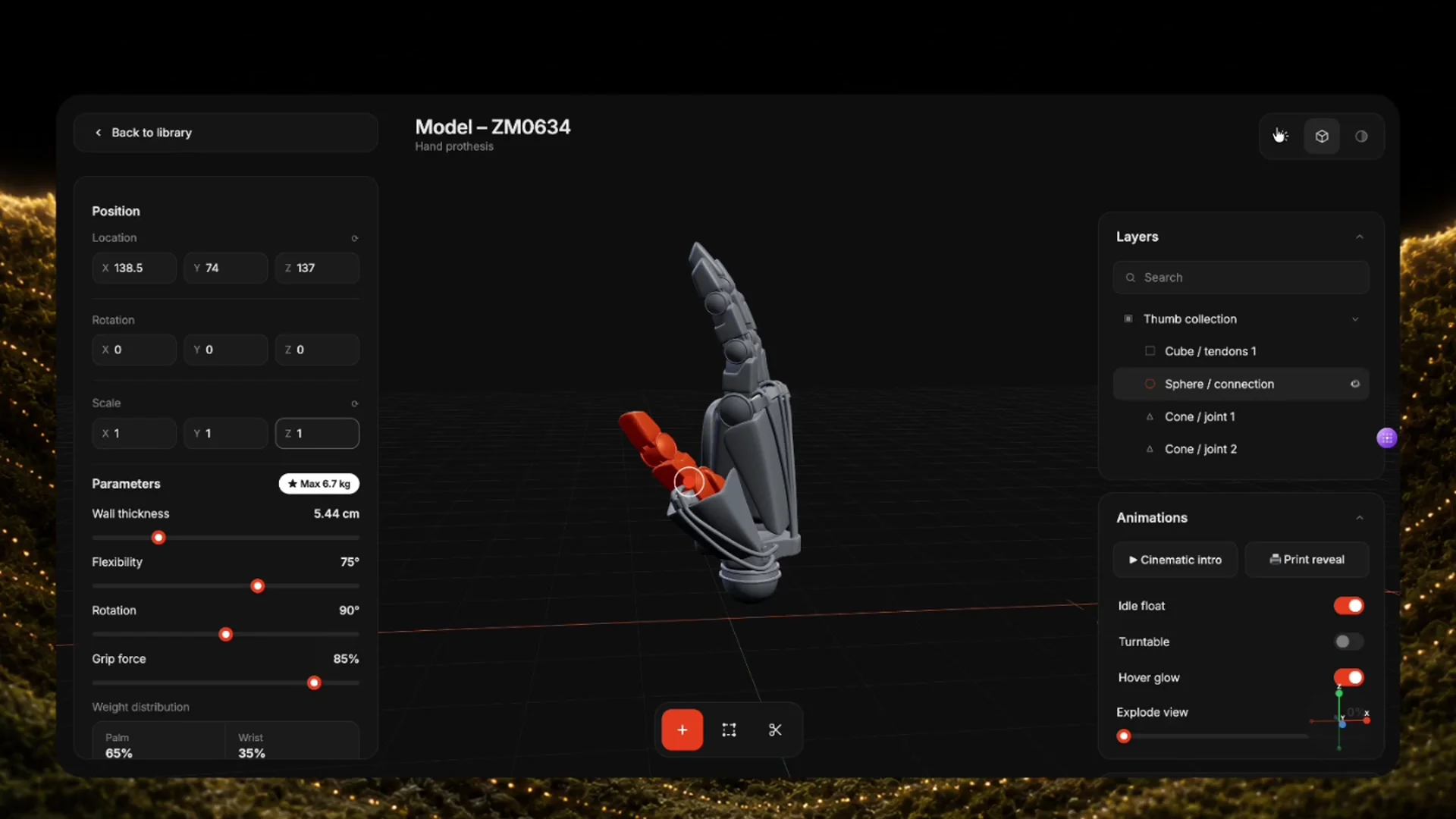
Interactive Three.js / WebGL configurator for a prosthetic hand — tune parameters, layers, and animations in a live 3D viewport.

HorizonX · Vibe coding · New
Hand Prosthesis Simulator — image 4
Hand Prosthesis Simulator — image 2
Hand Prosthesis Simulator — image 3
Hand Prosthesis Simulator — image 4
  • Instant access Unlocked with your membership
  • Editable Figma source Copy straight to your workspace
  • Commercial license Use in client & commercial work

Not ready to subscribe yet?

Get 50% off your first month — we'll email you the code.

Overview

A dark, product-grade simulator UI for exploring a hand prosthesis model (ZM0634) in the browser. Orbit and inspect the mechanical hand, adjust position/rotation/scale, and drive engineering-style parameters like wall thickness, flexibility, grip force, and weight distribution. Toggle layers, run cinematic/print reveal animations, idle float, turntable, hover glow, and explode view — without leaving the page. Built as a self-contained HTML + WebGL demo (Three.js + Draco) for vibe coders, frontend engineers, and designers prototyping hardware/configurator experiences.

Highlights

  • Refined, production-ready UI composition
  • Organized, reusable Figma components
  • Clean layout system you can adapt fast

Preview

What's included

  • Editable Figma source file
  • Organized layers & components
  • Reusable styles and tokens
  • Commercial license

Reviews

No reviews yet — be the first to review this product.

Frequently asked questions

  • The editable Figma source for this concept — copy it into your own workspace and adapt it freely.

  • It's included with your HorizonX membership. Open it and copy it to Figma instantly — no separate purchase.

  • Yes. Your HorizonX membership includes a commercial license — use and adapt these files in your personal, client and commercial projects.