Aurora Dashboard: Dark AI Assistant Home Screen | HorizonX

Premium Code

Aurora Dashboard

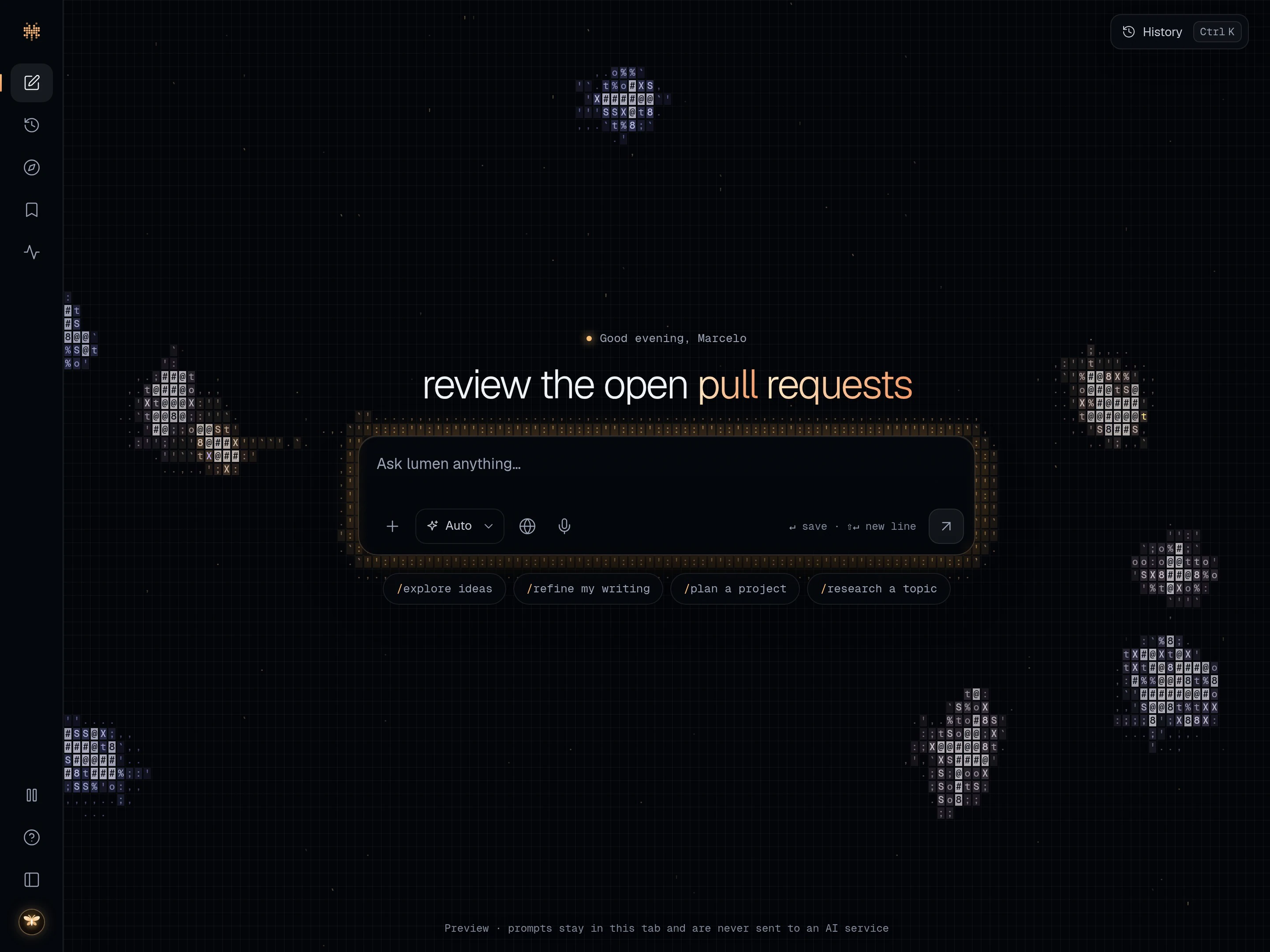
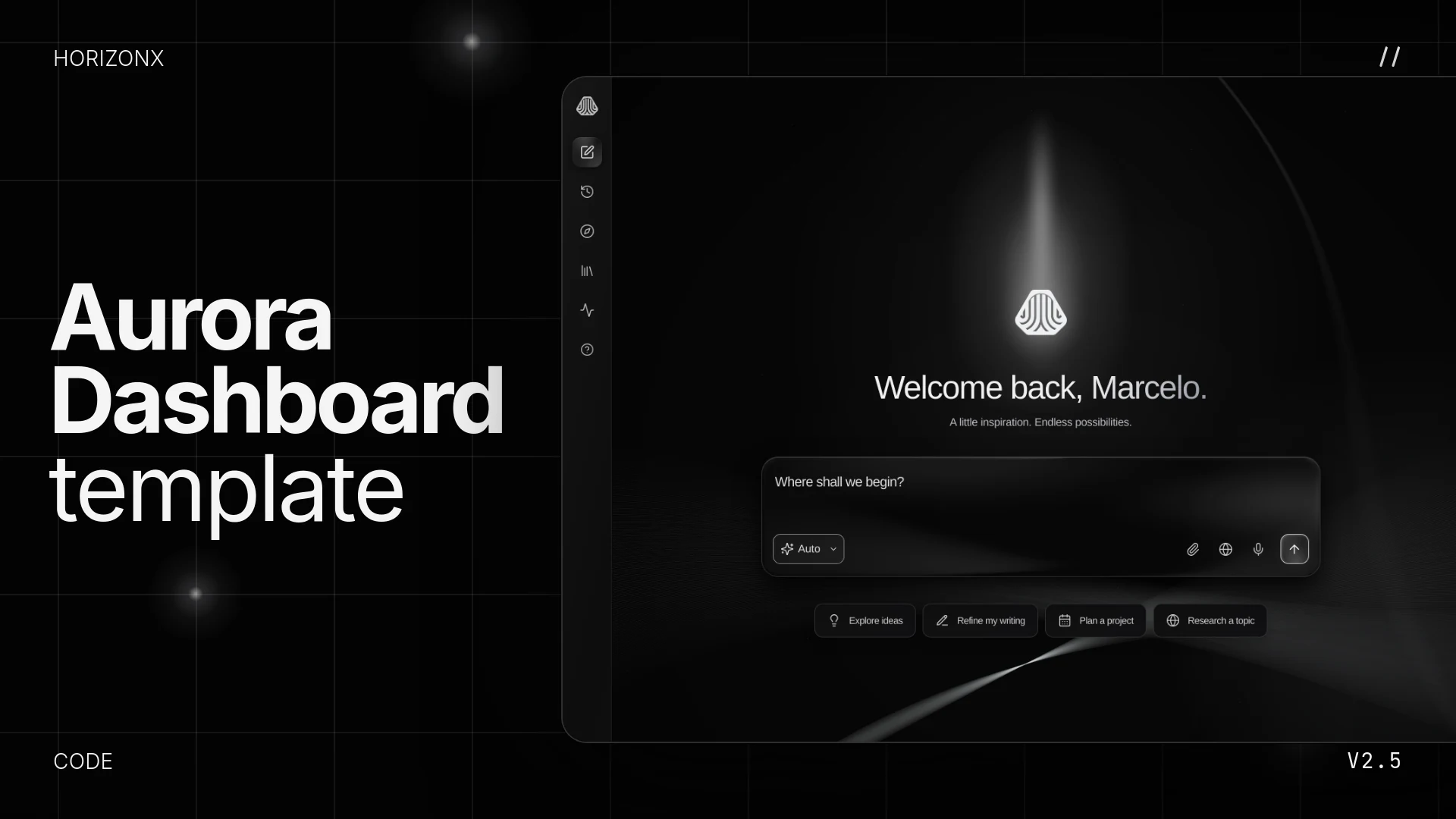
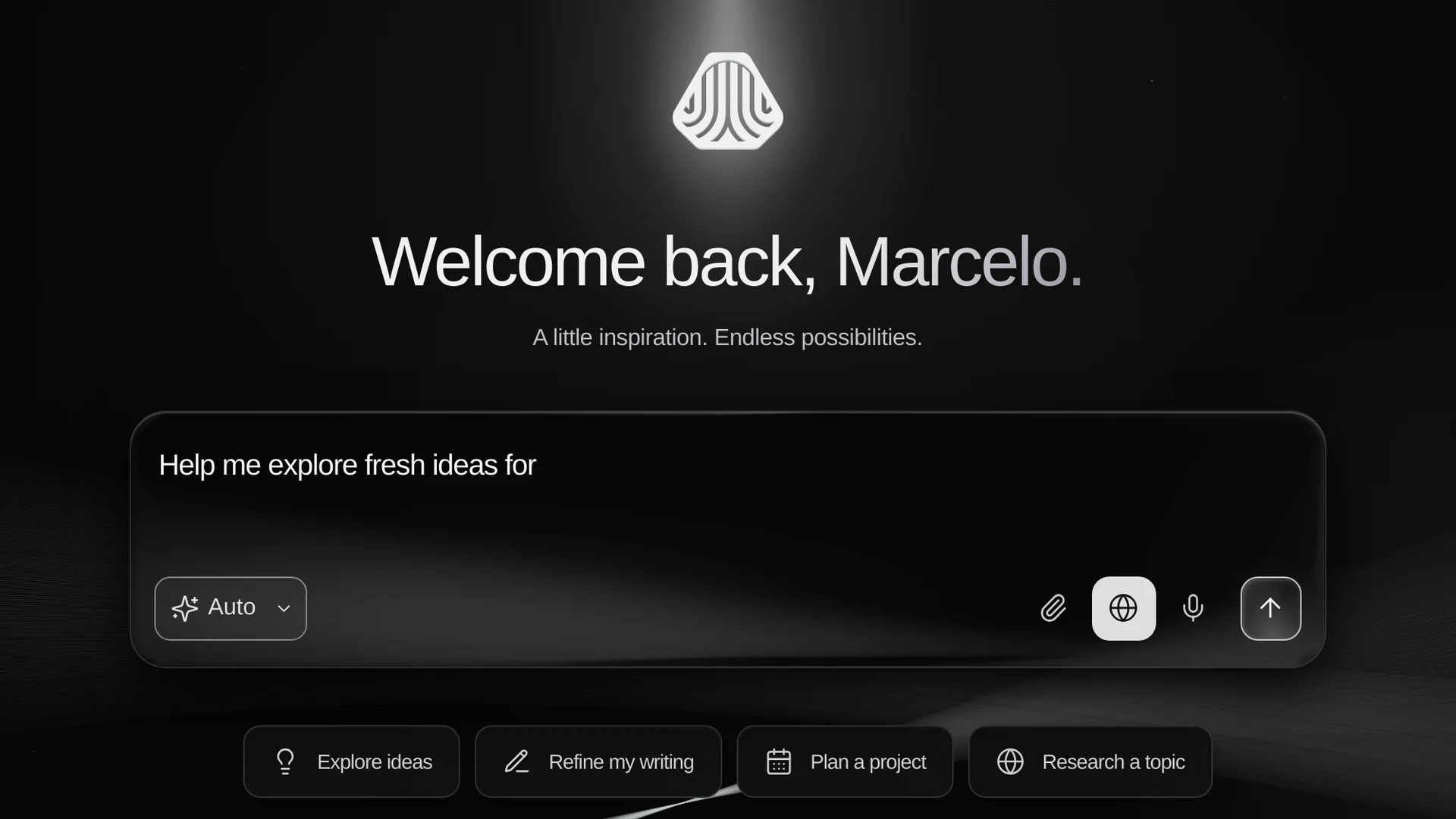
A dark AI-assistant home screen with a liquid-glass prompt composer, icon rail and one-click prompt suggestions. One responsive HTML file.

Aurora Dashboard, image 4
Aurora Dashboard, image 1
Aurora Dashboard, image 2
Aurora Dashboard, image 3
Aurora Dashboard, image 4
Aurora Dashboard, image 1
  • Instant access Included with every membership
  • Full source code Download and run locally
  • Commercial license With a membership, for client work

Overview

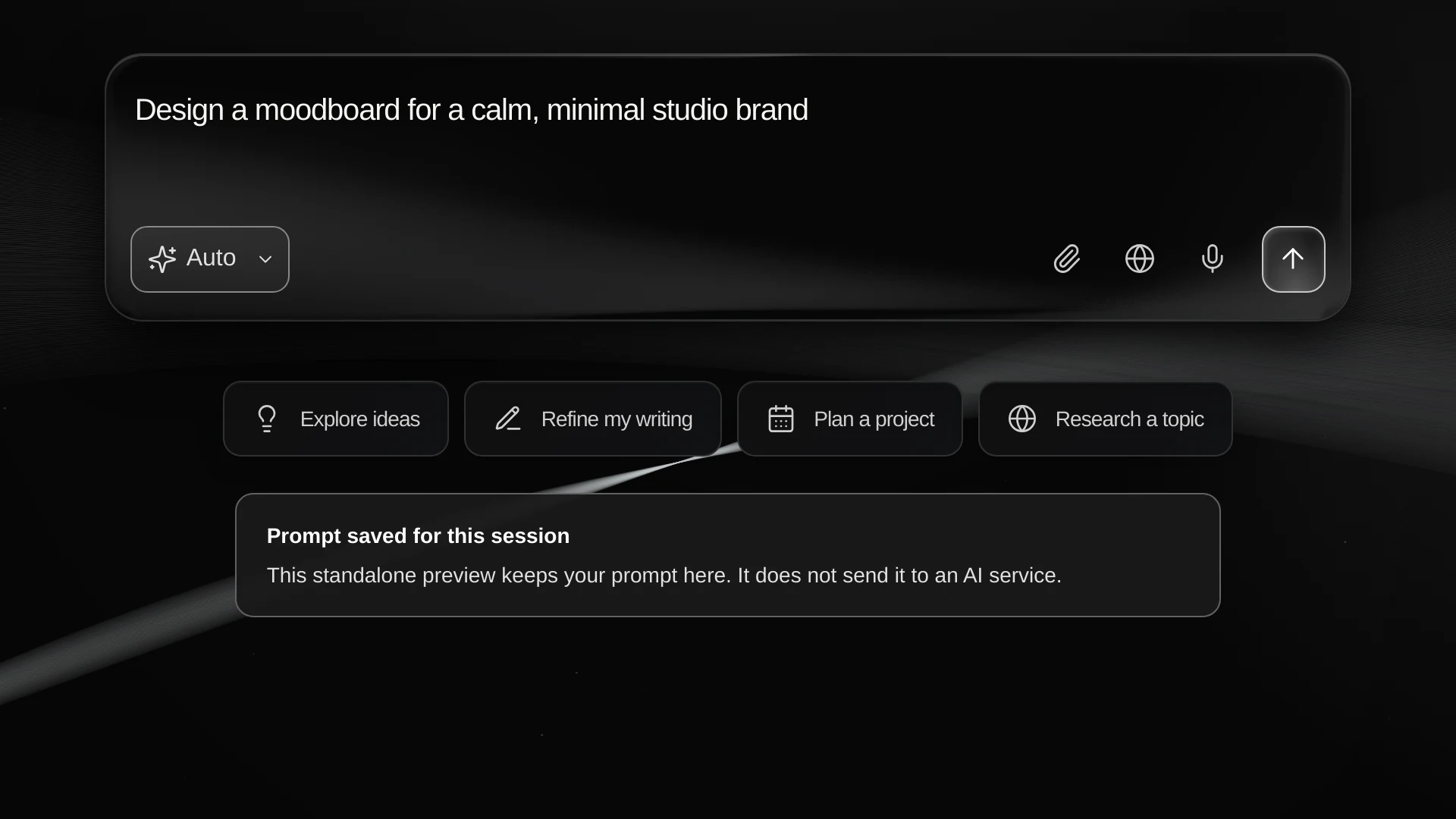
Aurora is a dark AI-assistant home screen for chat and creative-workspace products. A slim icon rail, a soft silver aurora, a personal greeting and a liquid-glass prompt composer sit on a near-black canvas, with four one-click prompt suggestions below. The composer is fully interactive: attach, web search toggle, voice and send controls, suggestions that prefill the prompt, Ctrl / Cmd + Enter to save and a polite status toast. The glass is rendered in WebGL with liquidGL and falls back to a frosted CSS panel when WebGL, transparency or motion are reduced. Native controls keep keyboard behavior and visible focus rings, and the layout reflows from desktop down to mobile. The interface ships as one self-contained HTML file with inline CSS, JavaScript and SVG icons. No framework, package installation or build step is required. This is a frontend template. The prompt stays in the page; it does not include a backend, authentication or a connection to an AI service. Included: index.html, quick-start, static-hosting and customization README, and third-party credits.

Highlights

  • Production-ready, documented source
  • Clean, componentized architecture
  • Drops into your stack with minimal setup

What's included

  • Full source code
  • README & setup guide
  • Component documentation
  • Commercial license with a membership

Frequently asked questions

  • The full source code for this asset, ready to download and integrate into your project.

  • Unzip the download and follow its README. Coded products run through a local web server or your project's dev server, started with the command the README gives, so double-clicking an index.html file can show a blank page. The Specs list on this page names the format and what it's built for.

  • It's included with a HorizonX membership. Download it instantly, no separate purchase.

  • Yes, with a HorizonX membership. Members get a commercial license: use and adapt these files in personal, client and commercial projects. If your plan ends, projects you already built keep their license, but the files can't be used to start new ones.

Still have questions?

Our support team replies within one business day.