
You can build an animated globe for a website in three ways. A world map scrolling inside a CSS circle is the lightest and works at small sizes. A D3 orthographic projection on a canvas draws real continents in about 22 KB of gzipped JavaScript plus map data. WebGL libraries such as COBE or globe.gl give you a lit 3D sphere with markers and arcs.
Most search results for "animated globe" are GIFs and stock video. This guide is for the other case: you want a globe on your own page that you can style, pause and keep fast. For ready-made globes and spheres you can edit, see the HorizonX 3D globes collection.
Pick an approach
Sizes below are the published minified files, gzipped by me on 2026-10-09 from jsDelivr. A bundler with tree shaking may ship less.
| Approach | JavaScript (gzip) | Gives you | Good for |
|---|---|---|---|
| CSS circle with a scrolling map | none | A convincing spin at small sizes; no real curvature | Badges, footers, "we ship worldwide" sections |
| D3 orthographic on canvas | d3-geo 13.1 KB, d3-array 6.0 KB, topojson-client 2.7 KB, plus land data 20.7 KB | Accurate continents, country borders, graticule, your own styling | Editorial or data pages, flat brand styles |
| COBE (WebGL) | 5.9 KB (cobe 2.0.1) | Dotted lit globe, markers, arcs, glow | Landing page heroes, "customers around the world" |
| globe.gl (three.js) | 524 KB for the bundle that includes three.js | Image textures, points, arcs, polygons, heatmaps, labels and more layers | Data visualisation, interactive maps |
| Video loop | none | Any look you can render | Purely decorative spins where interaction is not needed |
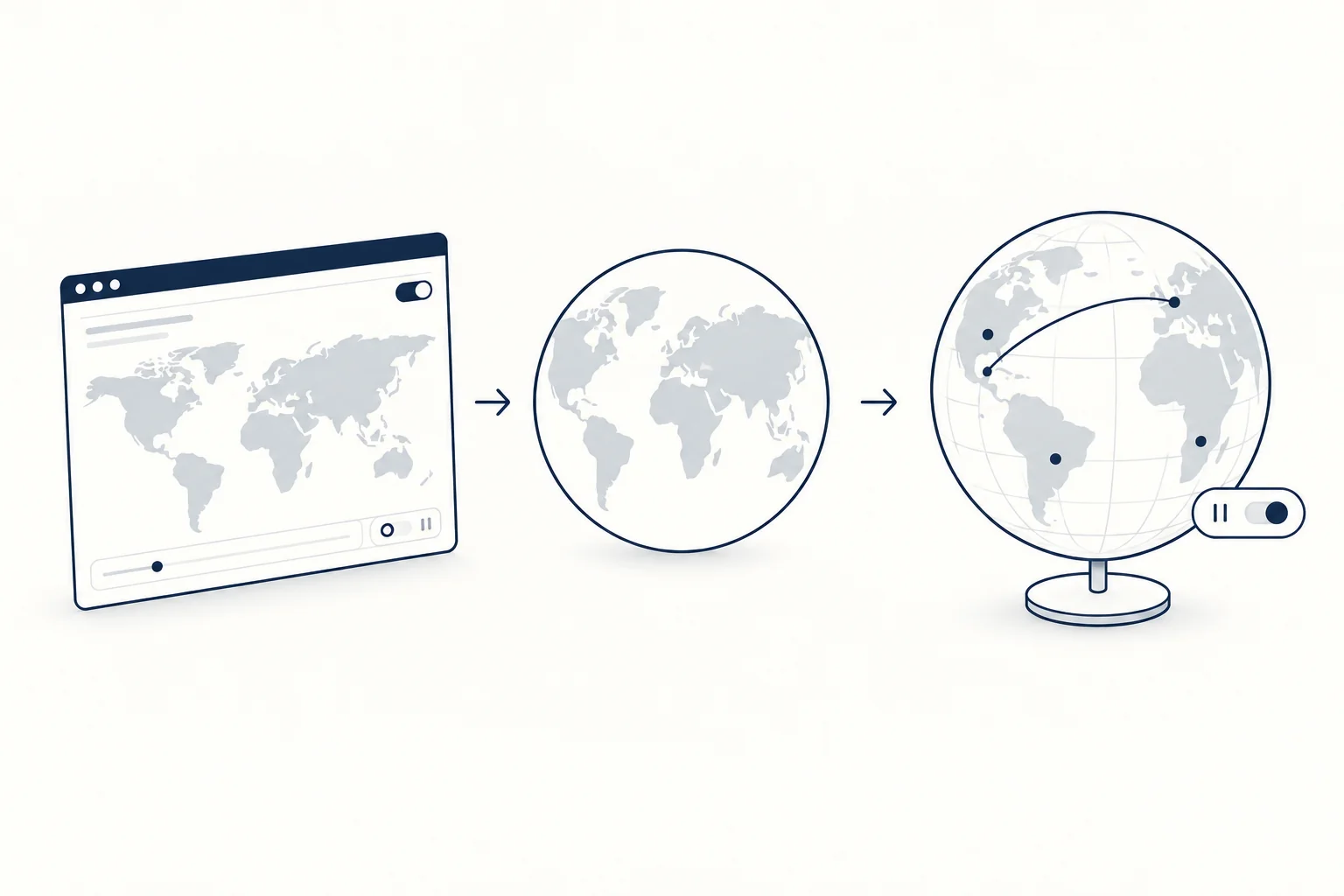
Option 1: a CSS globe
The trick: an equirectangular world map is exactly twice as wide as it is tall. Put it in a circle at the circle's height, repeat it horizontally, and move it by one full map width. The last frame matches the first, so the loop is seamless.
<div class="globe" role="img" aria-label="Rotating globe"></div>
.globe {
  --size: 280px;
  inline-size: var(--size);
  aspect-ratio: 1;
  border-radius: 50%;
  /* an equirectangular map, twice as wide as it is tall */
  background: #0b1a2e url("/img/world-equirectangular.svg") 0 0 / auto 100% repeat-x;
  box-shadow:
    inset -28px -18px 48px rgb(0 0 0 / 0.55),
    inset 10px 8px 24px rgb(255 255 255 / 0.18),
    0 20px 40px rgb(0 0 0 / 0.25);
  animation: globe-spin 30s linear infinite;
}

@keyframes globe-spin {
  to { background-position: calc(var(--size) * 2) 0; }
}

@media (prefers-reduced-motion: reduce) {
  .globe { animation: none; }
}
The inset shadows do the work of making a flat disc look round: a dark shadow on one side, a soft highlight on the other. The map slides positive, left to right, which matches the direction the Earth turns as seen from above the equator.
Know the limits before you choose it. The map slides flat, so continents do not bend toward the edge the way they do on a sphere; at 280px and with strong shading most people will not notice, at 600px they will. It also animates background-position, which repaints the element on every frame instead of using the cheaper transform and opacity path described in web.dev's animations guide. Fine for a small badge, the reason to switch approaches for a large hero.
For the map image, Natural Earth data is in the public domain: its terms say "No permission is needed to use Natural Earth". Export an equirectangular SVG or WebP from it in your own colours.
Option 2: a D3 globe on canvas
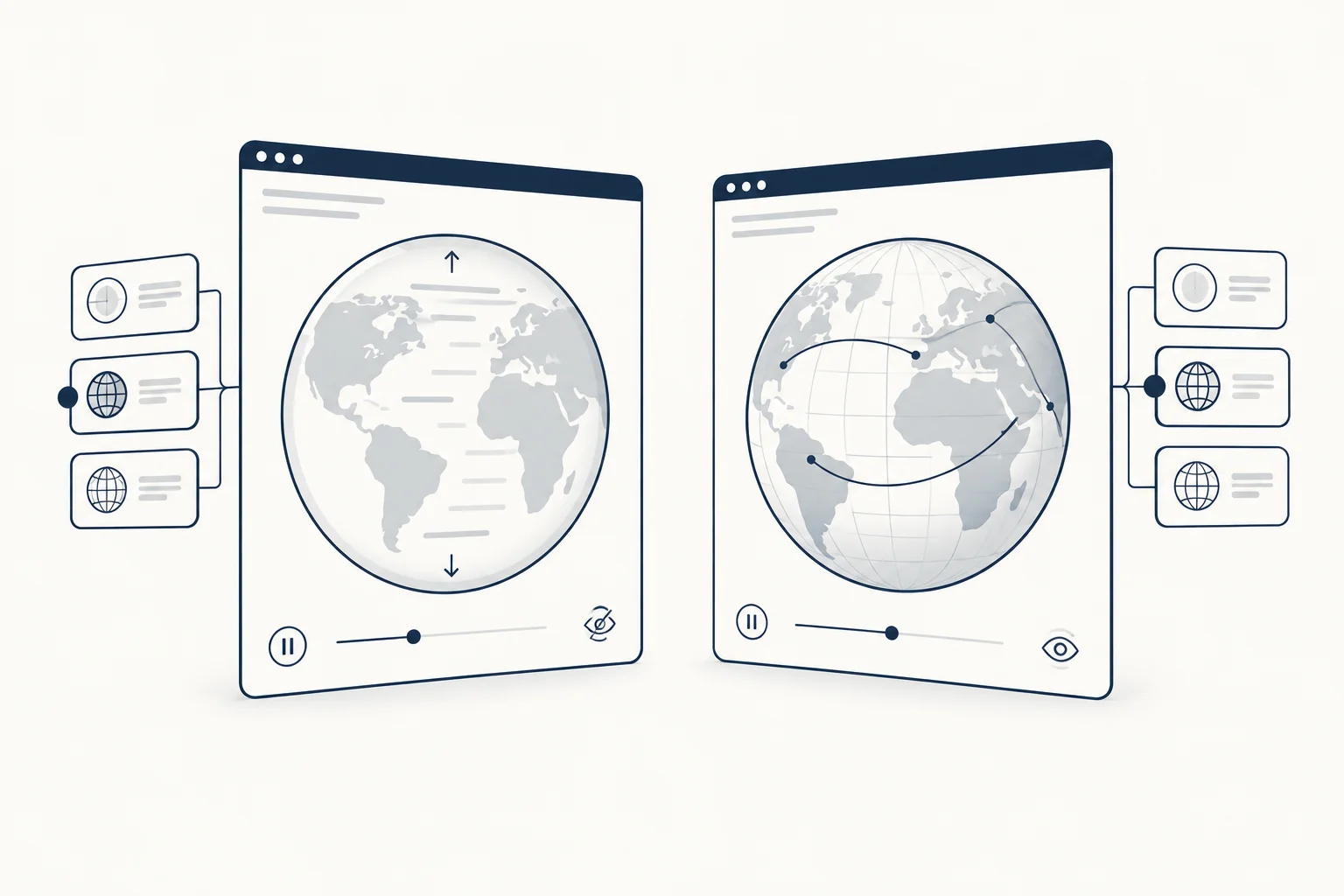
D3's orthographic projection draws the Earth as it looks from space, and hides the far side for you. Rotating the projection a little each frame turns it into an animated globe. The land shapes come from the world-atlas package, a TopoJSON redistribution of Natural Earth; host land-110m.json next to your page.
import { geoOrthographic, geoPath, geoGraticule10 } from 'd3-geo';
import { feature } from 'topojson-client';

export async function createGlobe(canvas, { size = 400, speed = 6, landUrl = '/data/land-110m.json' } = {}) {
  const dpr = Math.min(window.devicePixelRatio || 1, 2);
  canvas.width = size * dpr;
  canvas.height = size * dpr;
  canvas.style.width = `${size}px`;
  canvas.style.height = `${size}px`;
  canvas.setAttribute('role', 'img');
  canvas.setAttribute('aria-label', 'Rotating globe');

  const ctx = canvas.getContext('2d');
  ctx.scale(dpr, dpr);

  const topology = await (await fetch(landUrl)).json();
  const land = feature(topology, topology.objects.land);
  const sphere = { type: 'Sphere' };
  const graticule = geoGraticule10();

  const projection = geoOrthographic().fitExtent([[8, 8], [size - 8, size - 8]], sphere).rotate([0, -15]);
  const path = geoPath(projection, ctx);

  function draw() {
    ctx.clearRect(0, 0, size, size);
    ctx.beginPath(); path(sphere); ctx.fillStyle = '#f4f6f9'; ctx.fill();
    ctx.beginPath(); path(graticule); ctx.strokeStyle = 'rgb(25 44 70 / 0.15)'; ctx.lineWidth = 0.5; ctx.stroke();
    ctx.beginPath(); path(land); ctx.fillStyle = '#192c46'; ctx.fill();
    ctx.beginPath(); path(sphere); ctx.strokeStyle = '#192c46'; ctx.lineWidth = 1; ctx.stroke();
  }

  const reduceMotion = window.matchMedia('(prefers-reduced-motion: reduce)');
  let visible = true;
  let paused = reduceMotion.matches;
  let last = 0;
  let frame = 0;

  function tick(now) {
    const dt = last ? (now - last) / 1000 : 0;
    last = now;
    const [lambda, phi] = projection.rotate();
    projection.rotate([lambda + speed * dt, phi]);
    draw();
    frame = requestAnimationFrame(tick);
  }

  function update() {
    cancelAnimationFrame(frame);
    last = 0;
    if (visible && !paused) frame = requestAnimationFrame(tick);
  }

  new IntersectionObserver(([entry]) => {
    visible = entry.isIntersecting;
    update();
  }).observe(canvas);

  reduceMotion.addEventListener('change', (event) => {
    paused = event.matches;
    update();
  });

  draw();
  update();

  return {
    get paused() { return paused; },
    pause() { paused = true; update(); },
    play() { paused = false; update(); },
  };
}
What each part is for:
fitExtentscales the sphere to the canvas with an 8px margin, so you never hand-tune the scale.- The canvas backing store follows the device pixel ratio, capped at 2. On a 3x phone that saves more than half the pixels with no visible loss on a line drawing.
IntersectionObserverstops the loop when the globe scrolls out of view (MDN). Hidden tabs are covered already: MDN notes thatrequestAnimationFrame()calls are paused in most browsers in background tabs (MDN).- Speed is in degrees per second, multiplied by the time since the last frame, so the globe turns at the same rate on 60 Hz and 120 Hz screens.
role="img"andaria-labelgive the canvas a text alternative. If the globe carries information, such as office locations, list them in text next to it as well.
A globe that spins for more than five seconds next to other content needs a way to pause it under WCAG 2.2.2 (Understanding Pause, Stop, Hide). Reduced motion stops it in the code above; add a button for everyone else:
// <button class="globe-toggle" type="button" aria-pressed="false">Pause globe</button>
const button = document.querySelector('.globe-toggle');
const globe = await createGlobe(document.querySelector('#globe'));
button.setAttribute('aria-pressed', String(globe.paused));

button.addEventListener('click', () => {
  if (globe.paused) globe.play(); else globe.pause();
  button.setAttribute('aria-pressed', String(globe.paused));
});
For country borders instead of land, load countries-110m.json (38.5 KB gzipped) and draw feature(topology, topology.objects.countries) the same way.
How I checked this: I ran the module in Node 22 with stubbed browser APIs and the real world-atlas data. It sized an 800 by 800 backing store for a 400px globe at a device pixel ratio of 3, drew the sphere, graticule and land on each frame, cancelled the loop when the observer reported the canvas off-screen, and stopped when reduced motion switched on. That confirms the logic, not how it looks; render it in your target browsers before shipping.
Option 3: WebGL with COBE, globe.gl or three.js
COBE draws a dotted, softly lit globe with markers and arcs. One detail that will trip you up: the README still shows an onRender callback, but the 2.0.1 package exposes only update() and destroy() in its type definitions and build. Drive the rotation from your own loop:
import createGlobe from 'cobe';

const canvas = document.querySelector('#cobe');
const size = 400;
const reduceMotion = window.matchMedia('(prefers-reduced-motion: reduce)').matches;
let phi = 0;
let frame = 0;

canvas.style.width = `${size}px`;
canvas.style.height = `${size}px`;

const globe = createGlobe(canvas, {
  devicePixelRatio: Math.min(window.devicePixelRatio || 1, 2),
  width: size,
  height: size,
  phi: 0,
  theta: 0.25,
  dark: 0,
  diffuse: 1.2,
  mapSamples: 16000,
  mapBrightness: 6,
  baseColor: [1, 1, 1],
  markerColor: [0.1, 0.17, 0.27],
  glowColor: [0.95, 0.95, 0.95],
  markers: [{ location: [40.7128, -74.006], size: 0.05 }],
});

function spin() {
  phi += 0.004;
  globe.update({ phi });
  frame = requestAnimationFrame(spin);
}

new IntersectionObserver(([entry]) => {
  cancelAnimationFrame(frame);
  if (entry.isIntersecting && !reduceMotion) frame = requestAnimationFrame(spin);
}).observe(canvas);
Add the same pause button as in the D3 example, calling cancelAnimationFrame(frame) to stop. I ran this code in Chromium 128 on 2026-10-09: the globe rendered, phi advanced each frame and the canvas changed between screenshots. Note that width and height are CSS pixels; COBE multiplies them by devicePixelRatio for the backing store.
globe.gl sits on three.js and is the better pick when the globe shows data. new Globe(element).globeImageUrl(url) wraps any equirectangular image, and its layers cover points, arcs, polygons, heatmaps, hexagon bins, labels and HTML elements. Call pauseAnimation() when the globe is off-screen, because the library keeps its own render loop running. React projects can use the react-globe.gl wrapper. Weigh the size: the self-contained bundle with three.js is about half a megabyte gzipped, more than the rest of a typical landing page.
Building on three.js directly means a SphereGeometry with an equirectangular texture, a light and a render loop. You get full control and own every detail, including the fallback when WebGL is not available.
Checklist before you ship
- The globe pauses off-screen, stops under
prefers-reduced-motion(MDN) and has a visible pause control if it spins for more than five seconds. - The canvas or element has a text alternative, and any information it shows also exists as text.
- Device pixel ratio is capped, and a WebGL globe has a static image fallback.
- The globe does not delay the page's main content; load heavy libraries after the hero text renders.
- Map data comes from a source you can use: Natural Earth is public domain, but check the terms of any texture you download.
FAQ
Is a globe a 3D model?
A physical globe is a 3D scale model of the Earth. On a web page it depends on the build: the CSS and D3 globes in this article are 2D drawings that imitate a sphere, the D3 one with a correct orthographic projection. COBE, globe.gl and three.js render a real 3D sphere with WebGL, which is what makes lighting, tilt and arcs that rise above the surface possible.
Globes to start from
- Dotted Globe lays land out as an even field of dots over coastlines and a 15 degree graticule. You can drag it, pin markers by latitude and longitude, and the Natural Earth geometry is baked into the export, so it needs no data fetch.
- Mirror Globe renders a real reflection on a wet floor, with pointer ripples that bend it.
- Reactive Globe builds a globe from 3,000 GPU-instanced capsules and exports a standalone HTML file.
- Glyph Sphere is a rotating globe of flickering glyphs with HTML, Svelte or React export.
For a shader background that also needs a static fallback, read React Shader Backgrounds: Plan the Integration and Static Fallback. To compare every globe and sphere effect, open the 3D globes collection.