
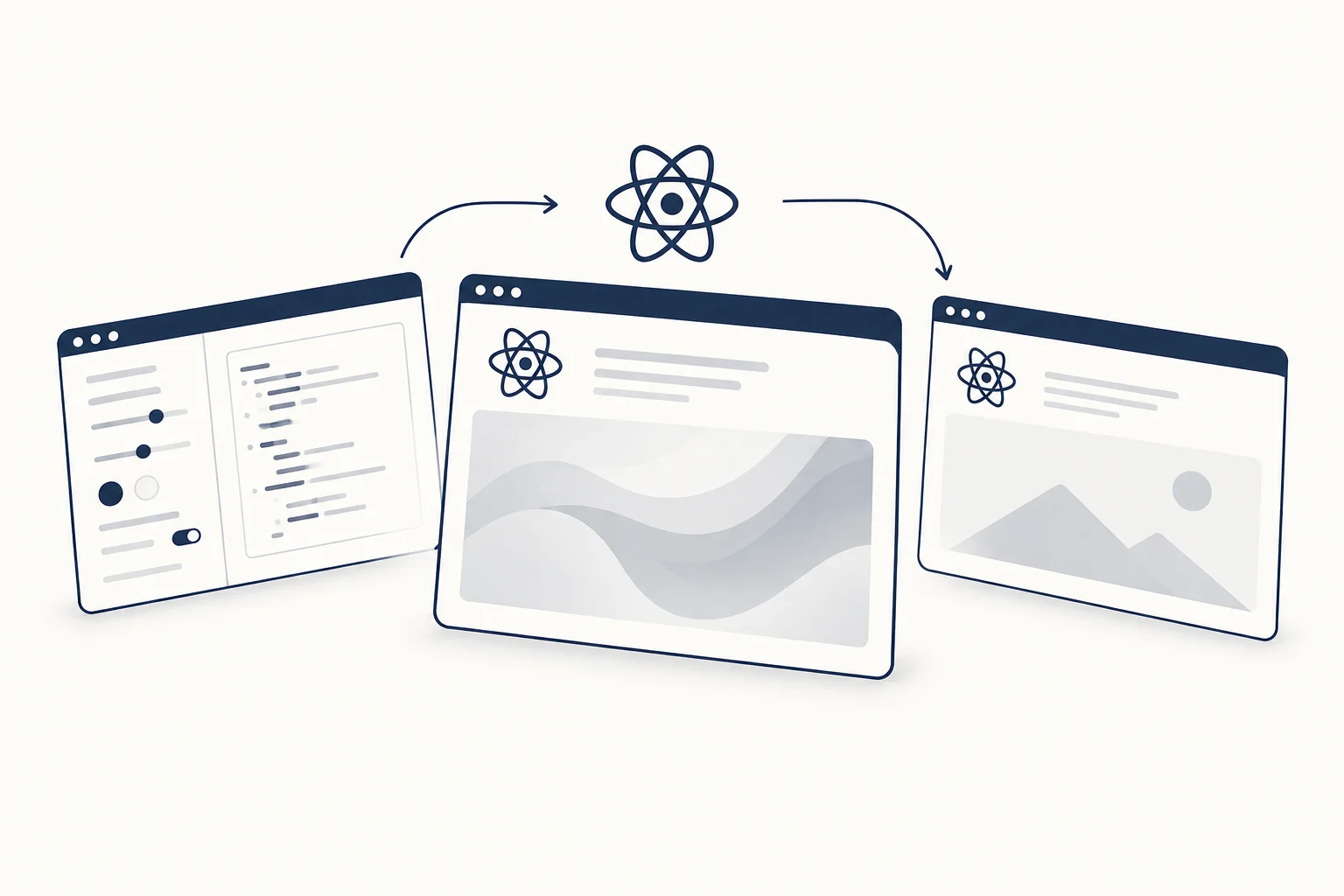
A shader background should be an optional visual layer around a functioning page. Plan the still composition, content hierarchy and failure behaviour before connecting the animated renderer. In a React project, the right implementation depends on the selected package or exported artifact, not on a generic snippet copied without checking its contract.
This is an integration-planning guide. It does not include an untested code sample or claim that every HorizonX shader currently exposes the same export format.
Begin with a complete still composition
Place the heading, supporting copy and action on a background that works without animation. Reserve a defined region for the visual so the content does not depend on the renderer to establish its layout.
For a fictional creative platform, a restrained still colour field may preserve the intended direction. The fallback should be selected deliberately rather than leaving a blank or broken-looking canvas when the effect is absent.
Inspect the artifact you will actually use
Read the current output options and documentation of the specific resource. Establish whether you are integrating a package, component, standalone page, video or still image. Those outputs require different work.
HorizonX's Shader R is a visual to explore. Use the editor's current options and documentation to determine the integration route. Do not infer the route from the fact that the preview appears in a browser.
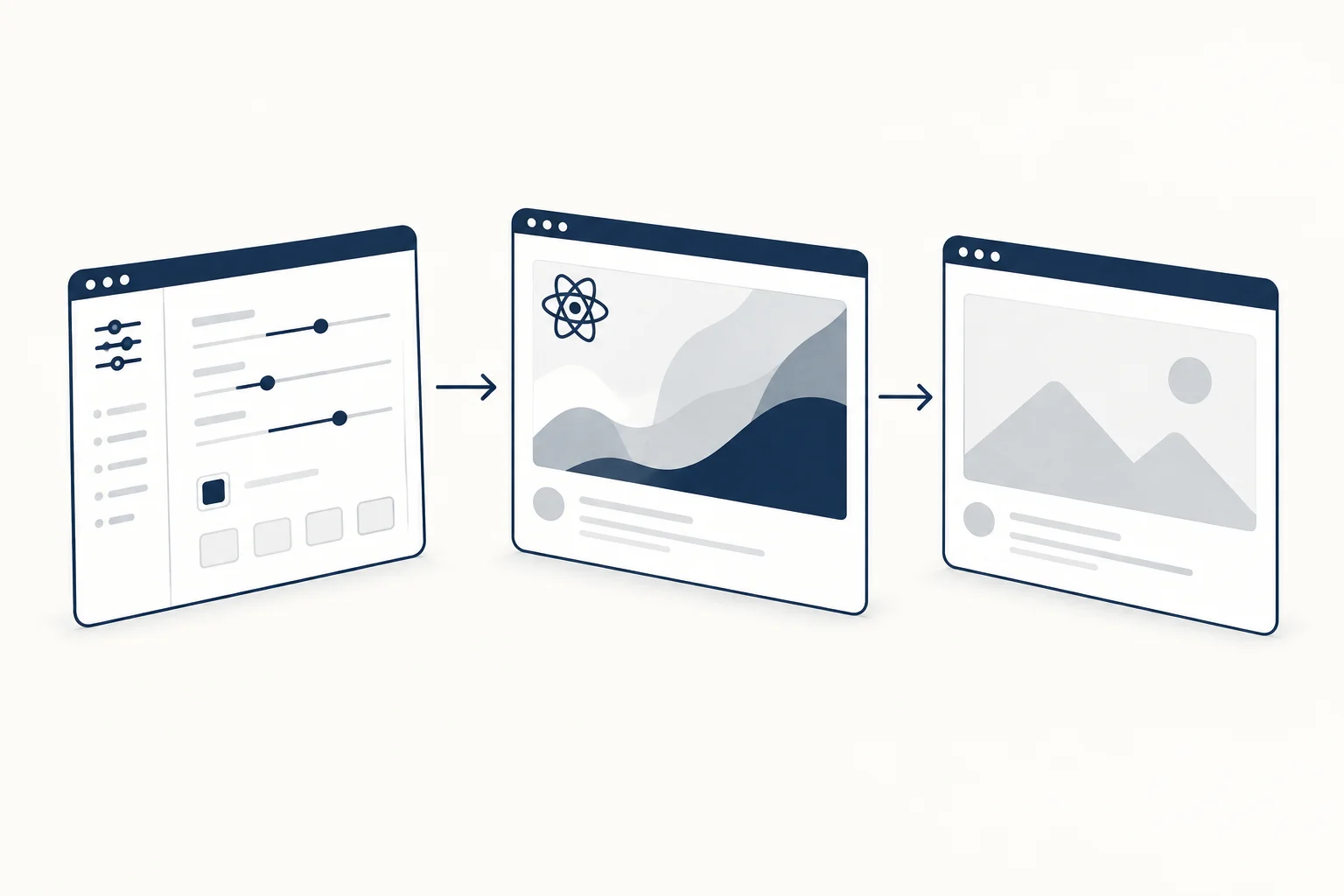
Define ownership of the lifecycle
Identify where the renderer starts, how it responds to size changes and how it stops when the section is removed. Follow the chosen implementation's current guidance rather than assuming another library's lifecycle rules apply.
Keep decorative rendering separate from essential content. The text and action should not be painted only inside the effect or hidden until it becomes ready. This boundary also makes it easier to review the quiet presentation.
Review motion and readable frames
Choose a design for people who prefer less motion. The reduced-motion media feature can communicate that preference; your implementation still needs to respond appropriately.
Inspect more than the opening frame. A changing background can bring an unexpectedly bright or detailed region behind the heading. Adjust the composition or place the text on a dependable surface if necessary.

Validate the actual page
Record the browser, device and chosen artifact when measuring performance. Check the no-renderer presentation, resizing and the relevant navigation lifecycle. A smooth catalogue preview is not proof of the integrated result.
Use the production-readiness checklist to document the observations. If the integration cost is disproportionate to the visual benefit, a static texture is a valid outcome. The background should support the page, not become the page's most fragile dependency.