
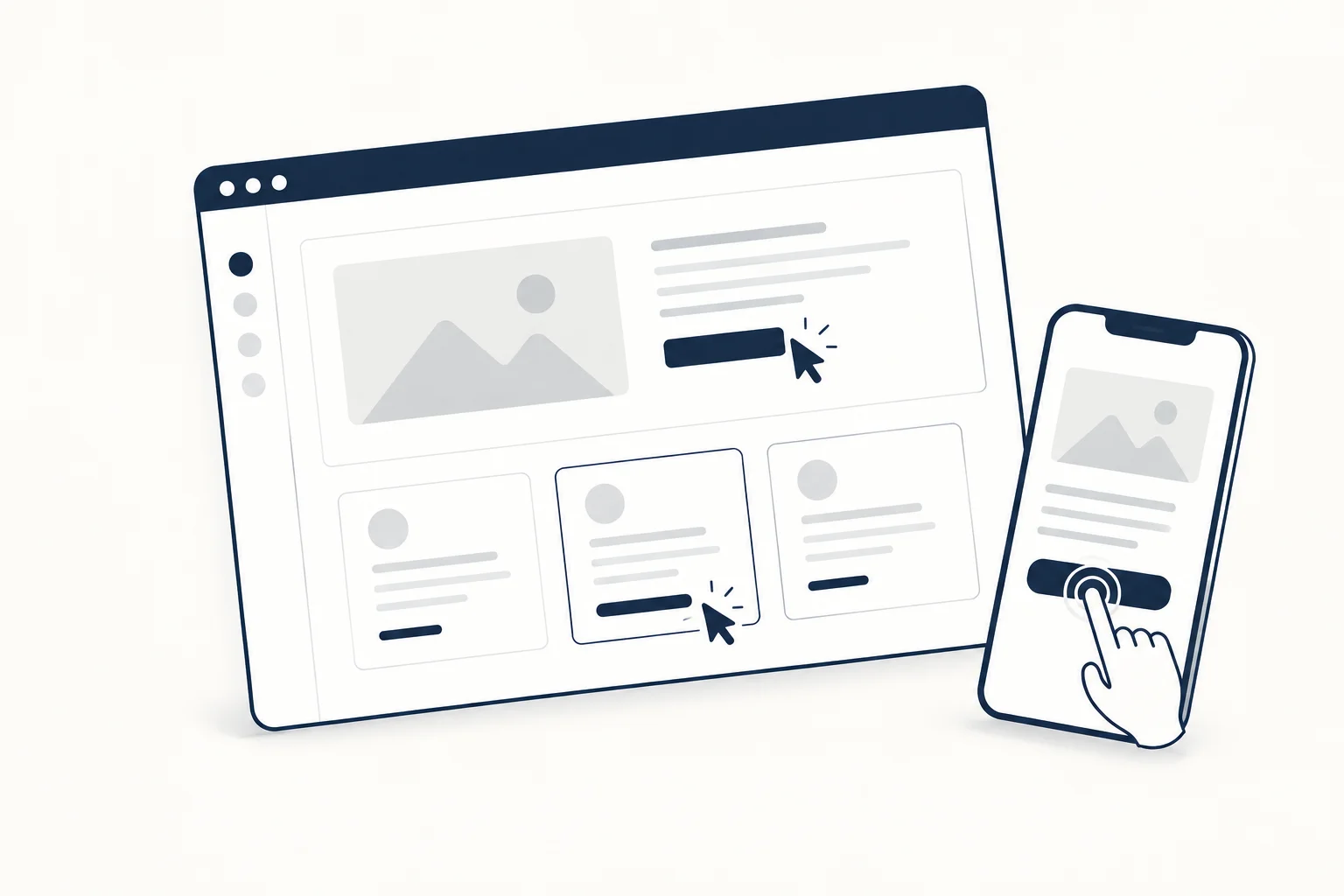
A cursor effect should be optional decoration, not a replacement for the information and controls people need. Use it in a bounded area, keep links and focus states clear, and decide what the composition looks like without pointer input. A page still needs to work on touchscreens and with a keyboard.
Start by identifying the purpose of the effect. “Make the page feel interactive” is too broad. “Add a subtle response to an otherwise decorative background” gives the design a useful boundary.
Keep the response local
A small visual reaction can reinforce a card's surface without taking over the whole screen. A full-page trail or large distortion has a different attention cost. Compare the treatment in the actual layout, beside real text and controls.
Do not make a decorative response the only indication that something is actionable. Labels, structure and appropriate control states should remain understandable when the pointer is elsewhere.
Preserve ordinary interaction
Try selecting text, moving between links and reading a tooltip where applicable. An effect that looks appealing in an empty canvas may interfere with ordinary tasks once the page is populated.
For tooltips that open on keyboard focus as well as on hover, see readable tooltips and hover text effects.
Keep the system pointer meaningful. If an experimental cursor treatment is used, review whether it conceals the target or obscures the distinction between an interactive control and decoration. Visual novelty is not a reason to make the interface harder to interpret.
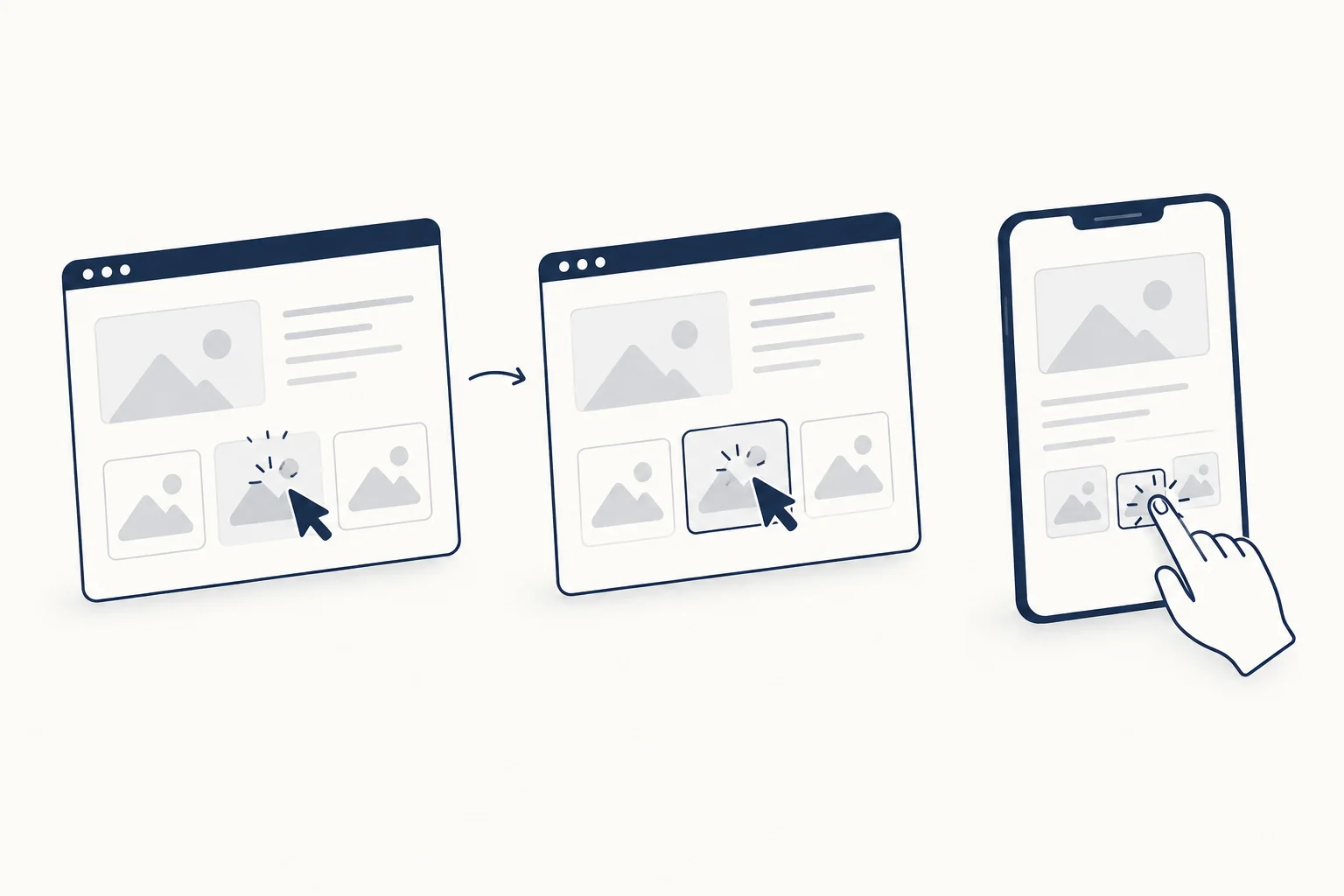
Choose a touch and keyboard presentation
Do not describe the touchscreen version as broken because it lacks hover. Design a deliberate still composition or another appropriate behaviour. The same content and actions should remain available without reproducing a pointer-specific trick.
For keyboard use, inspect focus independently of hover. A luminous card responding to a pointer does not prove that its destination has a visible focus state or that the activation behaviour is correct.
Inspect an effect that fits the brief
HorizonX's Neural Noise Cursor, Border Glow and Pixel Card provide different resources to examine. Read their individual descriptions and choose by the job, not just the presence of motion.
The selected item's current formats and integration requirements should determine how it enters the project. A public preview is not evidence that a particular exported version has been tested in your application.
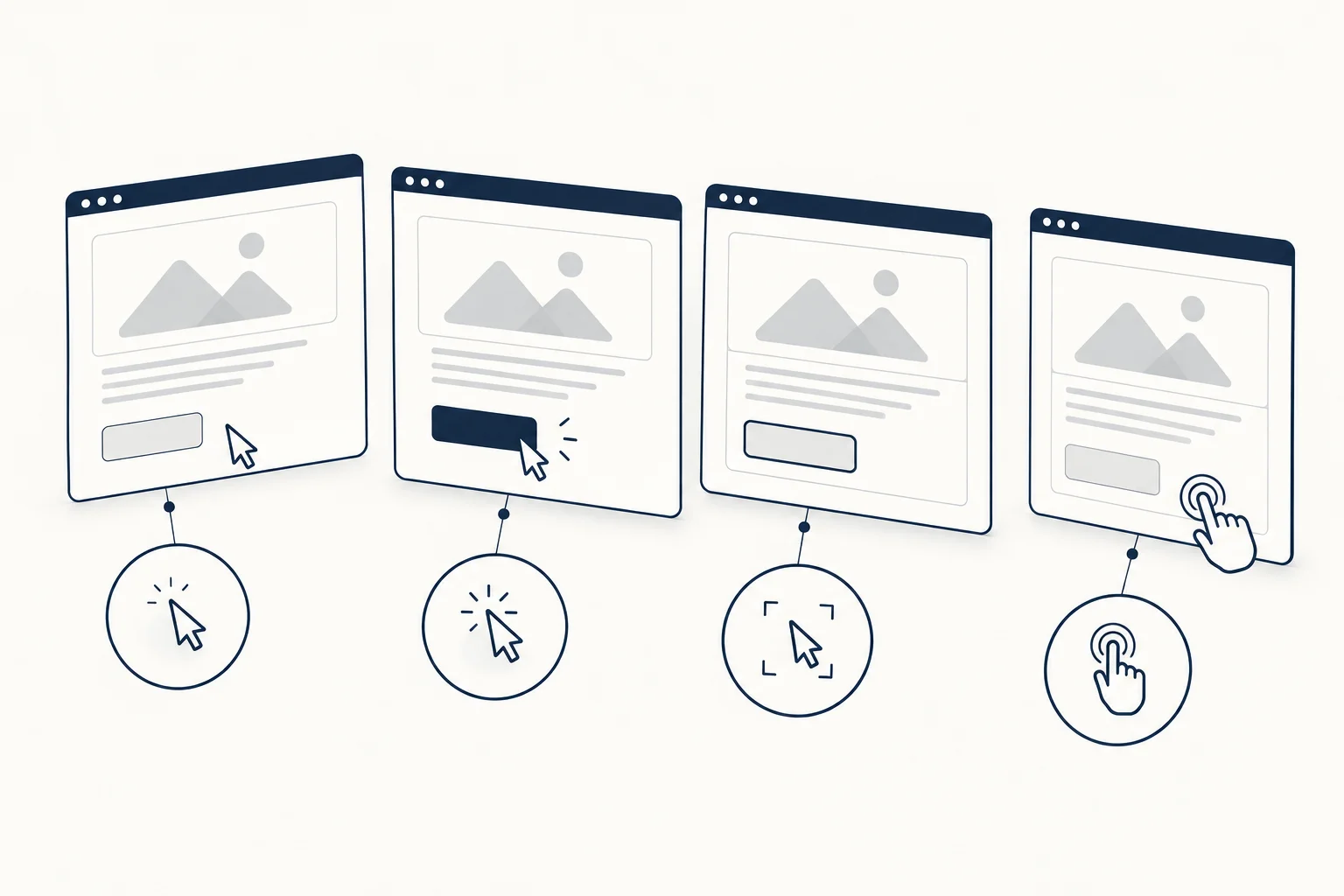
When should you leave the pointer alone?
Avoid extra effects in dense reading areas, precise editing tools or other situations where the pointer already carries important information. If the effect does not contribute to a clear visual purpose, removing it is not a compromise. It can be the more coherent design choice.