Delivery App Cards: Components for Figma | HorizonX

UI/UX

Delivery App Cards

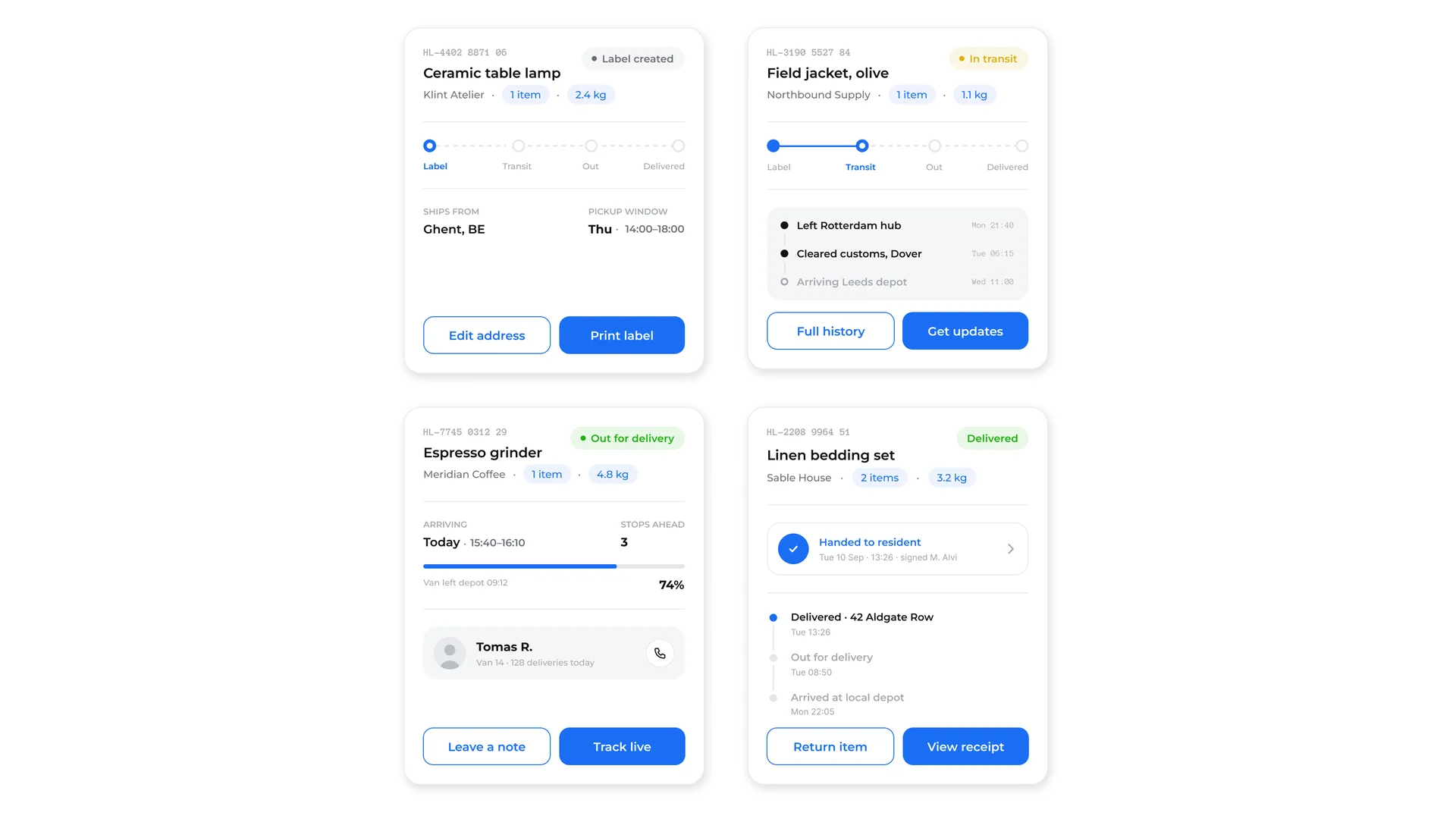
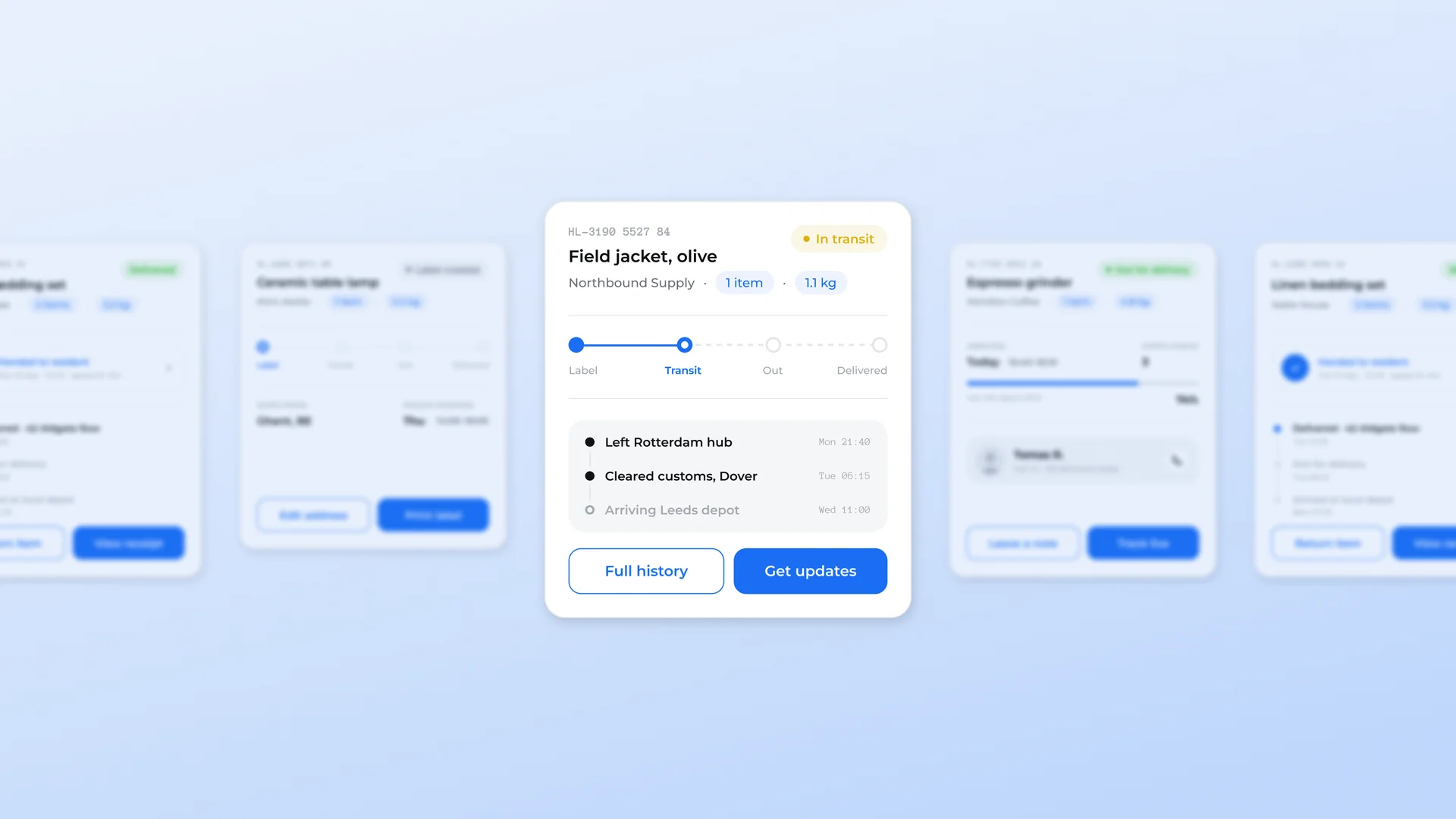
Parcel tracking card in all four shipment states (label created, in transit, out for delivery and delivered), each with its own progress indicator, timeline and action pair.

Delivery App Cards, image 4
Delivery App Cards, image 1
Delivery App Cards, image 2
Delivery App Cards, image 3
Delivery App Cards, image 4
Delivery App Cards, image 1
  • Instant access Included with every membership
  • Editable Figma source Copy straight to your workspace
  • Commercial license With a membership, for client work

Overview

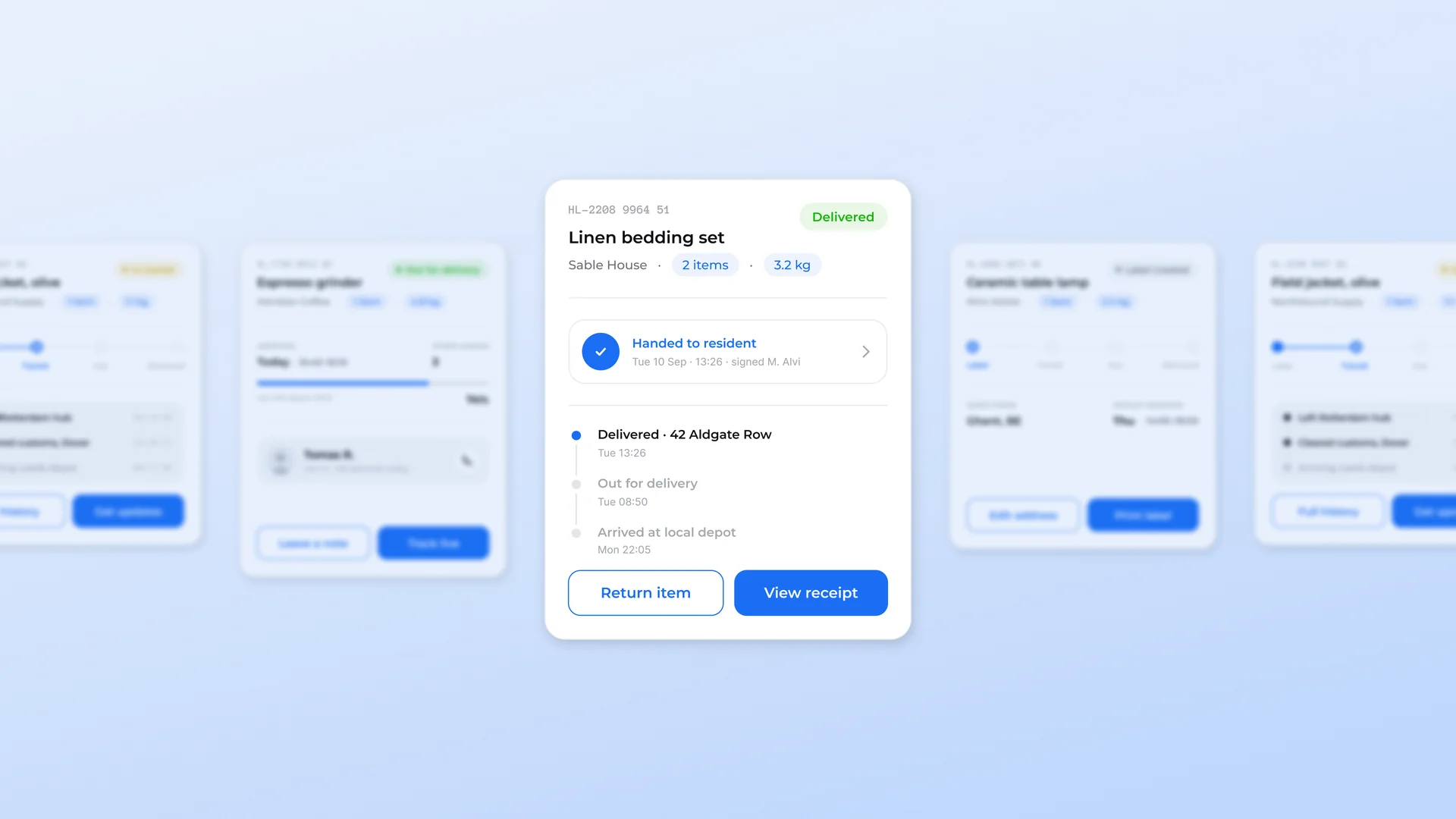
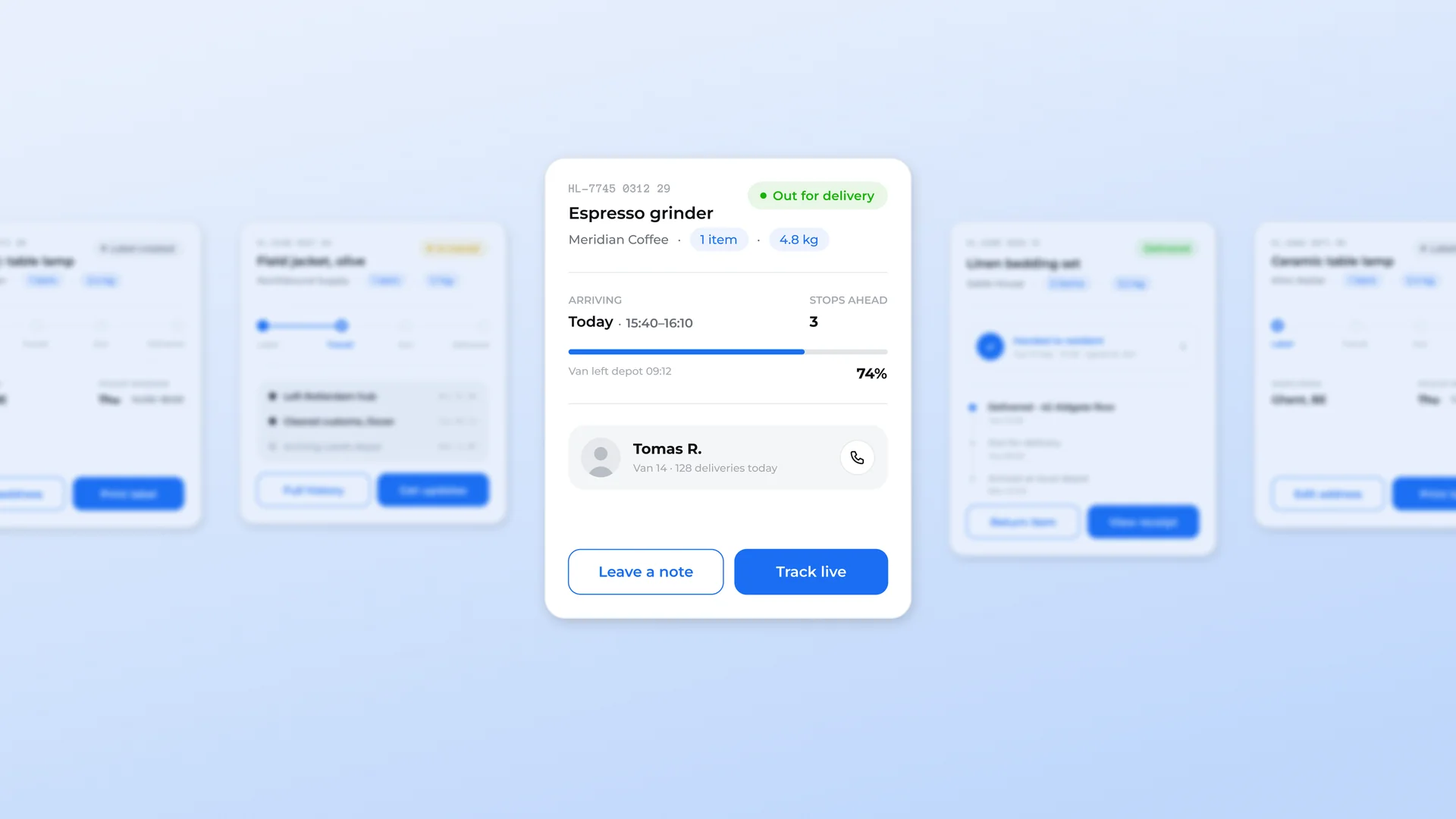
One card, four states, built the way a real tracking product works. Each variant carries the tracking number, item name, sender, item count and weight, then changes everything below the fold to match where the parcel actually is. Label created shows the ship-from city and a pickup window. In transit switches to a filled step indicator and a customs-and-hub event list with timestamps. Out for delivery drops in an arrival window, a stops-ahead count, a progress bar and the driver with a call action. Delivered leads with a signed-for confirmation row and collapses the earlier events into a dimmed history. Every state pairs a secondary and a primary action so the card always gives the user something to do: edit address, get updates, track live, view receipt. Status pills, step indicators, event rows, progress bars and the driver block are all separable pieces. All vector, no raster assets.

Highlights

  • Refined, production-ready UI composition
  • Organized, reusable Figma components
  • Clean layout system you can adapt fast

What's included

  • Editable Figma source file
  • Organized layers & components
  • Reusable styles and tokens
  • Commercial license with a membership

Frequently asked questions

  • The editable Figma source for this concept. Copy it into your own workspace and adapt it freely.

  • It's included with a HorizonX membership. Open it and copy it to Figma instantly, no separate purchase.

  • Yes, with a HorizonX membership. Members get a commercial license: use and adapt these files in personal, client and commercial projects. If your plan ends, projects you already built keep their license, but the files can't be used to start new ones.