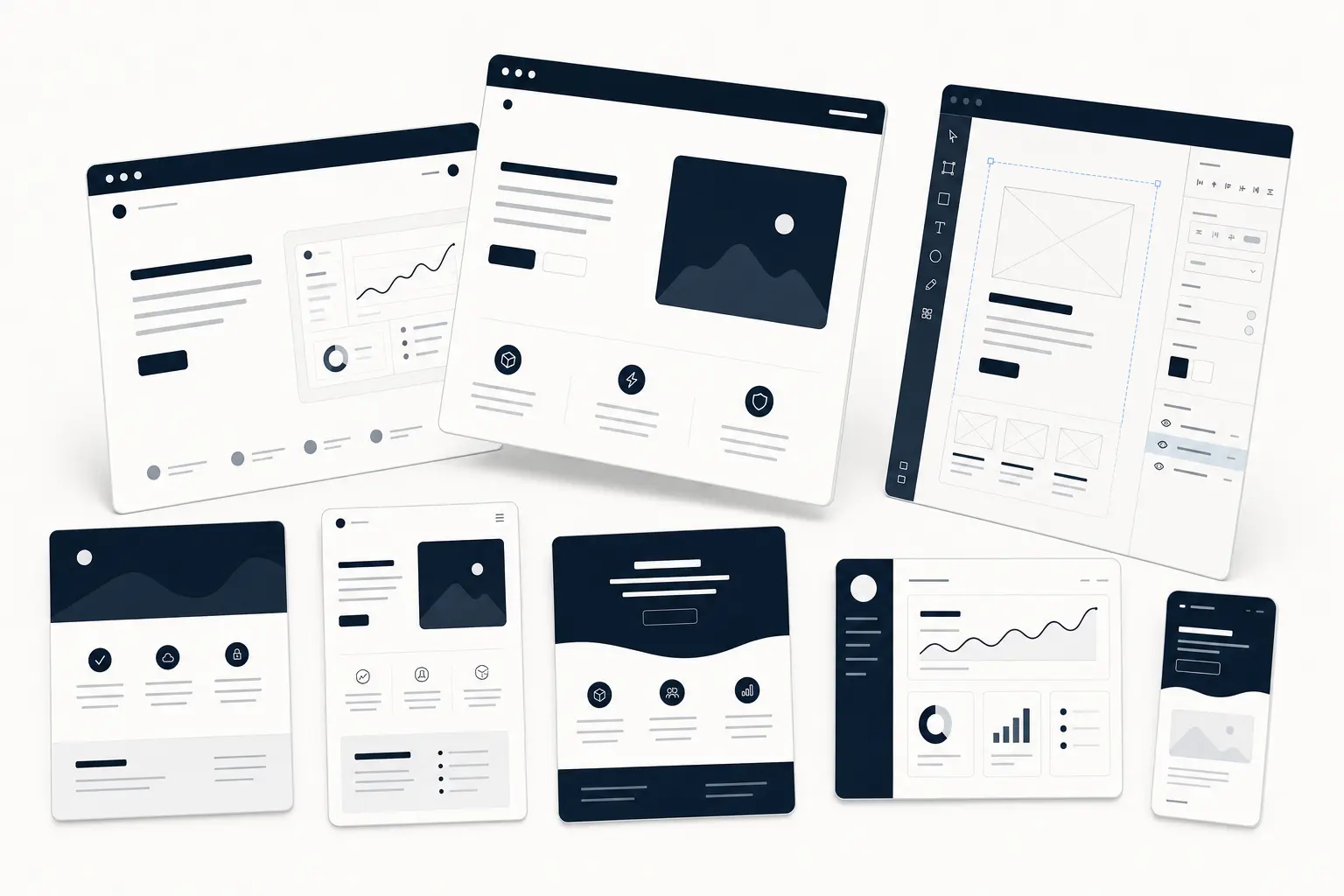
Starting a SaaS site or a product landing page from a blank Figma canvas is a great way to lose a weekend. A solid template gets you to "looks like a real product" in an afternoon — if it's actually built well underneath. The problem is most "free Figma templates" are flattened mockups: no components, no tokens, no auto-layout. You spend more time fixing them than you would have spent starting fresh.
This is a shortlist of Figma templates worth building on in 2026 — the ones structured for real work — plus a quick buyer's guide so you can tell a production-ready file from a pretty screenshot.
What makes a Figma template actually worth using
Before the picks, the checklist. A template earns its place when it ships with:
- An editable source file, not a preview export. You should be able to open it and change everything.
- Organized layers and real components — named, grouped, and reusable — so swapping a button updates every instance instead of forcing manual edits.
- Design tokens and reusable styles (color, type, spacing). This is what lets you rebrand a whole template in minutes instead of hours.
- Auto-layout that survives content changes without the layout collapsing.
- A clear license so you know what you can ship.
If a template is missing components and tokens, it's inspiration — not a tool. Judge every download against that list.
The best Figma templates for SaaS & landing pages
The picks below come from the HorizonX Figma templates collection. Each one is an editable Figma source file with organized layers, reusable components, and design tokens — delivered instantly through a HorizonX Pro membership rather than sold one at a time, so the same subscription covers the whole library.
1. Zyno — high-energy SaaS landing
Zyno is a polished Figma web concept built around bold 3D motion, modern product sections, and a conversion-focused presentation flow. If you're launching a SaaS or AI product and want the "premium startup" look without commissioning it, this is a strong base — it ships as an editable Figma source with organized layers, reusable components, and tokens you can rebrand fast.
2. Logitech — cinematic product storytelling
Logitech is a cinematic web concept built around immersive product storytelling. It's the template to reach for when the product is the pitch — hardware, a physical product, or any launch that lives or dies on visual narrative. Strong hero, strong scroll rhythm, everything componentized.
3. Juicy Fres — vibrant DTC / beverage landing
Juicy Fres is a vibrant beverage landing-page concept with fresh, high-energy visuals. Beyond drinks, it's a great fit for any consumer or DTC brand that needs color, motion, and personality instead of the default SaaS-blue look.
More in the collection
The same collection includes several other production-ready concepts — Oppo, Vibram, Rabbit, Waaw, Hemlt, and Card — spanning landing pages, product storytelling, and 3D-forward layouts. Browse the full Figma templates collection →
Free vs. premium: which should you actually use?
Free templates are fine for learning Figma or throwing together a quick concept. But the moment a template is going to become a real shipped product, the math flips: a premium, componentized file saves you the hours you'd otherwise burn rebuilding structure the free file never had.
The subscription model matters here too. Instead of paying per template and hoping you picked the right one, a HorizonX Pro membership unlocks the whole library — so you can grab a SaaS landing today and a 3D concept next month without a second purchase.
How to customize a template without breaking it
- Start with tokens. Change the color and type styles first — this rebrands the entire file in one pass.
- Edit components, not instances. Update the master component so every usage updates with it.
- Keep auto-layout intact. Swap content inside frames; avoid detaching layout unless you truly need to.
- Rename as you go. A clean layer tree is what makes the file handoff-ready for developers.
FAQ
Are these Figma templates editable?
Yes. Every template in the collection is delivered as an editable Figma source file with organized layers, reusable components, and design tokens — not a flattened preview.
Do I buy templates individually?
No. HorizonX runs on a membership model — a single Pro subscription unlocks the full library, including the Figma templates, UI kits, and 3D assets.
Can I use them for client work?
Check the license shown on each product page. The templates ship with a personal license by default; confirm the terms on the specific item before using it in commercial or client projects.
What's the best Figma template for a SaaS landing page?
For a modern SaaS or AI product, Zyno is the strongest starting point — it's built specifically around conversion-focused product sections and premium landing-page structure.
Start from a better blank page
The fastest way to a landing page that looks shipped is to not start from scratch. Pick a template that's actually built — components, tokens, auto-layout — and spend your time on the product instead of the plumbing.