
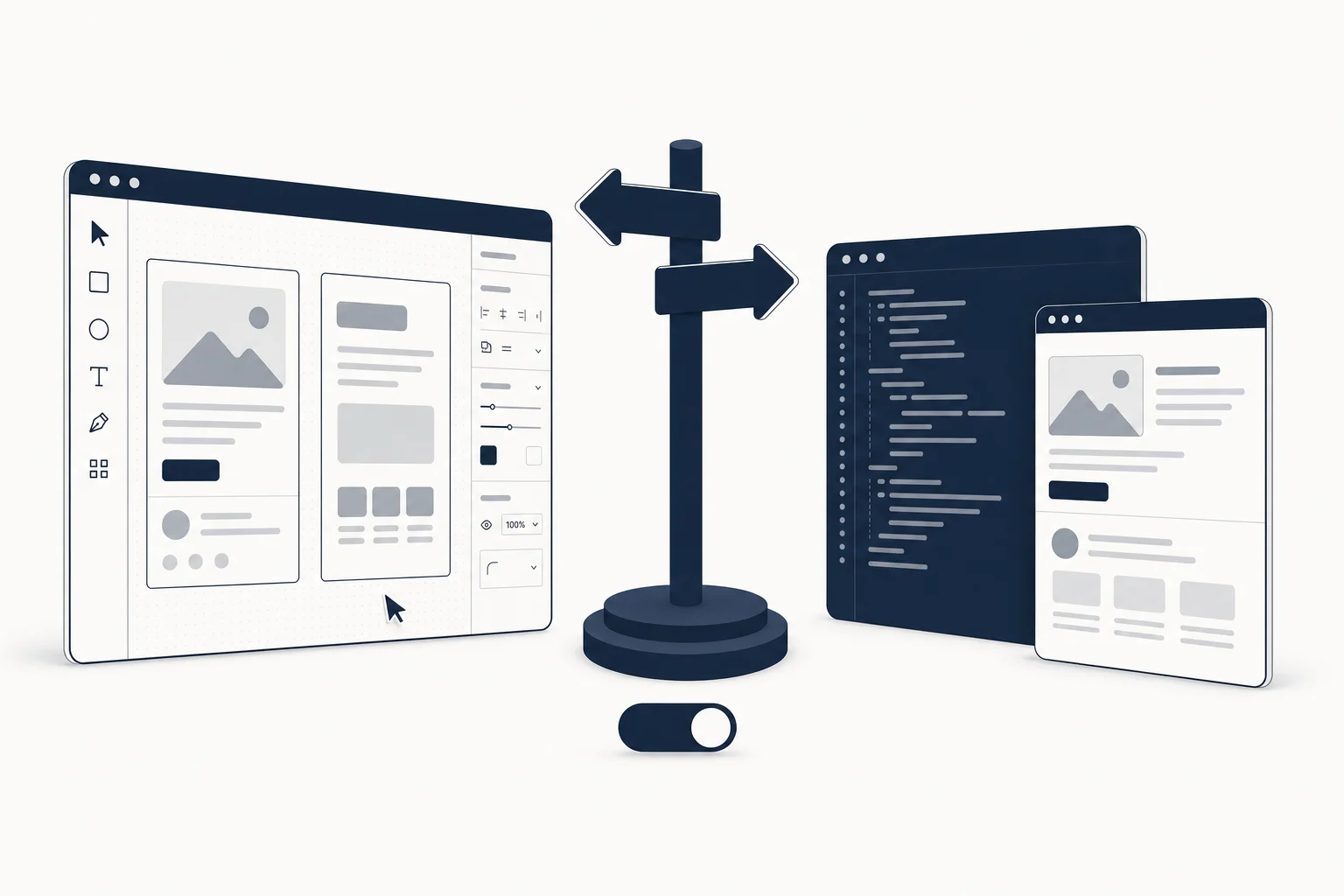
The short answer
Start from a Figma template when the design still has to be argued about: a client who needs to approve a direction, a brand that is not settled, a product where three people have opinions about the hero. Start from a coded component or page when the design is already decided and the risk is in shipping: a launch date, a developer alone on the project, an AI builder that needs a concrete constraint. If you can get both from the same source, you avoid the classic handoff tax, which is the whole reason HorizonX ships design files and production code under one membership.
The two paths, honestly
Path A: Figma first
You duplicate a template, restyle it with your tokens, swap the content, get sign-off in the file, then someone turns it into code. Advantages: cheap iteration, stakeholder-friendly, the file becomes your design system seed. Disadvantages: every decision is made twice (once in Figma, once in the browser), responsive behaviour and states are usually under-specified, and "make it look like the Figma" is the most expensive sentence in web development.
Path B: Code first
You take a coded page or kit, run it, and edit it in the browser with real content. Advantages: what you approve is what ships, responsive and interaction details are already solved, AI tools can read and extend it. Disadvantages: non-technical stakeholders cannot comment in place, large visual pivots are slower than dragging frames, and you inherit the template's stack.
Where each path leaks money
| Cost | Figma first | Code first |
|---|---|---|
| Iteration on direction | Minutes | Hours if the change is structural |
| Stakeholder review | In the file, familiar | Needs a preview URL and a walkthrough |
| Responsive behaviour | Usually guessed, then fixed in code | Already implemented |
| Interaction states | Rarely drawn (hover, empty, error) | Present or trivially added |
| Handoff | The expensive step | Does not exist |
| AI-builder input | Good, via native imports | Best, it is the constraint itself |
| Stack lock-in | None | You inherit React / Svelte / HTML choice |
The line that decides most projects is the third and fourth rows. A template that only exists in Figma has typically drawn the desktop happy path. The 15-point production readiness checklist exists because that gap is where vibe-coded and designed-then-coded projects both fail.
A decision rule you can apply in five minutes
Answer three questions:
- Is the visual direction decided? No: Figma first. Yes: continue.
- Who has to approve it? Non-technical people who will want to comment in place: Figma first, or code first with a staging URL and a tolerance for feedback by screenshot. Developers or founders: code first.
- What is the deadline measured in? Weeks: either. Days: code first.
Two "yes, yes, days" answers in a row mean you should not open Figma at all this sprint.
The third option: both from the same source
The handoff tax only exists when design and code come from different vendors with different opinions. When the template exists in both formats, the workflow becomes: approve in Figma, ship the matching code, keep the file as the source of truth for the next round.
HorizonX's catalogue is built around that. On the Figma side, industry design systems such as Axiom (tech incubator), Modernist (architecture) or Loom (fashion retail) give you tokens, type and imagery to approve. On the code side, landing pages such as Velto (Next.js 16 + React 19 + Tailwind v4) or Velmont (SvelteKit 5 + Tailwind 4) are already responsive and animated. And the interactive tools sit in between: you tune a piece live and export it as HTML, Svelte or React, which is the shortest possible path from "approved" to "in the repo".
Browse the Figma templates and React templates collections side by side to see how the two formats map.
Worked examples
- Agency pitching a rebrand: Figma first. Use a design system template to show two directions in a day, get the yes, then move to code.
- Solo founder shipping a waitlist page by Friday: code first. Take a finished landing, swap copy and logo, deploy. Motion and responsive are done.
- SaaS team adding a dashboard: code first for the shell (see the dashboard templates), Figma for the two or three screens product management wants to debate.
- Vibe coder using v0 or Lovable: both, in order. The Figma templates for v0, Lovable and Bolt guide covers importing the file; then use a coded page as the constraint for anything the builder gets wrong.
FAQ
Can I convert a Figma template to code automatically?
Partially. v0, Lovable, Bolt and the Figma MCP can read frames, tokens and auto layout and produce a first pass. They do not produce responsive behaviour, states or motion you did not draw, so budget a verification pass. The output is usually better when the file has real auto layout and named components instead of flattened screenshots.
Is starting from code bad for design quality?
Only if the code you start from is generic. A neutral component library gives you a neutral page. An art-directed coded page gives you the art direction for free, which is why we distinguish primitives from finished pages in the React + Tailwind libraries roundup.
What if my stack is not the template's stack?
Start from Figma, or pick a template that ships as HTML + CSS + JS (HorizonX has many, for example Northloop Dashboard) and port it. Porting a finished page is faster than designing from zero because every decision is visible in the browser.
Do I need a Figma seat to use Figma templates?
To edit, yes (a Figma editor seat, or a Dev seat for some import plugins). To view and comment, a free viewer is enough, which is why Figma first stays the stakeholder-friendly path.
Does HorizonX include both formats in one plan?
Yes. Figma files and production code are covered by the same membership, with download allowances per plan listed on the pricing page, and a commercial license for client work on every paid plan.