
The short answer
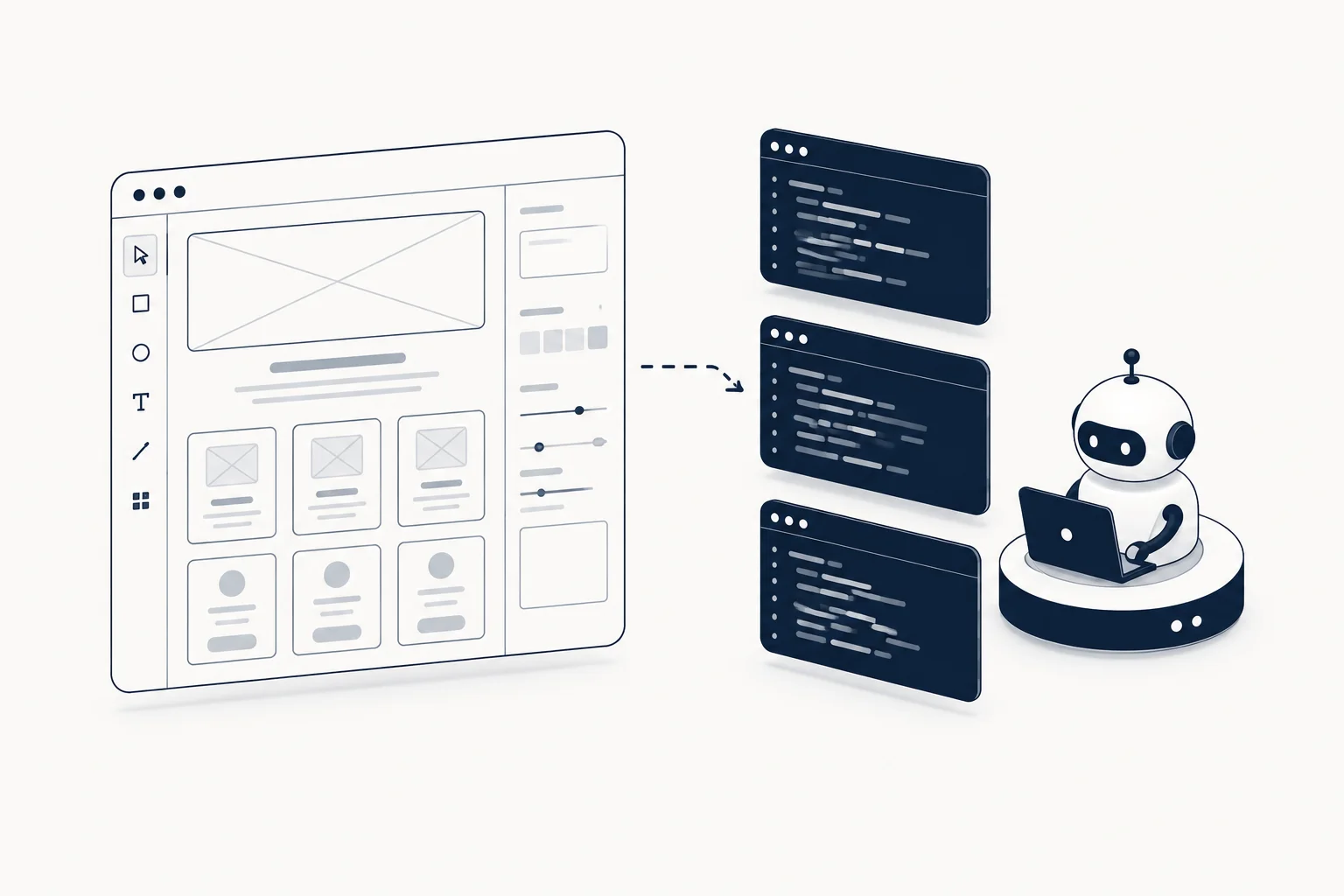
Yes, you can and should use Figma templates as the design input for v0, Lovable and Bolt. All three now accept Figma directly: v0 reads a Figma file or frame link on paid plans, Lovable imports through its Figma plugin, the Figma MCP or a .fig upload, and Bolt has an "Import from Figma" flow powered by Anima. The workflow is: pick an editable template, put your real content and brand tokens in the file, hand the design to the builder through its native import (or screenshots as the universal fallback), generate one section at a time, then verify against a checklist instead of your eyes. Teams that skip the template get generic AI output; teams that use it get interfaces that look like they had an art director.
Why AI-generated UI looks generic (and what fixes it)
The HorizonX guide to vibecoding makes the point directly: AI builders are brilliant at structure and terrible at taste. Given a blank canvas, v0, Lovable and Bolt converge on the same safe patterns (centered hero, three feature cards, default spacing) because that is the statistical center of their training data. Templates break that convergence by supplying a visual direction the model must match, including details AI rarely invents on its own: editorial typography, unusual layout rhythm, deliberate negative space, a real color story.
Three inputs beat prompting alone:
- A design the AI must match: a Figma file or frame imported natively, or screenshots of the template frames.
- Concrete constraints: tokens, spacing scale, states. The Vibe Coding UI Specification calls this turning adjectives into implementation constraints.
- A production checklist before you call it done. See the free 15-point readiness checklist.
The 5-step template-to-AI workflow
Step 1: Choose the right template
Not every "template" is usable as an AI input. You want editable files with real auto layout, components and named layers, not flattened exports. This matters more now that the builders read the file itself: v0 documents that it uses auto layout, variables, styles and component names from your file, and Lovable's .fig upload pulls variable collections, colors and typography. A flattened screenshot inside a Figma frame gives them nothing to read. Collections that state this explicitly, like the HorizonX Figma templates ("clean layers, real auto layout and components instead of flattened screenshots"), are the ones that survive the round-trip.
Step 2: Adapt the file before you generate
Duplicate the template, replace placeholder content with your real copy, swap colors to your brand tokens, and set the typography scale. This 20-minute investment is what makes the difference between "AI output that looks like the template" and "AI output that looks like your product." It is also the step that decides what the native imports pick up: if the tokens in the file are still the template's, the generated app inherits the template's brand.
Step 3: Hand the design to the builder
Use the native path each tool documents, and keep screenshots as the fallback that works everywhere.
- v0: paste a Figma file link (for a multi-screen flow) or a frame link (for one exact screen) into the chat, or use "Import from Figma" in the prompt form. v0 reads pages, frames, tokens, layout, text and exports the assets itself. The Figma integration requires a paid v0 plan and no plugin.
- Lovable: three options. The "Lovable: Import from Figma" plugin exports frames or components straight from Figma (needs at least a Figma Dev seat). The Figma MCP gives the agent live access to your files but requires the Lovable desktop app. A .fig upload is the no-install path for variables, colors, typography and frame structure.
- Bolt: click "Import from Figma" on the homepage or "Import Figma frame" from the plus icon in the chatbox, paste the frame URL, and Bolt (via Anima) generates the project. Since January 2026 you can also import frames into an existing Bolt project, not only at the start.
- Fallback for any tool: export 3 to 6 frames at 2x (hero, one content section, pricing, one "state" screen such as an empty dashboard), name them clearly, and attach them to the prompt.
Step 4: Prompt with the design plus constraints
Give the builder: (a) the imported design or screenshots, (b) the one-line goal, (c) the layout non-negotiables ("keep the editorial left rail", "preserve the oversized type"), and (d) the tech stack (React + Tailwind + shadcn/ui for v0 and Bolt; component-based flows for Lovable). Ask for one section or one screen at a time rather than the whole product. v0's own guidance for large files is the same: name the page or flow you want so it reads fewer frames.
Step 5: Verify against a checklist, not your eyes
The failure mode of vibe coding is shipping something that looks right and breaks on states, keyboard navigation, narrow viewports or long content. Run the interface through a production-readiness checklist before you call it done. HorizonX publishes a free 15-point one covering clarity, states, responsive behavior, accessibility, trust and runtime quality.
Comparison: prompting from blank vs. from a template
| Dimension | Prompting from blank | Prompting from a Figma template |
|---|---|---|
| Visual consistency | Depends on luck per prompt | Inherited from the file |
| Typography and spacing | Defaults, "AI-ish" | Art-directed by design, read from tokens |
| Time to first good result | Multiple regeneration rounds | Often 1 to 2 iterations |
| Fit with brand | Vague | Exact (tokens set in step 2) |
| Handoff to code | Rebuild from scratch | Structure already decided |
| Best tool pairing | Quick experiments | Client work, production builds |
When to skip the template (honestly)
Templates are overhead for throwaway experiments and internal tools where speed is everything. If the interface is a form with three fields, prompt it directly. The template workflow pays for itself when the output is customer-facing, brand-sensitive, or part of a paid deliverable, which is exactly the work freelancers bill for.
Pairing notes: v0 vs Lovable vs Bolt
Each builder changes how much of the template it can read on its own and how much you re-assert afterward.
v0 (Vercel) is the closest to a true design-to-code tool. Given a file link it searches the pages, picks the frames for the flow you asked for, compares its output against each frame as it builds, and shows you which frames it read so you can redirect it. Feed it the hero frame first, approve the pattern, then move to the next frame; approving one screen at a time keeps the visual language consistent. Figma's own API rate limits apply and depend on your Figma plan, not on v0.
Lovable is built for whole-product iteration: database, auth and UI in one flow. Its plugin export carries code, images and fonts (up to 100 files of 20 MB each per export), so large frames may need splitting. It holds onto overall structure better than micro-details, so do steps 1 and 2 thoroughly (real copy, real tokens in the file) and paste the layout non-negotiables as plain text alongside the import.
Bolt sits between the two. It excels at wiring components together quickly and supports inline prompts per element, which makes post-generation fixes (type scale, spacing, a color swap) fast. On paid Team accounts you can pair the Figma import with a design system, in which case Bolt rebuilds the frame with your real components; its docs say to choose the "Screenshot" import option in that mode, because the "Code" option is not aware of the design system.
One rule applies to all three: never import a frame and ask for "the same thing" without stating what to keep and what to change. The model will otherwise reproduce placeholder copy, dummy imagery and the template's brand colors. Your step-2 edits exist precisely so the output inherits your content and tokens, not the template's.
What a real session looks like
A freelancer shipping a SaaS landing page starts from an editable landing-page concept, swaps in the client's copy and palette in Figma (20 minutes), then pastes the frame link into v0 with "keep the oversized headline and the left-aligned editorial rail; rebuild in React + Tailwind with shadcn/ui primitives." The first pass is close because the layout decisions were already made in the file and v0 read them directly. Remaining work is states and responsive passes, which is exactly what a production-readiness checklist catches before the client sees it.
FAQ
Can v0, Lovable or Bolt use Figma files directly?
Yes, all three have native Figma paths as of September 2026. v0 reads a Figma file or frame link on paid plans, without a plugin. Lovable offers a Figma plugin, a Figma MCP connection (desktop app) and .fig upload. Bolt has "Import from Figma" powered by Anima, including into existing projects. Screenshots plus text constraints still work everywhere as a fallback.
What's the best template to start with for a SaaS landing page?
Start with a landing-page concept whose layout you genuinely like, then swap in your content and tokens. The HorizonX landing page collection and SaaS-focused Figma templates are a curated starting point; featured concepts link to real product pages you can open and inspect.
Do I need Figma experience to use templates this way?
Basic Figma literacy is enough: duplicate the file, edit text, replace images, copy a frame link or run a plugin. You do not need to build components from scratch; the template supplies them.
Should the AI builder output match the template pixel-perfectly?
No, and it usually won't. Treat the template as a direction, not a spec. Then verify the result against behavior checks (states, responsiveness, accessibility), which matter more than pixel fidelity.
Where do I get templates I can legally use in client projects?
Use sources with clear commercial licensing. HorizonX's subscription FAQ confirms files may be used and adapted in personal, client and commercial projects; reselling the source files is not allowed. That covers client work without per-project licensing calls.