Preset: Glyph Study
Image to ASCII art
Redraws a photo or video as a grid of characters. Light areas get dense characters such as @ and 8, dark areas a space or a dot. Export it as an image, an editable SVG or plain text you can paste into code.
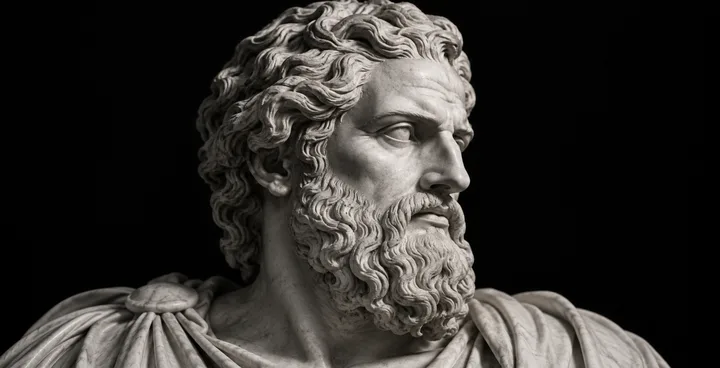
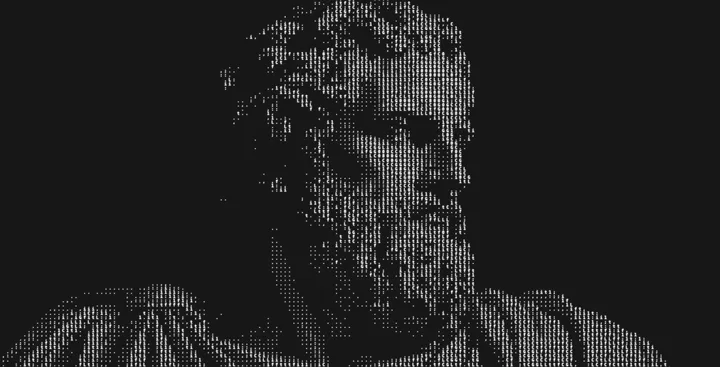
Image effects
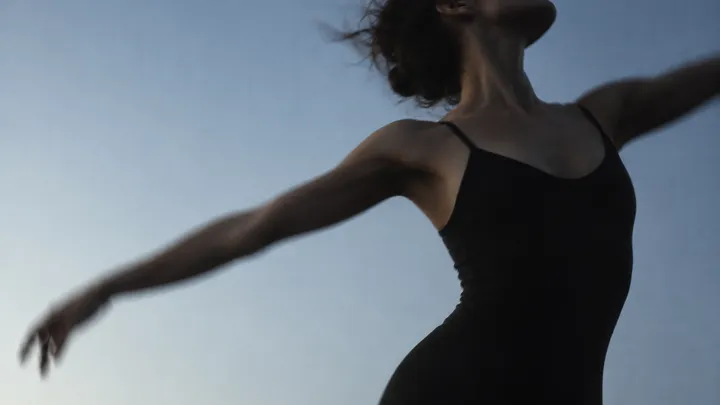
Upload a photo or a video, pick an effect and tune it live in your browser. Each one below shows the same kind of picture before and after, made with the editor it links to.
Preset: Glyph Study
Redraws a photo or video as a grid of characters. Light areas get dense characters such as @ and 8, dark areas a space or a dot. Export it as an image, an editable SVG or plain text you can paste into code.
Preset: Marble Signal
Turns a picture into a pattern of dots in one or two colours, the look of early computer screens and one-colour print. Choose the dot size and the dither style, from an ordered Bayer grid to round halftone dots.
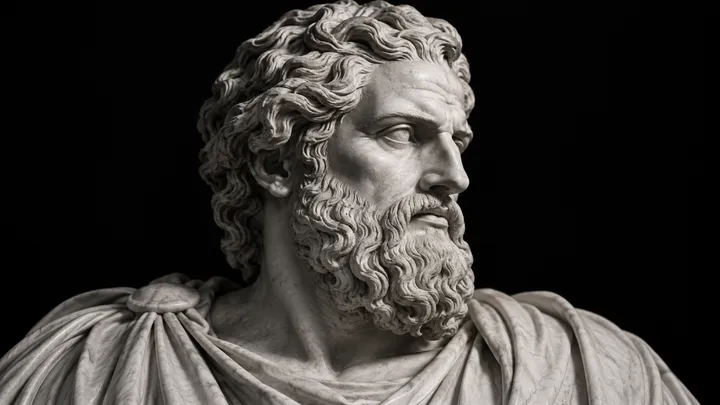
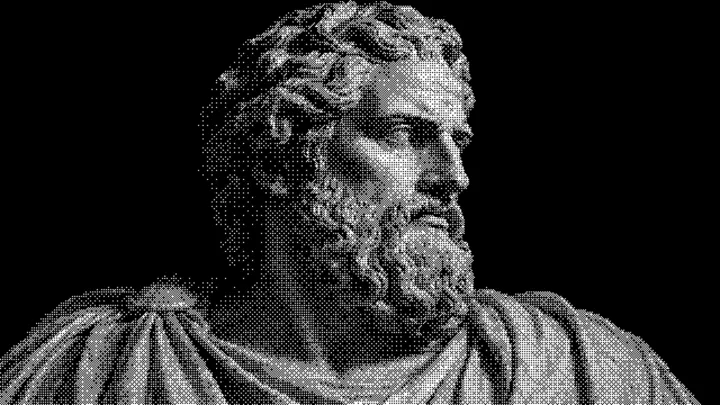
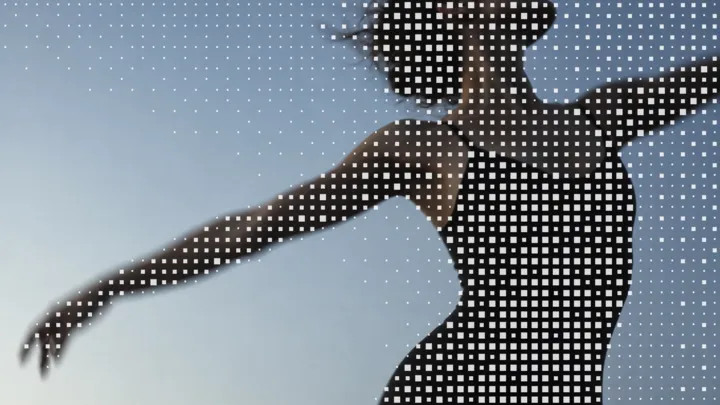
Preset: Halftone Field
Screens a photo with dots that grow in the shadows and shrink in the light, like a newspaper photo seen up close. Set the screen size, contrast and ink colour, and export the dots as a flat image or as editable SVG.
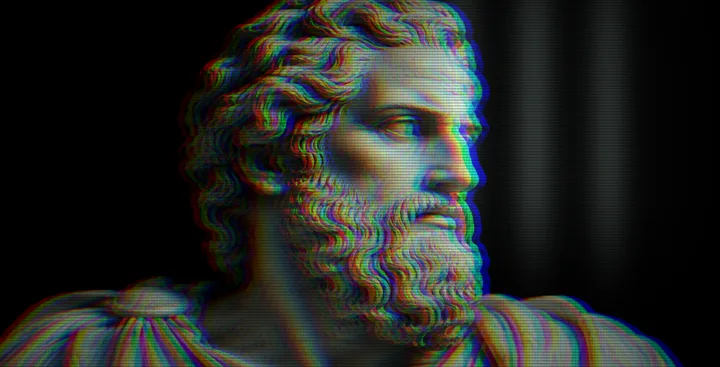
Preset: Phosphor Bloom
Shows an image or video on an old tube screen: a fine RGB phosphor grid, glass that curves at the edges and a soft window reflection. Tune the grid size, curvature and tint of the screen.
More effects
Effects that borrow from print and early screens: square pixels, risograph inks and two-colour duotones.
Surface textures that sit on top of a picture: film grain, moiré interference and contour lines.
Effects that move, for a video or a looping background.
FAQ
Opening an editor, loading your own photo or video and trying every setting is free and needs no account. Exporting the finished file is included with a HorizonX membership.
Use ASCII art for a typographic, code-like look, dithering for a retro computer or one-colour print feel, halftone for a newspaper or comic dot screen, and the CRT filter to show a picture on an old TV or monitor.
Yes. Each editor accepts a video as well as a photo, and the effect plays frame by frame in the preview. A video exports as MP4 or as a ZIP of PNG frames.
Every effect exports PNG and JPEG for still images and MP4 for video. ASCII art and halftone also export SVG with editable shapes, and ASCII art can export plain text.
Every editor opens with a working example. Replace it with your image or video.