Pick a look
Start with a ready-made look from the collection. Each one opens in its own editor with a working composition.
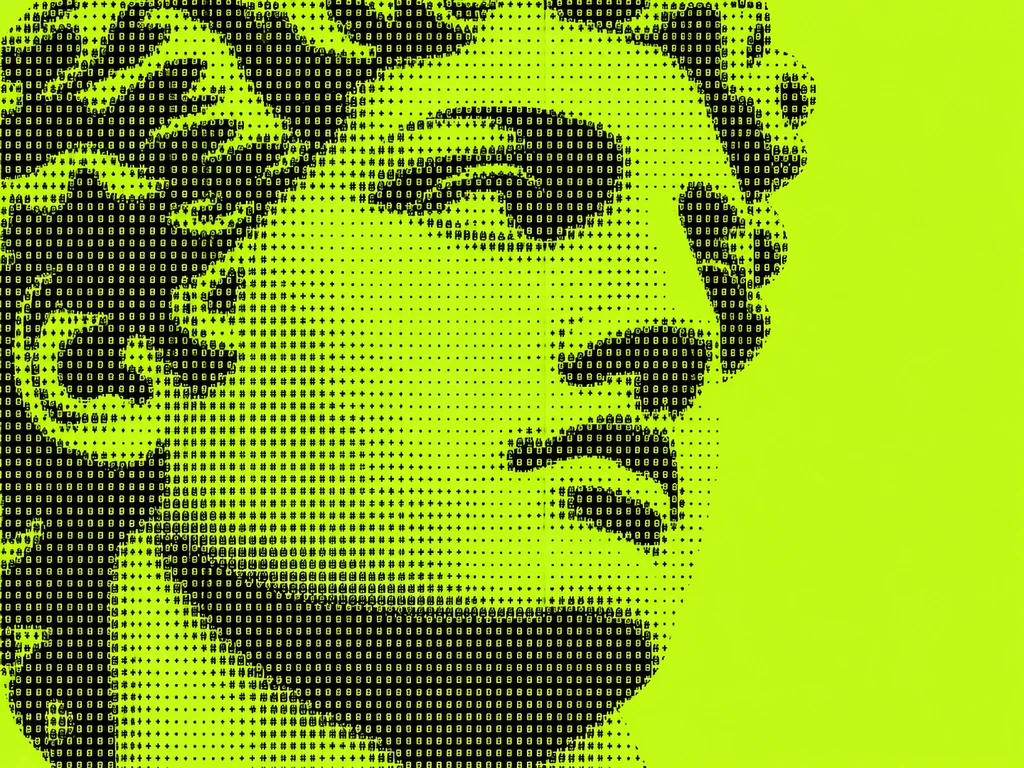
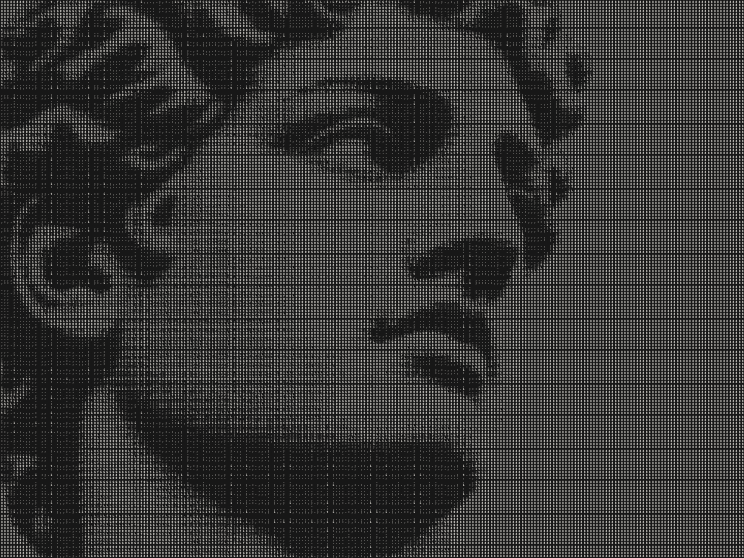
A photograph becomes a field of characters. A familiar scene takes on the glow of a CRT screen. Light turns into halftone ink or iridescent foil. Textures gives your images and videos a new visual language, with controls you can explore right in the browser.
Start with a look, bring your own media and tune the result live. When it feels right, export it for your next project.
01 · See the transformation
Original media alongside the rendered look from the collection. Choose an effect to see the difference, then open its editor to try your own.
02 · How it works
Start with a ready-made look from the collection. Each one opens in its own editor with a working composition.
Replace the demo with your image or video. See how the texture responds to your subject, light and movement.
Adjust the controls for that effect: characters, grid, tone, color, glow or motion. Watch the preview change as you edit.
Open Export and choose from the formats available for your look and source. Adjust the output size and, for motion, the frame rate.
Still images can export as PNG or JPEG. Video sources and supported animated looks offer MP4 or a PNG sequence. WEB PACK bundles assets for websites. Some effects also offer SVG, and ASCII can export plain text. Available formats depend on the effect, source and animation settings; the Export panel shows your options.
03 · The collection
Turn your image into a field of monochrome characters. Adjust the grid, type and tone in the live editor.
Open editor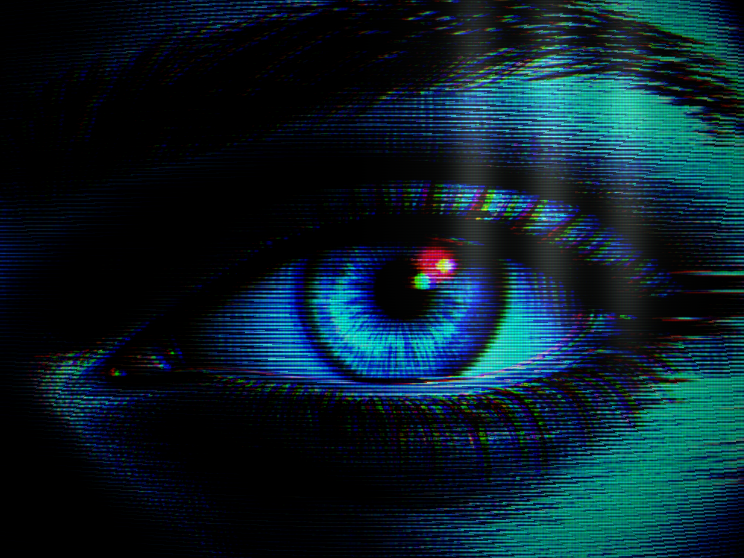
Turn images and video into a tinted CRT screen with a fine RGB grid and soft window glare. Edit Phosphor Bloom live.
Open editor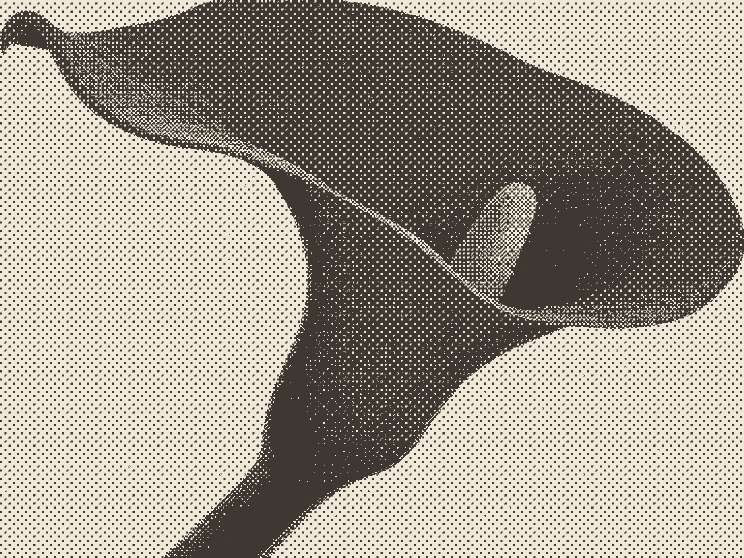
Turn images and video into warm halftone prints. Edit Warm Press live.
Open editor
Scatter iridescent foil glints across your media, brightest where the light is. Edit Prism Dust live.
Open editor04 · What you can create
Give a website hero, presentation or digital canvas a visual texture of its own.
Turn a photograph into a typographic study, a warm print or an iridescent surface for your next graphic composition.
Bring footage into the editor and explore how an effect reacts over time. Export the supported motion format for your next visual piece.