Overview
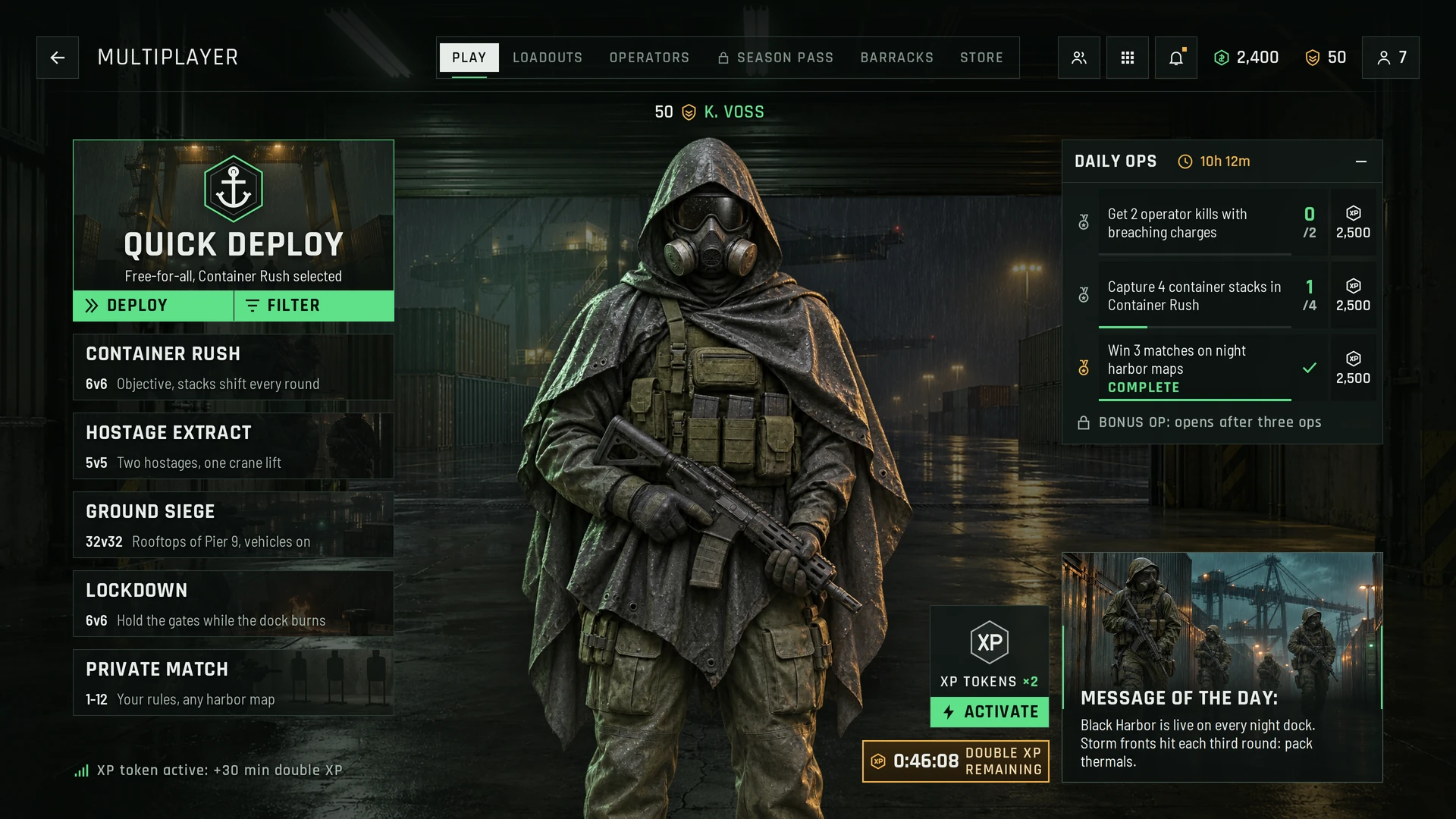
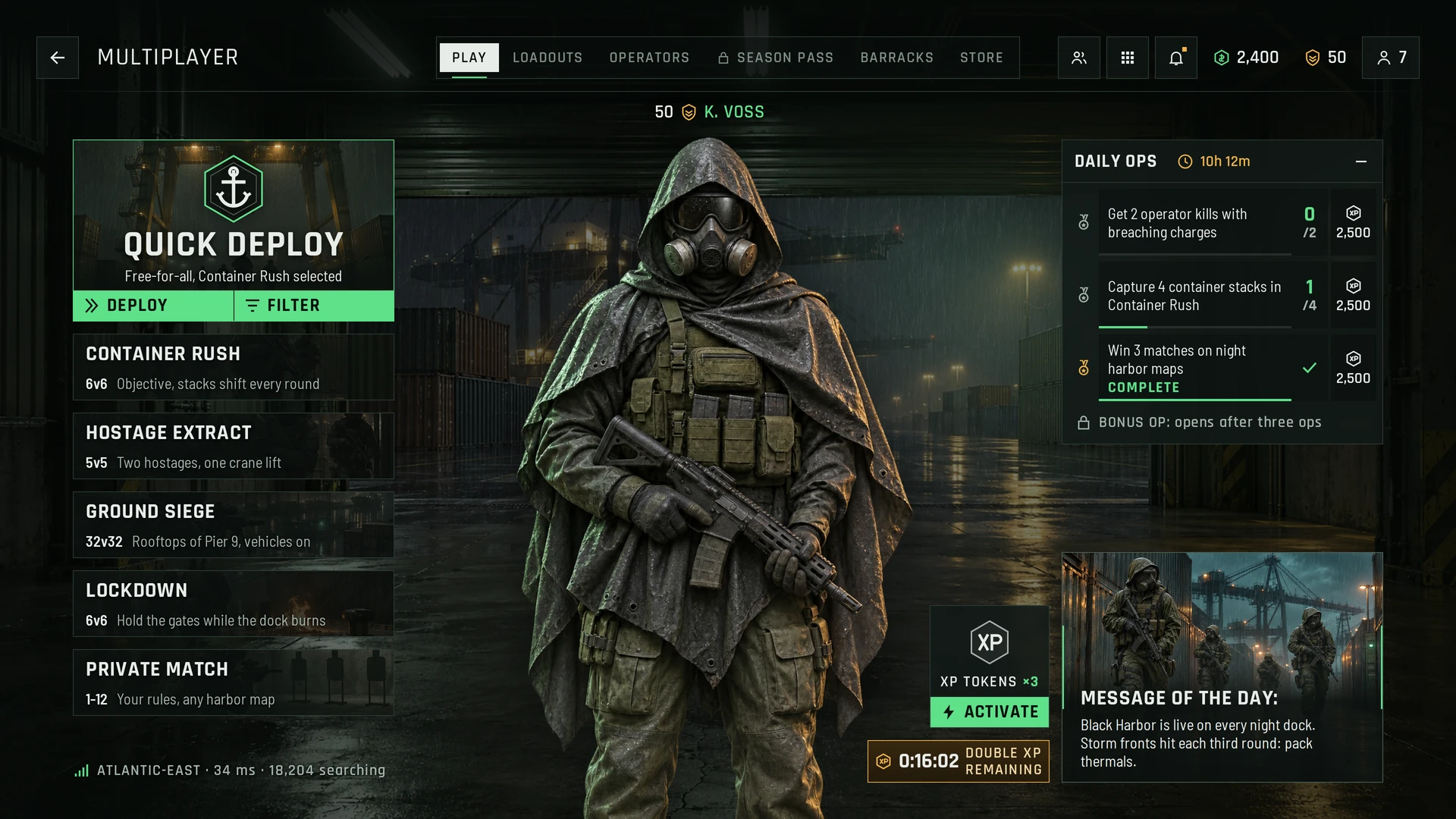
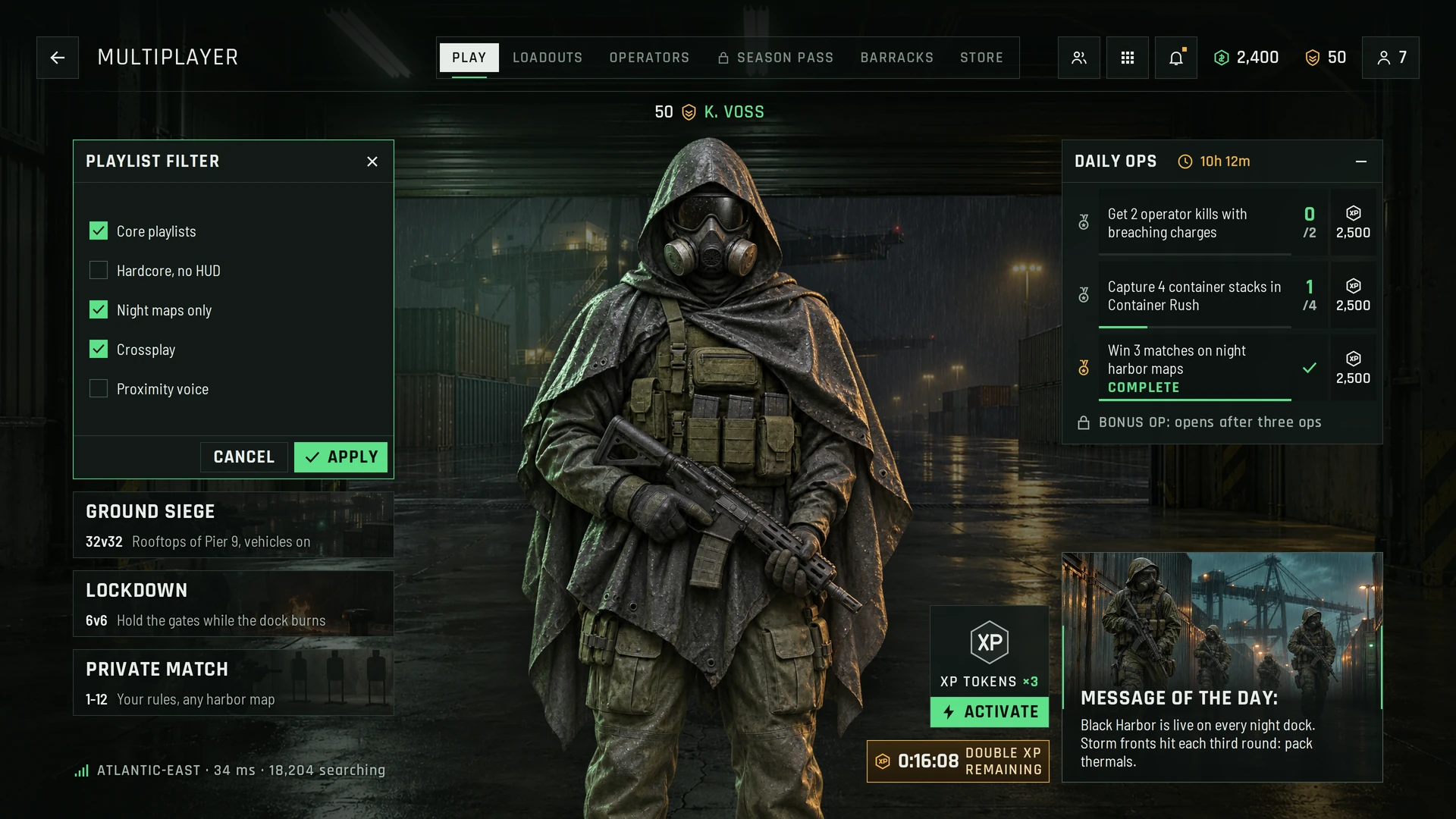
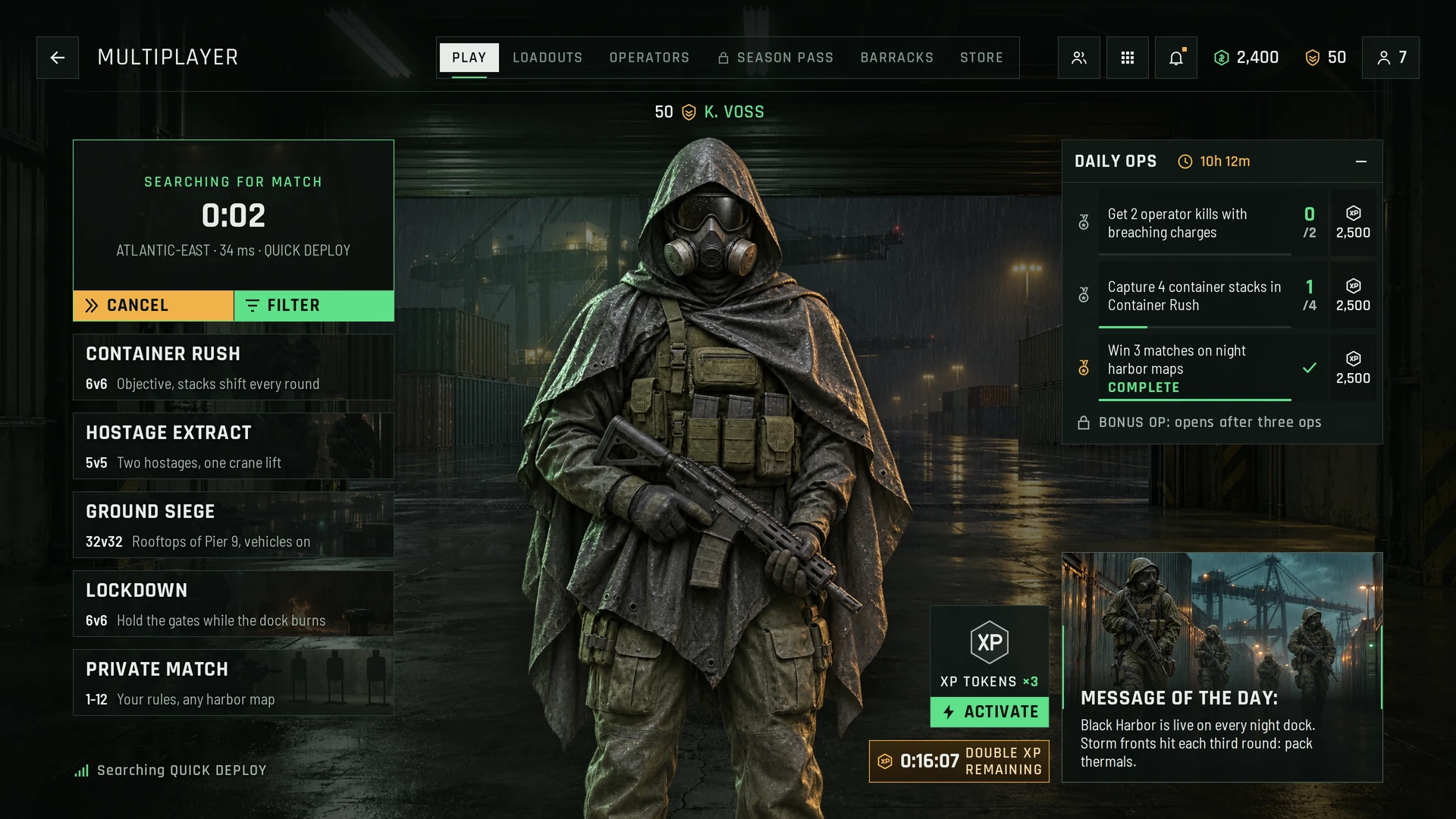
Gridlock Black Harbor Lobby is a complete multiplayer lobby for a modern military shooter. A hooded operator in a rain poncho stands in a night loading bay under the player name and rank, between a featured mode card with Deploy and Filter on the left, five more modes below it with team sizes, and a Daily Ops panel on the right with three challenges, XP rewards and a locked bonus op. Pick a mode to swap it into the featured card, deploy to start a match search you can cancel, track a challenge, collapse Daily Ops, or spend an XP token to add double XP time. A playlist filter dialog holds five toggles, and the top bar carries six tabs with a locked Season Pass. You get the working screen as plain HTML, CSS and JavaScript with no build step: it scales from phones in landscape to 4K, and every control works with mouse, touch and keyboard. For game engines the package includes seven full screen states and eleven components cut out on transparent backgrounds, each as PNG at 1920x1080 scale and exactly double at @2x, plus every icon as its own SVG and a transparent 1024 px icon. The operator, the six mode images and the message of the day image are original art made for this screen.
Highlights
- Working HTML, CSS and JavaScript screen
- 7 full screen states at 1x and @2x
- 11 components on transparent backgrounds
- Every icon as its own SVG
- Mouse, touch and keyboard