Whiteout Division Operator Select: Game Ui | HorizonX

Game Assets

Whiteout Division Operator Select

New

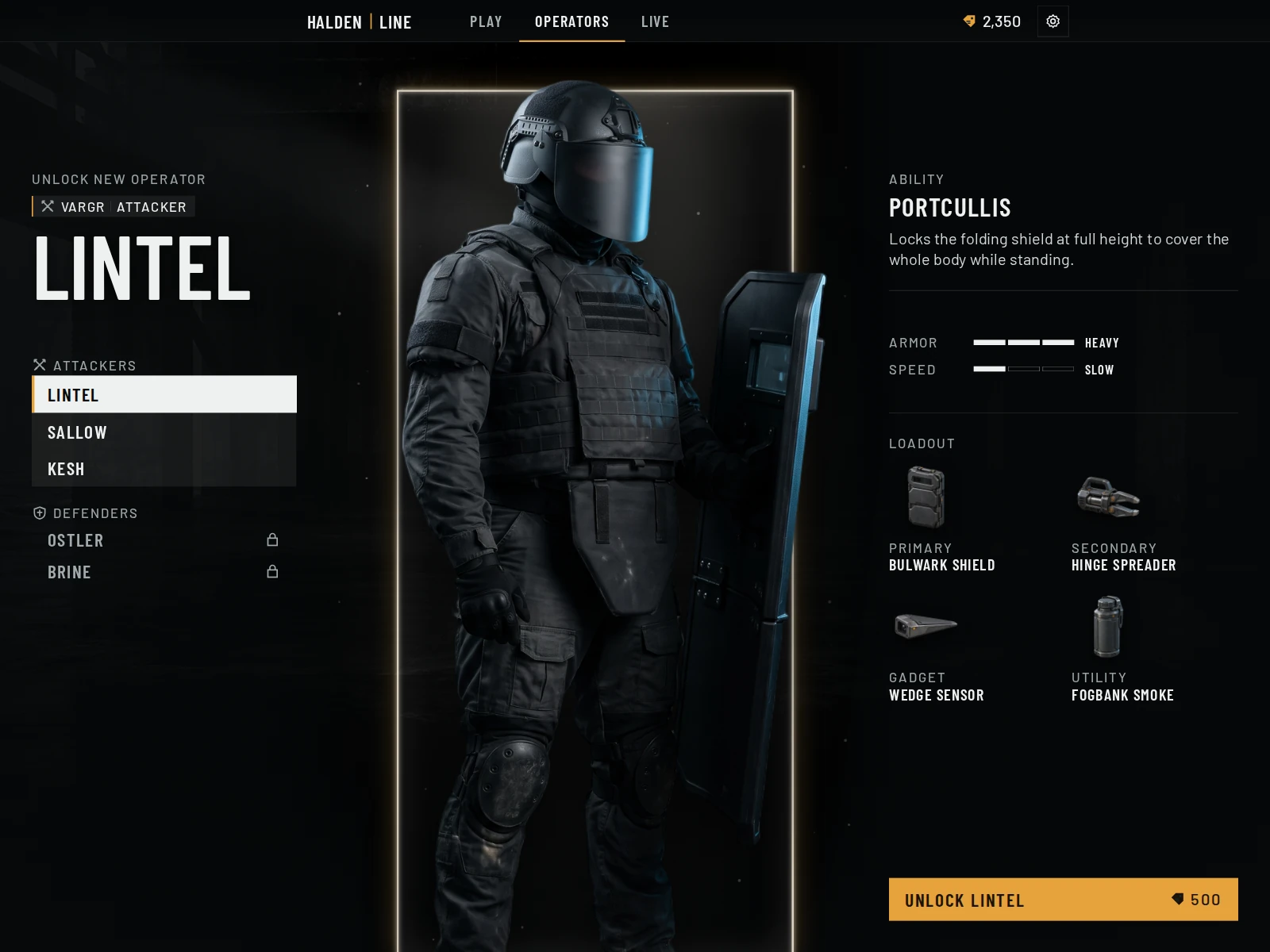
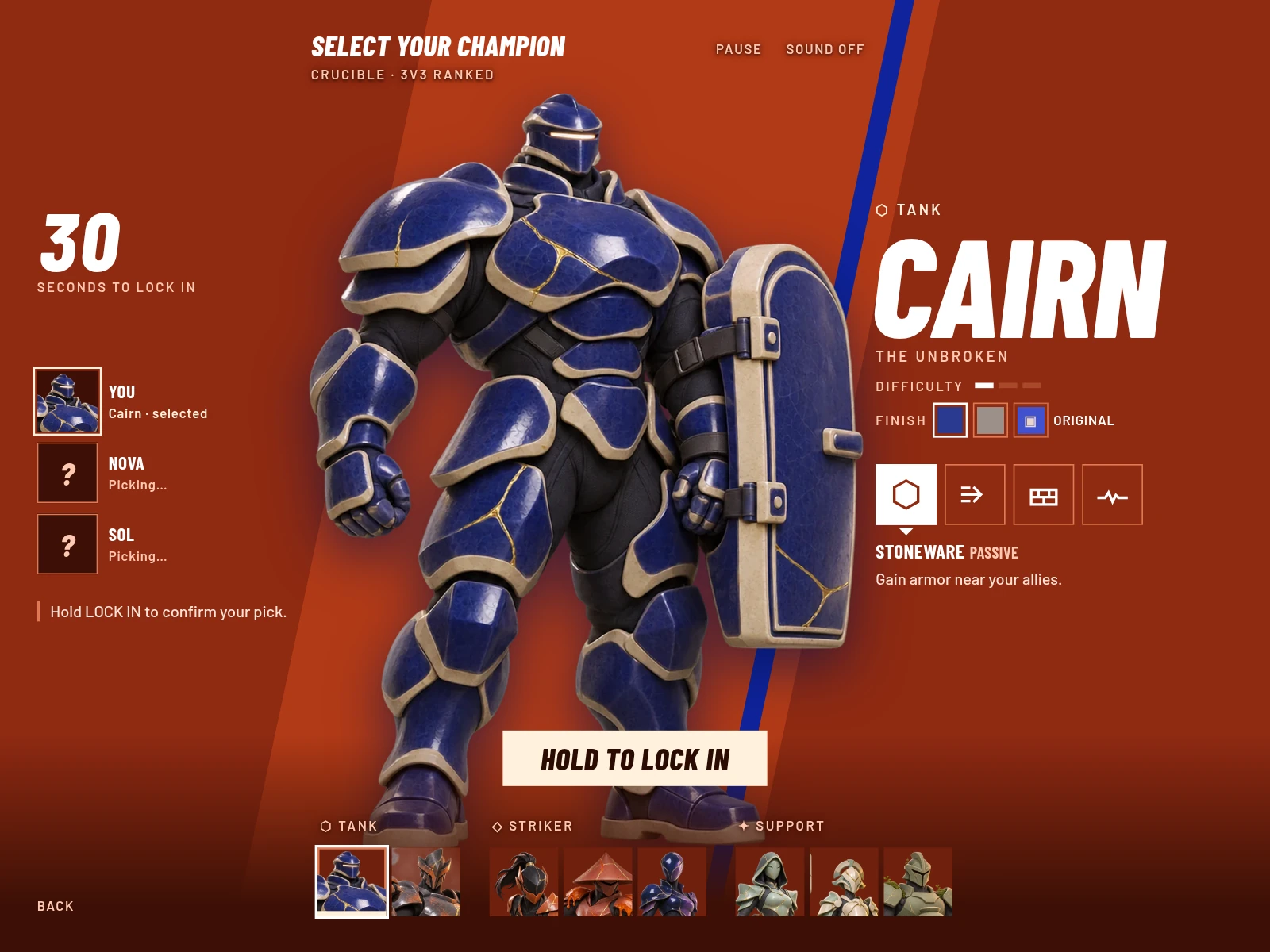
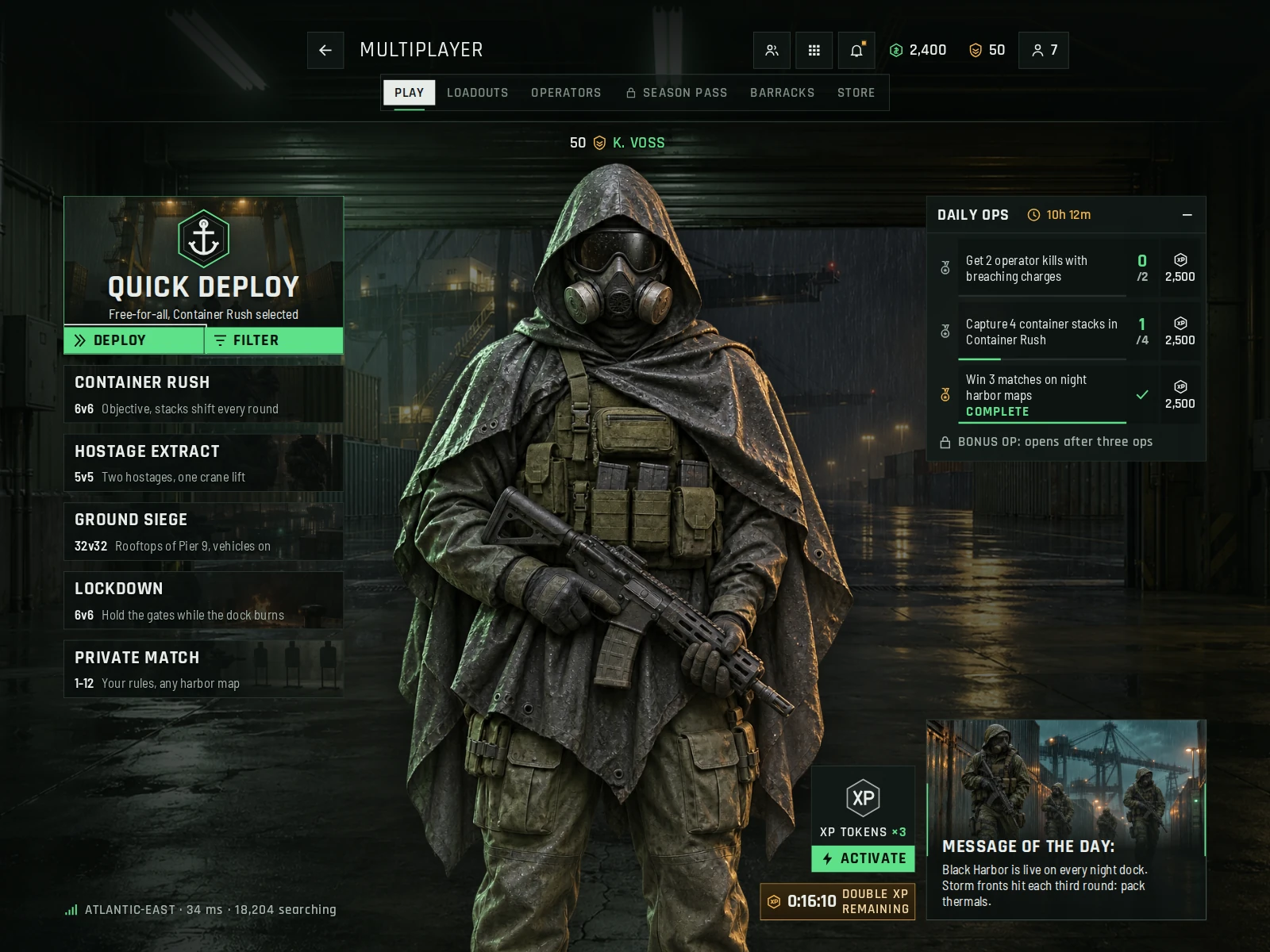
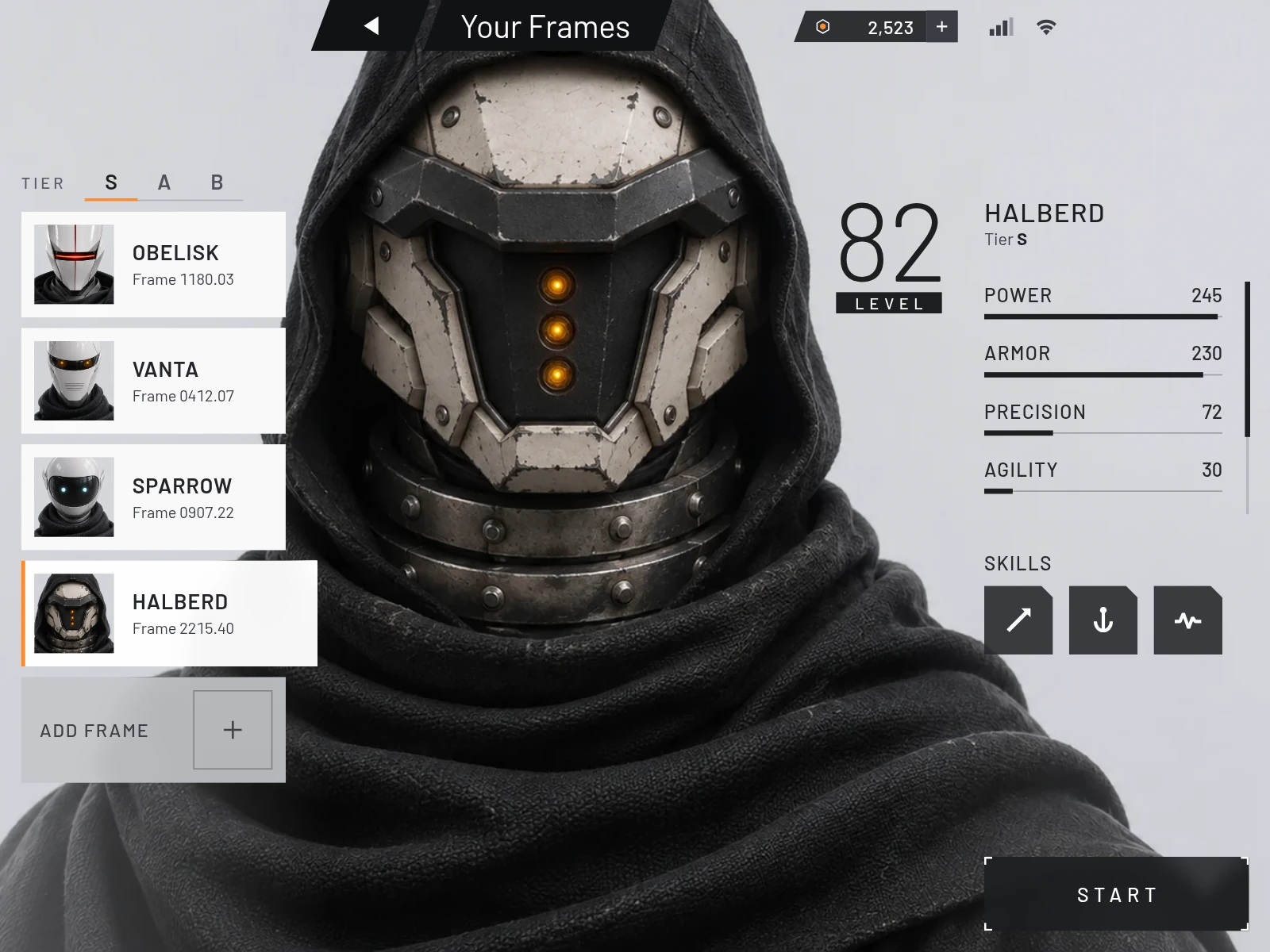
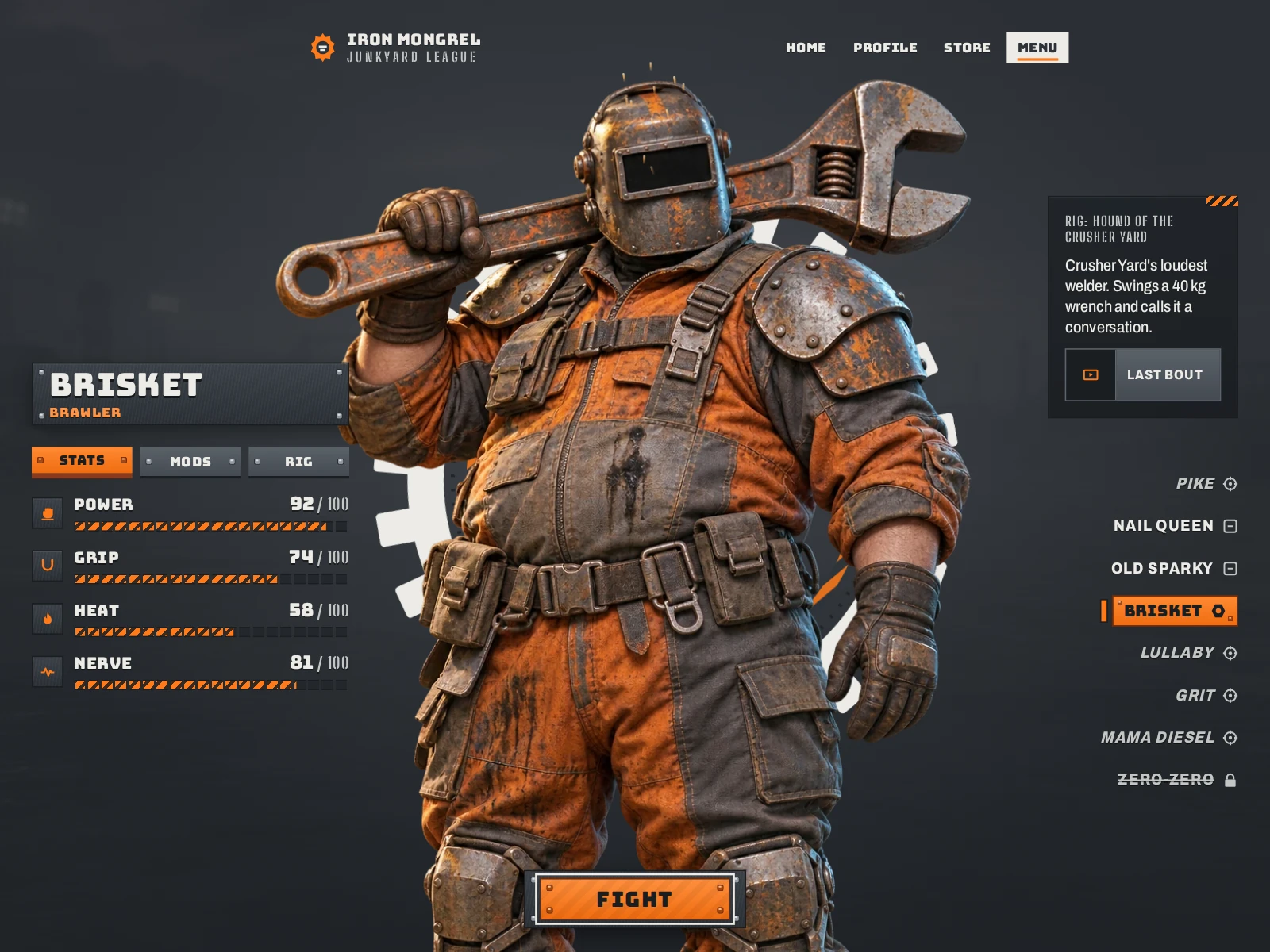
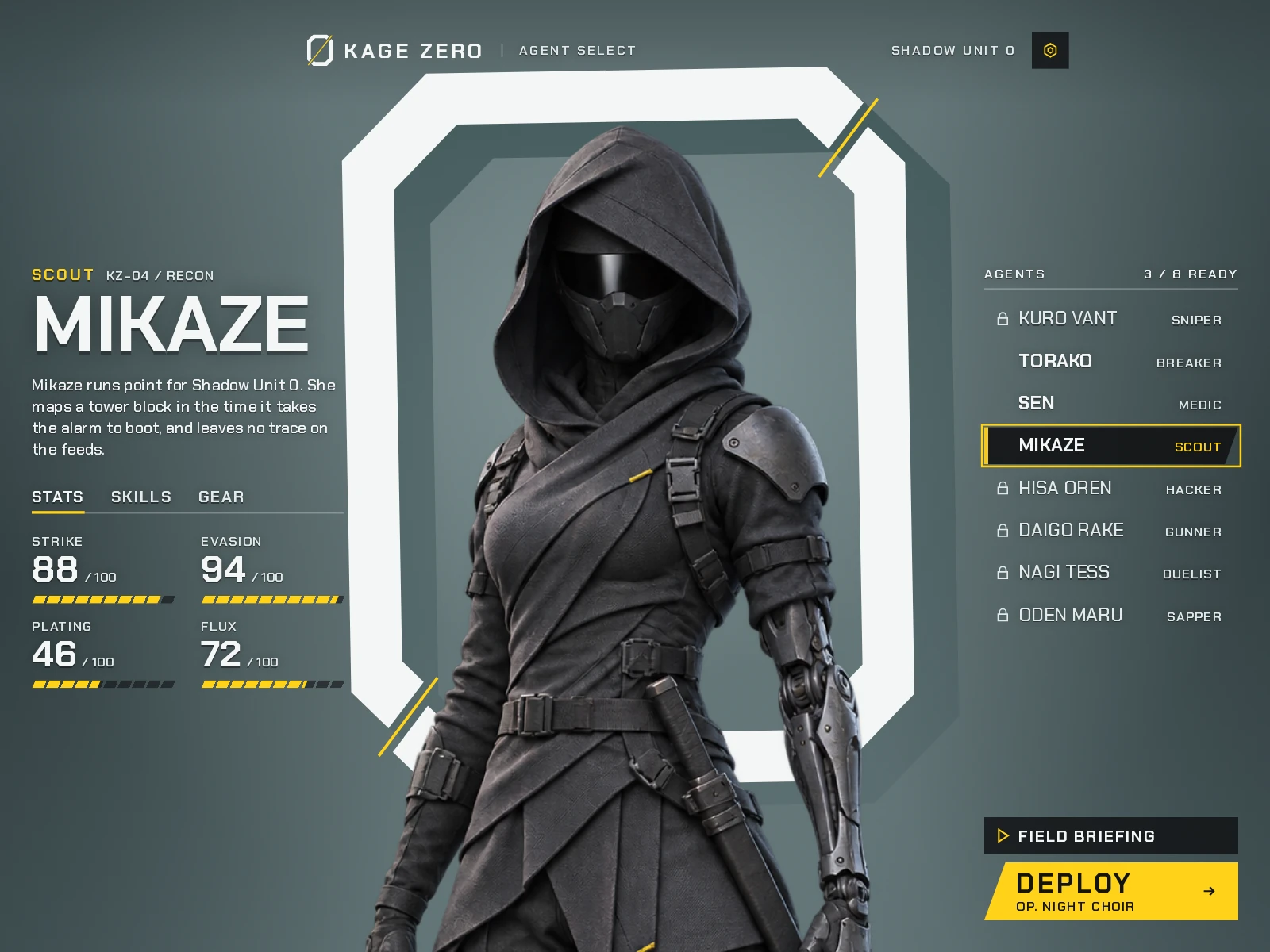
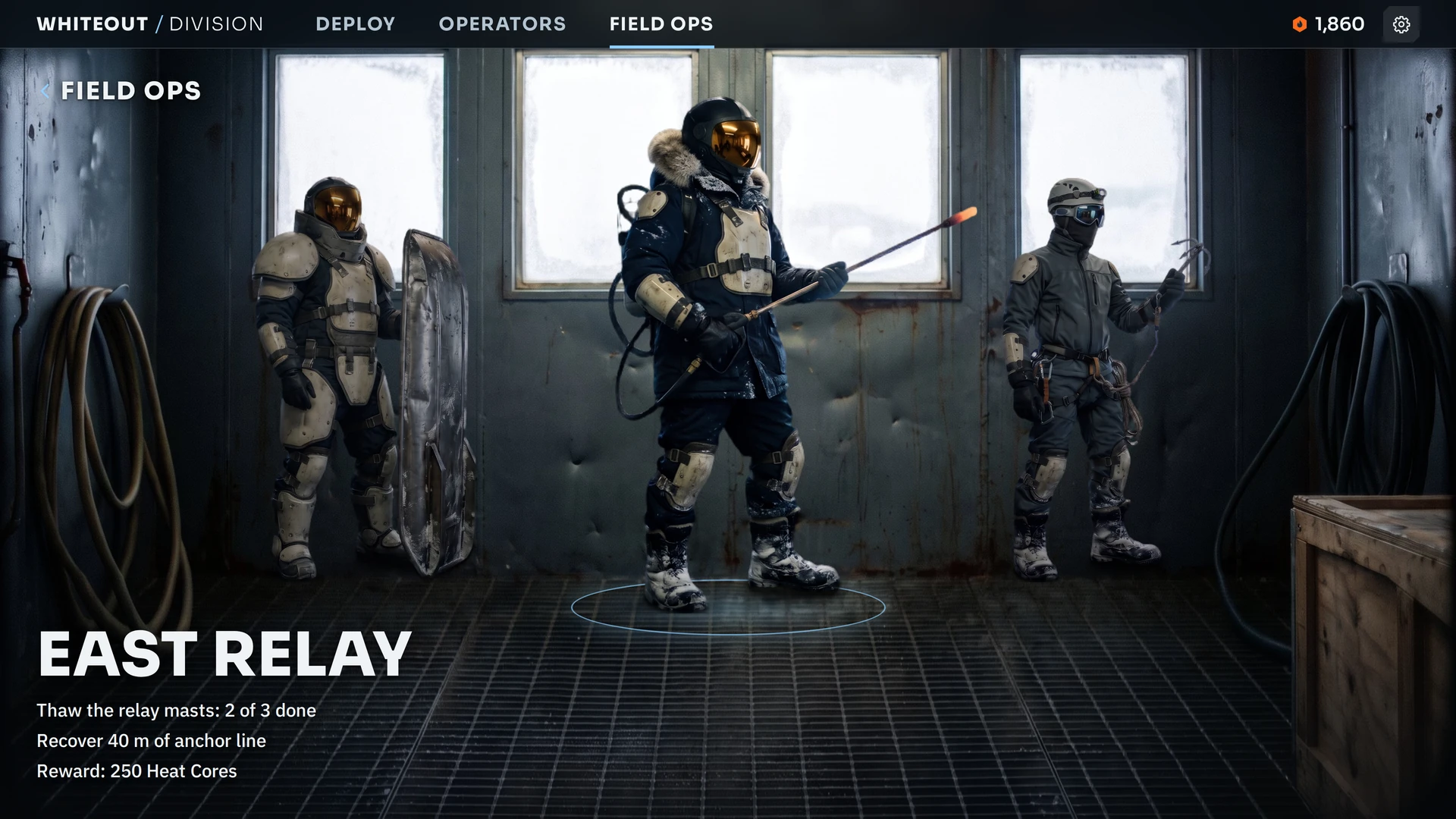
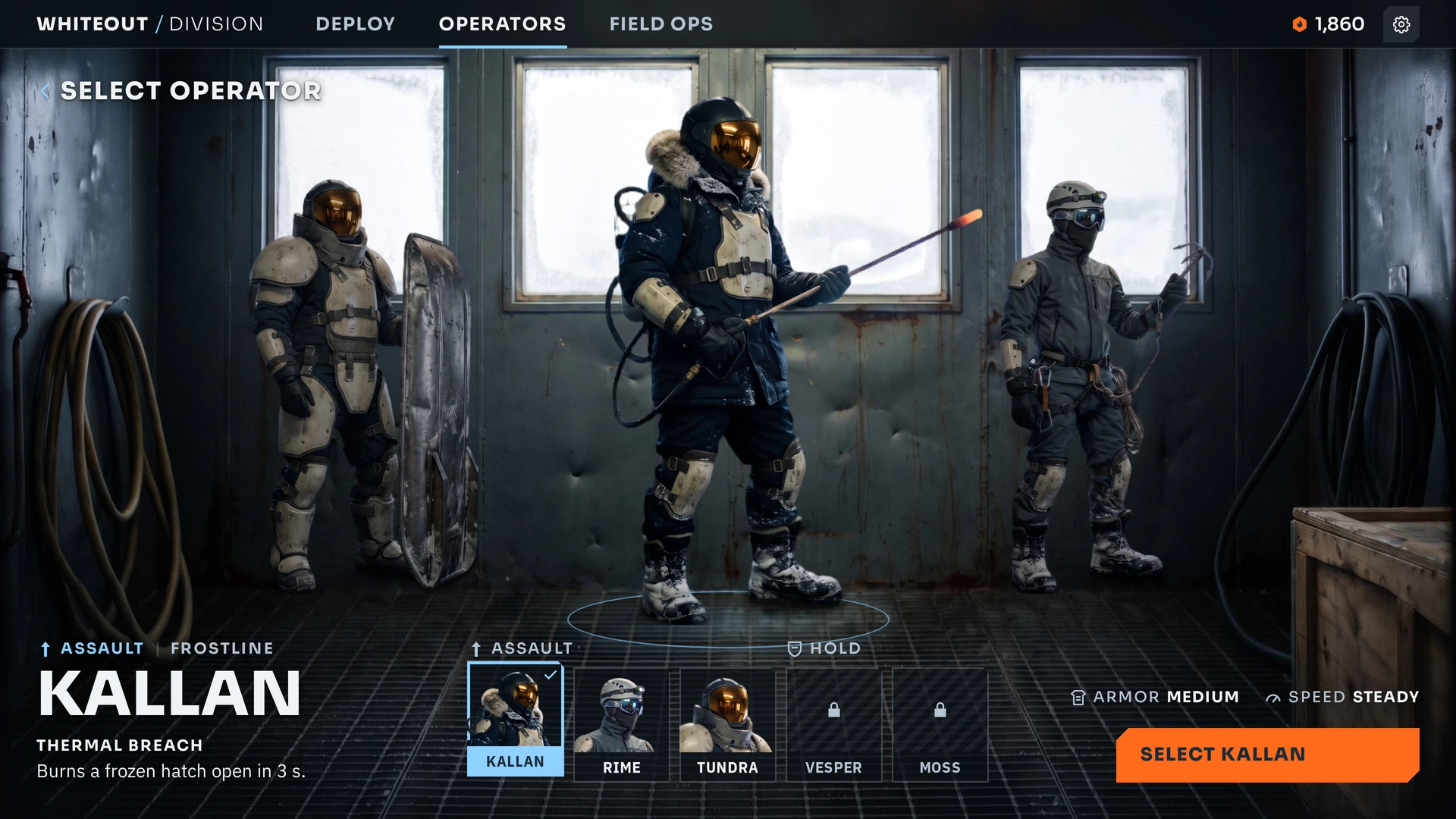
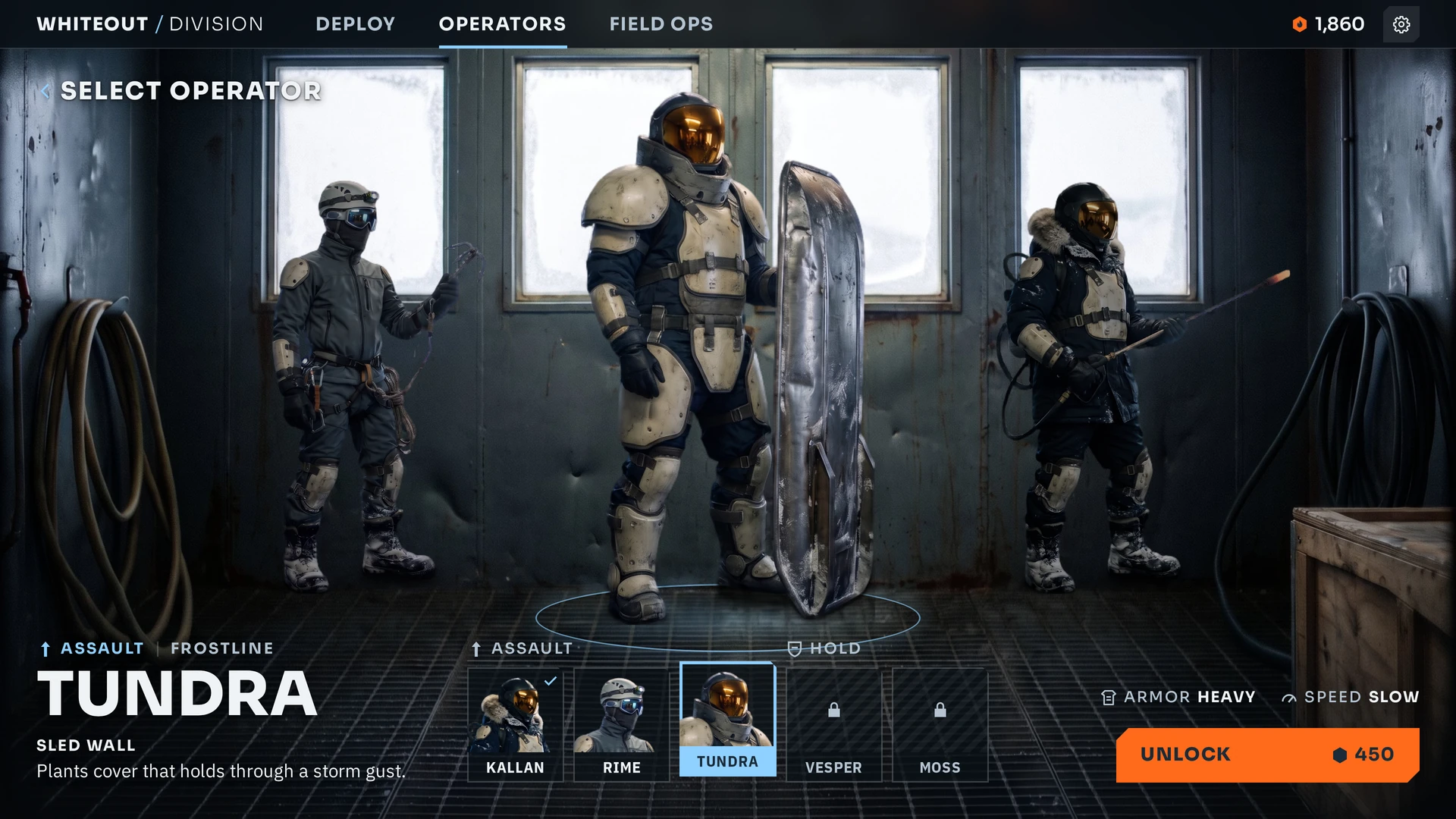
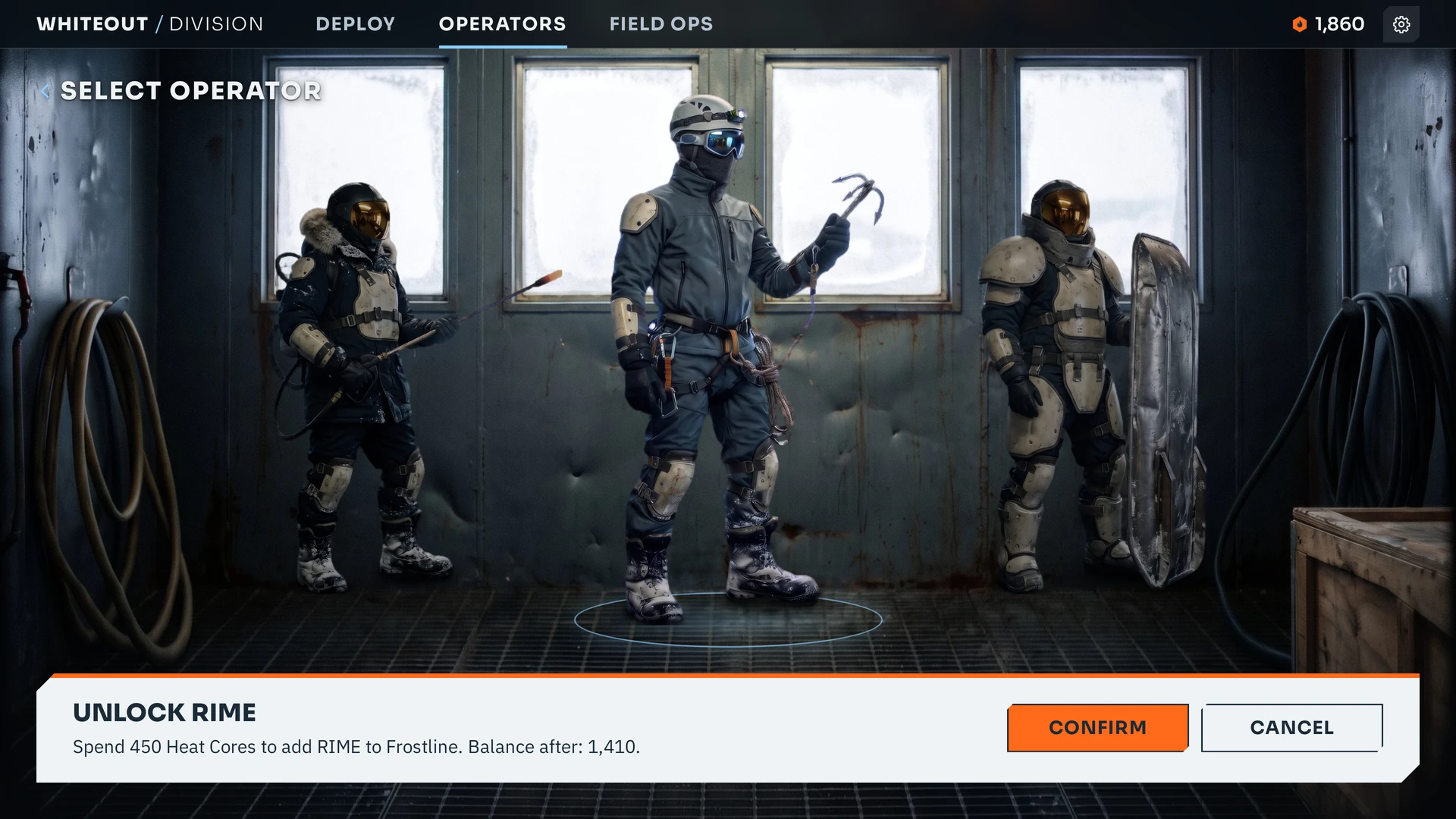
An operator select screen for an arctic shooter: three cold-weather operators as a lineup in a frosted bay, five operator tiles with two locked, ability, armor and speed, and an unlock flow, as a working HTML screen plus every state and component in PNG at 1x and 2x.

Whiteout Division Operator Select, image 4
Whiteout Division Operator Select, image 1
Whiteout Division Operator Select, image 2
Whiteout Division Operator Select, image 3
Whiteout Division Operator Select, image 4
Whiteout Division Operator Select, image 1
  • Instant access Included with every membership
  • Ready to adapt Use it as your starting point
  • Commercial license With a membership, for client work

Overview

Whiteout Division Operator Select is a complete operator select screen for an arctic military shooter. Three operators in cold-weather gear stand as a lineup in a frosted bay, the chosen one in front on a lit ring, above a rail of five operator tiles grouped as Assault and Hold, two of them locked behind a rank. Name, role and one ability sit bottom left, armor and speed bottom right. Pick a tile or a figure to bring that operator forward. Unowned operators unlock for Heat Cores in a confirm bar, costing more each time, and selecting an owned operator goes straight to Deploy. The Deploy and Field Ops tabs show a mission brief and a task list, and a settings dialog turns on reduced motion and larger text. You get the working screen as plain HTML, CSS and JavaScript with no build step: it scales from phones in landscape to 4K, and every control works with mouse, touch and keyboard. For game engines the package includes eleven full screen states and fourteen components cut out on transparent backgrounds, each as PNG at 1920x1080 scale and exactly double at @2x, plus every icon as its own SVG and a transparent 1024 px icon. The three operators are original art made for this screen.

Highlights

  • Working HTML, CSS and JavaScript screen
  • 11 full screen states at 1x and @2x
  • 14 components on transparent backgrounds
  • Every icon as its own SVG
  • Mouse, touch and keyboard

What's included

  • The files listed under Specs
  • Included with every membership
  • Commercial license with a membership

Frequently asked questions

  • The files for this asset, in the format listed under Specs on this page.

  • It's included with a HorizonX membership, with no separate purchase.

  • Yes, with a HorizonX membership. Members get a commercial license: use and adapt these files in personal, client and commercial projects. If your plan ends, projects you already built keep their license, but the files can't be used to start new ones.

Still have questions?

Our support team replies within one business day.