Overview
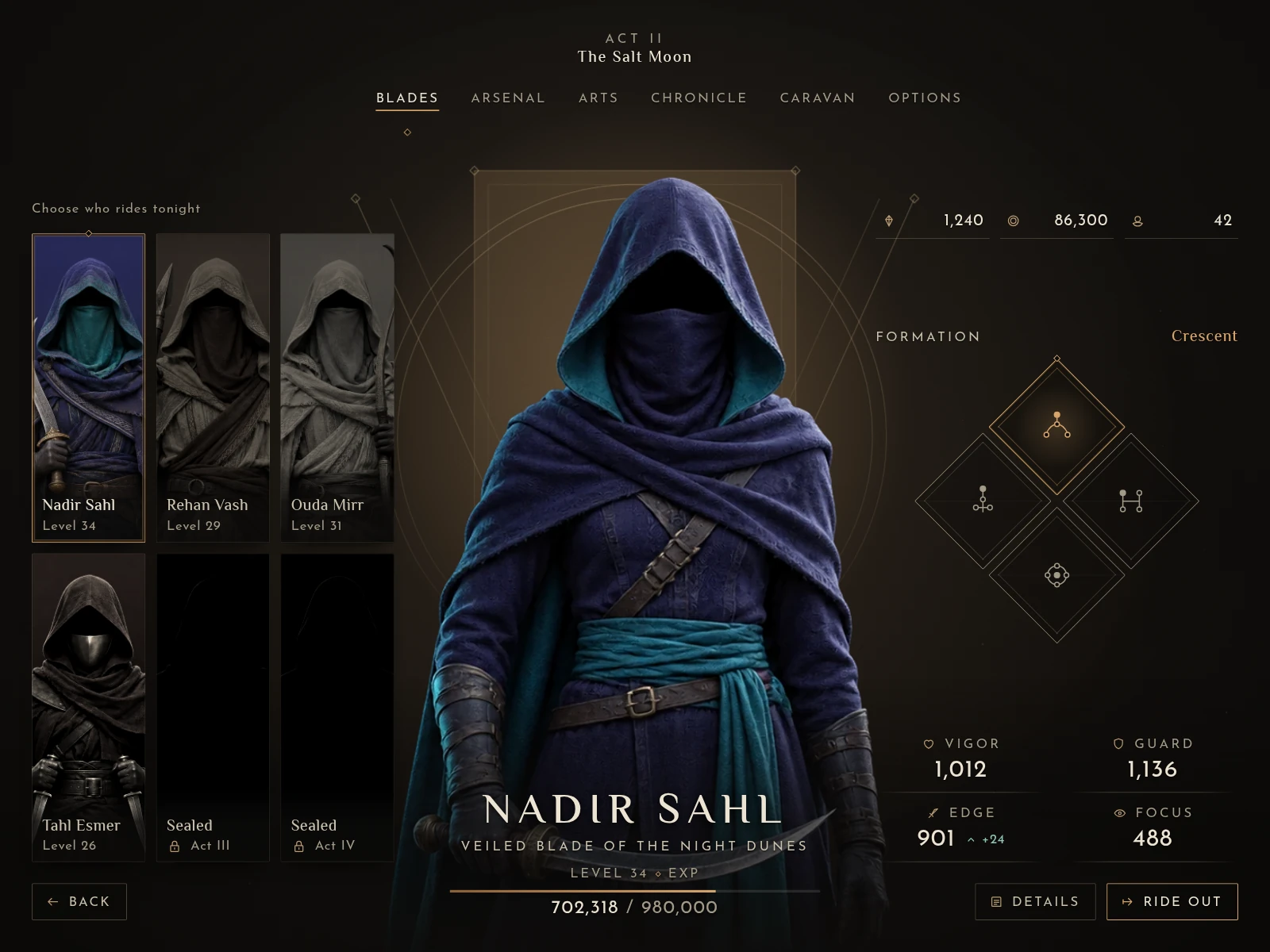
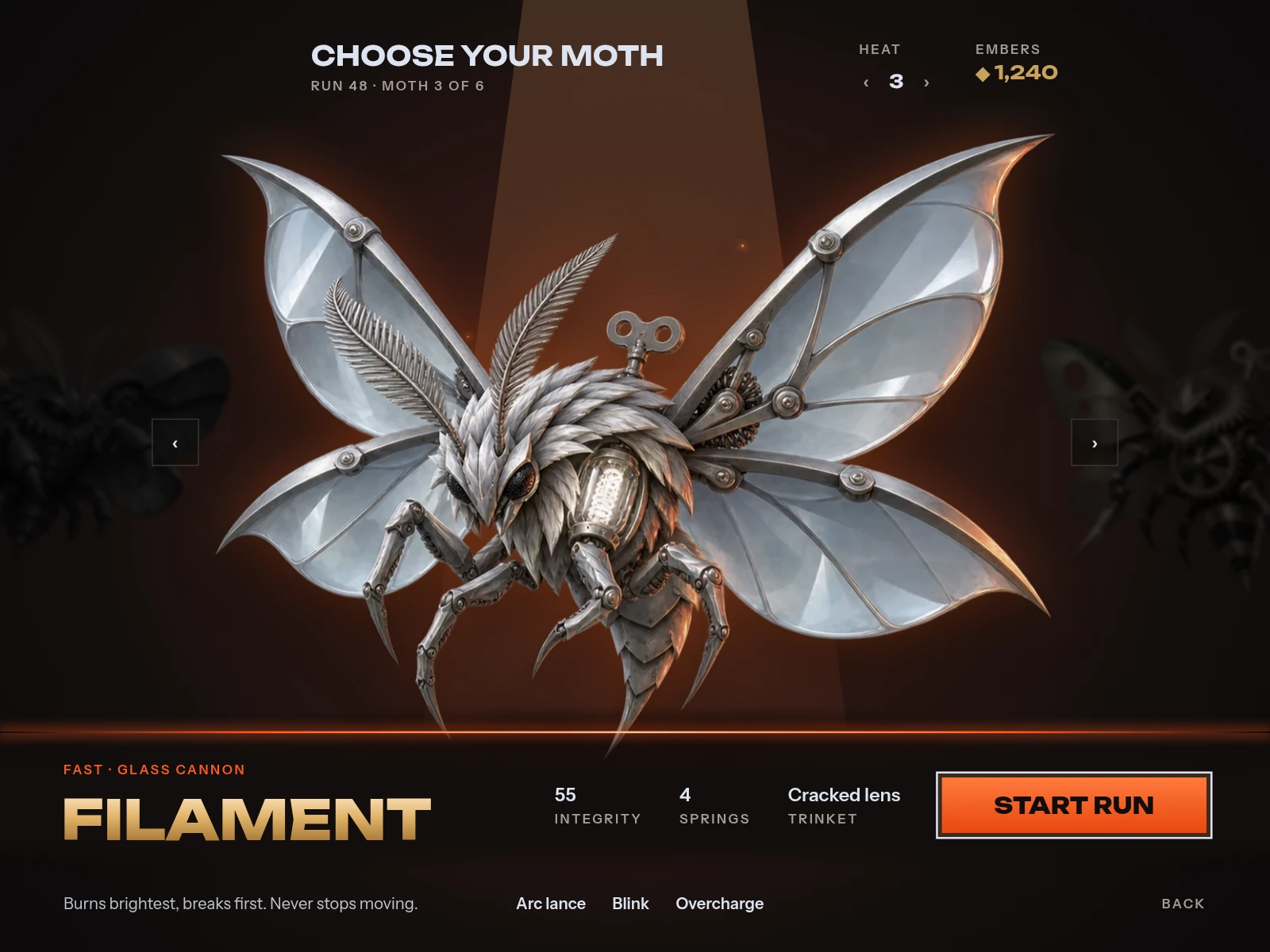
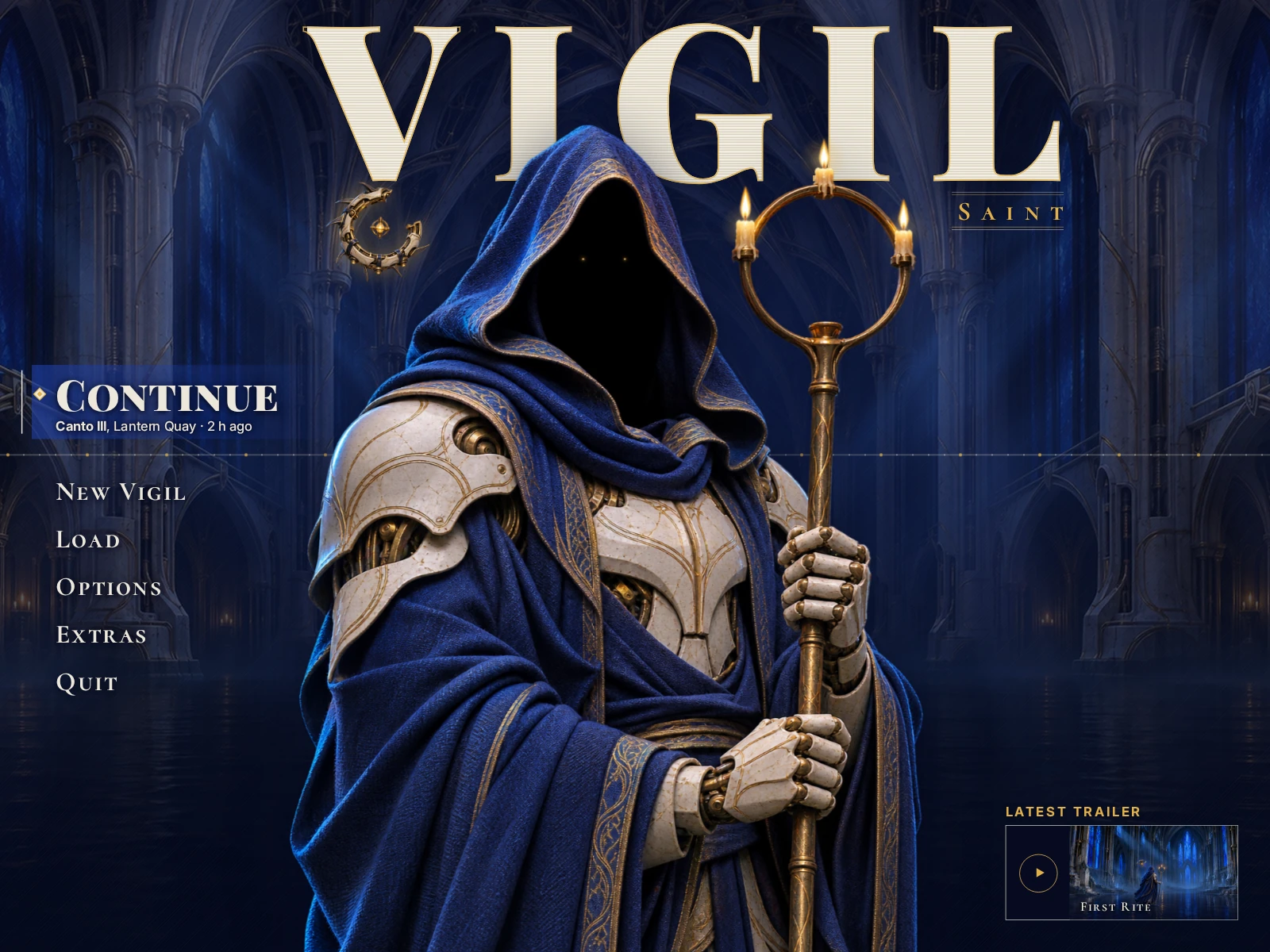
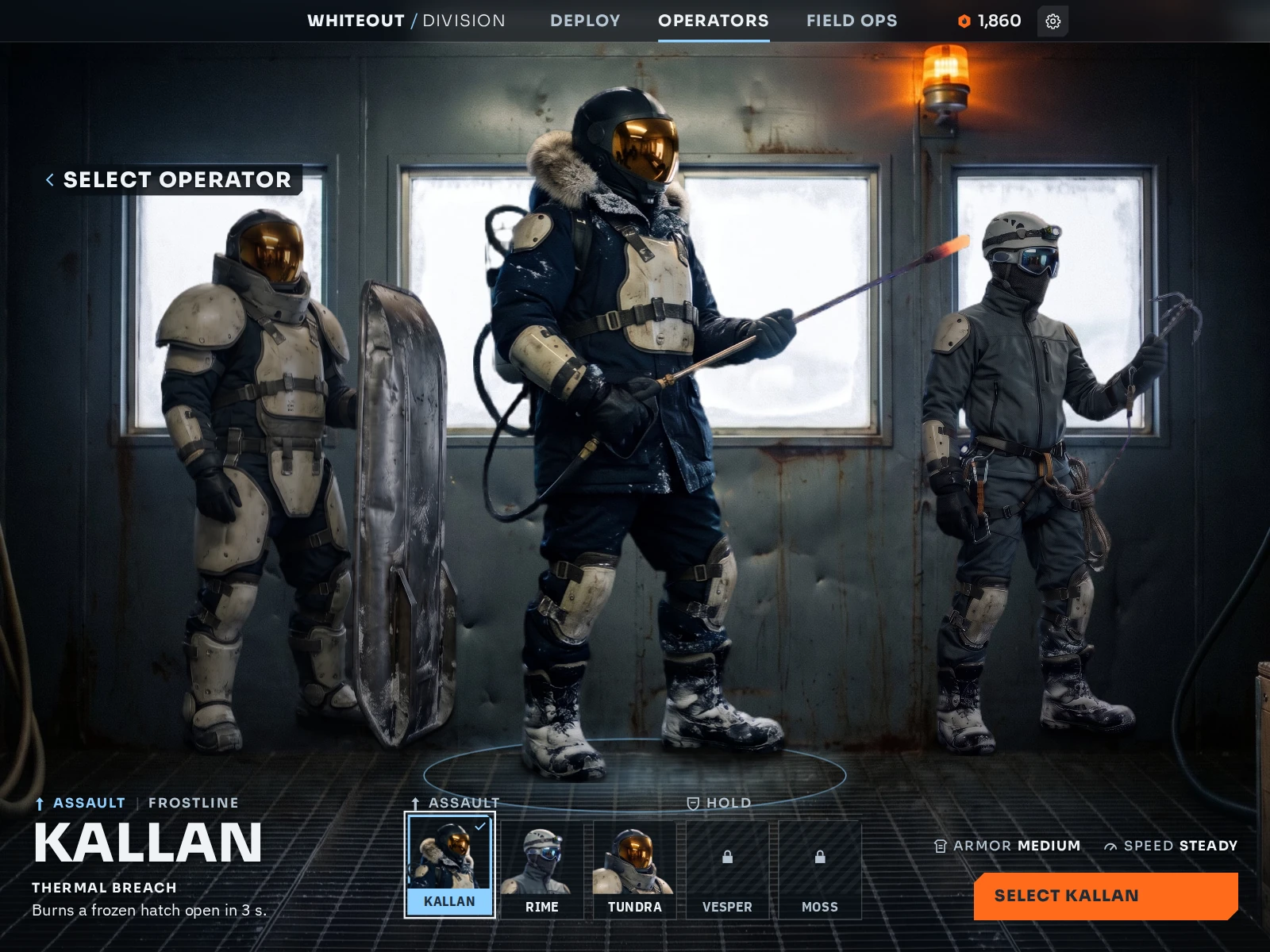
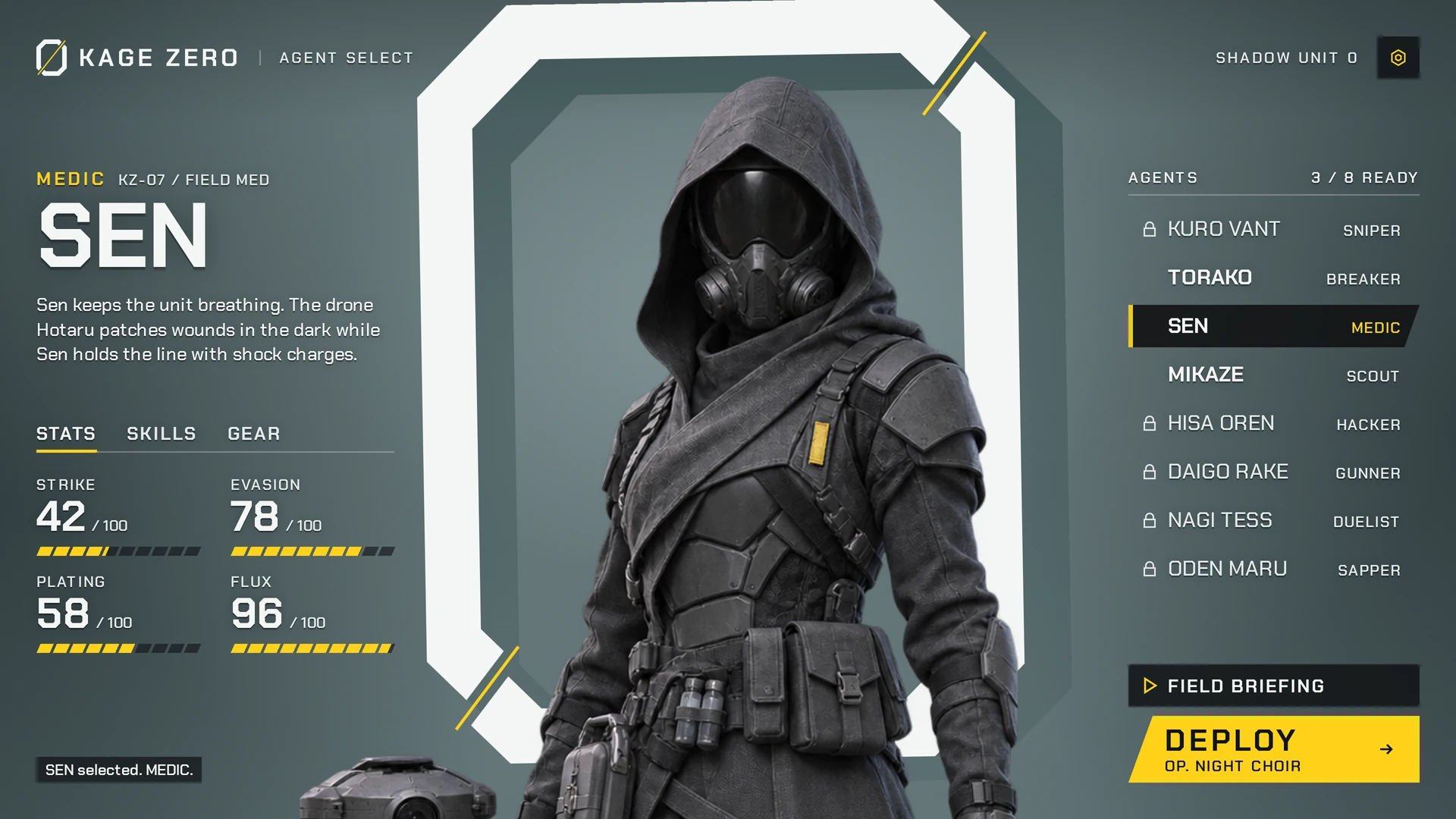
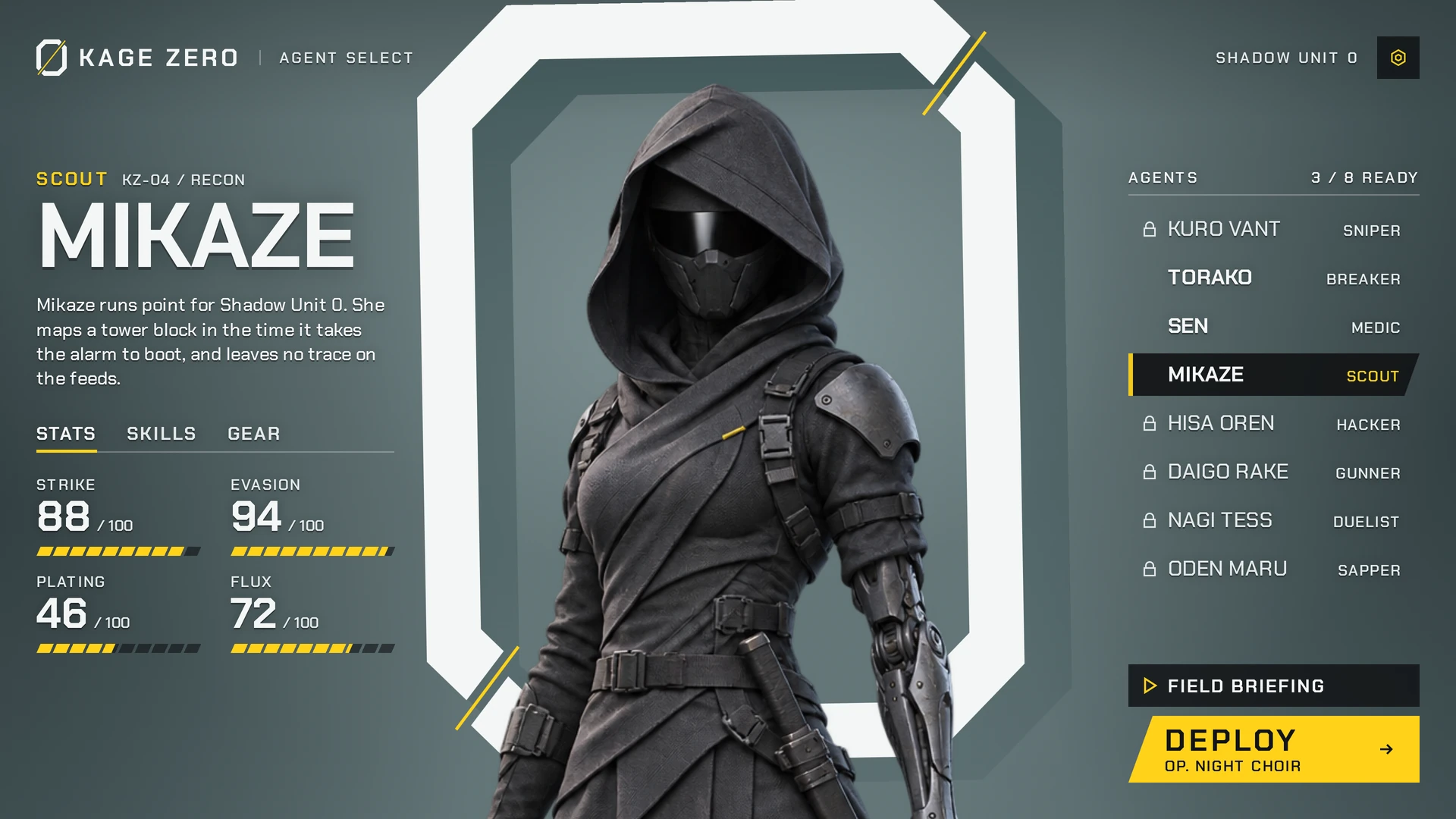
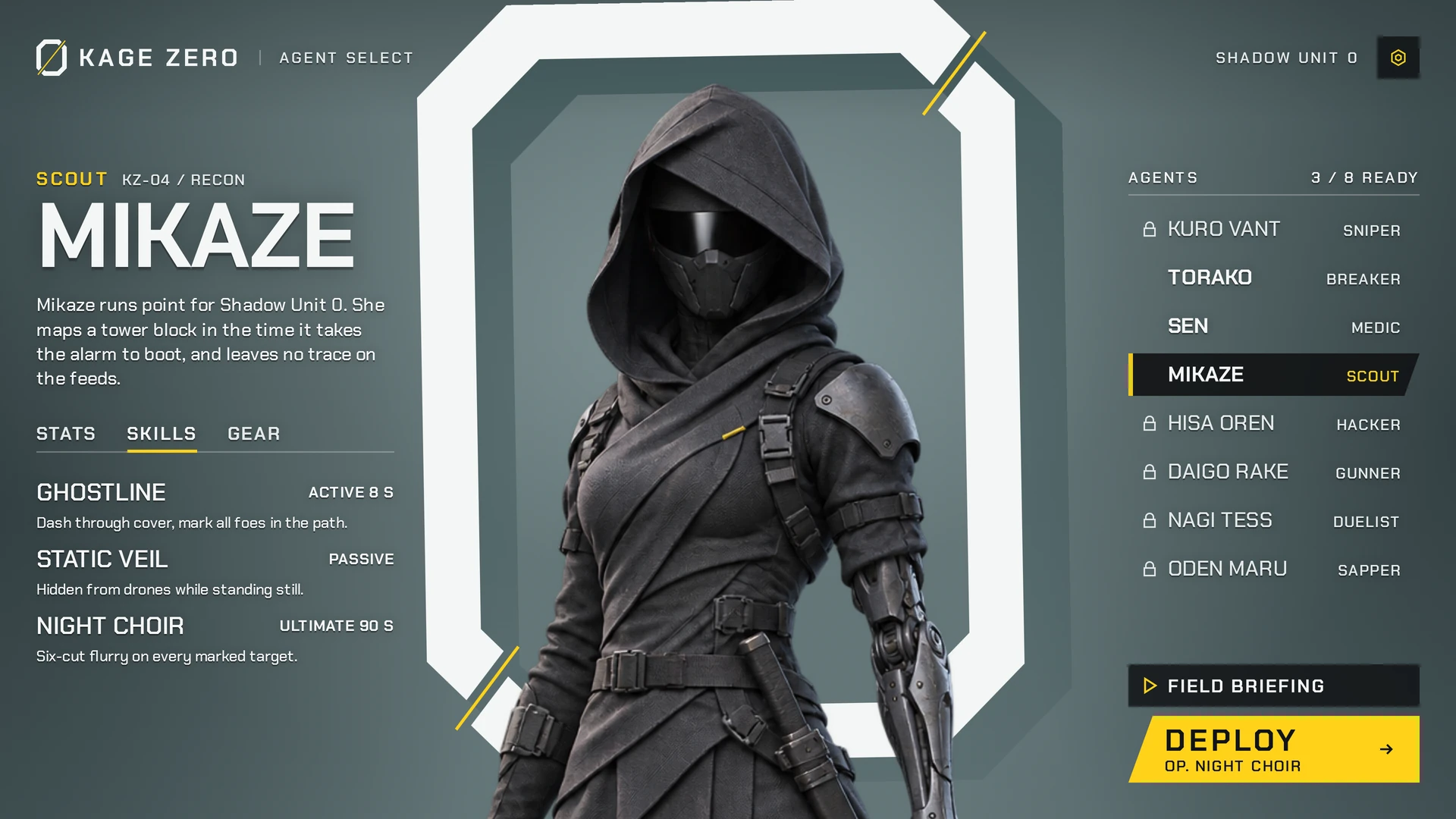
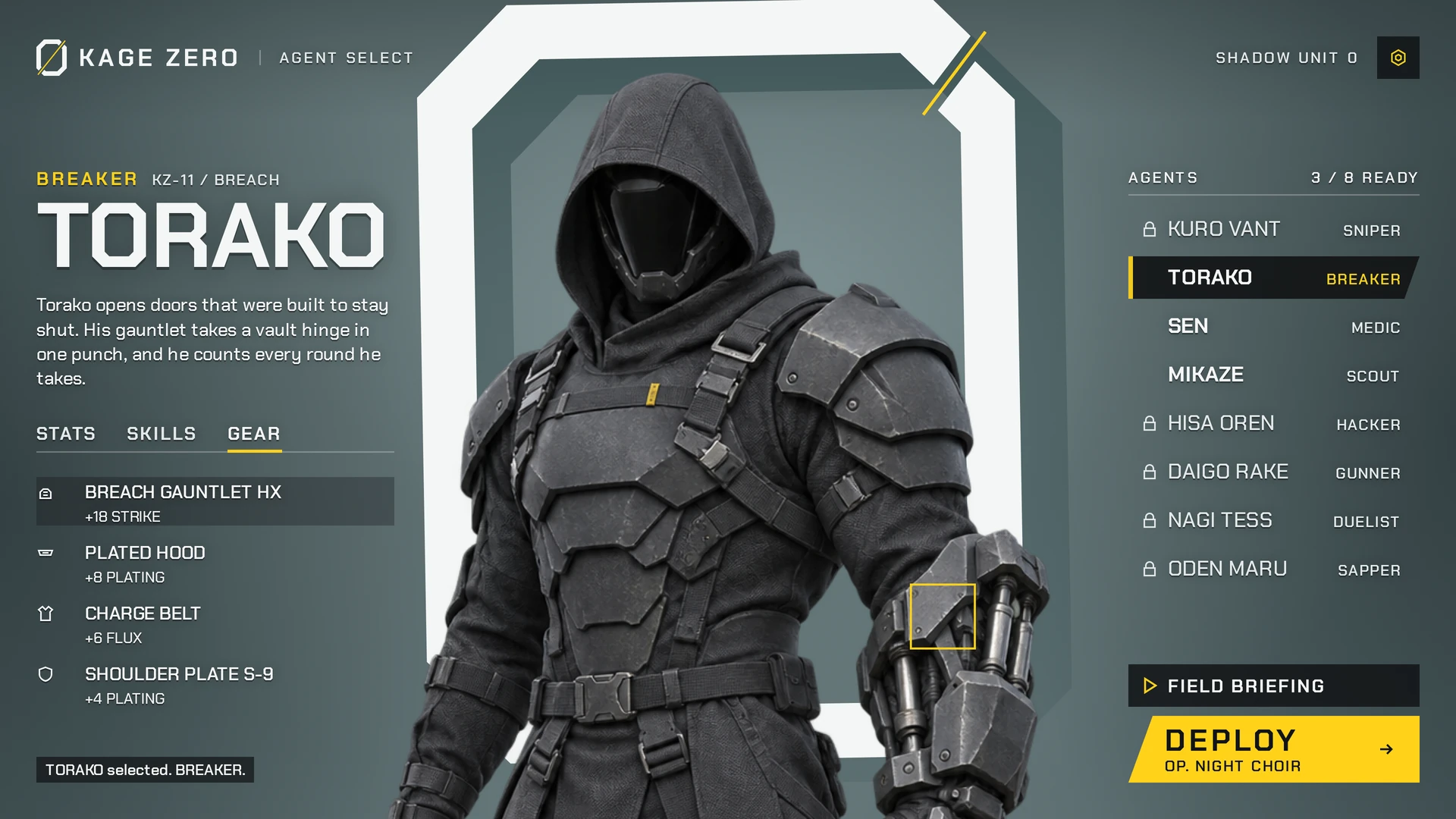
Kage Zero Agent Select is a complete character select screen for a cyber-ninja or stealth action game. A hooded agent stands on a grey-teal field in front of a giant white zero cut by a diagonal, with the agent file on the left and the squad on the right. The roster lists eight agents: three are playable and five are locked. Selecting one swaps the figure, name, class, bio and four stats out of 100. The Skills tab shows three skills with their type and cooldown, and the Gear tab lists four pieces with their stat bonuses and marks each one on the figure. A briefing player with subtitles, a settings dialog with three toggles and a Deploy button with its own launch state complete the screen. You get the working screen as plain HTML, CSS and JavaScript with no build step: it scales from phones in landscape to 4K, and every control works with mouse, touch, keyboard and gamepad. For game engines the package includes eight full screen states and nine components cut out on transparent backgrounds, each as PNG at 1920x1080 scale and exactly double at @2x, plus every icon as its own SVG and a transparent 1024 px icon. The three agents are original art made for this screen.
Highlights
- Working HTML, CSS and JavaScript screen
- 8 full screen states at 1x and @2x
- 9 components on transparent backgrounds
- Every icon as its own SVG
- Mouse, touch, keyboard and gamepad