Overview
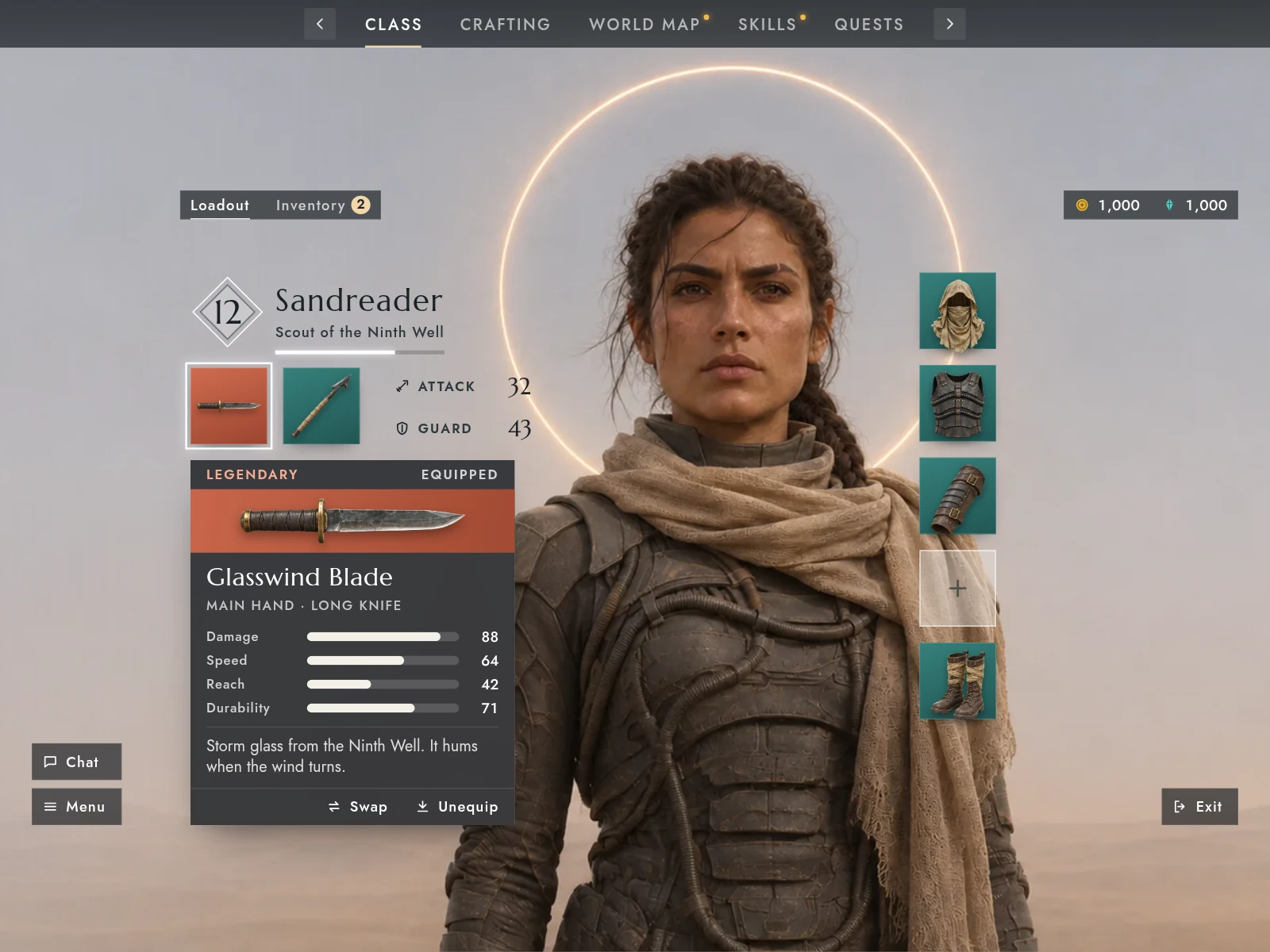
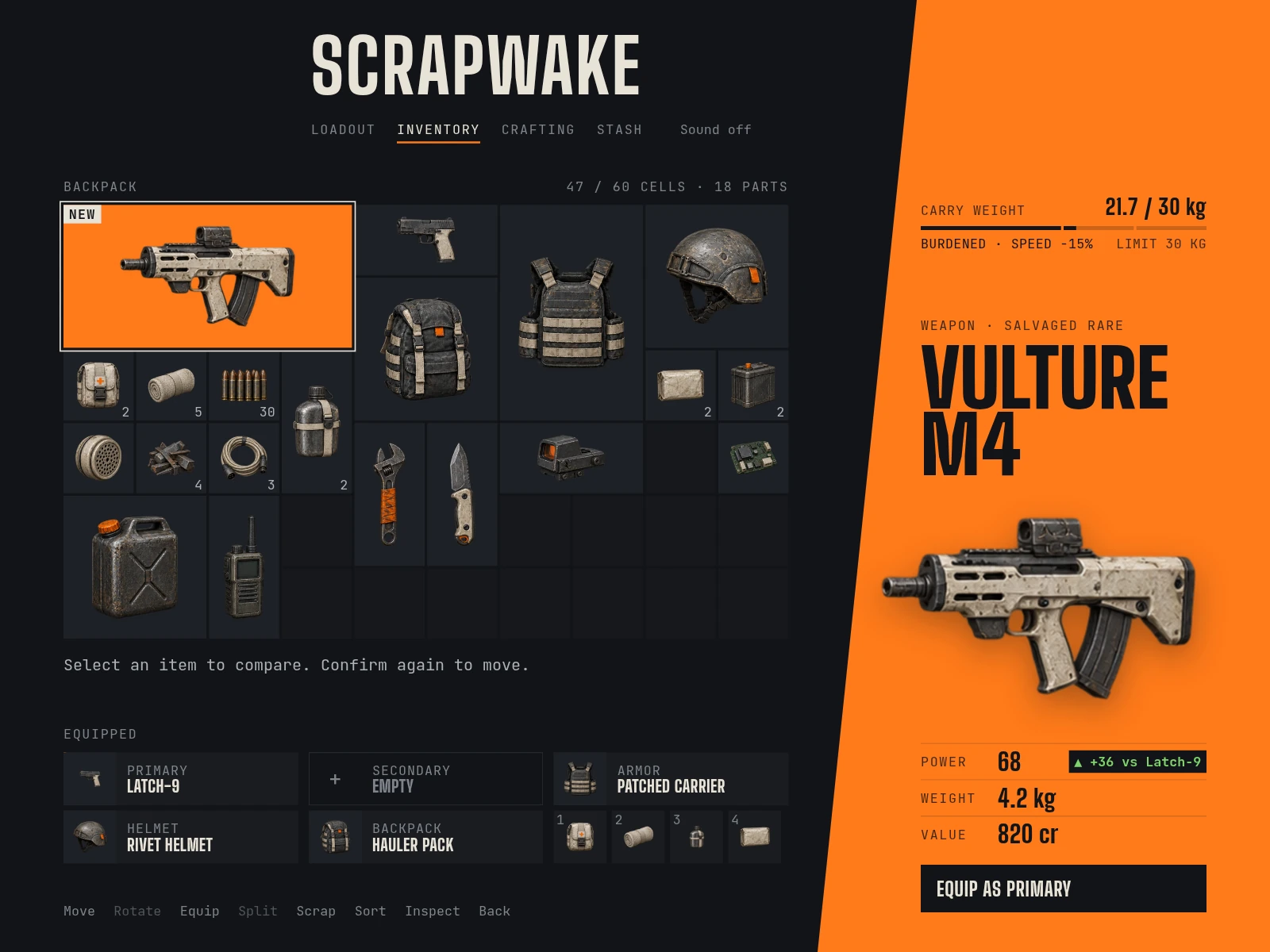
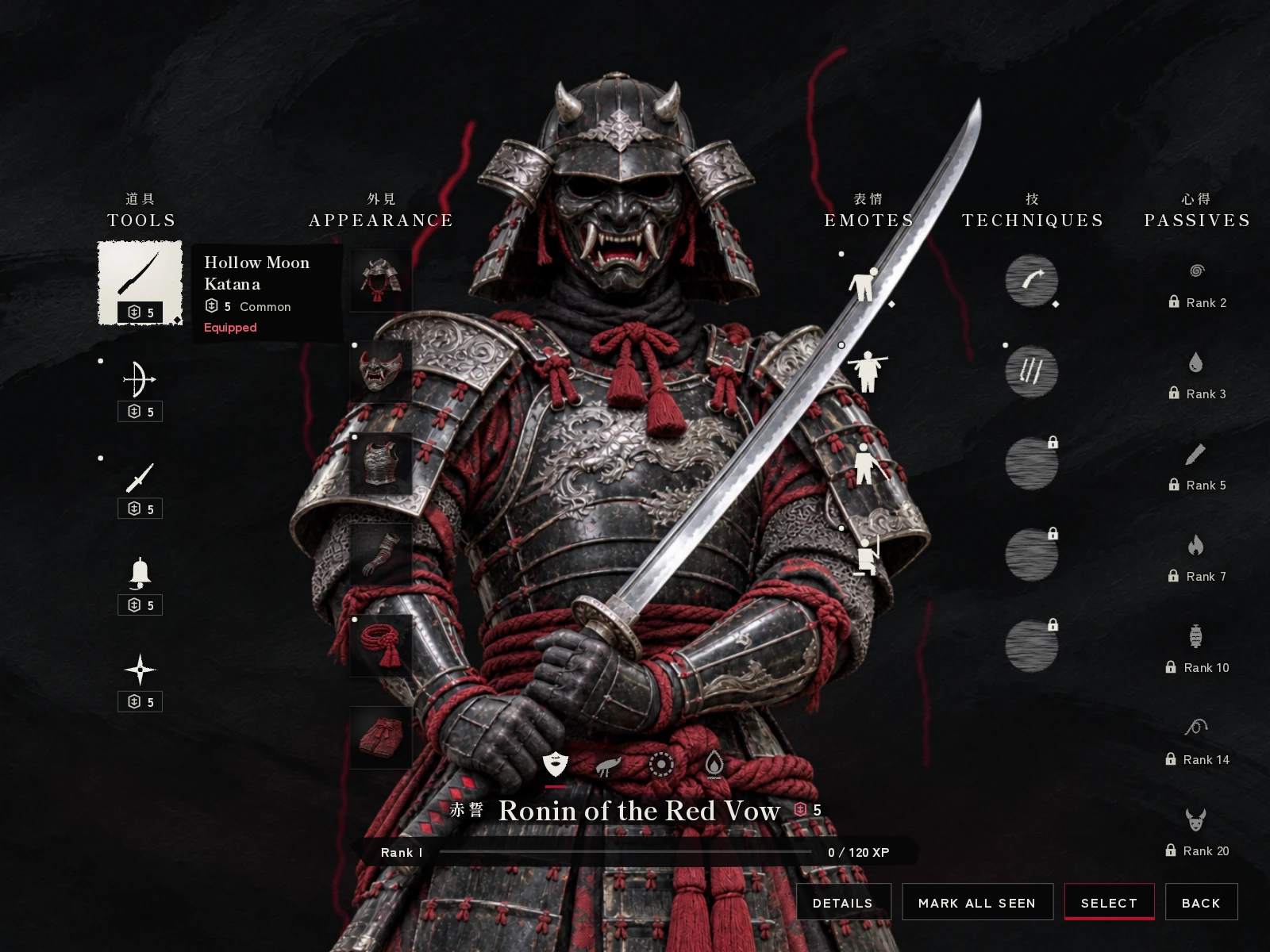
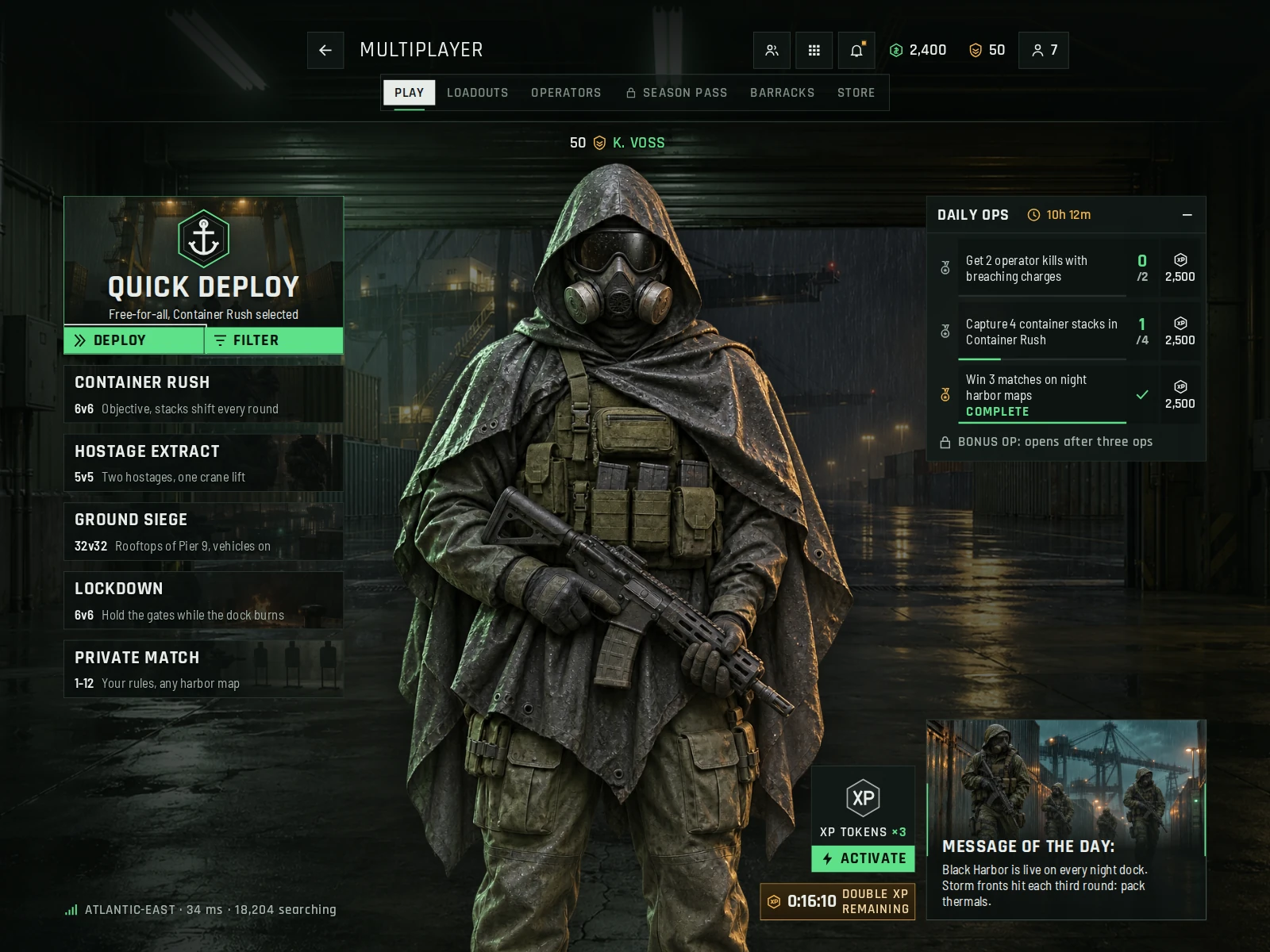
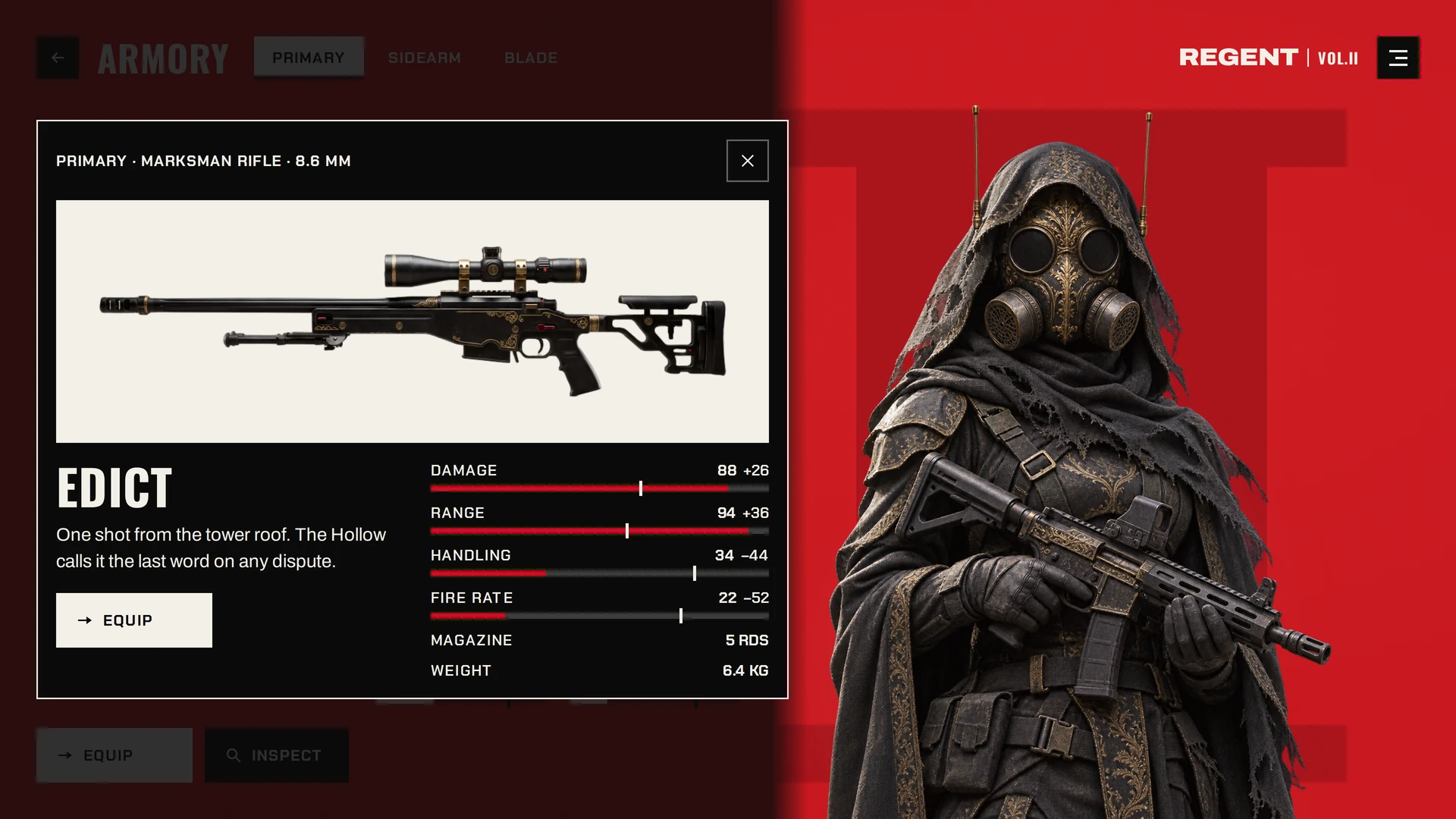
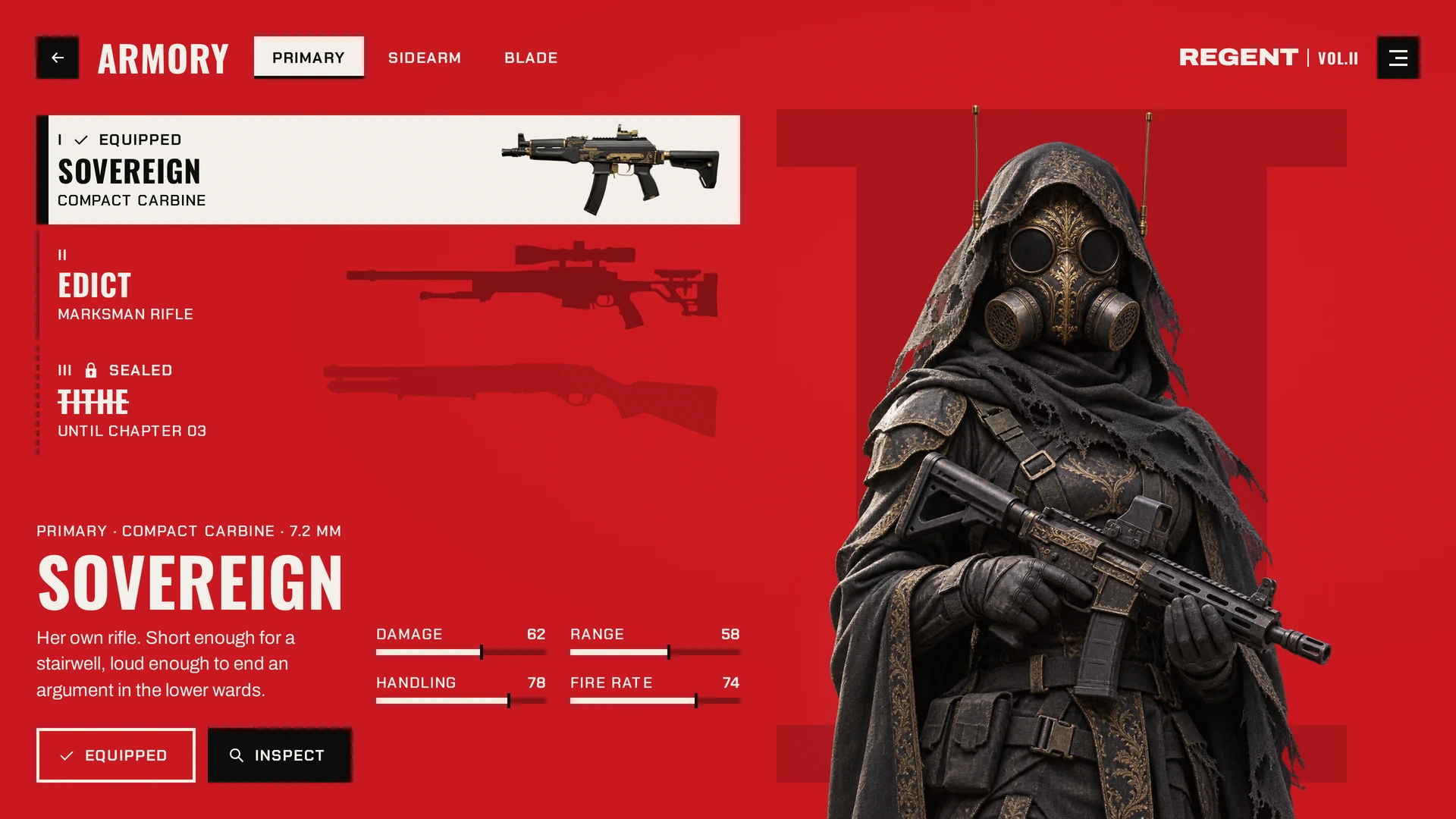
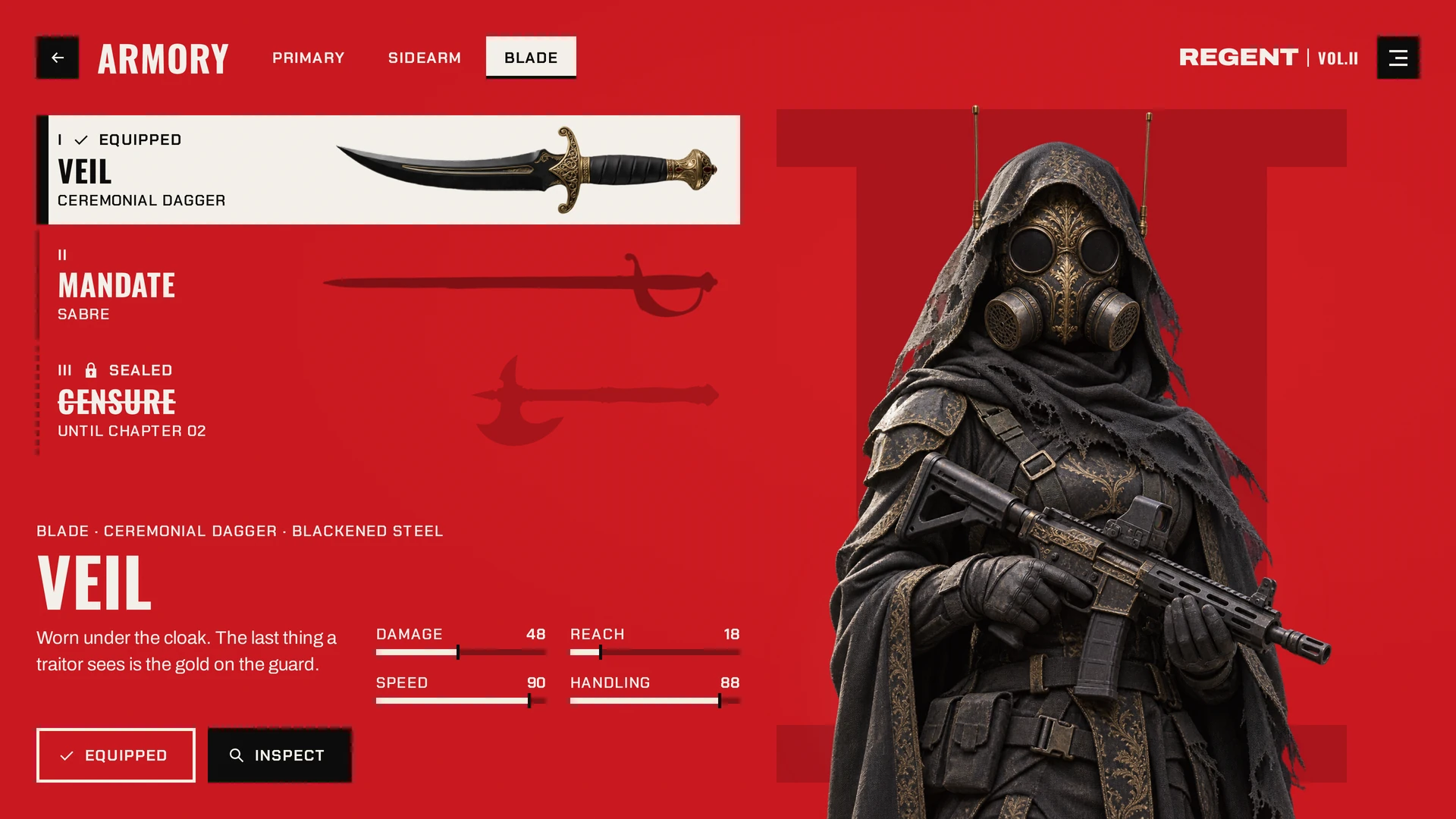
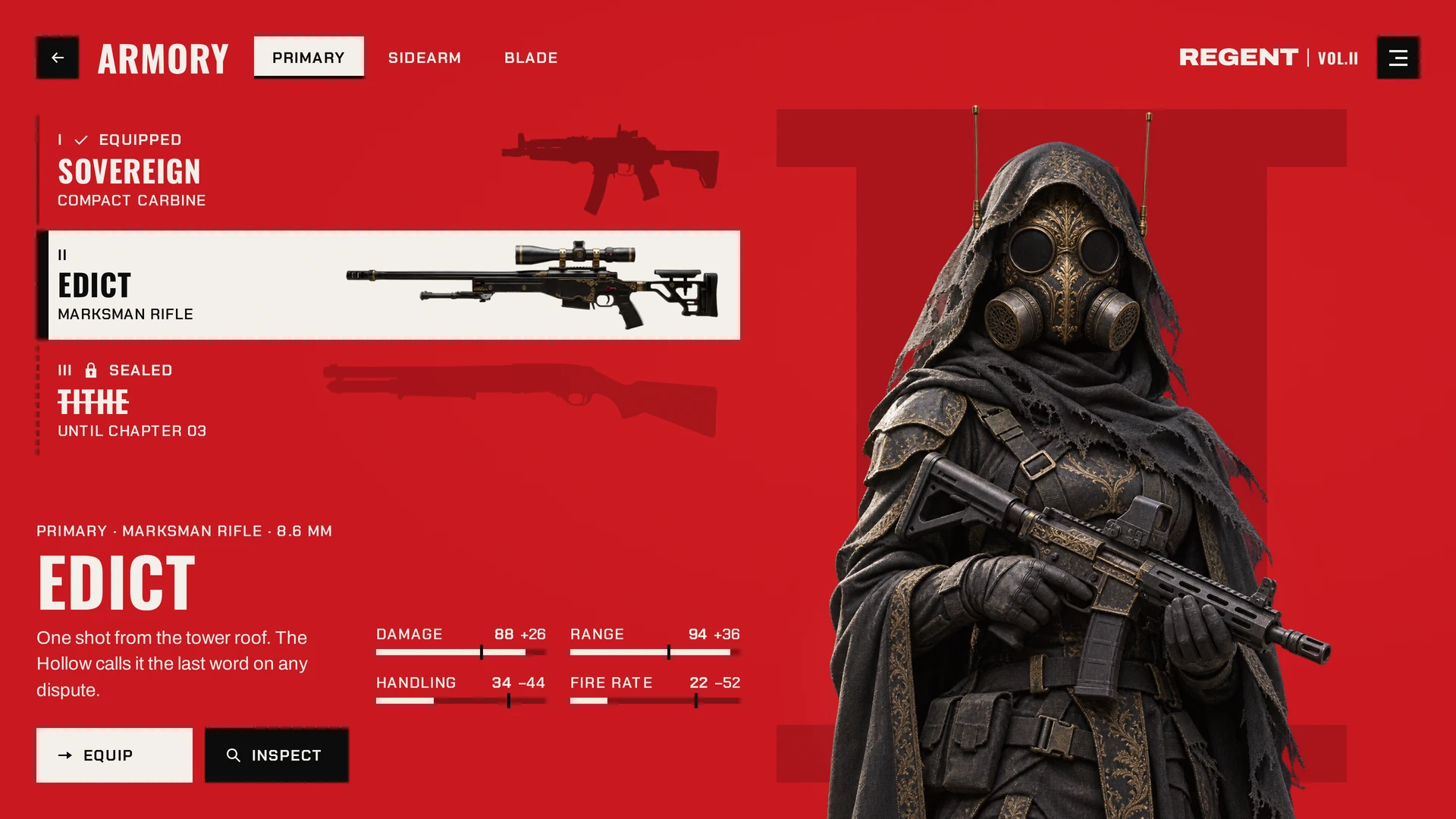
Regent Vol. II Armory is a complete weapon loadout screen for a tactical action game. The Regent, a masked warlord in a hooded black cloak and gold-engraved gas mask, holds her rifle on a red backdrop beside a weapon rack split into Primary, Sidearm and Blade tabs: eight weapons in all, two of them sealed until a later chapter. Unchosen weapons show as dark silhouettes, and the dossier compares the chosen one's four stats with the equipped weapon. Equip it, or Inspect it in a dialog with its art, lore and six specs. Back opens Leave the Armory with the three equipped weapons and Seal Loadout, and a menu sheet jumps to any slot, Inspect or Leave. You get the working screen as plain HTML, CSS and JavaScript with no build step: it scales from phones in landscape to 4K, and every control works with mouse, touch and keyboard. For game engines the package includes seven full screen states and eleven components cut out on transparent backgrounds, each as PNG at 1920x1080 scale and exactly double at @2x, plus every icon as its own SVG and a transparent 1024 px icon. The Regent and the eight weapons are original art made for this screen.
Highlights
- Working HTML, CSS and JavaScript screen
- 7 full screen states at 1x and @2x
- 11 components on transparent backgrounds
- Every icon as its own SVG
- Mouse, touch and keyboard