Overview
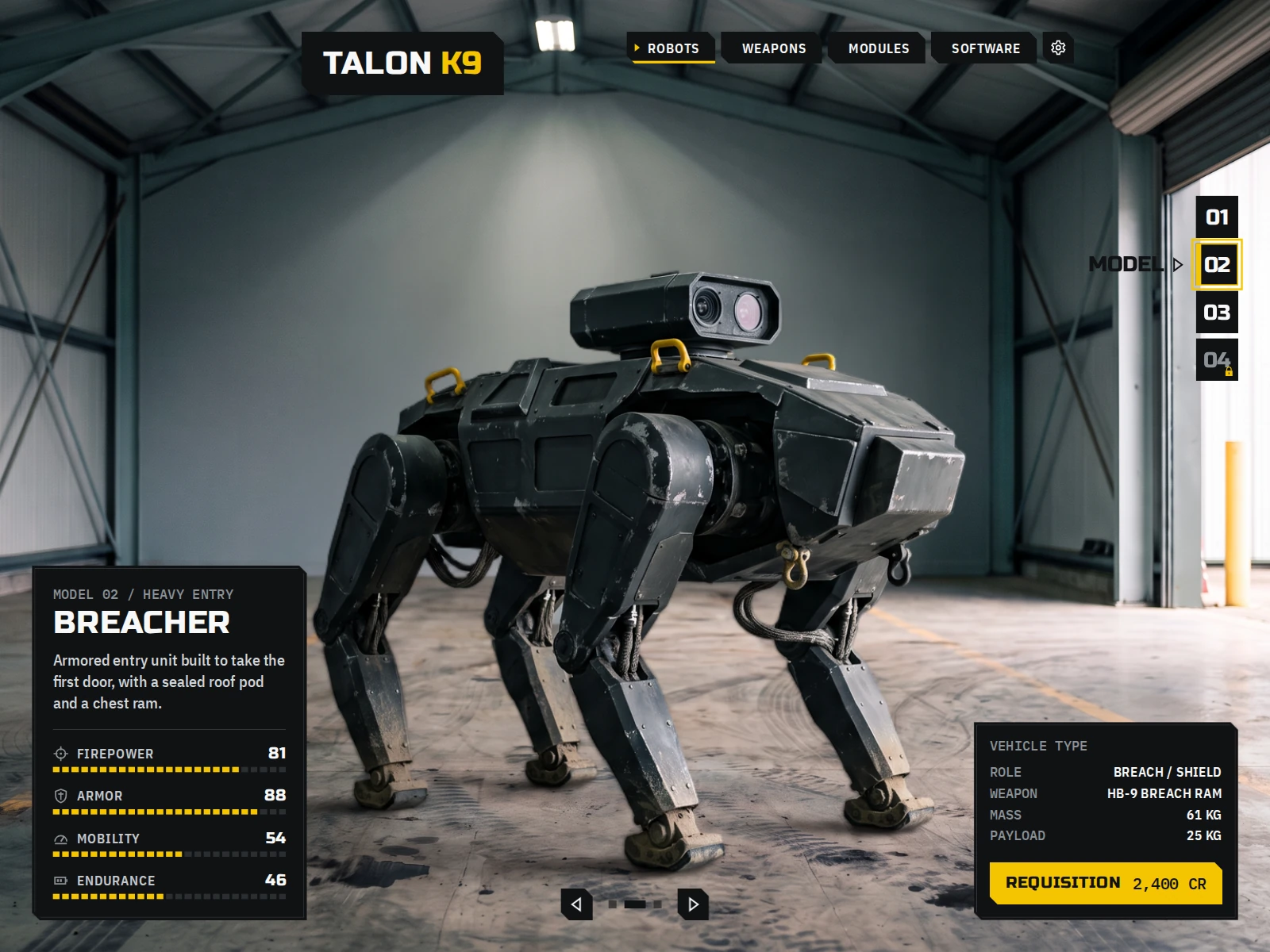
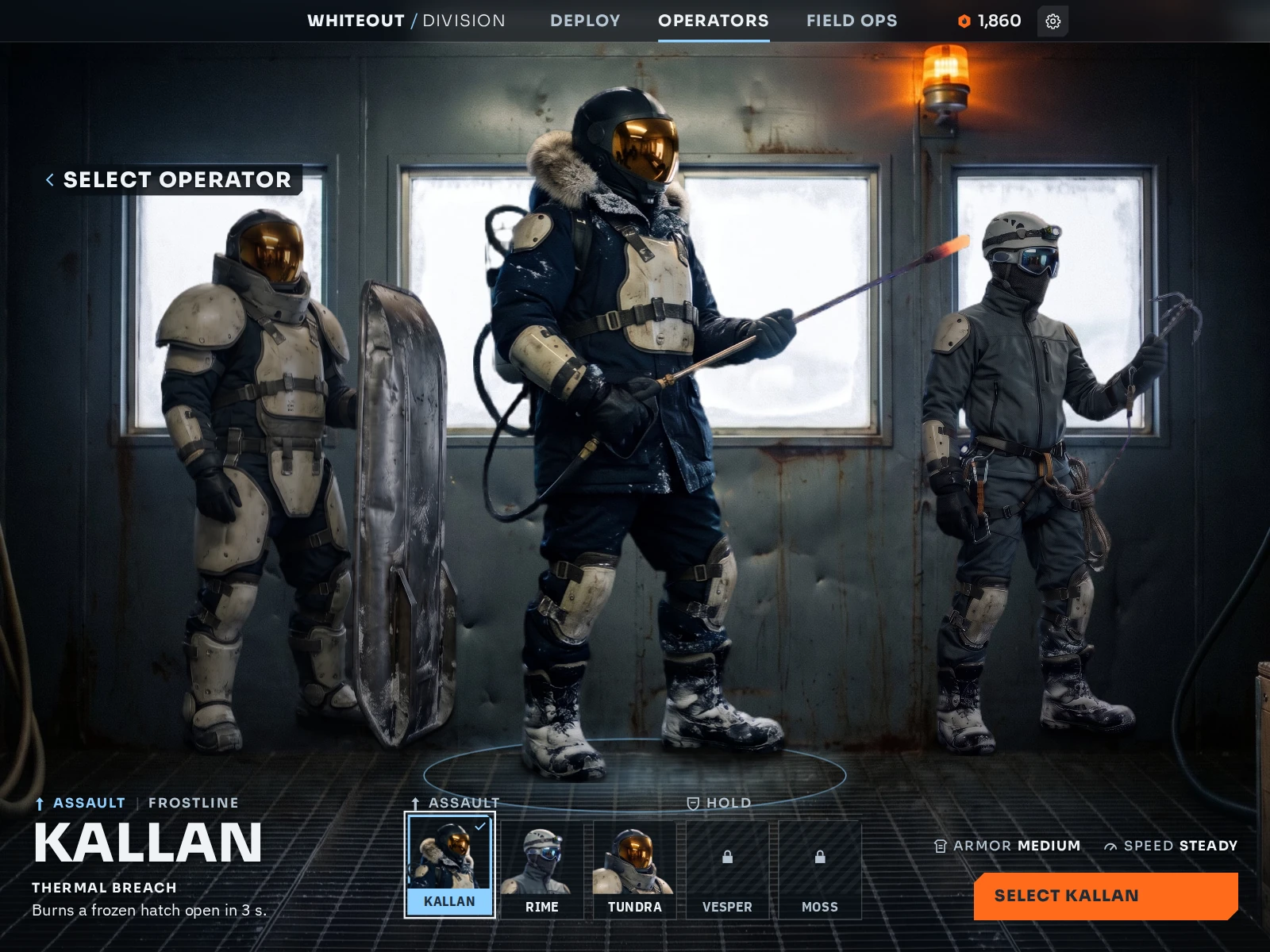
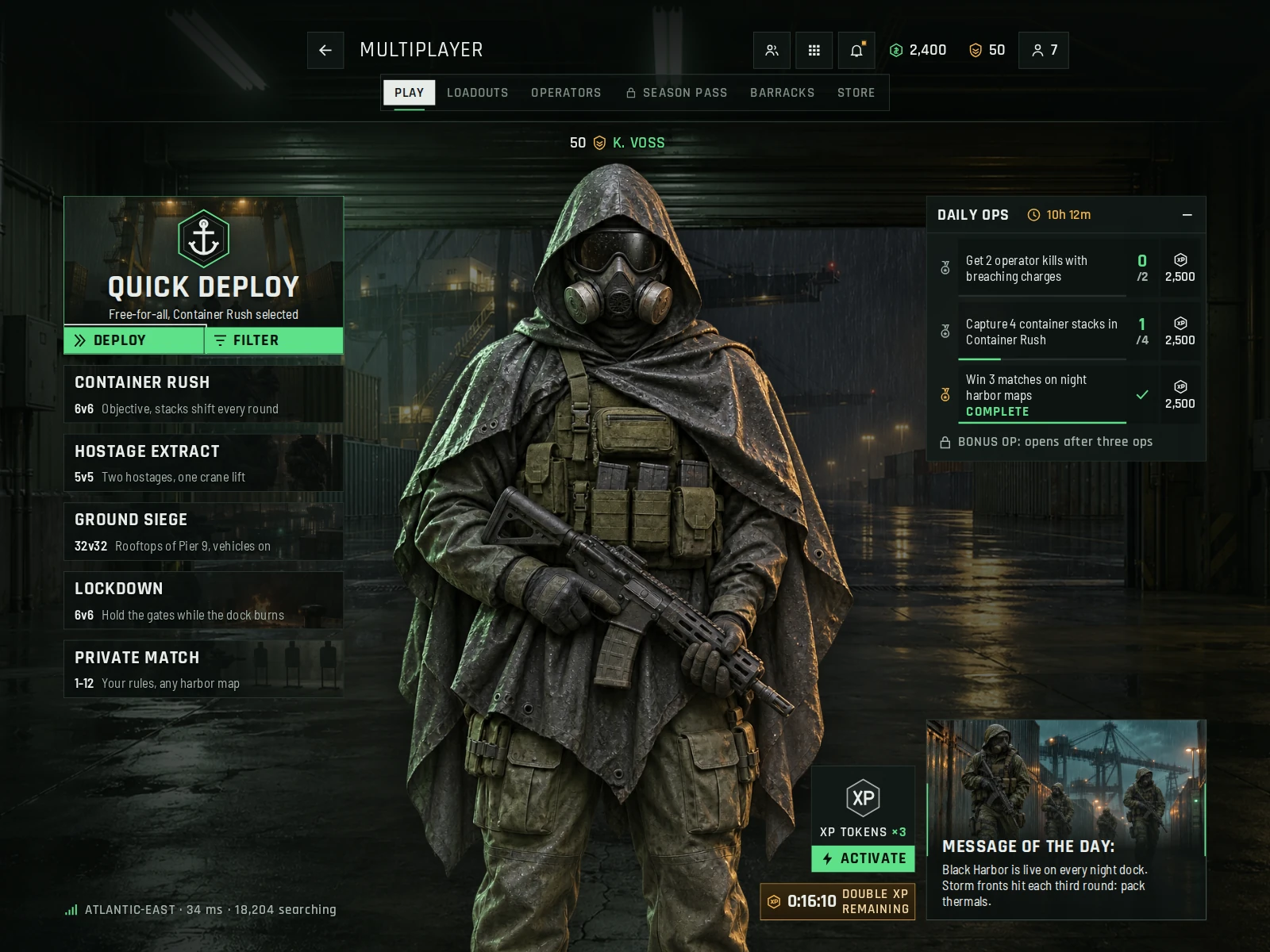
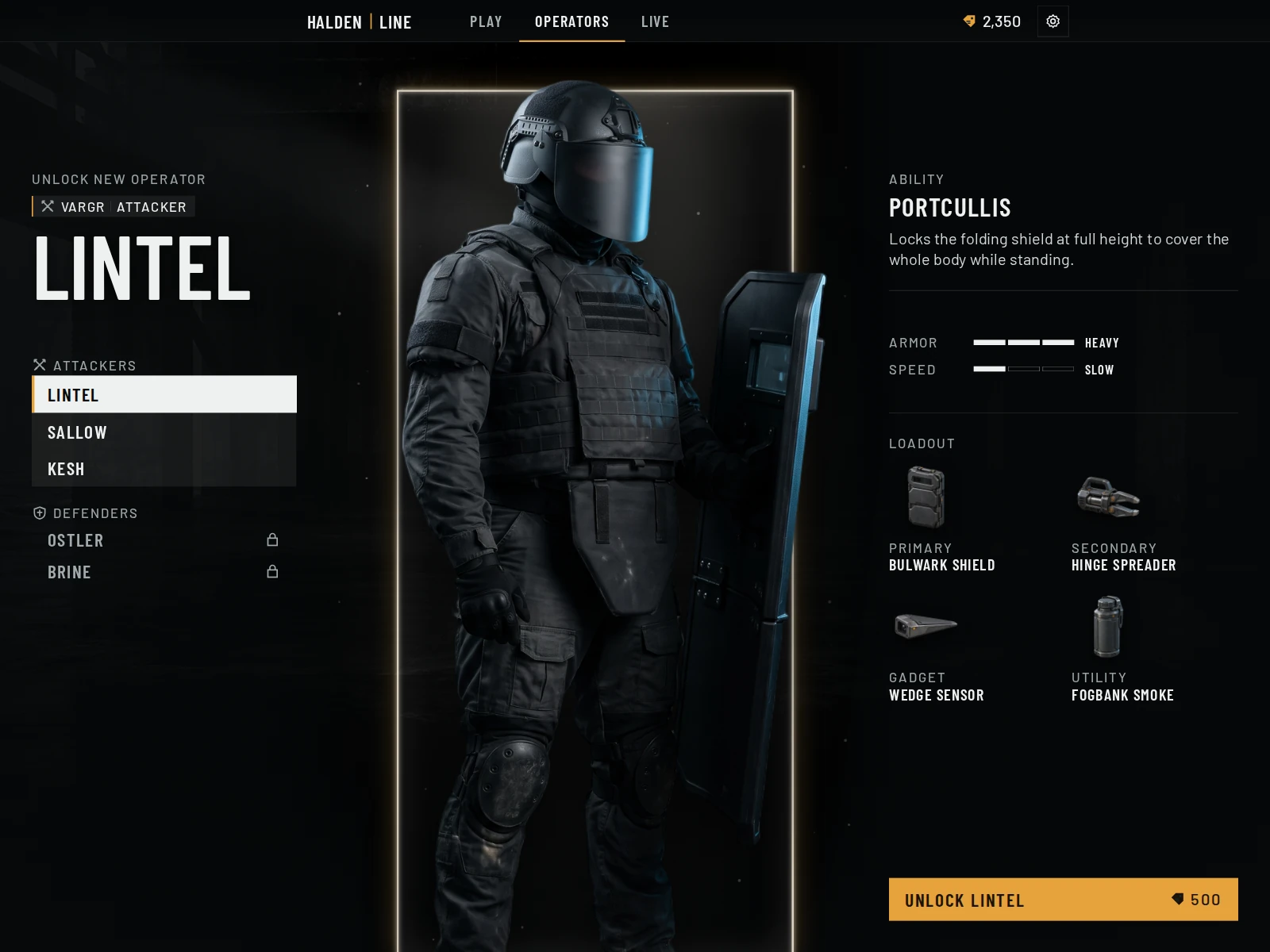
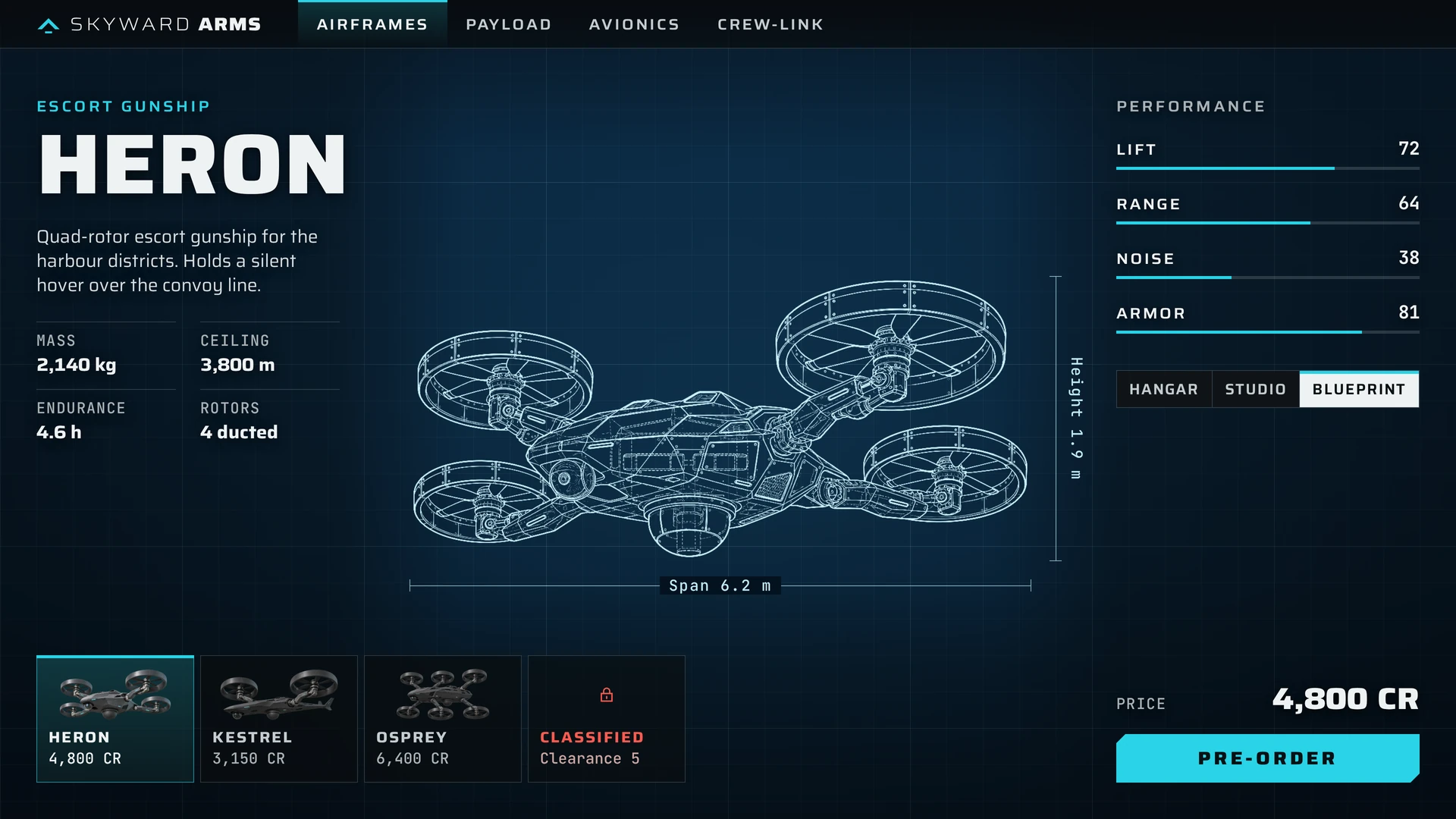
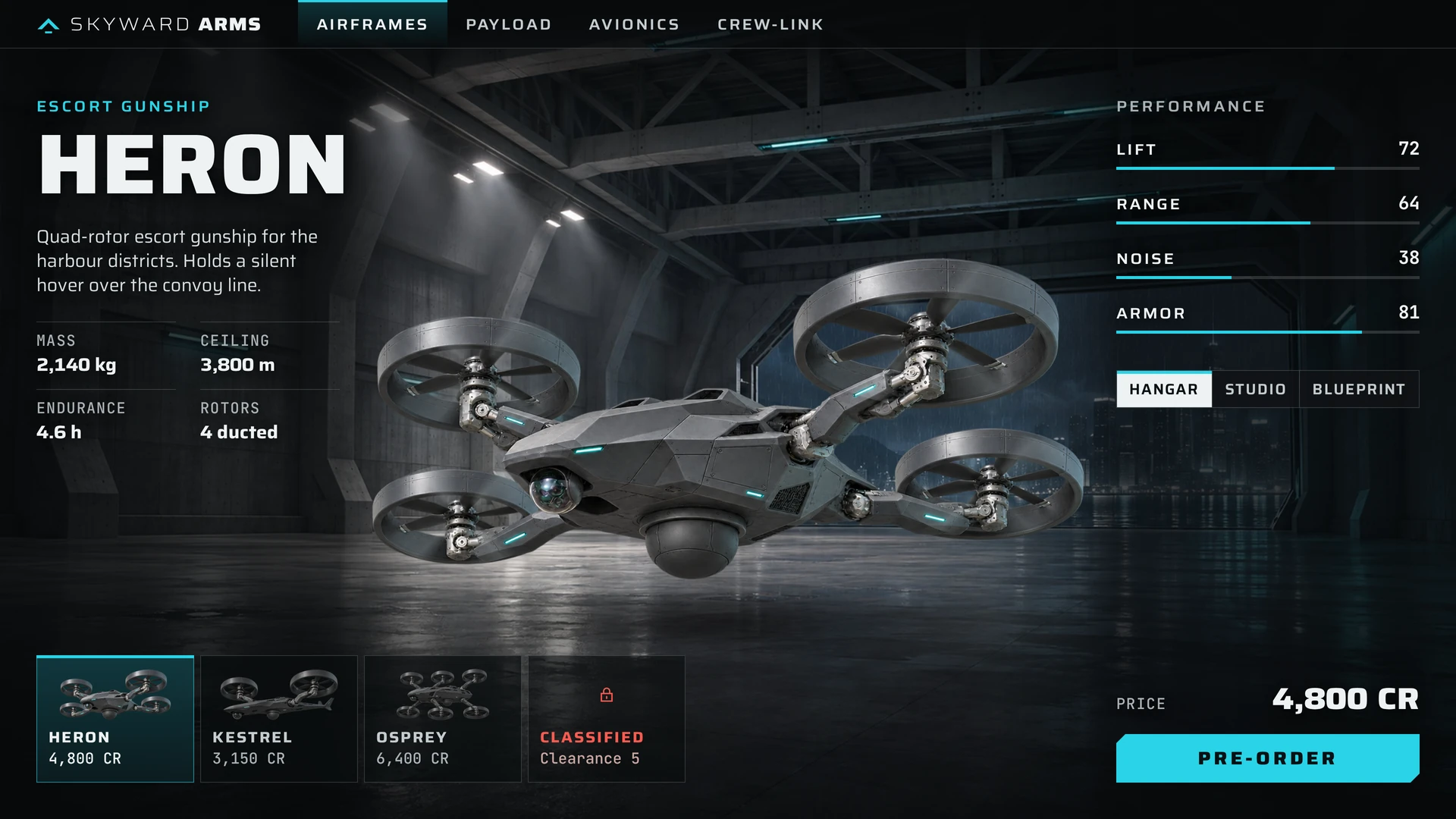
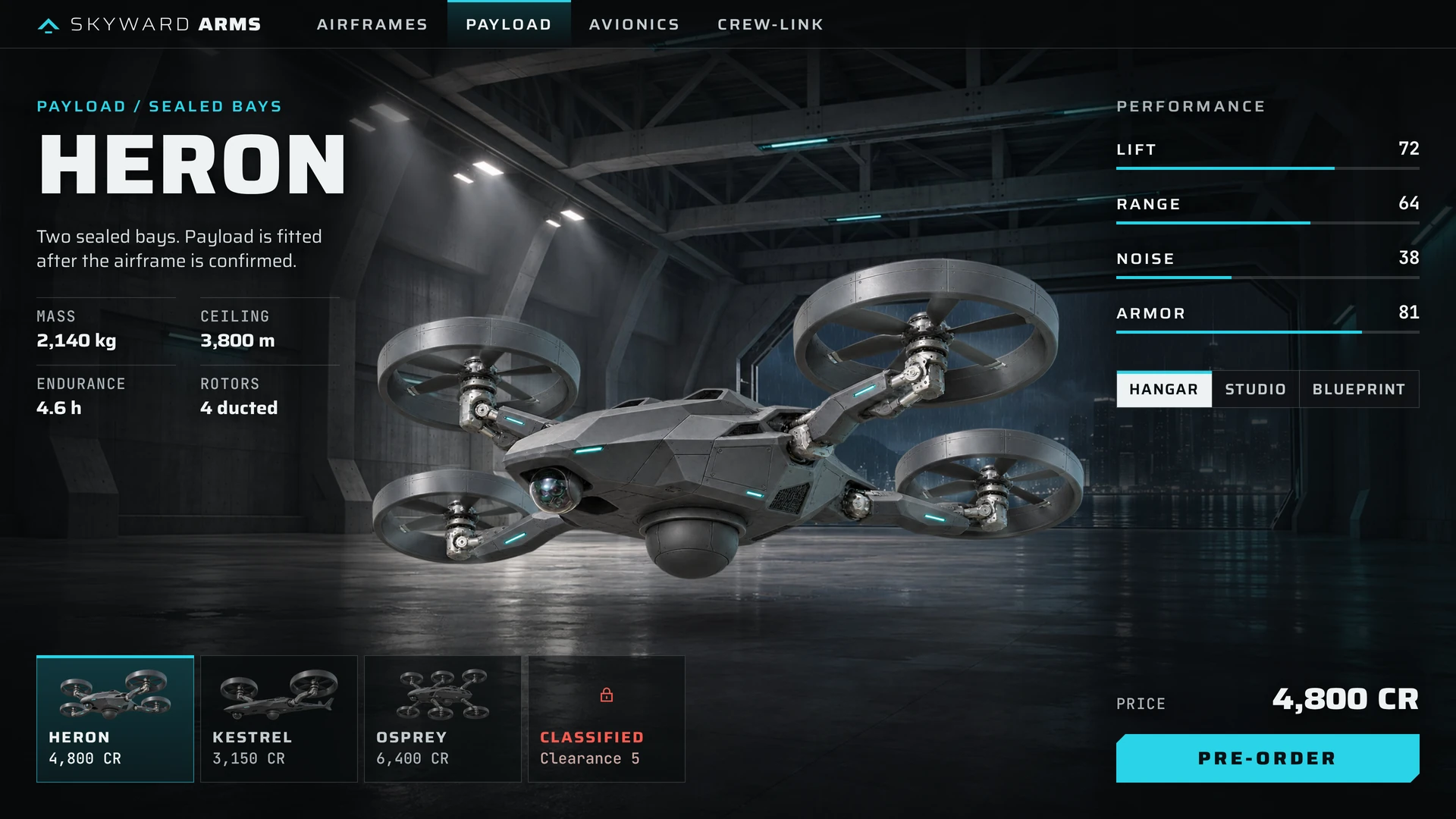
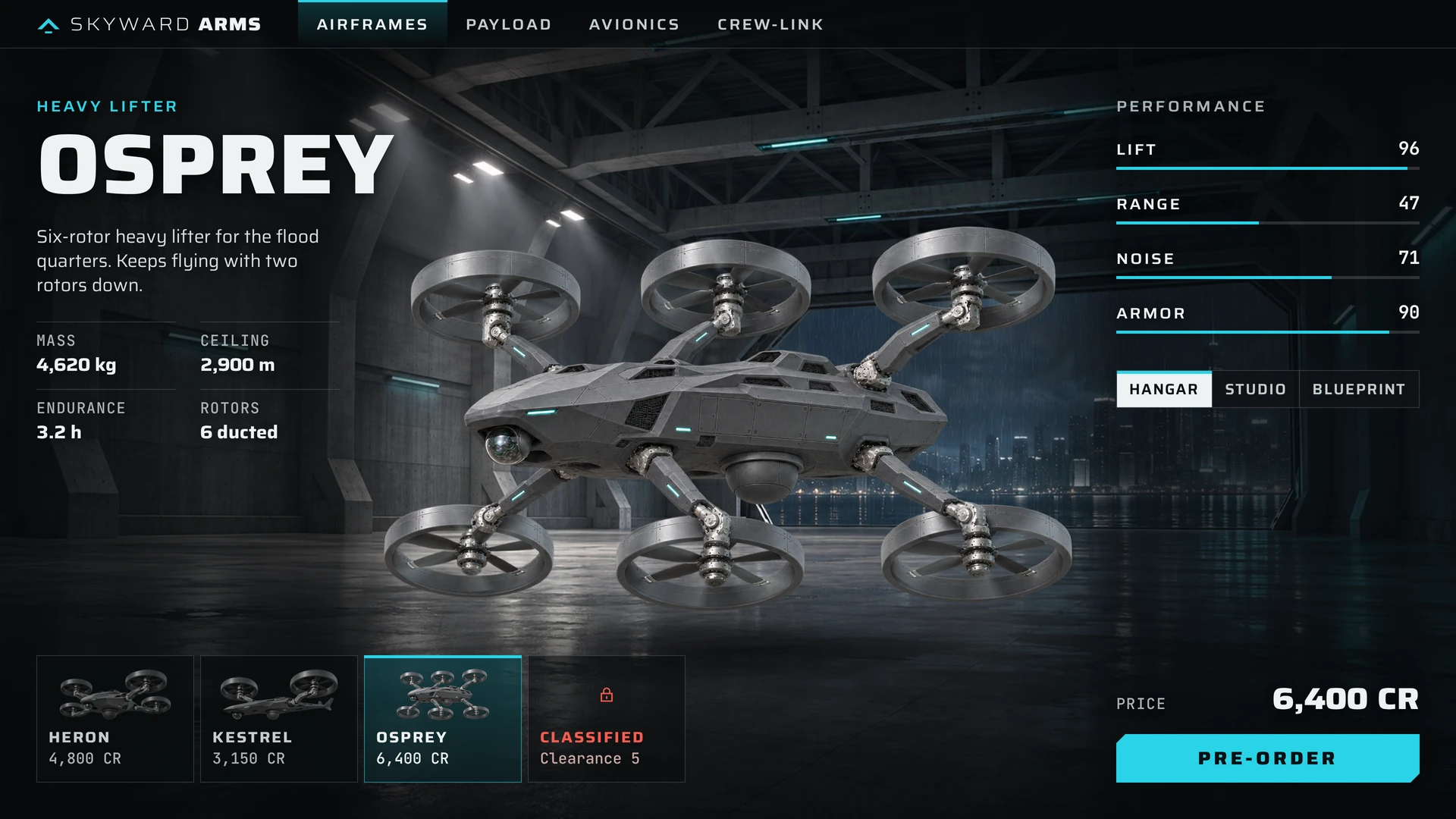
Skyward Arms Hangar is a complete airframe select screen for a military, sci-fi or drone combat game. A four-rotor VTOL gunship hovers in a night hangar of raw concrete, with its class, name, description and a flight profile of mass, ceiling, endurance and rotors on the left, and Lift, Range, Noise and Armor bars on the right. A rail of three airframes and a locked classified slot runs along the bottom. Switch the camera between Hangar, Studio and Blueprint, where a line drawing shows the span and height. The Payload, Avionics and Crew-Link tabs swap in their own notes, Pre-order marks the airframe Reserved, and an empty state covers a hangar with no airframe ready. You get the working screen as plain HTML, CSS and JavaScript with no build step: it scales from phones in landscape to 4K, and every control works with mouse, touch and keyboard. For game engines the package includes seven full screen states and nine components cut out on transparent backgrounds, each as PNG at 1920x1080 scale and exactly double at @2x, plus every icon as its own SVG and a transparent 1024 px icon. The three airframes, their blueprint drawings and the hangar and studio backdrops are original art made for this screen.
Highlights
- Working HTML, CSS and JavaScript screen
- 7 full screen states at 1x and @2x
- 9 components on transparent backgrounds
- Every icon as its own SVG
- Mouse, touch and keyboard