Overview
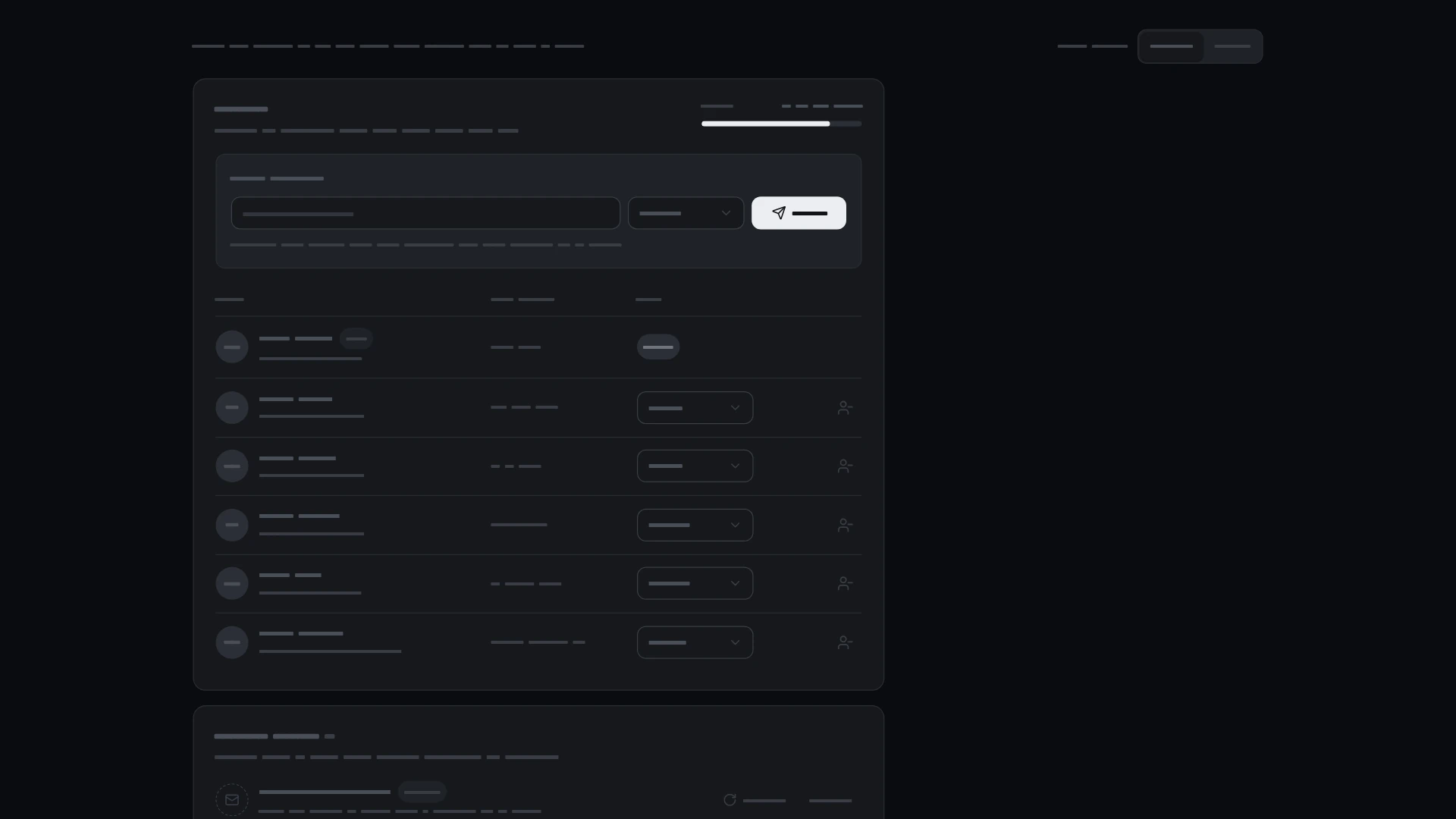
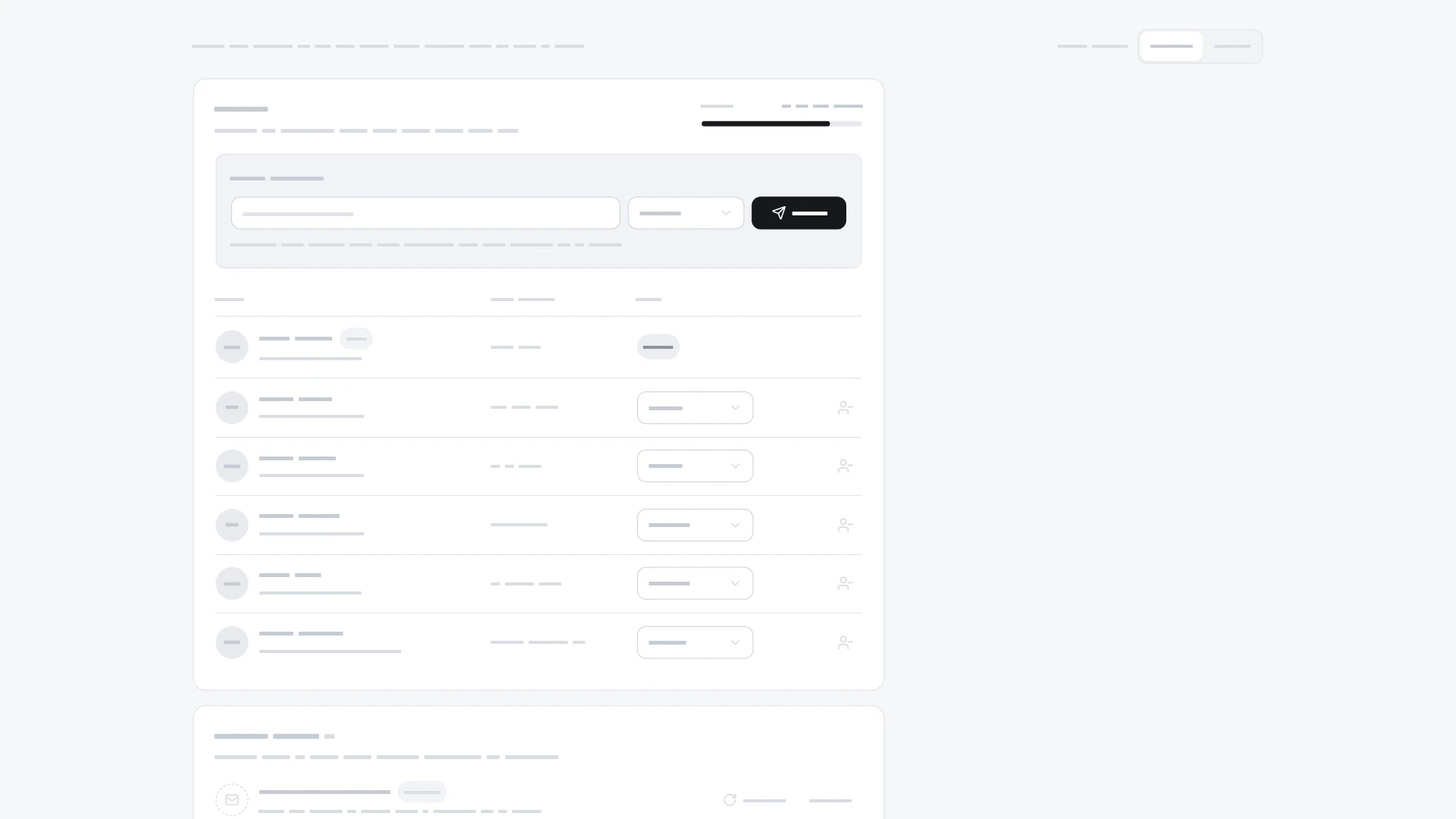
Manage a team: seat counter, invite by email with a role, member table with role changes, pending invites with resend and revoke. It comes from the Settings kit and also works on its own. Keyboard and screen readers: The member list is a table with column headers on wide layouts; on narrow ones the same rows stack and the headers stay for screen readers. Every role select and row button names the person it acts on, for example "Role for Lucas Moreau" and "Revoke invite to sam@harborgrid.co". Invite errors (bad address, already a member, no seats left) are linked to the email field and announced politely; focus returns to the field. After a revoke, focus moves to the next invite's Revoke button or back to the email field; removing a member asks for confirmation first. With reduced motion rows appear and leave without sliding. Built with React 19 and TypeScript, Tailwind CSS 4, Base UI, Lucide icons and Motion. Light and dark themes come from CSS variables you can edit, and every demo uses believable sample data you replace with your own. Included: the component source, its sample data, light and dark theme variables, a runnable demo page, and setup guides for people and for AI coding agents.
Highlights
- Production-ready, documented source
- Clean, componentized architecture
- Drops into your stack with minimal setup