
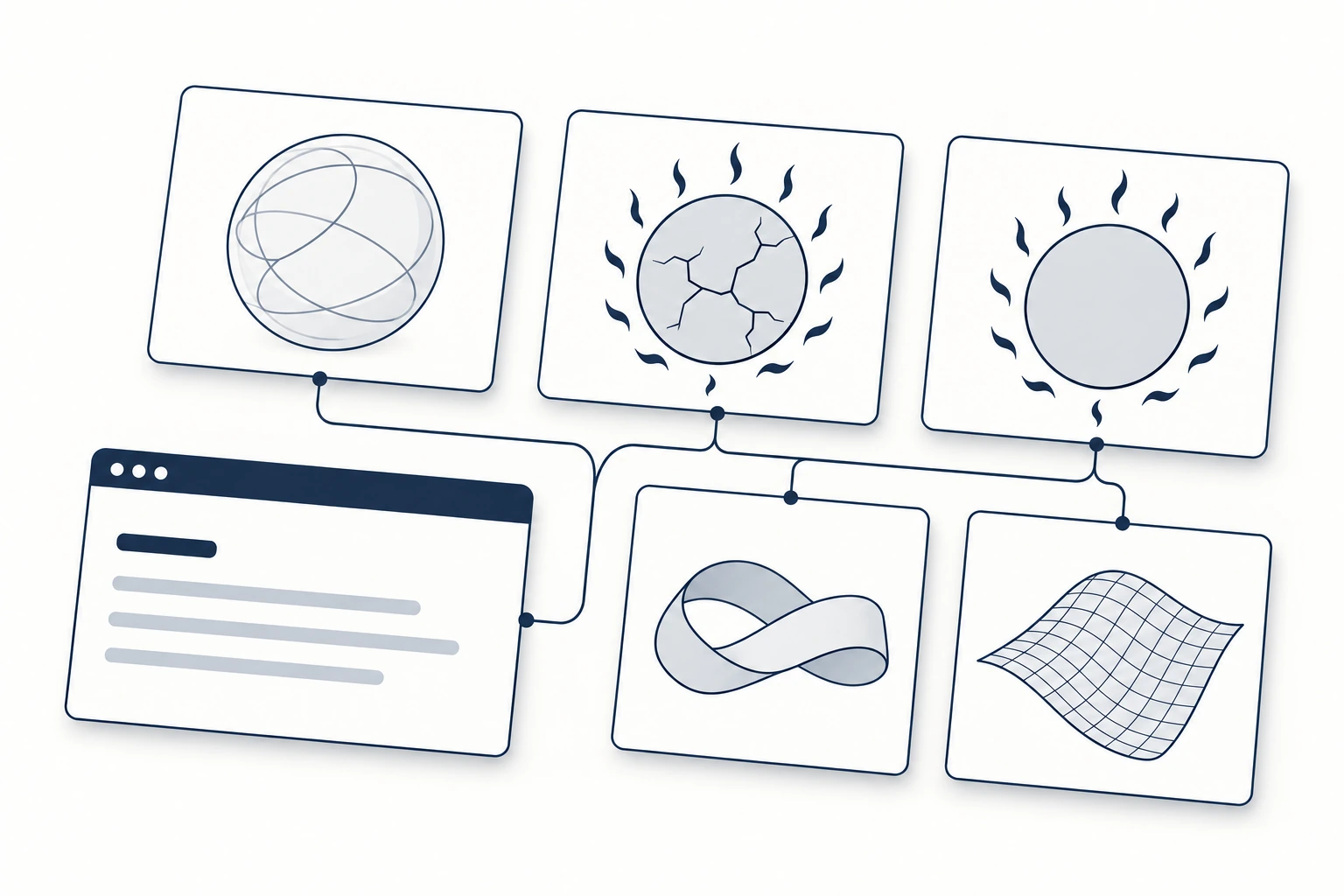
HorizonX Drops are five free React components with real WebGL engines: Plasma Orb, Ember Sun, Ember Eclipse, Opal Loop and Elastic Mesh. You add one to your project with a single shadcn CLI command. There is no account, API key or package to install from us: the CLI copies the source into your components folder, and from then on the code is yours to read and change.
This guide covers what each drop does, how to install and size it, how it behaves on slow or hidden pages, and what the license lets you do with it.
What a drop is
A drop is a finished visual piece from the HorizonX catalogue, packaged as a React component. Each one comes as three files: the component, the rendering engine in plain JavaScript, and the engine's type definitions. The engine is the same code that runs the drop's editor on horizonx.so, so what you see in the editor is what you get in your app.
The drops are served from a shadcn registry at horizonx.so/r. That is the same mechanism shadcn/ui uses for its own components, which means the install works in any React project set up for shadcn. If yours is not, run npx shadcn@latest init once before adding a drop.
The five drops
Plasma Orb
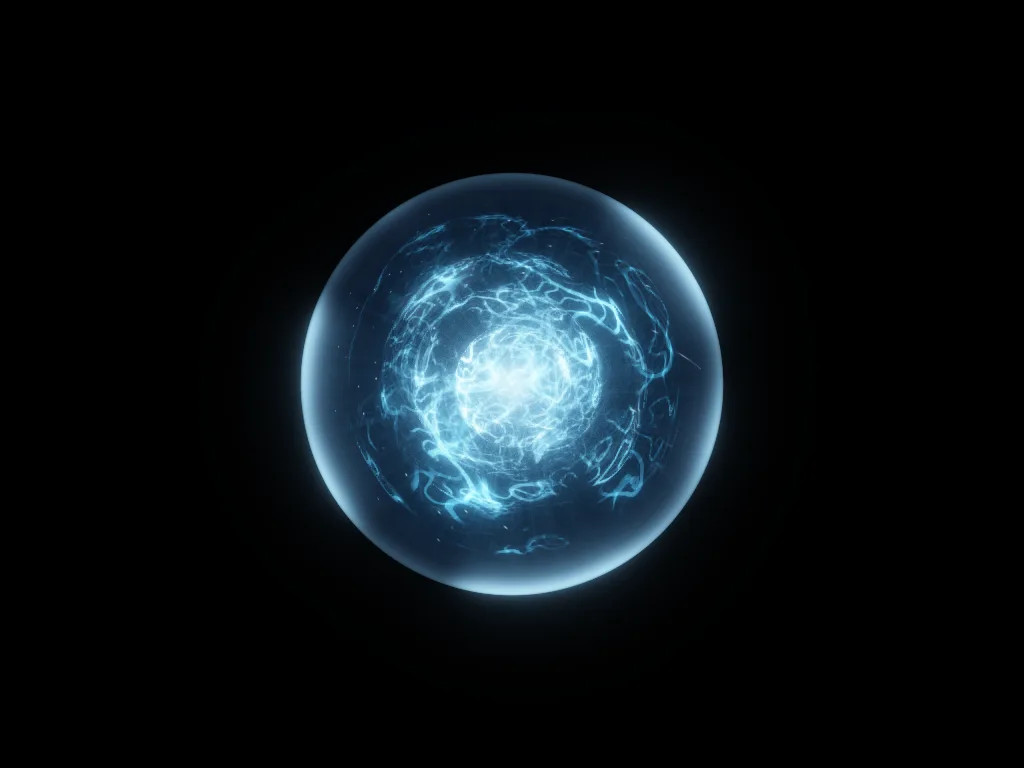
A glass sphere with a live plasma core, ray-traced per pixel. It takes a state prop (idle, listening, thinking, speaking or error), so it works as an avatar for an AI assistant or voice interface. Hovering lifts the plasma and a click sends a pulse through it. Needs WebGL2.
npx shadcn@latest add https://horizonx.so/r/plasma-orb.json
Editor: Plasma Orb
Ember Sun
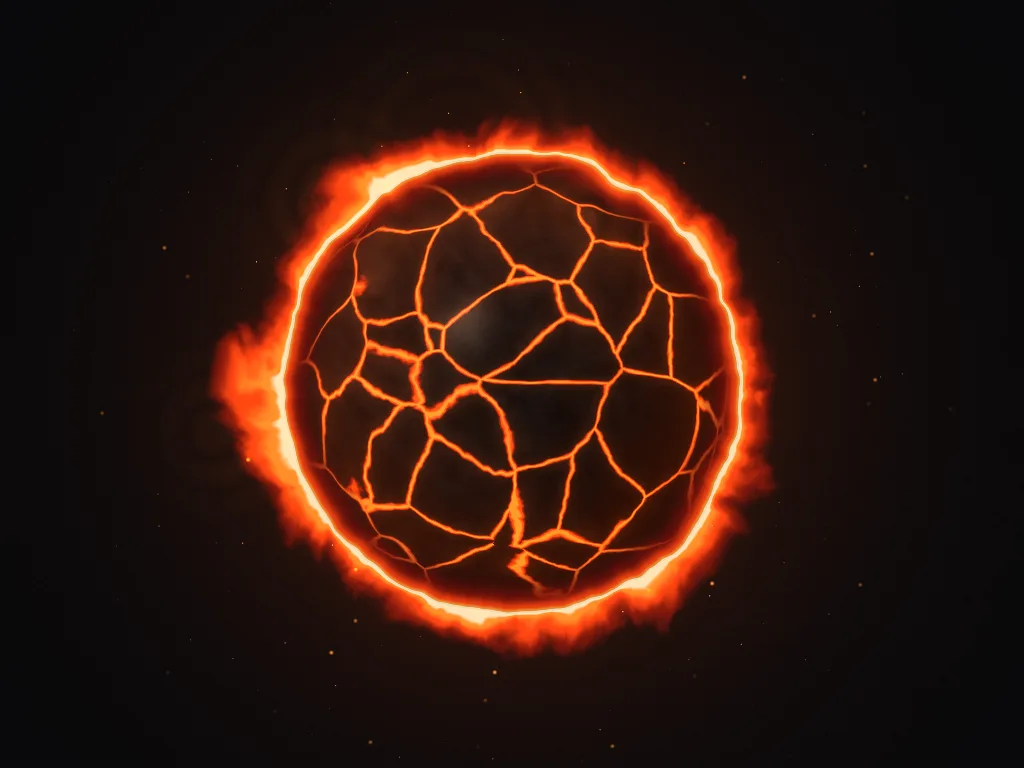
A ring of fire around a cracked, turning crust. The flames lean toward the pointer and a click sends a ripple through them. Good for a hero section or a launch page that needs one strong focal point. Needs WebGL.
npx shadcn@latest add https://horizonx.so/r/ember-sun.json
Editor: Ember Sun
Ember Eclipse
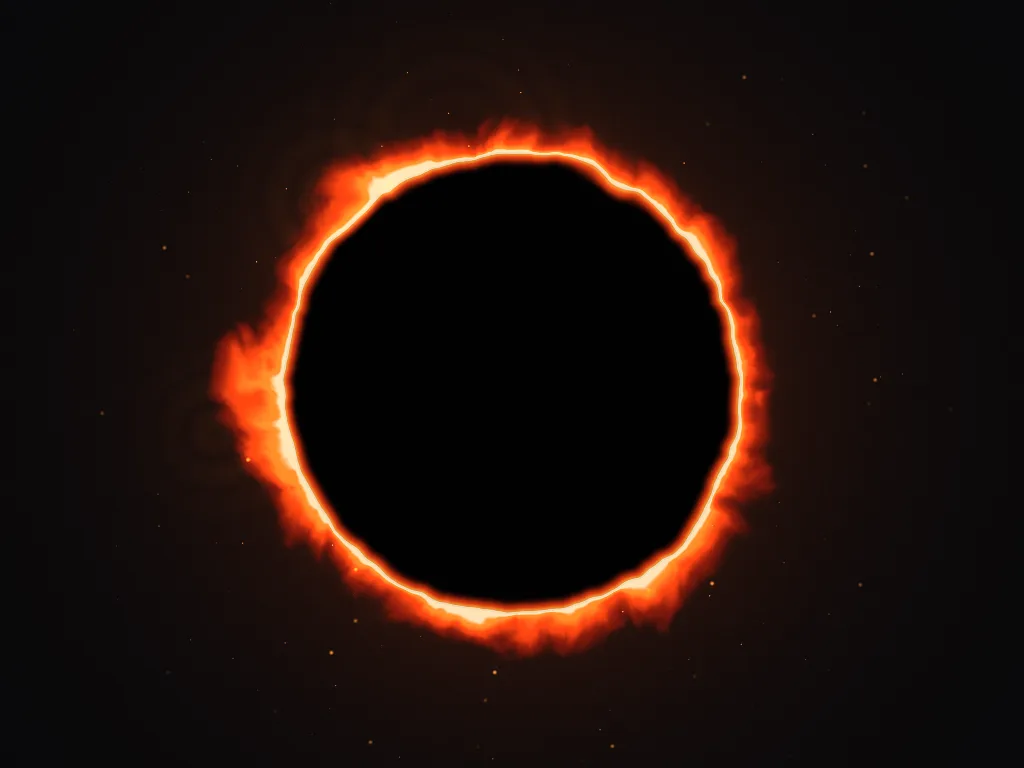
The same fire around a flat disc instead of a sphere, which gives it the look of an eclipse. It is quieter than Ember Sun and leaves a clean dark centre where you can place a logo or a short line of text. Needs WebGL.
npx shadcn@latest add https://horizonx.so/r/ember-eclipse.json
Editor: Ember Eclipse
Opal Loop
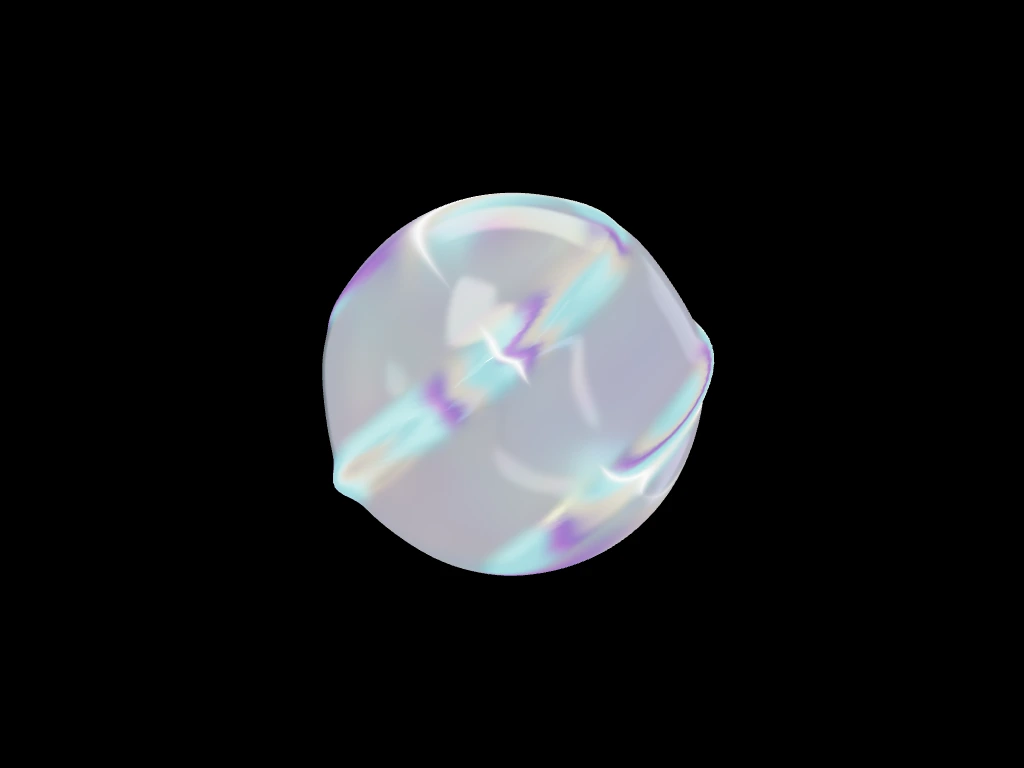
A twisted, iridescent glass loop that turns slowly on a transparent background, so it sits on top of any page colour. It is built with three.js, and the CLI adds three to your dependencies.
npx shadcn@latest add https://horizonx.so/r/opal-loop.json
Editor: Opal Loop
Elastic Mesh
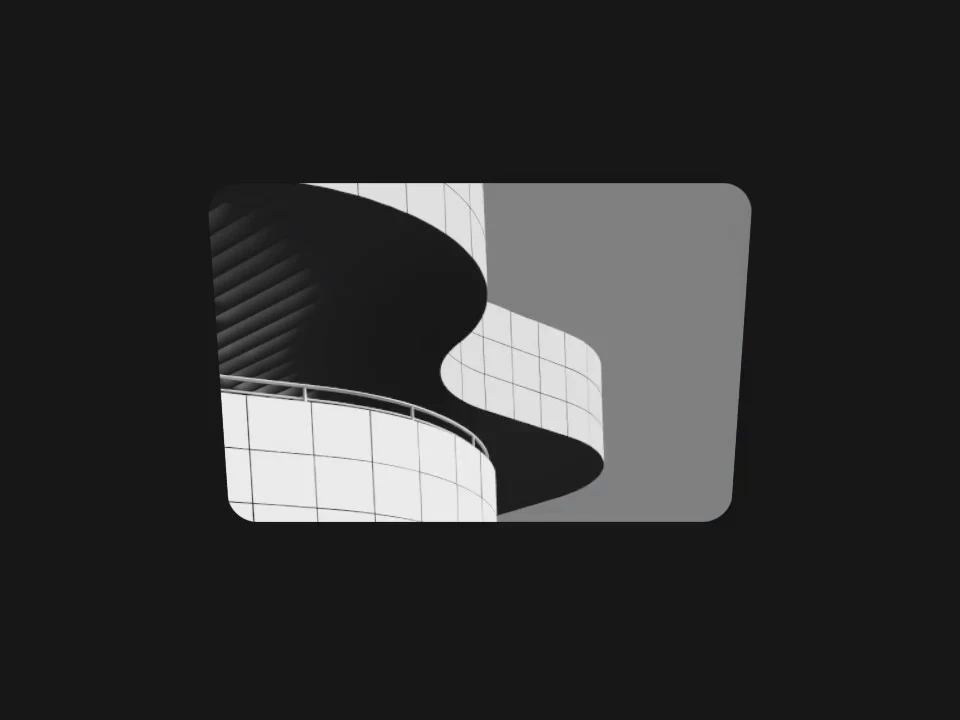
A rubbery surface that stretches under the pointer and settles back, with an optional image on it. It also works from the keyboard: focus it, press Enter to grab, move with the arrow keys and press Escape to let go. It uses three.js, and unlike the other four it is released under the MIT license.
npx shadcn@latest add https://horizonx.so/r/elastic-mesh.json
Editor: Elastic Mesh
Install and use a drop
Run the command for the drop you want from the root of your project. The CLI writes the three files into your components folder and, for Opal Loop and Elastic Mesh, adds three to package.json.
Every drop fills its parent element, so the parent needs a size. A container with no height renders nothing.
import { PlasmaOrb } from '@/components/plasma-orb';

export function AgentAvatar({ busy }: { busy: boolean }) {
  return (
    <div style={{ width: 320, height: 320 }}>
      <PlasmaOrb state={busy ? 'thinking' : 'idle'} />
    </div>
  );
}
Two requirements to check before you start:
- React 19. The drops load their CSS through React 19's
<style href precedence>support, so older versions of React are not supported. - Client components. Each drop is marked
'use client', which means it works in the Next.js App Router. Put it inside a server component as you would any other client component.
All drops accept className and style, and most accept paused. Props are clamped to safe ranges, and each component documents its props in JSDoc, so your editor shows them as you type.
How the drops behave on a real page
WebGL is expensive, so the drops try not to waste it:
- They stop drawing when they scroll off screen or when the tab is in the background.
- They respect
prefers-reduced-motion. pausedlets you freeze a drop yourself, for example while a modal is open.
What they do not do is pick a fallback for you. If a visitor's device has no WebGL, or you want a still image while the page loads, plan that in your layout. Our guide to React shader backgrounds and static fallbacks walks through that decision.
Changing the look
Each drop installs as a fixed preset: the colours, motion and camera you see in the images above. You can change any of it in two ways.
- Edit the code. The props cover the common changes, such as colours, speed, size and glow on Plasma Orb, or flame strength and embers on Ember Sun. Past that, the engine is plain JavaScript in your repo.
- Use the editor. Every drop has an editor on horizonx.so where you can adjust it visually. The editor can also export video, which is useful when you need the same piece in a social post or a deck. Editor exports follow your HorizonX plan and the Terms.
If you are deciding how much custom visual work to put on top of shadcn primitives in general, Keep shadcn Primitives, Add a Distinctive Visual Layer covers that trade-off.
What the license allows
The drops are covered by the HorizonX Drops License 1.0. In plain terms:
- Allowed: use, copy and change the drops in any number of end products, personal or commercial, for yourself or for clients. You can sell those products.
- Not allowed: redistribute the drops on their own as a library, kit, registry or template pack; use them to train machine-learning models or in generators; remove the license notice or claim you made them; or suggest HorizonX endorses your product.
- Attribution: appreciated, not required.
Elastic Mesh is the exception. It is MIT, as it already is in every export from horizonx.so, and the full MIT text is at the top of its engine file.
Read the full license for the exact wording. This summary is not legal advice.
Source code
The source for all five drops is on GitHub at Mdx2025/horizonx-drops, with a demo gallery you can run locally. Bug reports are welcome as issues. Engine fixes land in the horizonx.so editor first and reach the repository with the next sync, which keeps the two identical.
FAQ
Do I need a HorizonX account or an API key?
No. The registry at horizonx.so/r is public, and the shadcn CLI downloads the files directly into your project.
Do the drops work with Next.js?
Yes. They are client components, so they work in the App Router, and they need React 19.
Can I use a drop in a client project or a product I sell?
Yes. The license allows commercial use in end products, including work for clients. What it does not allow is reselling or redistributing the drops themselves as a component kit or library.
Why does my drop not show up?
The most common cause is a parent element with no height. Every drop fills its parent, so give the parent an explicit width and height, or place it inside a layout that has one.
Can I change the colours?
Yes. Most visual settings are props, and the full engine source is in your project. You can also adjust a drop in its editor on horizonx.so.