Timeline View: Saas for React & Tailwind CSS | HorizonX

Code

Timeline View

New

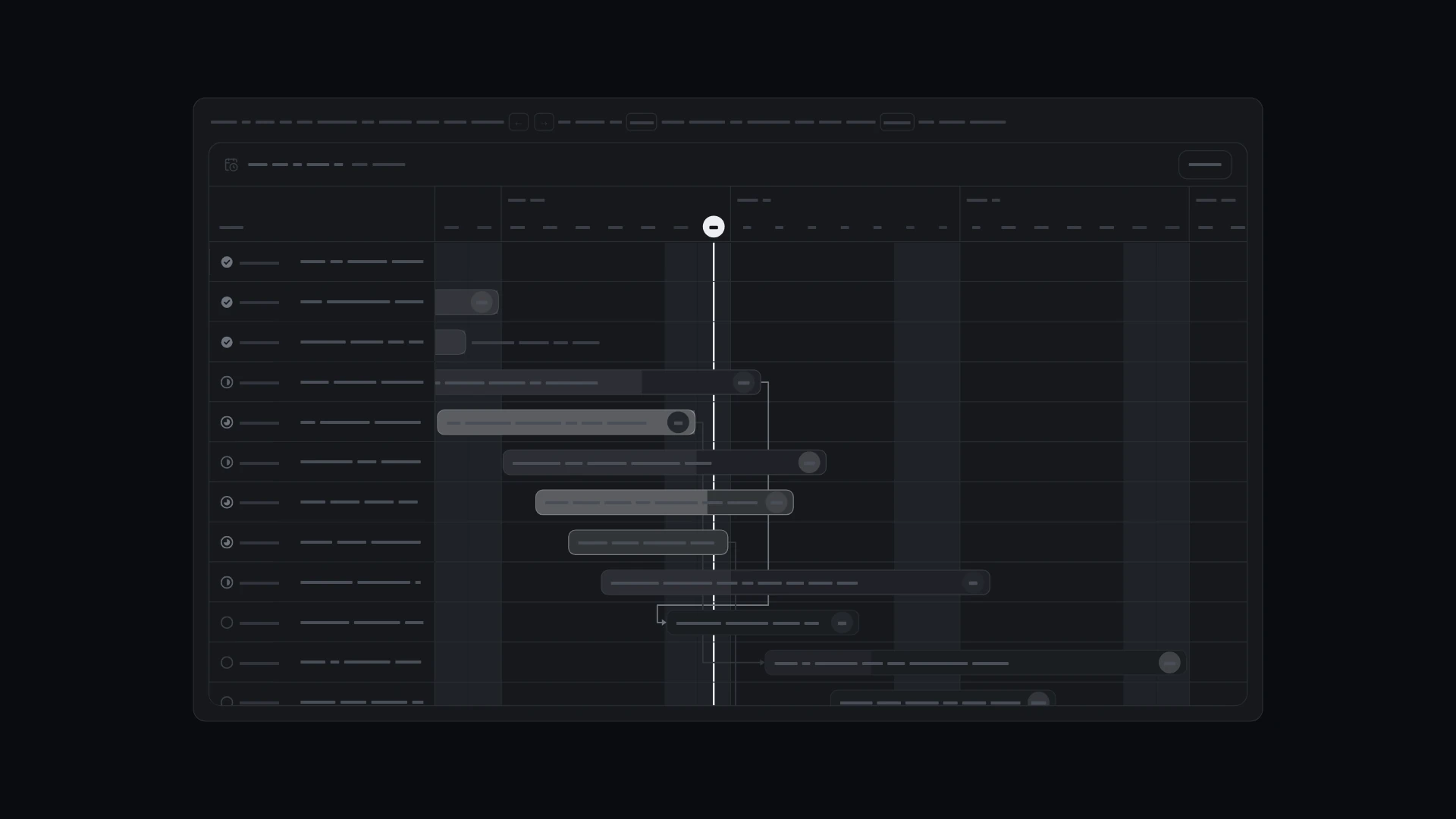
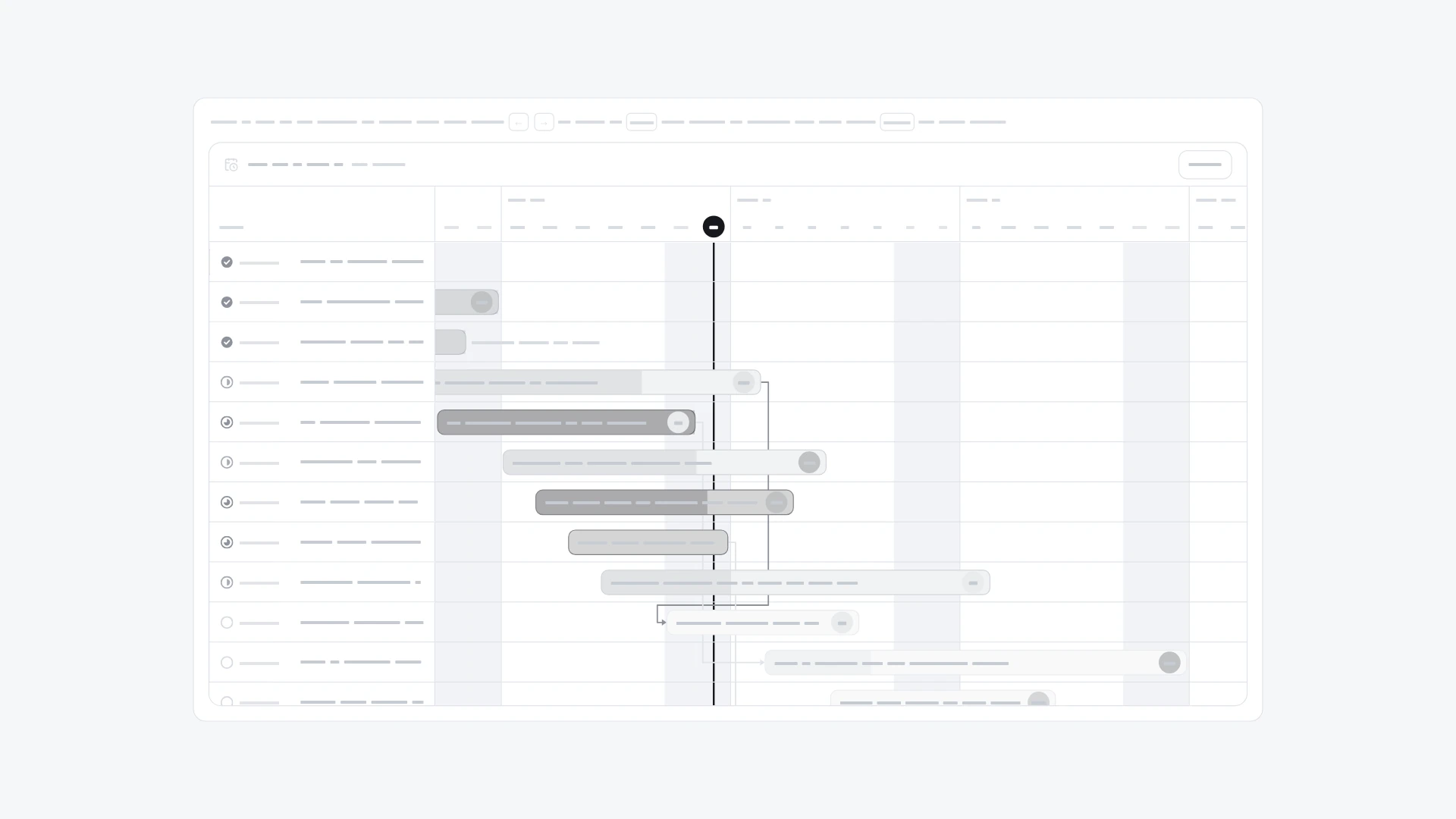
Tasks as bars over the weeks, with a today line and dependency arrows. Drag bars or their edges to change dates, or use the keyboard and date fields.

Timeline View, image 3
Timeline View, image 2
Timeline View, image 3
  • Instant access Included with every membership
  • Full source code Download and run locally
  • Commercial license With a membership, for client work

Overview

Tasks as bars over the weeks, with a today line and dependency arrows. Drag bars or their edges to change dates, or use the keyboard and date fields. It comes from the Kanban kit and also works on its own. Keyboard and screen readers: Bars are one tab stop: Up and Down go between tasks, Left and Right move a task by a day, Shift with arrows changes its due date. Each bar names the task, status, dates, length and the tasks it waits for; every change is announced politely. Enter opens a popover with Start and Due date fields; Esc closes it and focus returns to the bar. On touch, a swipe scrolls the timeline and a tap opens the date fields, so bars never trap scrolling. With reduced motion a dropped bar lands at once; otherwise it settles with a short spring. Built with React 19 and TypeScript, Tailwind CSS 4, Base UI, Lucide icons and Motion. Light and dark themes come from CSS variables you can edit, and every demo uses believable sample data you replace with your own. Included: the component source, its sample data, light and dark theme variables, a runnable demo page, and setup guides for people and for AI coding agents.

Highlights

  • Production-ready, documented source
  • Clean, componentized architecture
  • Drops into your stack with minimal setup
Preview

What's included

  • Full source code
  • README & setup guide
  • Component documentation
  • Commercial license with a membership

Frequently asked questions

  • The full source code for this asset, ready to download and integrate into your project.

  • Unzip the download and follow its README. Coded products run through a local web server or your project's dev server, started with the command the README gives, so double-clicking an index.html file can show a blank page. The Specs list on this page names the format and what it's built for.

  • It's included with a HorizonX membership. Download it instantly, no separate purchase.

  • Yes, with a HorizonX membership. Members get a commercial license: use and adapt these files in personal, client and commercial projects. If your plan ends, projects you already built keep their license, but the files can't be used to start new ones.