


Overview
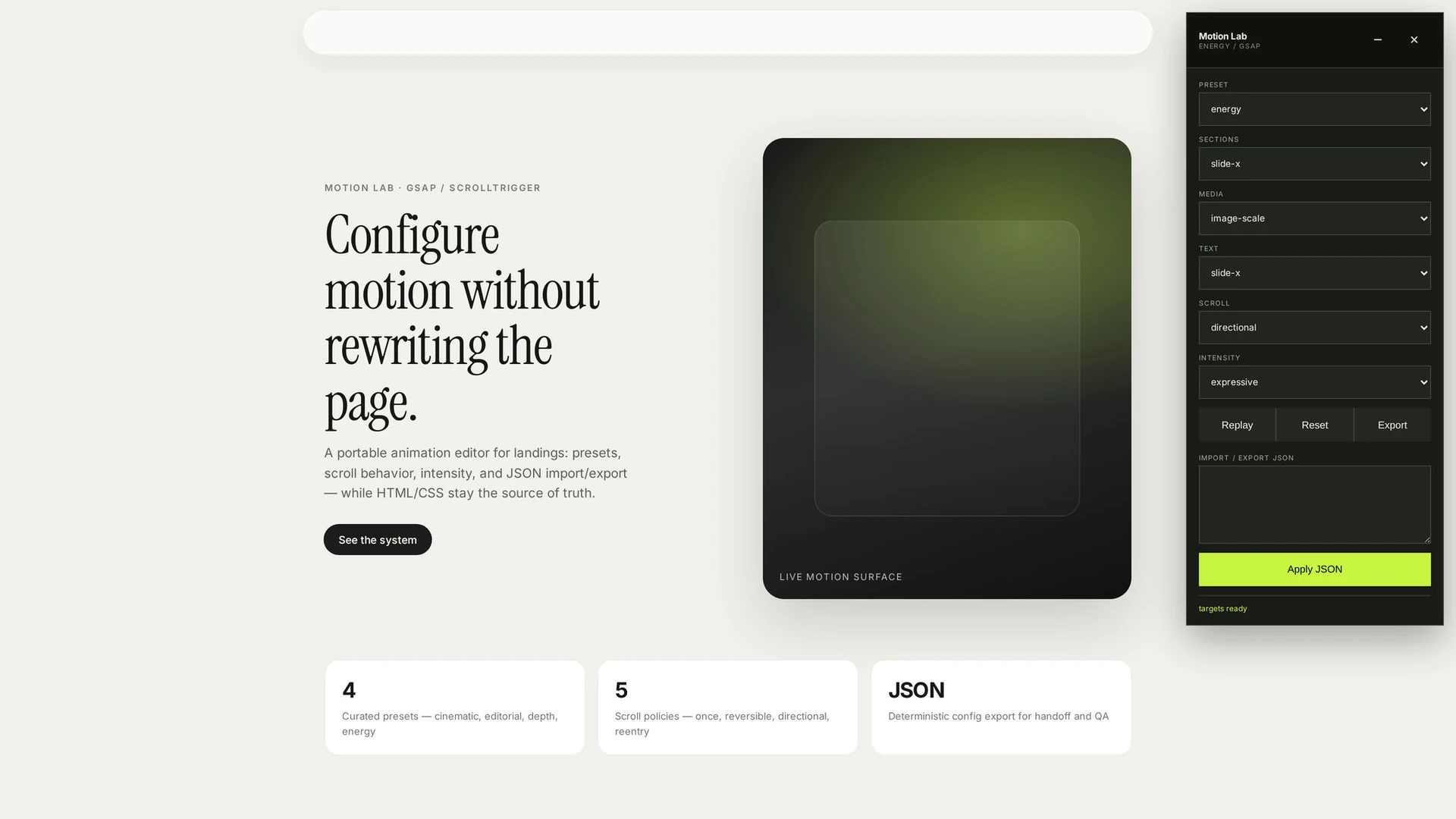
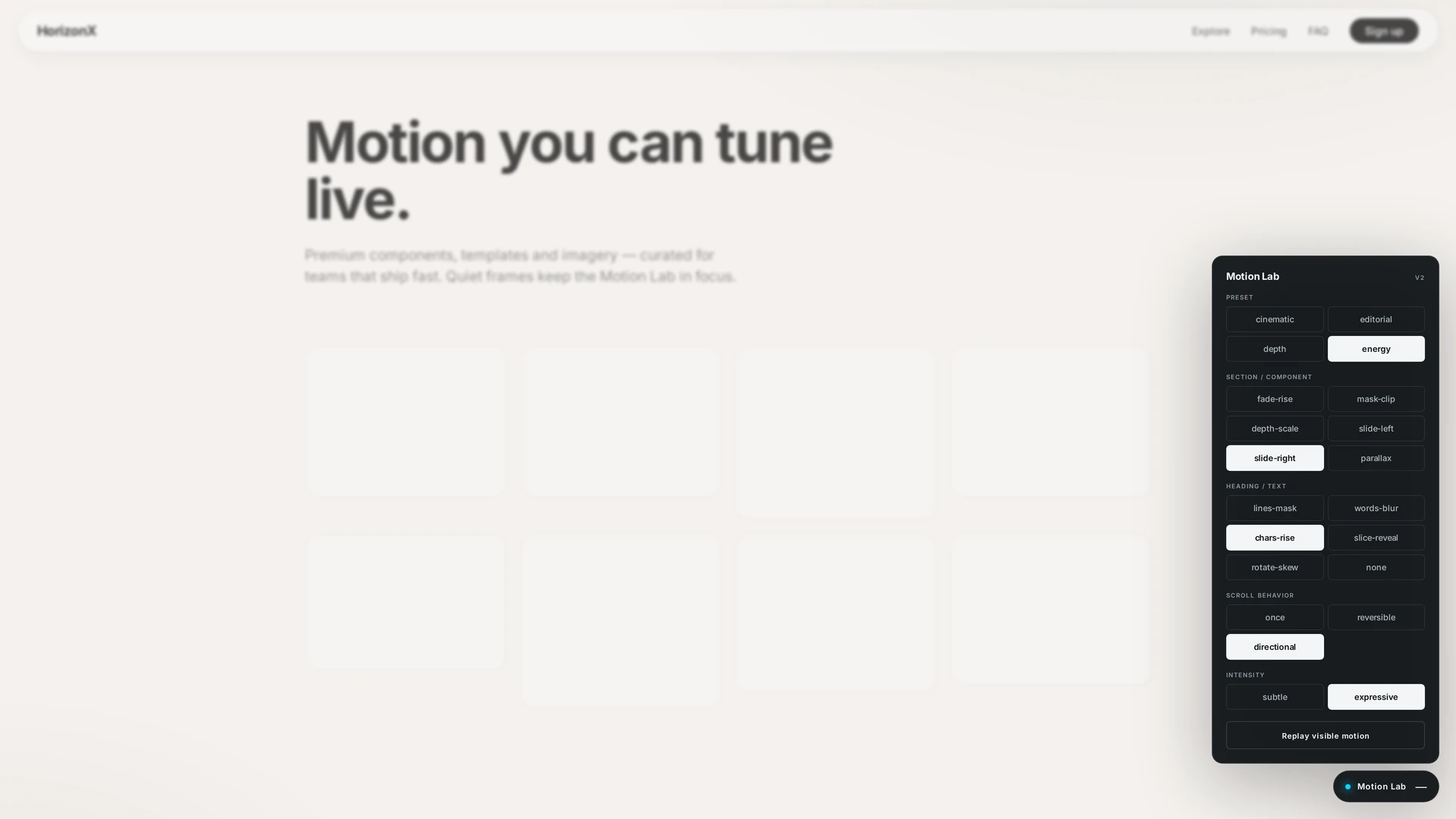
A portable Motion Lab built on GSAP and ScrollTrigger for comparing animation directions on a real page. Open the floating panel, switch axes independently, and Replay — the visual baseline stays untouched; motion is progressive enhancement with reduced-motion support. What you can tune (v2): • Presets — cinematic, editorial, depth, energy (overall motion language) • Section / component — fade-rise, mask-clip, depth-scale, slide-left, slide-right, parallax • Heading / text — lines-mask, words-blur, chars-rise, slice-reveal, rotate-skew (or none) • Scroll behavior — once, reversible, or directional enter/leave • Intensity — subtle or expressive, plus Replay to rebuild triggers Use it to audition scroll choreography for landings and product pages: reveal timing, text splits, parallax planes, and reverse-scroll behavior — then export the draft or drop src/motion/ into your project. Demo: open index.html?motionLab=1 with GSAP + ScrollTrigger loaded.
Highlights
- GSAP + ScrollTrigger runtime with live floating panel
- Independent axes: preset, section, text, scroll, intensity
- Section effects: fade-rise, mask-clip, depth-scale, slides, parallax
- Text effects: lines-mask, words-blur, chars-rise, slice-reveal, rotate-skew
- Scroll modes: once, reversible, directional — plus Replay
- HTML/CSS stay source of truth; reduced-motion aware