Approval Request: Ai for React & Tailwind CSS | HorizonX

Code

Approval Request

New

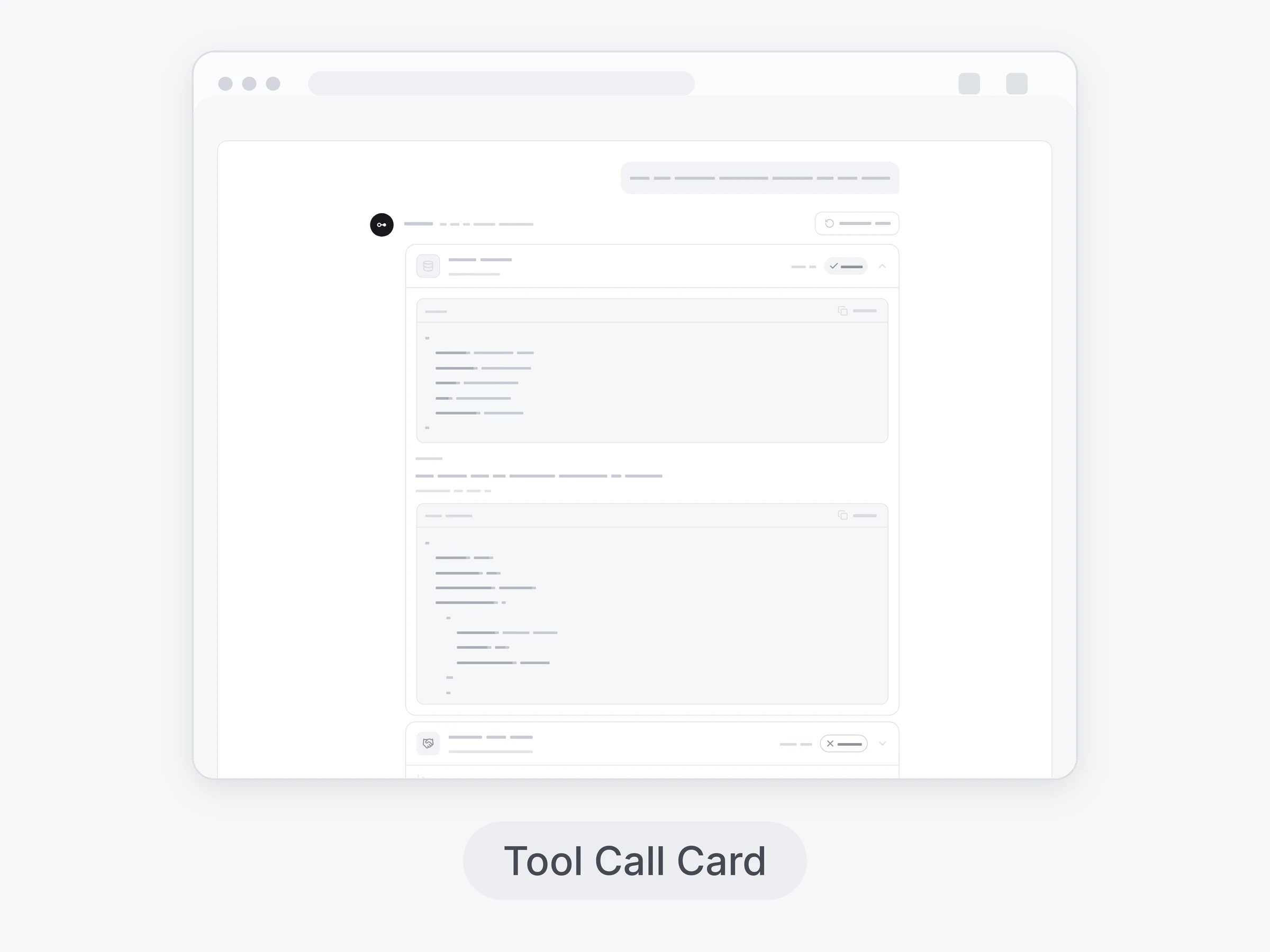
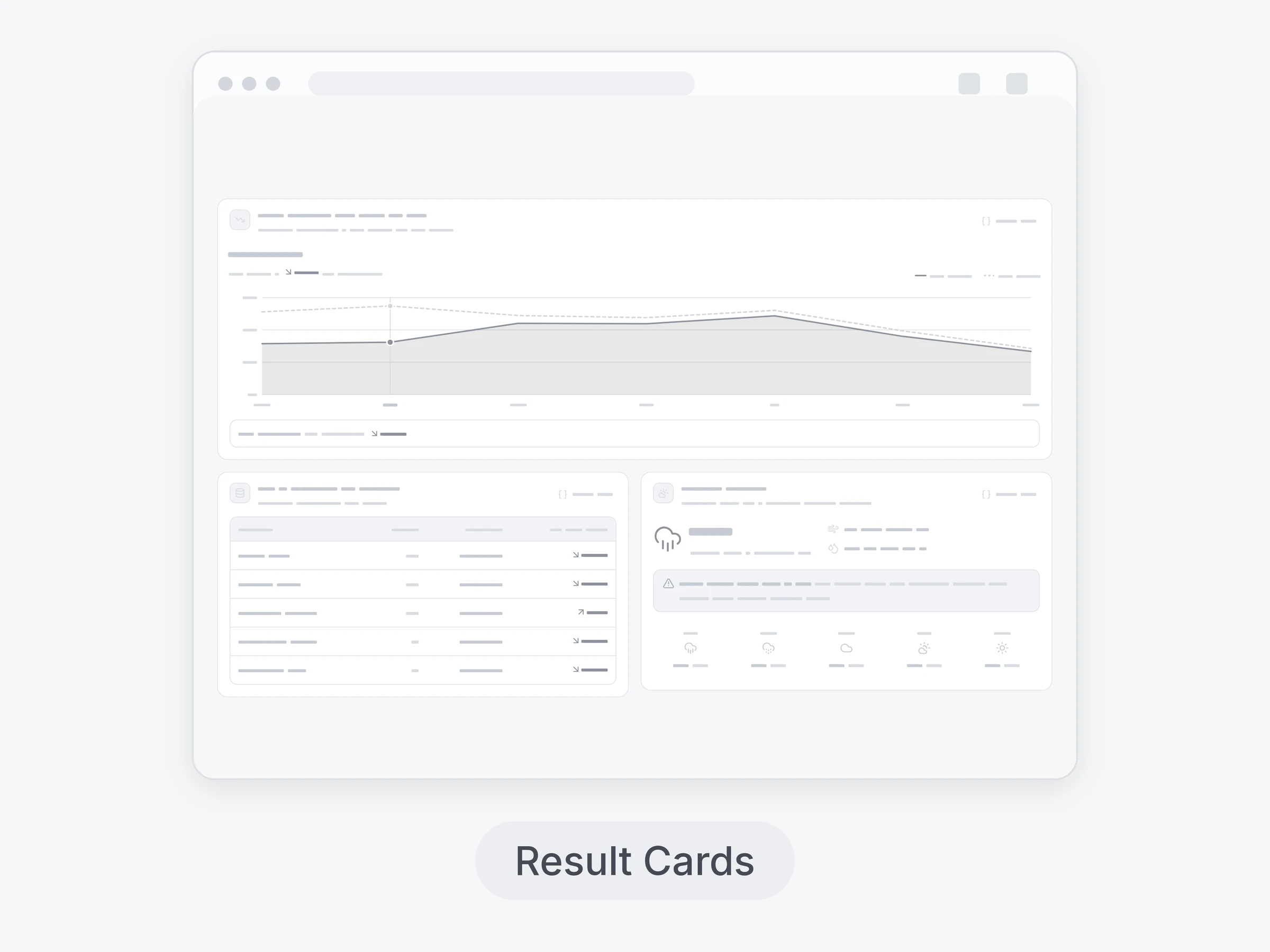
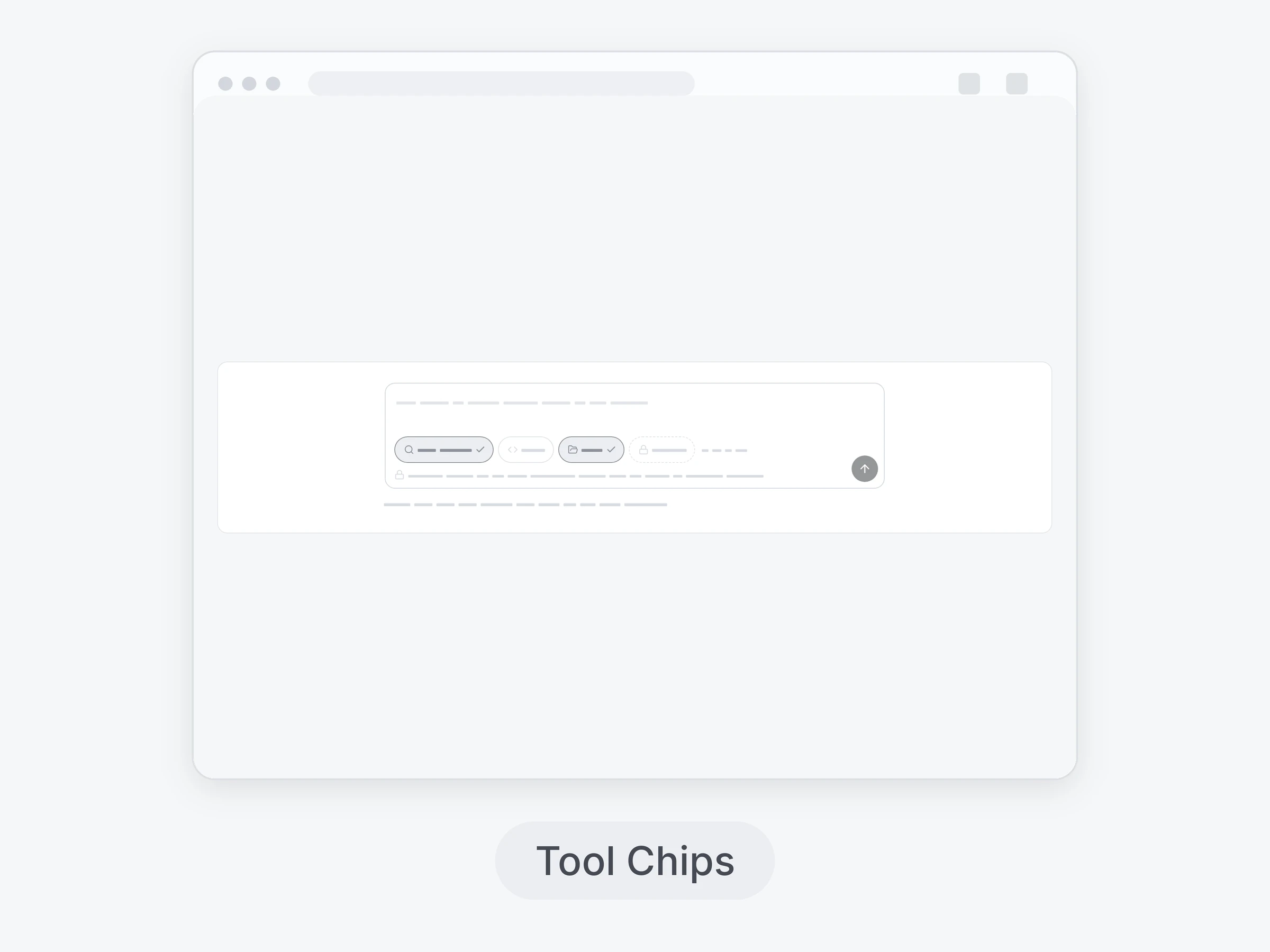
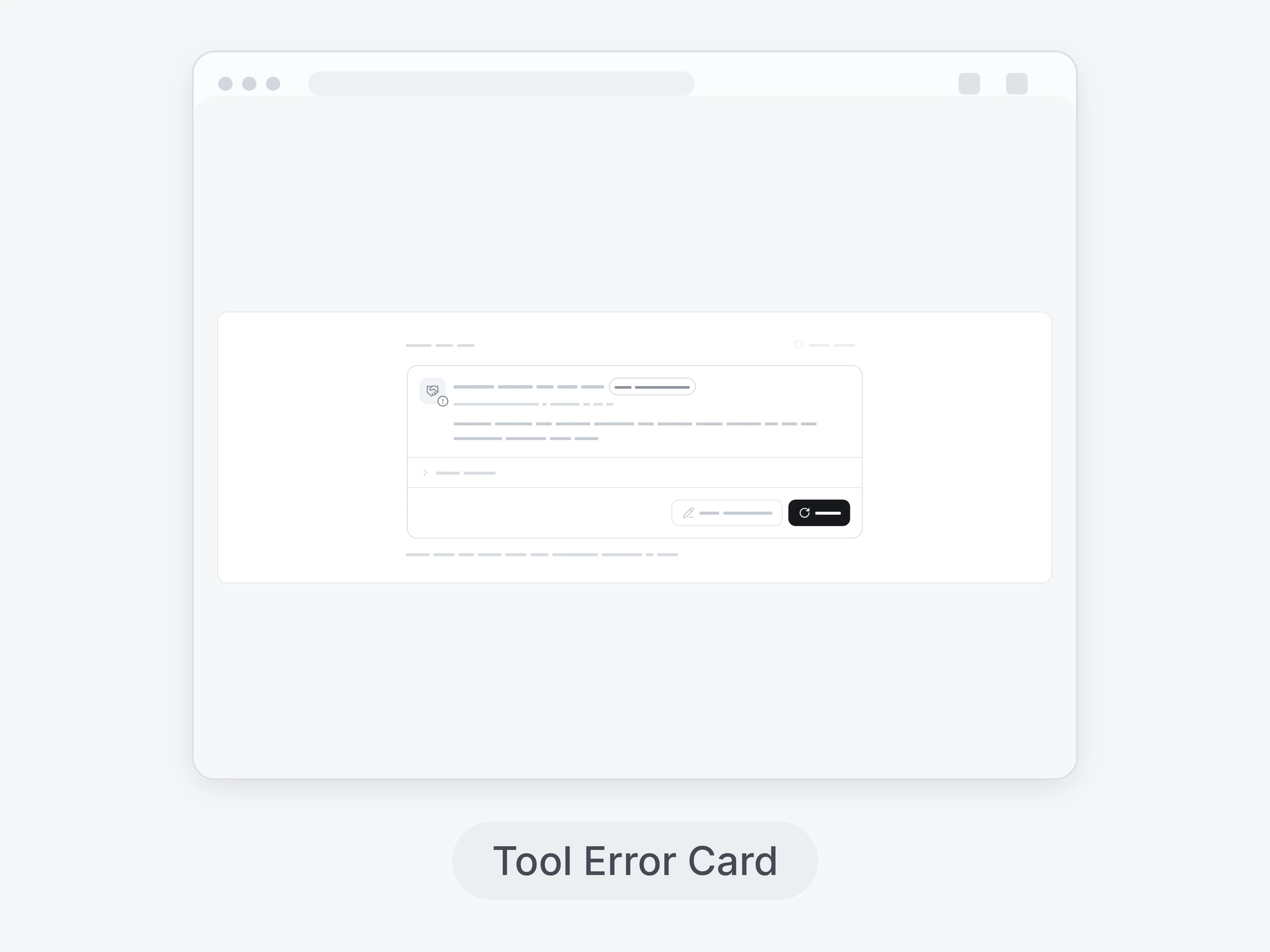
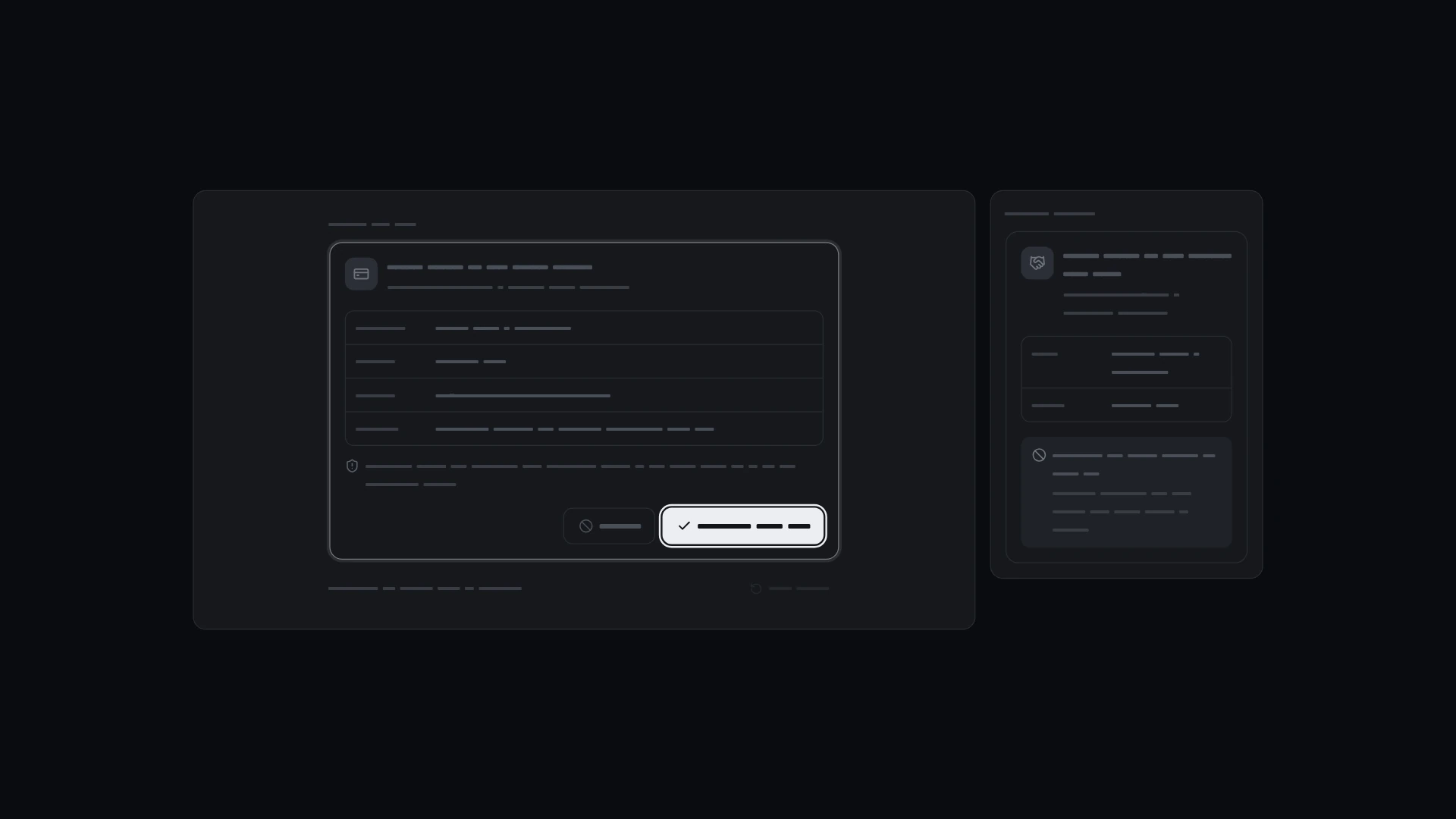
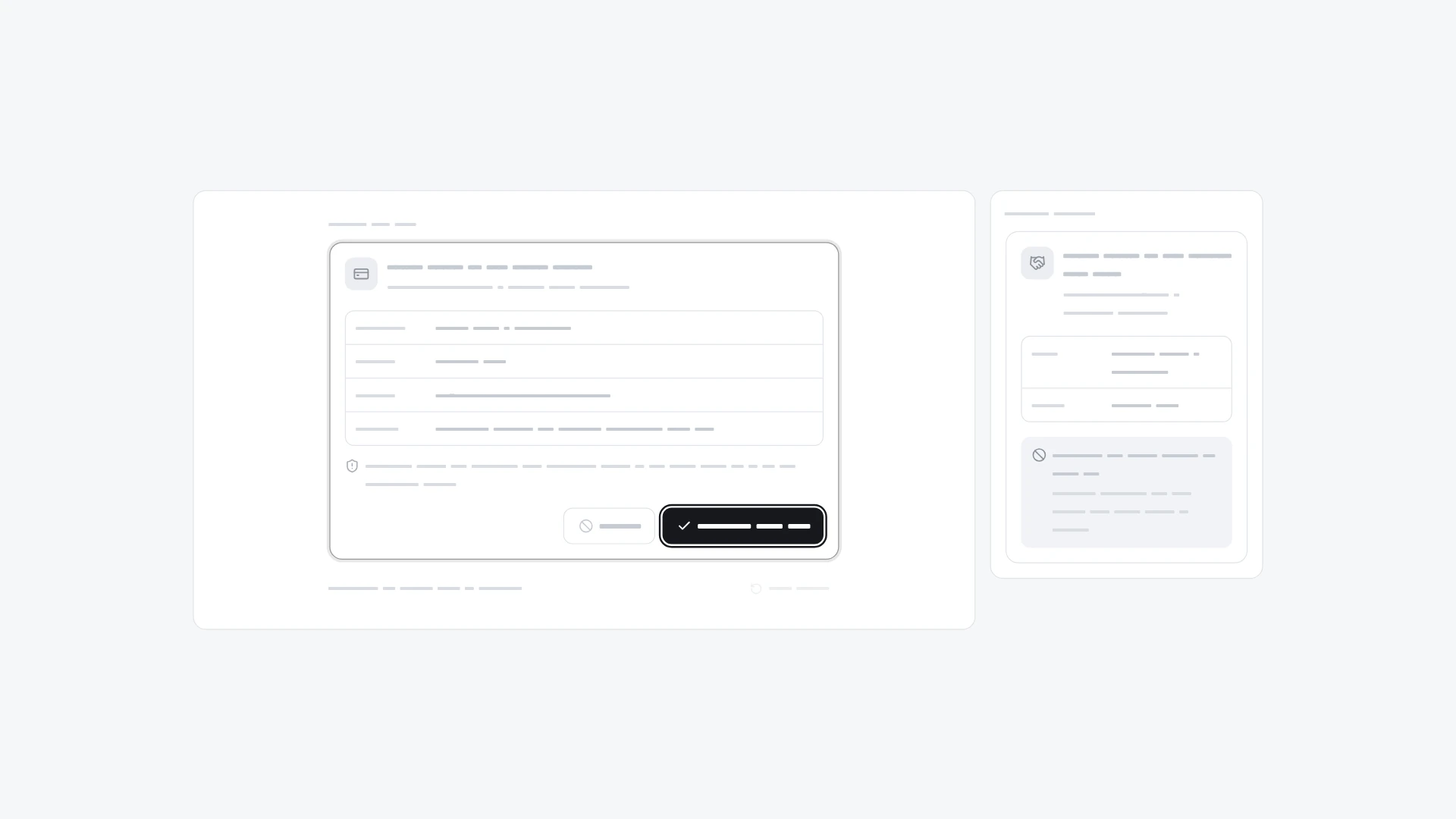
The agent asks before running a tool with side effects: readable arguments, Approve or Reject with a reason, then a locked record of who decided.

Approval Request, image 3
Approval Request, image 2
Approval Request, image 3
  • Instant access Included with every membership
  • Full source code Download and run locally
  • Commercial license With a membership, for client work

Overview

The agent asks before running a tool with side effects: readable arguments, Approve or Reject with a reason, then a locked record of who decided. It comes from the Tool calls kit and also works on its own. Keyboard and screen readers: The request is a section named by its title; focus lands on Approve when it appears. Reject opens a labelled reason field and focuses it; Esc or Cancel closes it and returns focus to Reject. After a decision the buttons are replaced by the result, focus moves to it and a status message announces it. Approved and rejected differ by icon and word, not only color; the reason field animates without movement under reduced motion. Built with React 19 and TypeScript, Tailwind CSS 4, Lucide icons and Motion. Light and dark themes come from CSS variables you can edit, and every demo uses believable sample data you replace with your own. Included: the component source, its sample data, light and dark theme variables, a runnable demo page, and setup guides for people and for AI coding agents.

Highlights

  • Production-ready, documented source
  • Clean, componentized architecture
  • Drops into your stack with minimal setup
Preview

What's included

  • Full source code
  • README & setup guide
  • Component documentation
  • Commercial license with a membership

Frequently asked questions

  • The full source code for this asset, ready to download and integrate into your project.

  • Unzip the download and follow its README. Coded products run through a local web server or your project's dev server, started with the command the README gives, so double-clicking an index.html file can show a blank page. The Specs list on this page names the format and what it's built for.

  • It's included with a HorizonX membership. Download it instantly, no separate purchase.

  • Yes, with a HorizonX membership. Members get a commercial license: use and adapt these files in personal, client and commercial projects. If your plan ends, projects you already built keep their license, but the files can't be used to start new ones.