

Choose a shader workflow by how you want to create, adjust and maintain the visual. A package-oriented route can suit a developer working directly in the application; a visual editing route can help a designer explore parameters before handoff. These approaches can overlap, so do not assume that choosing one excludes the other.
This guide is published by HorizonX and compares workflow considerations. It does not claim a measured performance advantage, complete feature parity or a hands-on benchmark of both products.
Understand Paper's documented routes
The Paper Shaders repository documents React and vanilla JavaScript packages and describes both code-based and visual design workflows. Review its current examples, version guidance and licence for the implementation you intend to use.
That means “Paper versus visual editing” is not a simple code-versus-no-code division. The more useful question is where your project wants to make and record the decisions.
Understand the role of a resource editor
HorizonX's shader catalogue lets you inspect individual background treatments. Choose a resource, explore its available controls and establish what the current output actually contains.
Do not assume the public preview and the integrated export are identical validation targets. Verify the selected output and access requirements in the editor and documentation. Formats and controls should be compared at the resource level.
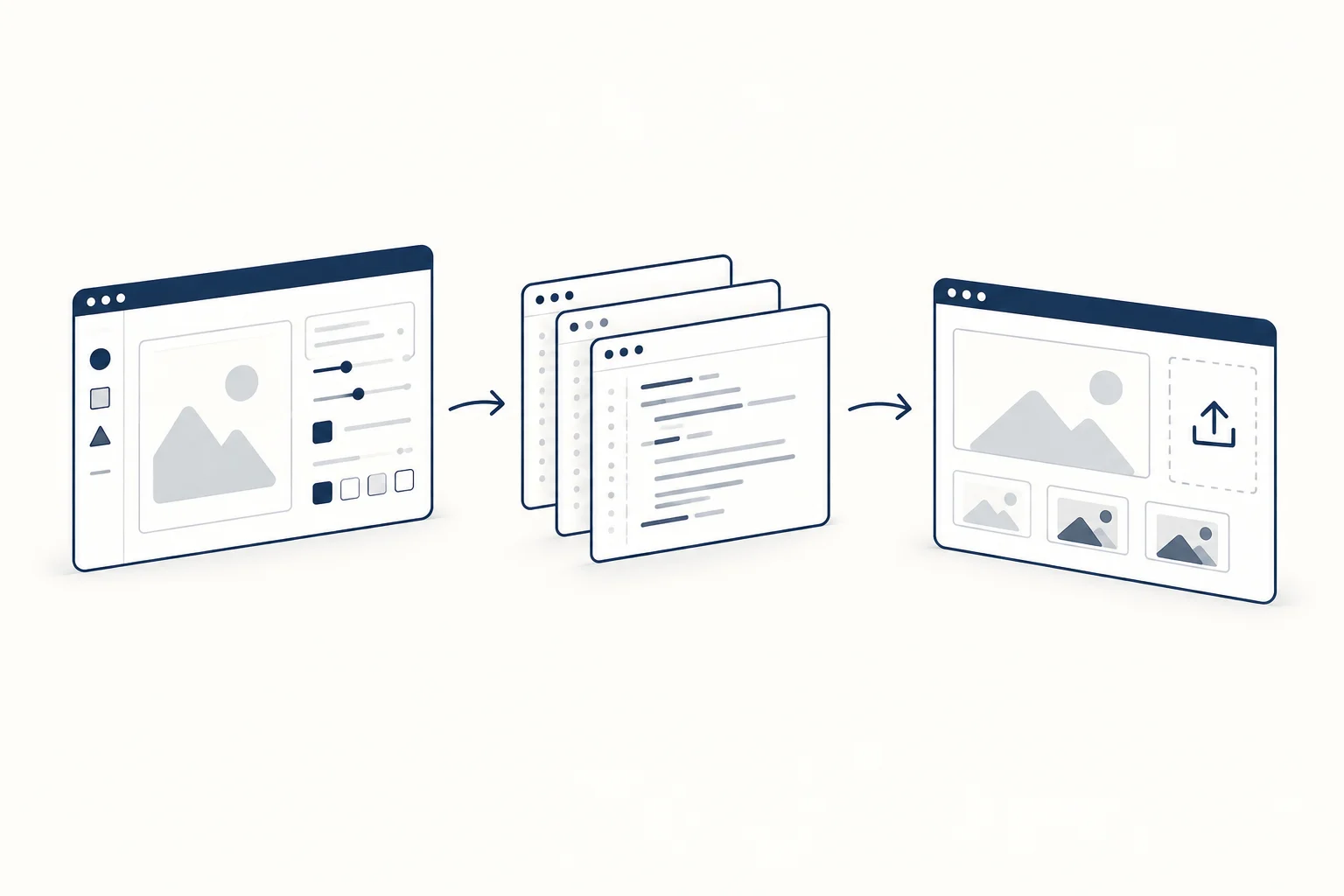
Compare the same visual brief
Use a brief such as “a restrained moving field beside a short headline, with a useful still presentation”. Keep the content and dimensions fixed while exploring candidates.
Record the decisions each workflow makes easy and the work it leaves to the team: colour tuning, integration, asset management, quiet mode and future edits. Do not turn unknown fields into favourable scores for the product you prefer.
Decide who owns the next change
If a designer needs to adjust the treatment regularly, preserve a clear path back to the configuration. If a developer owns the effect as part of the application, record the source, version and relevant settings alongside the implementation.
A visual chosen for one launch may become a long-lived dependency. Ask how the team will update it, replace it or remove it without disturbing essential content. The maintenance story matters even when the initial preview looks simple.
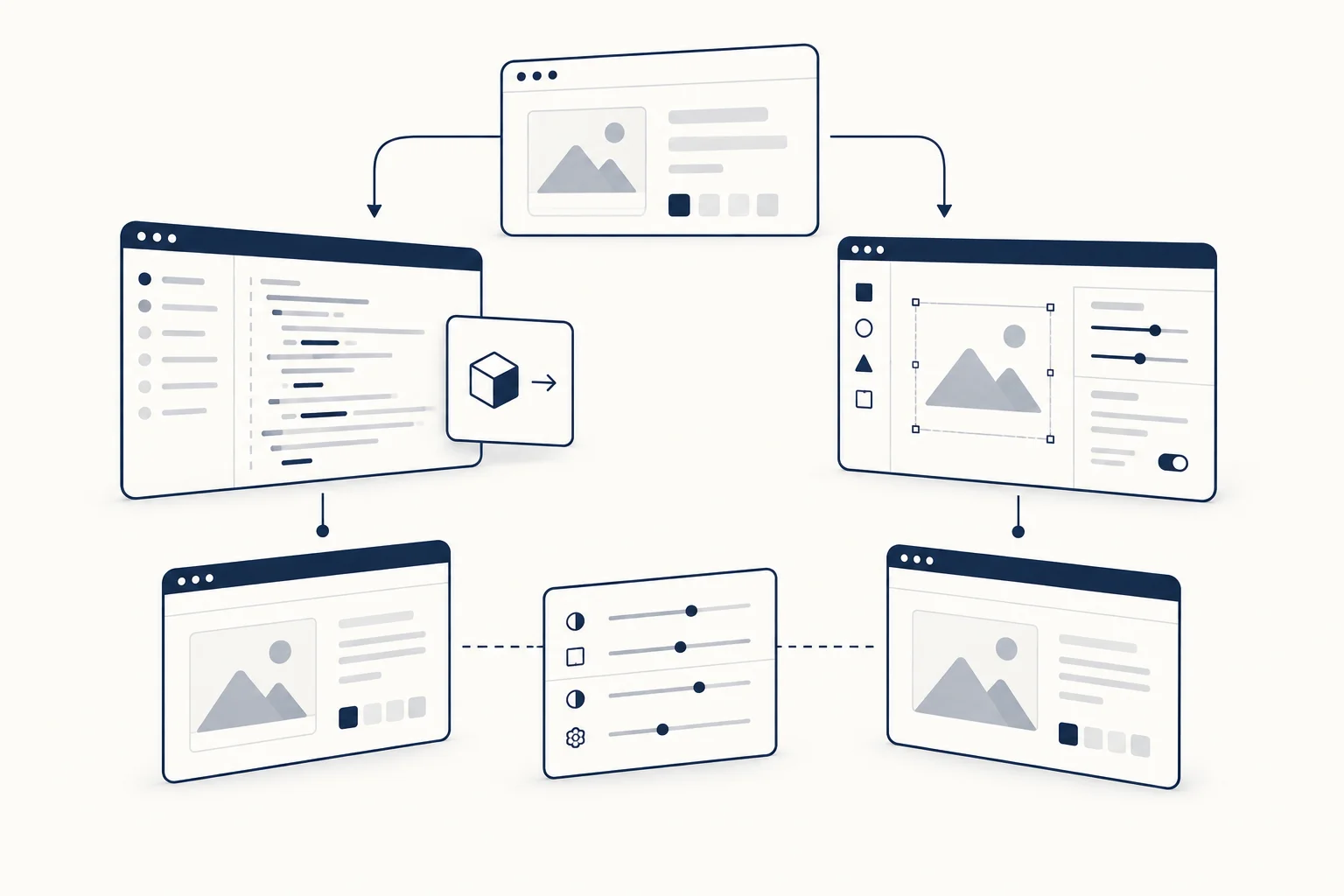
What about performance and licensing?
Check both against current primary sources and the actual candidate. A product's performance description is not a comparative measurement. Usage rights also need to be read for the intended use; this article is not a legal interpretation of either product's terms.
Choose the workflow that supports the people maintaining the page. The strongest result is a clear visual with an understandable implementation, not a winner declared from two marketing screenshots.