
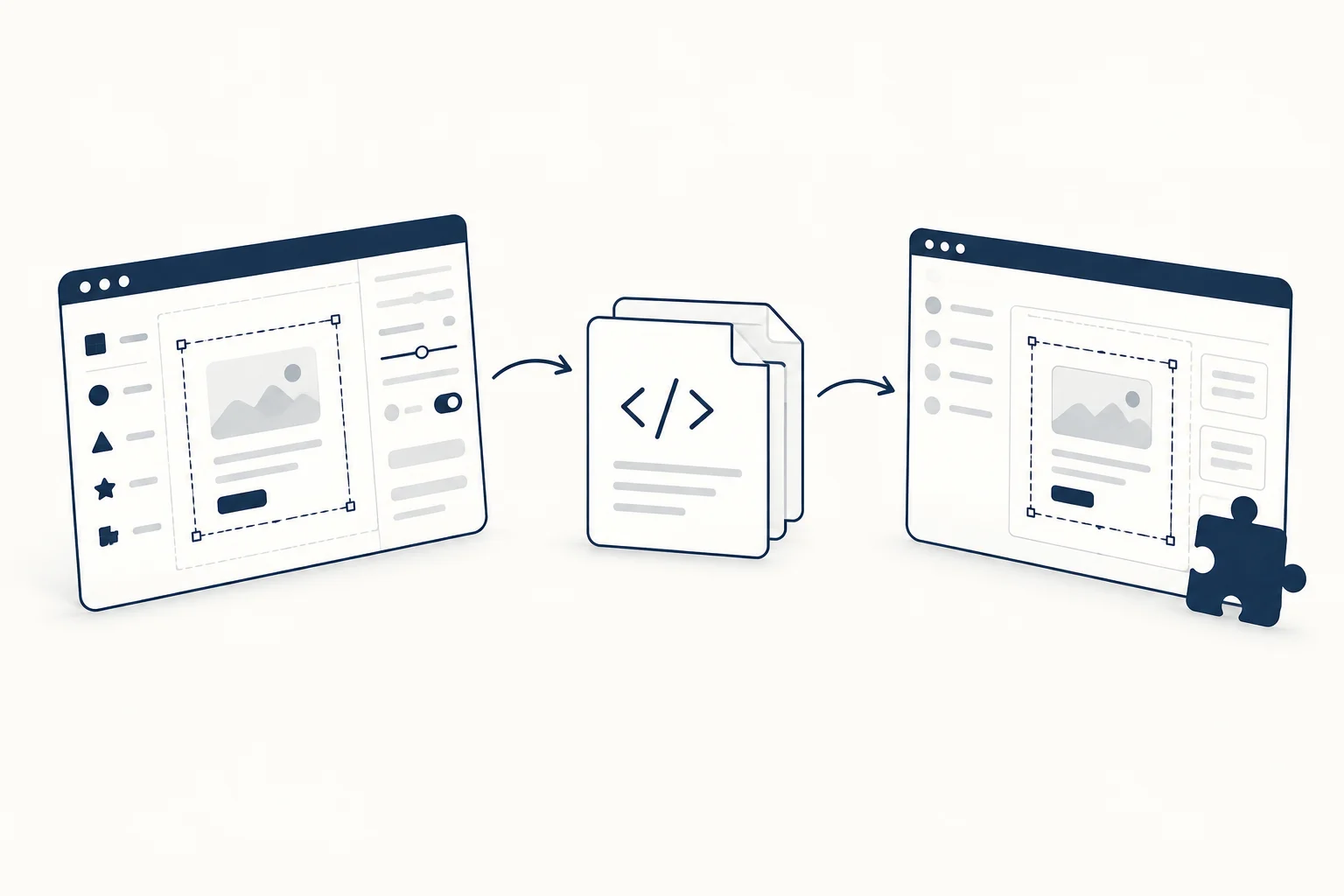
An editable component gives you a place to explore a visual before integrating it into a page. That can make design decisions more concrete, but it does not eliminate the integration step. Treat the editor preview, the exported artifact and the final application as three separate things to review.
This guide describes a workflow rather than a completed installation benchmark. The right export and access requirements depend on the individual resource and its current documentation.
Define the component's job
Start with the surrounding content. Is the component presenting a feature, supporting a navigation choice or adding decoration? Write what must remain clear without the effect.
For a fictional product card, the title, description and destination should make sense on their own. The visual treatment may help establish tone, but it should not be the only way to identify what can be clicked.
Configure one meaningful variable at a time
Open a candidate such as HorizonX's Pixel Card. Compare a restrained treatment with a stronger one while keeping the content and composition fixed. Save the chosen values or a record of the configuration where the tool supports it.
Do not select an effect only from a cropped editor view. Consider its size, surrounding whitespace and relationship to the main heading. A subtle treatment at one size can become visually dominant at another.
Inspect the actual export
Before planning the integration, confirm the output the resource currently provides. Check whether it is an image, a complete page, a component or another artifact. Read the dependencies, asset references and usage notes instead of assuming all tools export the same thing.
The availability of an editor preview does not establish free export access. Use the documentation and the selected item's current access information to settle that question.
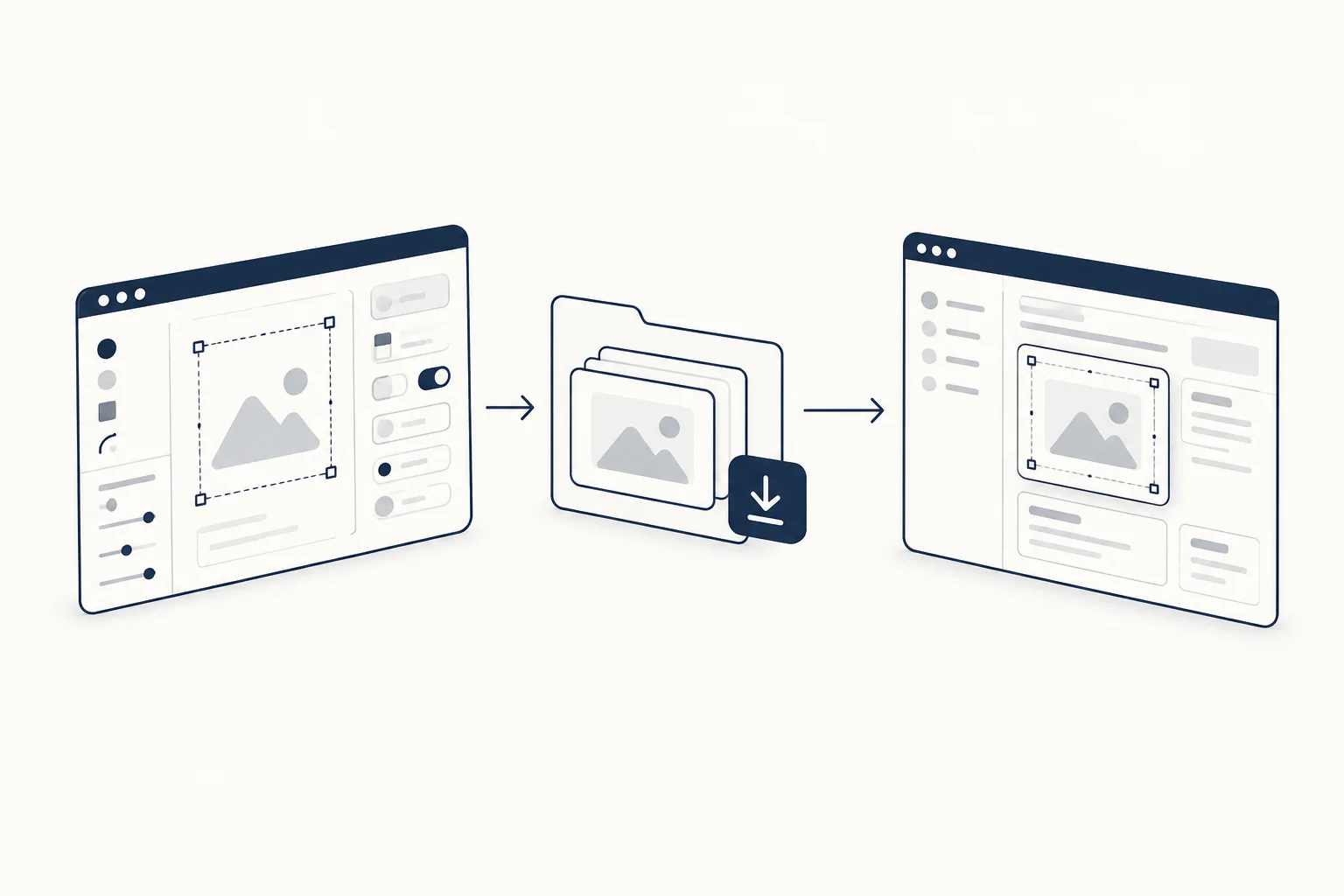
Integrate in a representative page
Place the exported result beside real copy and the existing controls. Review sizing, inherited styles and interaction boundaries. Try the longest expected label and a narrow layout, not only the ideal demonstration content.
Record what you changed and what you tested. A standalone example loading successfully does not prove compatibility with every framework or a full application. If a result has not been measured, leave the claim out rather than describing it as fast or production-ready by assumption.
Keep the quiet version useful
Ask what remains when the decoration does not run. The component should still have a comprehensible purpose and destination. The project's motion requirements and accessibility review apply to the final integration, even when the source visual comes from a catalogue.
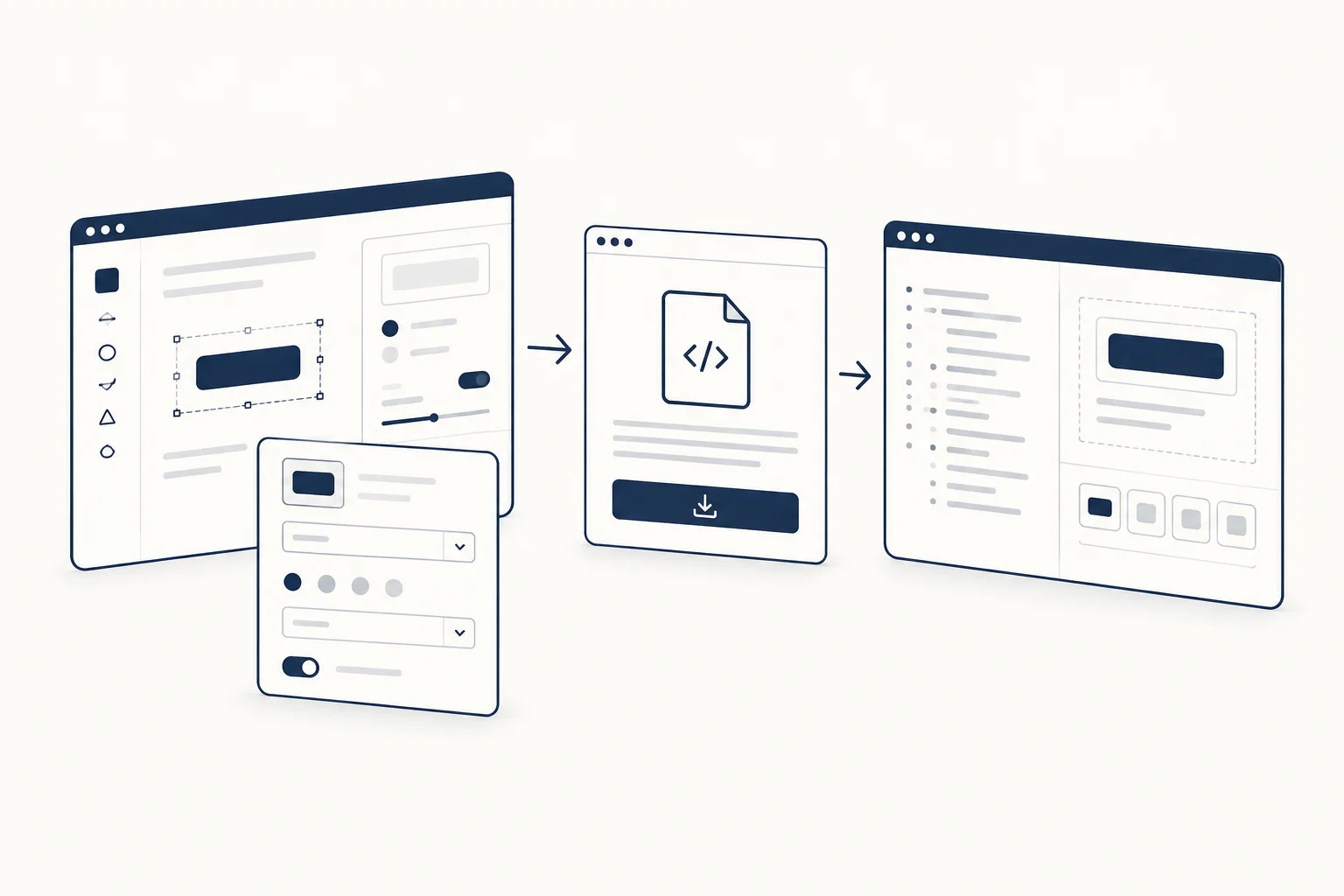
What should the handoff contain?
Include the selected resource, configuration, exported files, integration notes and outstanding checks. Link the exact tool rather than the homepage. That gives the next person a reproducible starting point instead of a screenshot they must reverse-engineer.