
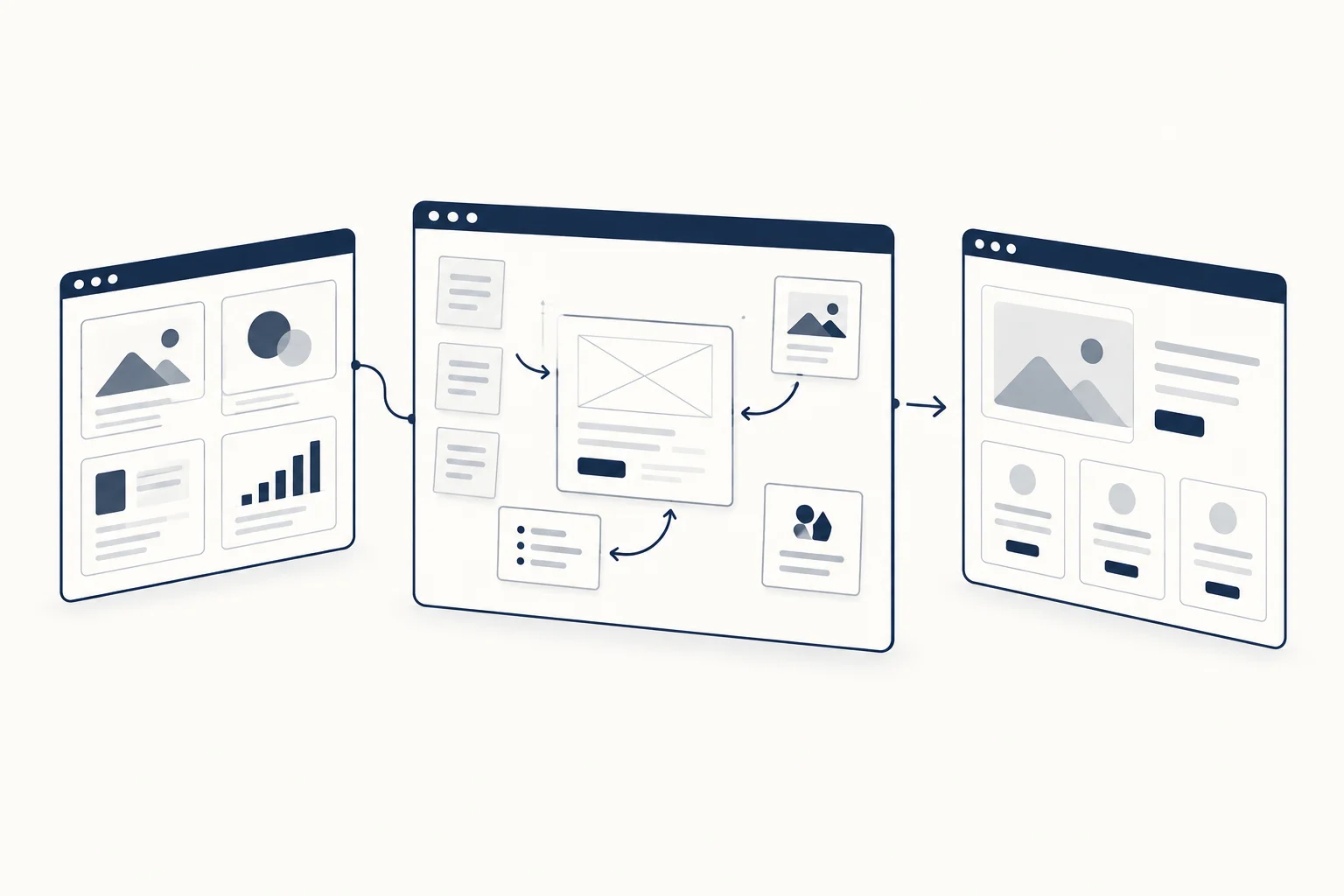
Use inspiration to identify useful decisions, not to reproduce a finished page. A reference can show how another interface organises information, but your page needs its own content, constraints and visual identity. Start by describing the problem you are borrowing insight for.
The workflow has three distinct stages: observe references, decide the structure and select the assets. Mixing them too early often produces a collage of attractive details without a clear message.
Annotate what the reference teaches
Mobbin presents UI and UX references. When inspecting a reference, write a sentence about the useful pattern: how options are grouped, where feedback appears or how a complicated step is introduced.
Avoid notes such as “copy this page”. They skip the reasoning and encourage accidental imitation of brand-specific details. Link to the source for context rather than assuming you may republish another company's screens in your article or deliverable.
Decide the structure before the visual treatment
Relume occupies a different part of the workflow around planning and building websites. It is not interchangeable with a reference library. Evaluate the current offering against the stage you actually need help with.
Regardless of the tool, create a plain outline of the page: audience, promise, evidence, relevant features and next action. Remove sections whose only purpose is that they appeared in the reference. A product with one clear use case may not need an elaborate multi-section story.
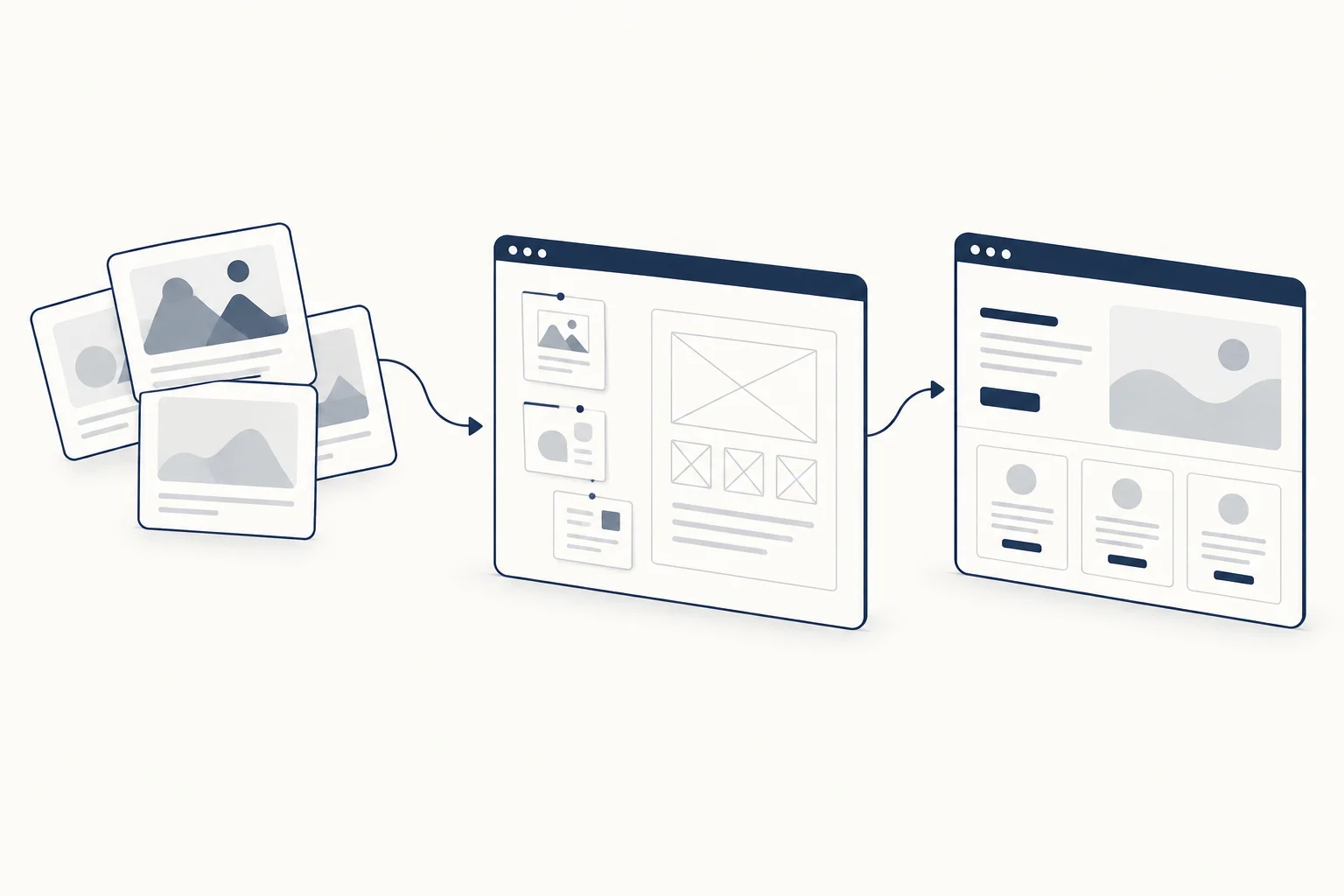
Choose assets to support specific decisions
Once the structure is coherent, assign a job to each visual. A screenshot demonstrates an interface. A texture establishes an editorial tone. An interactive effect can explain a relationship or provide optional atmosphere.
Use HorizonX's library as a source to inspect for those jobs, not as a requirement to use every asset family. A page can be complete without a shader, and a convincing feature section does not necessarily need animation.
Keep a short decision record
For a fictional analytics product, the record might say: “We retained a familiar two-column explanation, replaced the reference's decorative device with our own data illustration, and kept the call to action static.” This makes the independent contribution visible.
Attach the approved content and constraints to the UI specification. If you use an AI builder, provide that record rather than asking it to clone a competitor's page.
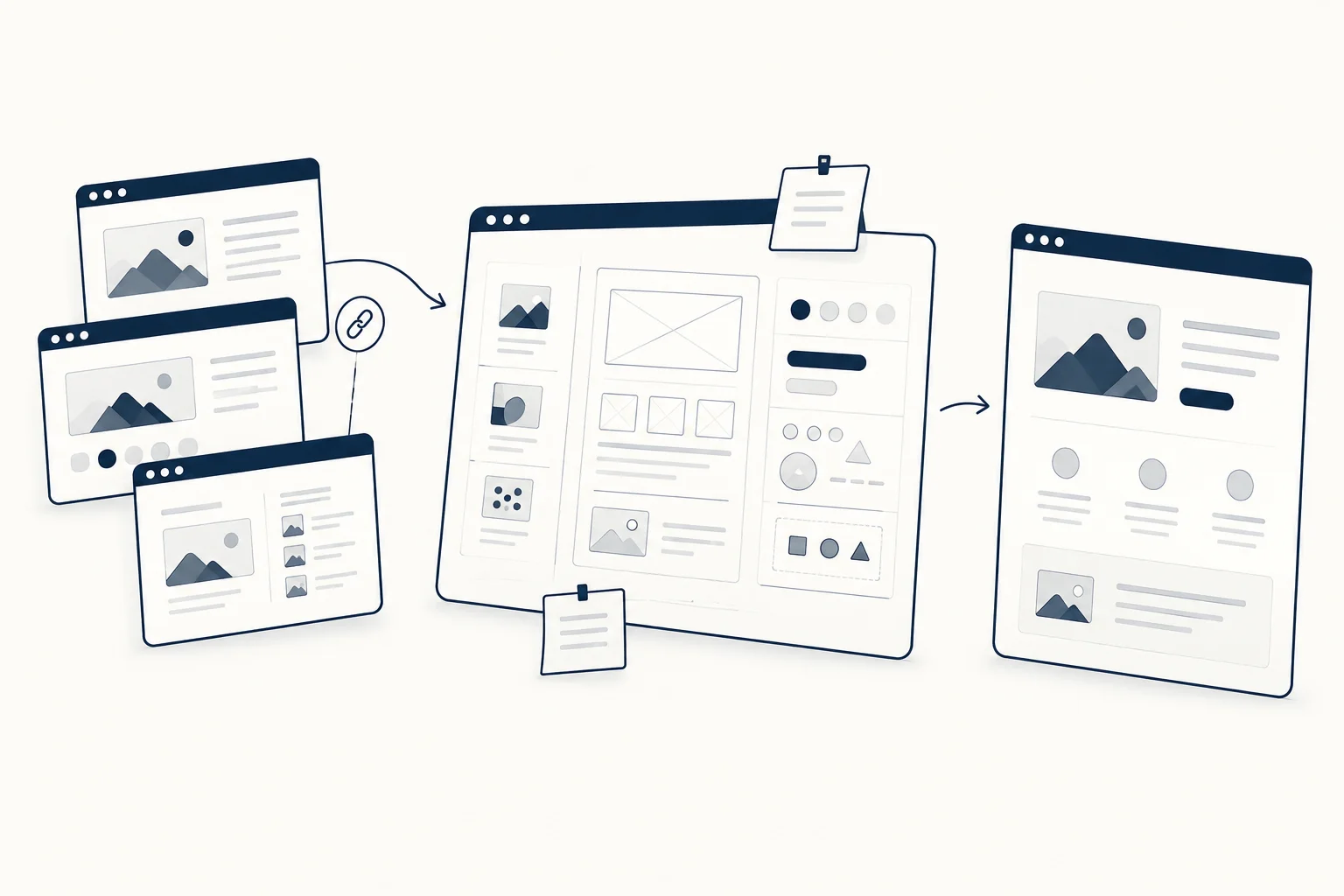
How do you know the result is original enough?
Do not reduce that question to changing colours. Look at the structure, copy, imagery and distinctive interactions together. If the page depends on someone else's recognisable expression, revisit the design. References should improve your reasoning; the final decisions should belong to your project.